 Live Preview
ToothFly — Free Dental Template for Framer
by Unknown
DentalBeta is a free 3-page dental Framer template for a quick homepage plus Terms and Privacy stubs. Skip it if you need services, team, and CMS dentist profiles before launch.
DentalBeta is a free three-page dental template for Framer with Home, Terms, and Privacy only. There is no CMS and no services or team routes in the marketplace list. Skip it if you must launch a full clinic site with service detail pages and dentist profiles in collections. Dentix covers that eleven-page CMS map on yoframer. Browse more free Framer templates on the hub or the dental shortlist.
DentalBeta fits agencies wireframing a clinic pitch, a new practice buying time before photography and copy arrive, or a marketer testing ad landing copy on a credible dental homepage while legal pages stay linked in the footer. Home carries the patient-facing story; Terms and Privacy give placeholders you can replace with counsel-approved text without inventing nav from scratch.
Walk away if you are a practicing clinic that needs Services, team grids, and appointment flows on launch week. Patients expect those routes, and bolting them onto a three-page file costs more than remixing a clinic-ready template. Dentix is the yoframer swap with CMS services and dentists. Walk away also if you only need a single scroll with a thank-you route. Dentova and other tiny dental files on the roundup may fit better.
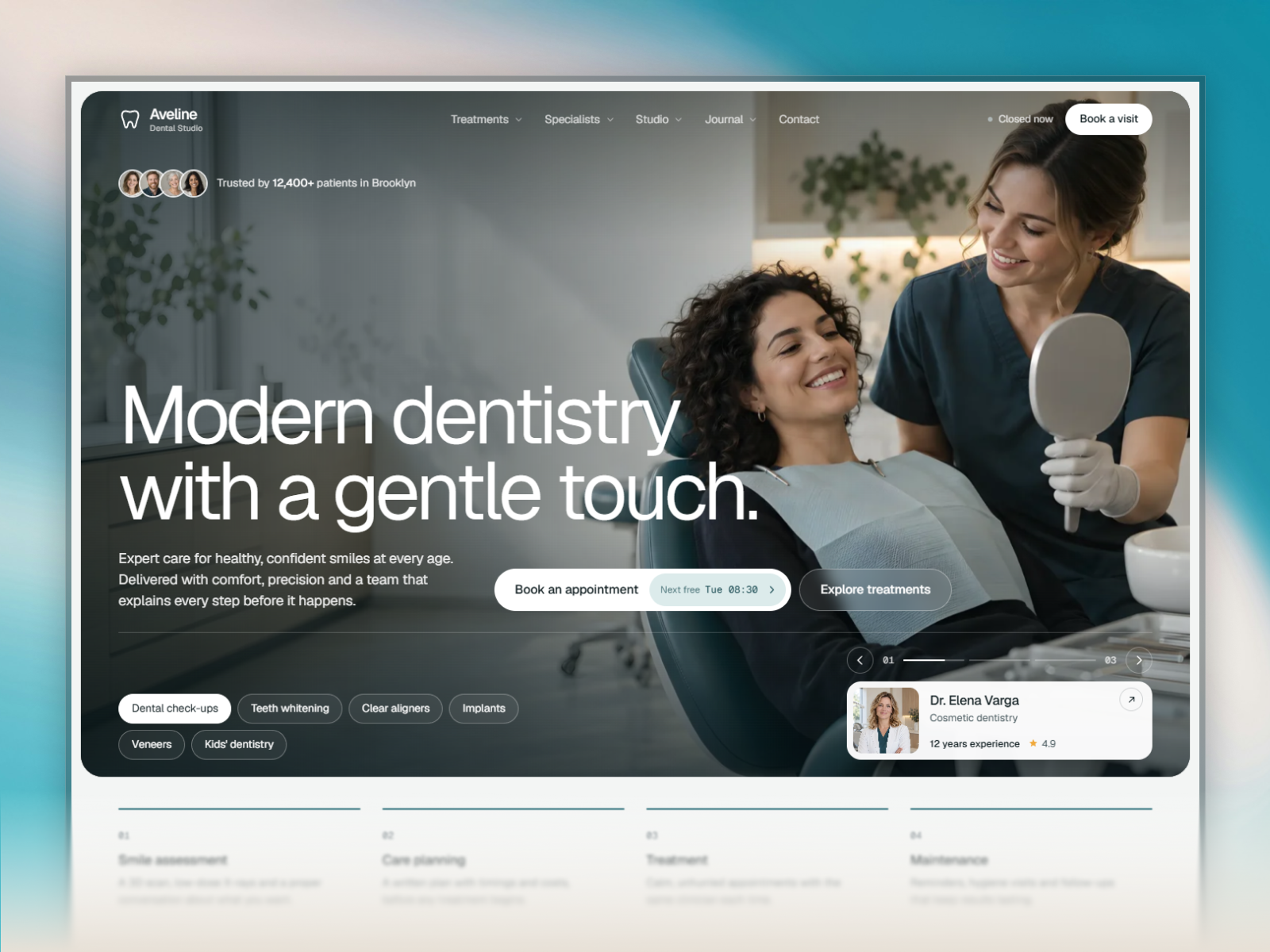
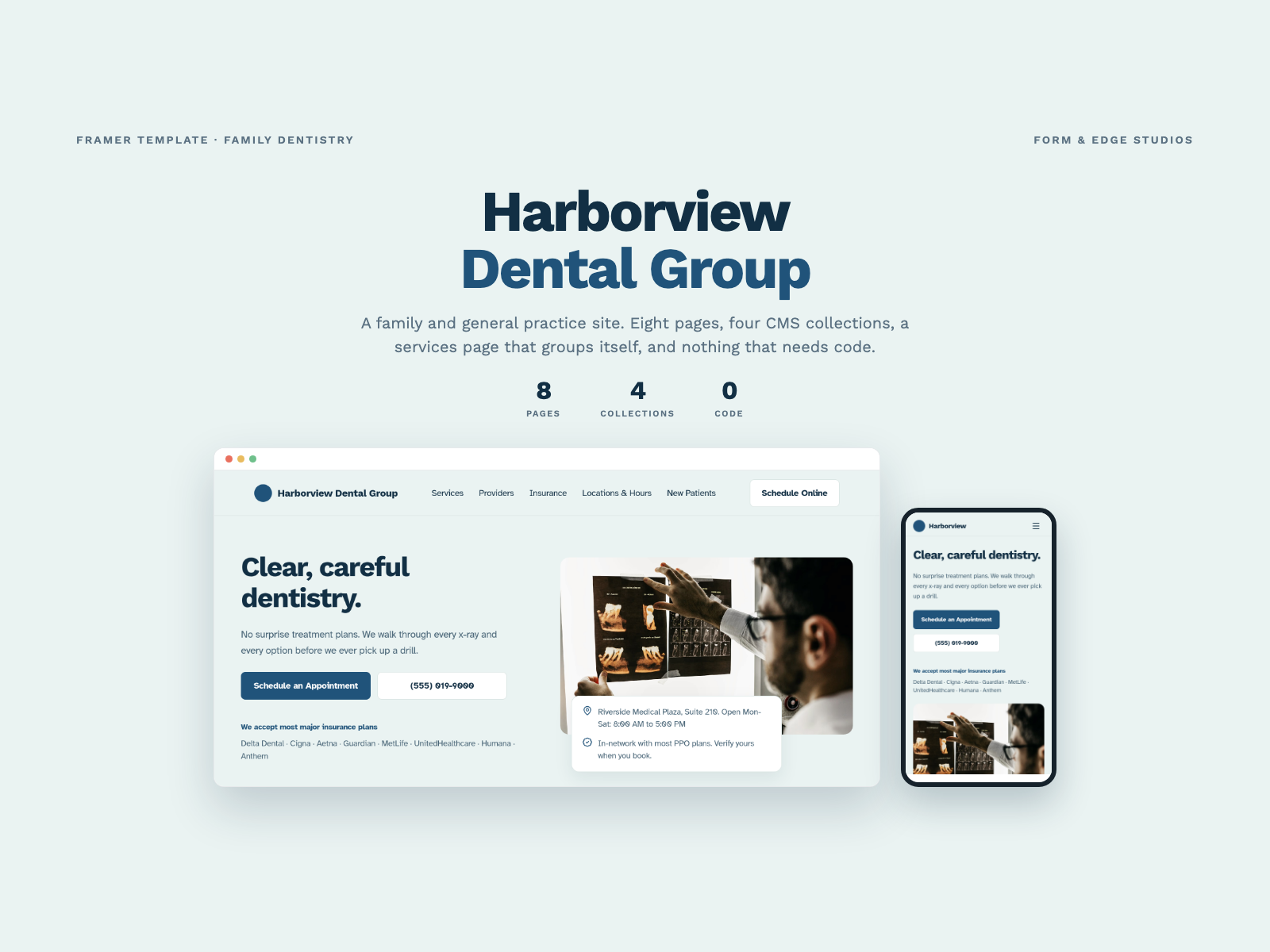
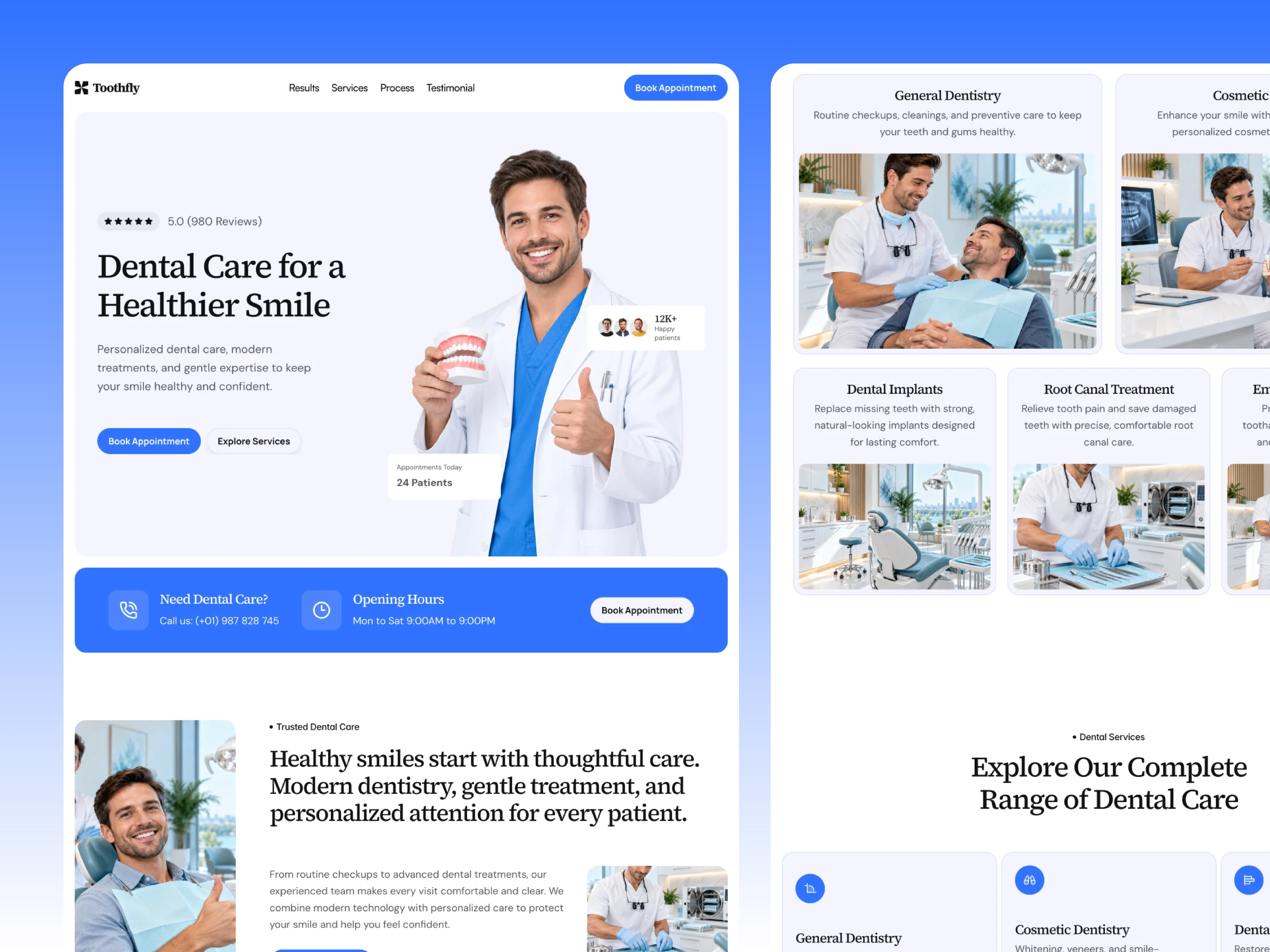
The preview on framer.ai reads clean clinical marketing: bright backgrounds, trust cues such as smiles and equipment photography, and headline hierarchy aimed at anxious patients scanning on a phone. Home stacks services summaries, testimonials placeholders, and location or hours blocks typical of local healthcare sites. Terms and Privacy use simple text columns so compliance edits stay boring in a good way.
Animation stays subtle so the site feels calm rather than flashy, which aligns with healthcare expectations. The default palette is light and approachable. Specialty practices with bold brand colors will retheme quickly because the sitemap is tiny. The weakness is depth: without dedicated Services or Team pages, long copy on Home can feel crowded unless you edit ruthlessly.
Three pages, named as Framer lists them:
No 404 appears in the listing. Add one in Framer if paid campaigns need a branded dead end.
Built-in Framer forms and responsive layouts are platform defaults, not DentalBeta differentiators.
Remix DentalBeta when you need a dental-looking homepage plus policy stubs this week, and you accept that services and team pages come later. Unknown marketplace authorship does not change the thin route map.
Skip it when the clinic must go live with CMS services, dentist bios, and blog posts. Use Dentix. Skip it when you want the richest free dental file without guessing. Compare on the dental shortlist or return to free Framer templates on the hub.
Quick answers about DentalBeta, including pricing, CMS support, responsiveness, and who it is built for.
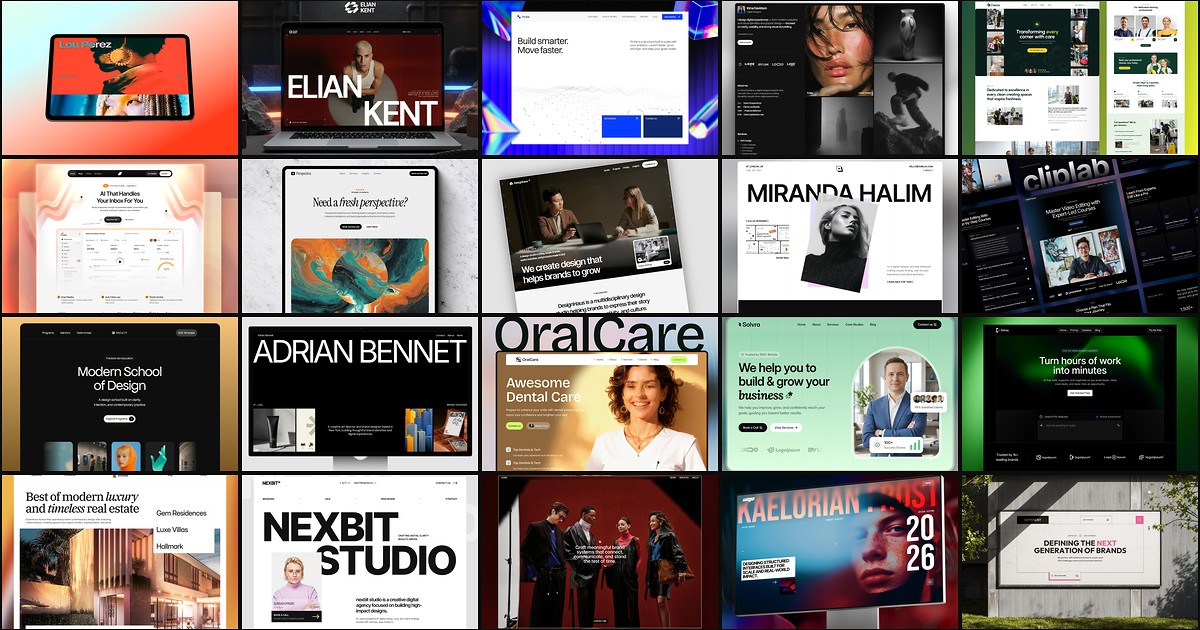
Dental patients judge trust before they book. These 20 free Framer templates ship the credibility, service routes, and proof libraries clinics need without a custom build.