 Live Preview
Harborview — Free Dental Template for Framer
by Unknown
ToothFly is a free 2-page dental Framer template for a fast clinic landing and contact path. Skip it if you need Services, Team, and About routes before ads go live.
ToothFly is a free two-page dental template for Framer from an unknown marketplace author: Home and Contact only, with no CMS and no legal stubs in the page list. Remix it when you need a calm clinic landing live this week while you still choose services copy and photography. Skip it if front desk staff want Services, Doctors, and Book linked separately in email and SMS. dentale ships eleven static clinic routes for that fuller sitemap. More free Framer templates live on the hub, or start with the dental shortlist.
ToothFly fits freelancers mocking a dental client site, a solo practitioner validating Google Ads copy, or a small practice that truly only needs one credible home story and a contact form before the first appointment slot opens. Home can carry hero trust, procedure highlights, and insurance notes if you stack sections carefully. Contact gives reception a simple URL to paste into reminders without anchoring to a footer form on Home.
Walk away if the practice already markets multiple providers, cosmetic galleries, and online booking as separate pages patients share. Two routes will feel thin in stakeholder reviews. dentale is the honest yoframer upgrade with Services, Doctors, Book, and Journal. Skip ToothFly when you only need Terms and Privacy shells with no contact page split. DentalOne covers a three-page legal stub pattern on the same roundup cluster.
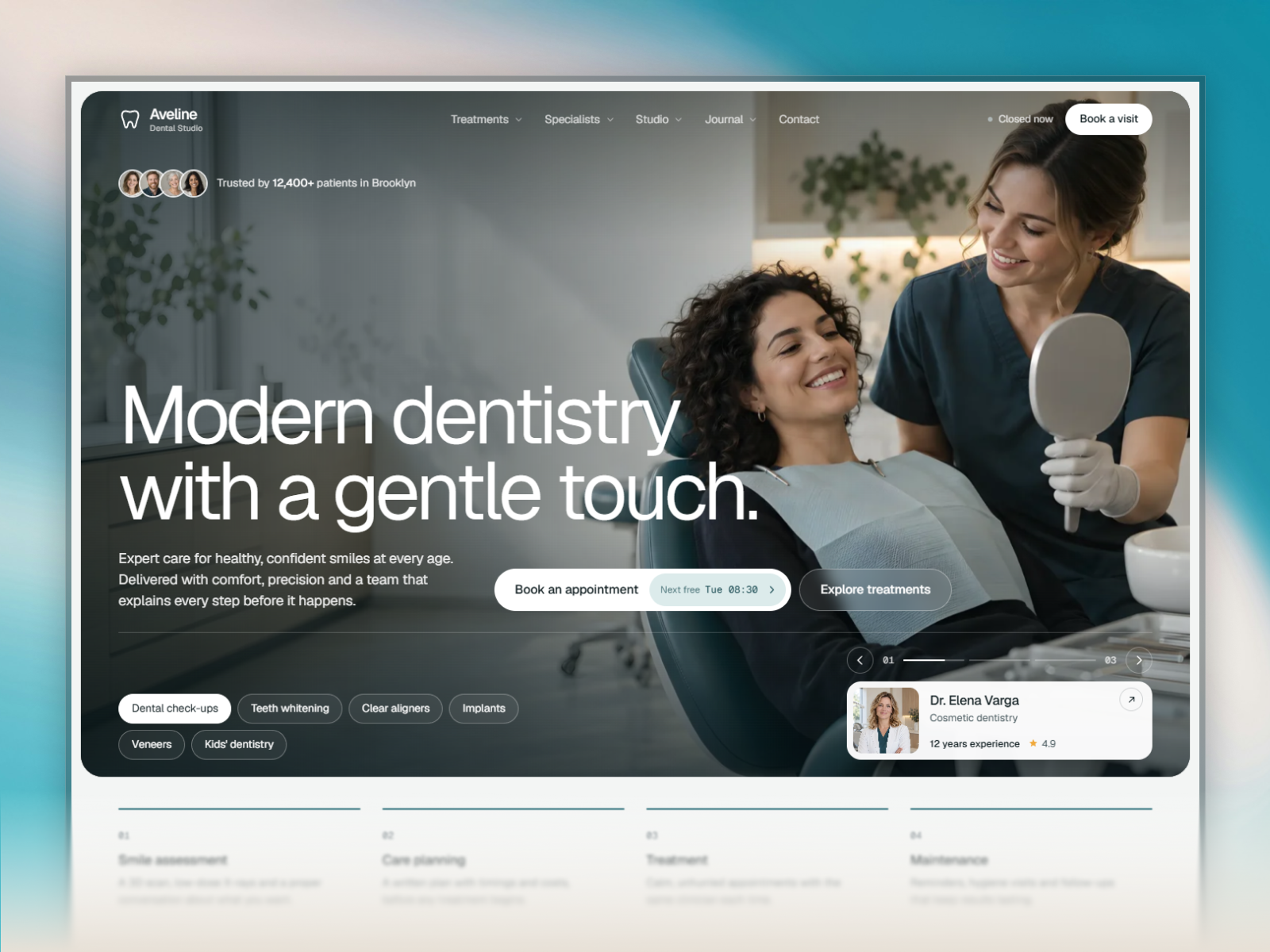
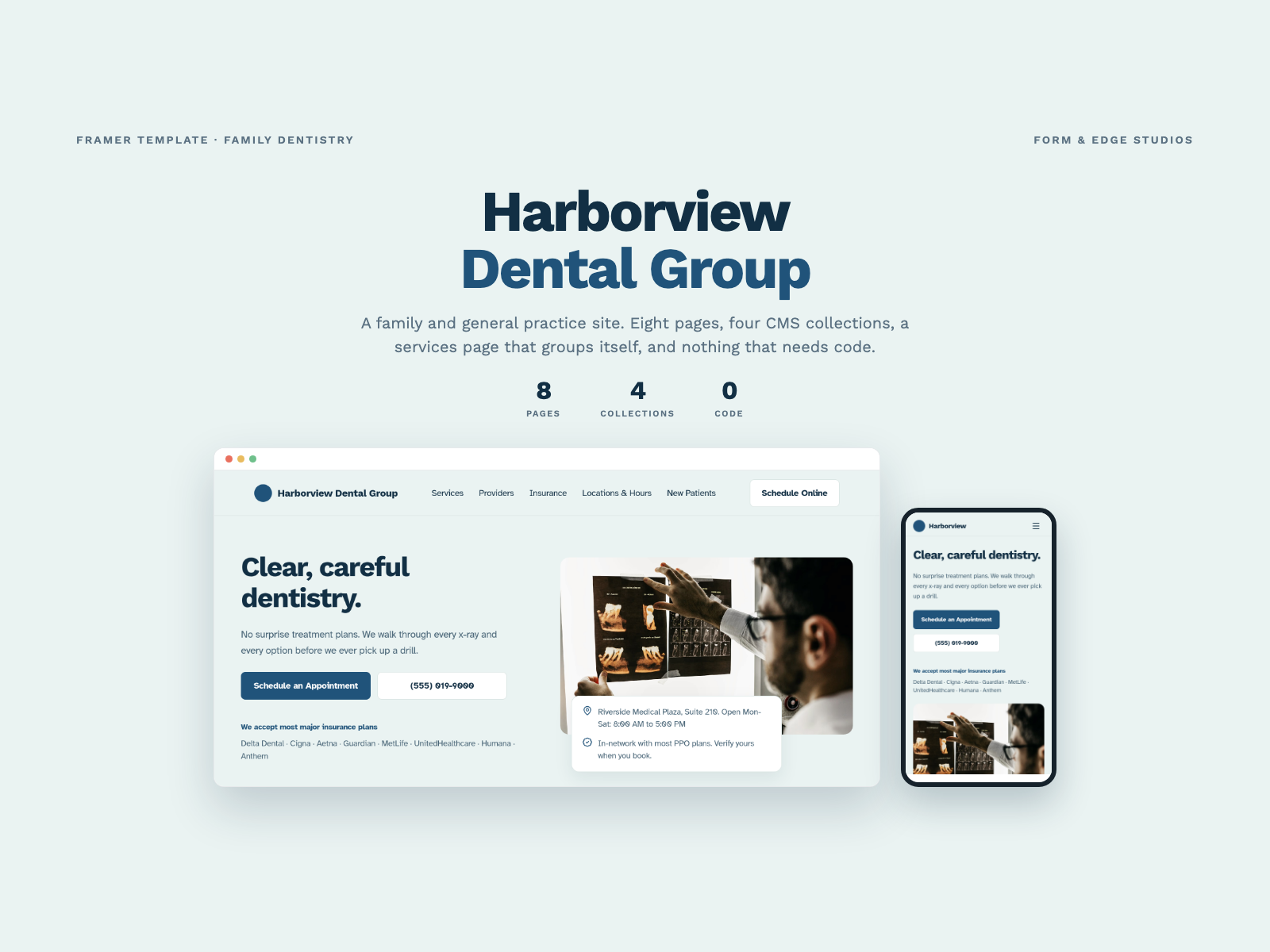
The preview reads friendly clinical marketing: bright backgrounds, approachable sans type, and icon or photo blocks that signal cleanliness without dark agency drama. Sections follow a familiar dental landing order so swapping in office photography feels natural on first remix. Contact repeats the calm visual system so the handoff from Home CTA to form feels continuous on mobile.
Motion stays light so phone numbers and office hours stay readable in a waiting room. The honest fight is sitemap depth. A general or cosmetic practice that competes on staff bios and service menus will outgrow two pages quickly, even if the visual polish is strong for a weekend launch test.
Two pages, named as Framer lists them:
There is no Services, About, Team, Blog, Privacy, or 404 route in the marketplace list. Plan to duplicate home sections or remix a deeper dental file before launch if stakeholders expect a full clinic sitemap.
/contact without scrolling patients through Home again.Responsive layouts and hosted forms are Framer platform defaults, not reasons to choose ToothFly over deeper clinic templates.
Remix ToothFly when your only job this sprint is a credible dental landing plus contact path, and everyone agrees the full clinic sitemap comes later. Swap photography, hours, and procedure copy on Home before you spend budget on ads.
Skip it when the practice needs Services, Doctors, Book, and Testimonials as separate routes on launch week. dentale is the fuller static alternative on yoframer. Skip it when you only need Terms and Privacy with a single home frame and no dedicated Contact page. Compare DentalOne on the dental shortlist or return to free Framer templates on the hub.
Quick answers about ToothFly, including pricing, CMS support, responsiveness, and who it is built for.
Dental patients judge trust before they book. These 20 free Framer templates ship the credibility, service routes, and proof libraries clinics need without a custom build.