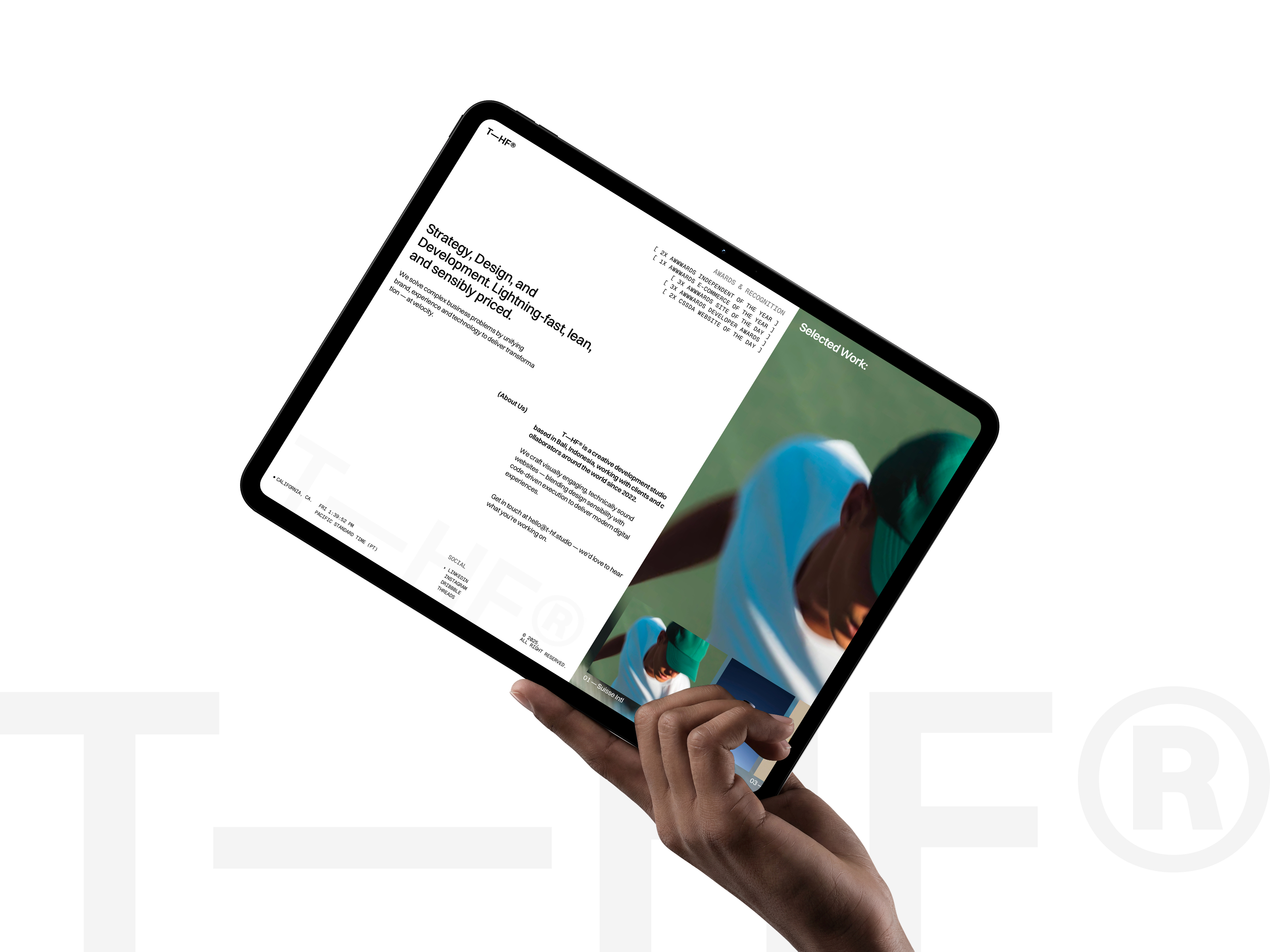
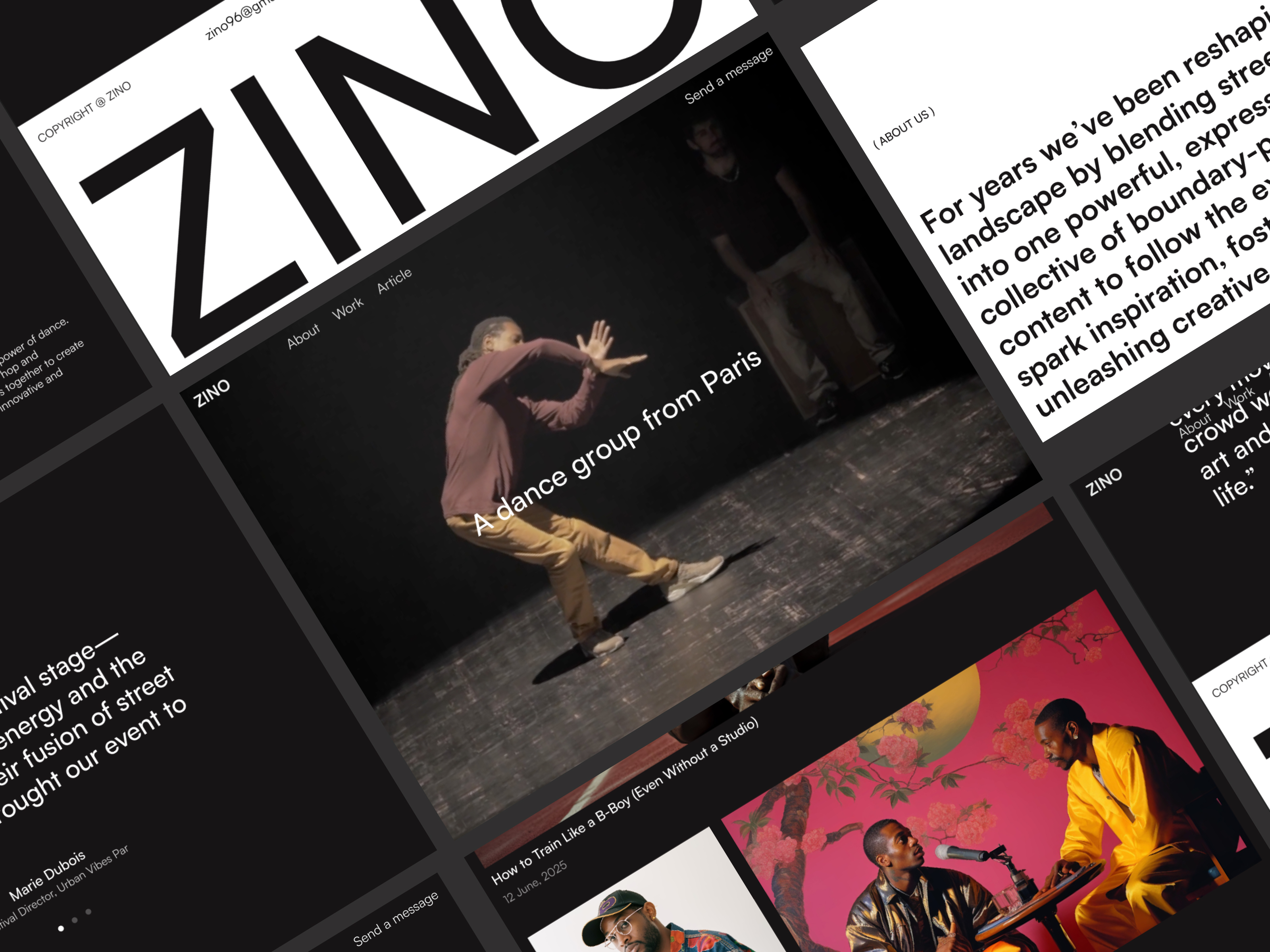
 Live Preview
Zinol — Free Portfolio Template for Framer
by Unknown
Ebora is a free 11-page portfolio Framer template for freelancers who want Blog, Service, changelog, and dual home layouts. Skip it if you need CMS case studies.
Ebora is a free 11-page portfolio template for Framer with no CMS. Remix it when you want About, Project, Blog, Service, legal pages, and even a Changelog route, plus two homepage variants (Home and Home2). Skip it if case studies must live in a collection. JORGE is the CMS portfolio pick. Browse more free Framer templates on the hub or start with the portfolio shortlist.
Ebora fits a solo creative or tiny studio launching a personal brand site where every page is hand-edited. You already have project shots, a services blurb, and a few blog posts ready to paste in. The dual home frames let you A/B a hero direction with a stakeholder before you delete the loser.
Walk away if your work multiplies every month and you refuse to duplicate frames. Agencies selling retainers and packaged pricing will outgrow the static Project page fast. Developers who want a changelog fed by Git should not pretend this page replaces automation. For dark CMS case studies, remix JORGE instead.
The preview reads clean and portfolio-forward: generous whitespace, neutral backgrounds, and type that keeps project titles readable on a phone. Imagery carries the personality, which helps if your brand shifts seasonally without rebuilding components. Motion stays polite, mostly fades and small moves, so the file feels closer to a Notion doc with photos than to a scroll-heavy agency reel.
The default mood is calm and general-purpose. Loud color systems or brutalist type will fight the spacing. You will also spend time picking between Home and Home2 unless you commit early and delete the spare frame.
Eleven static routes, named exactly as Framer lists them:
Home plus Home2 is the unusual pair. Most free portfolios ship one landing.
Framer SEO, analytics, and breakpoint tooling ship with the platform. They are not reasons to pick Ebora over another portfolio file.
Remix Ebora when you want a broad portfolio sitemap today and you are fine updating projects by hand. The Unknown author profile points to Teconce on Framer; treat this as a community starter, not a studio flagship system.
Skip it when case studies must scale in a CMS. That is JORGE. Skip it when you only need one scroll and a contact footer. Pick a lean one-pager from the portfolio shortlist or return to free Framer templates on the hub.
Quick answers about Ebora, including pricing, CMS support, responsiveness, and who it is built for.
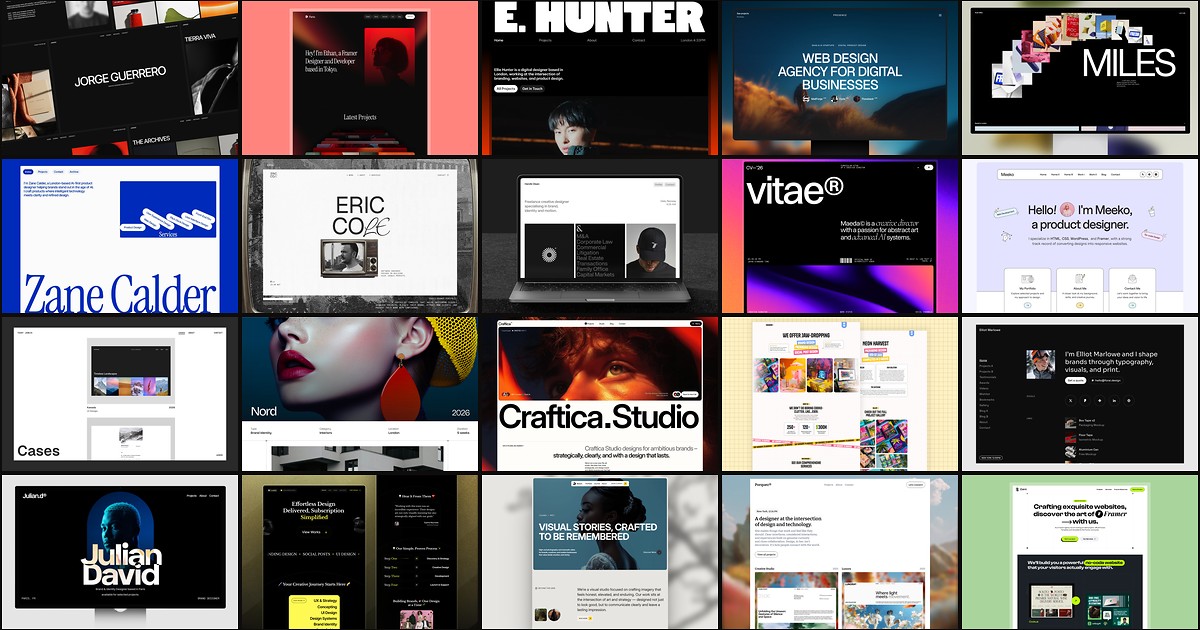
A portfolio site should show work first and make contact inevitable. These 20 Framer templates cover minimal one-pagers to full CMS studios.