 Live Preview
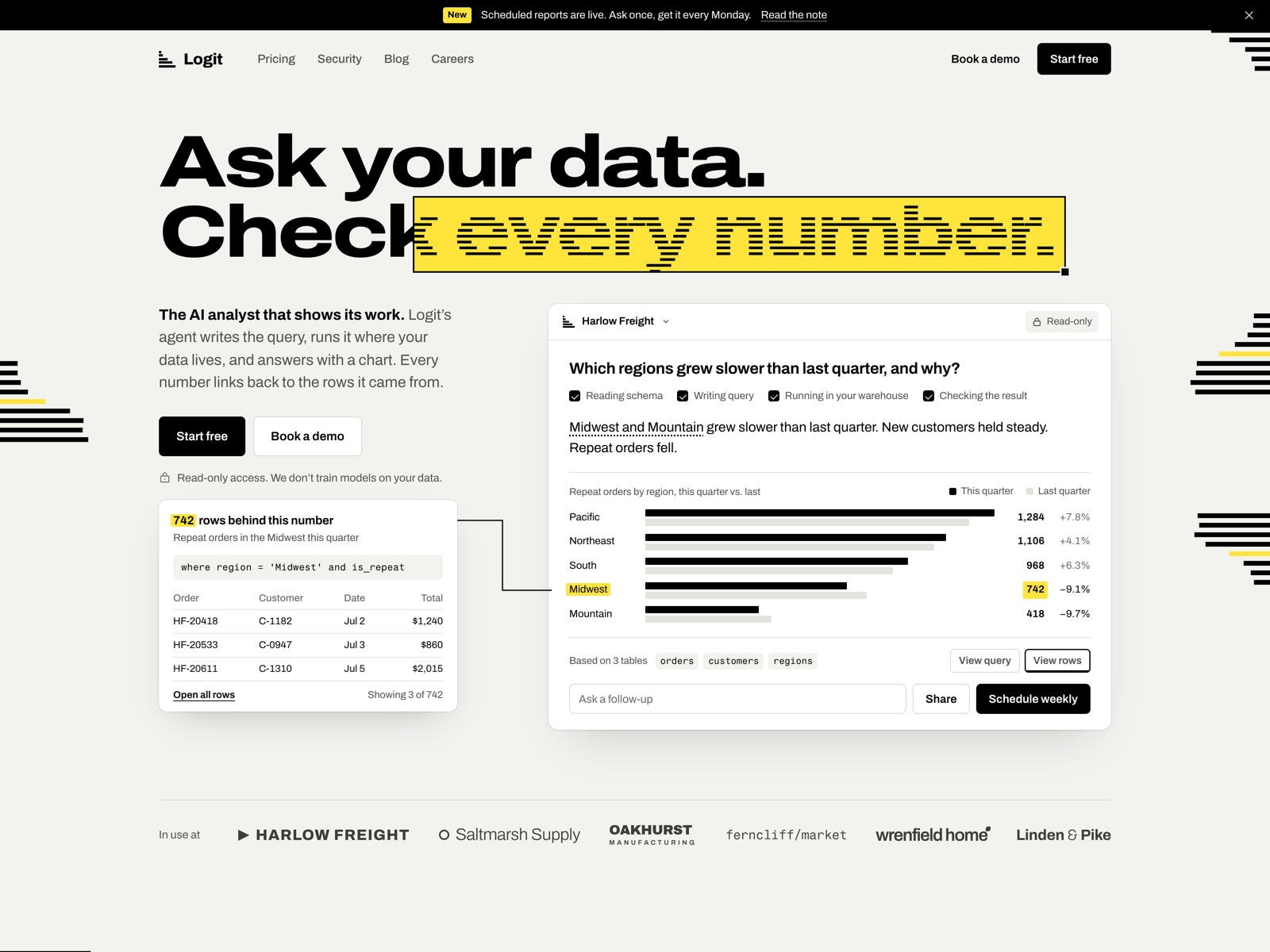
Logit — Free SaaS Template for Framer
by Unknown
Launchstage is a free 12-page SaaS Framer template for AI startups that need pricing, changelog, blog, and signup beside the product story. Skip it if one homepage is enough.
Launchstage is a free twelve-page SaaS template for Framer aimed at AI startups that outgrow a lone homepage. Product, Customers, Pricing, Changelog, Blog, Signup, and legal pages are already routed, all static without CMS collections. Skip it if your launch is intentionally one scroll and you do not want to maintain empty blog posts. Pipele is the one-page CRM alternative on yoframer. Compare more files on the SaaS shortlist or the free Framer templates hub.
Launchstage fits seed-stage AI or automation companies preparing for a public marketing site before eng finishes every in-app screen. You need credible Pricing and Signup URLs for ads, a Changelog page for ship cadence, and Customer logos that are not crammed into the footer of Home alone. Agencies cloning a repeatable “AI startup” kit for clients get a sane page list to walk stakeholders through.
Choose something else if the product is still a single CRM narrative and you want to ship this week on Framer Basic with one page. Pipele keeps pipeline software positioning on Home only. Enterprise teams that require CMS blog posts or documentation portals should scan the SaaS shortlist for CMS-backed options instead of forcing static Blog frames.
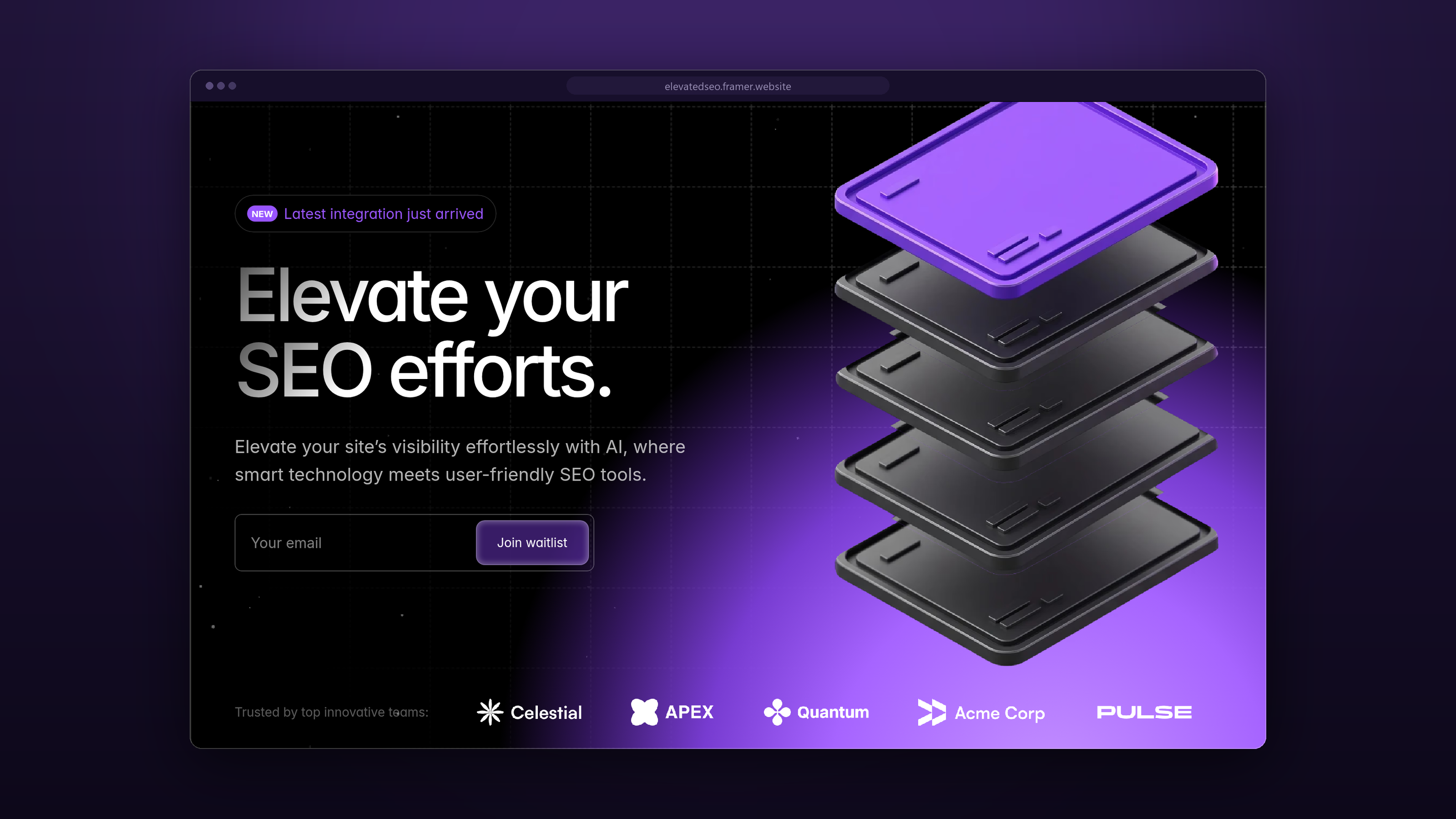
The demo follows current AI SaaS cues: dark hero, gradient accents, product UI floating on soft glow, and monospace touches in feature lists. Typography pairs a bold display face with neutral body copy so technical claims still scan quickly. It feels closer to a launch-ready dev tool site than to a corporate intranet.
Motion highlights product screenshots with gentle scale and blur transitions, enough polish for a Product page walkthrough without turning the Changelog into a carnival ride. The fight is maintenance. Twelve static pages look empty if you remix before you have pricing tiers, customer quotes, or blog drafts ready to paste in.
Twelve pages, matching Framer’s list:
Everything is static canvas content, so blog and changelog updates are manual edits unless you add CMS later.
Framer platform SEO, analytics, and breakpoints are not differentiators here.
Remix Launchstage when you want a credible multi-page SaaS marketing site and you are willing to fill Pricing, Changelog, and Blog with real content soon after remix. The sitemap matches how AI startups actually launch in 2026.
Skip it when one homepage is the whole GTM plan or your story is narrowly CRM on a single scroll. Pipele is the lighter file. If you are still shopping, use the SaaS shortlist or return to free Framer templates.
Quick answers about Launchstage, including pricing, CMS support, responsiveness, and who it is built for.
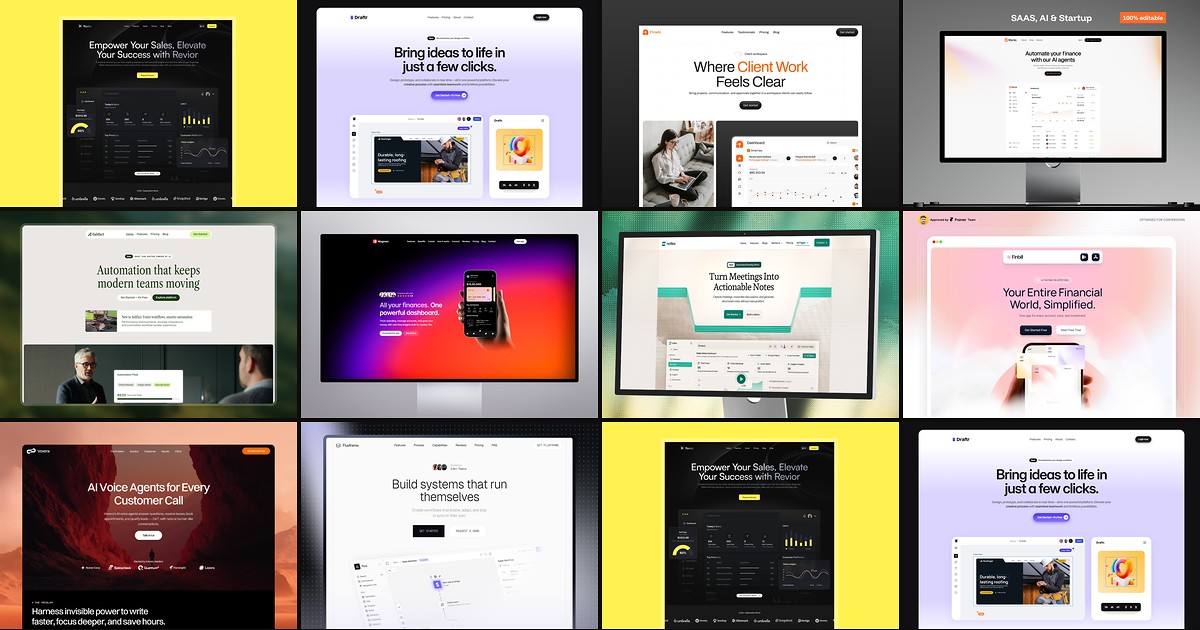
Most free SaaS templates on Framer look great in the preview and fall apart the moment you customize them. These 10 don't.