 Live Preview
Modelhorizon — Free SaaS Template for Framer
by Unknown
Pipele is a free 1-page SaaS Framer template for CRM teams pitching pipeline software on one long homepage. Skip it if you need pricing or changelog pages.
Pipele is a free one-page SaaS template for Framer built around a CRM pitch: pipeline visibility, team workflows, and the usual integration logos on a single homepage. There is no CMS and only the Home route, so you are trading depth for speed. Skip it if investors expect a pricing table and a changelog URL on day one. Launchstage covers that twelve-page job. Browse more picks on the SaaS shortlist or the free Framer templates hub.
Pipele fits a founder or small GTM team launching pipeline software before the product marketing site grows teeth. You already have screenshots of boards, filters, and assignment flows, and you want a credible marketing layer without wiring twelve static pages on a Framer Basic plan. Agencies packaging a repeatable CRM landing for clients can remix the section order, swap the purple accent, and ship in an afternoon.
Walk away if your launch checklist includes dedicated Pricing, Product, Customers, and Signup URLs. Those routes are not in the file, and duplicating the one homepage four times will feel thin in a sales deck. Teams publishing weekly release notes should start with Launchstage instead. If you only need a generic startup story with no CRM angle, skim the wider SaaS shortlist before you commit to this layout.
The preview reads like a modern B2B SaaS landing: cool violet gradients, soft cards, and dashboard mockups that sell trust before copy does. Typography is geometric sans throughout, with oversized stats and logo strips doing the social proof work. It sits closer to a polished Notion-era marketing site than to a dense enterprise datasheet.
Motion stays in the service of product shots: subtle fades and parallax on UI captures, not scroll gimmicks that fight readability on a phone. The honest fight is specificity. Pipele assumes a CRM story out of the box, so fintech or HR tools will spend time replacing every headline and chart before the page feels native.
One page, named exactly as Framer lists it:
Because everything lives on Home, navigation is anchor-based or you add routes later. That keeps hosting simple but means legal pages and blog posts are your problem after remix.
Framer ships SEO, analytics, and breakpoints on every remix. Those are platform defaults, not reasons to pick Pipele over another one-pager.
Remix Pipele when you want a CRM-flavored SaaS homepage today and you are fine keeping pricing conversations on sales calls until the site grows. The layout rewards real product captures and honest integration lists more than clever copy alone.
Skip it when the go-to-market plan needs a full marketing site with pricing, changelog, and signup paths. That is Launchstage. Skip it when you are not selling pipeline software at all. Compare other files on the SaaS shortlist or return to free Framer templates on the hub.
Quick answers about Pipele, including pricing, CMS support, responsiveness, and who it is built for.
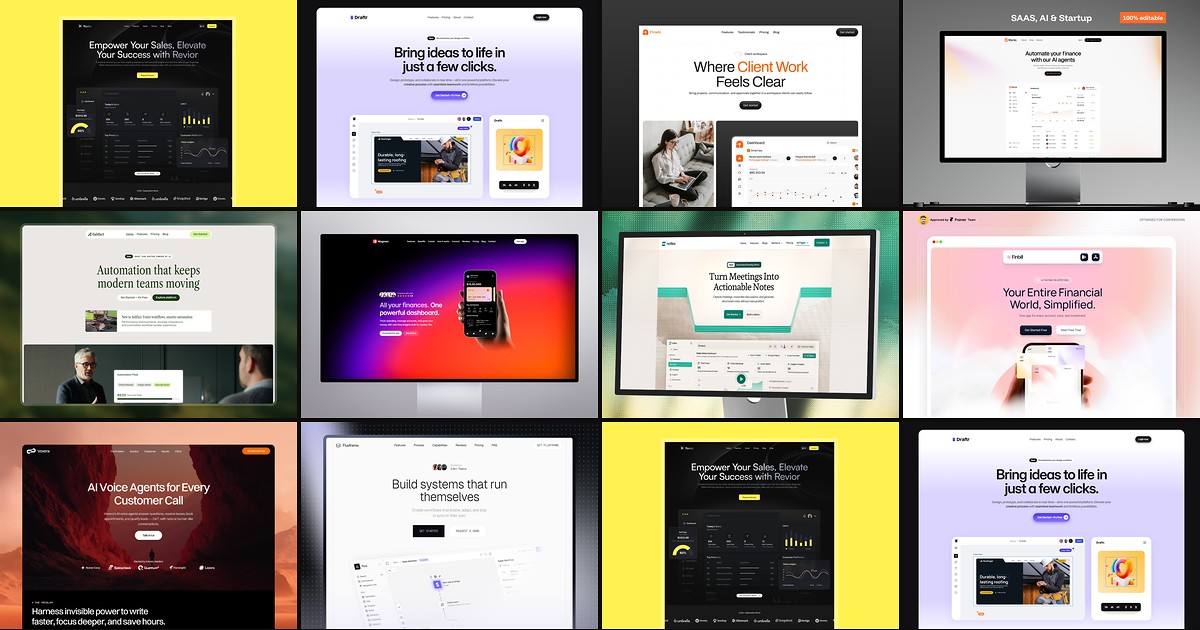
Most free SaaS templates on Framer look great in the preview and fall apart the moment you customize them. These 10 don't.