 Live Preview
← All Templates
Portfolio
Make sense — Free Portfolio Template for Framer by sakin kumar
Make sense is a free 1-page portfolio Framer template for senior product designers with four strong projects. Skip it if you need case study pages or a CMS for new work.
portfolioproduct designerone-pagelarge typedarkfree
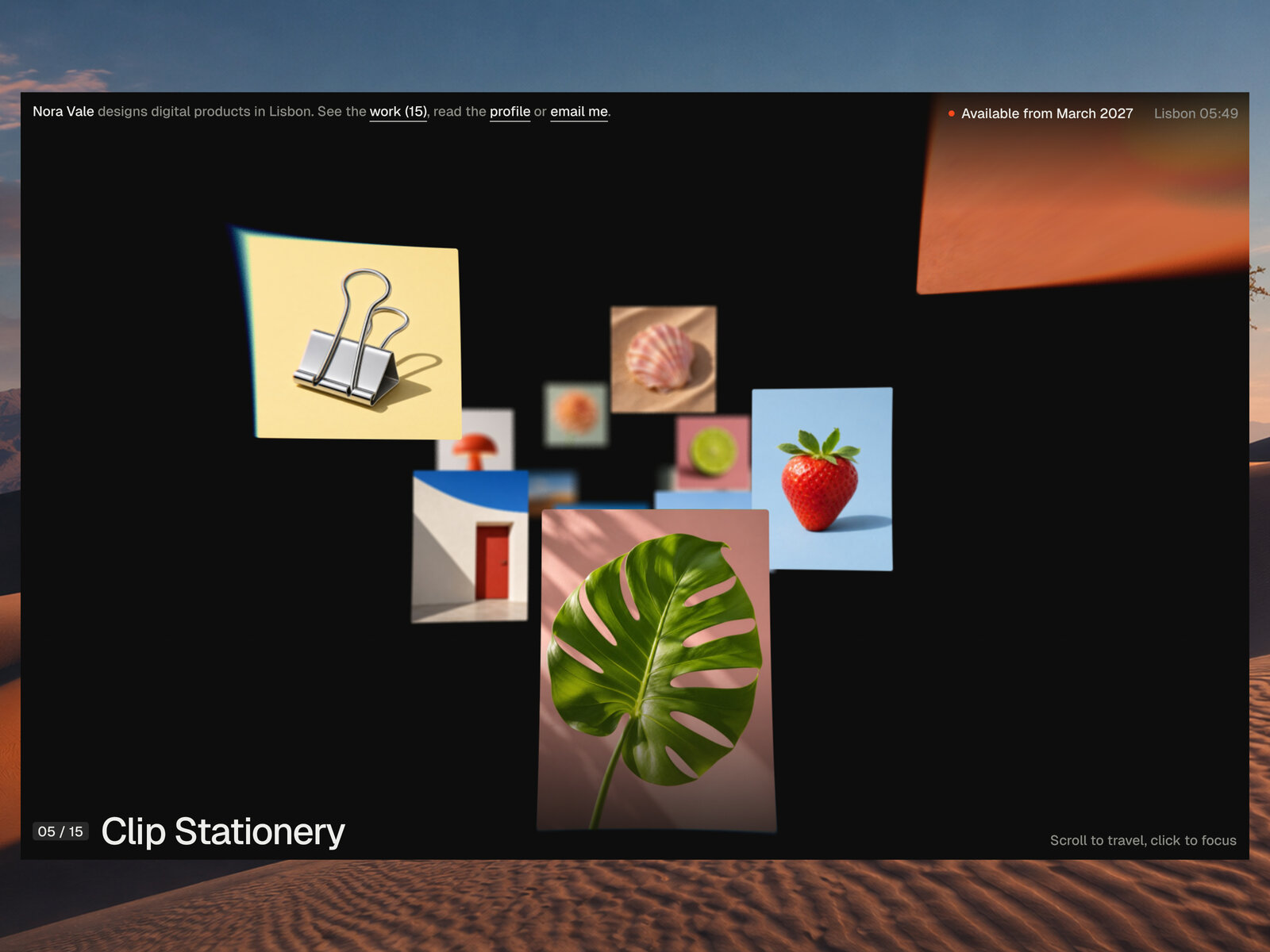
Make sense is a free one-page portfolio template for Framer by sakin kumar. It is a single dark scroll for a senior product designer: an oversized type hero, four selected projects, a short bio with three stat counters, a role timeline, and an email sign-off. No CMS and no project pages, so each piece of work gets a title, a one-line pitch, and a year. Skip it if you need full case studies. JORGE has CMS project pages. More free Framer templates sit on the hub, or start with the one-page shortlist.
Who should remix Make sense?
Think of a product designer with a decade of experience who is talking to recruiters this month. They do not need to explain the process on the site; they need a hiring manager to remember the name, see four product names, and find an email. This file is built for that ten-second read: a loud headline, the work in a numbered list, the career history in three rows, then contact.
Walk away if your portfolio has to carry the case studies itself. Junior designers who are judged on process will want long project pages, and those are not here. JORGE gives each project its own CMS page and a works index.
What Make sense looks like
Near-black background, cream text, a monospaced label system in caps, and one big swing: a script word paired with a heavy, wide display word in hot pink. The tagline under it uses a condensed serif. It looks more like a record sleeve or a fashion lookbook than a typical designer portfolio, and that is the memorable part.
The fight is the pink and the script. They are the personality of the file. A designer whose brand is quiet and corporate will need to replace both, and at that point the layout gets plain fast. Keep the type pairing if you can, and change only the accent color.
Pages included in Make sense
One page:
- Home: the entire site, from headline and project list through the about block, stat counters, role timeline, and contact section with an email link
Nav items for Work, About, and Say Hi are anchor jumps on the same scroll. If you later want project detail pages, add them yourself after remix.
What is distinctive about Make sense
- Typographic hero with a mixed pairing. Script plus heavy display type at full width. The headline is the visual, no photo needed.
- Numbered project list. Four projects with a one-line pitch and year each. Short enough that every line has to earn its place.
- Stat counters in the bio. Years at it, designers led, and a joke third stat. Easy to swap for your own numbers.
- Career timeline. Dated rows for roles and companies, which recruiters scan first.
- Monospaced labels. Section tags in parentheses give the page an index-like rhythm without extra graphics.
When to remix Make sense, and when to skip
Remix Make sense when you are an experienced designer who wants a confident one-scroll site live tonight and plans to send case studies as PDFs or calls. sakin kumar built it as a working personal site, and it shows in the details: real-sounding project names, a believable timeline, copy with a sense of humor.
Skip it when the site itself must hold your process, or when you add new work every month and want a CMS. That is JORGE. For other single-scroll options, browse the one-page shortlist and come back to the hub.
Frequently Asked Questions
Quick answers about Make sense, including pricing, CMS support, responsiveness, and who it is built for.
-
What kind of website is Make sense best for?
- Make sense is for A senior product designer job hunting with four projects and a career timeline worth showing on one scroll. It includes 1 page: Home.
-
Is Make sense free or paid?
- Make sense is a free Framer template. The listed price on yoframer is free.
-
Does Make sense support CMS and responsive design?
- Make sense does not include CMS support. It is fully responsive.
-
When should I skip Make sense?
- You need a page per case study or a CMS for new projects. JORGE handles that. Start with JORGE .
Featured in our Portfolio roundup
10 Best Free Portfolio Framer Templates in 2027
The 2026 portfolio list still leads with JORGE. These ten are different files, and each one has a reason to walk away.