 Live Preview
Zinol — Free Portfolio Template for Framer
by Unknown
Maxine is a free 2-page portfolio Framer template for designers who want one expressive homepage plus a 404. Skip it if you need CMS case studies or a contact route.
Maxine is a free two-page portfolio template for Framer built for a single expressive homepage and a branded 404. The marketplace list stops there: no CMS work routes, no Contact page, no blog. Skip it if case studies must live in collections and buyers expect a dedicated contact URL. JORGE adds CMS Works and Work Page flows for that job. More free Framer templates sit on the hub, or start with the portfolio shortlist.
Maxine fits solo designers, illustrators, and art directors who want one strong first impression: hero, selected work blocks, about blurb, and a mail link or embedded form on the same scroll. Students and freelancers refreshing a personal site before outreach often prefer two pages to maintain over a seven-page portfolio they will never fill.
Walk away if you already have a dozen case studies that need detail templates and filtering. Maxine has nowhere to put CMS project pages. JORGE or another CMS portfolio from the roundup will serve you better. Skip Maxine when you need agency furniture like pricing, team, or services menus. Those stories need a different template entirely.
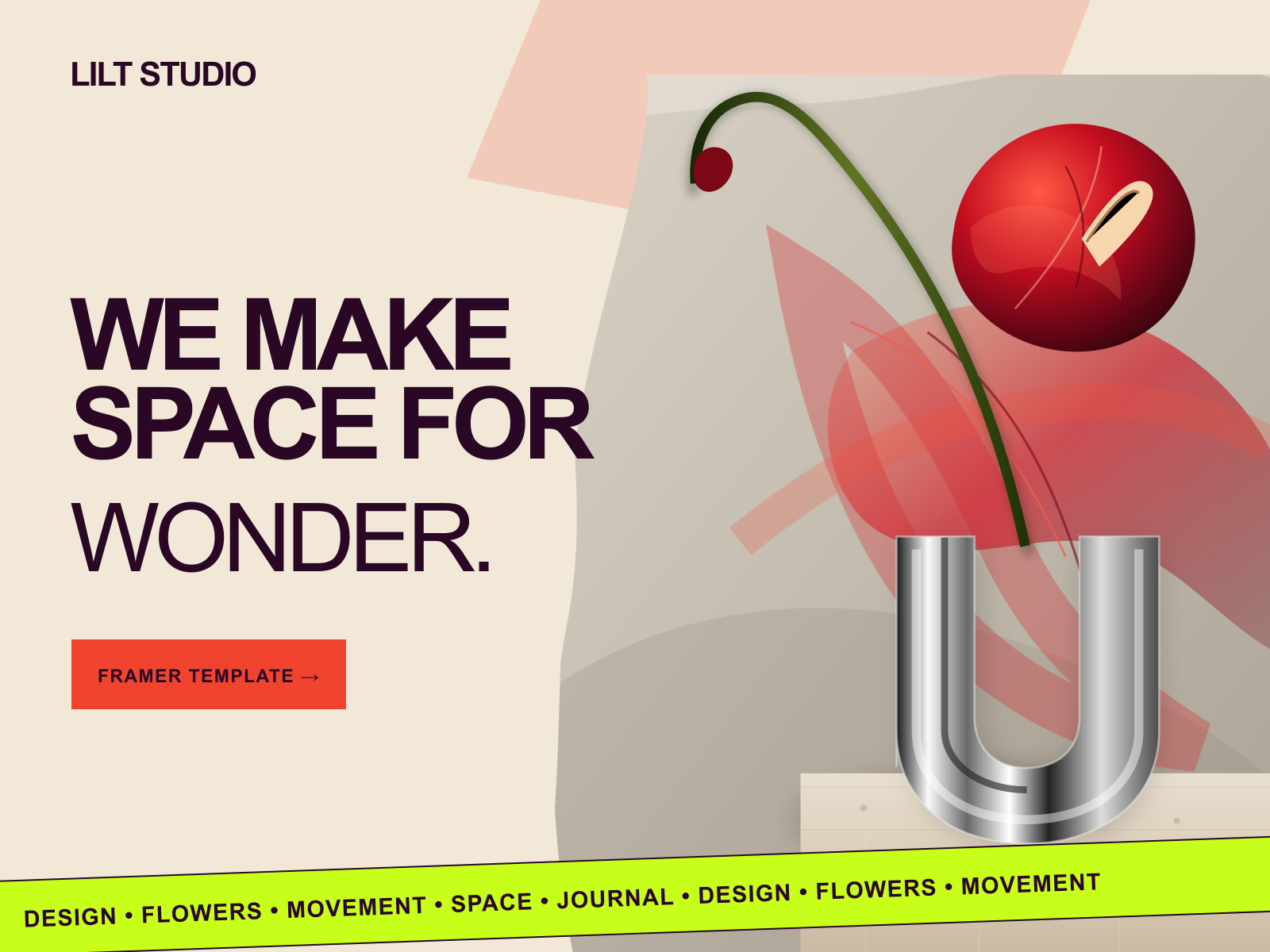
The Maxine preview leans creative portfolio: distinctive type pairing, color or gradient accents, and work samples embedded in the homepage rhythm rather than a separate Works index. It reads closer to a designer personal site on Behance or Dribbble than to a dark Linear-style product portfolio, which helps when personality is part of the pitch.
Animation is present but usually tied to section entrances and hover states, not full scroll storytelling. The trade-off is depth. Everything competes on one page, so long case write-ups can feel cramped until you trim or duplicate sections. Teams that want strict monochrome editorial darkness may also restyle heavily from the default cheerful creative mood.
Two pages, named as Framer lists them:
There is no separate Works, Contact, or CMS detail route in the marketplace sitemap.
Automated SEO labels on the marketplace are Framer platform copy, not a Maxine-specific reason to remix.
Remix Maxine when you want a fast personal portfolio with one homepage that carries your voice and a handful of projects, and you are fine adding contact details inline.
Skip it when buyers need CMS case studies and structured project URLs. That is JORGE. Skip it when you want one dark typographic scroll with no color fight. Ferio may fit better. Compare picks on the portfolio shortlist or return to free Framer templates on the hub.
Quick answers about Maxine, including pricing, CMS support, responsiveness, and who it is built for.
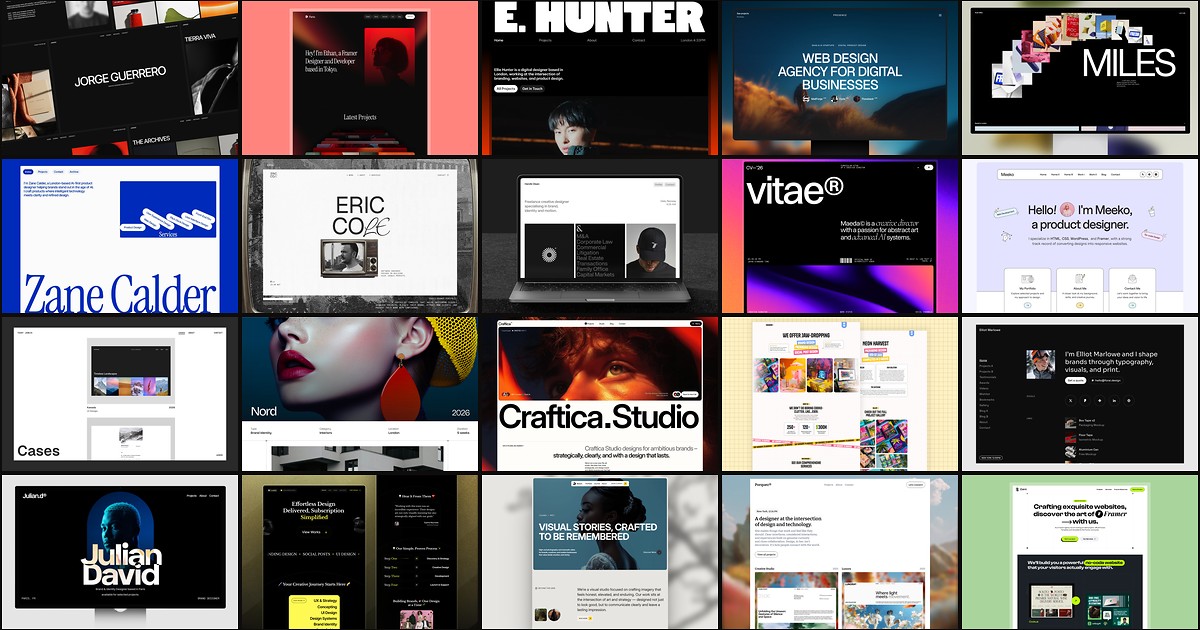
A portfolio site should show work first and make contact inevitable. These 20 Framer templates cover minimal one-pagers to full CMS studios.