 Live Preview
← All Templates
SaaS
Moviq — Free SaaS Template for Framer
Moviq is a free 15-page SaaS Framer template for AI text-to-video products with pricing, integrations, and enterprise routes. Skip it if you only need short demo pages.
freesaasaivideointegrationsmoviq
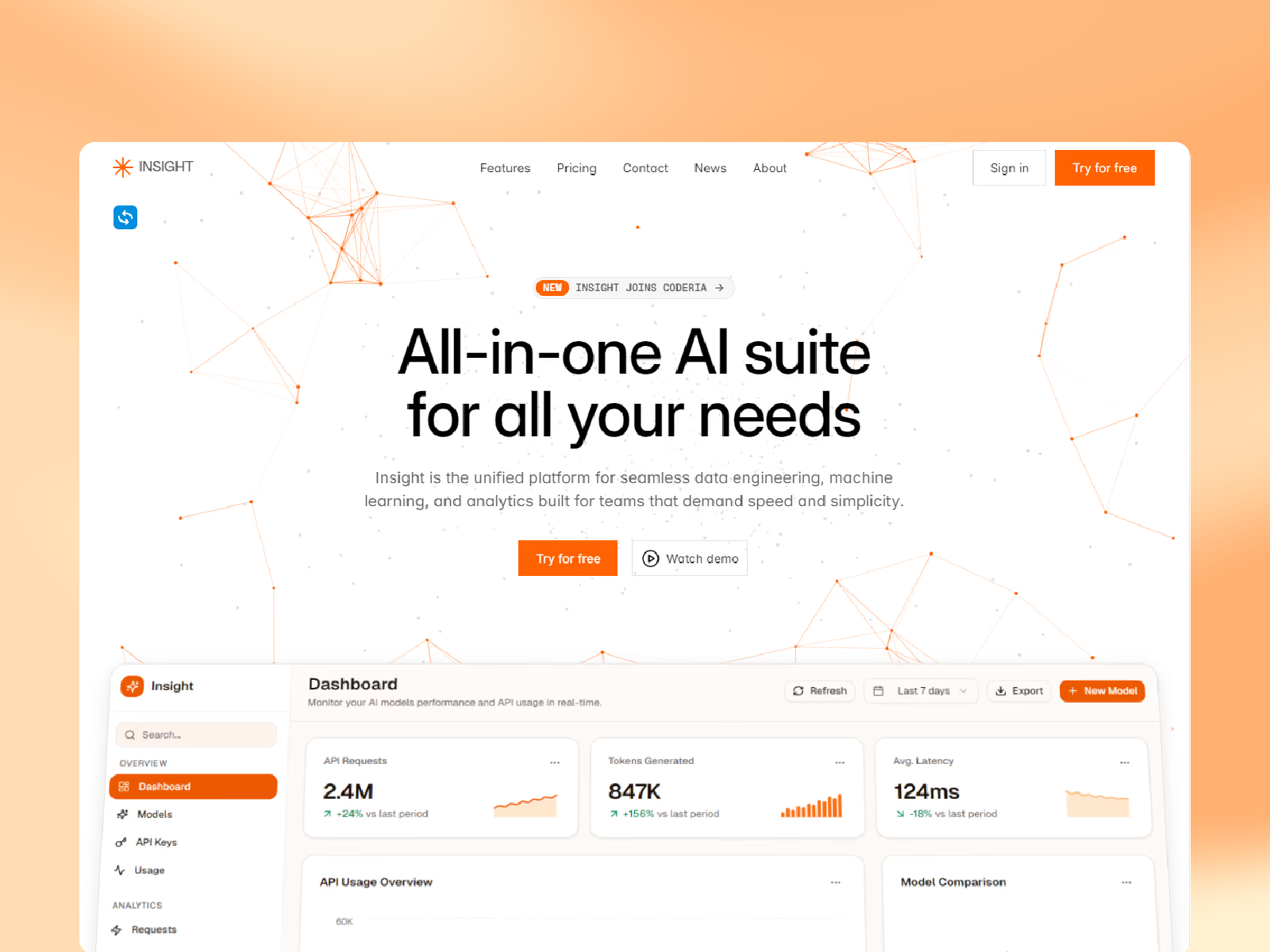
Moviq is a free fifteen-page SaaS template for Framer aimed at AI text-to-video products that need a full marketing sitemap before collections. Home, Home 2.0, Feature Detail Page, Price, Contract Sales, Enterprice, Integration, Integration Details, Reviews, Templates, Blog, Faq, Contact, and legal routes are all static with no CMS in the file list. Skip it if you only need interactive demo deep links for sales. Insight keeps modality demos on five pages instead. More free Framer templates live on the hub, or open the SaaS shortlist.
Who should remix Moviq?
Picture a seed-stage text-to-video startup pitching creative directors and growth teams. They need a Price page for outbound, Integration and Integration Details for MarTech stacks, Reviews for social proof, and separate Contract Sales and Enterprice routes so enterprise buyers do not read self-serve tiers. Moviq spreads those jobs across named URLs so product marketing can link from decks without rebuilding frames.
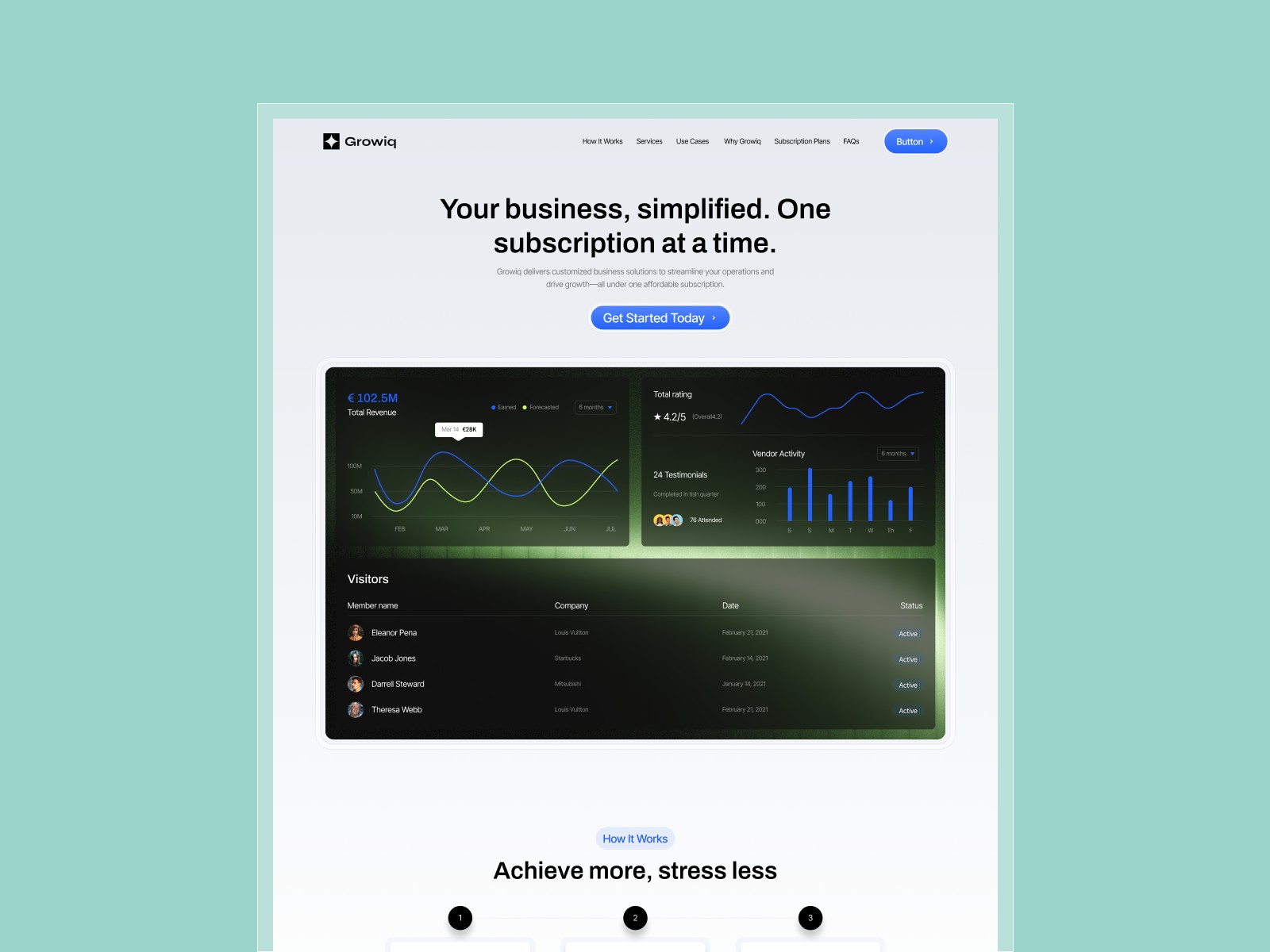
Walk away if your motion is demo-first and fifteen marketing routes can wait. Insight fits that shape. Skip Moviq when CMS blog and changelog collections must ship at remix, or when Security matters more than Reviews. Forma Desk covers that B2B map on the same roundup.
What Moviq looks like
The Moviq preview reads like a current generative SaaS launch: Stack Sans Headline display type, high-contrast hero blocks, and UI chrome sized for product screenshots and sample clips rather than stock photography grids. Gradients and card stacks feel closer to a creative tool landing page than a sober B2B desk product.
Motion accents heroes and integration rows without hiding Price tables on mobile. The honest fight is scope. Home and Home 2.0 both exist, so you must decide which story leads and retire or repurpose the spare route. A minimalist brand may also find the default energy loud until you tighten palette and imagery.
Pages included in Moviq
Fifteen pages, spelled exactly as Framer lists them:
- Home: primary text-to-video positioning, feature teases, and paths into Price and integrations
- Home 2.0: alternate homepage layout for A/B story tests or a second campaign angle
- Feature Detail Page: long-form walkthrough for one capability, model, or workflow
- Price: plan cards and credit framing for self-serve and team buyers
- Contract Sales: narrative for negotiated deals, annual contracts, or sales-assist motion
- Enterprice: enterprise positioning page using Framer’s marketplace spelling (Enterprice)
- Contact: demo requests, support paths, and form-driven leads
- Blog: editorial index for product updates, tutorials, and SEO articles on static frames
- Privacy Policy: privacy disclosures for accounts, uploads, and analytics
- Terms Conditions: terms copy as a dedicated route for footer and procurement links
- Faq: objection handling separate from the homepage scroll
- Reviews: customer quotes and ratings with room for logos or video testimonials
- Integration: directory of partner tools, exports, and workflow connections
- Integration Details: deep layout for one integration story or partner spotlight
- Templates: showcase of starter prompts, scenes, or reusable video templates in the product
Contract Sales plus Enterprice covers PLG and sales-led buyers. Integration Details gives partner ads a destination beyond the grid.
What is distinctive about Moviq
- Fifteen-page video SaaS map without CMS. Integrations, reviews, and enterprise routes sit on static frames ready for launch week.
- Dual Home routes. Home 2.0 lets you test positioning without duplicating the entire project manually.
- Named Enterprice route. Enterprise copy gets its own URL even with the marketplace typo preserved in the page list.
- Integration plus Integration Details pair. Partner marketing can deep-link to one stack story.
- Templates as a marketing page. Useful when your product sells reusable video starters, not only raw generation.
- Contract Sales separated from Price. Self-serve tiers and negotiated deals do not fight on one scroll.
Framer SEO, analytics, and breakpoint tooling ship with the platform. They are not reasons to pick Moviq over another SaaS file.
When to remix Moviq, and when to skip
Remix Moviq when you ship AI text-to-video and want Contract Sales, Enterprice, Reviews, and Templates live before CMS. Rename Enterprice in nav after remix if the typo bothers counsel.
Skip it when demo deep links beat a fifteen-page map. Insight fits. Skip it when Security and CMS blog posts are launch blockers. Compare Forma Desk on the SaaS shortlist, then free Framer templates on the hub.
Frequently Asked Questions
Quick answers about Moviq, including pricing, CMS support, responsiveness, and who it is built for.
-
What kind of website is Moviq best for?
- Moviq fits generative video SaaS founders who sell credits, team plans, and integrations to marketers and creators. Fifteen static pages cover Home variants, Feature Detail Page, Price, Contract Sales, Enterprice, Integration routes, Reviews, Blog, Faq, and legal frames. Teams that only need modal demos should compare Insight .
-
Is Moviq free to remix?
- Yes. Moviq is a free Framer template. Remix from the marketplace or this yoframer listing at no charge. Custom domains and paid Framer seats still follow Framer billing. The template file itself is free.
-
Does Moviq include a CMS?
- No. Blog, Integration Details, and Feature Detail Page are static layouts in the marketplace list. You duplicate frames or add collections if every integration needs its own CMS entry. For CMS-heavy SaaS maps, browse the SaaS shortlist .
-
When should I skip Moviq?
- Skip Moviq when your launch is demo-first and you do not need Contract Sales, Enterprice, or Templates pages yet. Insight matches that shorter AI product shape. Skip it when you want thirteen pages with Security and Changelog instead of video-specific routes. Forma Desk is the swap.
Featured in our SaaS roundup
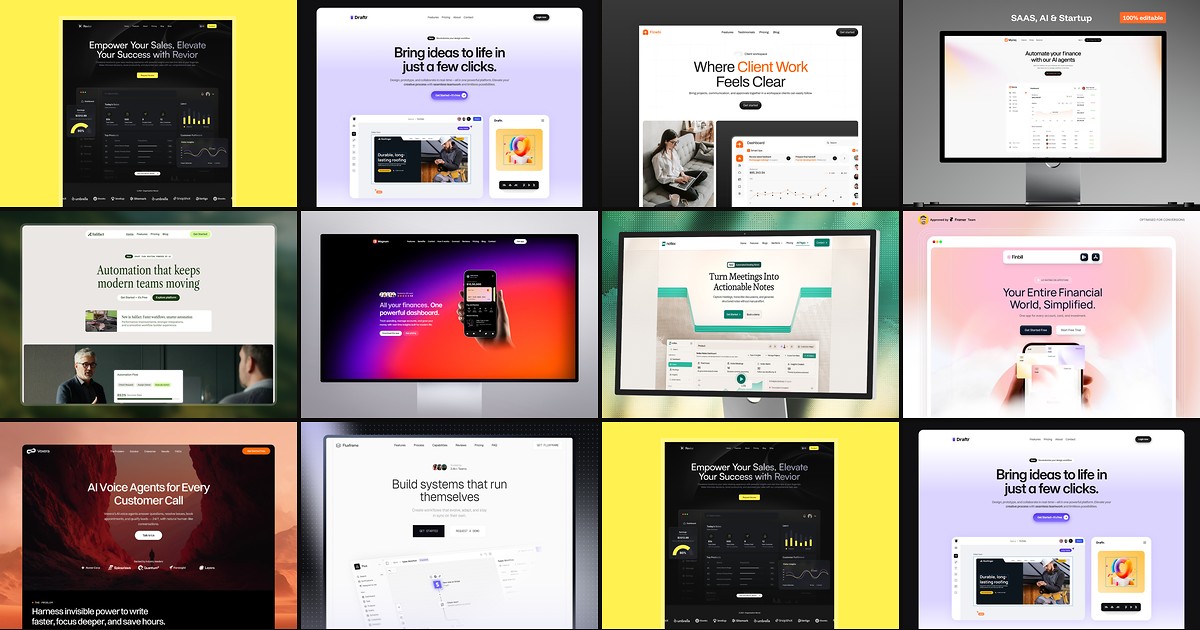
10 Best Free SaaS Framer Templates in 2026
Most free SaaS templates on Framer look great in the preview and fall apart the moment you customize them. These 10 don't.