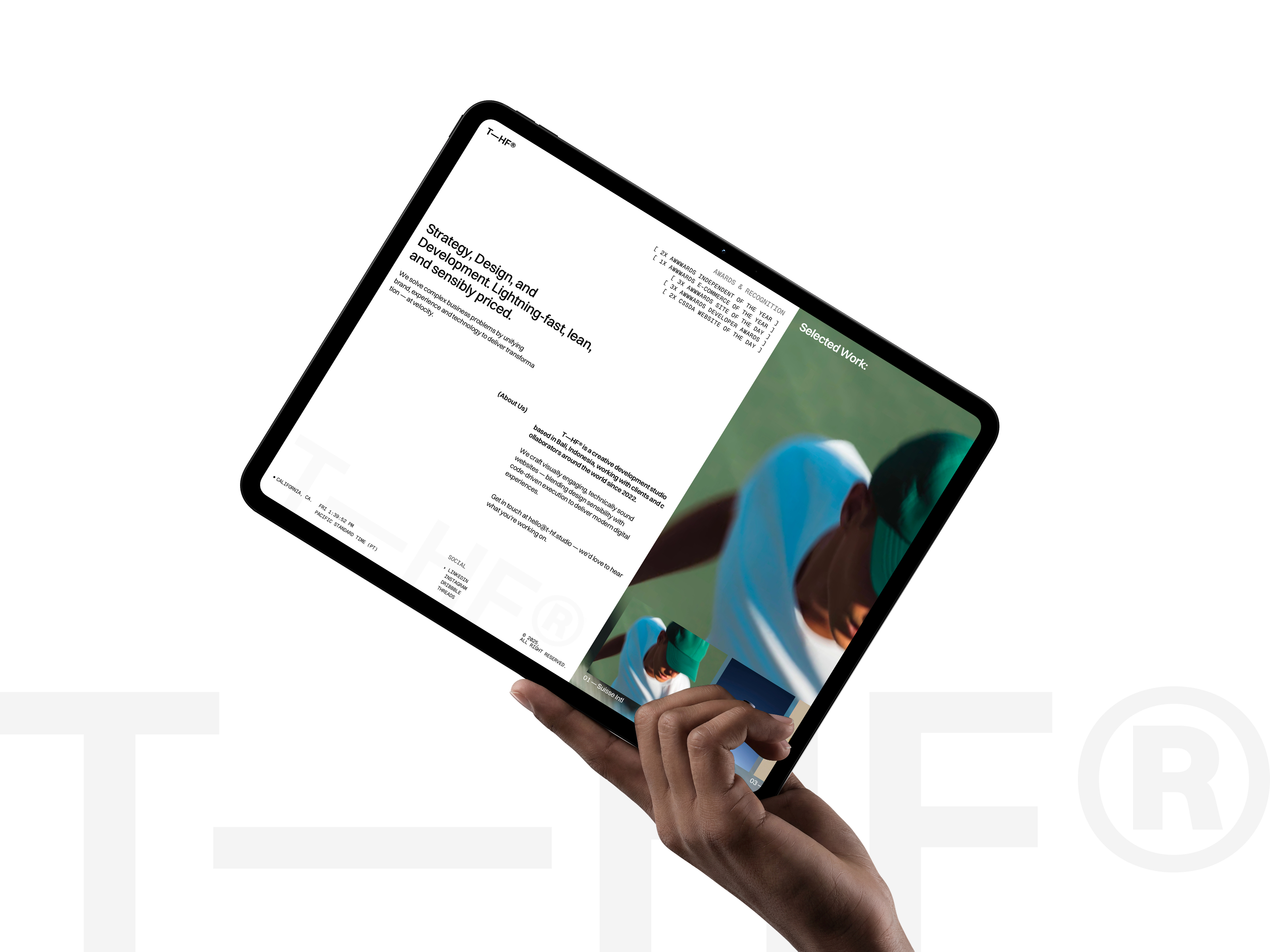
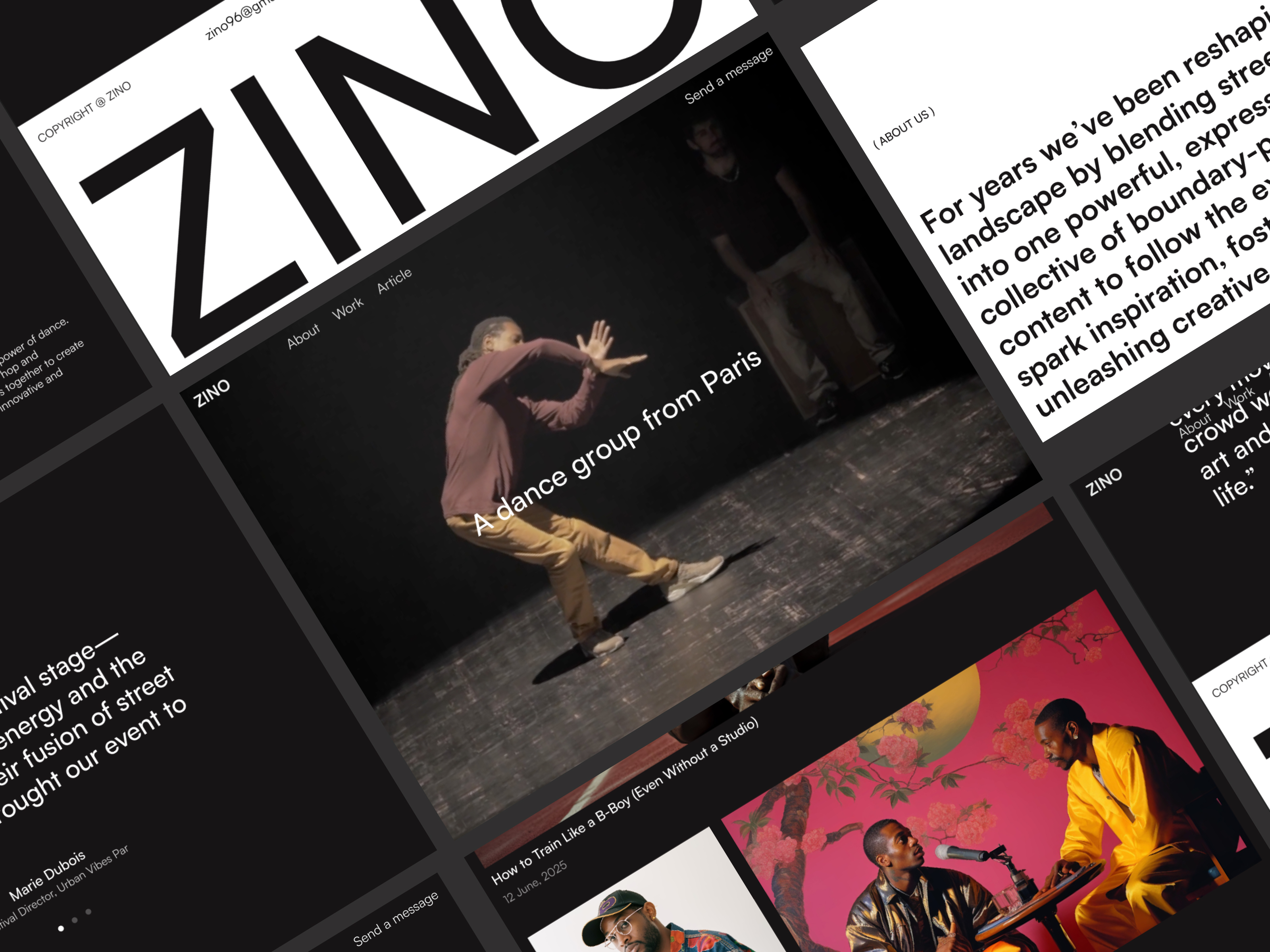
 Live Preview
Zinol — Free Portfolio Template for Framer
by Unknown
Nola Profile is a free 4-page portfolio Framer template for link-in-bio creators with Work and Links routes. Skip it if you need CMS case studies and a dark agency sitemap.
Nola Profile is a free four-page portfolio template for Framer from an unknown marketplace author. Remix it when you want About, Work, Favorites, and Links as the whole sitemap, with no Home label and no CMS collections in the marketplace list. Skip it if you sell on CMS case studies, Services, and a dark seven-page agency-style portfolio. JORGE ships Works, Work Page (CMS), and Archives for that job. More free Framer templates live on the hub, or start with the portfolio shortlist.
Nola Profile is for creators, illustrators, and side-hustle freelancers who already live on social platforms and want a structured link hub instead of a traditional homepage-first portfolio. Influencers documenting Favorites, designers showing a tight Work grid, and consultants who mainly need Links out to Calendly, shops, and newsletters fit the four-route shape.
Walk away if client work demands long case studies, retainers pages, and formal Contact routes. Without CMS project templates, every new piece is a manual frame duplicate. Studios pitching enterprise clients should use JORGE or Formix Co on the hub. If you only need one scroll, Ferio is even leaner than four pages.
The nola-profile preview reads personal link-in-bio elevated: friendly type, compact sections, and room for avatar-led About copy, thumbnail Work grids, Favorites lists, and button-stacked Links. It feels closer to a polished Linktree replacement than to a monochromatic design agency site, which helps creators who traffic comes from Instagram or TikTok bios.
Motion stays minimal so link rows and work thumbnails load fast on cellular connections. The fight is professionalism. Corporate buyers may expect Contact, Services, and deep case studies, and the absence of a named Home route means you must pick which page acts as the landing in Framer settings.
Four pages, named as Framer lists them:
Framer lists no Home, Contact, or 404 in the marketplace pageNames. Set the primary URL and add error pages after remix if you need them.
Framer SEO, analytics, and breakpoint tooling ship with the platform. They are not reasons to pick Nola Profile over another portfolio file.
Remix Nola Profile when you want a free creator portfolio that behaves like a structured link-in-bio with Work and Favorites pages, and you will hand-update projects until you add CMS. The unknown author left a sitemap that matches social-first traffic patterns.
Skip it when you need CMS case studies, Services, and Contact on a dark editorial portfolio. That is JORGE. Skip it when one scroll is enough. Try Ferio on the hub, then the portfolio shortlist or free Framer templates for the full grid.
Quick answers about Nola Profile, including pricing, CMS support, responsiveness, and who it is built for.
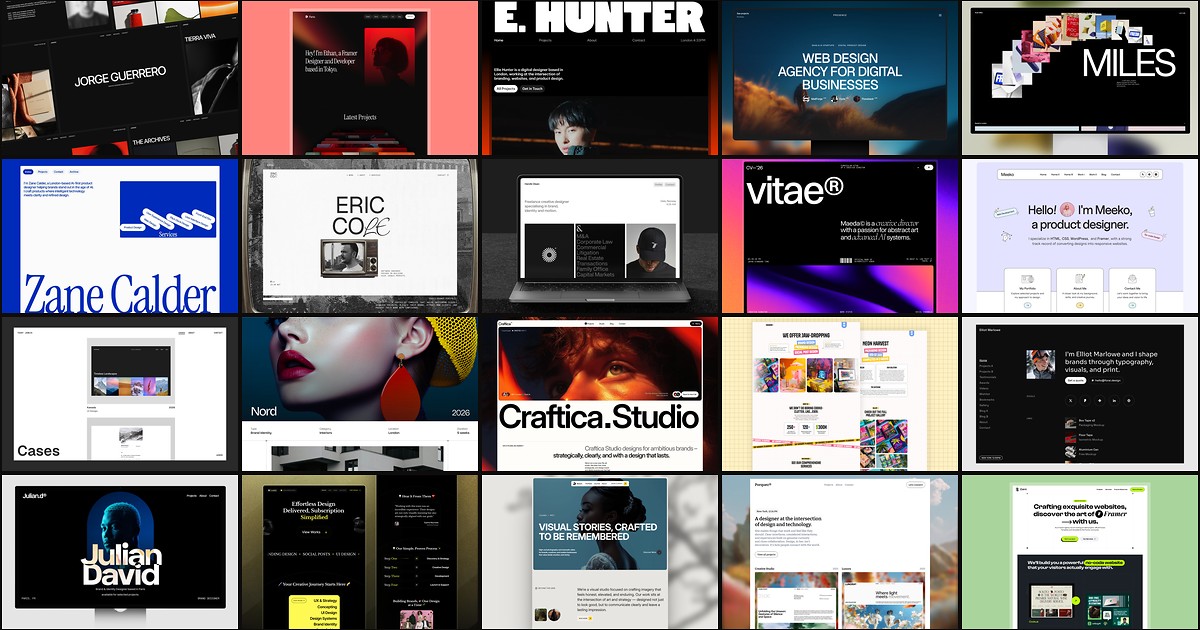
A portfolio site should show work first and make contact inevitable. These 20 Framer templates cover minimal one-pagers to full CMS studios.