 Live Preview
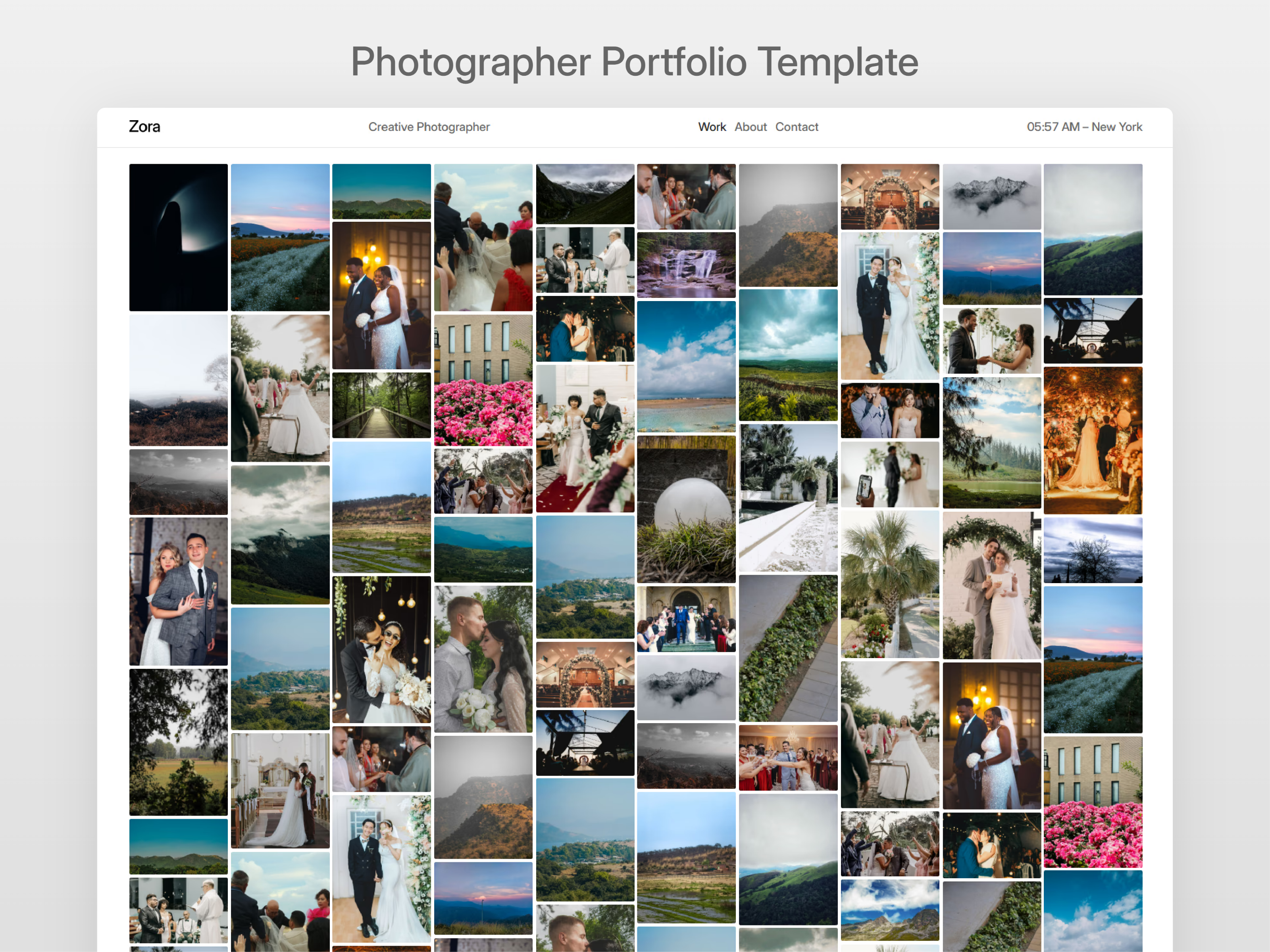
Zora — Free Photography Template for Framer
by Unknown
Optical is a free 10-page photography Framer template with CMS project pages, split-screen layouts, and grayscale image reveals. Skip it if you want a clean portfolio without demo frames.
Optical is a free photography template for Framer with CMS-backed project pages, split-screen gallery patterns, and a grayscale-to-full-color image reveal, bundled with a global sidebar component. Live site routes include Homepage, Projects, About, Contact, and Custom 404, while the marketplace page list also names setup and motion demo frames you can hide after remix. Skip it if you want a dark typographic portfolio without instructor-style pages in the tree. JORGE is seven pages focused on case studies. More free Framer templates are on the hub, or see motion-friendly picks on the photography shortlist.
Optical fits photographers and visual artists who sell on project depth and want motion that feels intentional, not a generic fade on every JPEG. Wedding, editorial, and commercial shooters who already organize work into sets will use CMS project pages more than a five-page static grid.
Pass if your brand is minimal text on black and you dislike maintaining demo documentation routes. JORGE keeps Works and Work Page CMS with Archives and Services without split-screen lab pages. Pass too if you need agency furniture like pricing, team, and careers. Optical stays photographer-small on purpose.
The preview is image-first: large photography fields, split-screen compositions, and a sidebar motif that keeps navigation visible while work stays fullscreen. Grayscale-to-color reveals add portfolio theater when used sparingly on hero selects. It reads closer to a fashion or editorial photographer site than to a developer CV template.
Motion is the selling point and the risk. Reveal effects that wow on twelve images feel heavy on forty. The sidebar helps long Projects indexes but can compete with ultra-minimal brands that want almost no chrome.
Ten entries, named as Framer lists them:
Treat the last five names as remix kit pages unless you want public documentation. Homepage, Projects, About, Contact, and CMS project pages are the client-facing core.
Responsive breakpoints and form components ship with Framer. They are not the reason to pick Optical over JORGE.
Remix Optical when you have CMS-ready projects to upload and you want split-screen and reveal motion without rebuilding interactions from scratch. Hide demo and guide routes before sharing the domain with clients.
Skip it when you want the calm dark portfolio path. That is JORGE. Skip it when motion demos in the page list feel unprofessional for your market. Trim frames, or choose another file from the photography shortlist. Still comparing creative maps? Return to free Framer templates on the hub.
Quick answers about Optical, including pricing, CMS support, responsiveness, and who it is built for.
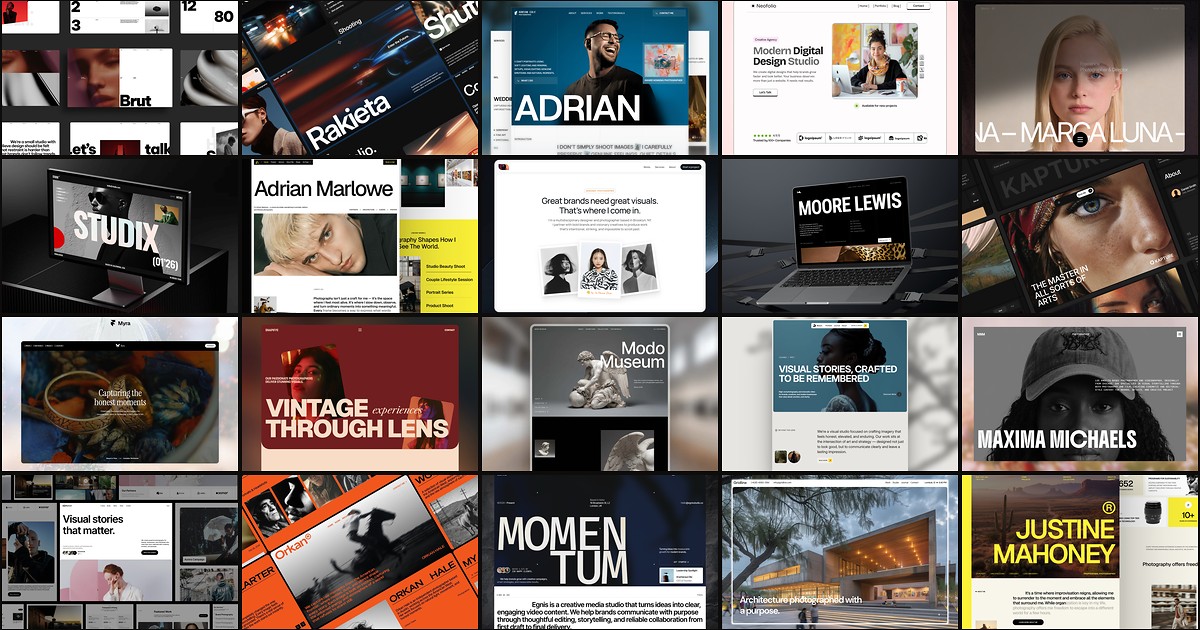
Photography buyers judge you on image hierarchy before they read a bio. These 20 free Framer templates ship the gallery routes, studio pages, and CMS depth shooters and agencies need without a custom build.