 Live Preview
← All Templates
Photography
Zora — Free Photography Template for Framer
Zora is a free 7-page photography Framer template with CMS project gallery and individual project pages plus About and Contact. Skip it if you need blogs and services menus.
freephotographyportfoliocmsgalleryzora
Zora is a free seven-page photography template for Framer with CMS-backed Project Gallery CMS and Individual project pages, plus Home page, About page, and Contact page routes. Framer lists Responsive design and Smooth animations and interactions as separate marketplace pages; treat those labels as bundled layout notes, not extra sitemap URLs. Skip it if you need wedding blogs, services menus, and eleven editorial routes. Myra covers that depth. More free Framer templates sit on the hub, or start with the photography shortlist.
Who should remix Zora?
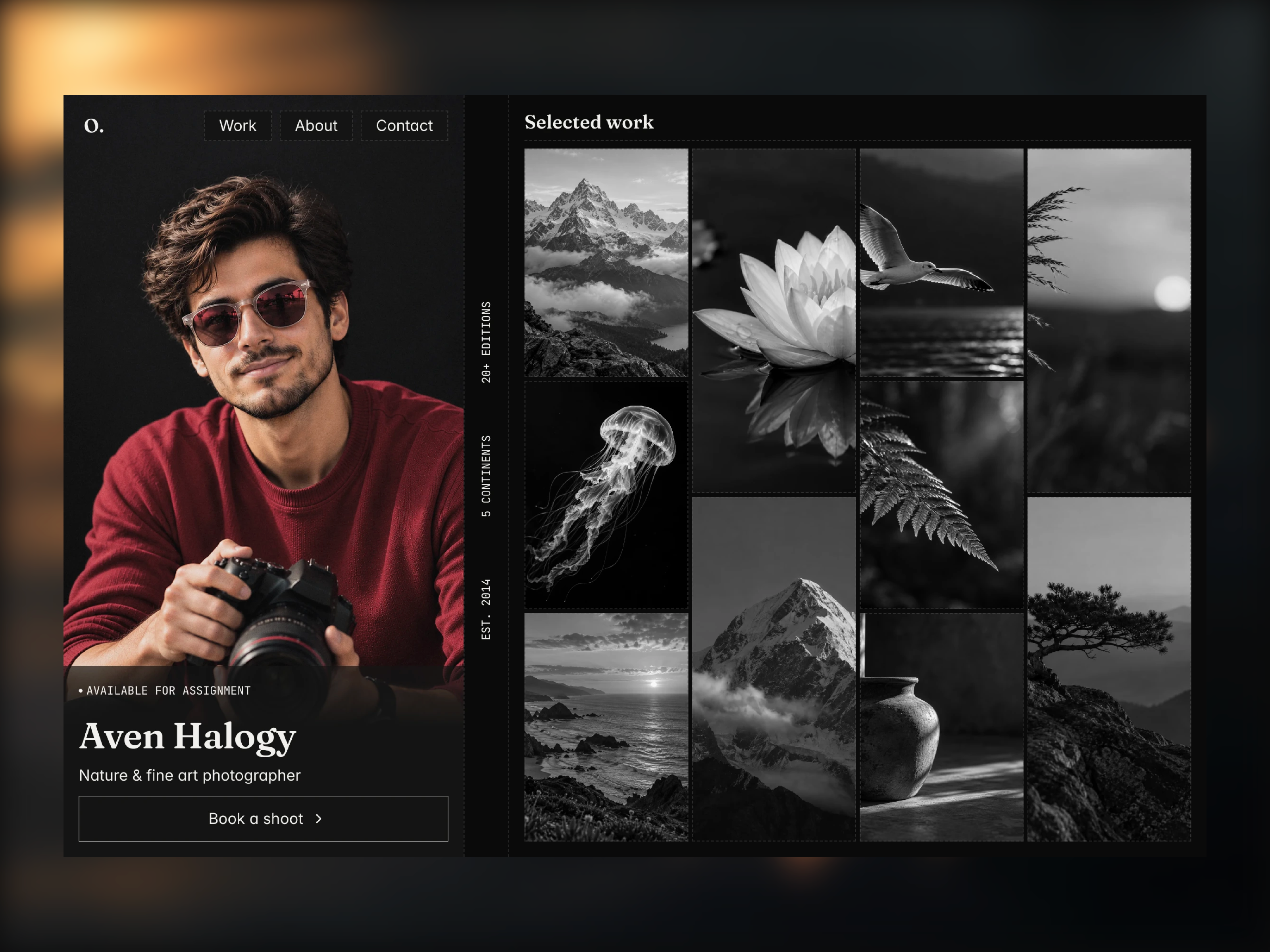
Zora fits photographers and visual artists who sell on volume and consistency: fashion, lifestyle, and commercial shooters who add new sets weekly and want each shoot to get the same detail template without redesigning frames. The CMS gallery plus individual project pages match how art buyers skim a grid, then open one job for lighting, crew, and usage notes.
Walk away if you are a wedding or events photographer who needs Services, Blog, Article(CMS), and legal routes out of the box. That buyer should start with Myra on yoframer. Skip Zora when you only want one scroll and no collections; a one-page photography landing will ship faster than maintaining dozens of CMS entries.
What Zora looks like
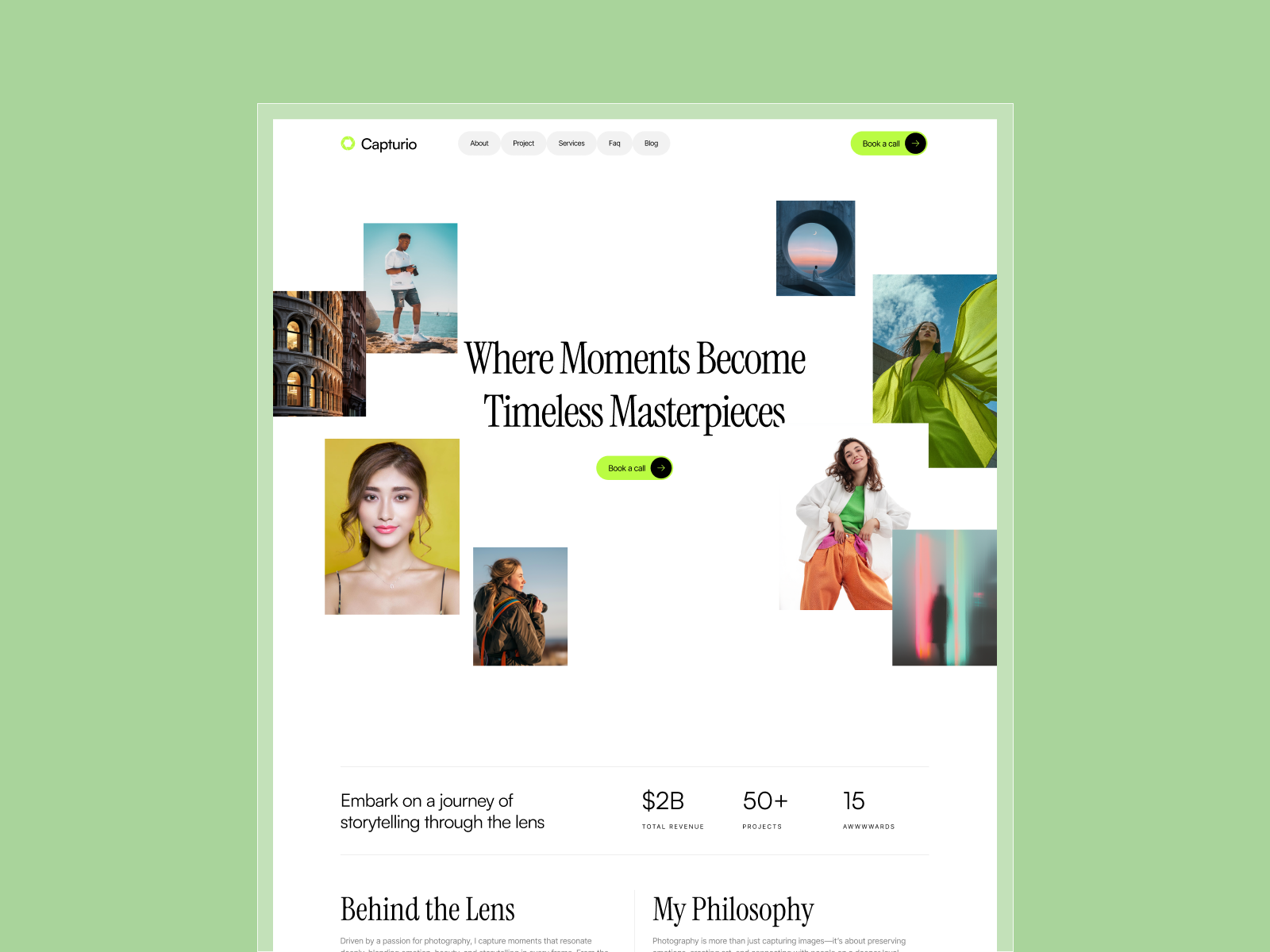
The zora.framer.photos demo is image-forward: full-bleed photography, minimal chrome, and typography that stays quiet so color and composition lead. About page and Contact page are separated from the gallery so art directors can bookmark contact without losing their place in the grid.
Motion and interaction accents show up on hovers and page transitions, which suits portfolios where movement in stills or loops is part of the craft. The honest fight is editorial writing. Teams that sell on long essays, pricing tables, and team bios will need to expand About page or add routes because the default story assumes the pictures do most of the talking.
Pages included in Zora
Seven pages, named exactly as Framer lists them:
- Home page: hero reel or featured projects that funnel visitors into the CMS gallery
- About page: photographer bio, clients, awards, and working style without crowding the grid
- Contact page: booking inquiry, representation links, and form capture on its own URL
- Project Gallery CMS: index of shoots powered by a collection so new work publishes from CMS fields
- Individual project pages: detail template bound to gallery items for captions, credits, and image sets
- Responsive design: marketplace route documenting mobile and desktop layouts for the portfolio system
- Smooth animations and interactions: marketplace route showcasing motion patterns used across project transitions
The live preview hosts many CMS project URLs under /work/, even though the marketplace collapses them into Individual project pages. Plan for a large collection, not a handful of static frames.
What is distinctive about Zora
- CMS gallery at scale. Built for dozens of project entries, matching the dense
/work/sitemap on the demo. - Split About page and Contact page. Buyers and reps get dedicated routes instead of footer-only contact on Home page.
- Repeatable project detail template. Individual project pages keep case study rhythm consistent as you add shoots.
- Photography-specific preview domain. The framer.photos host signals image-first positioning in marketplace metadata.
- Marketplace labels for motion and responsive. Unusual page names, but they document how the file behaves on phones and during transitions.
Automated SEO and generic breakpoint claims are Framer platform defaults, not reasons to pick Zora over another photography file.
When to remix Zora, and when to skip
Remix Zora when you already have many shoots to publish and you want CMS detail pages plus separated About page and Contact page without building collections from scratch. It rewards photographers who maintain the gallery more often than they rewrite positioning.
Skip it when you need blog SEO, services pricing, and compliance pages for enterprise buyers. Start with Myra. If you are still comparing photography kits, return to the photography shortlist or browse free Framer templates on the hub.
Frequently Asked Questions
Quick answers about Zora, including pricing, CMS support, responsiveness, and who it is built for.
-
What kind of website is Zora best for?
- Zora is for Photographers who publish large CMS project galleries with repeatable shoot detail pages and dedicated About and Contact routes. It includes 7 pages: Home page, About page, Contact page, Project Gallery CMS, Individual project pages, Responsive design, Smooth animations and interactions.
-
Is Zora free or paid?
- Zora is a free Framer template. The listed price on yoframer is free.
-
Does Zora support CMS and responsive design?
- Zora includes CMS collections for Project Gallery CMS. It is fully responsive.
-
When should I skip Zora?
- You need wedding blogs, services menus, and eleven editorial routes. Myra is the deeper photography file on yoframer. Start with Myra .
Featured in our Photography roundup
20 Best Free Photography Framer Templates in 2026
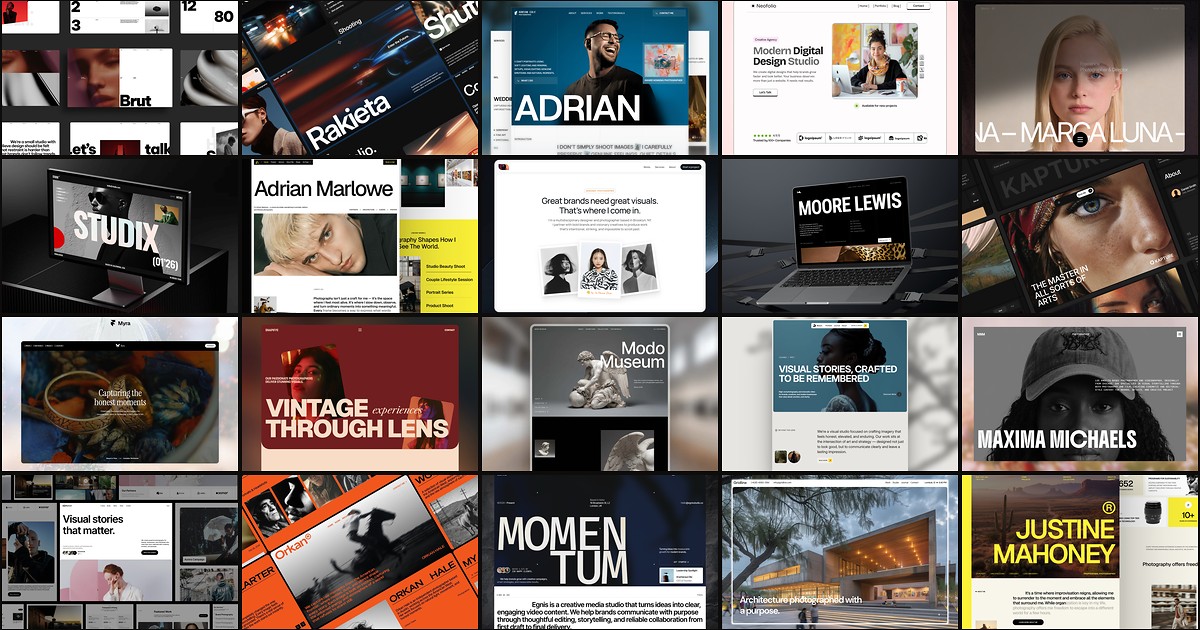
Photography buyers judge you on image hierarchy before they read a bio. These 20 free Framer templates ship the gallery routes, studio pages, and CMS depth shooters and agencies need without a custom build.