 Live Preview
Zinol — Free Portfolio Template for Framer
by Unknown
Paperlight is a free 2-page portfolio Framer template for creatives who only need Home and Work. Skip it if you need CMS case studies or a contact route.
Paperlight is a free 2-page portfolio Framer template with no CMS. Home sets the tone and Work carries the proof. Skip it if you need CMS case studies, a contact page, or anything beyond a tight two-stop sitemap. JORGE is the honest upgrade when projects deserve their own URLs. Browse the portfolio shortlist or the wider free Framer templates hub if you are still comparing files.
Paperlight fits a freelancer who already curates a small set of hero projects and does not want a blog, services tree, or inquiry form fighting for nav space. Think an illustrator shipping a seasonal reel, a brand designer with six case studies that fit one grid, or a student portfolio that must go live before critique week. The job is show work fast, not explain a studio org chart.
Walk away if every project needs its own long write-up, filters, or CMS fields. That is JORGE, not this file. Walk away if you only want one scroll and zero secondary page. Ferio is built for that rhythm. Paperlight sits in the middle: two pages, static frames, quick remix.
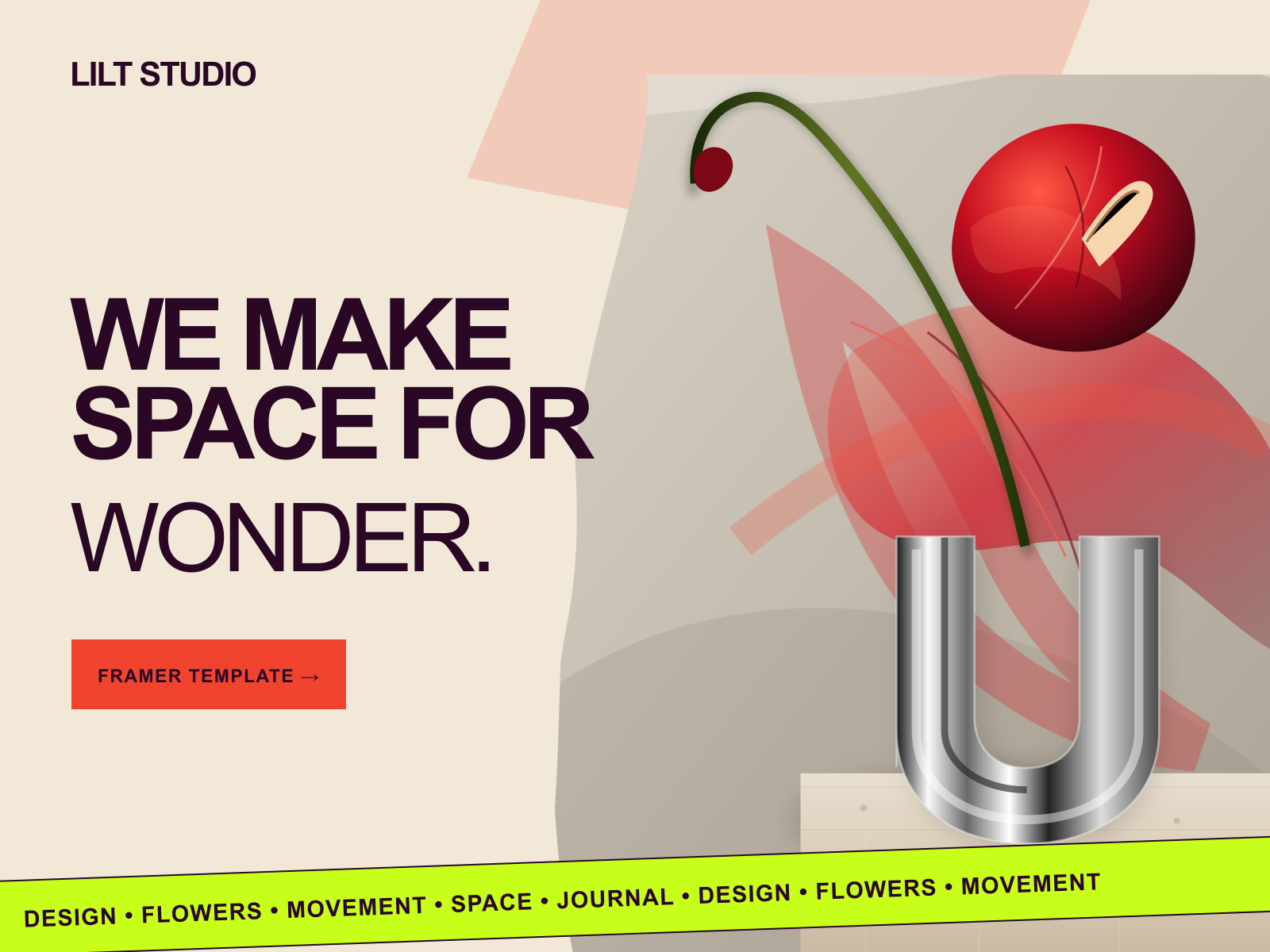
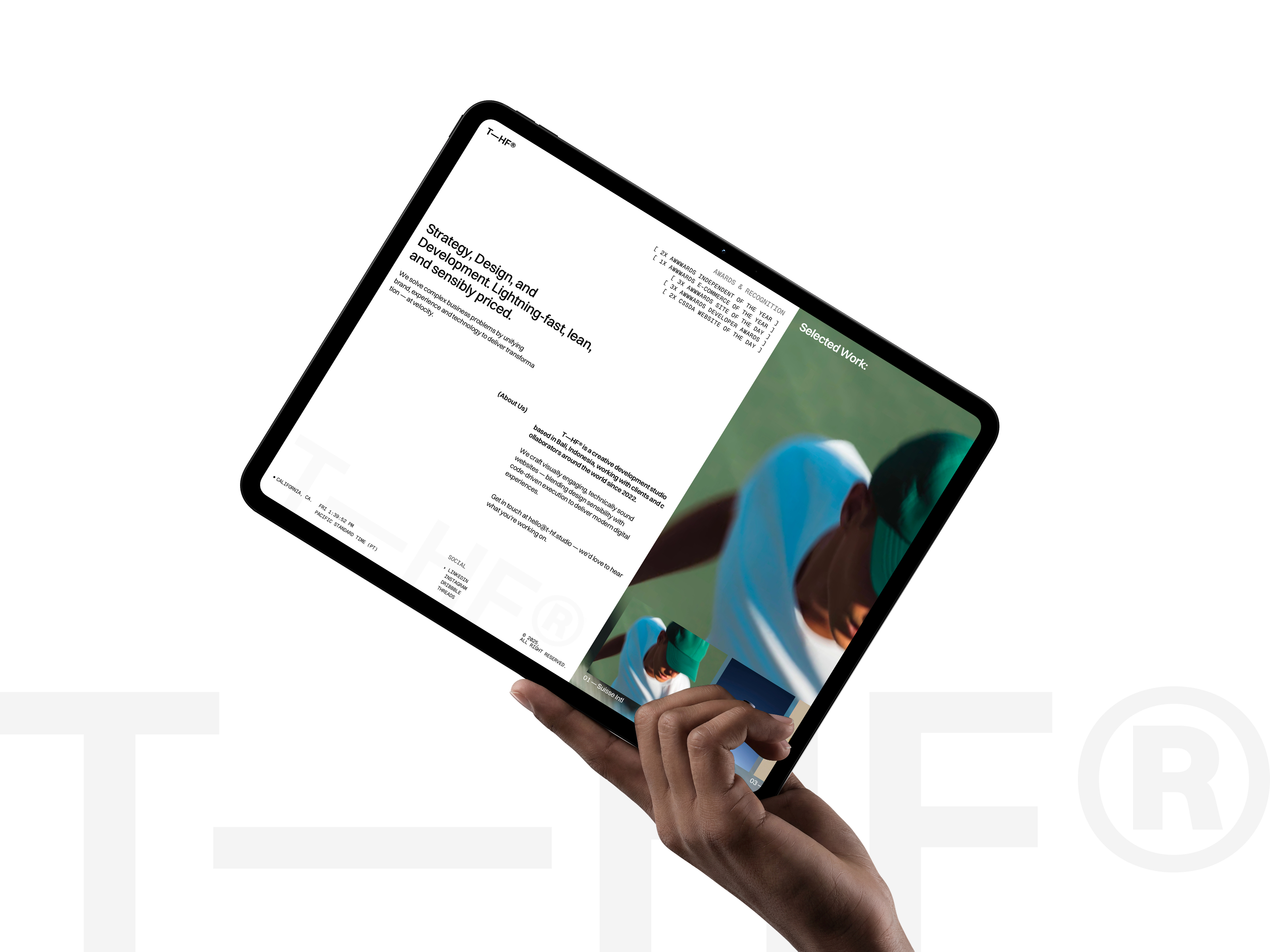
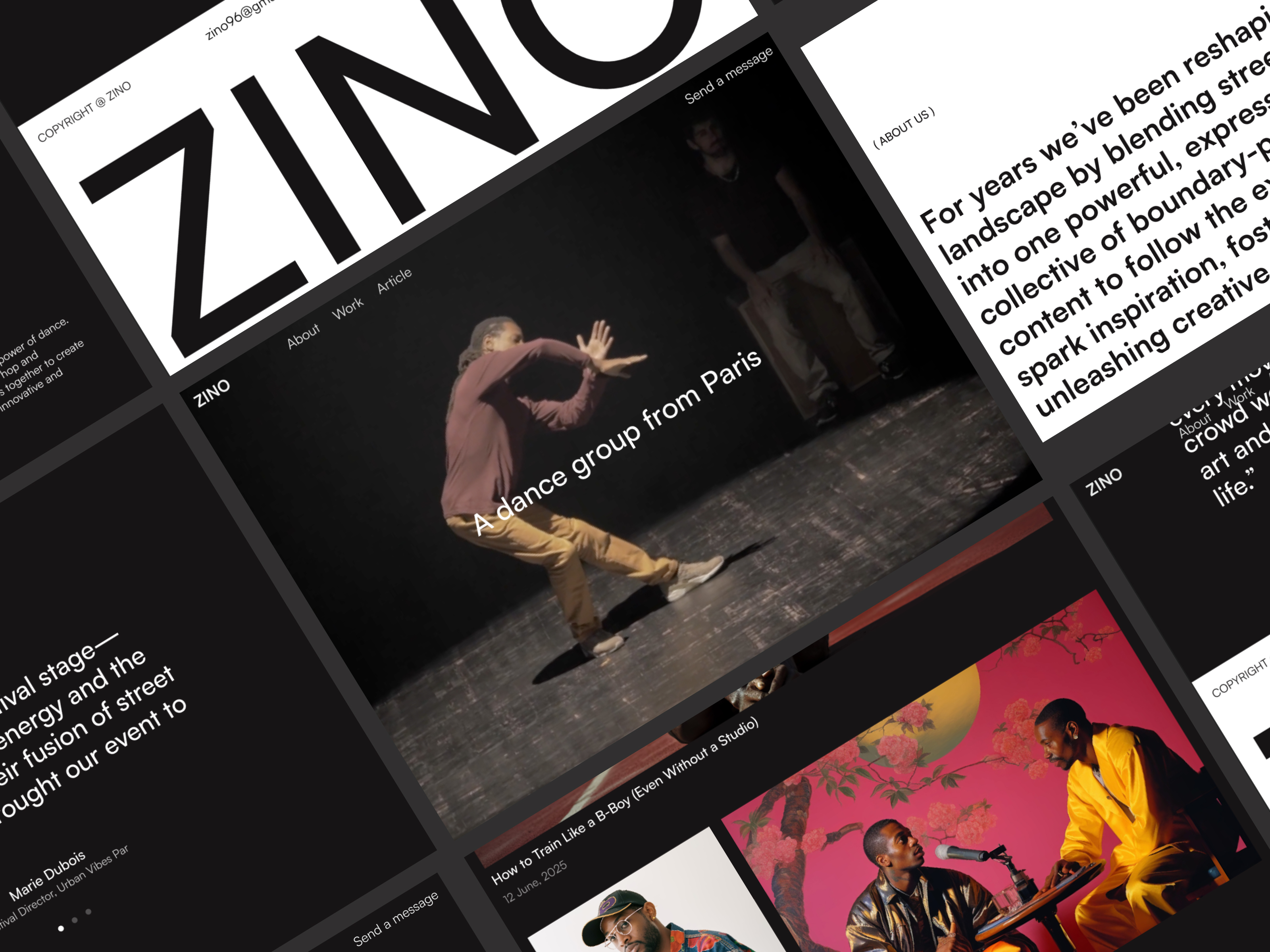
The preview reads airy and paper-bright: generous whitespace, soft contrast, and type that feels editorial rather than startup-bold. Imagery does most of the selling, with sections that let large crops breathe. It is closer to a printed lookbook than to a dark dev portfolio in the Vercel mold.
Motion stays polite. You get enough polish to feel intentional on a phone without scroll gimmicks stealing attention from the art. The fight is mood. A loud, neon, or heavily textured brand will spend time recoloring defaults. Paperlight assumes calm work on a calm field.
Two static pages, named exactly as Framer lists them:
There is no Contact route, no CMS collection, and no legal footer page in the bundle. Plan to add a form on Home or duplicate a frame if procurement asks for Privacy later.
Framer ships SEO, analytics, and responsive breakpoints on every file. Those tools are table stakes, not reasons to pick Paperlight.
Remix Paperlight when you want a minimal creative portfolio live this week and your work fits a single Work page. The author profile points to Shivanand Pandey on Framer; treat this as a lean starter, not a full agency kit.
Skip it when case studies need CMS detail pages or when prospects expect Contact in the primary nav. Pick JORGE instead. Skip it when one long homepage is enough. Start with Ferio. Still shopping? Return to the portfolio shortlist or the free Framer templates hub.
Quick answers about Paperlight, including pricing, CMS support, responsiveness, and who it is built for.
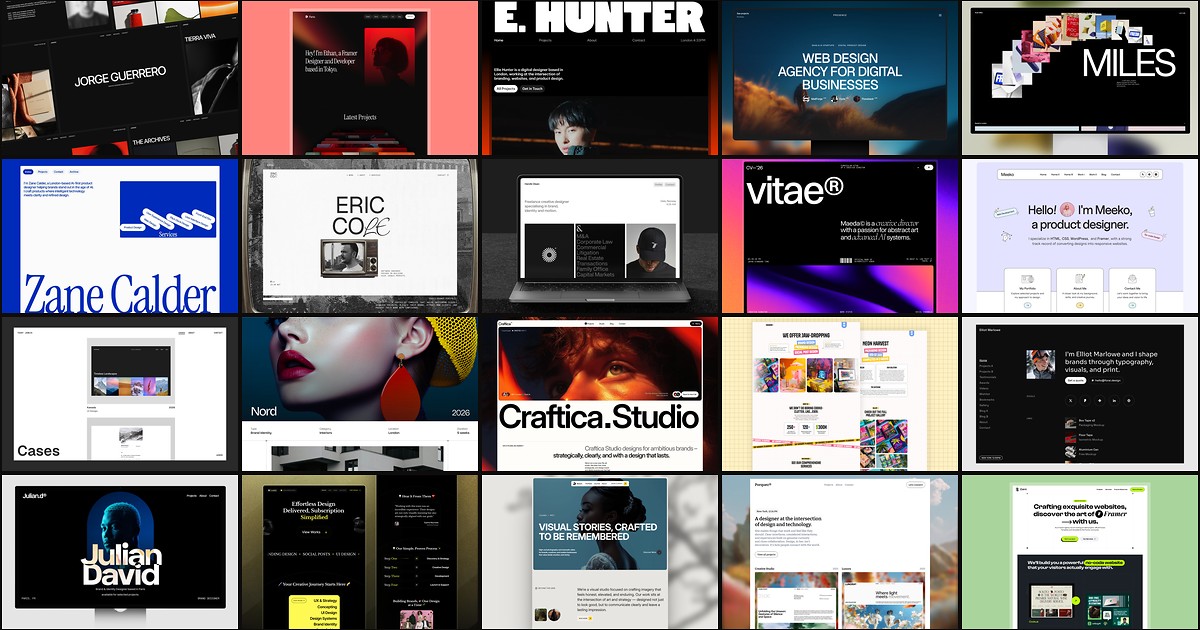
A portfolio site should show work first and make contact inevitable. These 20 Framer templates cover minimal one-pagers to full CMS studios.