 Live Preview
Modelhorizon — Free SaaS Template for Framer
by Unknown
Relay OS is a free 7-page SaaS Framer template for agency workflow products with Blog and Documentation routes. Skip it if you need pricing tables or a changelog page.
Relay OS is a free seven-page SaaS template for Framer by Alexandru Dranga, aimed at teams selling workflow software to creative agencies. Home, Blog, Documentation, Style Guide, and three legal routes are static pages with no CMS collections in the file list. Skip it if buyers expect pricing tiers, integrations, or a changelog lane in the nav. Forma Desk covers that B2B launch shape. More free Framer templates sit on the hub, or open the SaaS shortlist.
Relay OS fits founders and product marketers pitching a creative pipeline tool: fewer Slack threads, clearer file handoffs, and a calmer review loop for agency clients. The demo copy reads like ops software for studios, not a generic horizontal SaaS. If your ICP is design leads and producers evaluating another tab in their stack, the Home story plus a Documentation route matches how those buyers research.
Walk away if you are launching full B2B packaging with pricing comparison, security questionnaires, and integration logos on week one. Forma Desk is the honest yoframer swap. Skip Relay OS when you only need a tight AI startup shell with Pricing and Journal already wired. Cirro matches that shorter product marketing map on the same roundup.
The Relay preview on relaysaas.framer.website uses confident product marketing neutrals, rounded UI cards, and generous section spacing. Headlines sell uninterrupted creative flow, and feature blocks read like a modern desk tool closer to Linear pacing than a loud gradient landing. Blog and Documentation inherit the same type scale, so the site feels like one system rather than a Home page with bolted-on legal text.
Motion stays in the product-marketing lane: soft section reveals and button hovers, not glassmorphism experiments. The fight is commercial depth. Without Pricing or Integrations frames, enterprise buyers may bounce unless you add routes after remix. Teams with a playful consumer brand may also wrestle the default sober palette.
Seven pages, named as Framer lists them:
Blog plus Documentation is the reason to remix this file instead of a one-page SaaS lander. Everything stays static until you add CMS later.
Framer hosting, forms, and responsive breakpoints behave like any remix. They are not unique reasons to pick Relay OS over another SaaS file.
Remix Relay OS when you sell workflow software to agencies and you want Blog plus Documentation live alongside legal pages in one free remix. Alexandru Dranga’s Framer work skews toward polished marketing shells, and this map matches that pace.
Skip it when pricing, integrations, and security routes are non-negotiable for your launch checklist. That is Forma Desk. Need a shorter AI product map with Pricing already in the nav? Try Cirro. Compare more picks on the SaaS shortlist or browse free Framer templates.
Quick answers about Relay OS, including pricing, CMS support, responsiveness, and who it is built for.
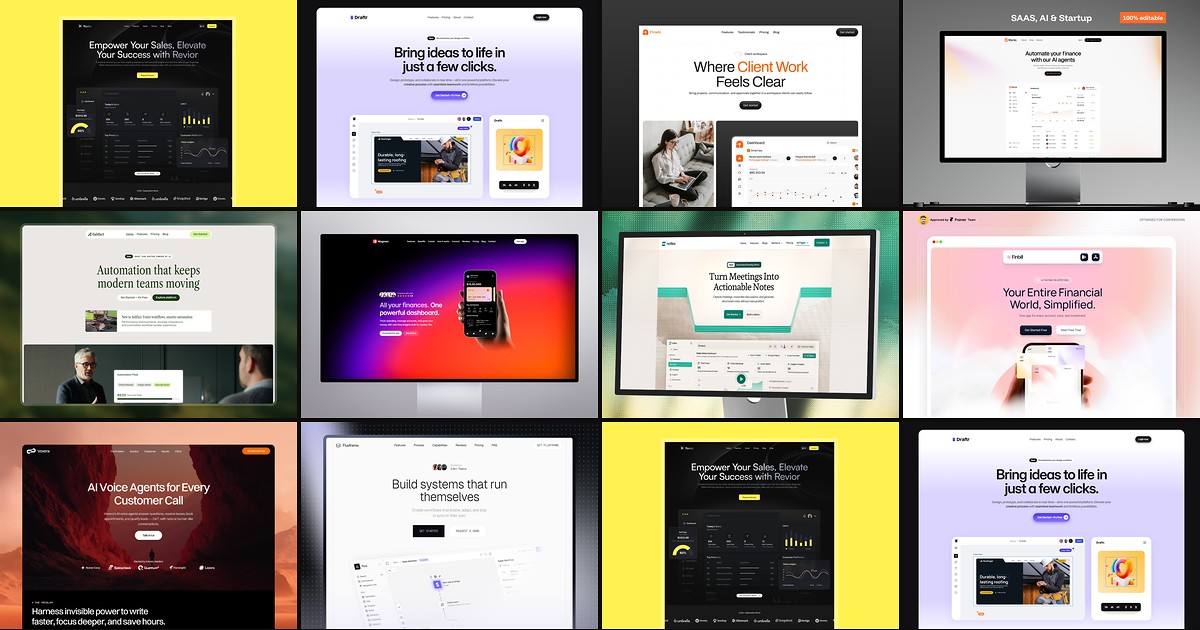
Most free SaaS templates on Framer look great in the preview and fall apart the moment you customize them. These 10 don't.