 Live Preview
← All Templates
Home Services
Restoration Company — Free Home Services Template for Framer
Restoration Company is a free 9-page home services Framer template for contractors with service areas and emergency positioning. Skip it if you only need booking, not geo coverage.
freerestorationcontractorwater-damagehome-services
Restoration Company is a free nine-page home services Framer template from Unknown (Troy Miller on Framer) aimed at restoration and remediation contractors, not property listings. It ships Service Areas, core trust pages, and a For Ai Agents route without CMS collections in the listing. Skip it if your shop is appointment-first with a blog index on a tighter sitemap. Servix covers services, Appointment, and Blogs on seven pages. More free Framer templates sit on the hub, or open the home services shortlist.
Who should remix Restoration Company?
Restoration Company fits operators who answer emergency calls across counties and need Service Areas spelled out before a homeowner trusts the truck roll. You run water, fire, or mold work, you want Services and About live with Terms, Privacy, and Cookie linked from day one, and you can update static copy when coverage expands. Marketing leads pitching insurers or property managers will like a sitemap that looks like a real contractor shop, not a rental listing theme mislabeled as real estate.
Walk away if the business is a salon, HVAC tune-up shop, or mobile detailer that lives on Appointment booking and occasional blog posts. Servix matches that rhythm better. Pass if you need CMS project galleries for every job site. This file keeps case proof on Home and Services unless you add collections after remix.
What Restoration Company looks like
The demo site reads urgent but professional: strong headlines, service blocks, and photography slots suited to jobsite and crew imagery rather than floor plans. Palette and type skew trades marketing, closer to a regional restoration brand than a luxury architecture portfolio. That helps when the visitor is stressed and scanning for licenses, response time, and geography.
Motion stays practical so phone visitors on cellular data can tap Call or Contact quickly. The honest fight is the For Ai Agents page. It is a forward-looking route many teams will need to rewrite for their own LLM or voice-agent policies, not a plug-and-play integration.
Pages included in Restoration Company
Nine pages, named as Framer lists them:
- Home: emergency positioning, core services, and primary lead CTAs
- About: crew story, certifications, and why property owners trust the shop
- Services: remediation offerings and how engagements run
- Contact: phone, form, or map-driven lead capture
- Service Areas: counties, cities, or regions you cover after disasters
- For Ai Agents: structured info for AI assistants referencing your business
- Terms: legal terms for site use or service agreements
- Privacy: data handling and privacy policy copy
- Cookie: cookie notice or consent language
Service Areas plus Contact is the pair most restoration shops need before paid search goes live. Policy trio is already routed, which saves footer debates with compliance.
What is distinctive about Restoration Company
- Service Areas route. Named geography page, not a buried FAQ accordion on Home.
- For Ai Agents page. Rare on free home services files; plan copy for how bots should describe your shop.
- Nine-page contractor sitemap. Marketing, coverage, contact, and legal without CMS setup in the listing.
- Home services positioning. Built for remediation trades, not MLS-style real estate storytelling.
- Static services stack. Fine when offerings change slowly; weak if you publish weekly job photos from CMS.
Forms, responsive layouts, and SEO tooling ship with Framer. They are platform defaults, not reasons to choose this file over another contractor remix.
When to remix Restoration Company, and when to skip
Remix Restoration Company when you need credible contractor marketing with explicit service-area coverage and policy links on static routes. It fits regional restoration brands launching before peak storm season.
Skip it when Appointment and Blogs drive the workflow on a smaller sitemap. That is Servix. Skip it when you need deep architecture case studies with named project URLs. Compare studio files via the home services shortlist or return to free Framer templates on the hub.
Frequently Asked Questions
Quick answers about Restoration Company, including pricing, CMS support, responsiveness, and who it is built for.
-
What kind of business is Restoration Company best for?
- Restoration Company targets home services contractors such as water, fire, or mold remediation shops that market emergency response and geographic coverage. It is a free 9-page file without CMS. Appointment-first local services should compare Servix on the same roundup.
-
Is Restoration Company free to remix?
- Yes. Restoration Company is a free Framer template. Remix at no charge; domains and hosting follow Framer plans. yoframer documents the route list but does not charge for the file.
-
Does Restoration Company include a CMS?
- No. Services, service areas, and policy pages are static in the marketplace sitemap. Plan manual updates when crews or counties change, or add collections after remix if you publish case studies weekly.
-
When should I skip Restoration Company?
- Skip it if booking and a blog index matter more than a Service Areas grid, or if you need sixteen project case routes like an architecture studio. Try Servix , the home services shortlist , or [free Framer templates](/) on the hub.
Featured in our Home Services roundup
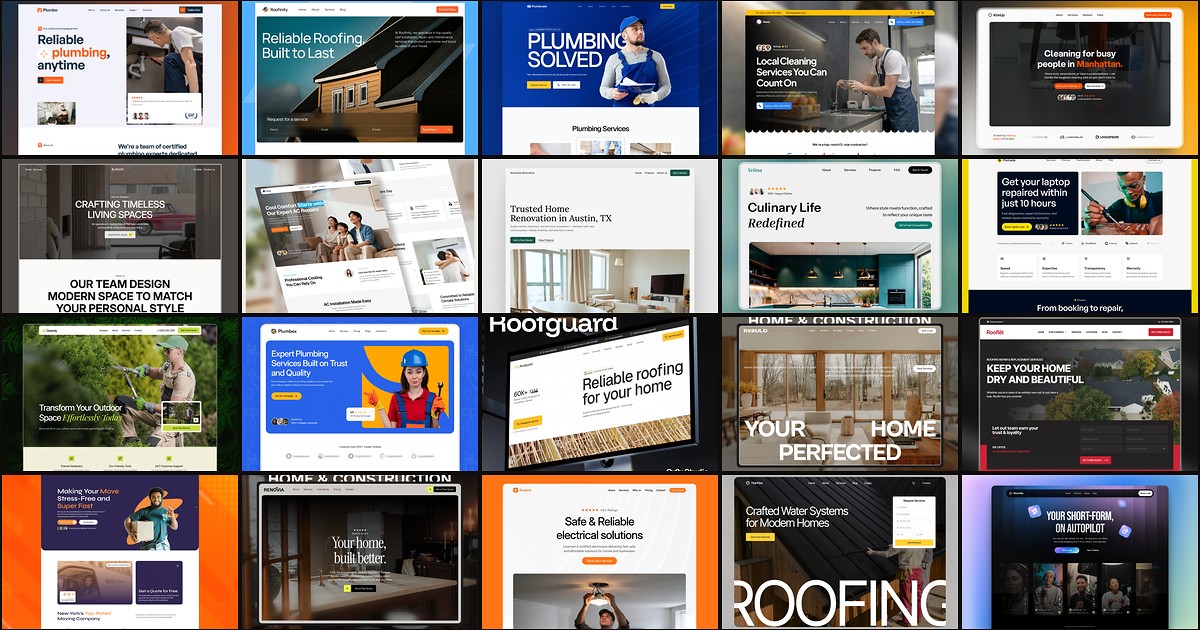
20 Best Free Home Services Framer Templates in 2026
Homeowners call the contractor whose site looks credible in ten seconds. These 20 free Framer home services templates ship service routes, quote forms, and local-trust storytelling without a custom build.