 Live Preview
← All Templates
Photography
Rob McKinley — Free Photography Portfolio Template for Framer by Anagram
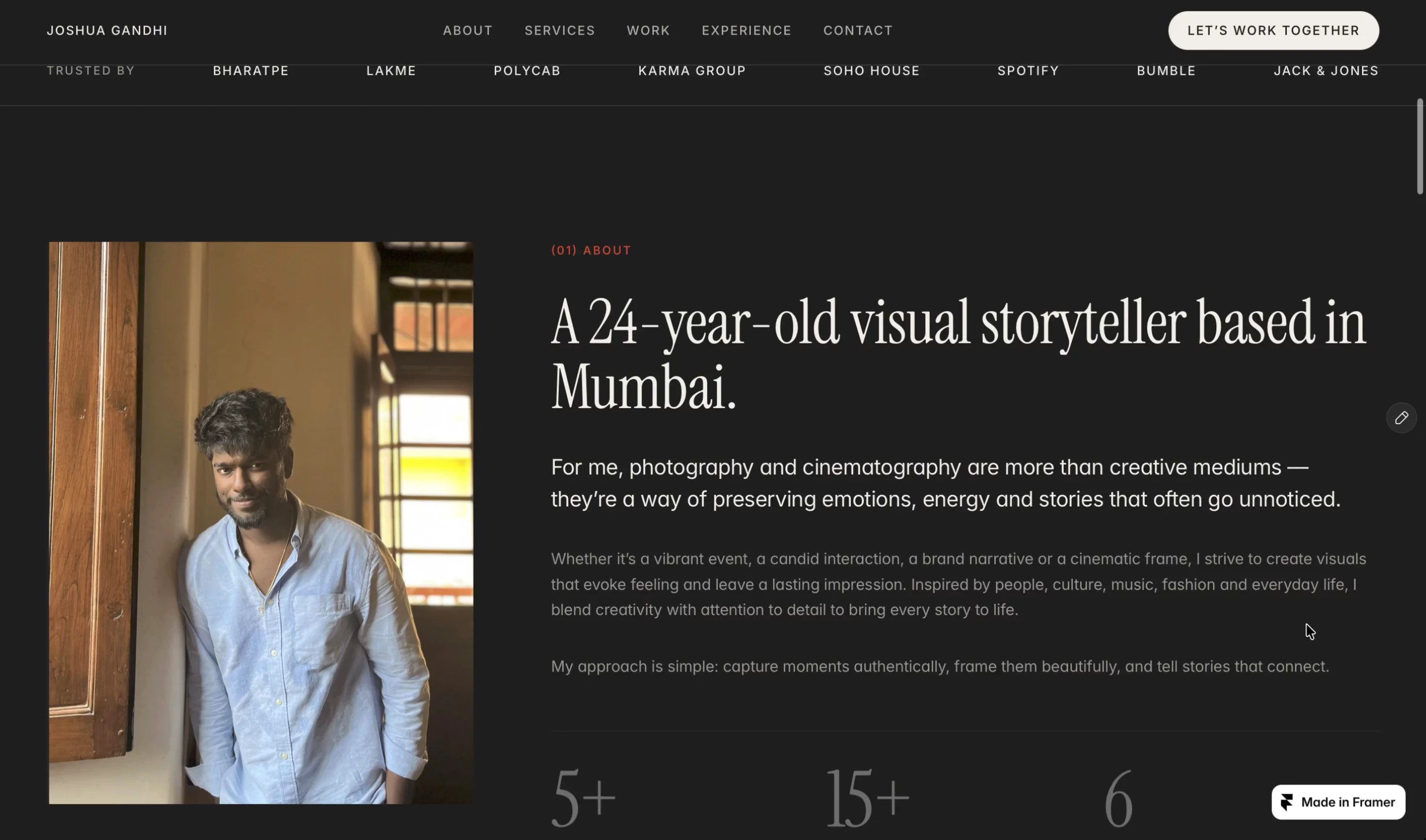
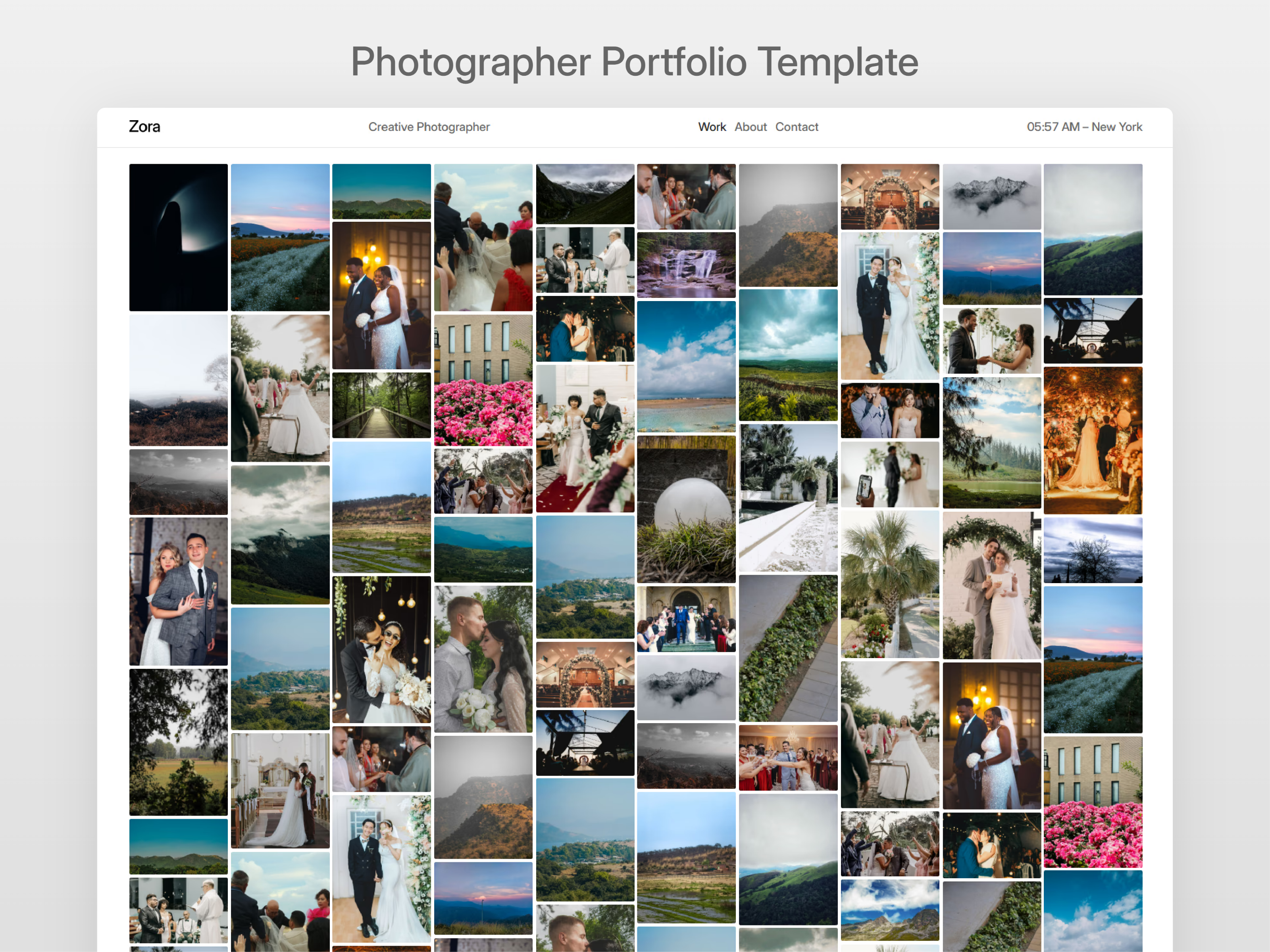
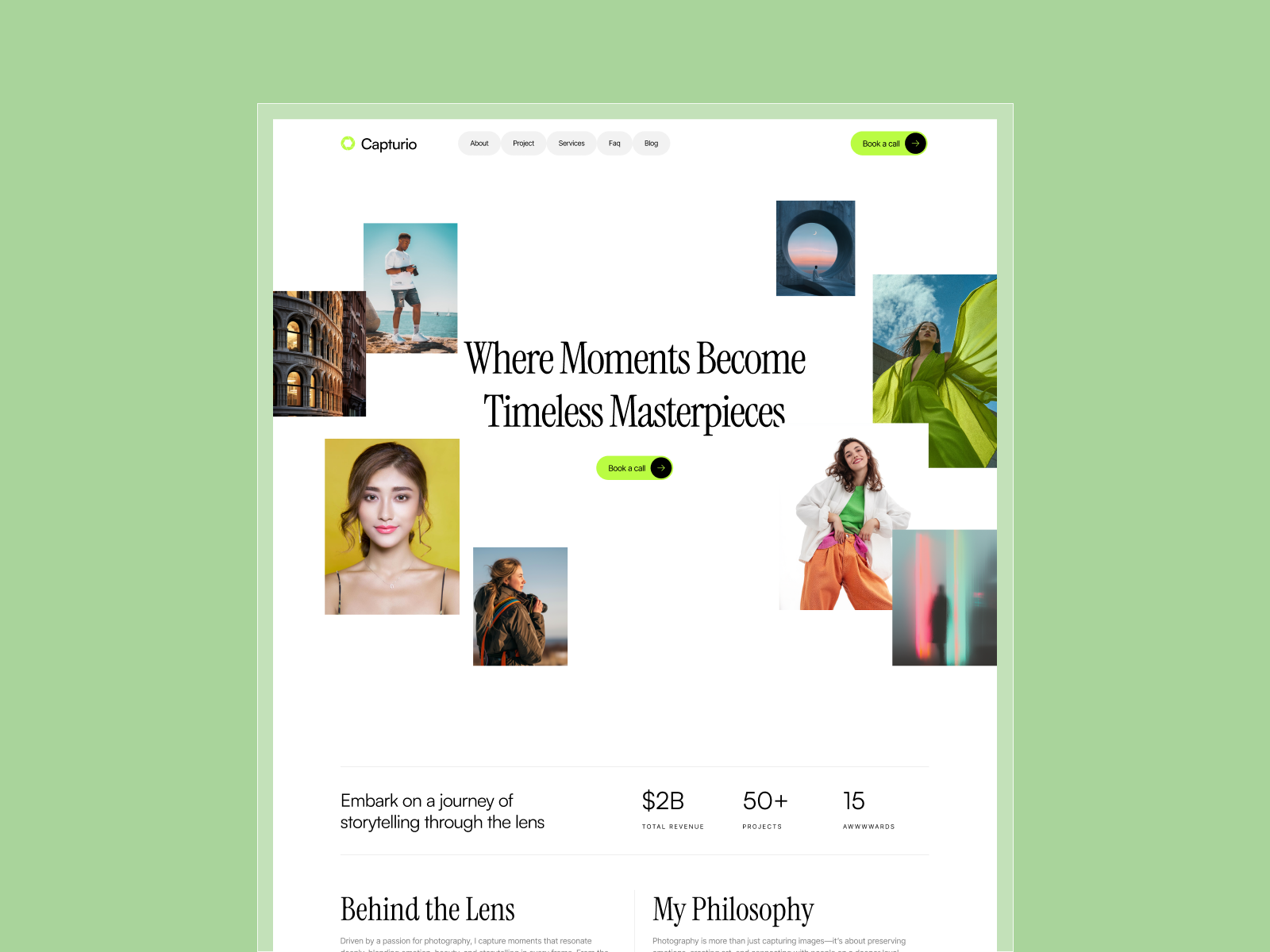
Rob McKinley is a photography template for Framer built for one purpose — letting your images take the spotlight. A portfolio template that highlights your work with…
photographyfreeframerportfolioremixcms
Rob McKinley is built in Framer so teams in the photography space can publish a structured marketing site with routes that already match how buyers scan: proof, detail, and contact. Anagram set up the file for remixing; your job is to swap in real copy, connect forms, and tune the hero so it matches the brand you are already selling on calls.
Who Is Rob McKinley For?
This template fits photography-relevant projects where you need a portfolio-leaning first impression and enough depth that returning visitors can still find service or work detail. It works well for Portfolio and Creative storylines when you are willing to keep CMS or static pages in sync with what you actually deliver.
It is a weaker match when you need a heavy logged-in product, dozens of one-off static pages, or a multi-brand portal out of a single file. In those cases plan a more custom stack even if the first launch can ride this layout.
Design Style
The marketplace framing on Framer’s listing positions this for clear hierarchy and legible type. Expect section rhythm that works on long scroll, with room for product photography, metrics, and logos once you add them. Motion, if you keep it, should reinforce hierarchy, not cover weak messaging.
What’s Included — 6 Pages
- Home — positioning, hero, and the primary path for new visitors
- Index — content route listed on the Framer page for Index
- Work CMS(CMS) — index of portfolio or project work
- Info — background, process, and studio context
- Contact — inquiries, forms, and next-step conversion
- 404 — on-brand error handling when links break
The map above matches what Framer lists for this file. Favor (CMS) routes for anything you will update weekly; keep stable positioning on static pages.
Key Features
Framer editing means you can hand off to marketing without shipping new code for every copy tweak. CMS routes (where the marketplace shows CMS-backed pages) turn ongoing updates into content work, not new canvases. Forms and CTAs on contact, demo, or request routes support lead capture. SEO depends on the headlines and assets you add, but the page set gives you sensible buckets for it.
Responsive layouts matter because many evaluation visits are mobile; preview each hero on a phone when you are close to launch.
Why We Recommend It
For a free file, you get a credible sitemap and preview URL so you can test positioning before you commit a big design bet. The creator’s marketplace listing is the right place to sanity-check the latest view count and any extra notes on features.
We would use Rob McKinley on photography or adjacent teams when the listed pages match the journey you want (proof, detail, and contact) and you need a shippable site this week.
Frequently Asked Questions
Quick answers about Rob McKinley, including pricing, CMS support, responsiveness, and who it is built for.
-
What kind of website is Rob McKinley best for?
- Rob McKinley is best for photography websites and related projects that need a polished Framer starting point.
-
Is Rob McKinley free or paid?
- Rob McKinley is a free Framer template. The listed price on yoframer is free.
-
Does Rob McKinley support CMS and responsive design?
- Rob McKinley includes CMS collections for Work CMS(CMS). It is fully responsive.
-
Who created Rob McKinley and what is included?
- Rob McKinley was created by Anagram. It includes 6 pages: Home, Index, Work CMS(CMS), Info, Contact, 404. You can also review the live preview before remixing it.
Featured in our Photography roundup
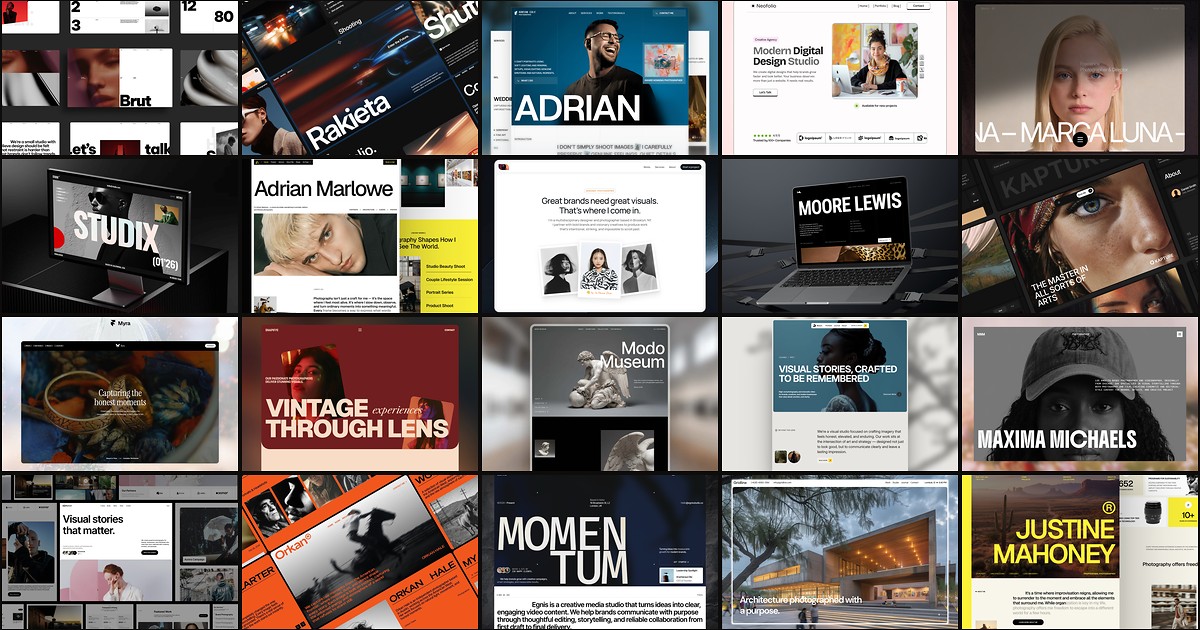
20 Best Free Photography Framer Templates in 2026
Photography buyers judge you on image hierarchy before they read a bio. These 20 free Framer templates ship the gallery routes, studio pages, and CMS depth shooters and agencies need without a custom build.