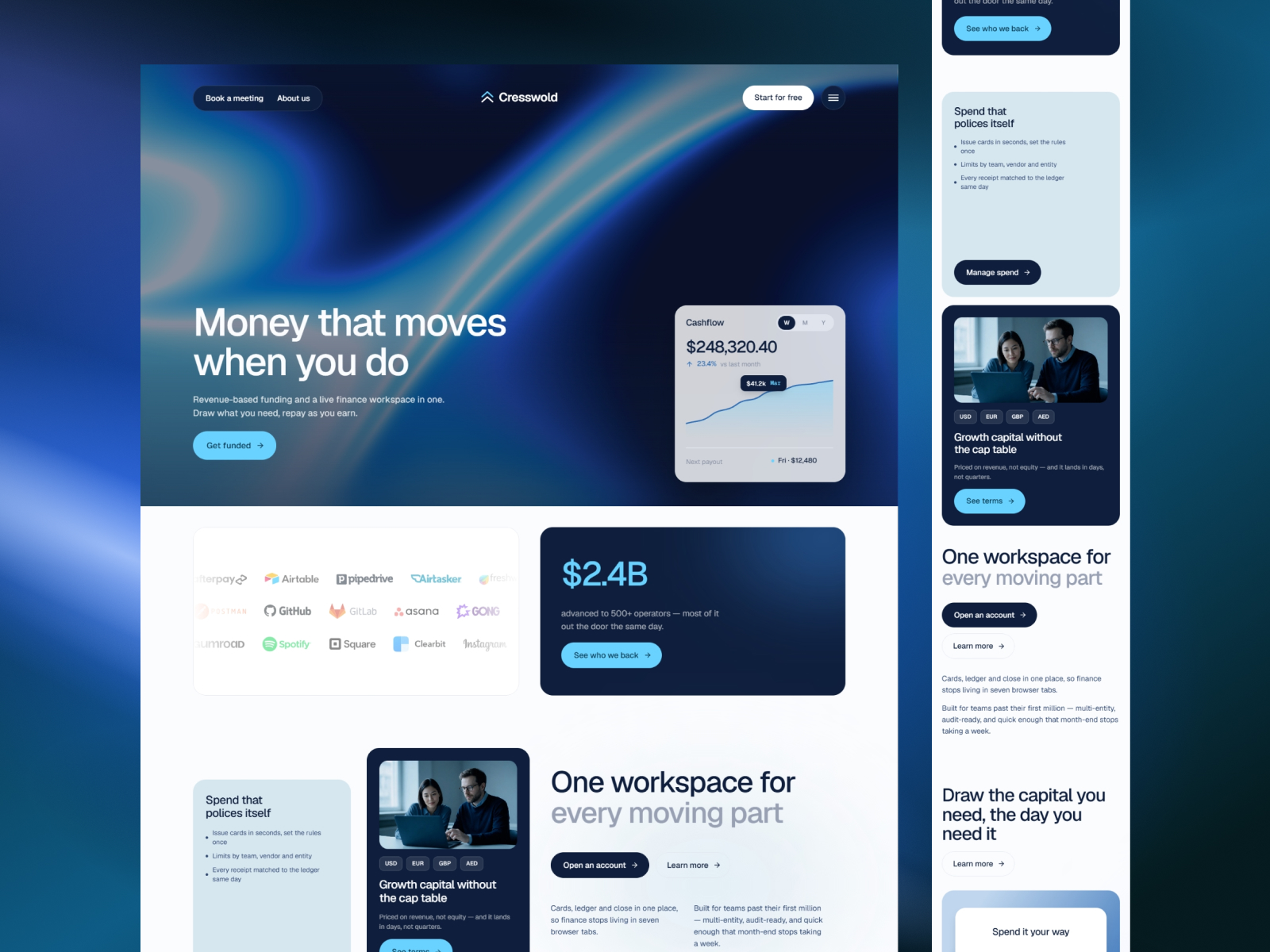
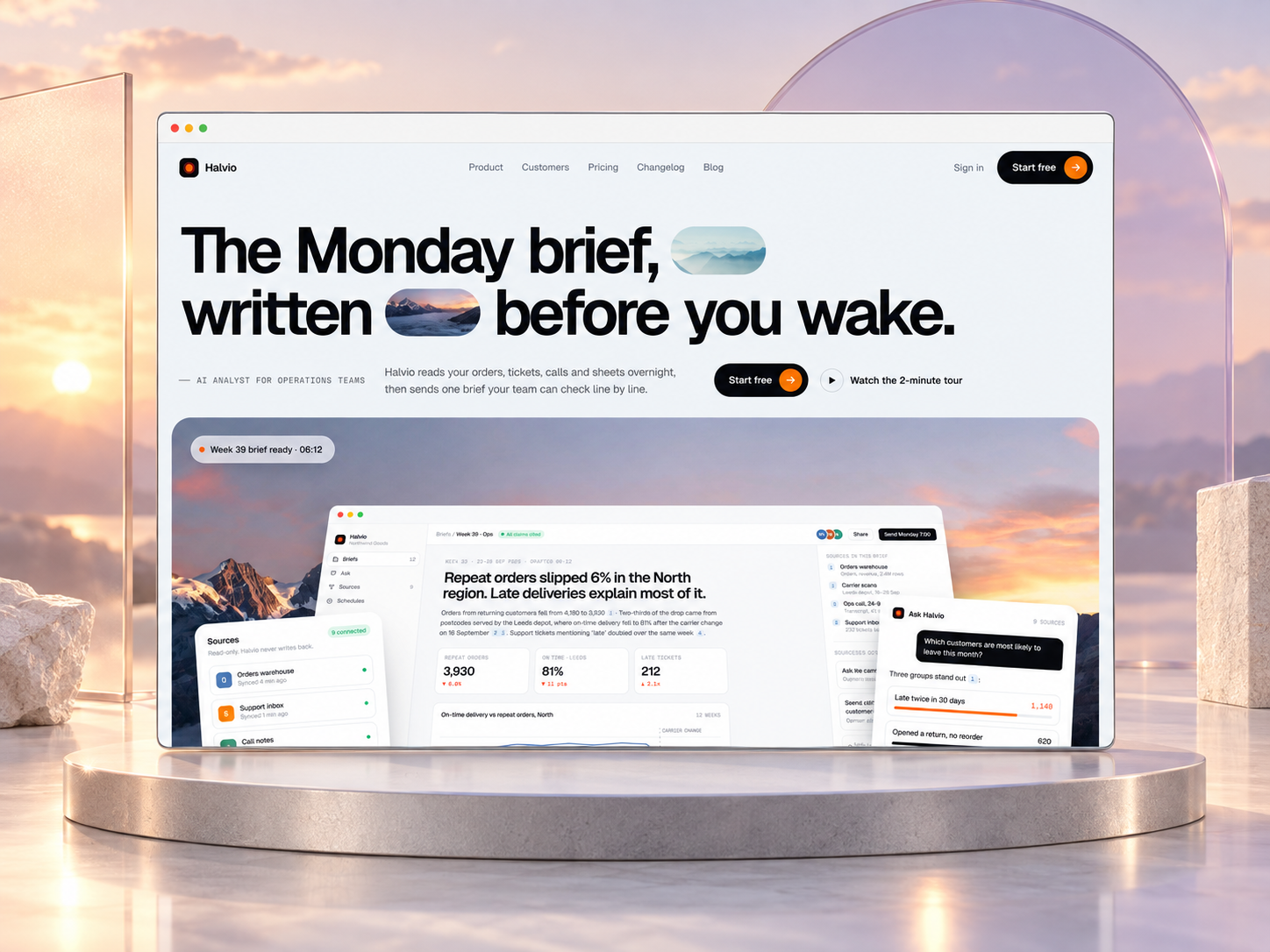
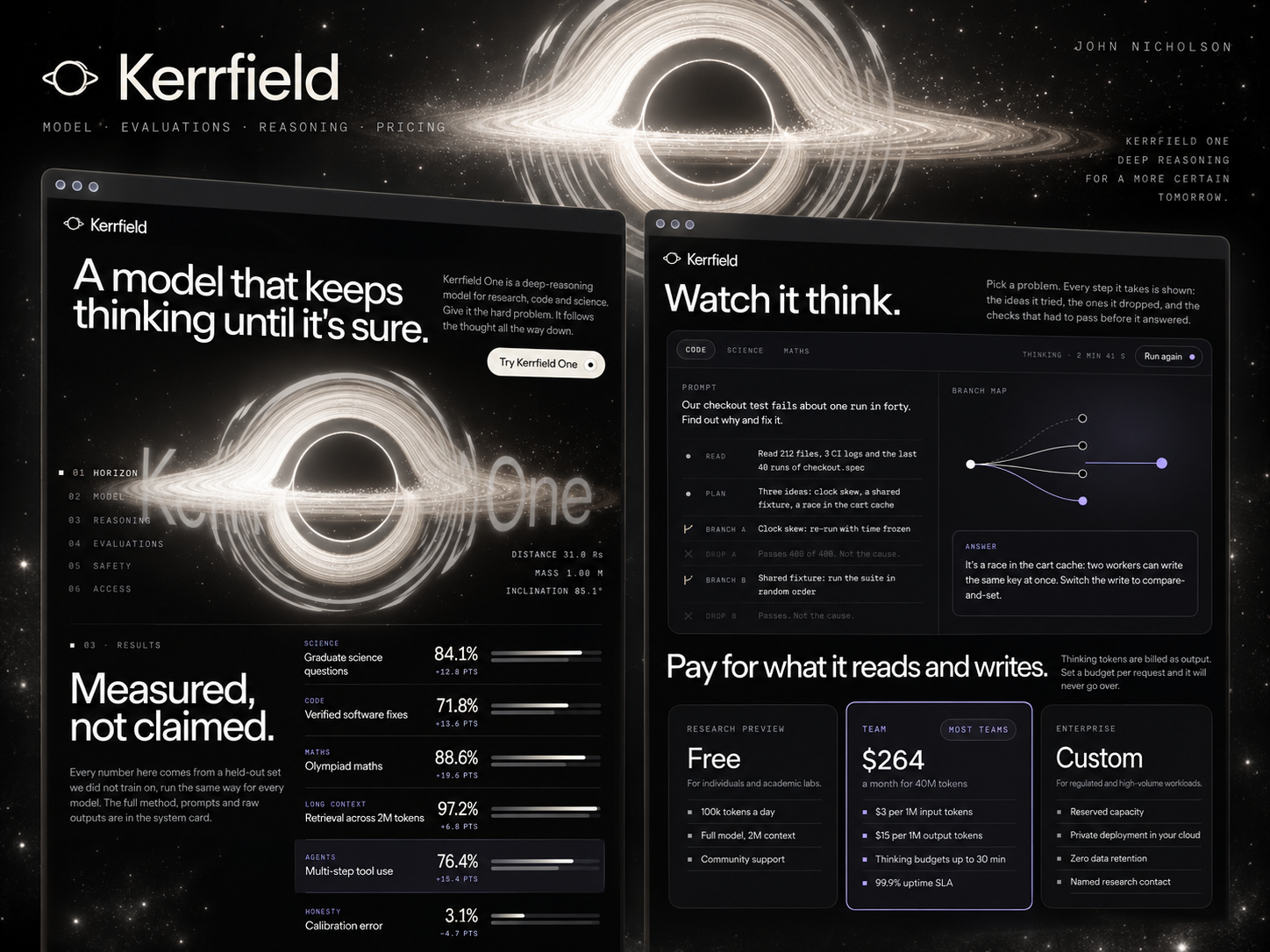
 Live Preview
Modelhorizon — Free SaaS Template for Framer
by Unknown
Siterun is a free 14-page SaaS Framer template for site-builder stories with plans, templates gallery, and login-style routes. Skip it if you need CMS journals or a three-page MVP.
Siterun is a free 14-page SaaS Framer template with Plans, Templates, How It Works, Login, and Start routes, all static marketing frames. It fits a product that sells sites or themes and wants the story to feel like a small app ecosystem. Skip it if editorial must run on CMS collections or you only need a short launch. Align is the leaner SaaS starter. More free Framer templates sit on the hub, or filter big sitemaps on the 15+ page shortlist.
Siterun targets founders positioning a Framer-like or no-code publishing tool: you need a template gallery page, plan comparison, onboarding story, and placeholder Login and Start screens for demo videos. Investor updates can link to Work and Journal even when posts are still static. Customer success gets Care and Contact without drafting new layouts.
Pass if you are pre-product and only need Home plus pricing. Fourteen pages is a maintenance tax until messaging stabilizes. If your SaaS is not about building websites, pages named Templates and Work will confuse visitors until you rewrite every heading. Align avoids that mismatch for general software launches.
The demo skews bright product marketing: soft gradients, rounded cards, and screenshot-forward sections that sell ease of use. Plans and How It Works use step numbering familiar from onboarding flows, which helps when the buyer has never published before.
Motion includes scroll-linked highlights on key funnels, but nothing that feels like a game UI. The trade-off is specificity. Login and Start look like app entry points yet remain static pages, so set expectations in copy unless you wire real auth elsewhere. Consumer brands outside publishing may fight the default narrative.
Fourteen pages, listed verbatim from Framer:
Everything is static in metadata. Journal and Templates will not auto-populate from a CMS.
Built-in Framer analytics and SEO settings are platform features, not Siterun differentiators.
Remix Siterun when you sell publishing or templates, you want a wide marketing sitemap without drawing each page, and you accept static Login and Start as storytelling devices.
Skip it for CMS-heavy content teams or a three-page MVP. Align is the faster path there. If page count is your filter, scan the 15+ page shortlist, then return to free Framer templates before you remix.
Quick answers about Siterun, including pricing, CMS support, responsiveness, and who it is built for.
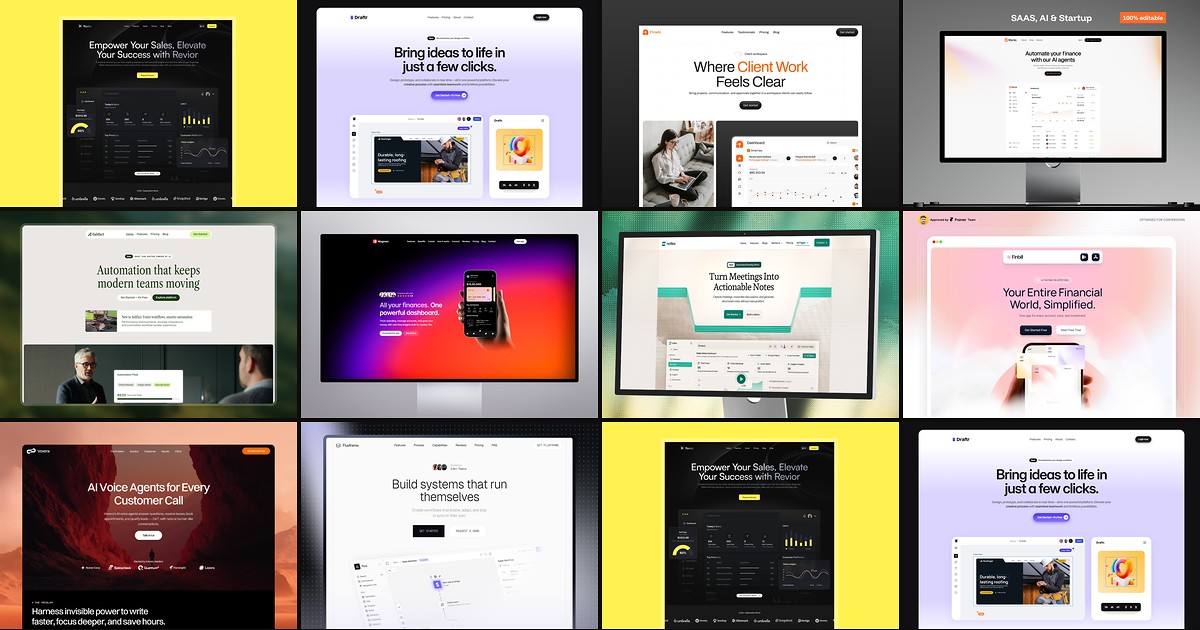
Most free SaaS templates on Framer look great in the preview and fall apart the moment you customize them. These 10 don't.