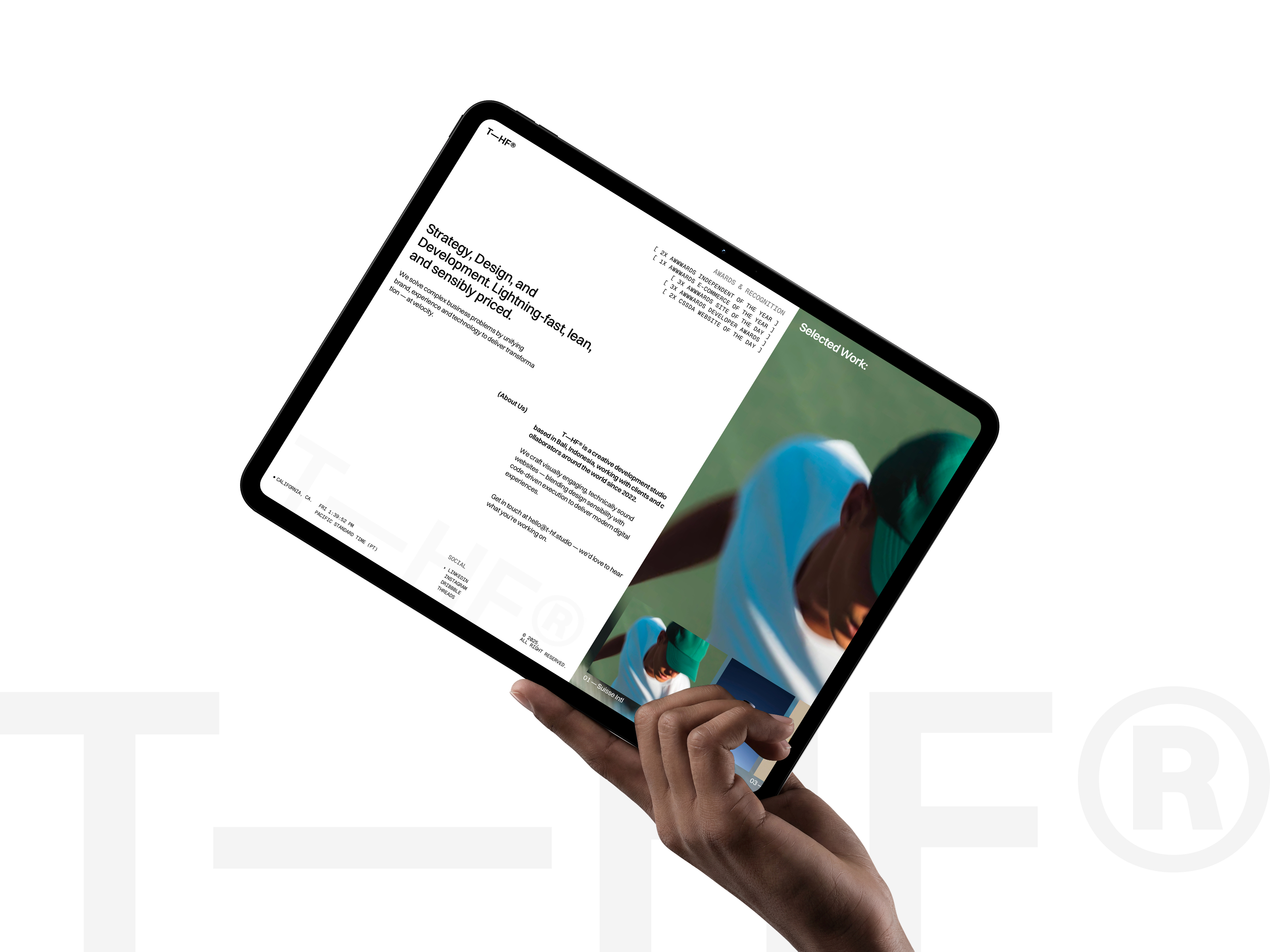
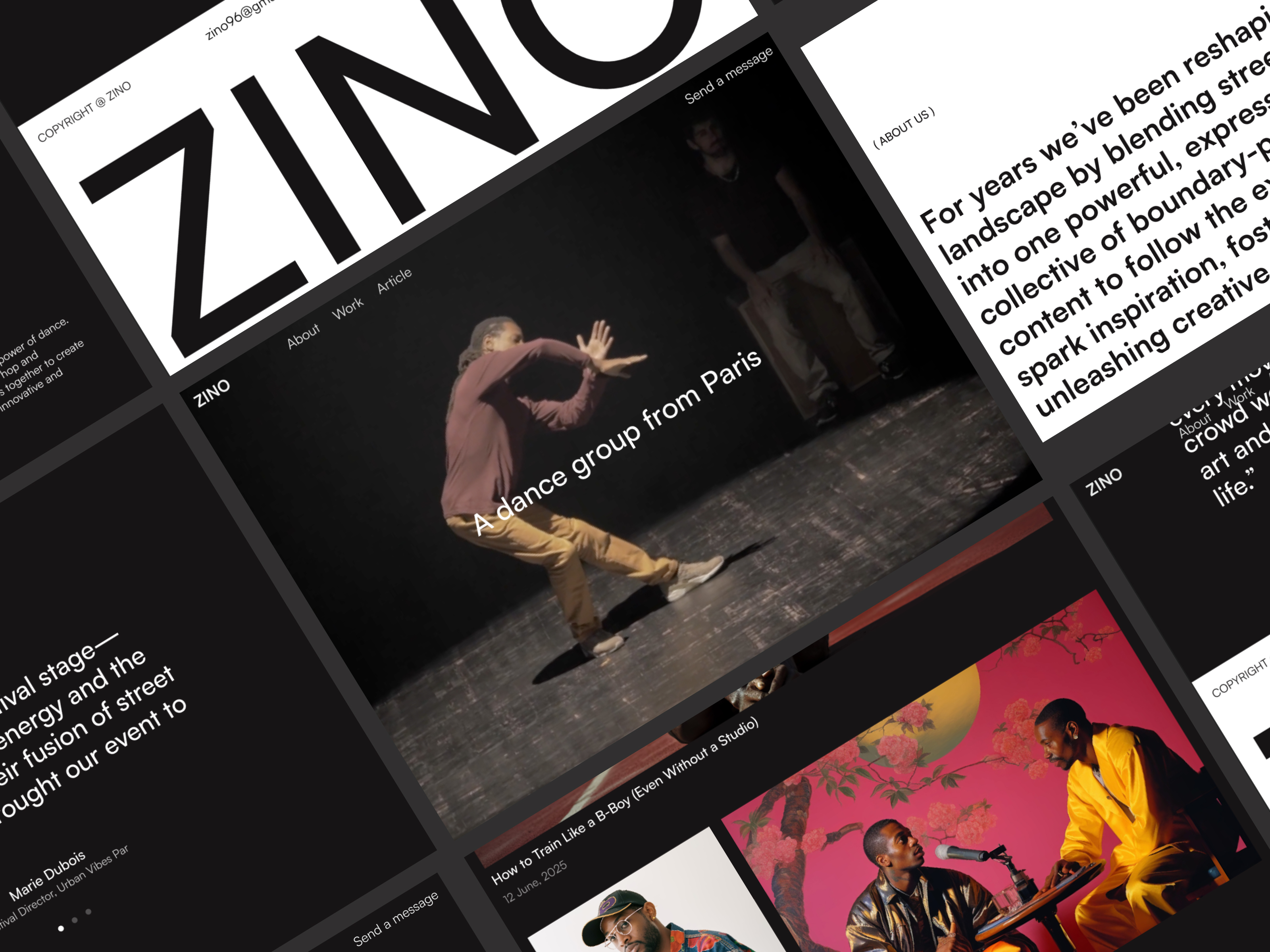
 Live Preview
Zinol — Free Portfolio Template for Framer
by Unknown
Spritefolio is a free 7-page portfolio Framer template for artists who sell prints, take commissions, and journal in public. Skip it if you need CMS gallery inventory.
Spritefolio is a free seven-page portfolio template for Framer with Work, Shop, Commission, Journal, About, and 404 on a static sitemap. Remix it when you are an artist who sells prints, books commissions on their own page, and still wants a journal without wiring CMS on launch day. Skip it if you need collection-driven exhibition and shop detail pages. Galerie Art covers that heavier gallery job. Browse free Framer templates on the hub, or start with the portfolio shortlist.
Spritefolio fits independent illustrators, character designers, and small studios whose site must do three jobs at once: prove craft on Work, list what is for sale on Shop, and explain how commissions run without burying pricing in DMs. Journal gives you a place for WIP posts and drop announcements that are too informal for the portfolio grid. If your audience already follows process threads on social, the sitemap matches how they actually hire you.
Walk away if you operate a physical gallery with rotating shows and CMS-backed artist records. That is Galerie Art. Skip Spritefolio when you only need a dark CMS case-study portfolio for agency clients. JORGE is built for designer case studies, not artist shop grids. One-scroll poster sites should pick a leaner file from the roundup before you maintain seven routes by hand.
The preview leans playful studio energy: bold color blocks, illustration-forward layouts, and shop grids that feel like a merch table at a con booth rather than a luxury fashion catalog. Work gets gallery spacing so character sheets and key art read clearly on phones. Commission and Shop are separated so custom client work does not fight ready-to-ship SKUs on the same scroll.
Motion is light, mostly fades and layout shifts, so Journal posts stay readable. The trade-off is maintenance. Every new product or commission tier means editing static frames unless you add CMS later. Artists who ship weekly drops will feel that friction sooner than painters with a slow catalog.
Seven pages, named as Framer lists them:
Shop plus Commission together are why illustrators pick this file over a pure portfolio remix. Journal keeps social energy on-site instead of only in captions.
Framer checkout wiring, forms, and responsive defaults are expected platform pieces, not differentiators for Spritefolio.
Remix Spritefolio when you already have art to show, a modest shop, and commission rules you can explain on static pages this week. The John Nicholson author profile matches other recent marketplace portfolios; treat Spritefolio as a structured artist shell, not a finished brand system.
Skip it when you need CMS exhibitions, artists, and shop detail collections. That is Galerie Art. Still comparing portfolio plus shop files? Return to the portfolio shortlist or free Framer templates on the hub.
Quick answers about Spritefolio, including pricing, CMS support, responsiveness, and who it is built for.
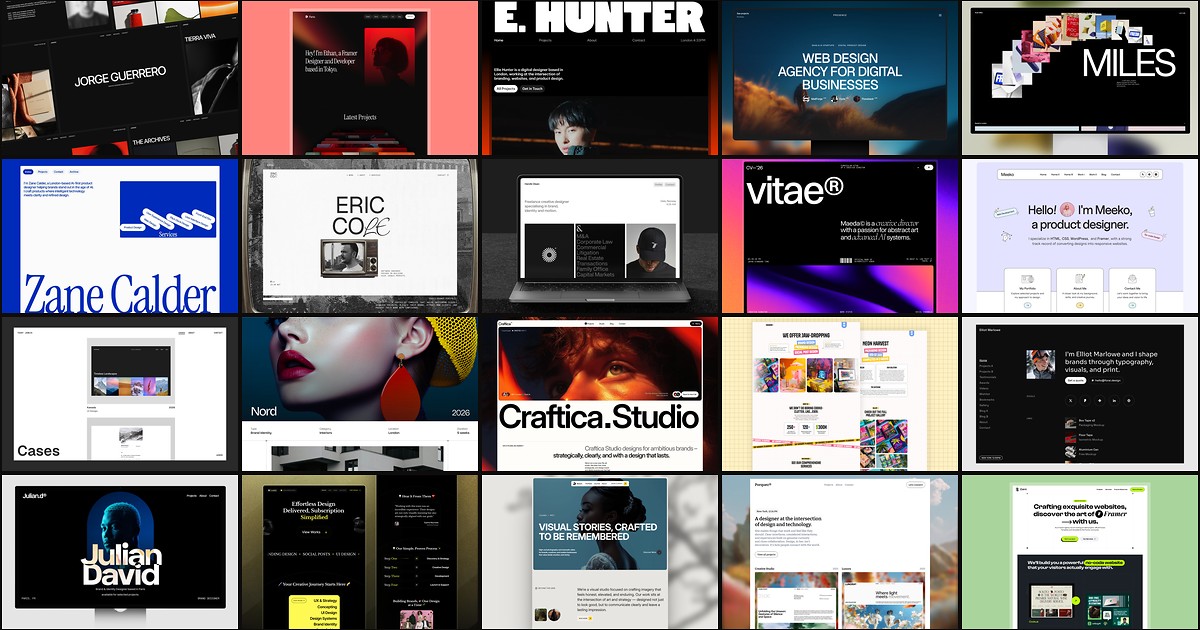
A portfolio site should show work first and make contact inevitable. These 20 Framer templates cover minimal one-pagers to full CMS studios.