 Live Preview
← All Templates
Architecture
Strataa — Free Architecture Template for Framer
Strataa is a free 5-page architecture Framer template for studios selling residential and interior work on static routes. Skip it if projects should publish from CMS collections.
freeframerremixarchitectureinteriorstrataa
Strataa is a free 5-page architecture template for Framer with no CMS. The live demo reads like a combined architecture and interior studio: project photography, studio story, and a Blogs route spelled exactly as Framer lists it. Skip it if you expect editors to publish new builds from a collection without duplicating frames. Archiora covers CMS project pages. Browse more free Framer templates on the hub, or start with the architecture shortlist.
Who should remix Strataa?
Strataa fits a small practice that wins work on visuals and a tight sitemap, not on a dozen policy pages. Think residential architects, interior designers pitching loft conversions, or a two-person studio that needs Home, Projects, About, and Contact live before the next client walkthrough. The Blogs label gives you a lightweight updates feed without wiring collections on day one.
Walk away if your team ships a new case study every few weeks from a CMS template. You will duplicate project layouts or fight the static Projects grid. Firms that need service-area pages, careers, or legal stacks should pick a heavier file. Archiora is the honest upgrade when collection-driven project detail is non-negotiable.
What Strataa looks like
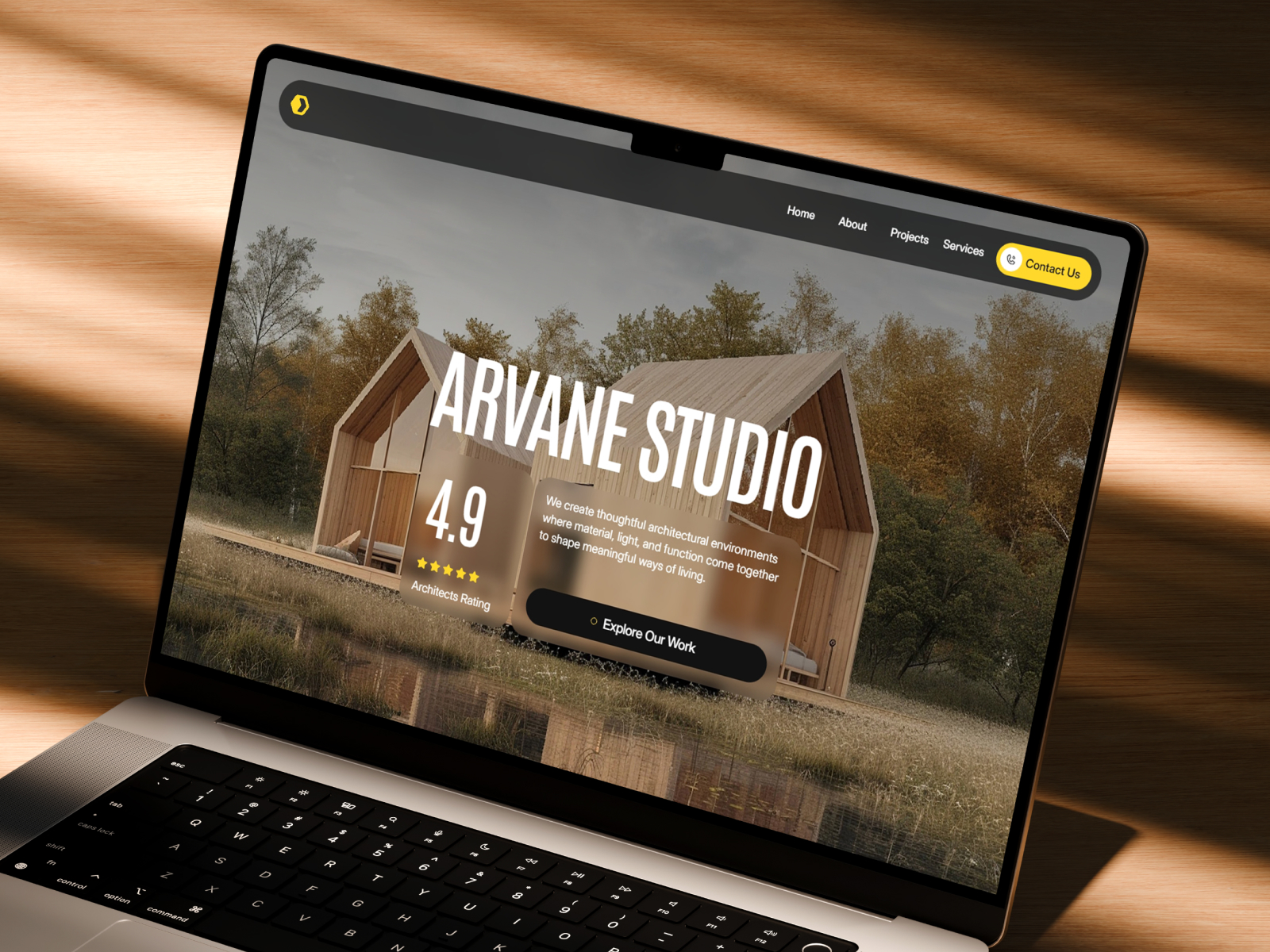
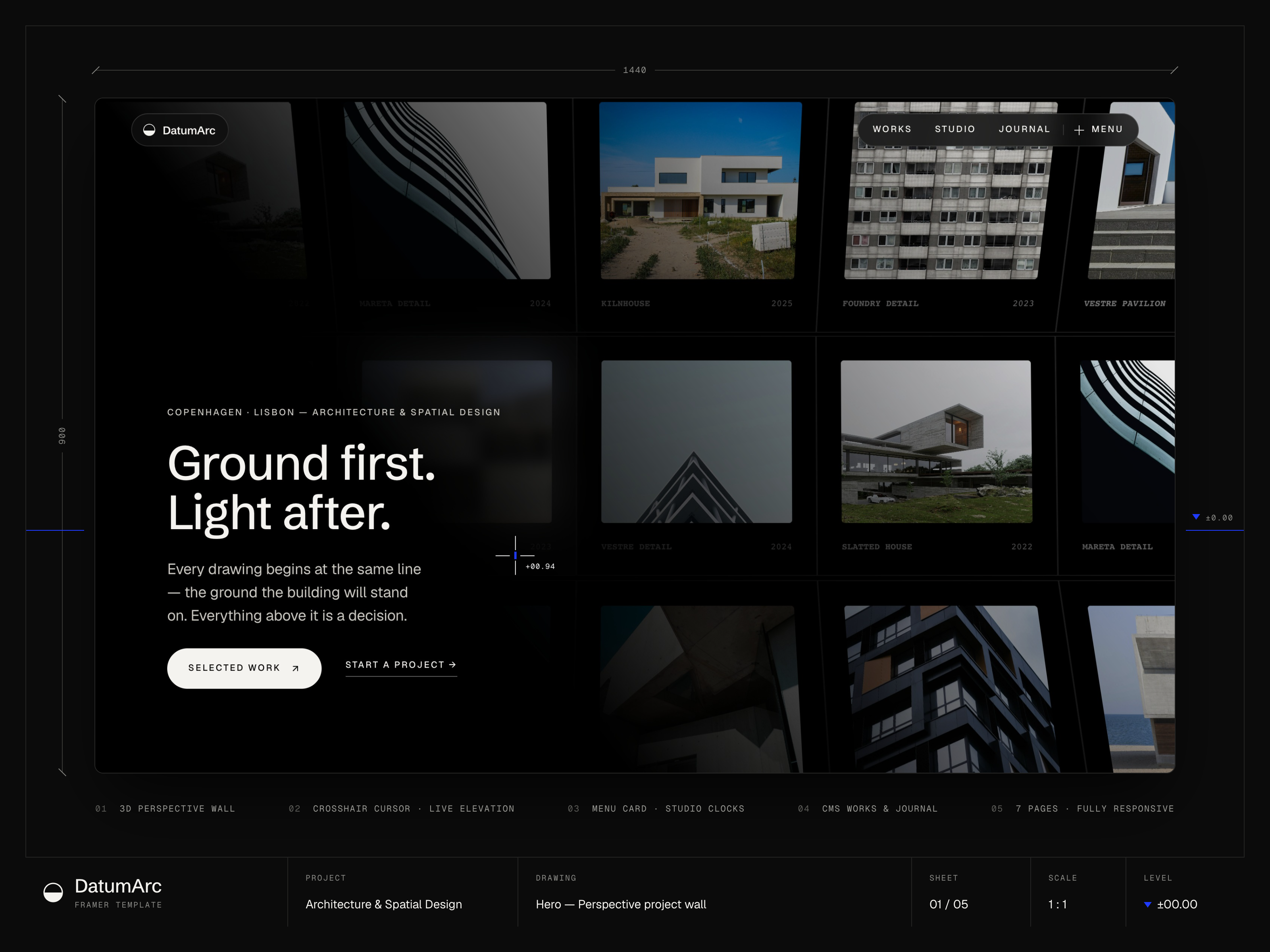
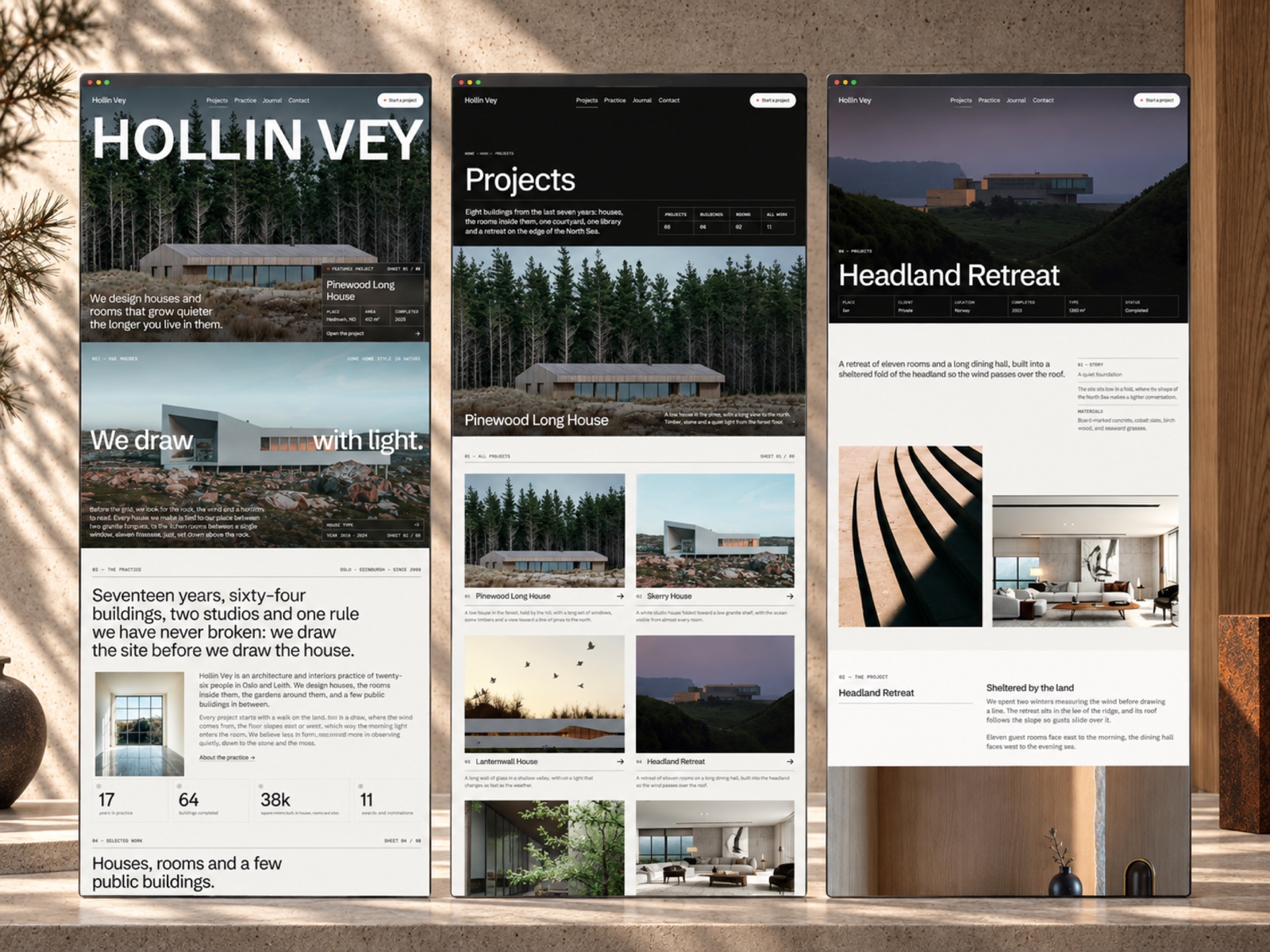
The preview leans editorial and technical at once: monospace accents in the type stack, generous whitespace, and full-bleed project imagery that feels closer to a design annual than a contractor brochure. Neutral backgrounds let wood, stone, and glass photography carry the mood, which helps residential studios sell craft before the first call.
Motion stays restrained so floor plans and captions stay legible on a phone. The fight is genre: loud construction brands, neon SaaS palettes, or playful illustration will clash with the default sober hierarchy. Budget an evening on color, logo weight, and hero crops before you share the link with a client.
Pages included in Strataa
Five static routes, named exactly as Framer lists them:
- Home: studio positioning, featured work, and a path into Projects
- About: practice story, values, and credibility blocks for principals
- Projects: grid or list of built work with room for typology and location labels
- Blogs: editorial index for studio news or process notes, separate from a full CMS blog
- Contact: inquiry form and studio reach details for new commissions
Projects plus Blogs is the pairing most bare architecture one-pagers skip. You get proof and publishing routes without jumping to nine pages.
What is distinctive about Strataa
- Five-page cap. Enough structure for a credible studio pitch, not a municipal proposal portal.
- Projects as the hero lane. The sitemap centers built work instead of burying it under services jargon.
- Blogs spelling. Framer labels the route Blogs, not Blog, which matters when you match nav to the page list.
- No CMS in the listing. Faster remix when you only have six flagship shoots, harder when volume grows.
- Architecture plus interior tone. The demo copy and imagery target spatial practices, not generic corporate landings.
Framer SEO, analytics, and breakpoint tooling ship with the platform. They are not reasons to pick Strataa over another architecture file.
When to remix Strataa, and when to skip
Remix Strataa when you want a polished architecture or interior marketing site this week and your best work fits on one Projects page plus occasional Blogs posts. Swap the demo photography, keep the section order, and you can walk a client through the sitemap in a single review.
Skip it when projects must publish from CMS collections or when you need careers, pricing tables, and long compliance routes out of the box. Archiora is the better fit for collection-driven case studies. Still comparing studio layouts? Return to the architecture shortlist or the free Framer templates hub.
Frequently Asked Questions
Quick answers about Strataa, including pricing, CMS support, responsiveness, and who it is built for.
-
What kind of website is Strataa best for?
- Strataa is for Boutique architecture and interior studios that want a five-page pitch site with a Projects grid and a Blogs index, all static. It includes 5 pages: Home, About, Projects, Blogs, Contact.
-
Is Strataa free or paid?
- Strataa is a free Framer template. The listed price on yoframer is free.
-
Does Strataa support CMS and responsive design?
- Strataa does not include CMS support. It is fully responsive.
-
When should I skip Strataa?
- Every new build should land from a CMS project template. Archiora wires collection-driven project pages for that workflow. Start with Archiora .
Featured in our Architecture roundup
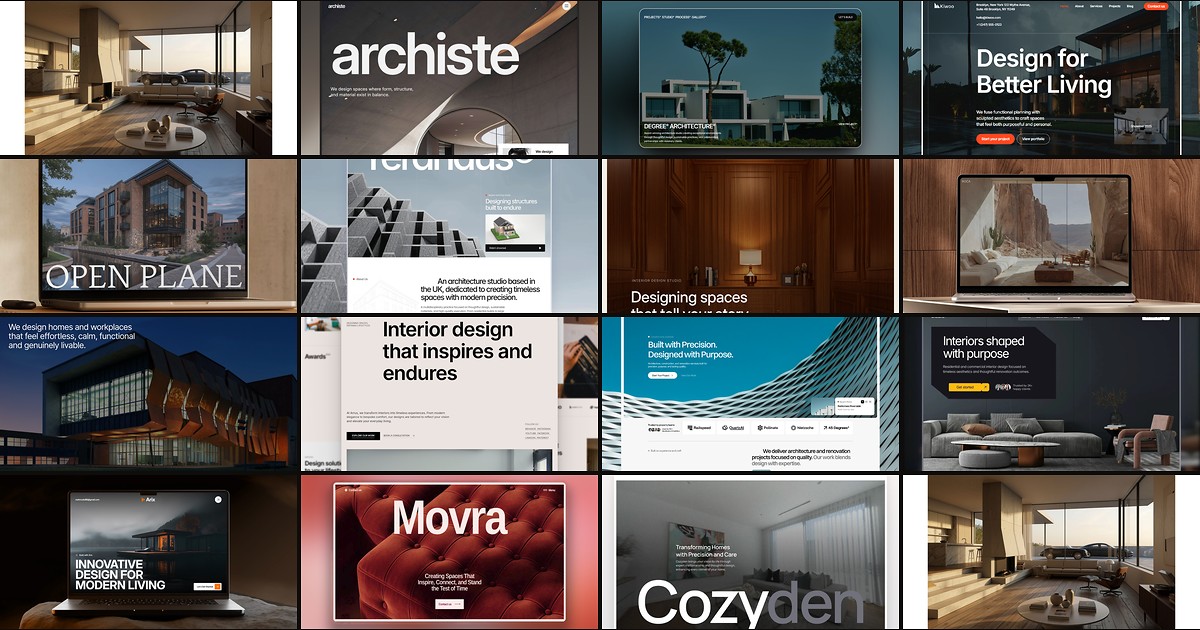
15 Best Free Architecture Framer Templates in 2026 (Ranked)
Fifteen free Framer templates with Architecture as the primary niche on yoframer, from deep CMS studio systems to lean interior landing pages you can remix today.