 Live Preview
← All Templates
Live Preview
 Live Preview
 Live Preview
Ecommerce
Sweetpea — Free Ecommerce Template for Framer
Sweetpea is a free 14-page ecommerce Framer template for florists with bouquets, weddings, subscriptions, and sympathy routes. Skip it if you only need a two-page launch.
freefloristflowerslocalweddingssubscriptionssweetpea
Sweetpea is a free 14-page ecommerce template for Framer built around a florist business model, not a generic product grid. You get service lines (Bouquets, Weddings, Sympathy, Subscriptions), operational pages (Order, Delivery, In Season), community touches (Workshops, Journal), plus About, Contact, Privacy, and 404. All routes are static without CMS collections in the remix file. Skip it if you only need a soft launch with one hero and legal pages. Edition One is two pages and faster to fill. More free Framer templates are on the hub, or open the ecommerce shortlist.
Who should remix Sweetpea?
Sweetpea fits brick-and-mortar or studio florists who sell more than click-to-cart roses. Wedding inquiries, standing subscriptions, sympathy deliveries, and seasonal highlights each get a URL you can drop in email signatures and Instagram bios. Shop owners and the designers they hire can remix once and swap photography without rebuilding fourteen layouts.
Pass if you are building a national DTC brand that needs variant-rich product CMS on day one. Sweetpea explains services and drives calls or external checkout; it does not ship a full catalog engine. Pass too if your shop is truly one-page until Valentine’s season. Edition One keeps the footprint honest until you grow into Bouquets and Weddings routes.
What Sweetpea looks like
The demo skews warm and botanical: soft neutrals, serif or serif-accent headlines, and photography-forward blocks that expect real stems, ribbons, and workshop tables instead of generic ecommerce icons. It reads like a trusted neighborhood studio rather than a marketplace template with a cart widget pasted on top.
Motion is gentle so bouquet pricing and delivery zones stay legible on a phone at the counter. The trade-off is seasonal upkeep. In Season and Journal only help when someone updates copy when peonies arrive. Let them go stale and the site feels abandoned fast.
Pages included in Sweetpea
Fourteen pages, named as Framer lists them:
- Home: shop story, featured arrangements, and paths into order flows
- Bouquets: everyday arrangement menu and gifting positioning
- Order: how customers place standard orders and what to expect
- Delivery: zones, timing, and fees for local drops
- Subscriptions: recurring flower plans for homes and offices
- Weddings: event florals inquiry path for couples and planners
- Workshops: classes and in-studio experiences
- Sympathy: tactful funeral and memorial arrangement information
- Journal: editorial posts for seasons, care tips, or studio news
- About: team, studio story, and trust cues
- Privacy: policy page for forms and email capture
- 404: branded dead end
- In Season: highlight page for current stems and limited runs
- Contact: inquiries, consultations, and custom quote requests
Weddings plus Sympathy cover the two emotional lanes florists get wrong when they only ship a generic Contact page. Order and Delivery pair answers the questions callers repeat daily.
What is distinctive about Sweetpea
- Florist-specific IA. Bouquets, Sympathy, and Weddings are first-class routes, not footer links.
- Subscriptions page. Standing revenue gets its own story instead of a buried FAQ bullet.
- In Season route. Seasonal merchandising without rebuilding the homepage every Monday.
- Workshops. Extra revenue stream many flower templates ignore entirely.
- Journal without CMS. Lightweight editorial for care tips until you add collections.
- Fourteen static pages. Service depth with no CMS setup before opening weekend.
Responsive layouts and Framer forms are platform basics. They are not why you pick Sweetpea over Edition One.
When to remix Sweetpea, and when to skip
Remix Sweetpea when your shop already sells weddings, subscriptions, and sympathy work, and you want every offer to have a credible URL before you wire payments or POS integrations. The sitemap matches how florists talk on the phone, not how a SaaS catalog thinks.
Skip it when two pages are enough for now. That is Edition One. Skip it when you need CMS-backed product variants from remix hour one. Add collections after remix or choose another file from the ecommerce shortlist. Still comparing retail maps? Return to free Framer templates on the hub.
Frequently Asked Questions
Quick answers about Sweetpea, including pricing, CMS support, responsiveness, and who it is built for.
-
What kind of website is Sweetpea best for?
- Sweetpea is a free 14-page ecommerce Framer template shaped like a neighborhood florist: Bouquets, Order, Delivery, Subscriptions, Weddings, Workshops, Sympathy, Journal, and In Season routes on static pages. It suits shops explaining services before checkout lives elsewhere. For a tiny launch, remix Edition One .
-
Is Sweetpea free to remix?
- Yes. Sweetpea is a free Framer template. Remix at no charge. Custom domains follow Framer hosting plans. The yoframer listing does not charge for the file.
-
Does Sweetpea include a CMS?
- No. Bouquets and Journal entries are static frames you update manually. Marketplace copy may mention CMS workflows, but this listing pageNames are all static. Add collections later if seasonal inventory changes weekly.
-
When should I skip Sweetpea?
- Skip Sweetpea when fourteen service pages is more than your shop can photograph and write. Edition One covers a minimal launch. Browse [free Framer templates](/) or the ecommerce shortlist for other retail maps.
Featured in our Ecommerce roundup
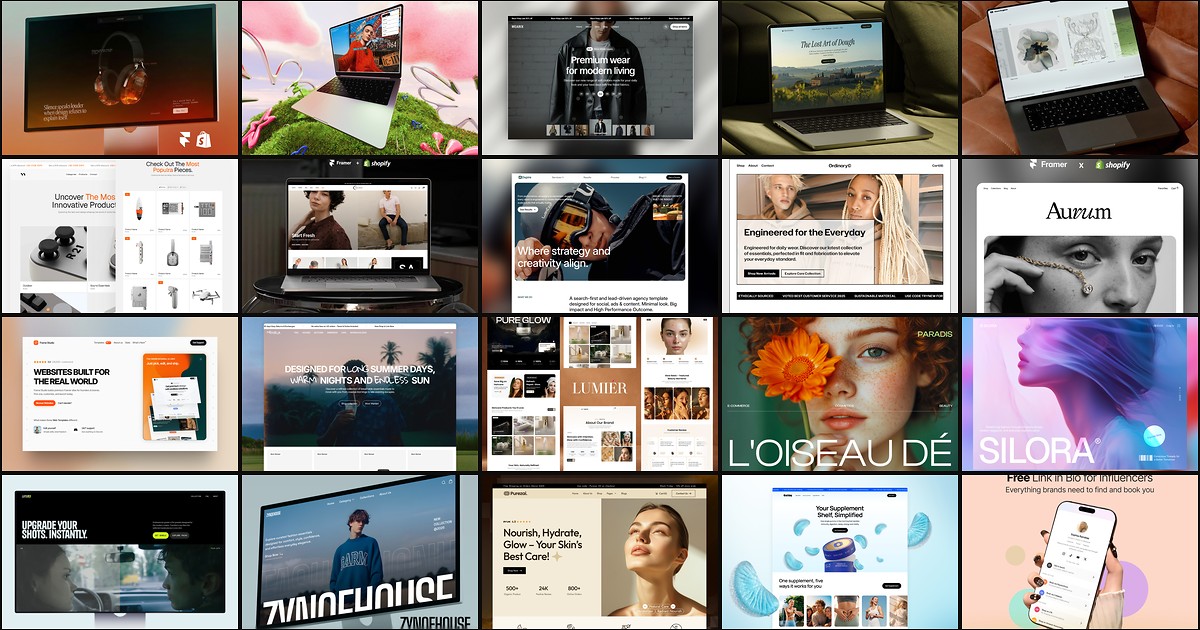
20 Best Free Ecommerce Framer Templates in 2026
Online shoppers abandon stores that bury product proof, hide shipping details, or force checkout through confusing navigation. These 20 free Framer ecommerce templates ship the shop routes, CMS collections, and conversion sections indie brands need without a custom build.
More Ecommerce templates
View all Ecommerce templates
Live Preview
Live Preview
Live Preview
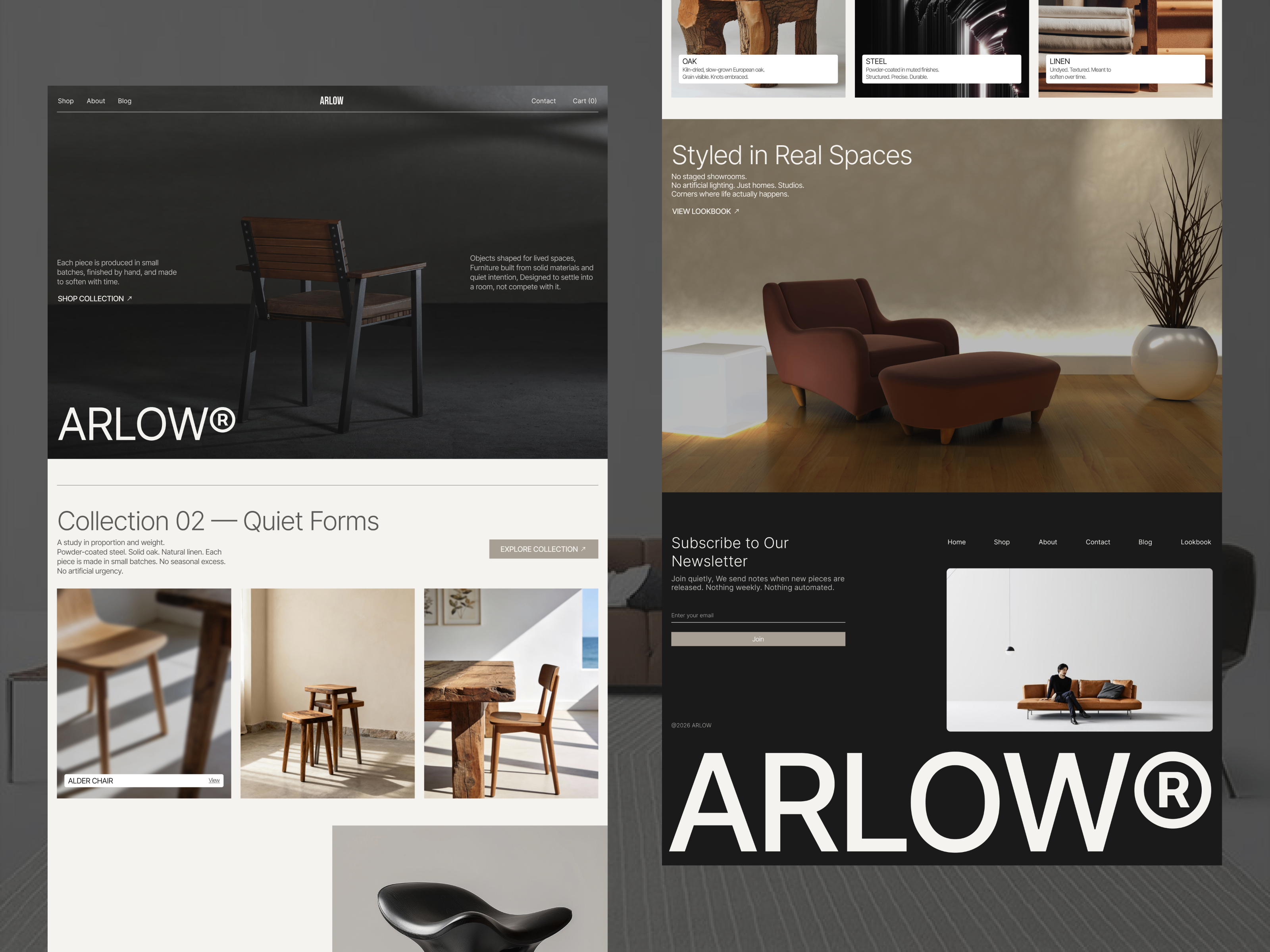
Arlow — Free Ecommerce Template for Framer by Bright Ajiboye
by Bright Ajiboye