TL;DR — On June 5, 2026, Framer shipped Forms Antispam with two modes: Basic runs rule-based checks on each submission, and Advanced uses AI to flag likely spam. Advanced requires Pro, Scale, or Enterprise; Basic is the entry point when you want stronger filtering without bolting on third-party CAPTCHA widgets. If your Framer site lives on contact forms, demo requests, or waitlists, this is the most practical inbox-hygiene upgrade since Framer’s invisible background CAPTCHA layer.
Framer’s announcement is short — this article adds workflow context: when to pick each mode, how it fits next to existing protection, and what to do when spam still looks human.
Forms antispam at a glance
| Mode | What it does | Best for | Plan note |
|---|---|---|---|
| Background CAPTCHA (existing) | Invisible math puzzle on the visitor device | Blocking low-effort bots without UI friction | Documented in Framer Help for all Forms users |
| Basic (new) | Rule-based submission checks | Standard contact, newsletter, and demo forms | Framer’s default stronger tier in this release |
| Advanced (new) | AI analyzes submissions for spam signals | High-traffic or high-value forms still getting junk | Pro, Scale, or Enterprise per Framer’s notes |
| Before June 2026 | After Forms Antispam |
|---|---|
| Background CAPTCHA only | Basic and Advanced modes you can choose per workflow |
| Teams adding marketplace CAPTCHA components for extra cover | Native AI filtering on paid plans without iframe embeds |
| Manual inbox triage when bots adapted | Clearer mode ladder: rules first, AI when volume demands it |
What Framer Forms Antispam changes
1. Basic — rule-based filtering
Basic evaluates each submission against a defined rule set. Think of it as Framer codifying the patterns operators already hate: implausible field combos, obvious bot fingerprints, and repetitive junk that should never reach your CRM.
For most agency contact pages and SaaS demo forms, Basic is the right first switch after you publish. It adds structure without asking visitors to solve image puzzles.
2. Advanced — AI spam analysis
When rules are not enough, Advanced sends submissions through AI analysis that judges whether the entry looks like spam even when it passes surface checks. Framer positions this for teams that still see noise after enabling Basic.
Framer limits Advanced to Pro, Scale, and Enterprise. If you are on a free or lower tier, budget for a plan upgrade before you promise clients AI-grade filtering on launch day.
3. Built on invisible CAPTCHA, not a reCAPTCHA replacement pitch
Framer already runs background CAPTCHA — a mathematical puzzle solved on the visitor’s device without visible widgets (Help article). The June 2026 modes extend that stack; they do not replace the need for thoughtful form design.
Framer still does not ship native Google reCAPTCHA. If your compliance checklist names reCAPTCHA explicitly, you will need a marketplace component or external workflow — but many marketing teams will find Basic + Advanced enough to drop extra CAPTCHA chrome.
4. Who benefits most
- Agencies handing off client sites with public contact routes
- SaaS marketers running demo and waitlist forms on Framer landing pages
- Founders who read notification email on mobile and cannot afford fifty bot entries per week
- Teams on paid plans ready to turn on Advanced without wiring Zapier filters manually
How to enable Forms Antispam in Framer
Framer’s update page links Learn more from the Forms Antispam announcement; use these steps as a practical checklist until Framer publishes a dedicated walkthrough:
- Open the site that contains the form you want to protect.
- Select the Form layer on Canvas (or open the page that hosts your contact module).
- Open Form settings in the right panel — look for spam protection or antispam controls added in this release.
- Choose Basic for standard lead capture; switch to Advanced only if you are on Pro, Scale, or Enterprise and still see junk after a publish.
- Publish the site so live traffic uses the new mode — editor previews may not mirror production filtering.
- Monitor submissions for one week: note false positives (real leads blocked) versus false negatives (spam still arriving).
If you manage multiple forms, start with the highest-traffic route — homepage contact, pricing demo, or waitlist — before rolling Advanced everywhere.
Three workflow recipes to try this week
SaaS demo request hardening
Your pricing page demo form gets ten real leads and forty bot entries every Monday after a Product Hunt spike.
- Enable Basic on the demo form first and publish — give it 48 hours while traffic is hot.
- If junk persists and the site is on Pro or above, switch that single form to Advanced before touching newsletter signup.
- Cross-check Framer notifications against your CRM so you notice any real leads that stop arriving.
Agency contact page handoff
You are delivering a multi-page Framer site with Contact and Thank You routes — the client expects zero CAPTCHA friction.
- Document in the handoff deck that Framer runs invisible CAPTCHA plus Basic antispam by default.
- Leave Advanced off unless the client is on a paid plan and requests stronger filtering after launch.
- Add a one-line note in the client wiki linking to https://www.framer.com/help/articles/how-framer-s-built-in-form-spam-protection-works/ for future editors.
Waitlist launch with AI guardrails
A startup waitlist form is embedded on the homepage hero — referral traffic will be high and bots love empty email fields.
- Confirm the project is on Pro, Scale, or Enterprise before promising Advanced to stakeholders.
- Pair Advanced antispam with a required work-email or company field to cut low-quality human spam too.
- After publish, sample twenty submissions: if legitimate users report issues, step down to Basic and revisit field design.
Framer templates with strong contact flows
These remix-friendly files include contact, thank-you, or lead-capture routes — useful sandboxes when you test Basic versus Advanced on real page structure.
 Live Preview
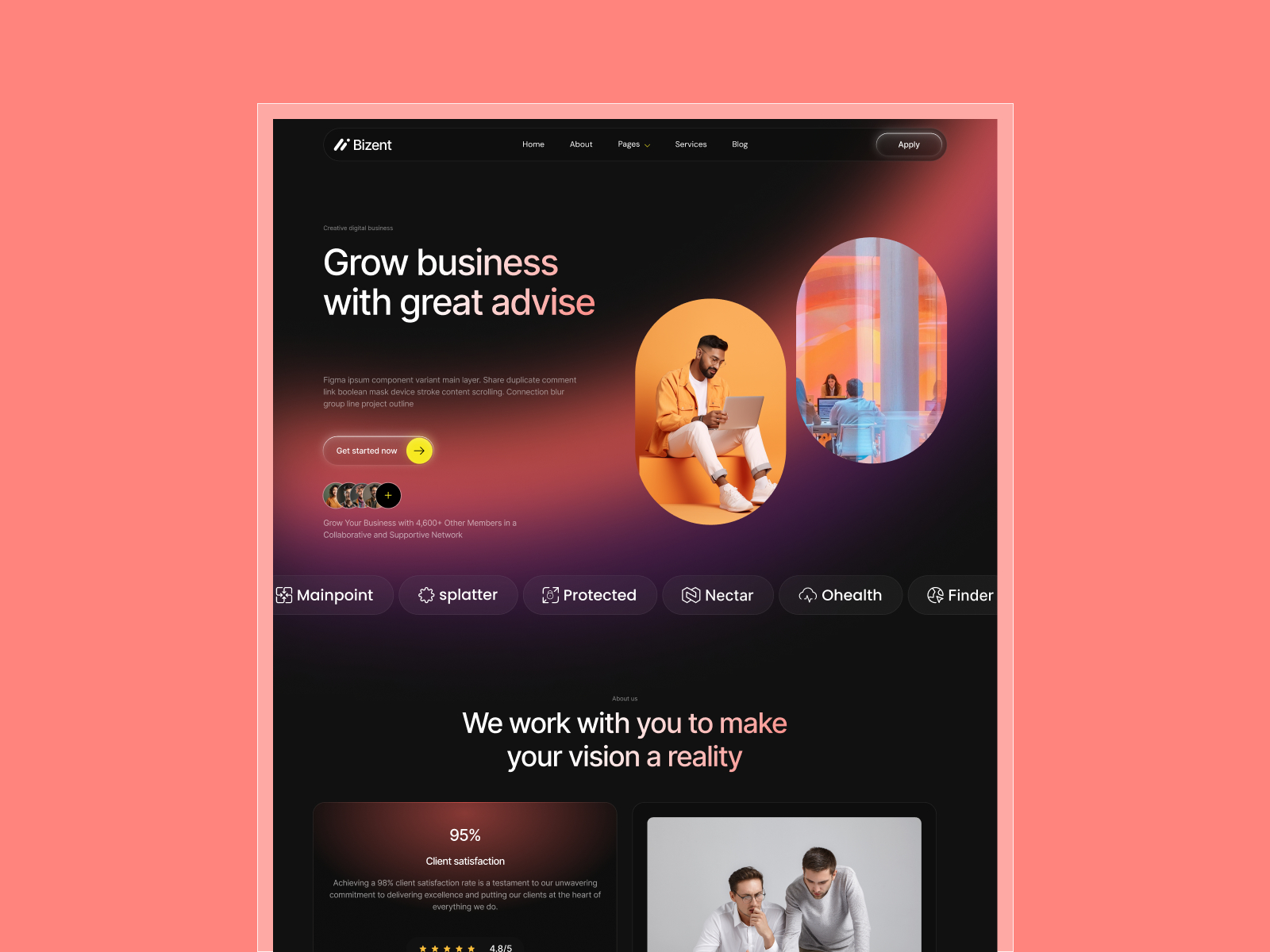
Bizent · Corporate site with Contact Us and Thank You
by OneFramer
Bizent ships Contact Us and Thank You pages plus CMS collections — a realistic handoff shape for enabling antispam on the routes clients actually monitor.
- Best for
- Agencies delivering B2B contact flows where inbox quality matters as much as visual polish
 Live Preview
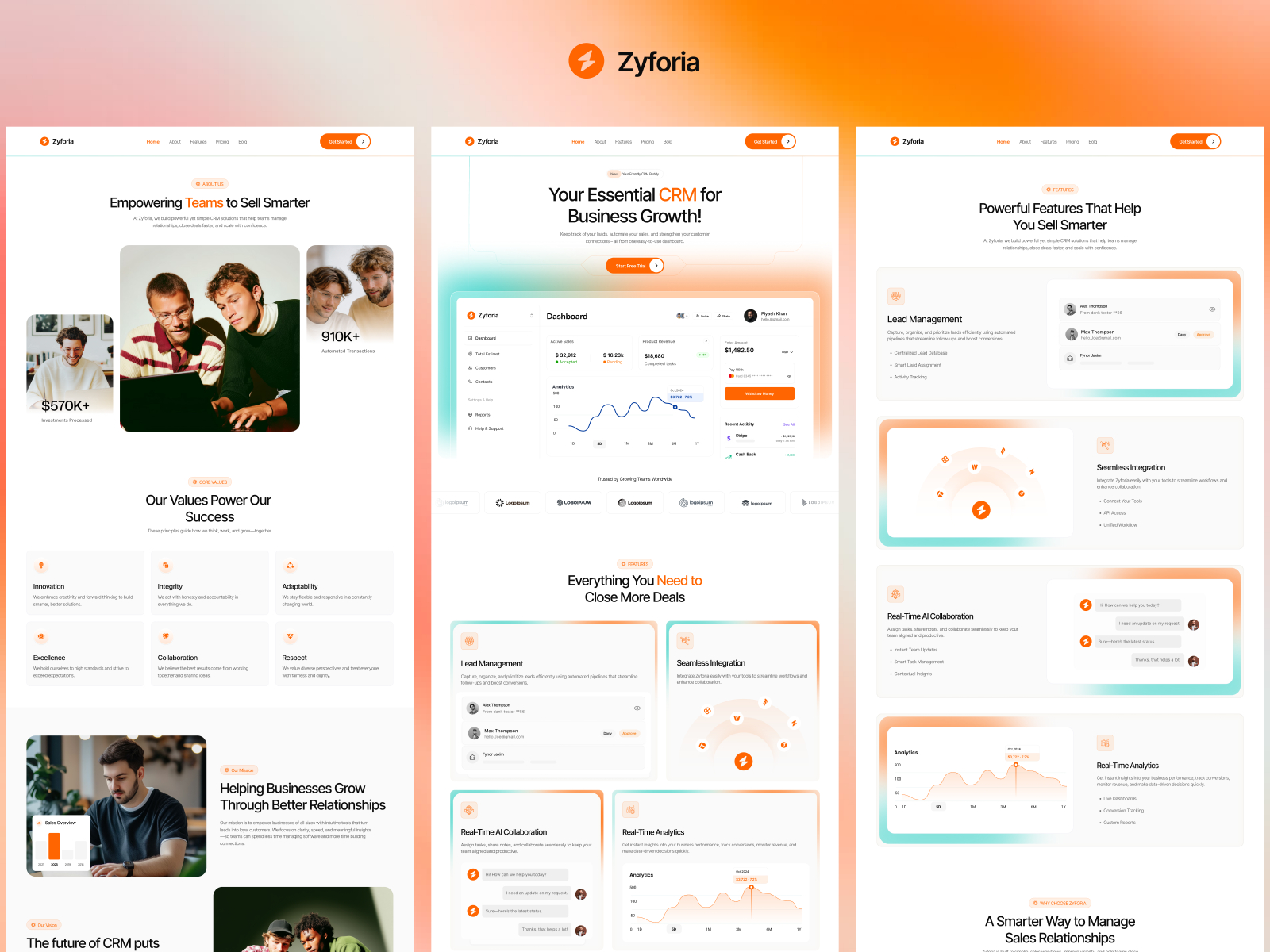
Zyforia · SaaS marketing with dedicated Contact
by SF
Zyforia’s Contact route sits inside a full SaaS marketing map — ideal when you want to compare spam volume on homepage CTAs versus the dedicated contact page.
- Best for
- Product teams testing demo and inquiry forms on a CMS-ready SaaS skeleton
 Live Preview
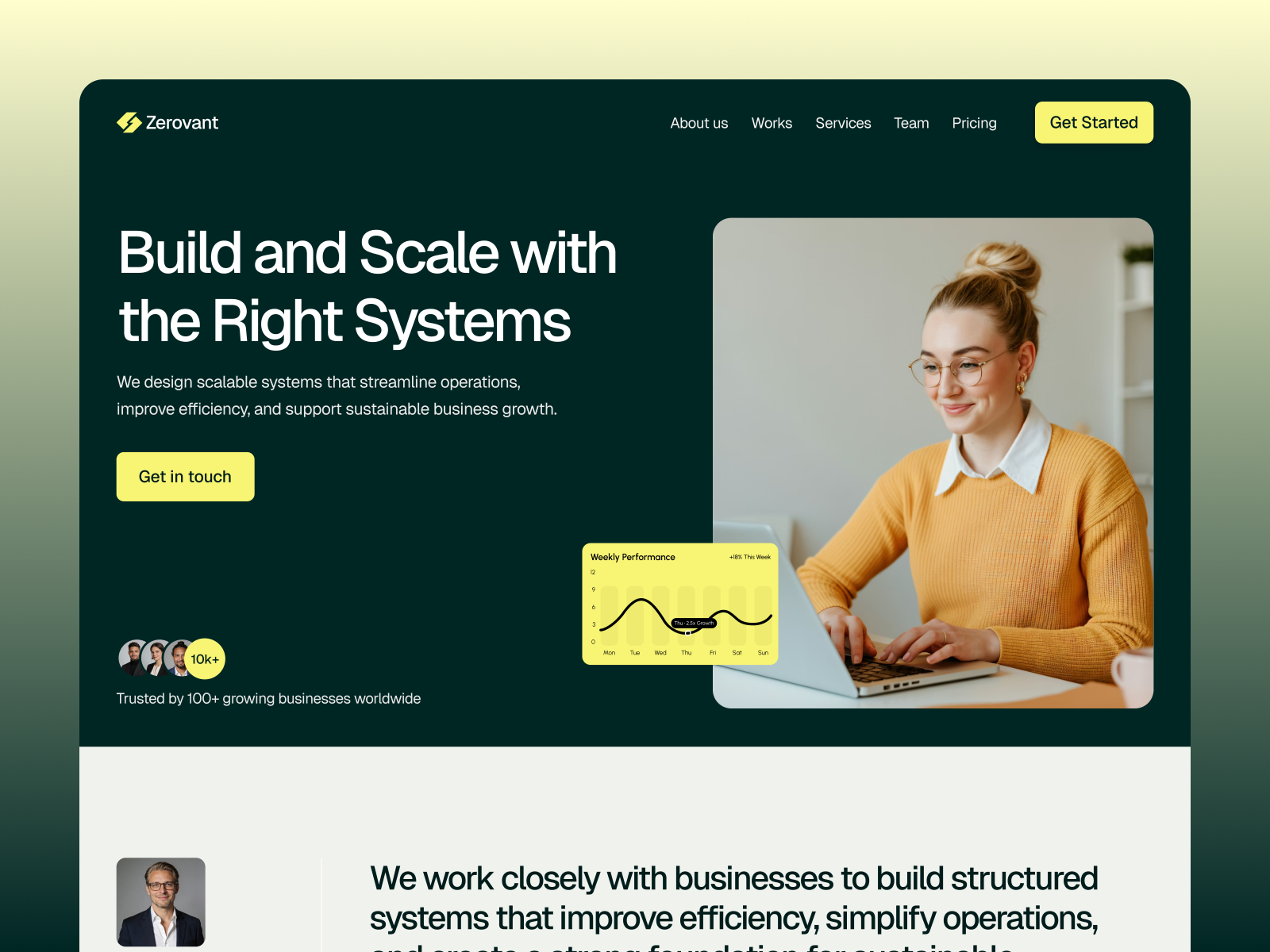
Zerovant · Consulting agency inquiry flow
by Pixcut
Zerovant walks visitors from services depth to Contact — the pattern most consulting sites use when a bad form week means lost proposals, not just annoyance.
- Best for
- Firms that live on structured outreach forms after services and blog proof
Browse more starting points in the template directory or our best free SaaS Framer templates in 2026 roundup.
Official Framer resources worth bookmarking
- Forms Antispam release notes — canonical announcement (June 5, 2026).
- How built-in form spam protection works — background CAPTCHA behavior and limits.
- Framer pricing — which plans unlock Advanced AI antispam.
- All Framer updates — adjacent releases including CMS 3.0 and CMS Plugins.
More reading on yoframer
- Framer updates hub — editorial coverage of platform releases.
- Framer CMS 3.0 deep dive — when your team manages content as actively as inbound leads.
- Submit a template or tool — if you ship a forms checklist for Framer agencies.
The bottom line
Forms Antispam gives Framer operators a clear mode ladder: Basic rules for everyday lead capture, Advanced AI when paid plans need stronger filtering, all without visible CAPTCHA widgets for visitors. Audit your noisiest form first, confirm plan tier before you promise Advanced, and publish once — inbox hygiene is a launch task, not a someday task.