
TL;DR — CMS Plugins are back inside the Framer CMS with a clearer home: Framer added a dedicated plugin view in the CMS sidebar so extensions are easier to find and use. The update also fixes Save behavior in the item overlay and lets you hit Esc to return to the Canvas. Framer positions this as feedback-driven work after CMS 3.0 and teases advanced sorting (primary plus secondary rules) still to come.
This page tracks Framer’s April 30, 2026 announcement in plain language for teams who split time between canvas design and CMS operations — editors, founders, and agencies who hand CMS keys to clients.
CMS plugins at a glance
| Area | What Framer shipped | Why it matters day to day |
|---|---|---|
| Plugins | Dedicated CMS sidebar view | Fewer “where did that integration go?” support threads |
| Item overlay | Save reliability fixes | Less doubt after quick edits on long-form or dense items |
| Navigation | Esc returns to Canvas | Faster context switching for hybrid designer-editors |
| Roadmap | Advanced sorting (primary + secondary rules) teased | Better control when collections grow into hundreds of rows |
What changed for plugins and the item overlay
1. Plugins have a real address in the CMS
Marketplace and custom plugins are part of many serious Framer sites — SEO helpers, sync tools, editorial utilities. Framer’s problem statement is simple: if plugins are hard to find, they do not get used, and teams fall back to brittle manual workflows. A sidebar-native plugin view makes extensions visible in the same mental map as collections and folders, which matters most for sites with more than one active integration.
2. Save in the item overlay stops fighting editors
The item overlay is where long fields, references, and structured content still expand for focused editing even in CMS 3.0’s table-first world. Framer calling out Save fixes signals they heard reports of ambiguous or failed saves under real workloads. For agencies, that translates to fewer “we lost the blog hero” panics during client training weeks.
3. Esc back to Canvas closes the loop
Designers constantly bounce between layout tweaks on Canvas and content passes in CMS. A documented Esc → Canvas path reduces friction compared to hunting the workspace toggle. It is a small interaction detail that stacks with CMS 3.0’s improved keyboard navigation for people who already live on shortcuts.
4. Sorting upgrades are explicitly on deck
Framer’s note about advanced sorting with primary and secondary rules is the clearest forward-looking signal in this post. If you maintain large blogs, job boards, or multilingual queues, keep an eye on release notes — richer sorting closes the gap between “pretty table” and “operations-grade spreadsheet.”
How CMS plugins fit after CMS 3.0
CMS 3.0 changed the editing surface — inline cells, folders, filters, fields panel, keyboard model. The CMS Plugins update extends that story into where integrations live and how overlays and navigation feel when you are deep in content. Think of it as editor ergonomics for the whole CMS chrome, not a new content model.
If you have not read the CMS 3.0 breakdown yet, start with our Framer CMS 3.0 guide then come back here for the plugin and overlay polish layer.
Try CMS plugins in two minutes
- Open any Framer project with CMS collections enabled.
- Enter CMS from the left sidebar.
- Locate the new plugin destination Framer describes — confirm you see installed or discoverable plugins without leaving CMS context.
- Open any collection item, make a trivial edit in the overlay, hit Save, and close — confirm the row reflects the change in the table.
- From CMS, press Esc and confirm you land back on Canvas without extra clicks.
Three workflow recipes for CMS plugins
Plugin visibility for blog ops
Your marketing site runs a CMS blog plus an SEO or sync plugin, but freelancers keep asking where to click.
- Walk the team through the CMS sidebar plugin view Framer added — one screen share instead of a custom doc.
- Pin the two plugins you actually pay for; hide or uninstall experiments so the list stays honest.
- Add a short internal Loom that ends on Esc-to-Canvas so designers remember how to pop back to layout work.
Client handoff with overlay confidence
You are about to hand CMS keys to a client who is allergic to “maybe saved?” software.
- Run a Save test script on five representative items — short text, long rich text, references, images, dates.
- Record a 90-second clip showing Save + table confirmation so training sticks.
- Pair with CMS 3.0 bulk status edits so they see both speed and safety in one session.
Prep for advanced sorting
You have 400 rows and you are already sorting by Updated — you want secondary rules when Framer ships them.
- Document your current primary sort per collection today so migration is obvious later.
- Identify the secondary key you will add first (locale, author, priority) when the feature lands.
- Trim unused columns now so the future sort UI is not fighting noise.
Framer templates for CMS plugin workflows
These files already lean on CMS collections — good sandboxes to feel sidebar plugins, overlays, and table edits together.
 Live Preview
Revior · SaaS marketing with a CMS blog
by OneFramer
Revior keeps the marketing story tight while still giving you CMS blog rows to edit. Use it when you want a credible default project for testing CMS sidebar changes and Save behavior without maintaining a dozen collections on day one.
- Best for
- Teams that want a realistic blog collection without inventing schema first
 Live Preview
Bizent · Multi-collection corporate site
by OneFramer
Bizent is the heavier-duty free option when you need multiple CMS surfaces in one file — closer to the messy real world where plugins matter for sync, SEO, or publishing automation.
- Best for
- Consultancies that mix projects, services, team, and blog content
 Live Preview
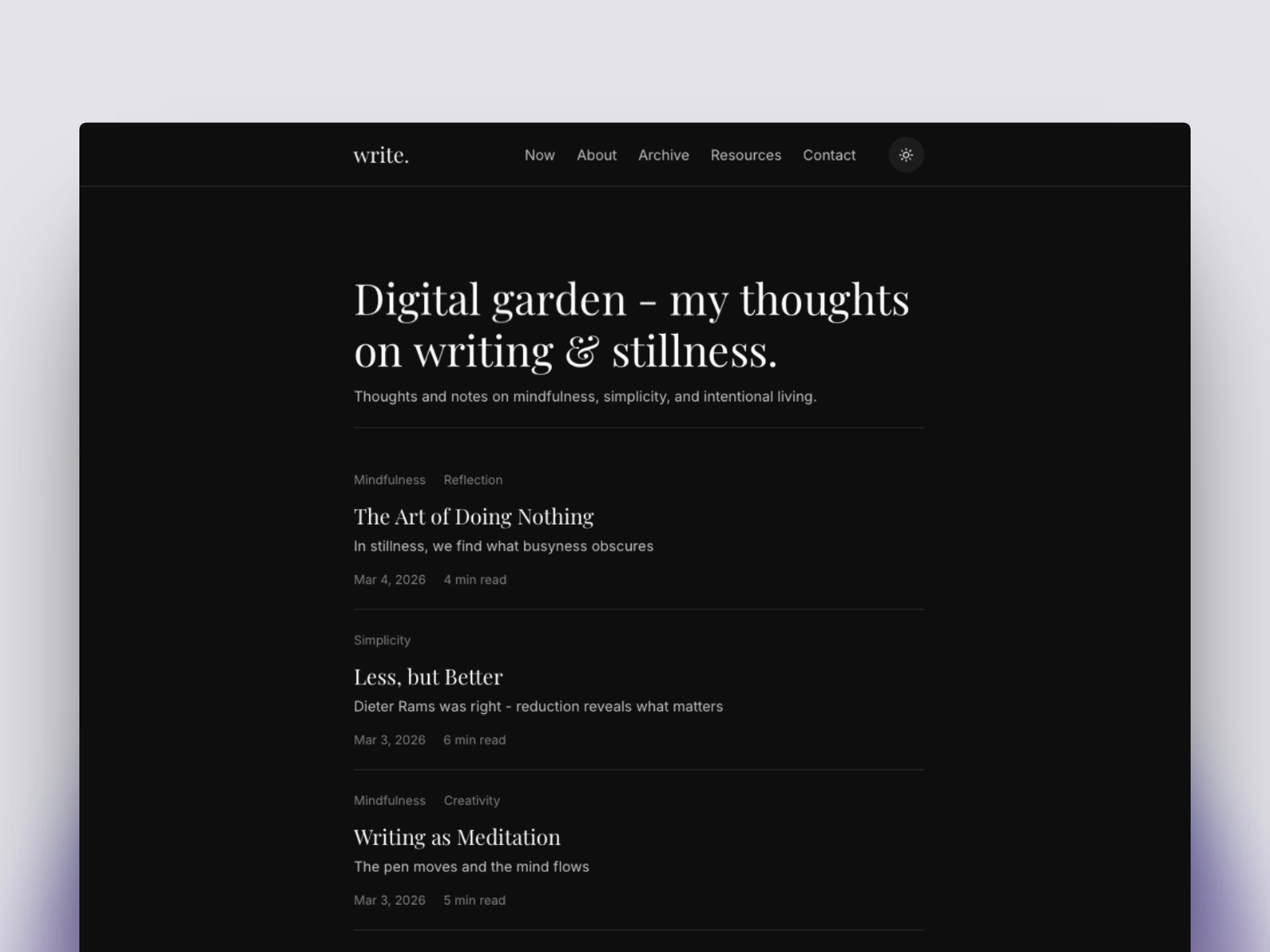
Write · Editorial blog and digital garden
by Charu
Write is purpose-built around categories, archives, and CMS posts — ideal if you want to stress-test item overlays and Save flows the way a real editorial calendar does.
- Best for
- Writers and indie publishers who live in long-form CMS items
Hungry for more CMS-first starting points? Browse the template directory or our best free SaaS Framer templates in 2026 roundup.
Official Framer resources worth bookmarking
- Framer CMS Plugins release notes — canonical changelog text for this drop.
- Framer CMS 3.0 release notes — context for the table redesign this update builds on.
- Framer CMS product page — evergreen overview of collections, fields, and publishing.
- Framer plugin marketplace — browse installs outside a specific project.
- All Framer updates — adjacent platform releases.
- Framer developers changelog — API and developer-facing changes when plugins touch code.
More reading on yoframer
- Framer updates hub — all editorial release write-ups.
- Framer CMS 3.0 deep dive — folders, inline editing, filters, and keyboard workflow.
- Logo Shaders in Framer — recent canvas-side release coverage.
- Submit a template or tool — if you ship a plugin that shines in the new CMS sidebar, tell us.
The bottom line
CMS Plugins is a quality-of-life release: plugins are visible again inside the CMS, Save in overlays is trustworthy, and Esc makes Canvas reachable without friction. Together with the promised advanced sorting, it shows Framer treating CMS 3.0 as a platform to iterate on, not a one-and-done redesign.
If you run content in Framer weekly, schedule fifteen minutes to verify the sidebar and overlay flow on a staging project, then roll the behavior into your client onboarding doc.