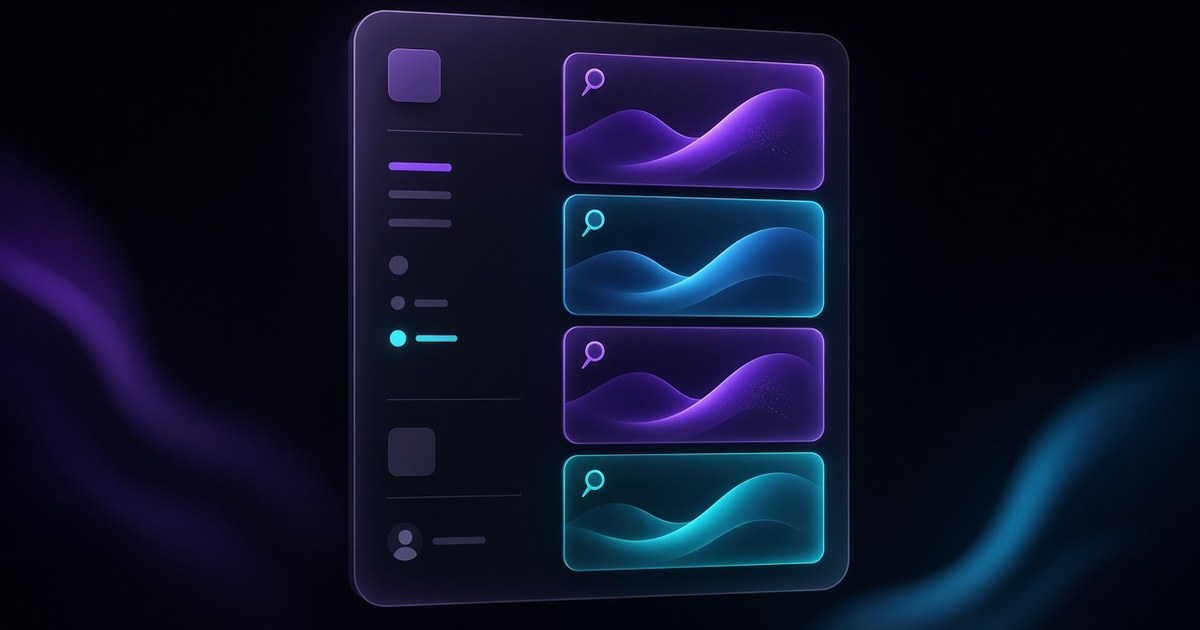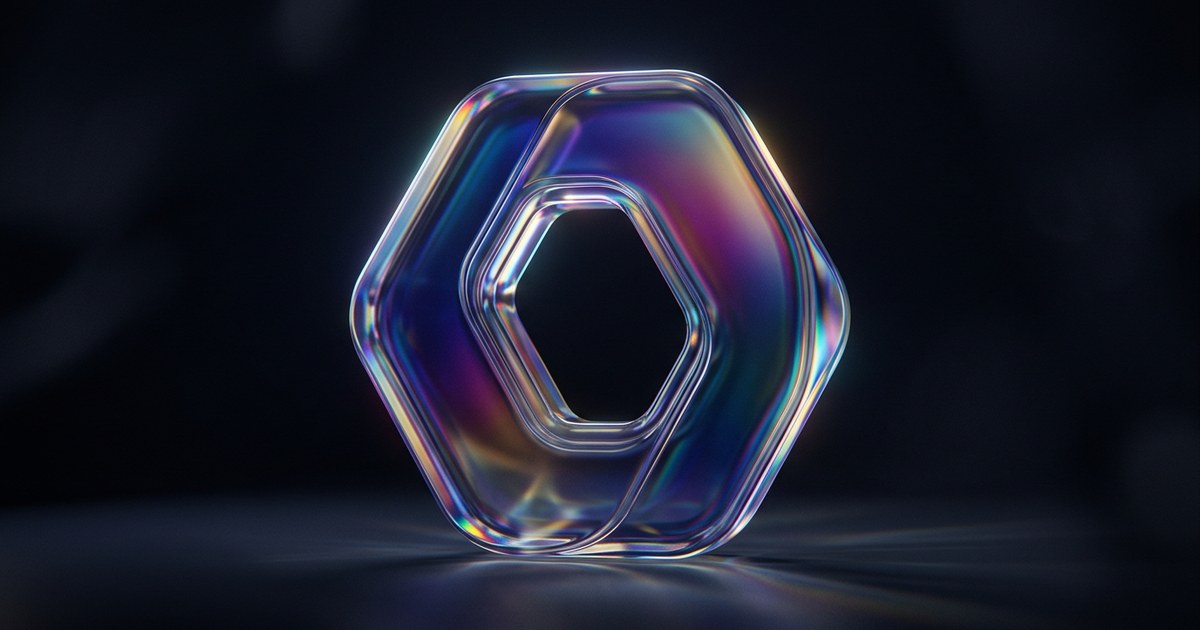
TL;DR — Logo Shaders introduce a Framer Shader workflow aimed at logos: upload SVG or PNG, pick Gradient or Glass, and let edge-aware animation ride the silhouette instead of treating the mark like a flat rectangle. Contour, Dispersion, and Bevel add the kind of dimensional read Framer markets as “almost 3D”—especially persuasive on teaser pages and product launches (watch Framer’s video).
Framer’s announcement is the factual anchor; the sections below translate it into decisions you can make on client work today—when to reach for Gradient versus Glass, how to brief motion so it feels premium instead of gimmicky, and which existing Framer templates give you a strong hero mark to experiment on. This yoframer guide lives at /framer-updates/logo-shaders/ and tracks Framer’s official post.
Logo shaders at a glance
| Lens | What Framer added | Why teams care |
|---|---|---|
| Inputs | Shader path tuned for SVG and PNG logos | You can start from the real brand kit instead of rebuilding marks as raster-only hero art |
| Shader modes | Gradient and Glass at launch | Two distinct art directions without waiting on a third shader drop |
| Motion read | Animation that responds to shape edges | Logos stop feeling like video masks slapped on rectangles |
| Depth accents | Contour, Dispersion, Bevel | Communicates “crafted object” energy on launches and investor decks |
| Best surfaces | Teaser pages and product launches | Matches the storytelling moments where a mark should carry emotion |
Watch Framer’s Logo Shaders walkthrough
Framer published a dedicated walkthrough for this release — the embed below is the same video linked from their official update page.
What changes with Logo Shaders on the canvas
1. A shader lane that understands marks
General-purpose shaders excel at broad surfaces—backgrounds, hero meshes, abstract scenes. Logo Shaders narrow the problem: a single mark with clean edges and brand-critical legibility. Framer’s positioning (“animations gently respond to the edges of your shape”) is the product thesis—motion is tied to silhouette fidelity, not arbitrary bounds.
2. Gradient mode — luminous motion without losing structure
Gradient Logo Shaders skew toward color-forward, light-in-motion reads. Use them when the brand already leans on gradients, iridescence, or colorful launch aesthetics and you need the mark to feel alive without leaving the Framer canvas for After Effects.
3. Glass mode — refractive depth for “object-like” logos
Glass pushes refraction, specular highlights, and dimensional cues so flat vector marks read closer to glass or crystal objects. Pair with disciplined typography and whitespace—glass reads loudest when everything else stays calm.
4. Contour, Dispersion, Bevel — dialing believable depth
Framer groups Contour, Dispersion, and Bevel as the knobs that sell realistic depth. In practice: Contour emphasizes edge definition; Dispersion splits light for prismatic flare; Bevel sells thickness. Treat them like seasoning—one hero dial + subtle support usually beats maxing every slider.
5. Release notes in designer language
| Theme | Paraphrased capability | Practical takeaway |
|---|---|---|
| Inputs | Upload SVG or PNG marks into the Logo Shader flow | Keep master assets organized—vector first, raster fallback |
| Launch set | Gradient + Glass shaders ship first | Pick the mode that matches brand guidelines, not whichever looks noisiest |
| Motion | Edge-responsive animation | Storyboards should reference silhouette motion, not boxy fades |
| Depth | Contour · Dispersion · Bevel | Great for hero moments; avoid stacking all three across every breakpoint |
| Surface fit | Strong on teasers and launches | Ideal for “coming soon,” rename, pricing, or new SKU drops |
How to try Logo Shaders on a real mark
- Open a project with a clean vector or high-res PNG logo component—not a screenshot of a logo inside a photo.
- Apply the Logo Shader workflow Framer documents on their release page.
- Switch between Gradient and Glass with the same asset to learn how each mode reads at desktop scale.
- Introduce Contour, Dispersion, and Bevel one at a time so you can hear which effect is adding noise on crisp diagonal edges.
- Preview mobile: shader-heavy marks should remain legible at small sizes—if not, reduce dispersion or move motion to scroll ranges instead of infinite loops.
New to Framer? Start free on Framer and remix one of the templates below so you are not inventing a launch layout from scratch.
Three workflow recipes to try this week
Teaser page hero in an afternoon
You promised stakeholders a “live” logo for a stealth SKU but motion designers are booked.
- Import the final monochrome SVG mark approved by brand.
- Start on Glass with a restrained Bevel so the mark reads dimensional at 1440px wide.
- Add a single scroll segment that ramps dispersion as users reach the CTA — keep mobile on a static frame if performance wobbles.
Gradient mark for a colorful product launch
Marketing wants energy; legal still demands exact Pantone lockups on stationery.
- Use Gradient mode only inside the digital hero — keep print assets untouched.
- Pair motion with a neutral background so the shader color does not fight photography.
- Export a short screen capture for paid social using Framer’s preview, not a recompressed phone video.
Partner logo row with subtle depth
You have eight grayscale partner marks in a CMS-driven grid that feels flat.
- Pick two hero partners for Logo Shaders; leave the rest static to avoid GPU pile-ups.
- Contour-only passes read premium without rainbow dispersion stealing attention.
- Document the setting in your component notes so future editors know which entries are shader-ready.
Who benefits most
- Founders shipping teaser pages where the mark must sell emotion before copy exists.
- Brand designers defending vector fidelity while still delivering “wow” launch moments.
- Product marketers refreshing pricing or SKU pages with a single high-impact motion focal point.
- Agencies handing off Framer files—Logo Shaders reward disciplined component naming and asset hygiene.
Framer templates for logo-forward launches
These templates already assume the hero mark or product story does heavy lifting—good places to stress-test Logo Shaders without rebuilding a page skeleton.
 Live Preview
Revior · Free SaaS layout with a confident hero story
by OneFramer
Revior’s SaaS-forward hero structure is ideal when you want the logo or product mark to anchor trust before you scroll into feature grids. Shader experiments stay isolated to the hero without destabilizing the rest of the layout system.
- Best for
- Early-stage teams that need a credible launch surface while the product UI is still in flux
 Live Preview
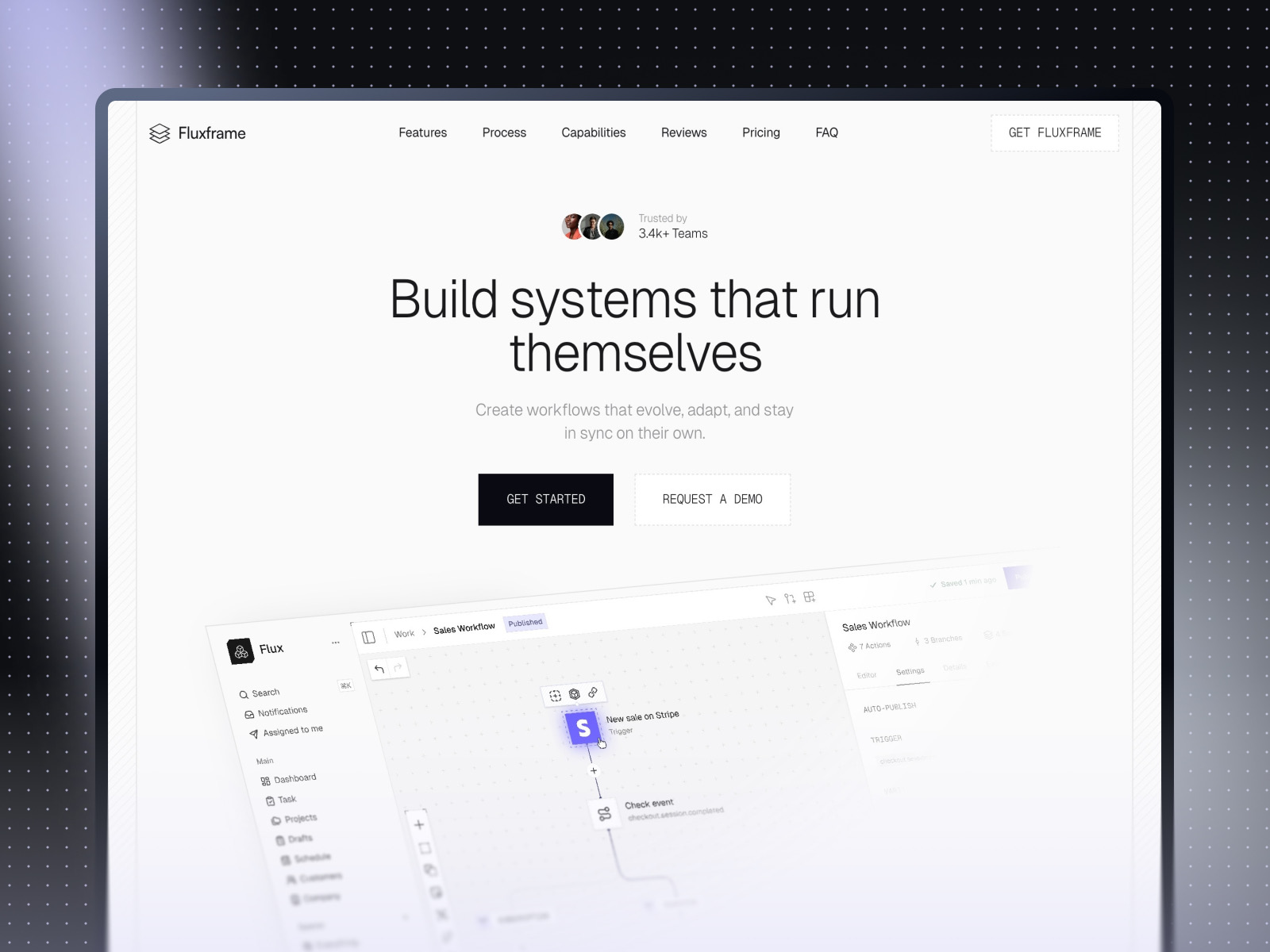
Fluxframe · Two-page SaaS landing built for motion
by Brice Deguigne
Fluxframe is intentionally narrow in scope—Home plus 404—so you can push motion-first storytelling without maintaining a giant sitemap. Logo Shaders pair naturally with its interaction-heavy hero philosophy.
- Best for
- Product launches that lean on scroll choreography and animated hero bands
 Live Preview
Zaint · Startup-ready marketing depth
by OneFramer
Zaint balances multiple marketing sections with startup pacing—use it when you need Logo Shaders on the hero and breathing room for social proof, metrics, and CMS-driven content below the fold.
- Best for
- Teams that want more than a single hero but still need brand-forward polish
Hungry for more curated starting points? Browse Framer template roundups or open the full template directory.
Official Framer resources worth bookmarking
- Framer Logo Shaders release notes — canonical feature description from Framer.
- Logo Shaders walkthrough (YouTube) — quickest way to see the controls in motion.
- All Framer updates — adjacent releases if you are planning a broader site refresh.
- Framer developers changelog — pair with product updates when you ship custom components.
More reading on yoframer
- Framer updates hub — editorial breakdowns of major Framer releases.
- Resources hub — kits, plugins, and components that extend your shader stack.
- Submit a template or tool — share Framer files that show off motion-forward branding.
The bottom line
Logo Shaders are less about “another effect” and more about giving brand marks a native Framer lane with Gradient and Glass modes plus Contour, Dispersion, and Bevel depth that reads on the high-stakes surfaces Framer calls out—teasers and launches. Treat them as a hero-layer tool: storyboard edge-aware motion, test mobile legibility, and keep the rest of the page calmer so the mark stays the focal point.