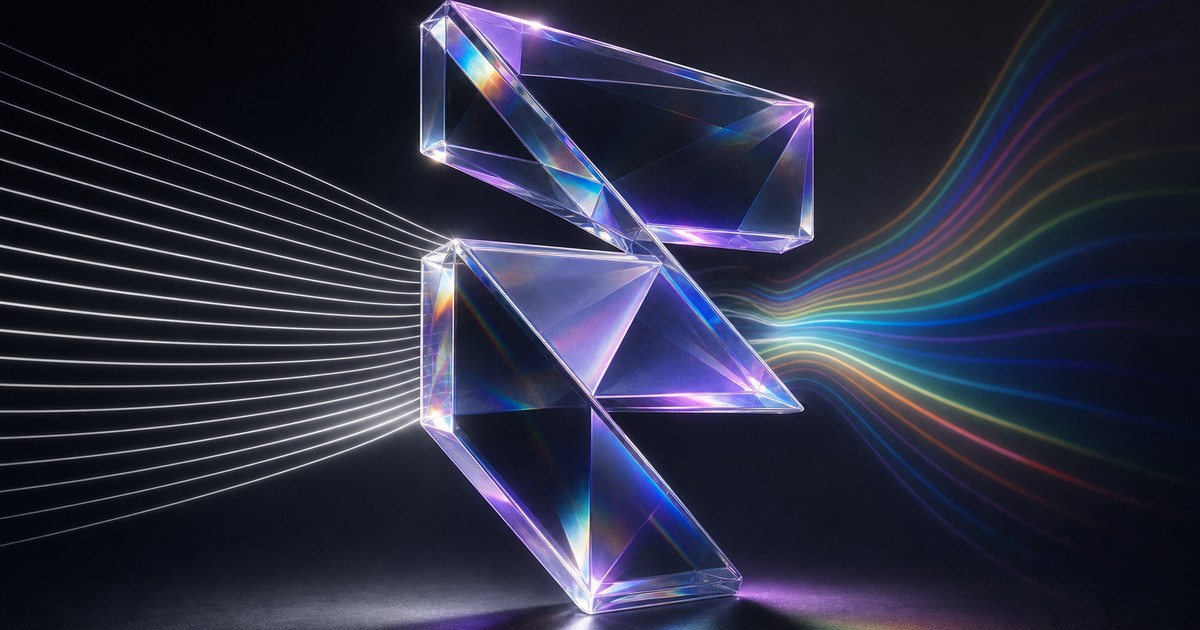
TL;DR — Framer shipped two new Logo Shaders on May 21, 2026: Spectrum for sleek black-and-white light lines you can distort across the mark, and Crystal for image-backed glass with refraction, bevel, contour, animation, and dispersion on your logo silhouette.
This yoframer article lives at /framer-updates/framer-spectrum-crystal-logo-shaders-update/ and translates Framer’s Spectrum and Crystal release into art-direction and layout choices—when monochrome light lines beat rainbow gradients, how Crystal differs from the original Glass mode, and which remix-friendly templates give you a credible launch hero to test against. If you are new to the family, start with our Logo Shaders deep dive for Gradient, Glass, and the shared depth controls.
Spectrum and Crystal at a glance
| Mode | Framer’s positioning | Best fit on client work |
|---|---|---|
| Spectrum | Black-and-white shader with deflecting lines of light that can be distorted widely | Stealth teasers, monochrome brands, investor decks that must stay on a tight neutral palette |
| Crystal | Turn the mark into glass using your own images, with refraction, bevel, contour, animation, dispersion | Product launches, rename moments, and hero marks that need “crafted object” energy with real texture |
| Library context | Adds to Gradient and Glass from the April Logo Shaders launch | Four distinct art directions without leaving the Logo Shader lane |
| Availability | Available now in Framer (May 21, 2026 ship date) | Safe to spec on active client projects on current editor builds |
What Spectrum and Crystal change for marks
1. Spectrum — motion without reopening the color system
Spectrum keeps the story in monochrome: deflecting lines of light across the silhouette instead of pushing new gradient families. That matters when legal already signed off a single-color mark for the teaser and marketing still wants cinematic motion. Framer highlights distortion as a first-class creative lever—storyboard how far lines bend at desktop versus mobile, not only whether the logo pulses.
2. Crystal — glass that can cite real imagery
Where the original Glass Logo Shader sold refractive depth on the mark itself, Crystal goes further by letting you add your own images into the treatment. Refractions, bevels, contours, animations, and dispersion then read against texture you control—useful when the launch narrative references product photography, material samples, or campaign stills that should echo inside the logo.
3. Shared depth vocabulary, different default personality
Framer still talks in the language of realistic glass craft—contour definition, light splitting, thickness. The practical habit from the first Logo Shaders drop still applies: one hero dial + subtle support beats maxing every control. Crystal invites richer imagery; Spectrum invites disciplined distortion so diagonal logo edges stay crisp.
4. Choosing among four Logo Shader modes
| Brief signal | Start here | Why |
|---|---|---|
| Colorful launch, iridescent energy | Gradient | Color-forward motion across the mark |
| Refractive logo without extra stills | Glass | Dimensional glass read on the vector alone |
| Monochrome teaser, light-line drama | Spectrum | Motion without new hue families |
| Glass that echoes campaign photography | Crystal | Image-driven refraction and dispersion |
How to try Spectrum and Crystal on your logo
- Open a Framer project with a clean SVG or high-res PNG mark—the same hygiene as the original Logo Shaders checklist.
- Apply the Logo Shader workflow and switch to Spectrum; explore light-line distortion at desktop width before mobile.
- Duplicate the component, switch to Crystal, and import approved stills that match the launch story—avoid random stock that fights the brand grid.
- Tune bevel, contour, and dispersion one control at a time so you know which knob adds noise on sharp corners.
- Compare against Gradient or Glass on the same asset once; document the winning mode in component notes for handoff.
New to Framer? Start free on Framer and remix a template below so you are not inventing a launch layout from scratch.
Three workflow recipes to try this week
Monochrome stealth teaser with Spectrum
Legal approved a single-color mark; stakeholders still want a “live” hero for a stealth SKU.
- Import the approved monochrome SVG and apply Spectrum with restrained distortion at 1440px.
- Keep photography and UI chrome neutral so the light lines remain the only motion story.
- Fall back to a static frame on small breakpoints if distortion reads as shimmer noise.
Crystal hero tied to campaign stills
A product launch must echo real material photography inside the mark, not only vector glass.
- Gather two or three approved stills that match the SKU story before opening Crystal controls.
- Introduce dispersion slowly—prismatic flare steals focus fast on wordmark-heavy logos.
- Capture a Framer preview clip for paid social instead of recompressing a phone recording.
Partner row accent without GPU pile-up
Eight grayscale partner marks feel flat; only two should feel “premium” this quarter.
- Apply Spectrum with contour-only emphasis on hero partners; leave the rest static.
- Document which CMS entries are shader-ready so editors do not clone heavy settings blindly.
- Audit scroll performance after publish—shader rows are for focal bands, not every logo cell.
Who benefits most
- Brand designers extending a Logo Shaders rollout with monochrome or image-backed glass options.
- Founders shipping teasers where Spectrum keeps palettes locked while motion still lands.
- Product marketers refreshing launch heroes when Crystal can mirror campaign photography inside the mark.
- Agencies handing off Framer files—four modes reward clear component naming and asset folders.
Framer templates for logo-forward launches
These templates already assume the hero mark or product story does heavy lifting—strong sandboxes for Spectrum and Crystal without rebuilding page skeletons.
 Live Preview
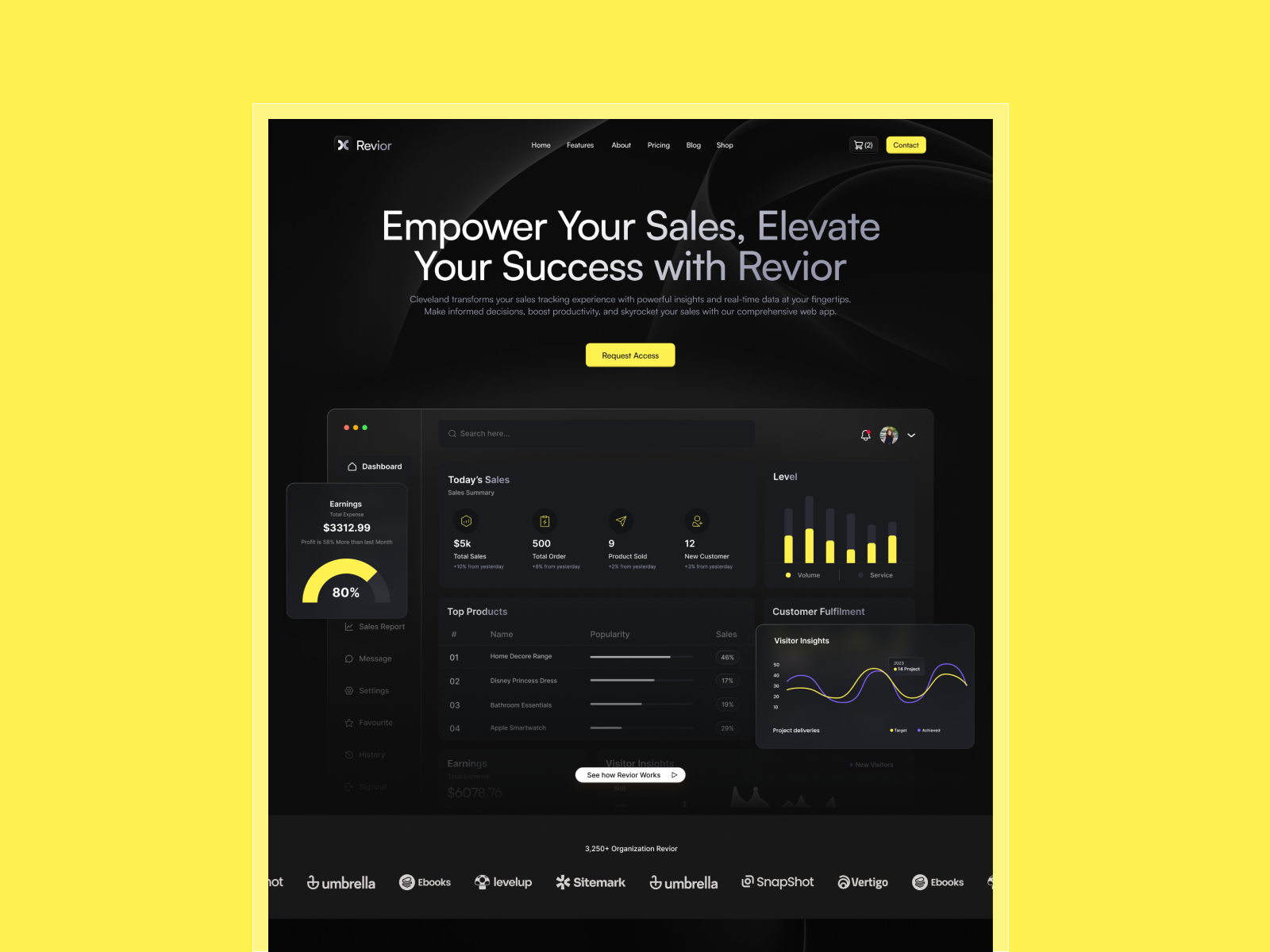
Revior · Free SaaS layout with a confident hero story
by OneFramer
Revior’s SaaS-forward hero is ideal when you want the logo or product mark to anchor trust before feature grids. Spectrum’s monochrome lines or Crystal’s glass read stay isolated to the hero without destabilizing the rest of the layout.
- Best for
- Early-stage teams that need a credible launch surface while product UI is still in flux
 Live Preview
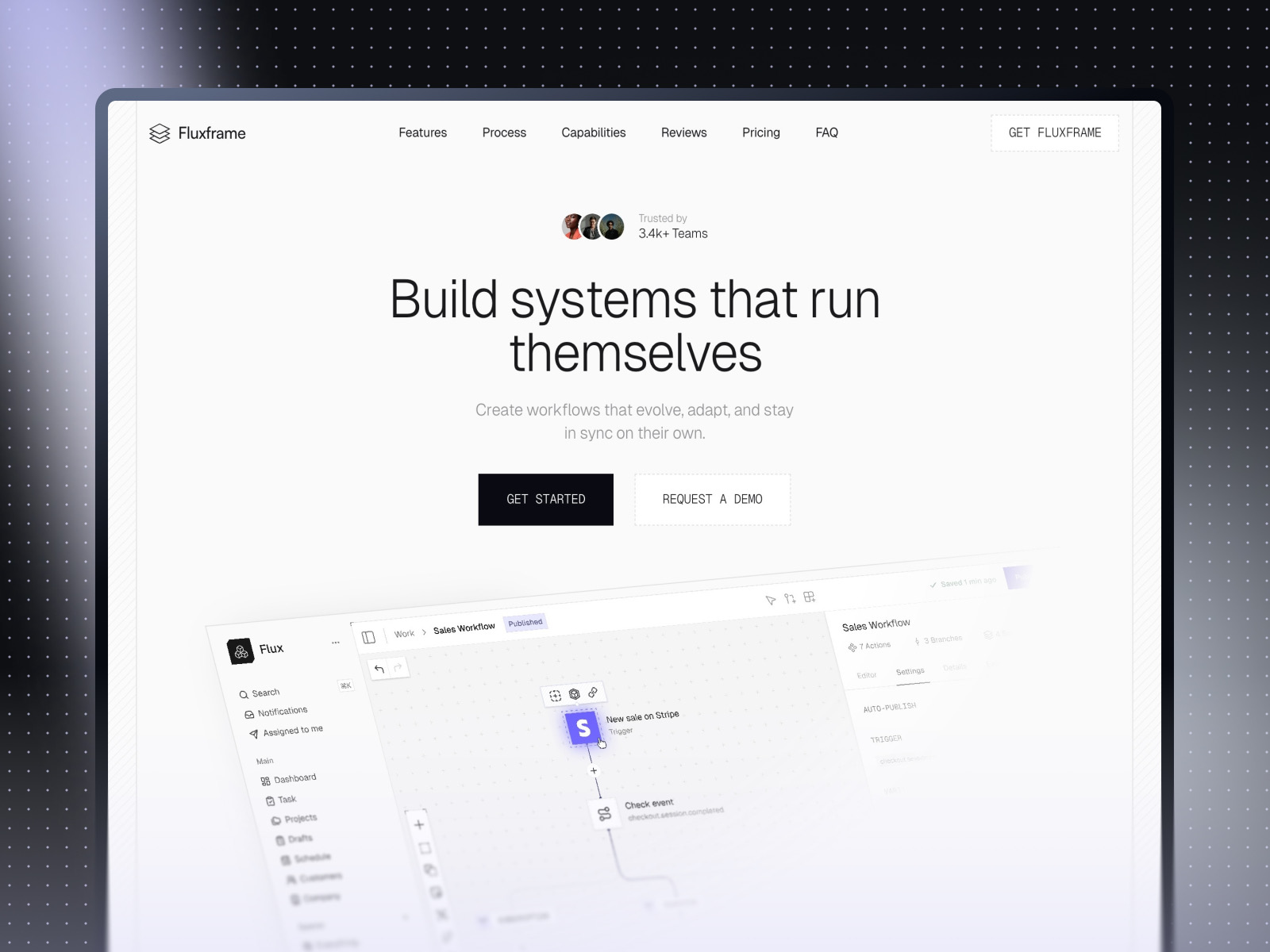
Fluxframe · Two-page SaaS landing built for motion
by Brice Deguigne
Fluxframe’s narrow Home plus 404 scope lets you push motion-first storytelling quickly. Pair Crystal dispersion with Fluxframe’s interaction-heavy hero philosophy—or Spectrum when color must stay restrained.
- Best for
- Product launches that lean on scroll choreography and animated hero bands
 Live Preview
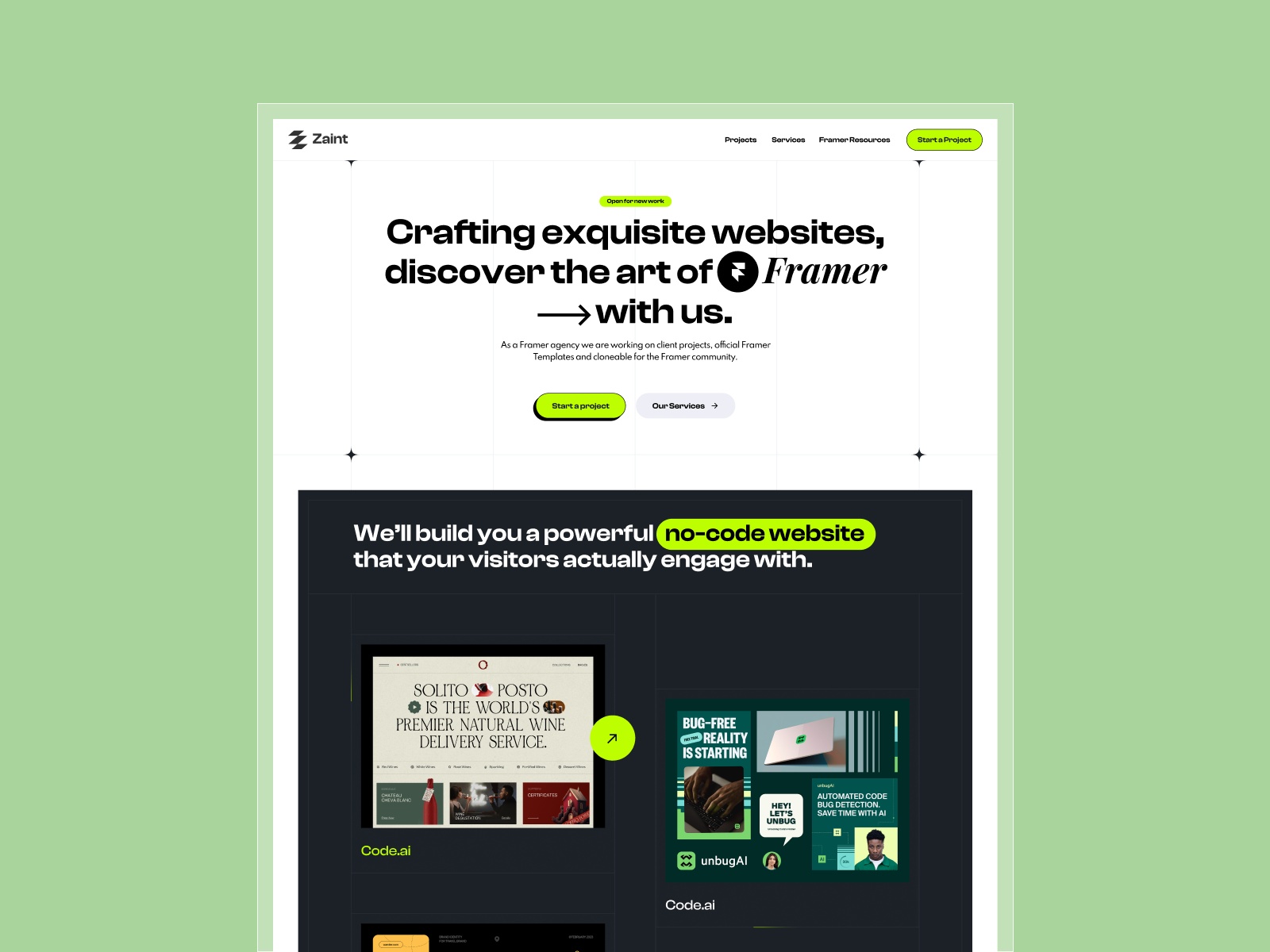
Zaint · Startup-ready marketing depth
by OneFramer
Zaint balances multiple marketing sections with startup pacing—use it when Spectrum or Crystal lives on the hero and you still need social proof and CMS-driven content below the fold.
- Best for
- Teams that want more than a single hero but still need brand-forward polish
Browse Framer template roundups or the full template directory for more starting points.
Official Framer resources worth bookmarking
- Spectrum and Crystal release notes — canonical description from Framer (May 21, 2026).
- Logo Shaders launch — Gradient, Glass, and the original depth controls.
- All Framer updates — adjacent releases when you plan a broader refresh.
- Framer developers changelog — pair with product updates when you ship custom components.
More reading on yoframer
- Framer updates hub — editorial breakdowns of major Framer releases.
- Logo Shaders guide — Gradient, Glass, walkthrough video, and performance instincts.
- Resources hub — kits, plugins, and components that extend your motion stack.
- Submit a template or tool — share Framer files that showcase shader-forward branding.
The bottom line
Spectrum and Crystal do not reinvent Logo Shaders—they widen the art-direction runway: monochrome, distortable light lines when color must stay locked, and image-backed glass when launches need refraction that echoes real campaign assets. Treat both as hero-layer tools: pick the mode that matches the brief, test mobile legibility, and keep the rest of the page calm so the mark stays focal.