Live Preview
← All Templates
Architecture
Ahencia — Free Architecture Template for Framer
Ahencia is a free 6-page architecture Framer template for studios pitching interiors and built work on static routes. Skip it if you need CMS project singles or a journal.
freearchitectureinteriorstudioahencia
Ahencia is a free 6-page architecture template for Framer with static Home, About, Projects, Project Detail, Contact, and a 404. Remix it when you sell architecture, interiors, and master planning as one studio story without wiring CMS on day one. Skip it if you need a Journal route or collection-driven project pages. Archslab ships Journal and practice pages in a similar footprint. Browse the architecture shortlist or more free Framer templates on the hub.
Who should remix Ahencia?
Picture a boutique firm in Makati or Lisbon that wins work on material studies and calm photography, not a fifty-project archive. Ahencia fits that studio: enough pages to separate About, a project index, and case-study depth, but still small enough for a principal to rewrite copy over a weekend. Residential architects, interior-led practices, and landscape-adjacent teams who want process and testimonials on Home will feel at home here.
Walk away if your site must publish articles weekly or spin up new builds from a CMS grid. Static Project Detail frames mean duplicating layouts when you add work, which is fine for twelve flagship projects and painful for a developer marketing hundreds of units. Teams that need Journal or CMS publishing should remix Archslab instead of forcing Ahencia into a content engine.
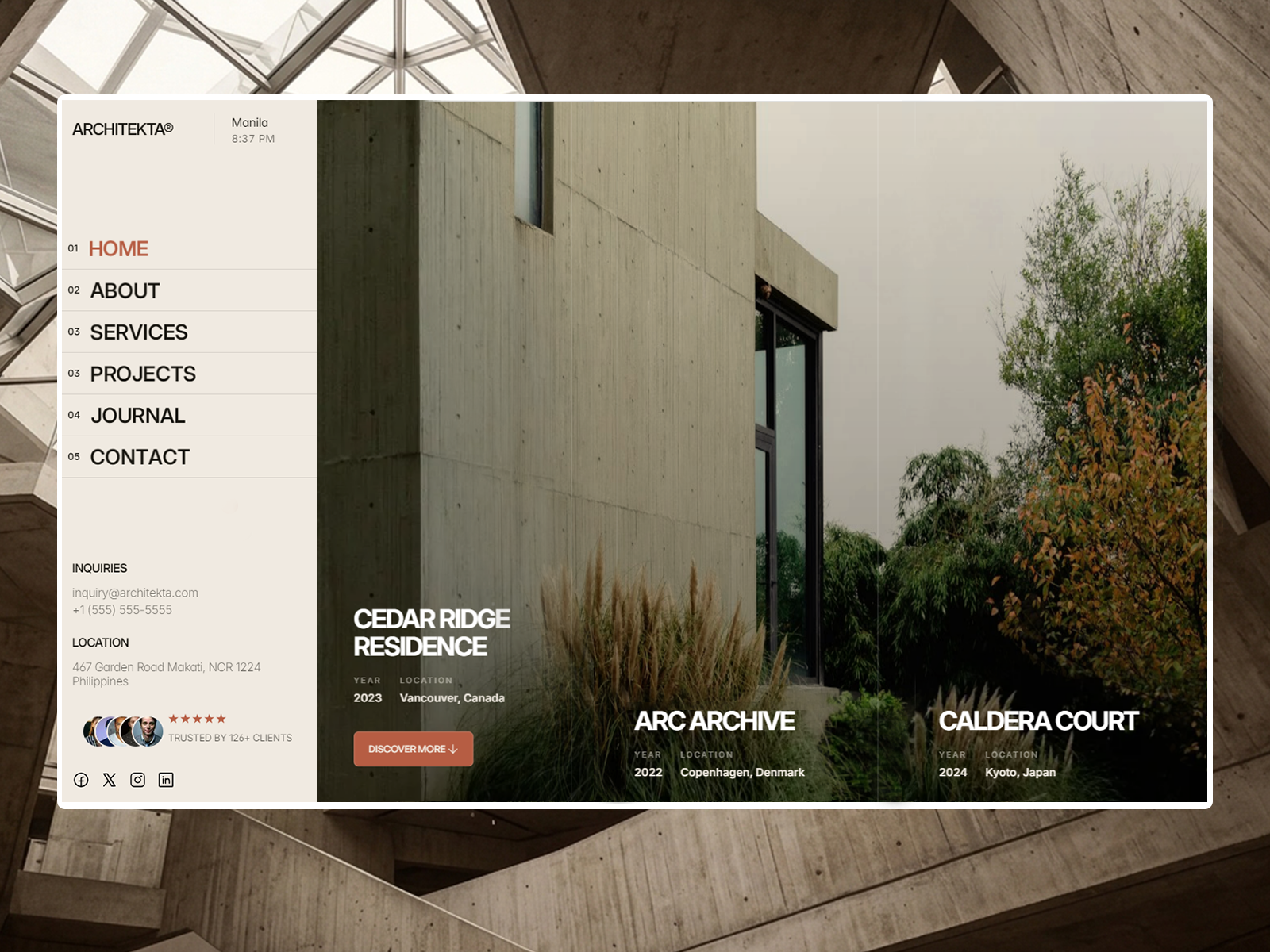
What Ahencia looks like
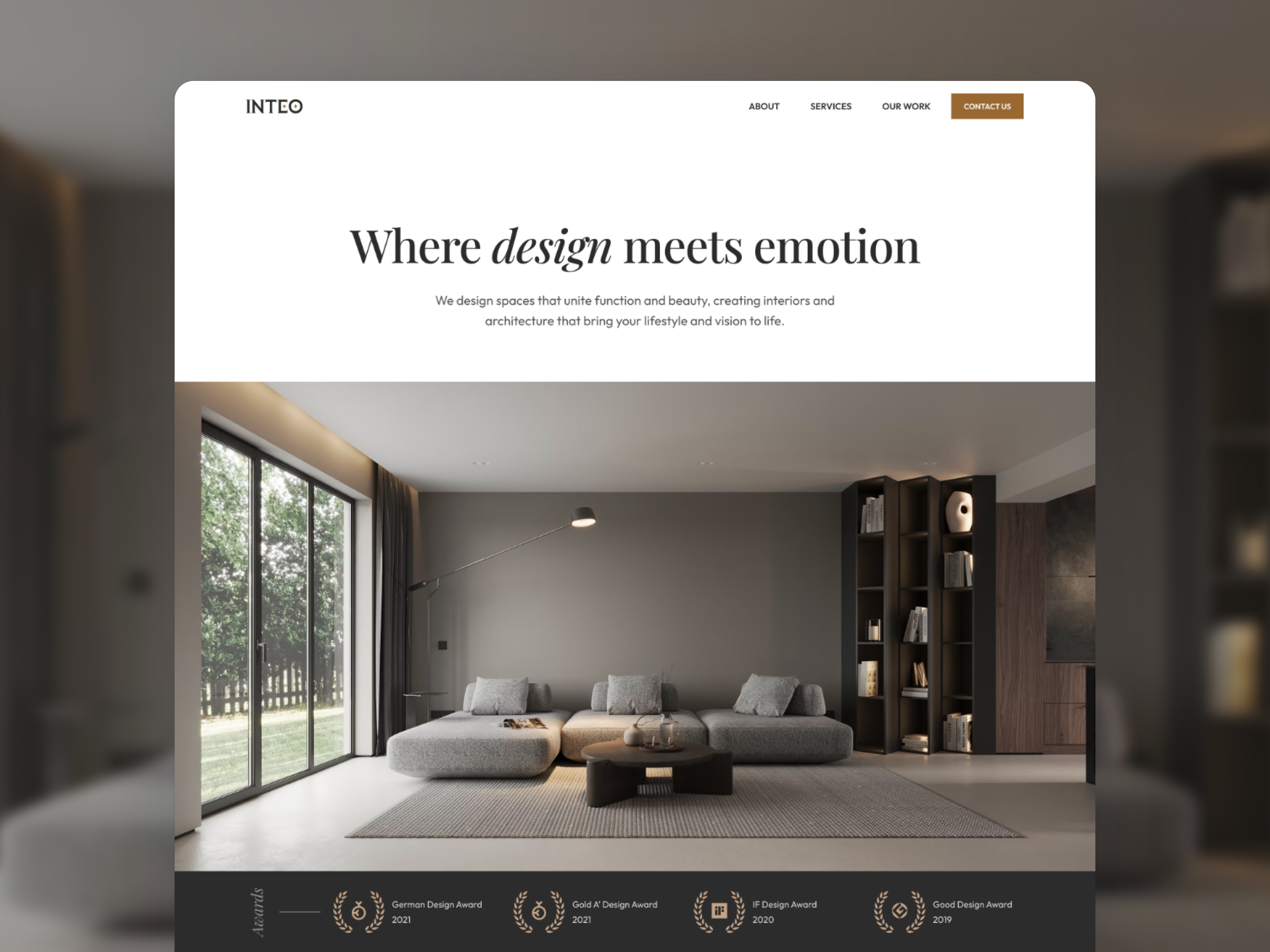
The demo reads warm minimalism: generous whitespace, serif headlines with architectural restraint, and photography that treats concrete, timber, and light as the color palette. Sections stack like a monograph: services numbered 01 through 04, a process rail from Discover to Deliver, and long testimonial quotes that feel more magazine than startup landing page. It sits closer to high-end residential brands than to blueprint-heavy contractor sites.
Motion stays polite. Scroll reveals and image fades support the photography instead of competing with it, which helps on phones when a client opens your link from a referral email. The fight is tone: the default copy skews luxury and global. A trades-forward or municipal practice will spend time replacing place names and softening language before the site matches local expectations.
Pages included in Ahencia
Six pages, named as Framer lists them:
- Home: hero, services grid, working principles, testimonials, process steps, and contact prompts in one narrative scroll
- About: studio story, philosophy, and credibility cues for prospects comparing firms
- Projects: index of selected work that feeds the detail layout
- Project Detail: long-form case study frame for one build or interior commission
- Contact: inquiry path with office details and social links
- 404 Page: branded dead end when a shared project link breaks
There is no blog or CMS collection in the sitemap, so every new project means editing or duplicating the detail frame.
What is distinctive about Ahencia
- Interior plus architecture positioning. Home copy treats master planning, interiors, and build work as one system, not two separate microsites.
- Numbered service lanes. Architectural Direction, Interior Architecture, Master Planning, and Material and Light read like a scope menu prospects can map to a fee proposal.
- Process section with four named phases. Discover, Define, Develop, and Deliver give you language for proposals without inventing a methodology page from scratch.
- Project Detail as a magazine spread. Long photography, pull quotes, and site-reading notes suit flagship case studies more than thumbnail grids alone.
- Static six-page map. Fast to remix for a small roster; less ideal when marketing expects weekly publishing.
Framer SEO, analytics, and breakpoint tooling ship with the platform. They are not reasons to pick this file over another architecture remix.
When to remix Ahencia, and when to skip
Remix Ahencia when you want a credible architecture and interior studio site with separate project URLs and no CMS homework. The layout already argues for craft, process, and restraint, which matches how many small firms actually sell.
Skip it when you need Journal posts or CMS project singles. That is Archslab. Skip it when you only want one scroll and a phone number. ISAURA is leaner for that job. Still comparing practice sites? Return to the architecture shortlist or the free Framer templates hub.
Frequently Asked Questions
Quick answers about Ahencia, including pricing, CMS support, responsiveness, and who it is built for.
-
What kind of website is Ahencia best for?
- Ahencia is for Architecture and interior studios that want a six-page practice site with project singles, not CMS collections or a blog. It includes 6 pages: Home, About, Projects, Project Detail, Contact, 404 Page.
-
Is Ahencia free or paid?
- Ahencia is a free Framer template. The listed price on yoframer is free.
-
Does Ahencia support CMS and responsive design?
- Ahencia does not include CMS support. It is fully responsive.
-
When should I skip Ahencia?
- You need Journal posts or CMS-backed project publishing. Archslab covers journal routes on the same page count. Start with Archslab .
Featured in our Architecture roundup
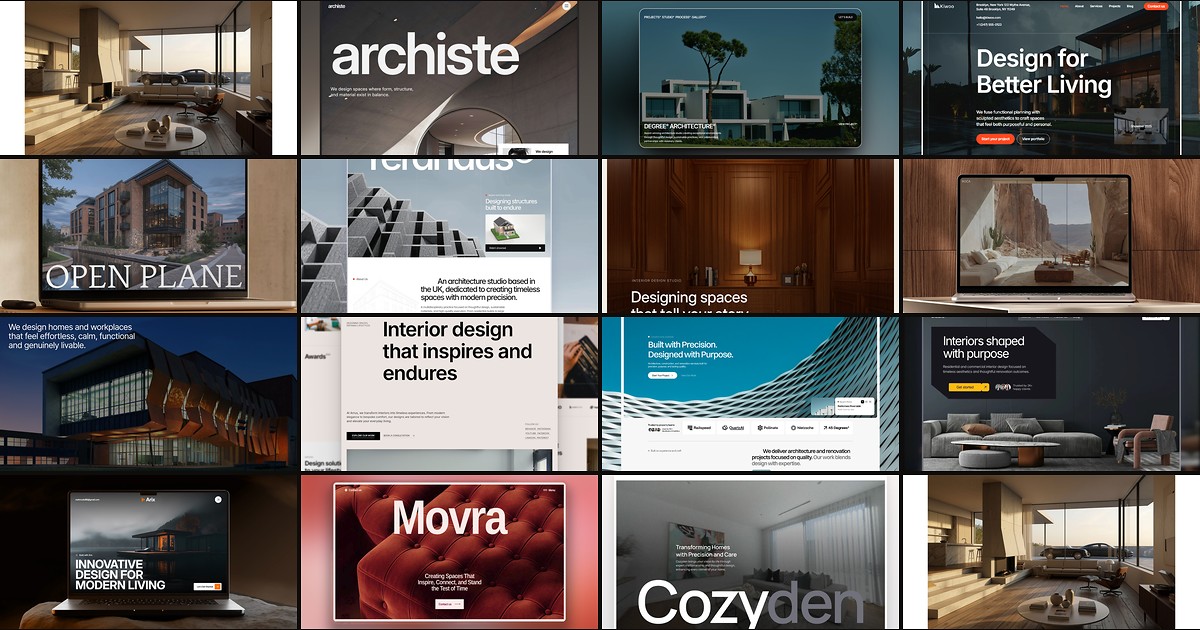
15 Best Free Architecture Framer Templates in 2026 (Ranked)
Fifteen free Framer templates with Architecture as the primary niche on yoframer, from deep CMS studio systems to lean interior landing pages you can remix today.