 Live Preview
Echoflux — Free SaaS Template for Framer
by Unknown
Fernwood is a free 10-page Framer template with About-first routes for local service brands that need pricing, gallery, and FAQ pages. Skip it if you need a classic SaaS Home hero and changelog.
Fernwood is a free ten-page template for Framer whose marketplace list starts on About, not Home, and reads like a local service or studio brand site tagged for SaaS filters. About, Services, Projects, Pricing, Gallery, Reviews, How It Works, Journal, Business Hours, and FAQ are static routes with no CMS collections. Skip it if you need a classic B2B SaaS Home with integrations and changelog lanes. Cirro opens on Home with pricing, changelog, and integrations for product teams. More free Framer templates live on the hub, or open the SaaS shortlist.
Fernwood fits landscaping crews, design-build studios, cleaning franchises, and other local operators who sell trust with photos, reviews, and clear pricing rather than software screenshots. Business Hours and FAQ as named pages signal walk-in or appointment businesses more than ARR dashboards. If your sales team sends people to Reviews and Projects before Pricing, the nav order matches that reality even though the niche label says SaaS.
Walk away if you are launching a software product and need Home-first product marketing with changelog and integration walls. Cirro is the yoframer swap for that map. Skip Fernwood when you need thirteen static product pages including Security and Terms on day one. Forma Desk covers that longer B2B sitemap on the same hub.
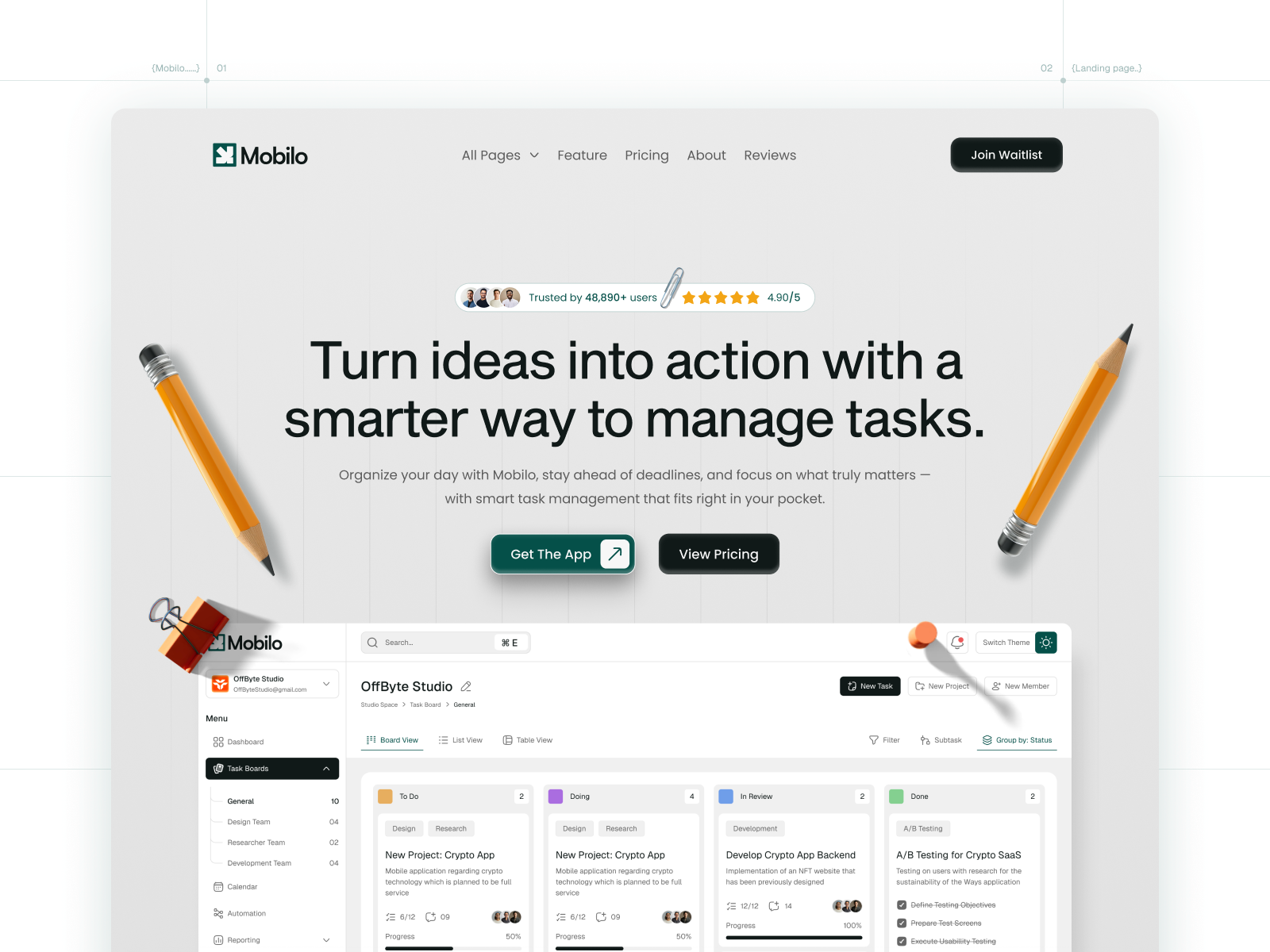
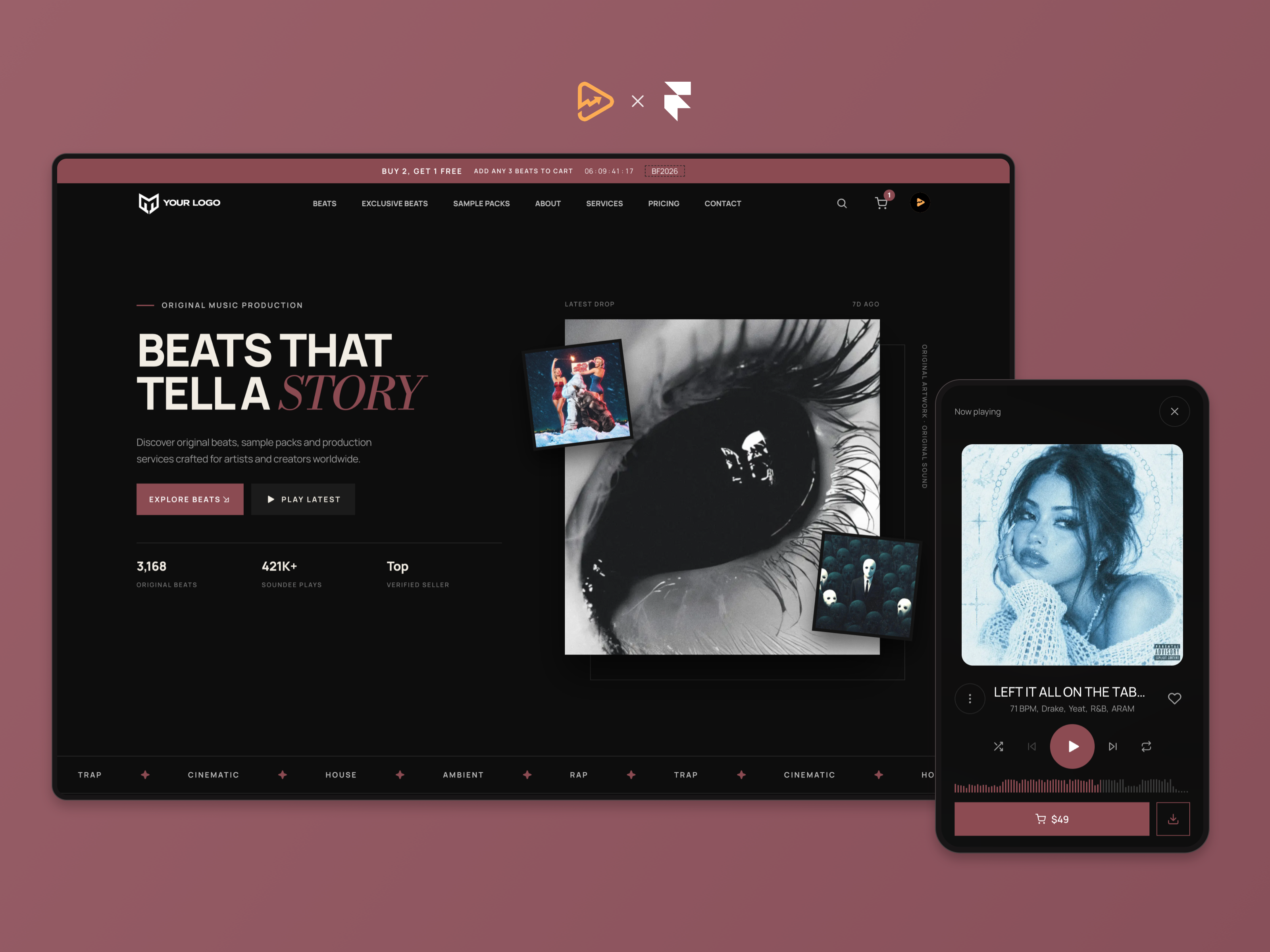
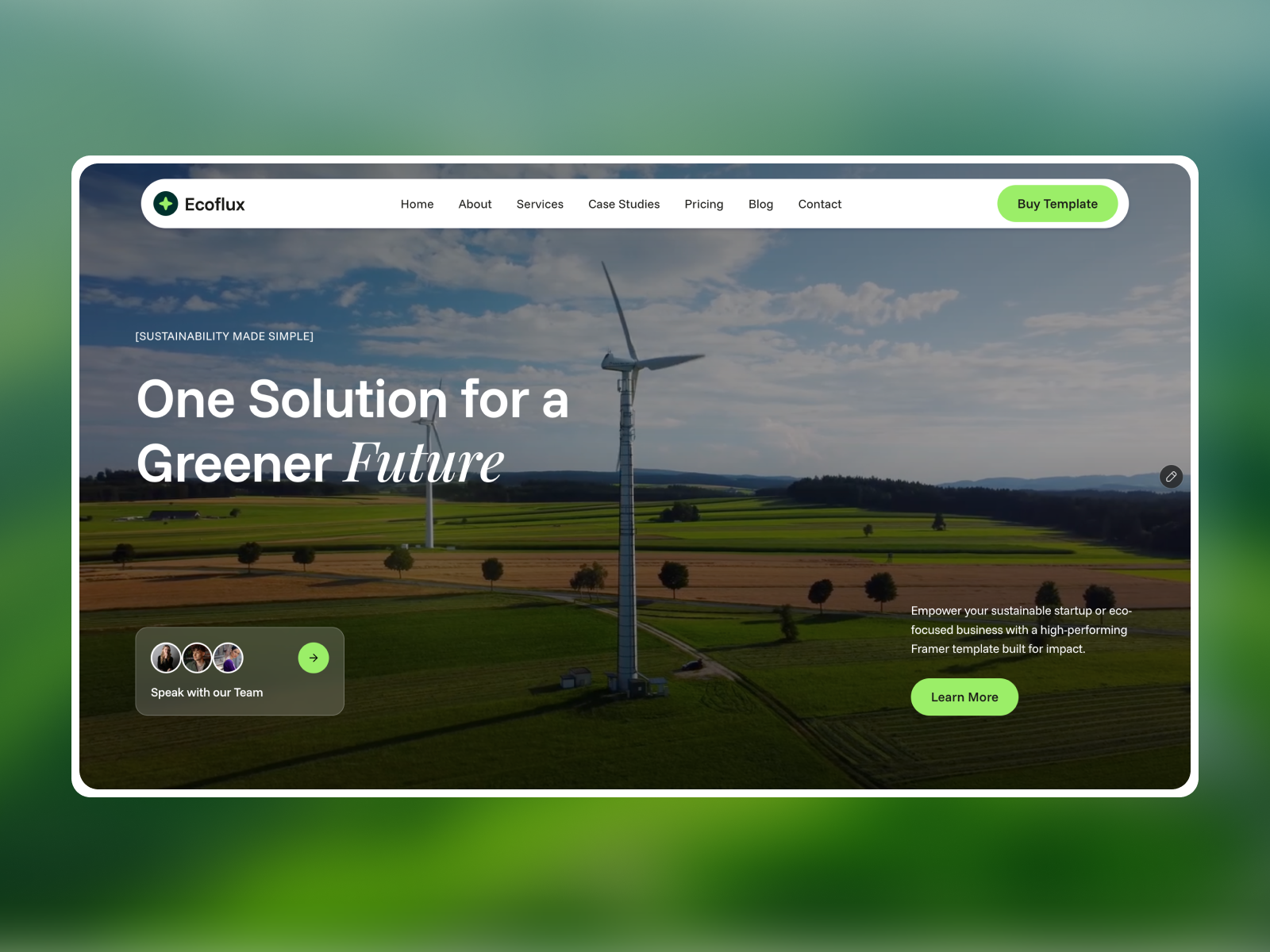
The Fernwood preview mixes organic greens and warm neutrals with service photography, before-and-after grids, and testimonial cards. Typography feels friendly-professional, closer to a local studio brochure than Linear-style product UI. Pricing tables sit beside project galleries so homeowners can sanity-check cost after seeing proof.
Motion is service-site practical: carousels for reviews and gallery strips, not experimental scroll scenes. The fight is naming. There is no Home route in the file list, so you will likely remap About or duplicate a frame as your landing URL in Framer and set that as the site root after remix.
Ten pages, named as Framer lists them in marketplace order:
Everything is static in the listing. Wire forms on About or Services after remix and paste real hours into Business Hours before ads go live.
Framer SEO defaults, analytics, and responsive layouts are platform tooling, not differentiators here.
Remix Fernwood when you are a local service or studio brand that needs pricing, projects, reviews, hours, and FAQ routes, and you are comfortable setting About or a duplicated frame as your site entry. Unknown authorship does not change the layout: it is a service-business shell sitting in SaaS filters.
Skip it when you need product-style Home marketing with changelog and integrations. That is Cirro. Need a longer B2B product map with Security and legal pages? Try Forma Desk. Still comparing? Return to the SaaS shortlist or browse free Framer templates on the hub.
Quick answers about Fernwood, including pricing, CMS support, responsiveness, and who it is built for.
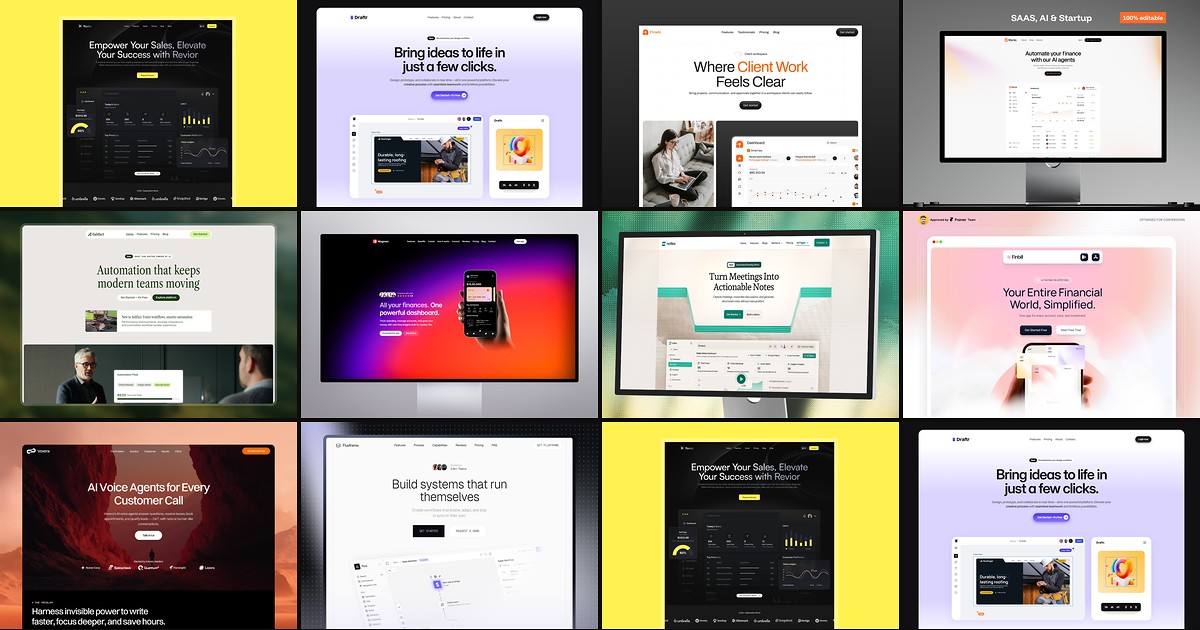
Most free SaaS templates on Framer look great in the preview and fall apart the moment you customize them. These 10 don't.