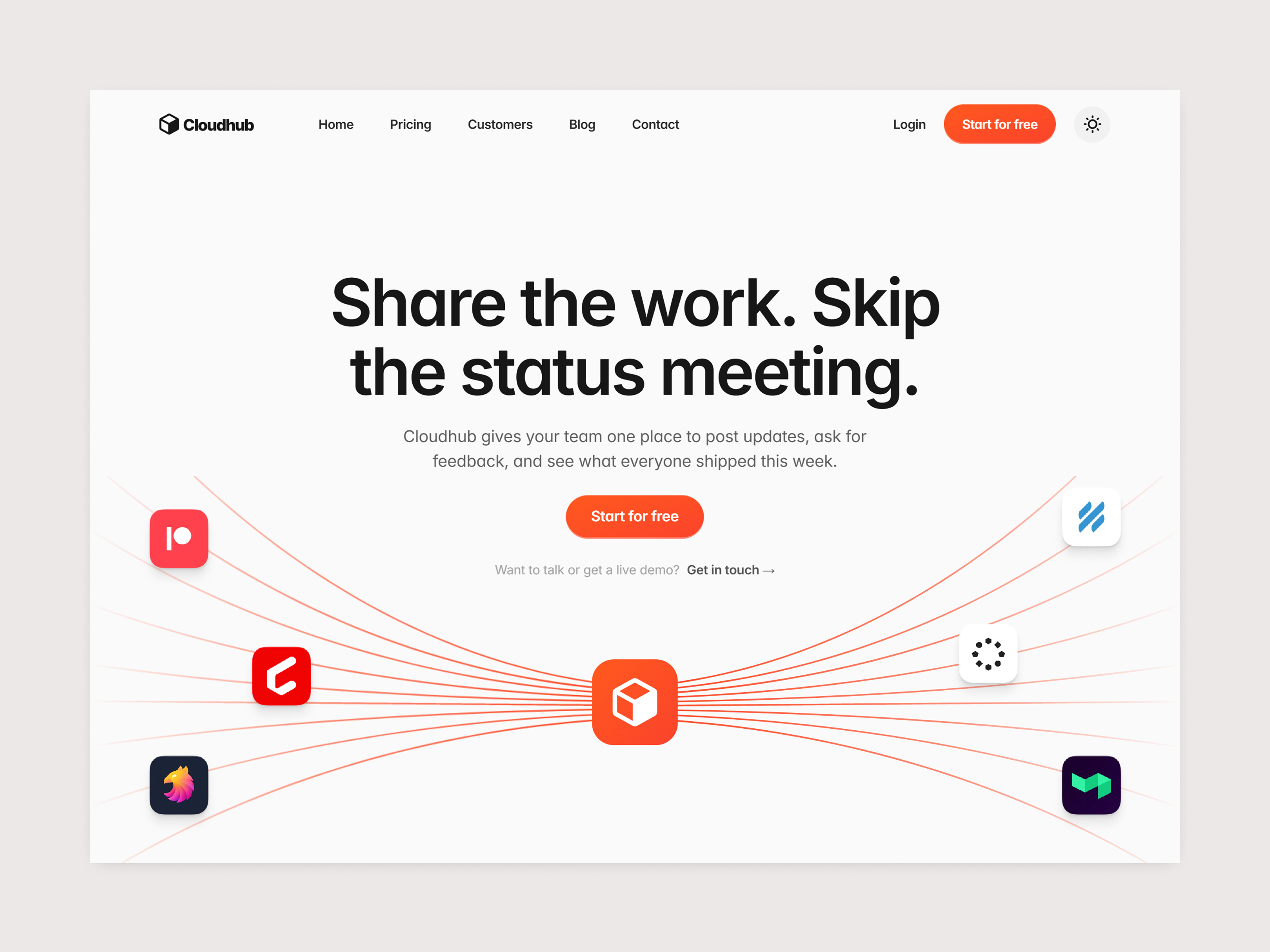
 Live Preview
Cloudhub — Free SaaS Template for Framer
by Unknown
Metricloom is a free 10-page SaaS Framer template with pricing, careers, blog, and changelog routes on a static map. Skip it if you need CMS posts and customer stories.
Metricloom is a free ten-page SaaS template for Framer with a product marketing sitemap that already names Pricing, Careers, Blog, Changelog, and customer story routes. The marketplace list does not include CMS collections, so blog posts and case studies start as static frames you duplicate. Skip it if weekly publishing needs CMS entries out of the box. Echoflux adds blog and customer collections on a longer map. More free Framer templates live on the hub, or open the SaaS shortlist.
Metricloom fits B2B analytics, data, or ops SaaS teams that must look like a shipping company on the first sales call: feature spreads, a pricing page, customer proof, changelog, careers, and contact without debating frame order from scratch. Founders who sell to technical buyers often want Sources and customer story pages in the nav early, even when copy is still placeholder. Marketing leads remix once, swap product UI shots, and ship Home plus Pricing while they backfill blog and careers.
Walk away if content marketing runs on CMS blog posts and customer libraries you update every week. Echoflux is the honest yoframer alternative with collections wired for that motion. Skip Metricloom when you only need eight static routes with Security and Integrations for procurement. Forma Desk matches that checklist without the careers and blog duplication work.
The energetic-sphere preview reads modern B2B SaaS: cool neutrals, card-based feature layouts, dashboard-style screenshots, and clear pricing tables. Product spreads assume you will drop three capability stories without merging them into one endless Home scroll. Customer and changelog sections borrow patterns from mature devtools sites, which helps when buyers compare you to incumbents.
Motion stays in the product-marketing lane: soft fades and card hovers, not experimental scroll scenes. The fight is maintenance. Ten named route groups mean copy and screenshot debt if you publish every nav item at once; many teams ship Home, Product, and Pricing first, then fill Blog and Careers when hiring starts.
Ten pages, named exactly as Framer lists them:
Treat blog posts, roles, sources, and customer stories as static duplicates until you wire CMS collections after remix.
Automated SEO, analytics, and breakpoints are Framer platform defaults, not Metricloom-specific reasons to remix.
Remix Metricloom when you want a broad B2B SaaS nav, you accept static blog and story frames at first, and you will add CMS or duplicate layouts as content grows. John Nicholson’s Framer work skews product marketing depth, and this file matches that ambition on a free remix.
Skip it when collections must drive blog and customer stories from remix day one. Choose Echoflux. Still comparing SaaS kits? Return to the SaaS shortlist or free Framer templates on the hub.
Quick answers about Metricloom, including pricing, CMS support, responsiveness, and who it is built for.
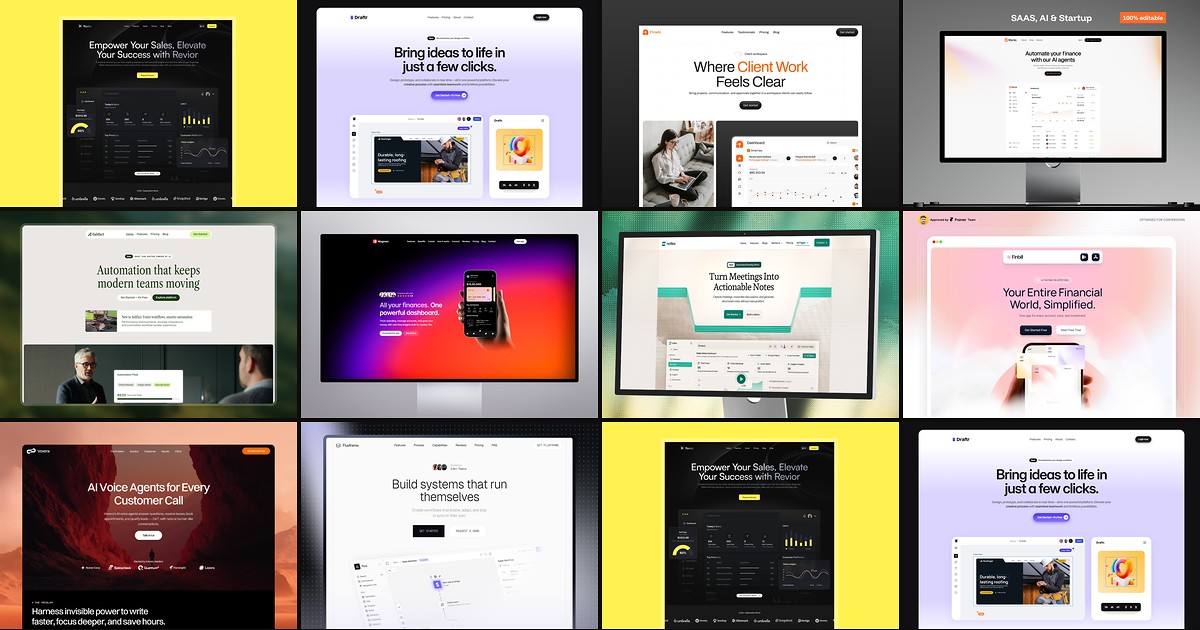
Most free SaaS templates on Framer look great in the preview and fall apart the moment you customize them. These 10 don't.
Live Preview
by Unknown
 Live Preview
by Unknown
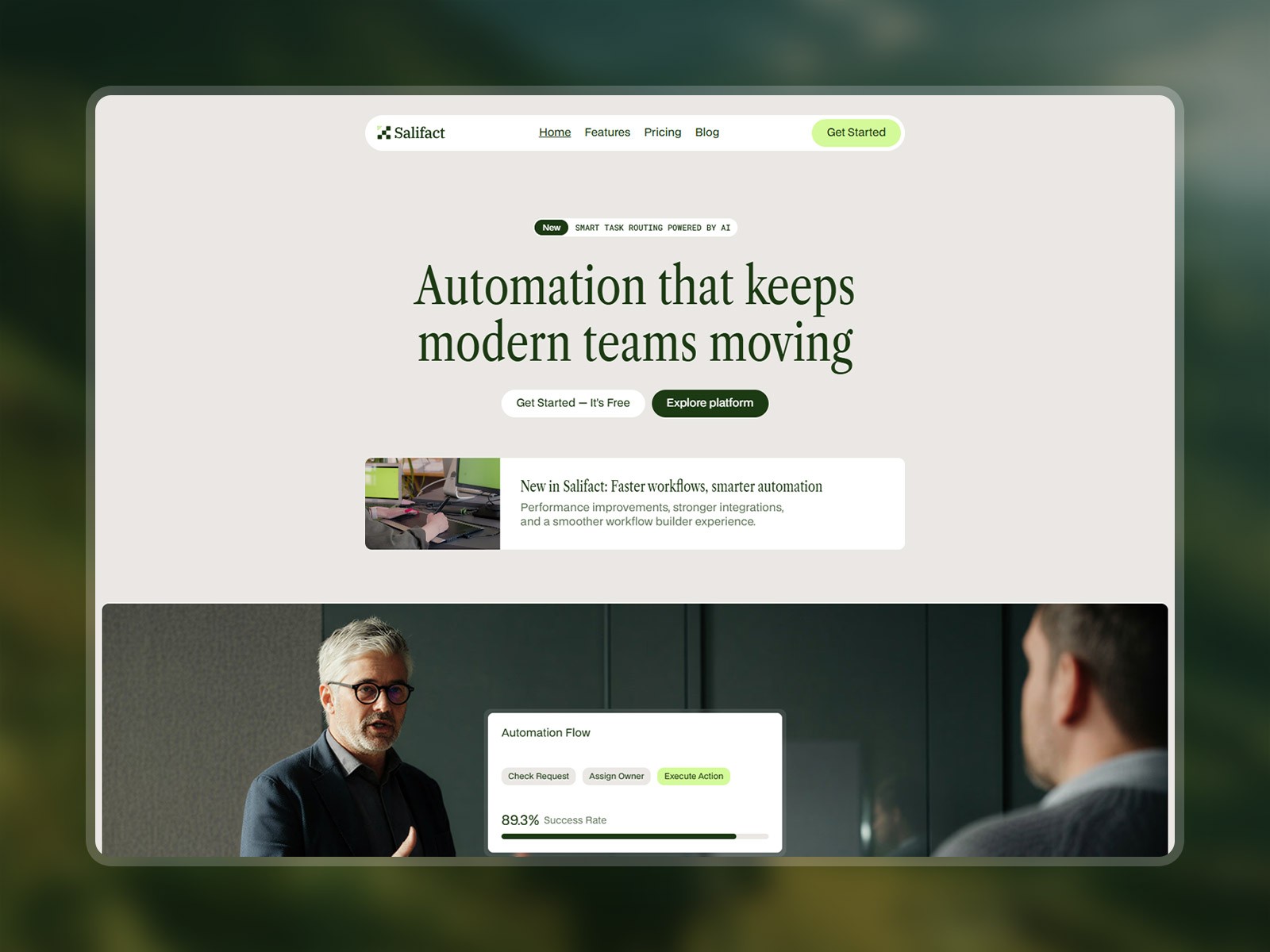 Live Preview
by Salim from Webestica