 Live Preview
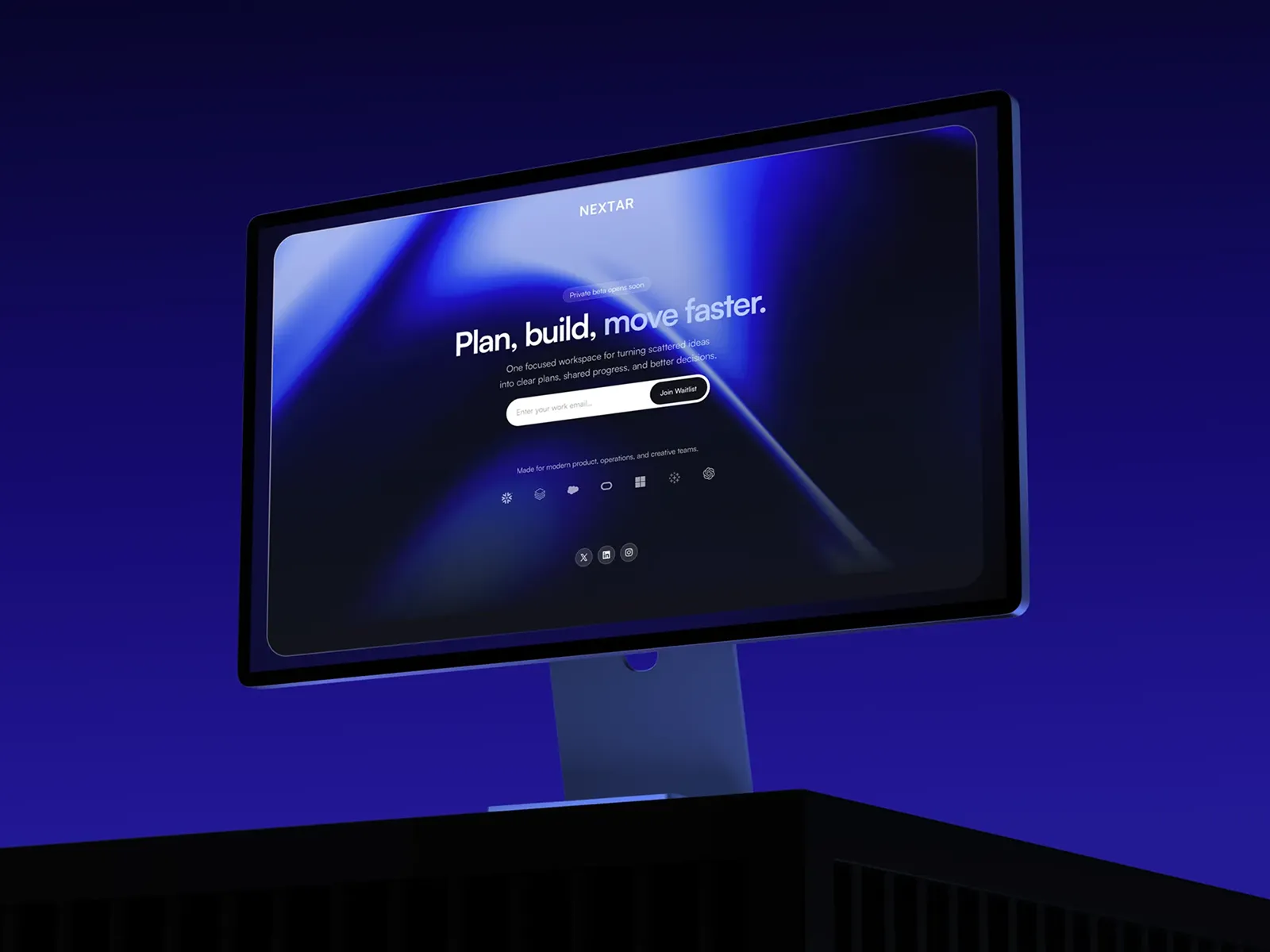
Nextar Waitlist — Free Waitlist Template for Framer by Alexander Winter
by Alexander Winter
Saasleek is a free 10-page SaaS Framer template with waitlist, changelog, reviews, and legal routes. Skip it if you need pricing and feature depth. Saasbright ships eight product pages.
Saasleek is a free ten-page SaaS marketing template for Framer with Waitlist, Changelog, Reviews, Blog, About, Contact, and legal routes on static pages. Framer lists it near AI software copy, but the sitemap reads like a generic pre-launch product site: no Pricing, no Features, no agent dashboard frames. Skip it if your GTM deck needs pricing and feature URLs immediately. Saasbright ships that eight-page product core. More free Framer templates sit on the hub, or open the SaaS shortlist.
Saasleek fits a founder or tiny marketing team shipping a beta app who must look legitimate before collections exist. Investors and early users expect a Waitlist URL, a Changelog lane for shipping notes, Reviews for social proof, and Privacy Policy plus Terms And Conditions linked from the footer. You are not building docs yet. You are giving cold traffic ten named destinations that mirror a real launch checklist.
Walk away if outbound sales already links to Pricing and Features pages every week. That is Saasbright or Forma Desk territory. Walk away if the entire GTM plan is one scrolling landing with a single form. Flowbi is leaner. Teams that need CMS blog posts and changelog entries from collections on day one should pick a CMS-ready file from the SaaS roundup instead of duplicating static Blog frames by hand.
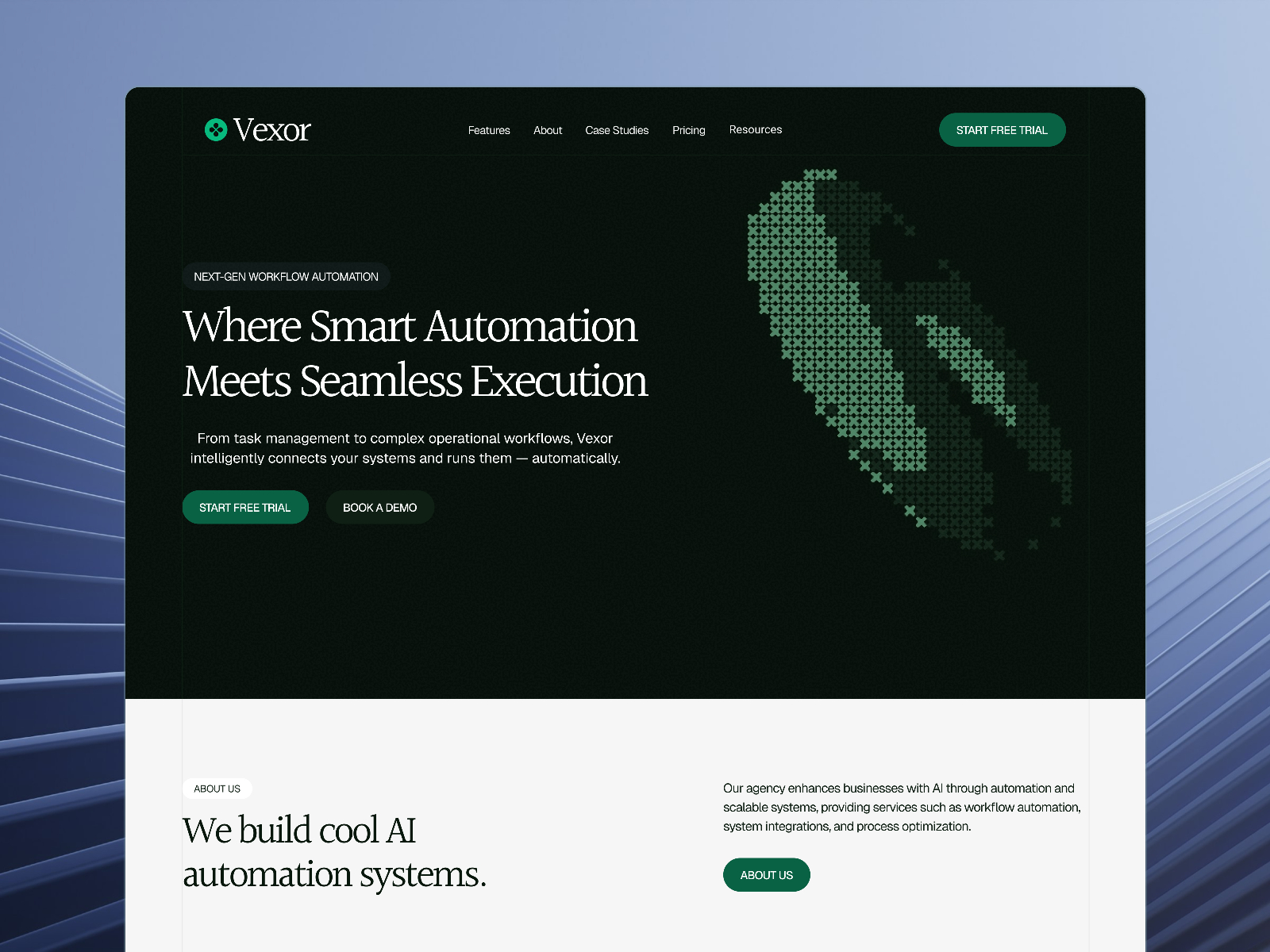
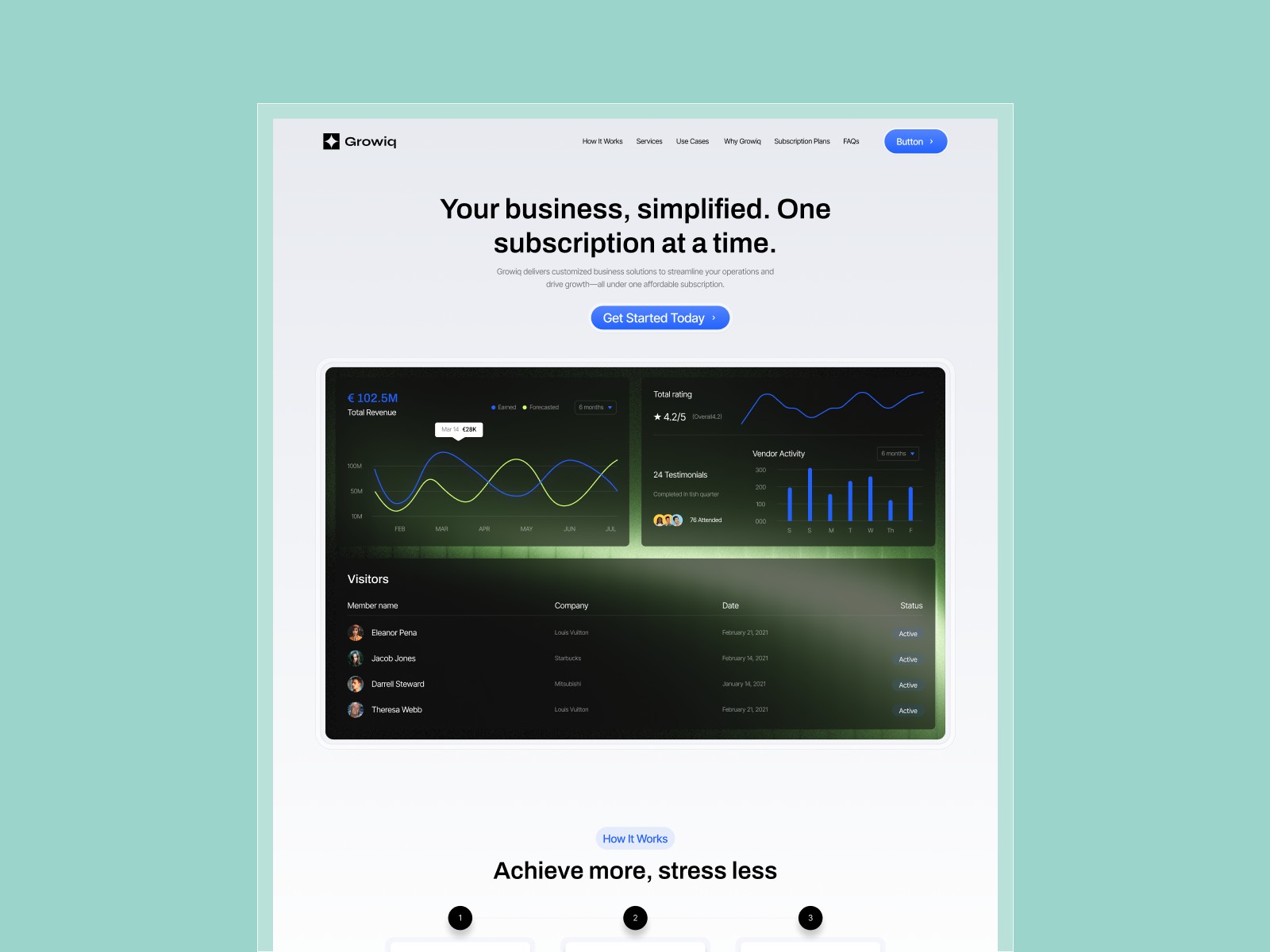
The saasleek.framer.ai preview skews modern SaaS marketing: light surfaces, product mockup slots, testimonial or review bands, and repeated waitlist CTAs that stay thumb-reachable on mobile. Changelog and Blog layouts use repeatable entry patterns so release notes and launch posts feel product-led rather than magazine editorial.
Motion highlights hero and waitlist buttons without hiding legal links in the footer. The honest fight is product depth. Without Pricing or Features routes, you must fold plan comparison into Home or add pages after remix when sales asks for /pricing. Marketplace AI labeling is marketing flavor; the included pages do not ship chat UI, model comparison tables, or agent workflow demos.
Ten pages, named as Framer lists them:
Waitlist plus Changelog together signal a product team, even though Blog and Reviews stay static until you add CMS later.
/waitlist without anchor scrolling on Home.Hosted forms and responsive layouts are Framer defaults, not unique selling points for Saasleek.
Remix Saasleek when you are launching a SaaS beta and you want waitlist, changelog, reviews, blog, and legal pages live on static routes this week. Judge the file by its page names, not by AI keywords in marketplace blurbs.
Skip it when Pricing and Features must exist before the first customer call. That is Saasbright. Skip it when one page is the whole campaign. Compare the waitlist shortlist or return to free Framer templates on the hub.
Quick answers about Saasleek, including pricing, CMS support, responsiveness, and who it is built for.
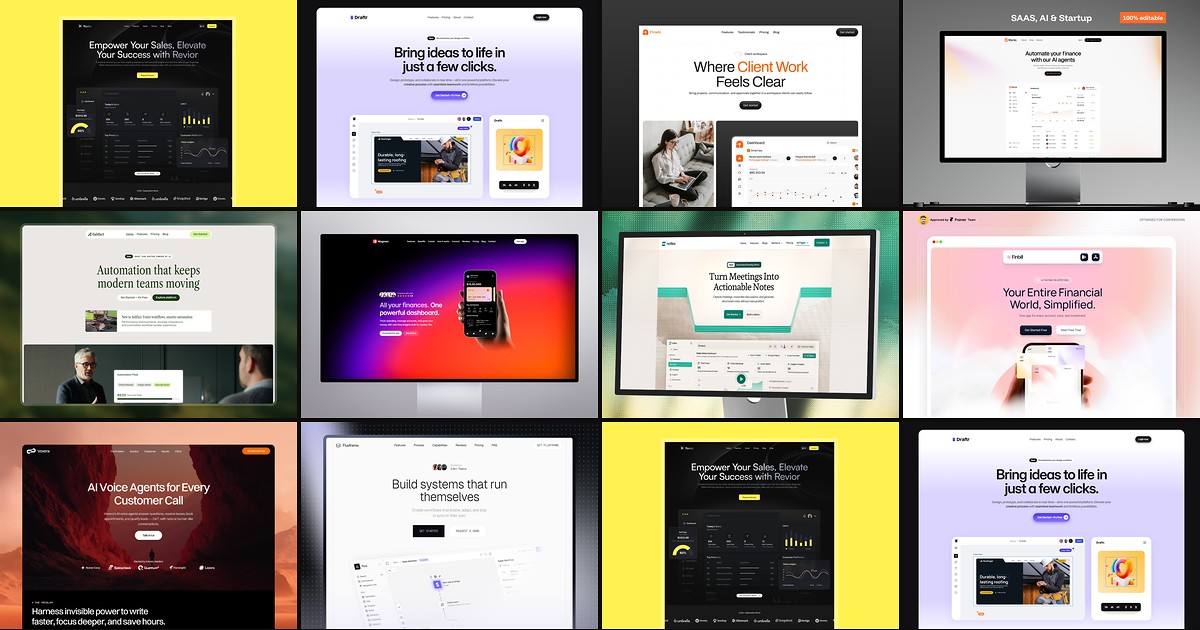
Most free SaaS templates on Framer look great in the preview and fall apart the moment you customize them. These 10 don't.