 Live Preview
AurusAI — Free SaaS Template for Framer
by Unknown
Saasbright is a free 8-page SaaS Framer template with pricing, customers, and changelog routes. Skip it if you need legal, security, and integrations pages on day one.
Saasbright is a free eight-page SaaS marketing template for Framer built for teams that want Features, Pricing, Customers, and Changelog live before they touch CMS. Home, Features, Pricing, Customers, Customer story, Changelog, Changelog entry, and Contact (with a form) and 404 are static routes with no collections in the page list. Skip it if launch week needs privacy, terms, security, and integrations pages in the same file. Forma Desk ships a thirteen-page map for that job. More free Framer templates sit on the hub, or open the SaaS shortlist.
Saasbright fits a founder or small product marketing team pitching a B2B tool who needs credible proof pages fast: a Pricing table for outbound links, Customers for logos, Customer story for one detailed win, and Changelog plus Changelog entry so release notes have a home. Pre-seed teams linking from a deck to live URLs will appreciate the named routes without debating sitemap size.
Walk away if legal and security pages must exist before the first customer call. That is Forma Desk. Skip Saasbright when the entire GTM plan is one scrolling launch page with a waitlist. Flowbi is leaner. If you need CMS blog posts and case studies on day one, pick a CMS-heavy file from the SaaS roundup instead of forcing static Changelog entry frames.
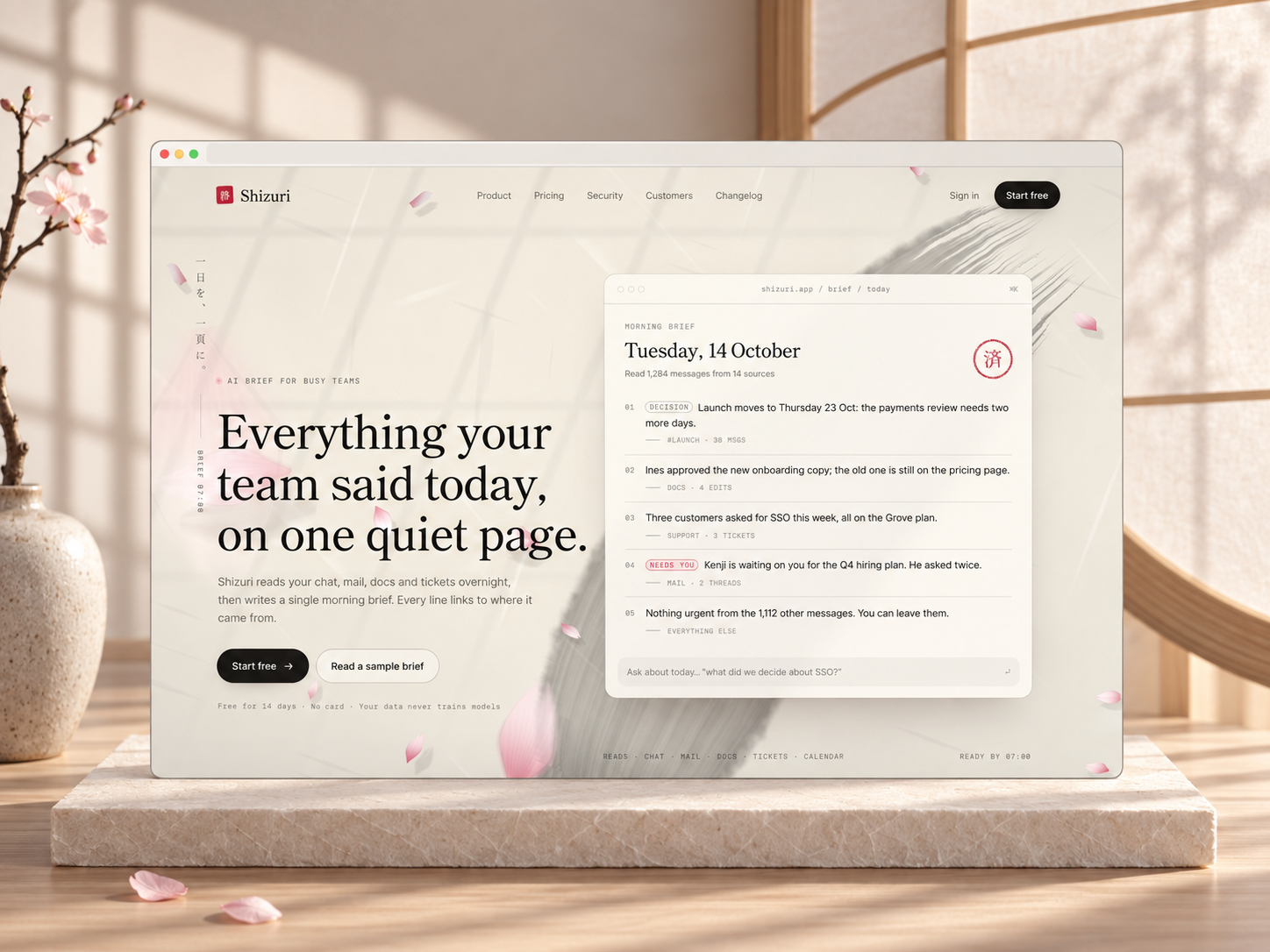
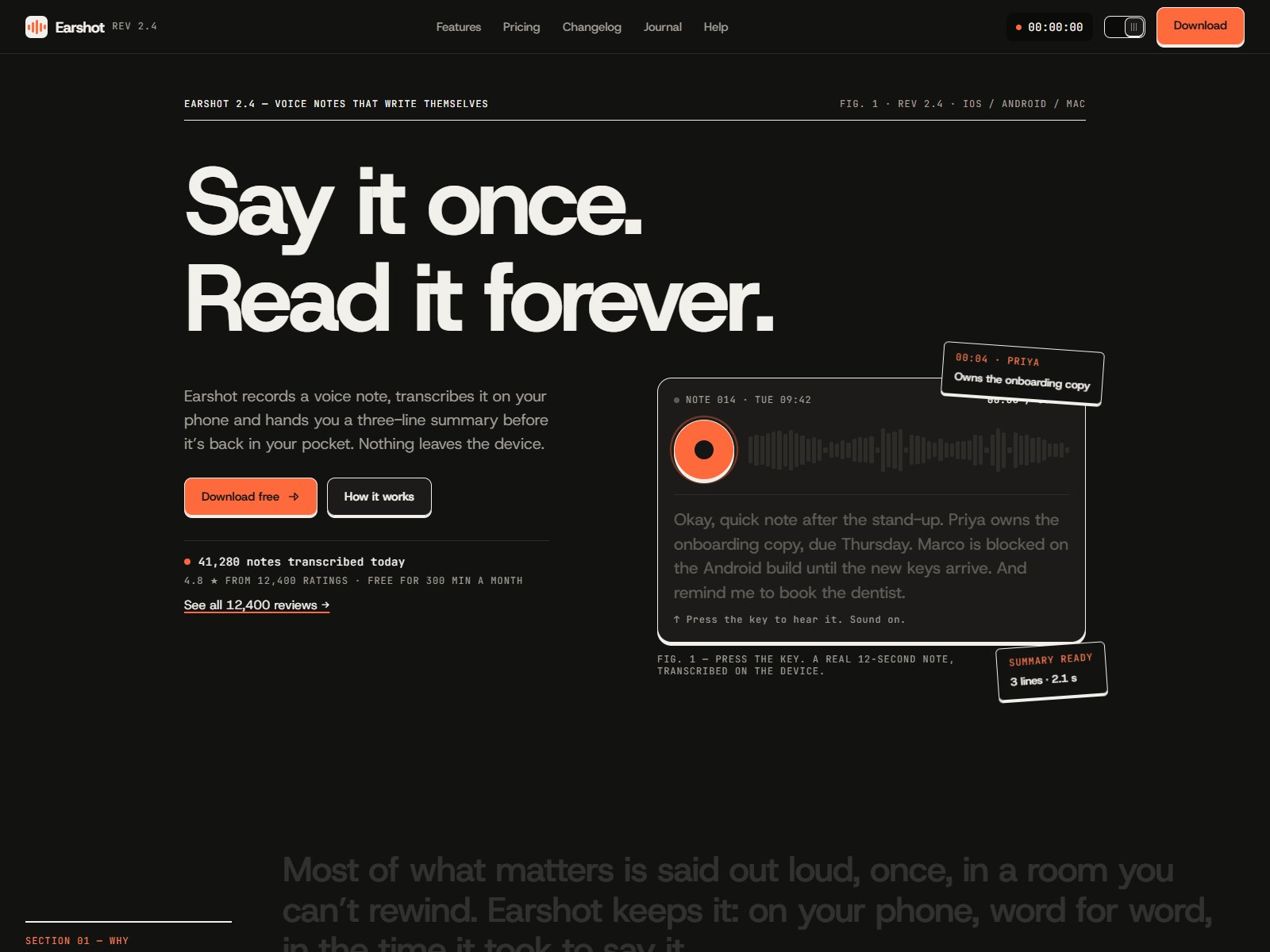
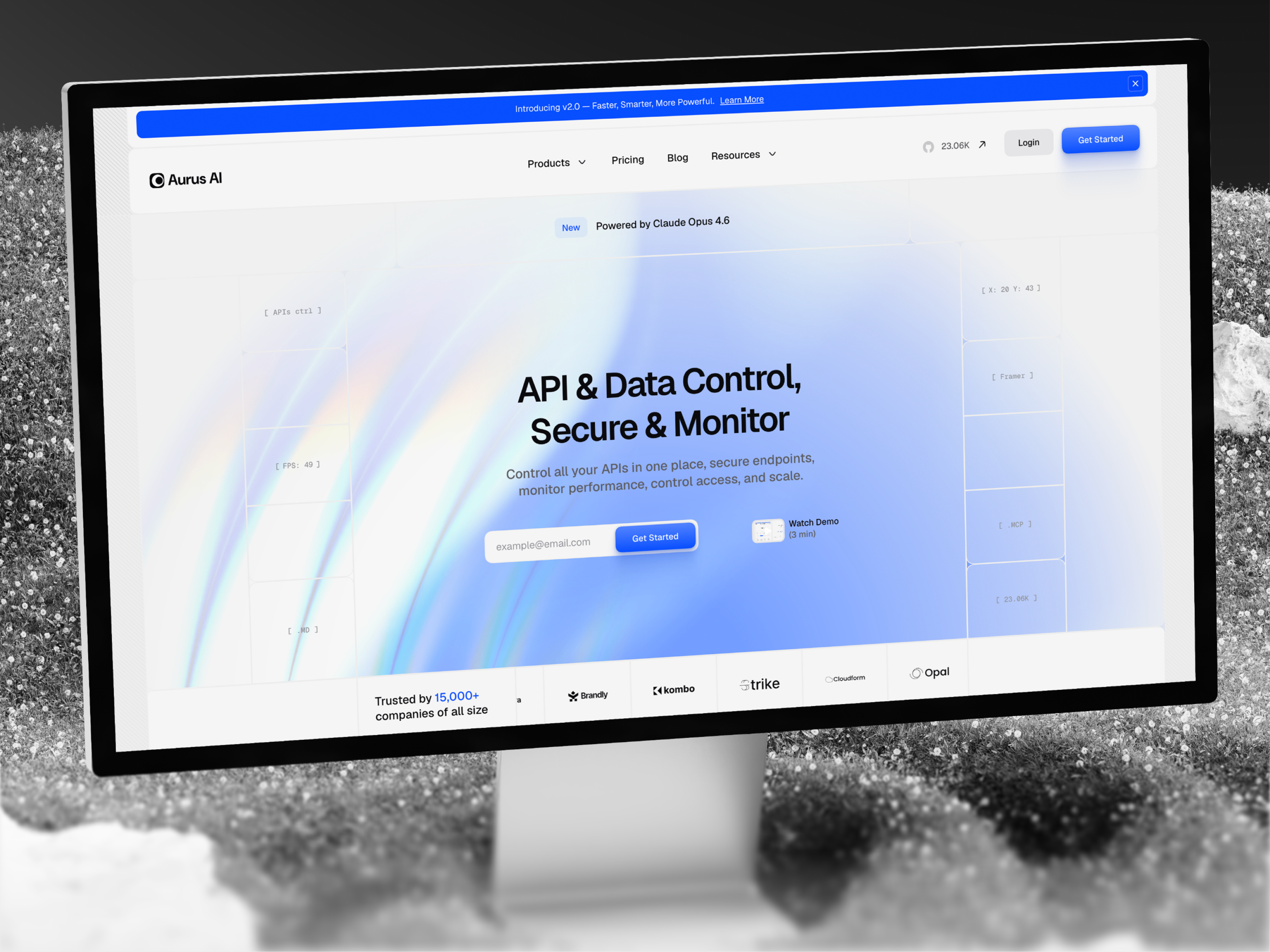
The demo skews bright B2B SaaS: light backgrounds, product UI screenshots in feature rows, pricing cards with comparison-friendly spacing, and customer logos that read quickly on a phone. Changelog pages use repeatable entry patterns so a release note feels like a product update, not a blog essay.
Motion highlights hero and pricing CTAs without hiding plan names on small screens. The honest fight is the combined Contact (with a form) and 404 route name. You get one frame doing double duty, which is fine for an MVP but awkward when support wants a dedicated 404 story separate from the sales form.
Eight pages, named as Framer lists them:
Changelog plus Changelog entry together signal a product-led team, not a services agency that stops at Home and Contact.
Hosted forms and responsive layouts are Framer platform defaults, not unique selling points for Saasbright.
Remix Saasbright when you are shipping a credible SaaS marketing site this sprint and you can live with static changelog pages until CMS arrives. Pricing, Customers, and Changelog routes match how many seed teams already talk to investors and design partners.
Skip it when compliance needs legal and security in the first pass. That is Forma Desk. Skip it when one page is enough. Return to free Framer templates on the hub, or compare other maps on the SaaS shortlist.
Quick answers about Saasbright, including pricing, CMS support, responsiveness, and who it is built for.

Most free SaaS templates on Framer look great in the preview and fall apart the moment you customize them. These 10 don't.