 Live Preview
AurusAI — Free SaaS Template for Framer
by Unknown
Earshot is a free 14-page SaaS Framer template with pricing, help center, and reviews routes for app launches. Skip it if you need Security and Integrations pages on day one.
Earshot is a free fourteen-page SaaS marketing template for Framer shaped like an app landing site with product education baked in. Home, Features, Pricing, Changelog, Journal, About, Press kit, Download, Contact, Privacy, Terms, Help categories, Help articles, and Reviews are static routes with no CMS labels in the page list. Remix it when launch week needs a help center skeleton and a Reviews page without building fourteen frames from scratch. Skip it if enterprise buyers expect Security and Integrations URLs in the footer on the first demo. Forma Desk ships those routes for B2B desk tools. More free Framer templates sit on the hub, or open the SaaS shortlist.
Earshot fits founders and lean product marketers shipping a consumer or prosumer app who need credible marketing depth early: Pricing for paid tiers, Download for store links, Changelog for release notes, and Help categories plus Help articles so support content has a home before you buy a docs platform. Press kit helps podcast-adjacent or media-facing apps hand journalists logos and boilerplate. Teams linking from App Store campaigns to dedicated Features and Reviews pages will appreciate the named routes.
Walk away if your ICP is mid-market B2B SaaS with security questionnaires on the first call. Missing Security and Integrations pages is a real gap compared with Forma Desk. Skip Earshot when the entire GTM plan is one scrolling waitlist with no pricing table. Flowbi stays closer to that brief. If you need CMS blog posts, compare CMS-heavy picks on the SaaS shortlist instead of duplicating Journal frames forever.
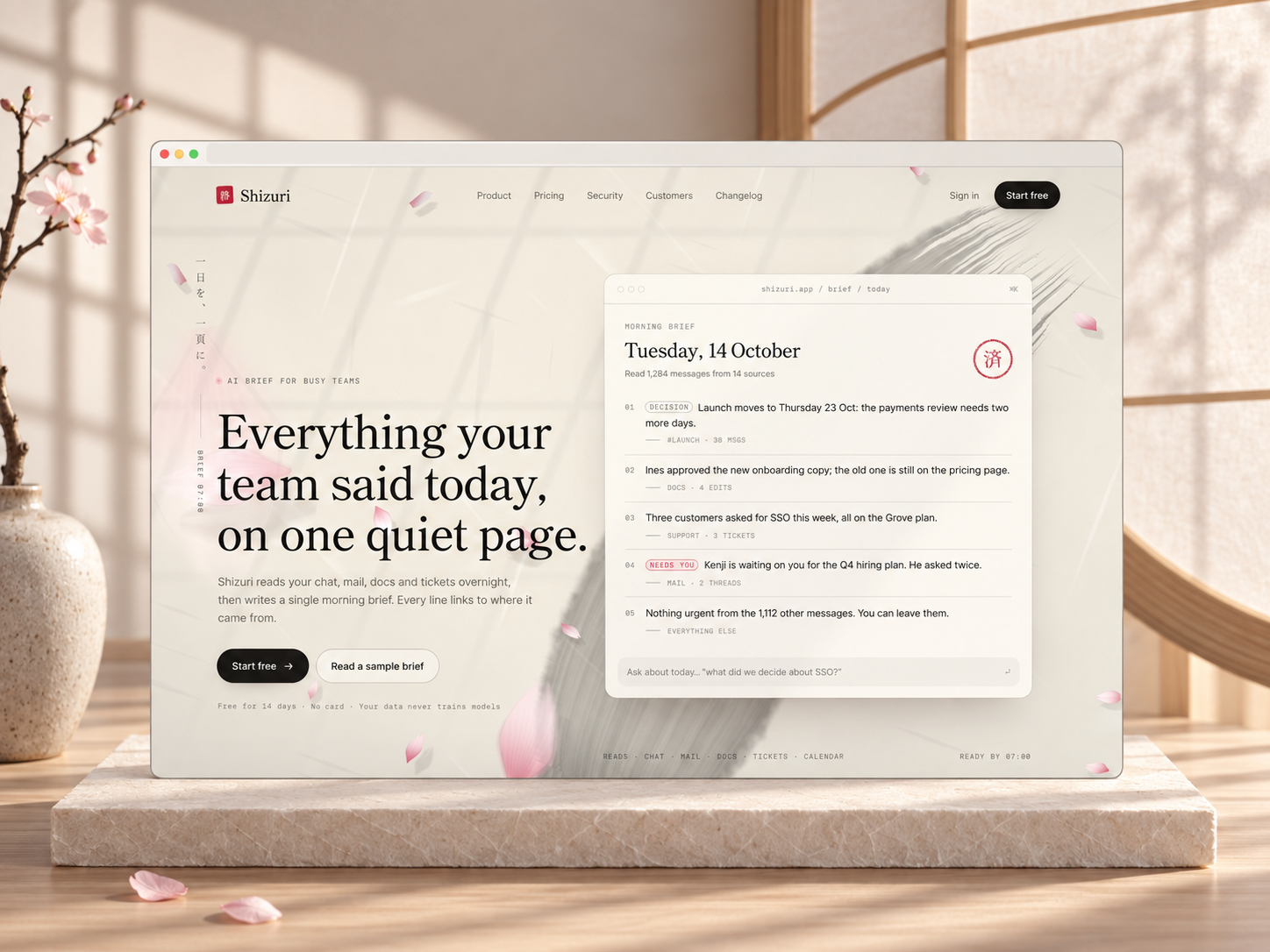
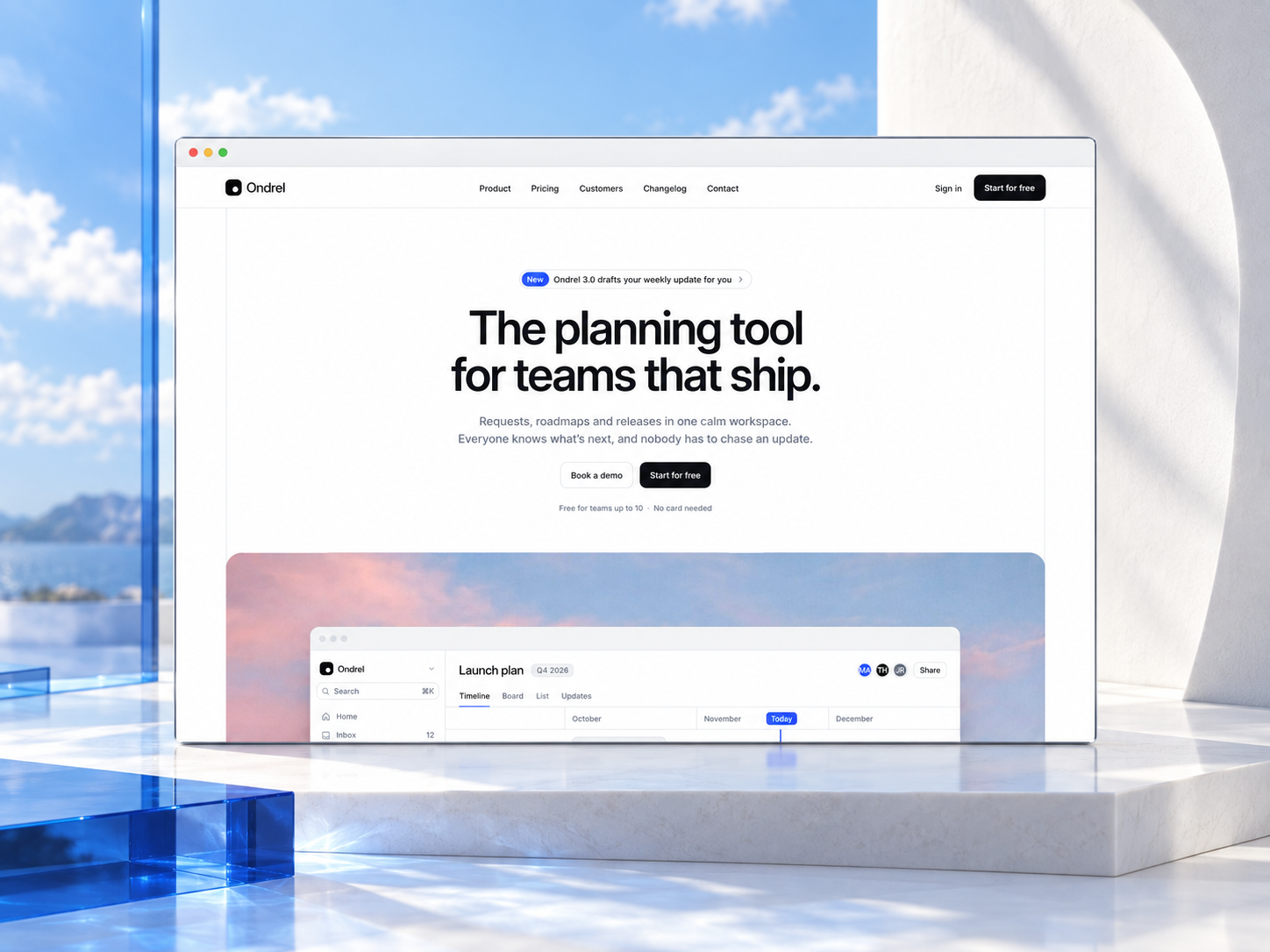
The preview skews modern app landing: light surfaces, product UI in feature rows, pricing cards, and social proof bands that read quickly on a phone. Help categories and Help articles use doc-style hierarchy so FAQs feel like a mini knowledge base. Download and Reviews give store CTAs and testimonial grids room away from the home hero.
Motion highlights primary CTAs without hiding plan names on small screens. The honest fight is enterprise credibility. A bright app marketing skin sells downloads well but can feel thin next to competitors who surface security and integration logos on day one.
Fourteen pages, named as Framer lists them:
Help categories plus Help articles together signal a product team that expects self-serve support, not only a contact form.
Hosted forms and responsive breakpoints are platform tooling, not unique selling points for Earshot.
Remix Earshot when you are launching an app-like SaaS product and the included routes match your first marketing sprint: pricing live, help docs stubbed, changelog ready, and reviews collected. The file rewards teams who will fill Journal and Help articles with real copy instead of leaving placeholder lorem.
Skip it when procurement needs Security and Integrations in the first remix. Forma Desk is the better yoframer fit for that B2B desk story. Skip it when you only need eight pages of changelog and customer proof without a help center. Saasbright covers a tighter SaaS core. Return to the SaaS shortlist or free Framer templates on the hub if none of these maps match.
Quick answers about Earshot, including pricing, CMS support, responsiveness, and who it is built for.
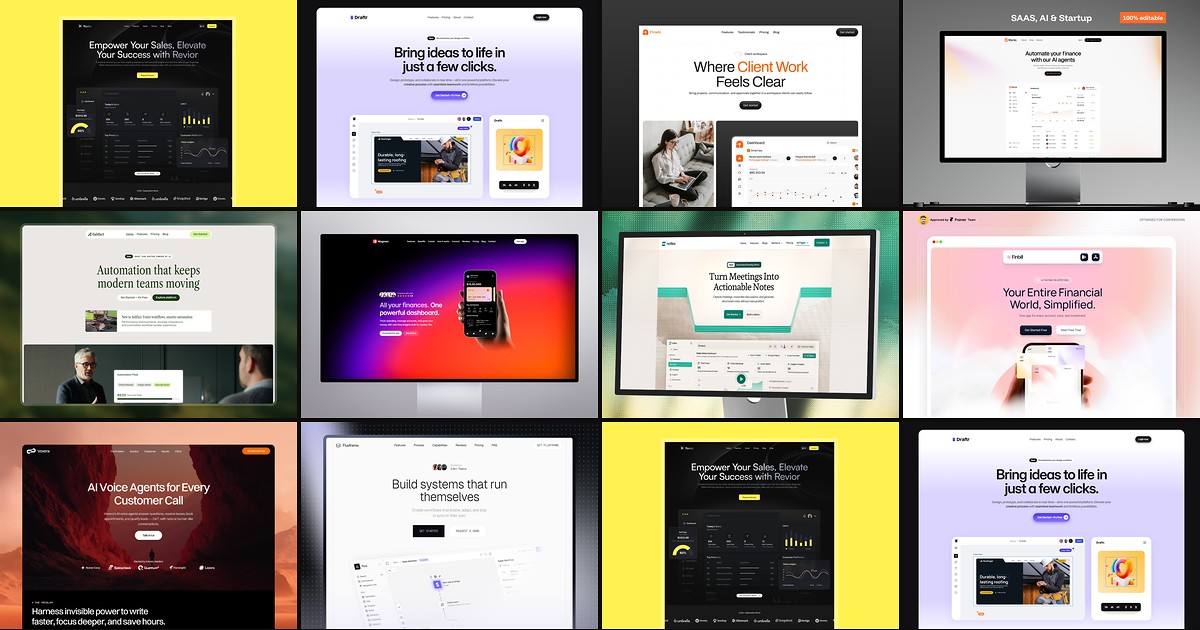
Most free SaaS templates on Framer look great in the preview and fall apart the moment you customize them. These 10 don't.