 Live Preview
AurusAI — Free SaaS Template for Framer
by Unknown
Blossomware is a free 13-page SaaS Framer template for teams that want Product, Pricing, Security, and Changelog routes without CMS. Skip it if you need Privacy, Terms, and Integrations pages.
Blossomware is a free thirteen-page SaaS marketing template for Framer with Product, Pricing, Security, Customers, Changelog, Notes, and Contact on a static sitemap. No CMS labels appear in the page list, so you launch by editing frames, not collections. Skip it if procurement expects Privacy Policy, Terms of Service, and Integrations routes in the first remix. Forma Desk covers that fuller B2B map. More free Framer templates live on the hub, or open the SaaS shortlist.
Blossomware fits founders and lean product marketers who must look like a real SaaS on the first demo call: a Product page for screenshots, Pricing for outbound links, Security for buyer questionnaires, and Customers plus Customer story for social proof. Notes and Note give you a lightweight editorial lane separate from Changelog, which helps when product updates and thought posts should not share the same layout. Teams linking from a deck to live URLs will appreciate thirteen named destinations without debating scope.
Walk away if legal wants privacy and terms pages linked in the footer before launch week. That is Forma Desk. Skip Blossomware when you only need eight core SaaS pages and you prefer a shorter map. Saasbright stays tighter while still shipping Pricing and Changelog. If you need CMS blog posts and customer articles on day one, pick a CMS-heavy file from the SaaS roundup instead of duplicating Note frames forever.
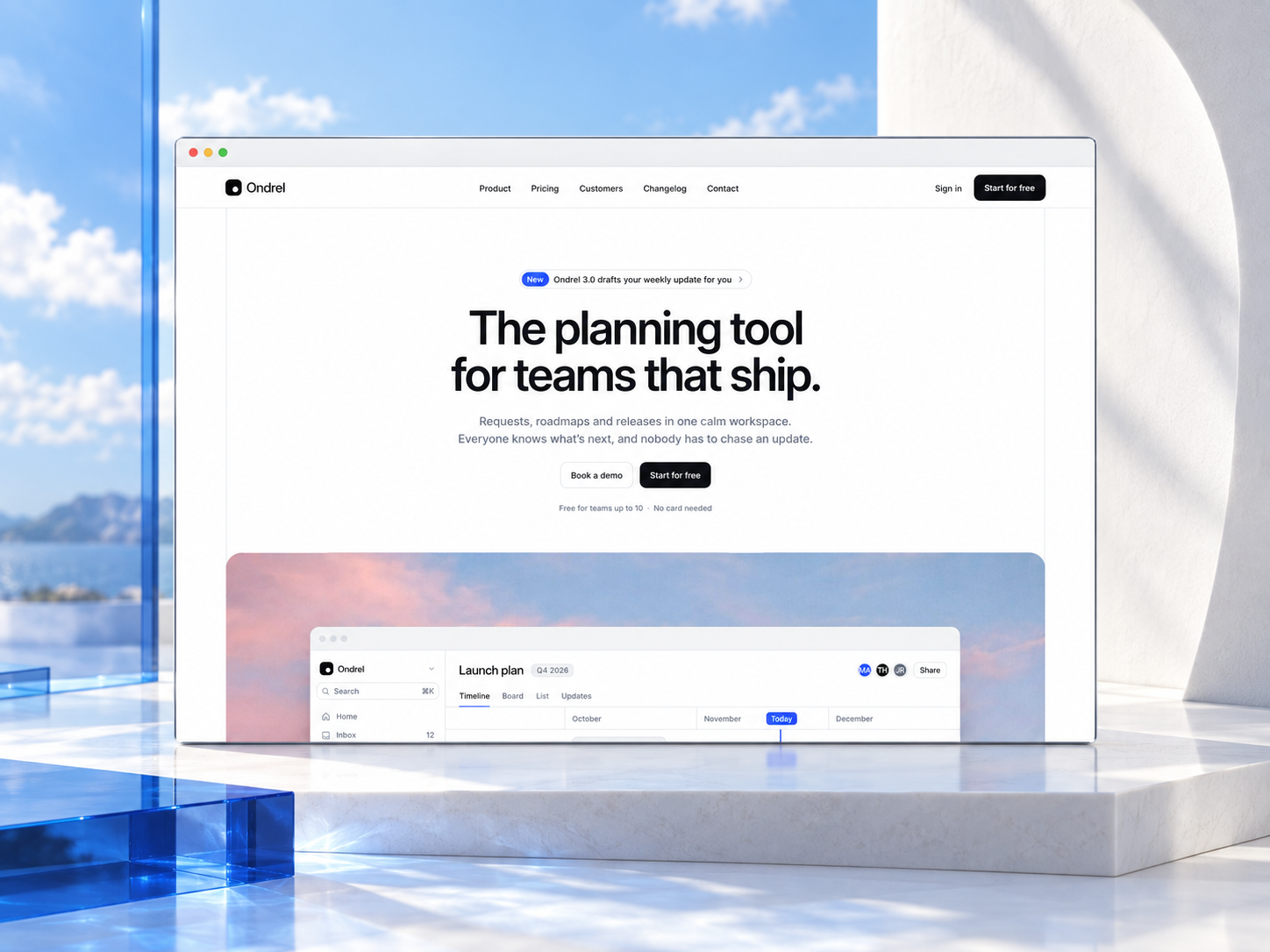
The courteous-steps preview reads modern B2B SaaS: product UI in feature rows, pricing cards with comparison-friendly spacing, customer logos, and changelog entries that feel like release notes rather than magazine essays. Notes pages add a softer editorial tone, which suits founder letters or methodology posts without calling the section a blog CMS. Sign in and 404 signals you might stub an app entry point even when marketing still lives in Framer.
Motion highlights heroes and CTAs without hiding plan names on small screens. The trade-off is the combined Sign in and 404 route name. You get one listed page doing double duty, which is fine for an MVP but awkward when growth wants a dedicated not-found story separate from authentication placeholders.
Thirteen pages, named as Framer lists them:
Changelog plus Changelog entry and Notes plus Note together signal a product team that publishes often, even though everything stays static until you add CMS yourself.
Framer analytics, SEO defaults, and responsive breakpoints ship with the platform. They are not reasons to remix Blossomware instead of Forma Desk or Saasbright.
Remix Blossomware when you want a credible SaaS marketing shell with proof, security, and two publishing rhythms, and you accept duplicating Note and Changelog entry frames until CMS arrives. The creator profile linked in frontmatter is the fastest way to see whether their other free SaaS files share this structure.
Skip it when Privacy Policy, Terms of Service, and Integrations must exist on launch day. Start with Forma Desk. Skip it when you want the smallest viable SaaS sitemap. Try Saasbright. Return to the SaaS shortlist or free Framer templates on the hub if you are still comparing.
Quick answers about Blossomware, including pricing, CMS support, responsiveness, and who it is built for.

Most free SaaS templates on Framer look great in the preview and fall apart the moment you customize them. These 10 don't.