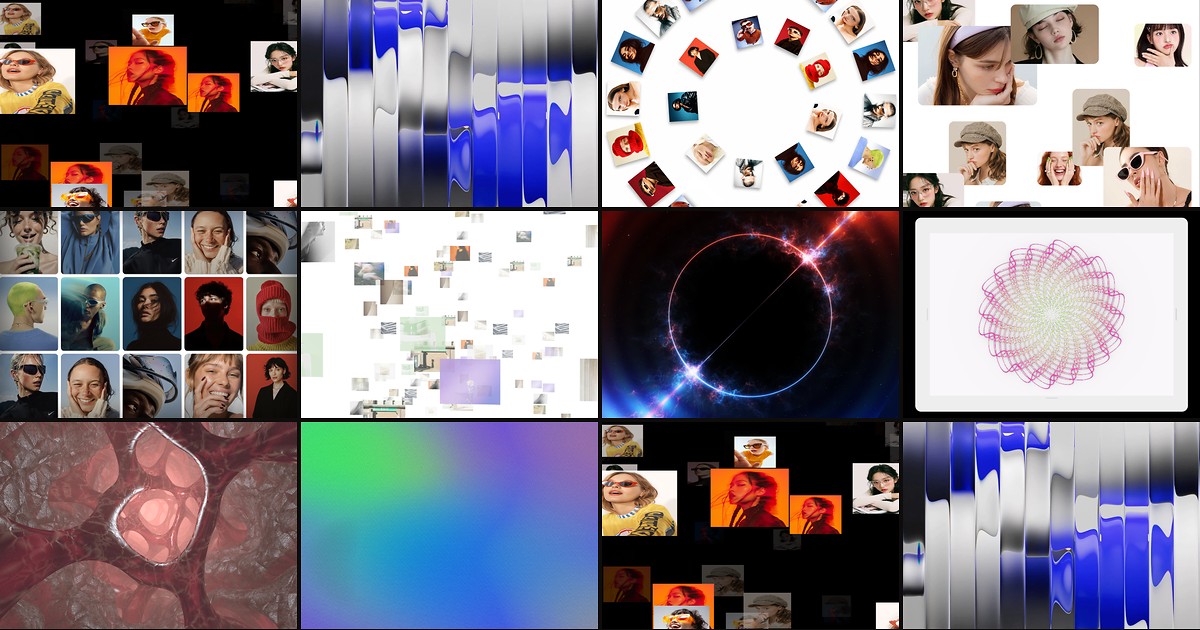
Three-dimensional motion used to mean hiring a WebGL developer or embedding heavy iframes. Framer code components changed that — marketplace installs now ship Three.js scenes, GLSL shader pipelines, and interactive 3D galleries you drop onto the canvas like any other block. The catch is quality variance: some listings are CSS transforms dressed up as 3D, while others run real WebGL with viewport pausing and mobile fallbacks.
This roundup ranks ten framer 3d components that actually use WebGL or Three.js, work with current Framer in 2026, and come from identifiable creators with live demos. Nine are paid marketplace installs; one is free — enough range to prototype on zero budget and upgrade the hero when a launch brief demands immersion.
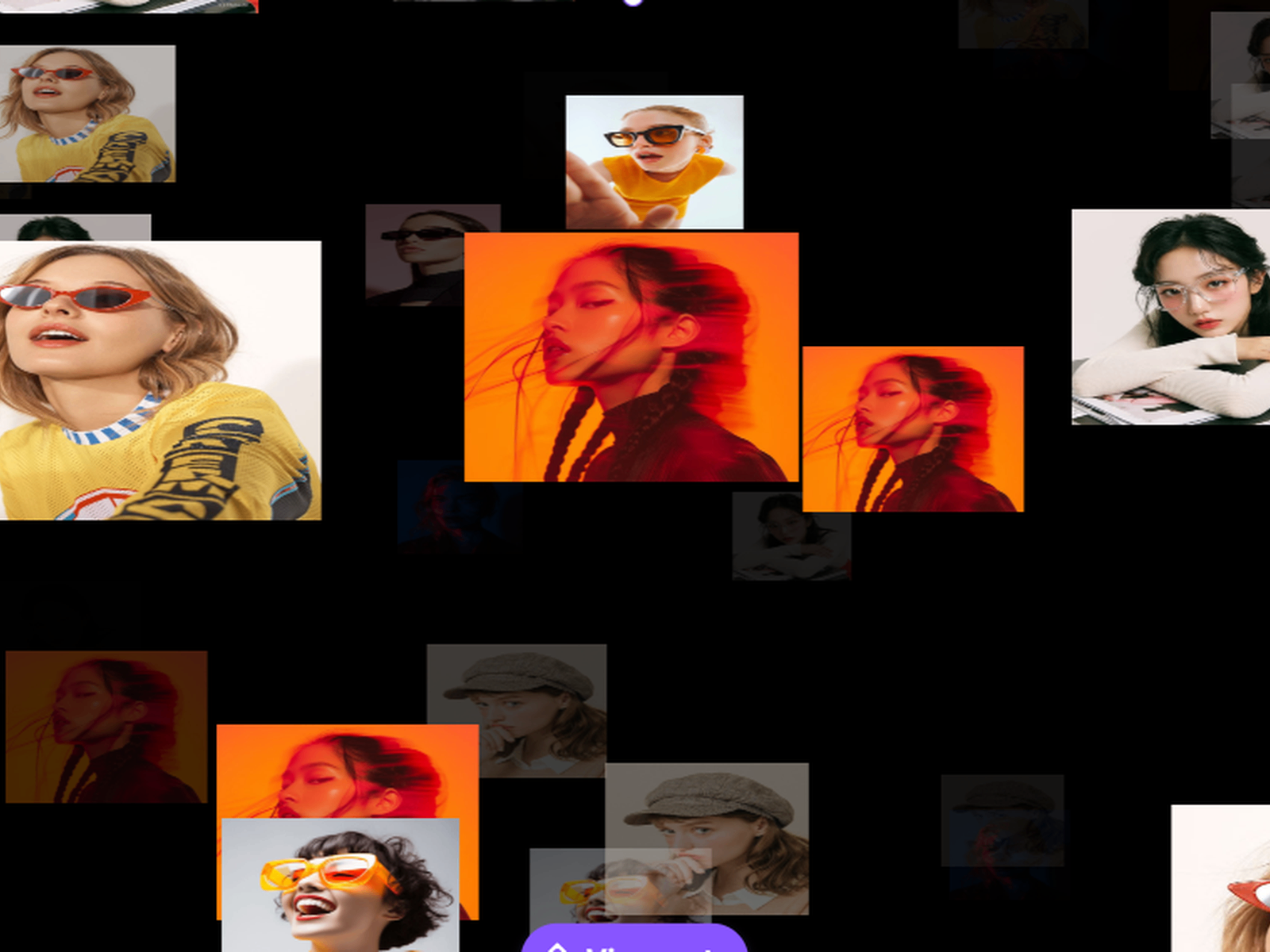
3D Endless Gallery — Infinite WebGL image space with drag, zoom, and chunk-based loading
by Mohd Qasim
3D Endless Gallery builds a floating Three.js image field you can drag, zoom, and explore in every direction — the illusion of an infinite gallery without loading every texture at once. Chunk-based rendering, texture caching, and depth-based fading keep performance stable as users move through the space, while keyboard, scroll, and touch gestures cover desktop and mobile equally. At 12 USD it is the strongest all-in-one immersive gallery when a case-study section needs to feel like a product, not a static grid.
- Best for
- Portfolio showcases and brand galleries that need explorable 3D depth without custom Three.js code
Affiliate link — we may earn a commission at no extra cost to you.
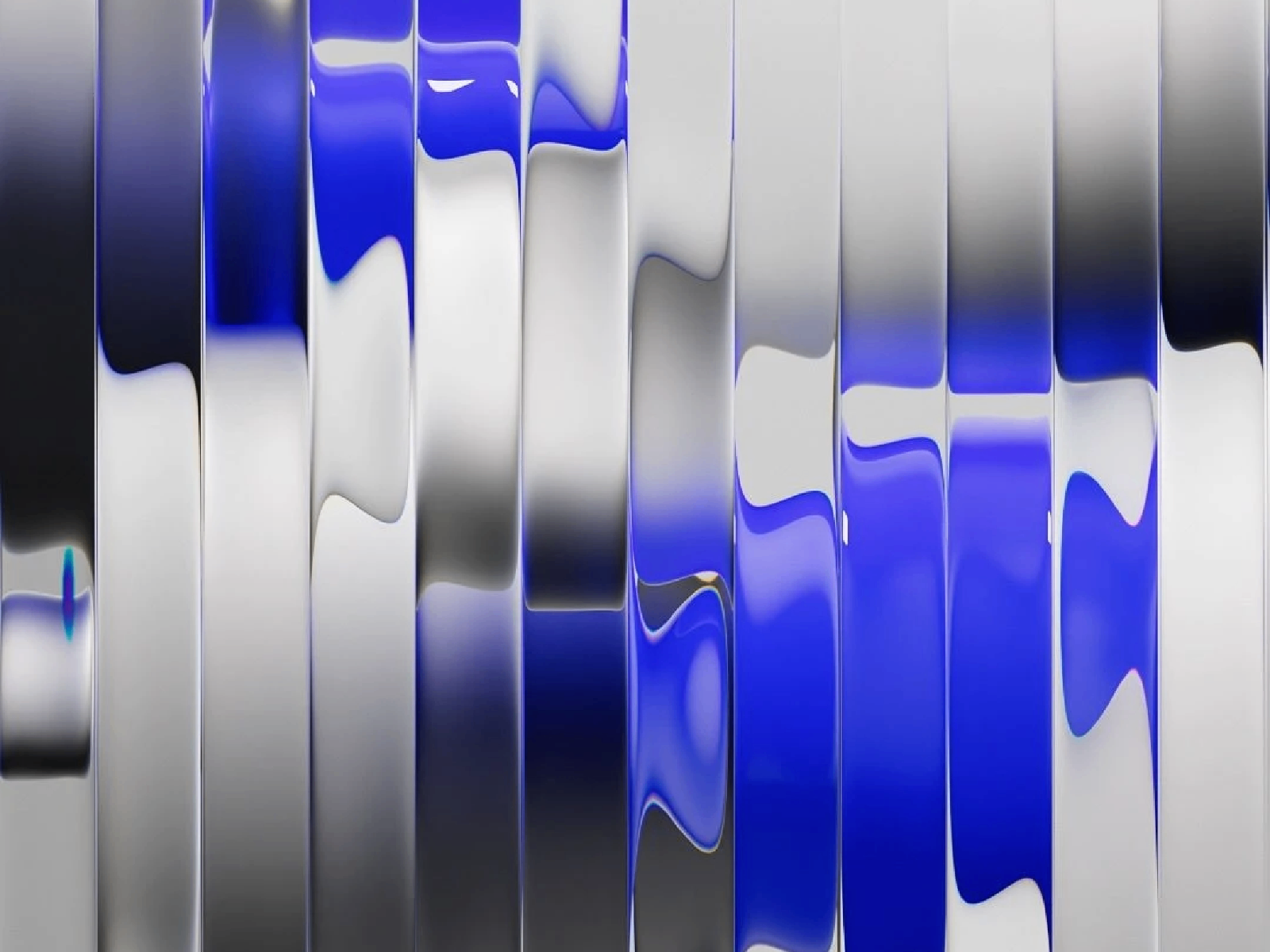
FractalGlass — Cinematic WebGL glass distortion with gyro parallax on mobile
by Inam
FractalGlass runs a hybrid WebGL engine that refracts images and video through fractal noise, volumetric height maps, and fluid motion — the kind of distortion effect agencies usually quote as custom shader work. Desktop users get physics-based mouse parallax; mobile automatically switches to gyroscope control so tilting the phone reveals depth through the glass. Volumetric masking, cinematic blur, and 60fps targeting make it the premium pick when a launch hero must feel tactile and high-end at 15 USD.
- Best for
- Award-style hero sections that turn photos and video into refracting glass surfaces
Affiliate link — we may earn a commission at no extra cost to you.
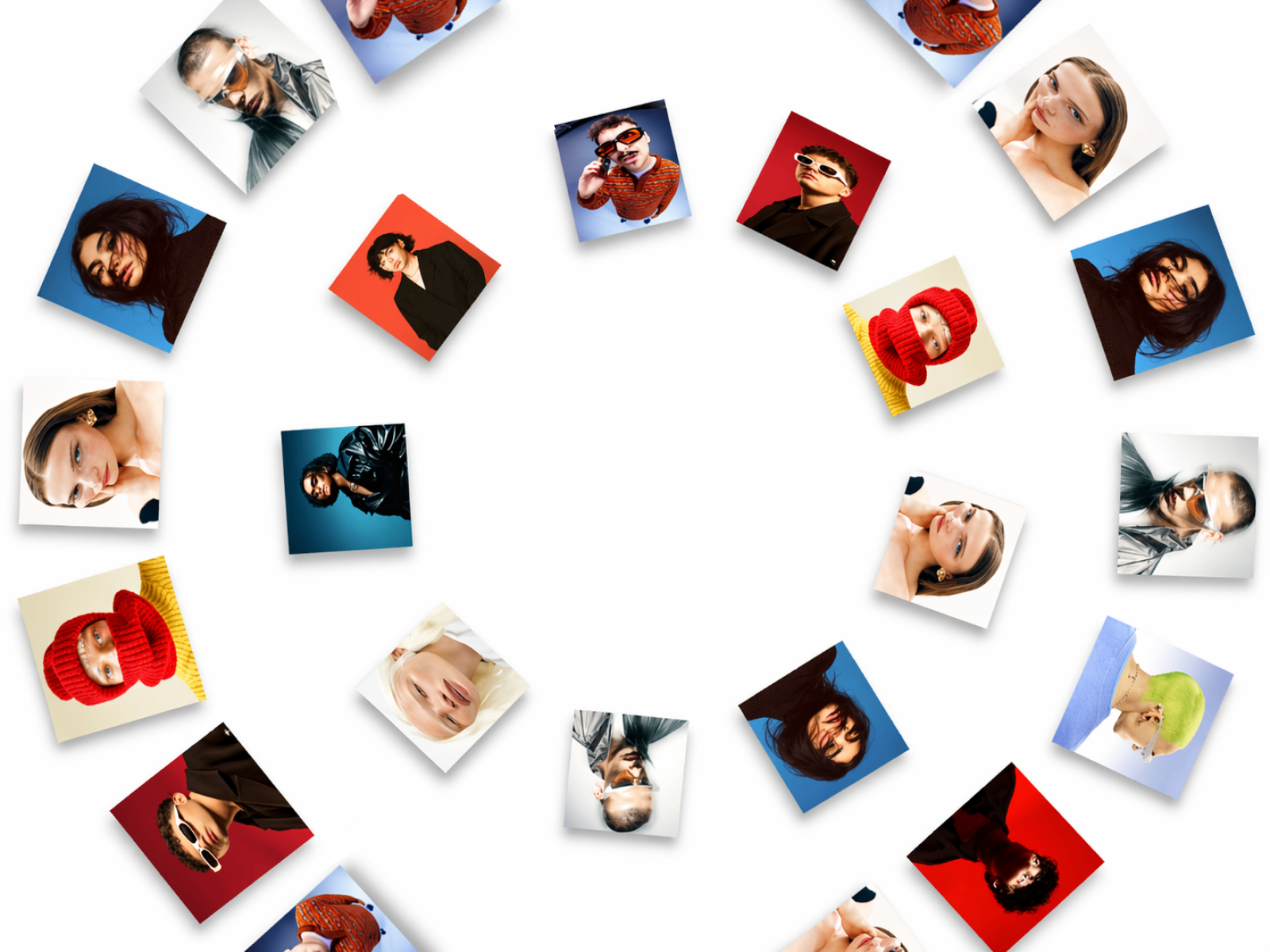
3D Orbital Gallery — WebGL orbital rings with RGB shift, grain, and scroll-driven motion
by Mohd Mehraj
3D Orbital Gallery arranges images along multiple rotating rings in Three.js, producing a layered orbital structure with continuous depth rather than a standard horizontal slider. Scroll and drag influence ring speed and direction, while optional RGB shift, film grain, and vignette post-processing push the look toward motion-design reels. Ring count, images per ring, and camera field of view are all exposed in the property panel — at 12 USD it replaces days of WebGL carousel prototyping for fashion, photography, and experimental brand sites.
- Best for
- Creative portfolios and lookbook sections that need cinematic orbital motion instead of flat carousels
Affiliate link — we may earn a commission at no extra cost to you.

3D Infinite Grid — Endless 3D grid gallery with smooth navigation and depth
by Mohd Qasim
3D Infinite Grid extends Mohd Qasim’s gallery line into a procedurally tiled 3D grid — images sit in depth-aware cells that users navigate through drag and scroll without hitting a hard end cap. The pattern suits studios that want visitors to wander through work rather than swipe a finite deck, and property controls keep density, spacing, and motion tuned per project. Pair it with 3D Endless Gallery when one page needs both freeform exploration and structured grid navigation at the same 12 USD tier.
- Best for
- Agency work galleries and product grids that benefit from infinite spatial exploration
Affiliate link — we may earn a commission at no extra cost to you.

3D Freeflow Gallery — CMS-connected 3D gallery with freeform spatial layout
by Mohd Mehraj
3D Freeflow Gallery combines Three.js spatial layout with Framer CMS binding so new projects appear in the 3D scene without rebuilding the component. The freeform positioning reads more editorial than grid or carousel patterns — useful when a studio site updates weekly and the gallery must stay current automatically. At 15 USD it is the CMS-first 3D pick on this list, worth the premium over static galleries when content velocity is high.
- Best for
- Dynamic portfolio sites where Framer CMS feeds images into a living 3D scene
Affiliate link — we may earn a commission at no extra cost to you.
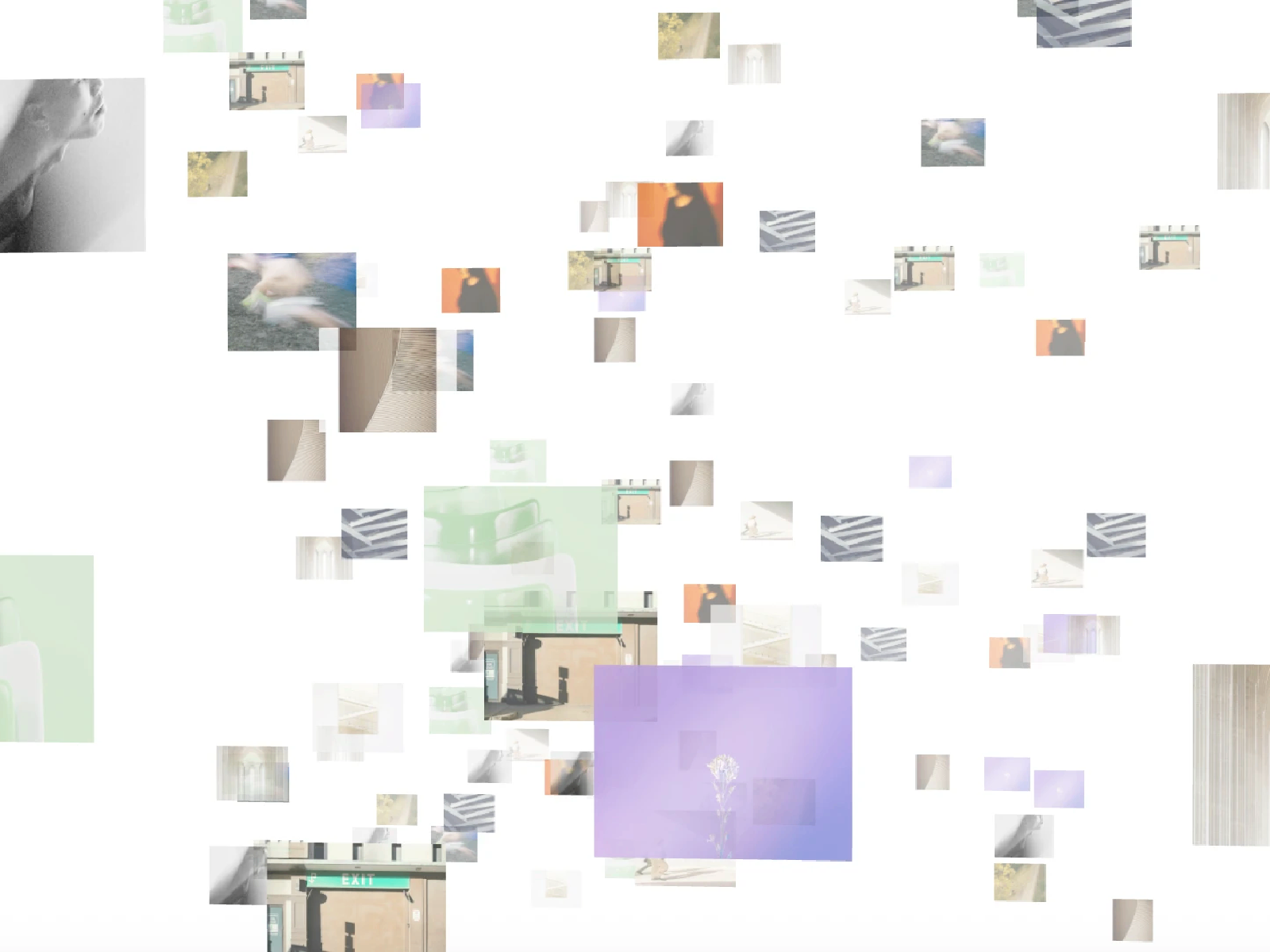
3D Infinite Galaxy — Scroll-driven infinite galaxy with WebGL star-field depth
3D Infinite Galaxy turns vertical scroll into forward motion through a generative star field — particles and depth layers respond to scroll position for a cinematic tunnel effect without video files. THE DESIGN FUTURIST builds components around WebGL and GSAP patterns, and this one targets hero sections where a static gradient background fails to signal innovation. At 15 USD it is the scroll-native cosmic alternative to shader tunnels when the brief calls for space-age motion tied directly to page scroll.
- Best for
- Tech, gaming, and sci-fi landing pages that need scroll-linked cosmic motion
Affiliate link — we may earn a commission at no extra cost to you.
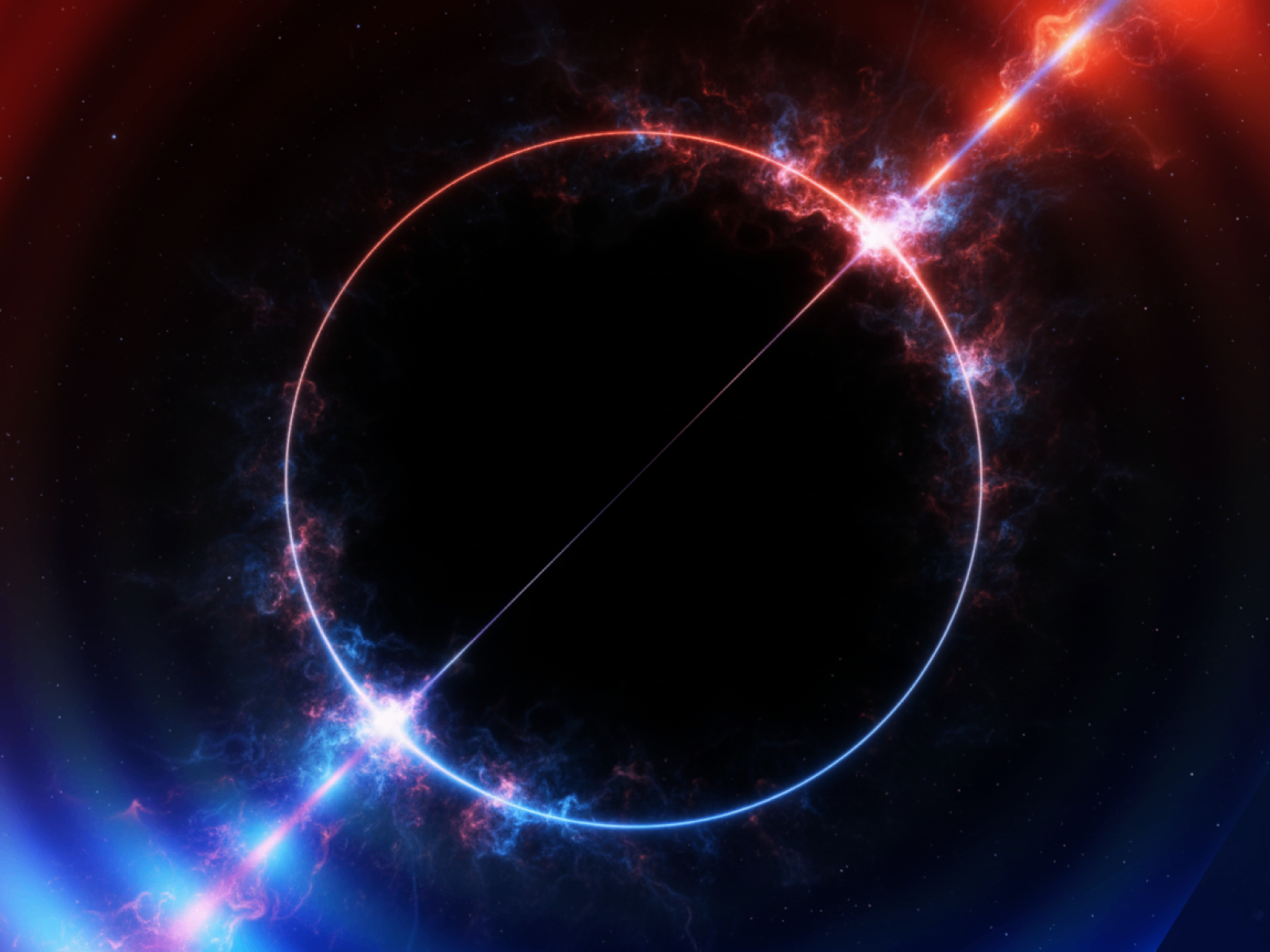
Fluid Shader — Interactive WebGL fluid simulation with mouse-reactive motion
by Mohd Mehraj
Fluid Shader renders a GPU-accelerated fluid simulation that responds to mouse movement — ripples and color shifts follow the cursor for an interactive background that feels alive without video loops. Theme presets, speed, intensity, and resolution scaling are exposed in the panel, and WebGL2 optimizations keep frame rates stable on modern devices. At 10 USD it sits between budget shader backgrounds and premium gallery components, ideal when the hero needs motion reactivity rather than a static generative field.
- Best for
- Hero backgrounds and headers that need organic, cursor-driven shader motion
Affiliate link — we may earn a commission at no extra cost to you.
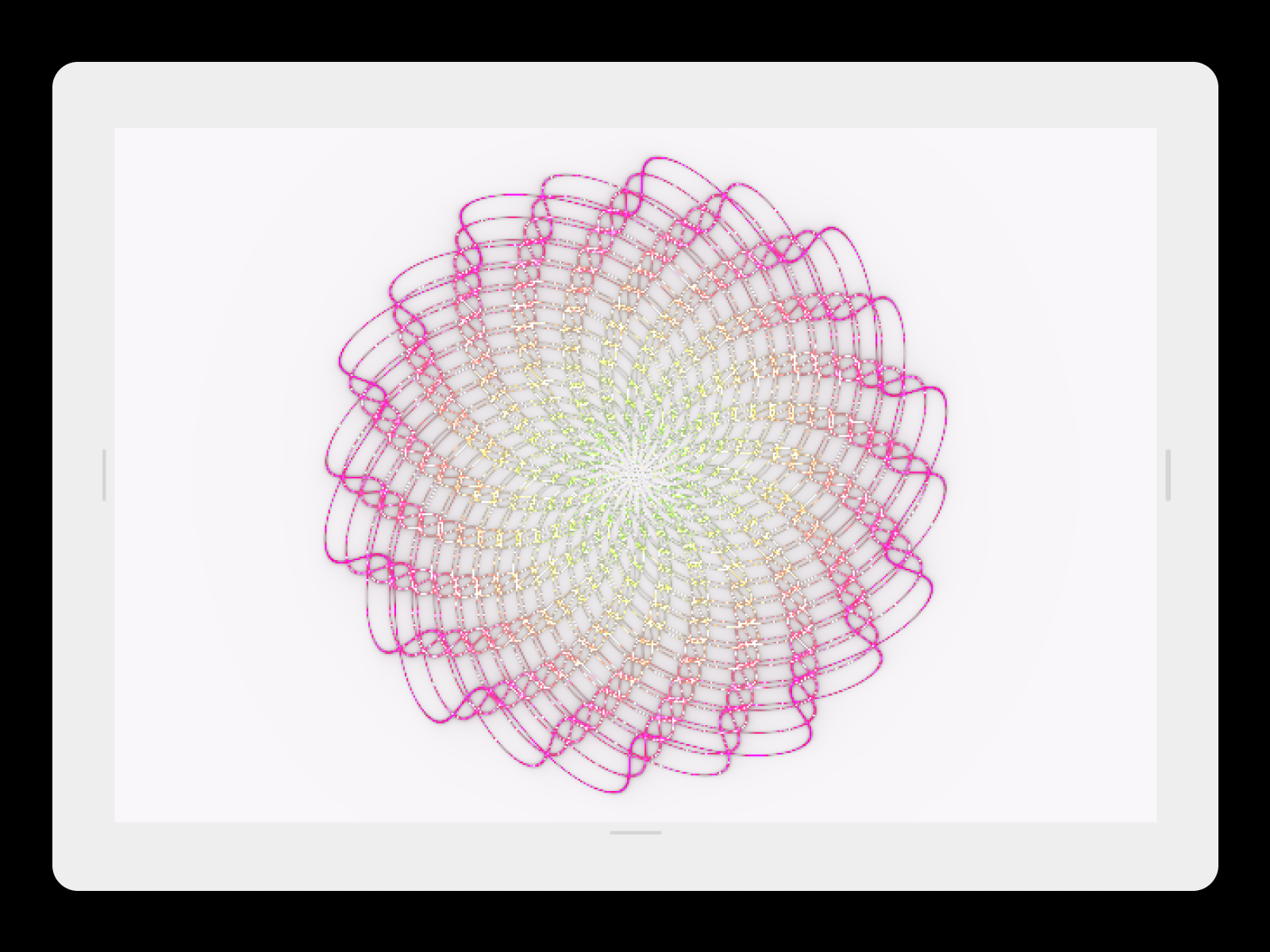
Shader 3D Background — Fullscreen GLSL ray-field shader with viewport pausing
by RAMDIN SINGH
Shader 3D Background draws a fullscreen WebGL quad and runs a custom GLSL fragment shader that produces radial, multi-iteration energy-field motion — no Three.js dependency, which keeps the install lighter than full scene components. Dynamic uniforms for time, iterations, scale, and speed plus optional off-screen pausing make it production-friendly on long pages with multiple sections. At 5 USD it is the best value shader background when you want programmable GLSL visuals without commissioning custom code.
- Best for
- Landing pages that need a futuristic full-bleed background at the lowest premium price point
Affiliate link — we may earn a commission at no extra cost to you.
Quick comparison
| Component | Price | Type | Best for |
|---|---|---|---|
| 3D Endless Gallery | 12 USD | Paid | Explorable infinite Three.js image galleries |
| FractalGlass | 15 USD | Paid | Cinematic glass distortion heroes |
| 3D Orbital Gallery | 12 USD | Paid | Orbital ring galleries with post-processing |
| 3D Infinite Grid | 12 USD | Paid | Infinite spatial work grids |
| 3D Freeflow Gallery | 15 USD | Paid | CMS-fed 3D portfolio scenes |
| 3D Infinite Galaxy | 15 USD | Paid | Scroll-driven cosmic star fields |
| Fluid Shader | 10 USD | Paid | Mouse-reactive fluid backgrounds |
| Shader 3D Background | 5 USD | Paid | Affordable fullscreen GLSL shaders |
| 3D Biomine Shaders | 5 USD | Paid | Organic sci-fi tunnel environments |
| Liquid Gradient | Free | Free | Interactive liquid gradient backgrounds |
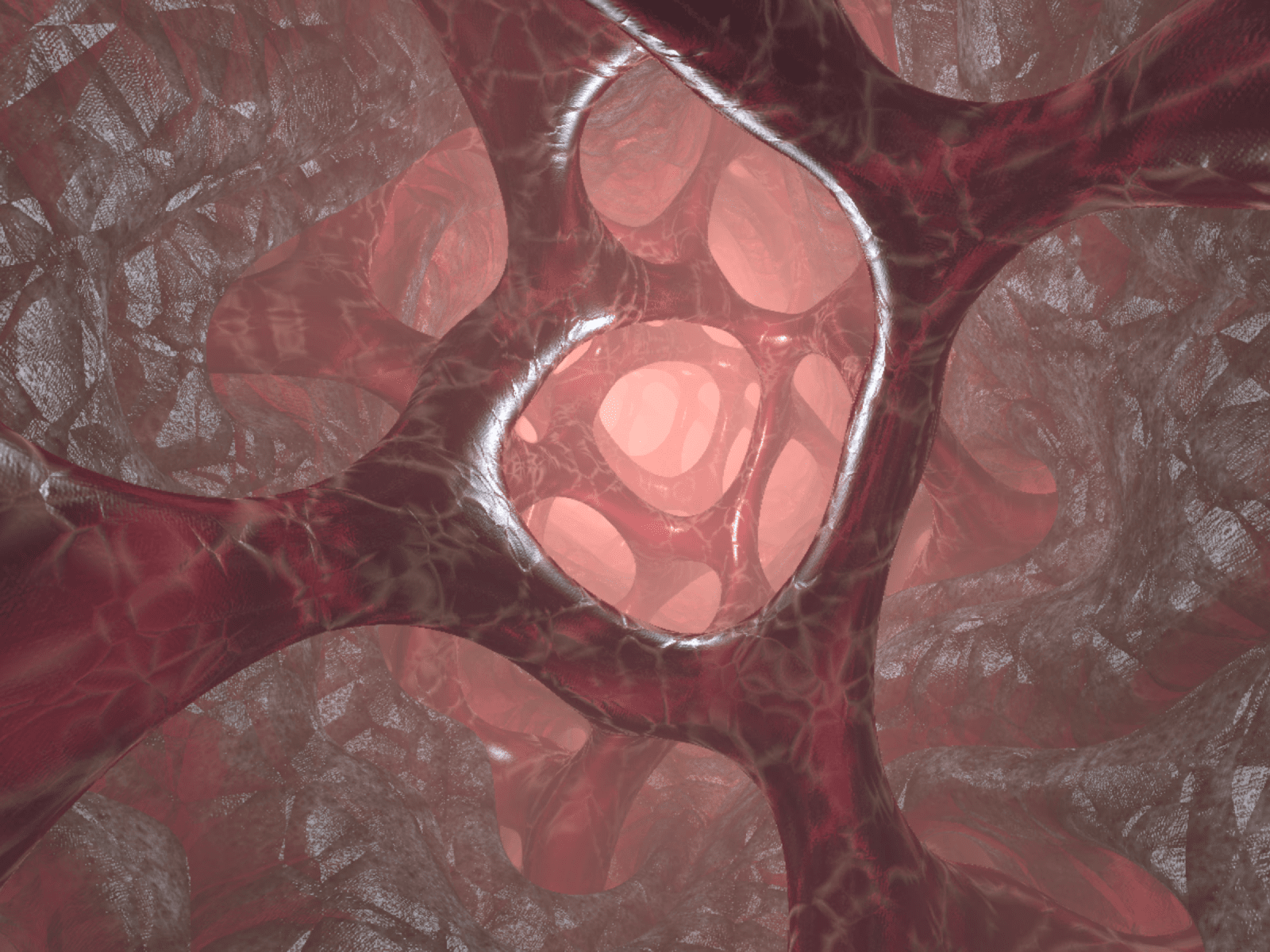
3D Biomine Shaders — Real-time WebGL organic tunnel with biomatter flow controls
3D Biomine Shaders renders a procedurally generated bio-mechanical tunnel in real time — camera speed, path curvature, surface flow, and lighting intensity are all adjustable from the property panel without touching shader code. Reflections, refractions, and ambient occlusion add surface detail that reads as premium motion design rather than a flat gradient loop. At 5 USD it matches Shader 3D Background on price while delivering a completely different aesthetic for tech and gaming launches that need bold immersion on a tight component budget.
- Best for
- Sci-fi, gaming, and experimental sites that need a cinematic tunnel hero at minimal cost
Affiliate link — we may earn a commission at no extra cost to you.
Liquid Gradient — Interactive WebGL liquid gradient with touch ripples
by Troy Miller
Liquid Gradient builds a Three.js-powered liquid blob field that flows across the canvas with mouse and touch ripples — six customizable colors, grain, animation speed, and interaction strength give enough control for credible hero sections at zero cost. Automatic pixel ratio capping and efficient resize handling keep performance reasonable on mobile, which is rare for free WebGL installs. Start here to validate whether interactive shader backgrounds fit your layout, then upgrade to Fluid Shader or FractalGlass when the launch needs more spectacle.
- Best for
- Marketing sites and portfolios testing WebGL backgrounds before buying premium shader components
Affiliate link — we may earn a commission at no extra cost to you.
How to choose the right Framer 3D or WebGL component
Match the interaction model to the content. Explorable image collections belong on 3D Endless Gallery or 3D Infinite Grid. CMS-driven studios should prioritize 3D Freeflow Gallery. Scroll-linked cosmic motion fits 3D Infinite Galaxy; cursor-reactive fluid backgrounds fit Fluid Shader or Liquid Gradient.
Budget one WebGL context per viewport. Browsers cap active WebGL contexts — stacking three shader heroes on one page can silently drop contexts on lower-end devices. Pick one primary 3D block above the fold and use lighter CSS motion elsewhere.
Start free, then upgrade one hero. Liquid Gradient costs nothing and confirms whether WebGL backgrounds improve engagement on your layout. Invest in a single premium install — FractalGlass at 15 USD for distortion heroes, or 3D Endless Gallery at 12 USD for spatial galleries — rather than buying every shader on this list.
Prefer CMS binding when content changes weekly. Static image sets work on orbital and endless galleries without CMS. Agencies with living portfolios should default to 3D Freeflow Gallery so new work publishes without reopening the Three.js scene.
Our top pick for most Framer builders
If you install one 3D component, make it 3D Endless Gallery when the brief calls for an explorable image experience — chunk-based Three.js loading, drag-and-zoom navigation, and a complete gallery section at 12 USD. For hero backgrounds that react to the cursor, Fluid Shader at 10 USD is the better default. When budget is zero, Liquid Gradient validates WebGL on your page before you spend on premium shaders.
Browse Framer templates on yoframer for launch-ready starting points, or read our animation components roundup for scroll morphing and hover motion that pairs well with WebGL heroes. More resource roundups live on the Resources hub.
Updated July 2026. We refresh this list as notable 3D and WebGL components ship, reprice, or go stale.


