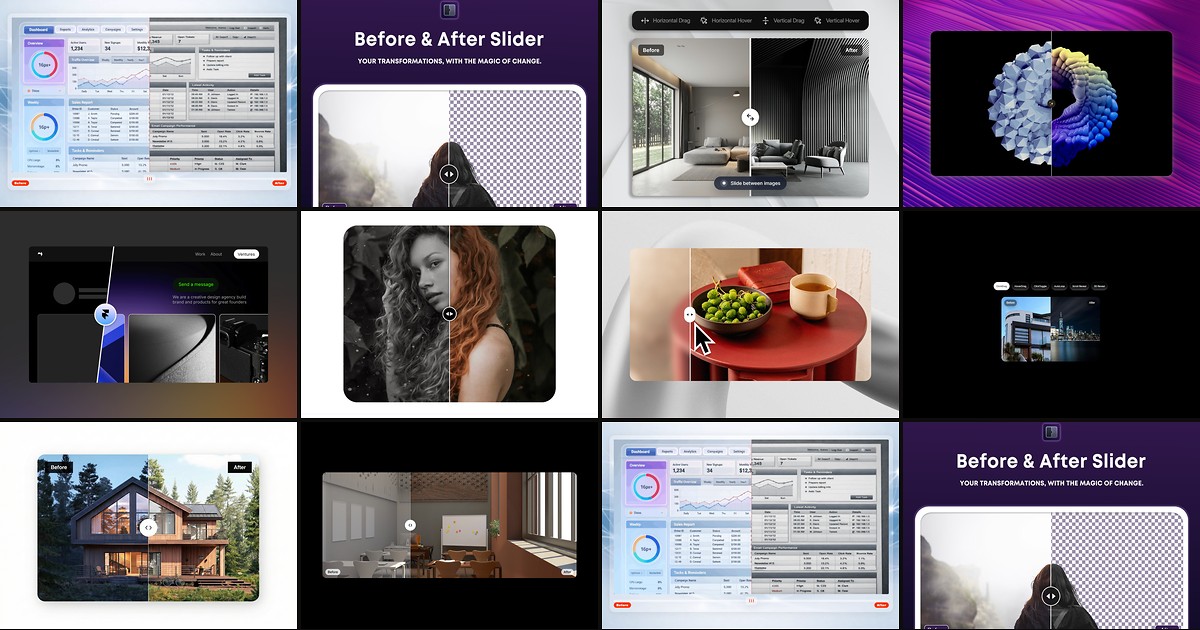
Redesign case studies, renovation portfolios, and product upgrade pages all hinge on the same interaction: visitors drag a handle to reveal what changed. Framer can approximate that with stacked frames and clip masks, but production builds need touch momentum, keyboard control, CMS bindings, and labels that survive client handoff. A dedicated framer before after slider from the marketplace ships those patterns with property-panel controls instead of fragile override stacks.
This list ranks ten before-and-after comparison tools on the Framer marketplace in 2026. Every pick has a live listing, identifiable creator, and working preview — seven paid components, one free plugin, and two free components — spanning glassmorphic drag sliders, image-and-video comparisons, CMS-ready grids, and budget drag-to-reveal picks for agency case studies and SaaS landing pages.
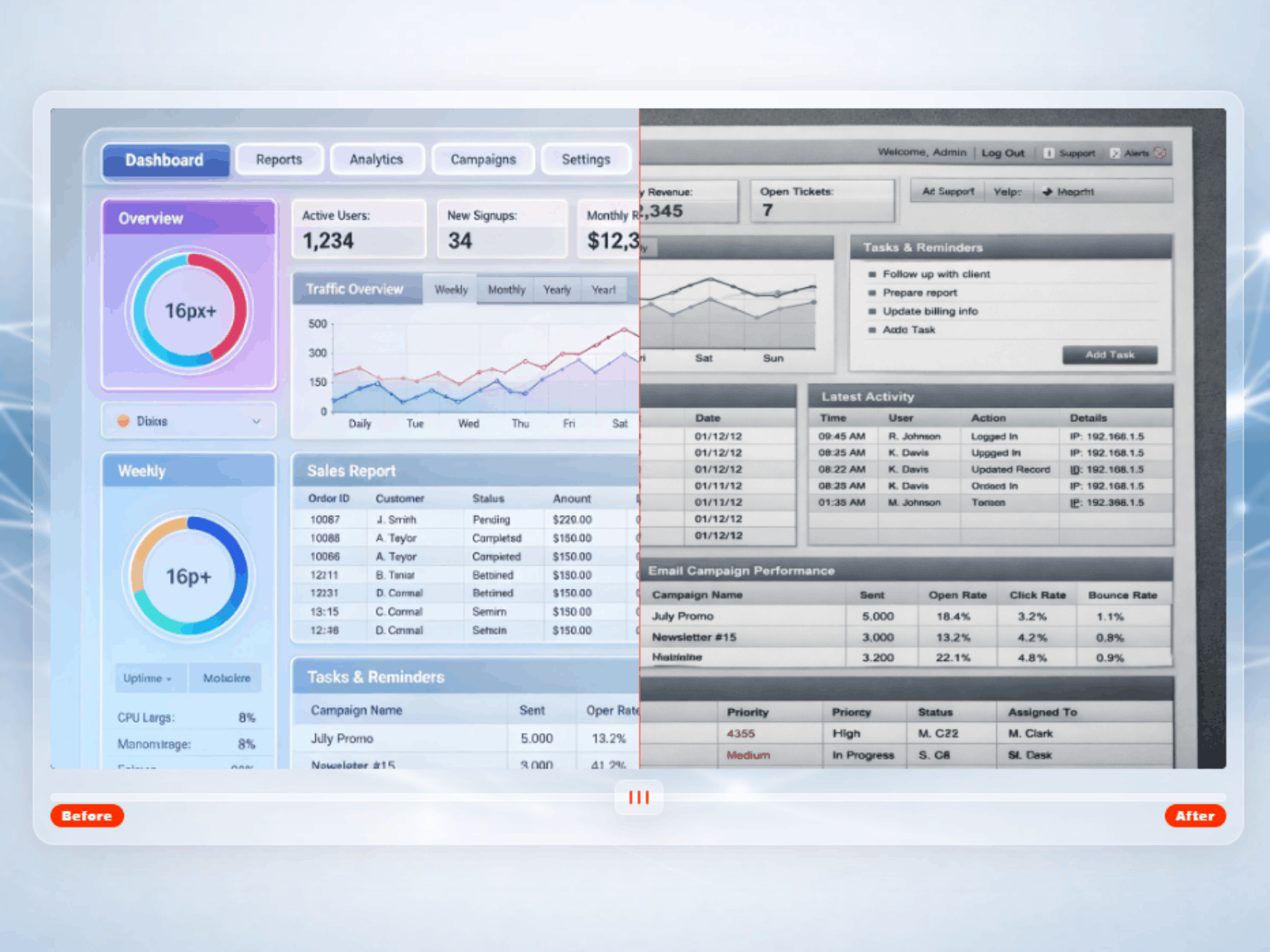
MDX_BASlider — Glassmorphic before/after slider with dual orientation, scroll reveal, and full ARIA support
by MODAX
MDX_BASlider is the most complete paid framer before after slider on this list: switch between vertical left-right and horizontal top-bottom orientation from one property panel, with clip-path, drag axis, and keyboard arrows adapting automatically. A single accent color drives the divider, thumb grip, badge labels, and focus ring, while scroll-triggered reveal animation sweeps the handle on viewport entry before settling at your chosen start position. At 19 USD it replaces the glass UI, momentum spring, and ARIA slider bundle agencies rebuild on every transformation showcase.
- Best for
- Premium case-study heroes that need vertical or horizontal splits plus keyboard accessibility
Affiliate link — we may earn a commission at no extra cost to you.
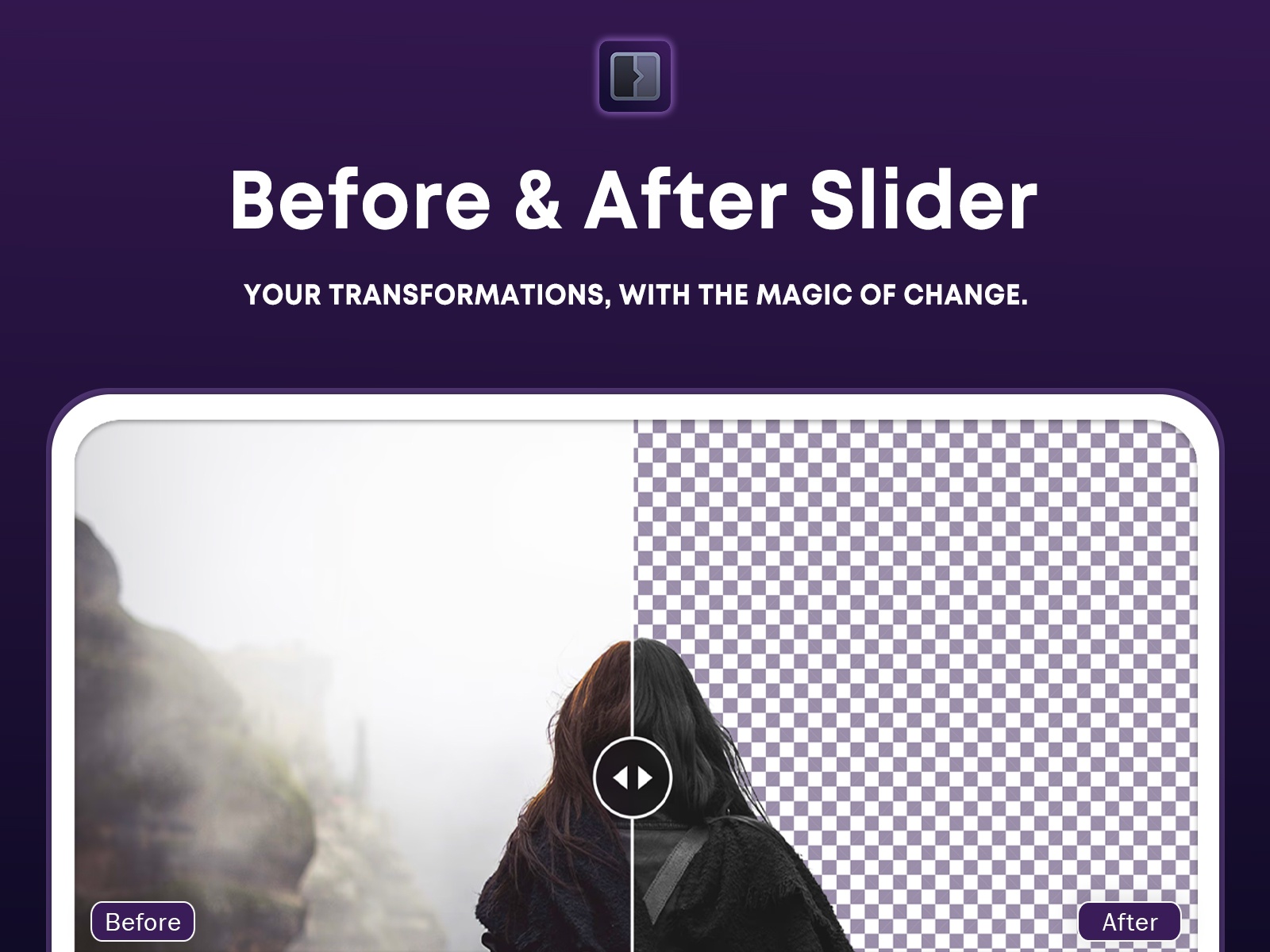
Before & After Slider — Ultra-flexible plugin with CSS image filters, attached labels, and hover-follow mode
by Vanyadoing
The Before & After Slider plugin is the only free plugin on this list and the most configurable option overall — static or handle-attached labels, per-image CSS filters, portrait mode, follow-hover scrubbing, keyboard stepping, and reset-on-leave all ship from the plugin panel. Built on react-compare-slider, it handles transparent PNG comparisons with clip-side controls that pure frame stacks cannot match. Install it when you need pixel-level knob styling and image effects without committing to a single marketplace component aesthetic.
- Best for
- Teams that want plugin-level control over filters, label placement, and handle styling without buying a component
Affiliate link — we may earn a commission at no extra cost to you.
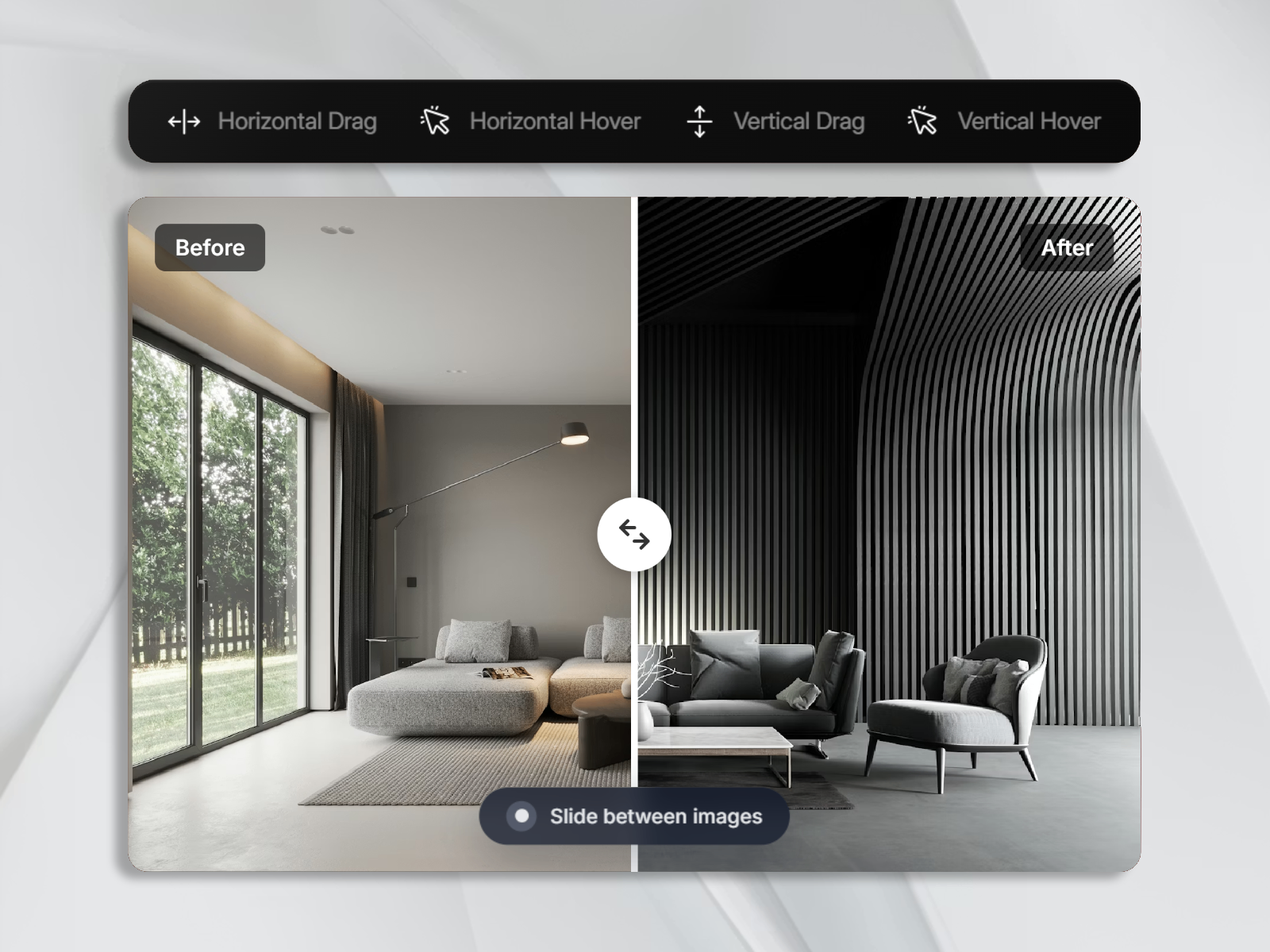
Image + Photo Slider — Horizontal and vertical comparison with drag or hover interaction and editable label pairs
by Aidan Looker
Image + Photo Slider covers the interaction modes most case-study pages actually use: horizontal or vertical layout, drag handle or hover scrub, and fully editable label pairs beyond generic Before/After copy. Aidan Looker exposes radius, divider width, label colors, and a modern “Slide between images” hint pill through native property controls — no overrides required. At 7 USD it is the best mid-tier pick when you want polished defaults and dual interaction modes without MODAX-level glass chrome.
- Best for
- SaaS and portfolio pages that need drag-or-hover modes plus a polished helper hint pill
Affiliate link — we may earn a commission at no extra cost to you.
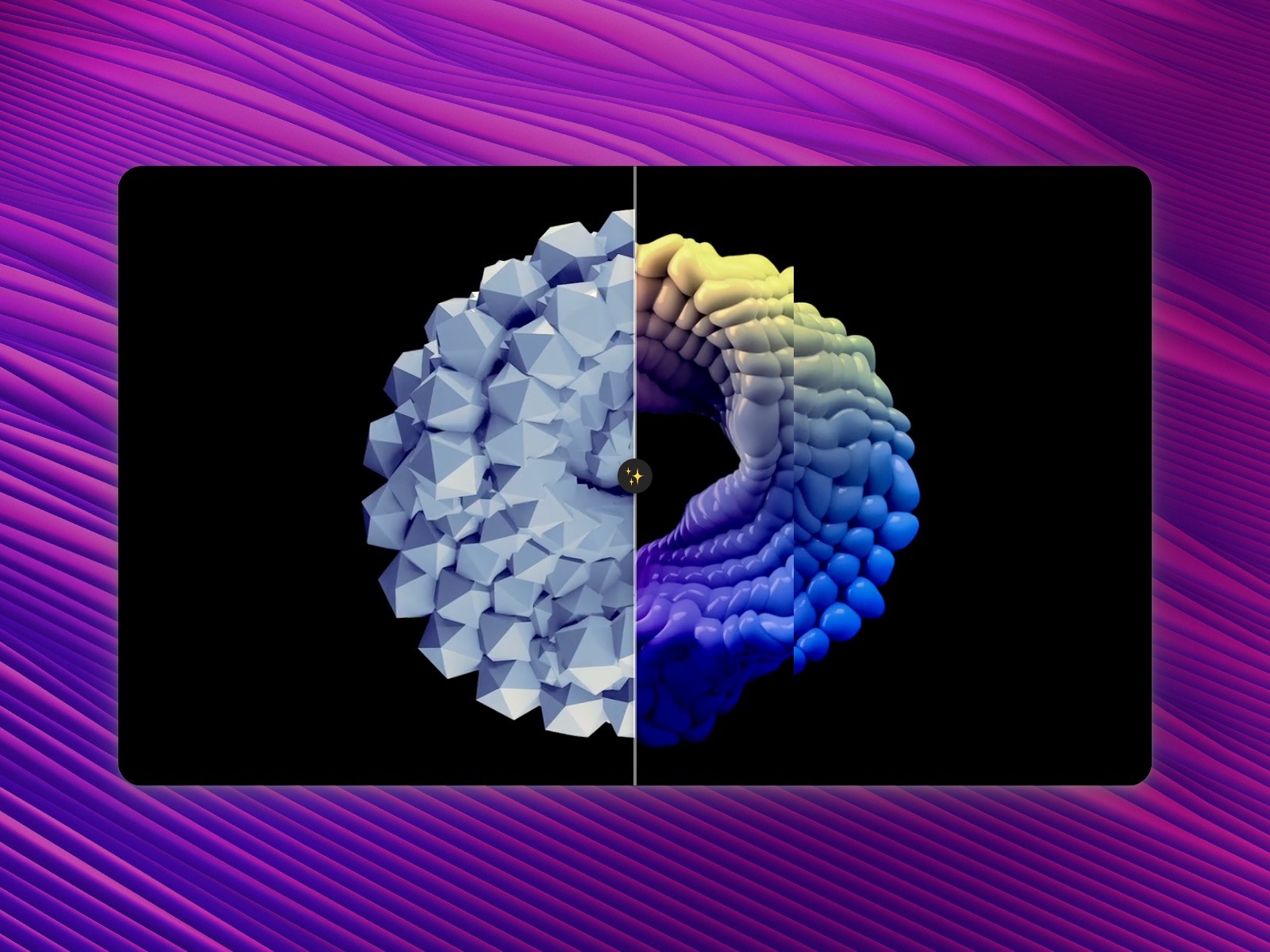
Compariison_slider — Image or video comparison with horizontal/vertical direction and positioned labels
by Rob Huttinga
Compariison_slider handles what most image-only sliders ignore: each side accepts an image or an autoplaying muted video, so renovation timelapses and fitness transformations work in one component. Horizontal and vertical split direction, configurable starting position, round handle with icon choices, and nine-point label placement cover the standard comparison workflow. At 8 USD it is the strongest pick when your before-and-after story is motion, not just static screenshots.
- Best for
- Renovation and fitness showcases where each side can be a looping muted video
Affiliate link — we may earn a commission at no extra cost to you.
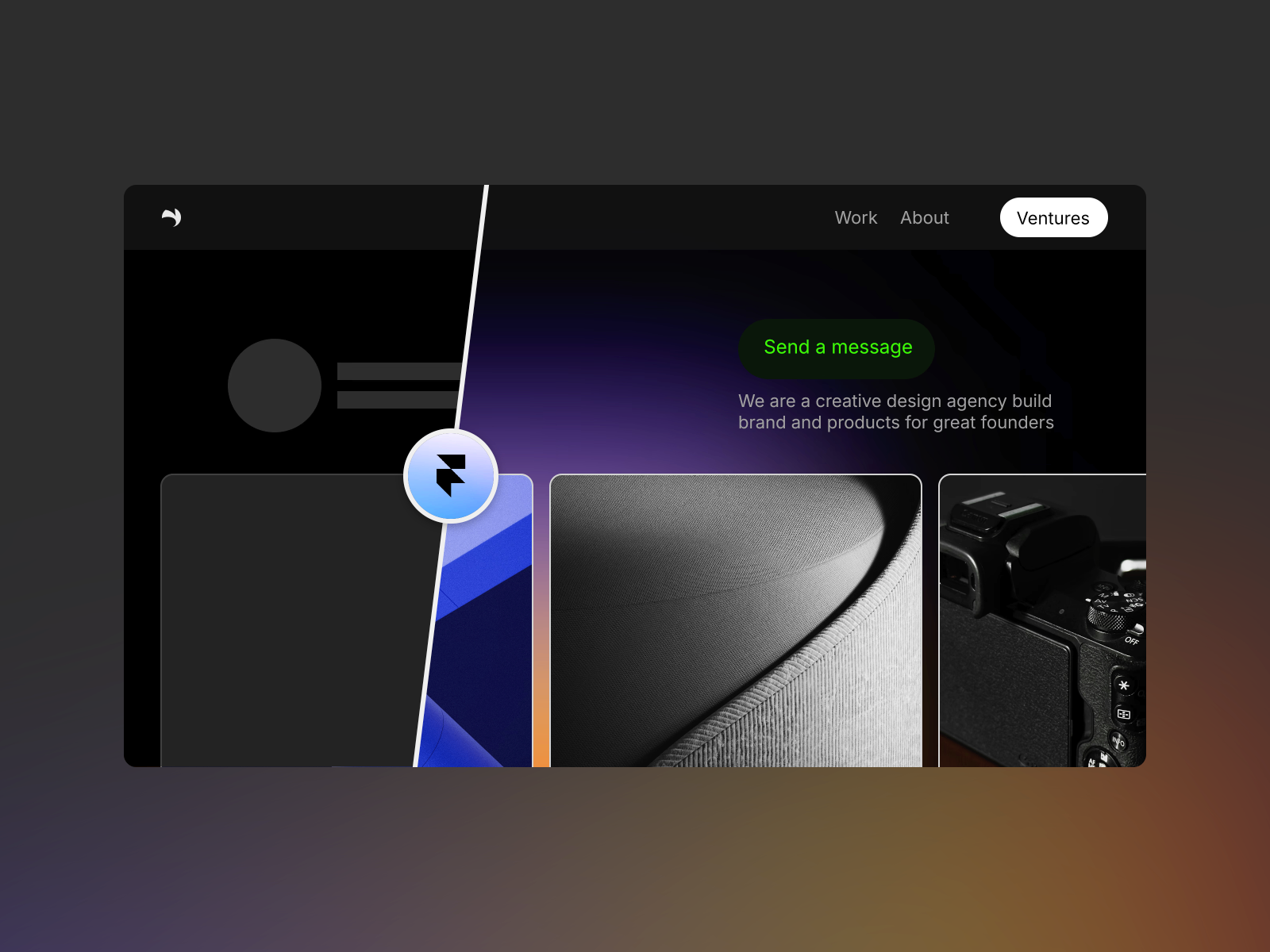
Before After Slider — Polished image comparison with draggable handle icons and full corner-radius control
by Desygnative
Desygnative’s Before After Slider focuses on presentation polish: arrow or chevron handle icons inside round or square containers, initial slider position control, and built-in fallback text when images are missing — details that matter on client-facing case-study pages. Image inputs, icon padding, background fills, and component corner radius all live in the property panel for fast brand matching. At 11 USD it suits marketers who want a refined default look without configuring a plugin from scratch.
- Best for
- Beauty, real-estate, and UI redesign pages that need a clean handle and fallback states
Affiliate link — we may earn a commission at no extra cost to you.
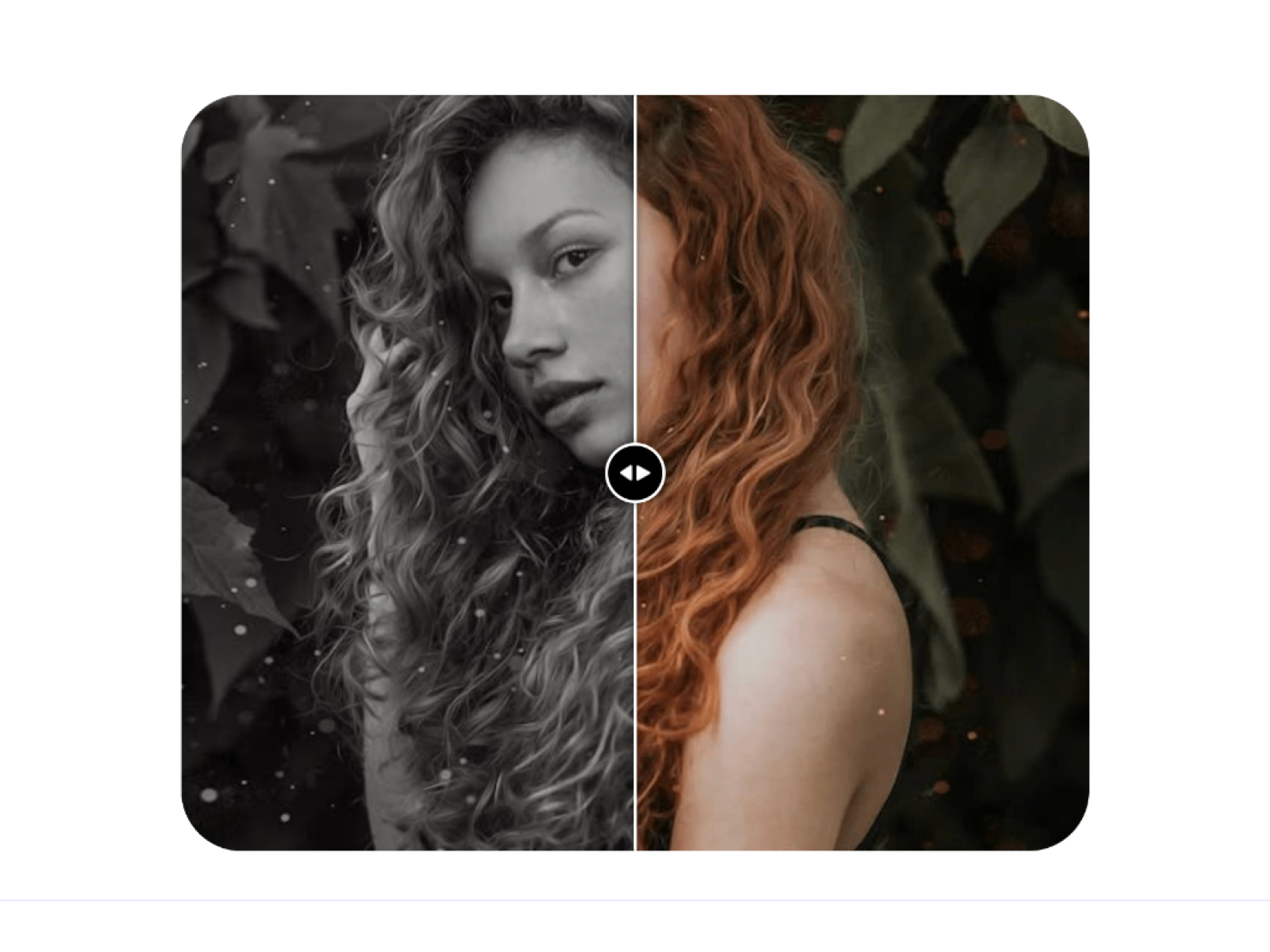
Comparison Slider — CMS-ready before/after slider with horizontal and vertical variants plus ARIA labels
by Chaman Verma
Comparison Slider is the CMS-first pick on this list: bind before and after images directly from Framer CMS so each case-study entry renders its own comparison without duplicating components. Horizontal and vertical variants, custom handle icons, hover scaling, alt text, ARIA labels, and adjustable keyboard step size cover accessibility requirements agencies increasingly specify in handoff docs. At 5 USD it is the default when your comparison gallery is data-driven rather than a single hero block.
- Best for
- Agency sites that bind before-and-after pairs from CMS collections for client work
Affiliate link — we may earn a commission at no extra cost to you.
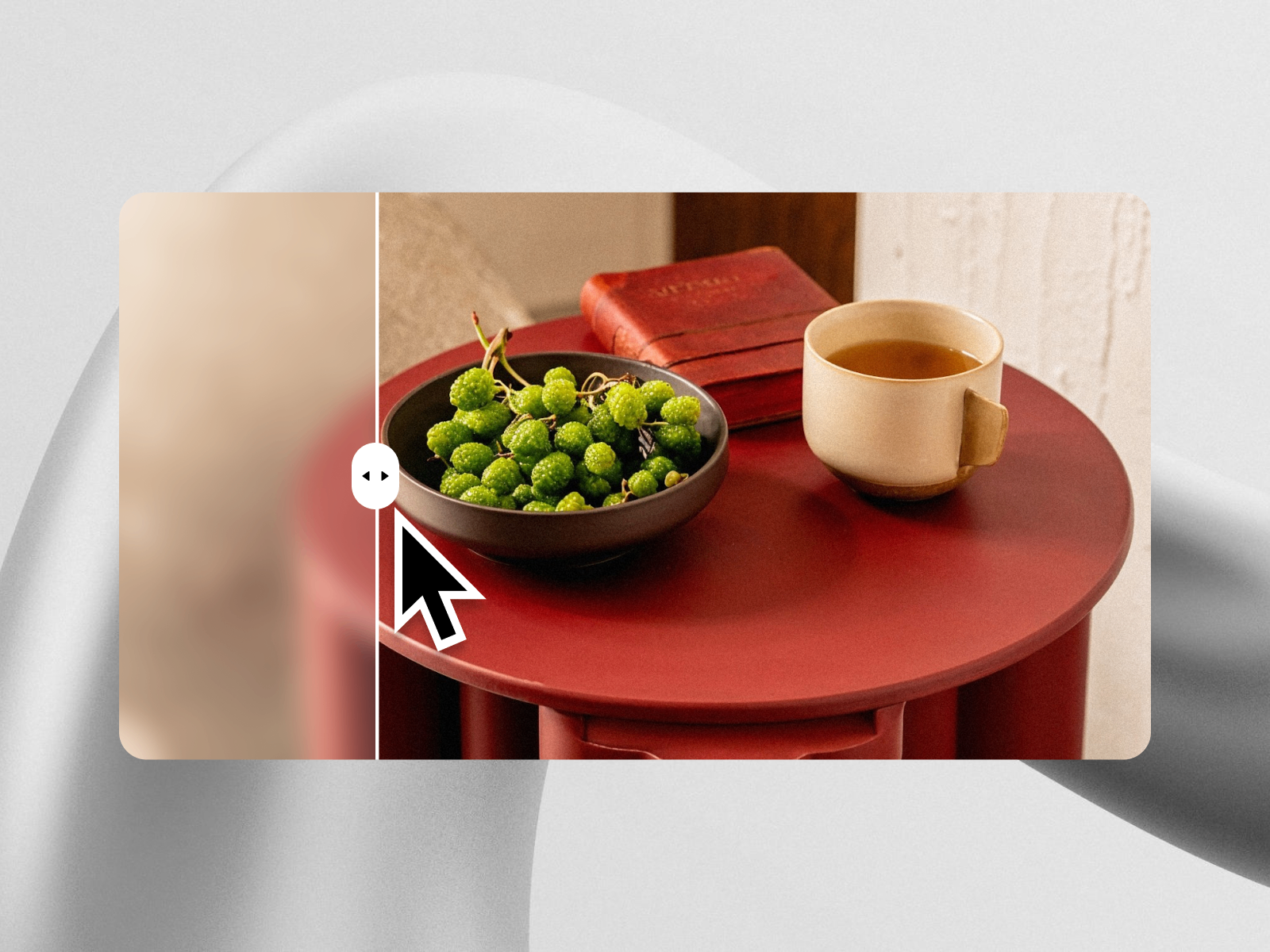
BeforeAfterSlider — Photo and video before/after slider with custom handle upload and blur effect
by Ionut Zamfir
BeforeAfterSlider toggles between photo and video modes so one component covers static redesign screenshots and short motion clips. Ionut Zamfir adds a custom handle image upload and a sleek blur effect along the divider that makes the scrub interaction feel more cinematic than flat clip-path reveals. At 5 USD it is the best value when you need video support and brand-specific handle artwork without the broader preset library of the free alternatives lower on this list.
- Best for
- Creative portfolios that compare photo edits or short video clips with a branded handle
Affiliate link — we may earn a commission at no extra cost to you.
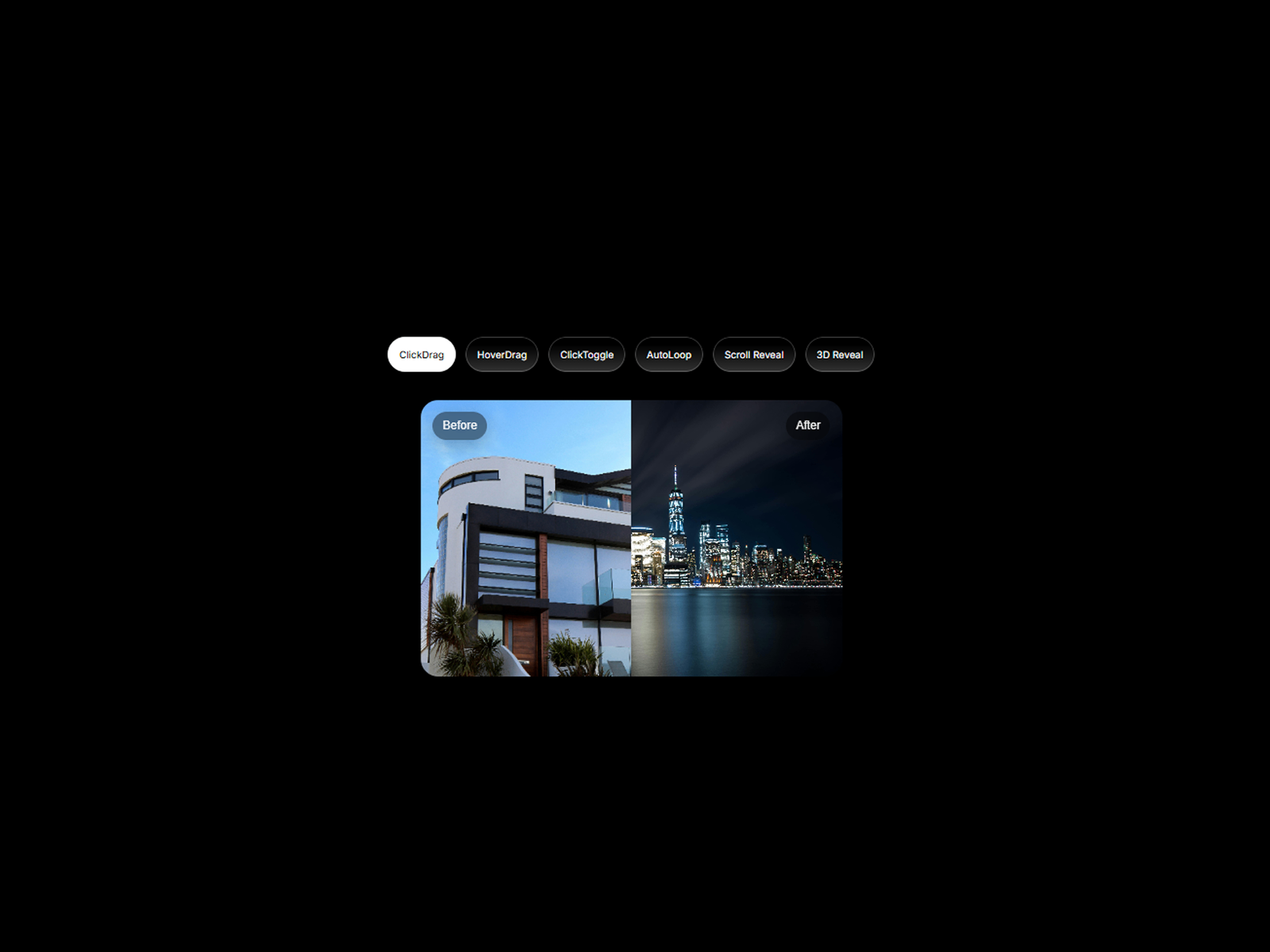
Free Before-After — Six interaction presets including hover scrub, scroll reveal, auto loop, and 3D flip
Free Before-After from Zlatko Marjanović packs six interaction presets into one free install: drag slider, hover scrub, click toggle, auto loop, scroll reveal, and 3D flip. Image and video comparison, alt text support, glass-style labels, and configurable divider orientation cover most marketing-page scenarios at zero cost. With 88 marketplace installs it is the free baseline every builder should try before spending on paid sliders — especially when you want to A/B interaction modes on the same before-and-after assets.
- Best for
- Landing-page heroes that need multiple reveal modes without buying separate components
Affiliate link — we may earn a commission at no extra cost to you.
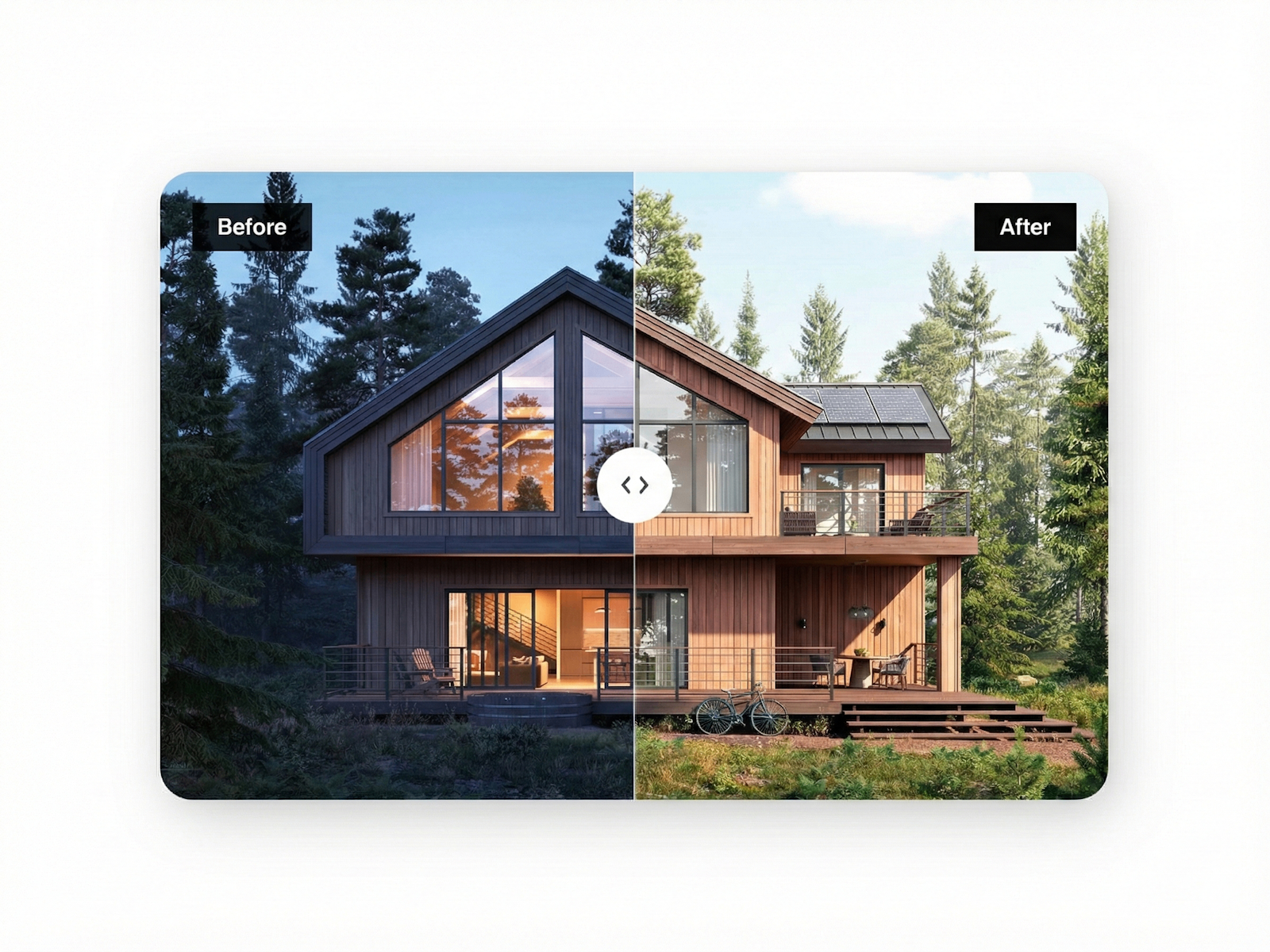
Before After Pro — High-performance drag or hover slider with native shadow fidelity and keyboard navigation
by Axel Fouley
Before After Pro targets production-grade polish: a dual-container architecture keeps custom shadows intact and unclipped, which matters on dark portfolio layouts where drop shadows define card depth. Toggle between drag and hover interaction, with arrow-key, Home, and End keyboard navigation and native touch handling for mobile. Axel Fouley ships it free, making it the sensible second free install when Zlatko’s preset library is more than you need but accessibility and shadow fidelity still matter.
- Best for
- Production portfolios that need accessible drag-and-hover modes with unclipped custom shadows
Affiliate link — we may earn a commission at no extra cost to you.
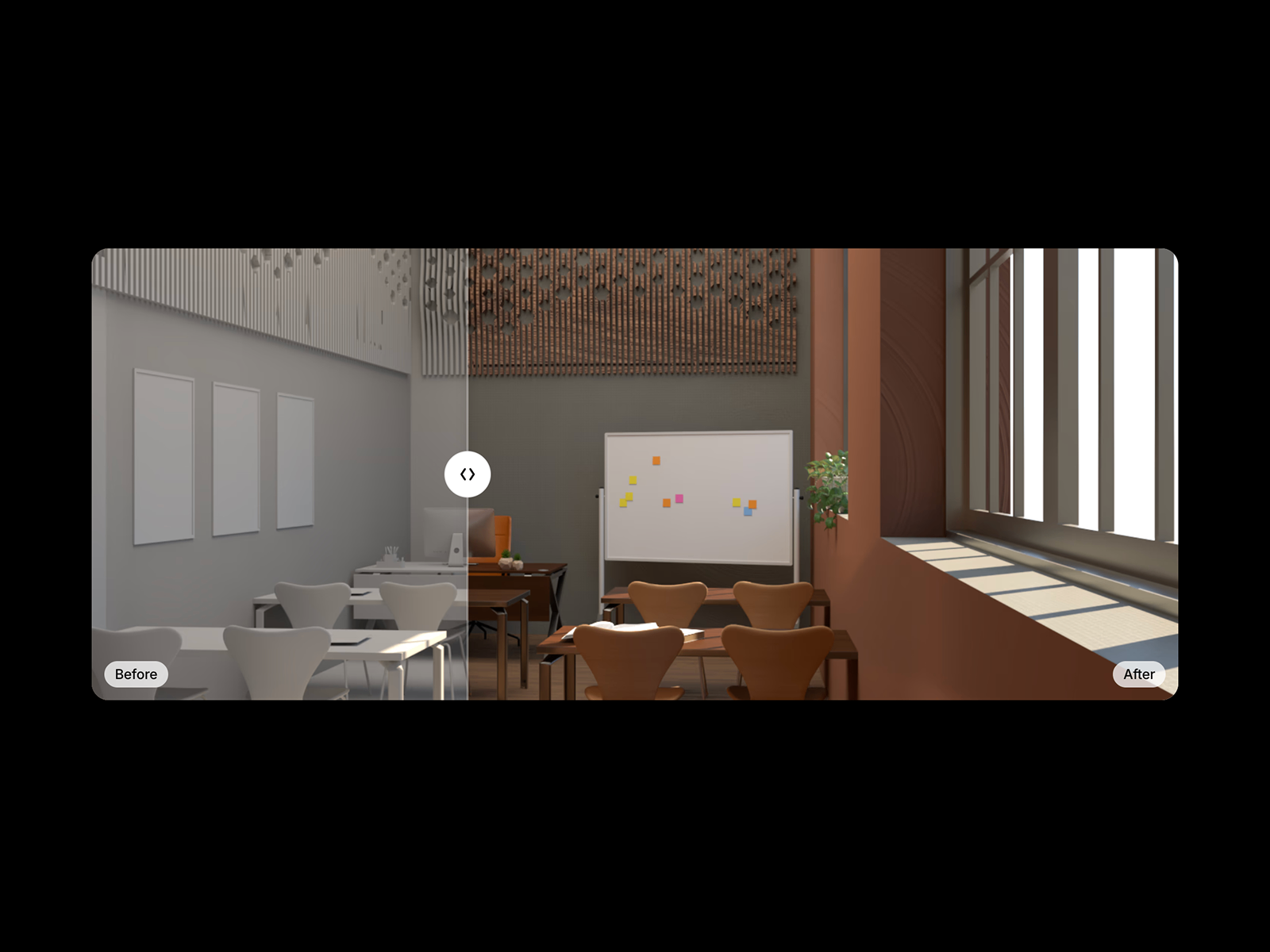
BeforeSwipe — Clean drag-to-compare image slider with optional labels and responsive scaling
BeforeSwipe is the lowest-cost paid option on this list at 2 USD — a straightforward drag-to-compare slider with touch and mouse support, adjustable starting position, optional before/after labels, and responsive image scaling. Ævar Bernburg keeps the scope tight: no video modes, no CMS bindings, no scroll-reveal choreography — just a reliable comparison interaction for interior renovations, photo edits, and product demos. Install it when the project needs a working framer before after slider and the budget line item cannot exceed a coffee.
- Best for
- Budget case-study sections that need a working comparison slider at the lowest paid price point
Affiliate link — we may earn a commission at no extra cost to you.
Quick comparison
| Resource | Price | Type | Best for |
|---|---|---|---|
| MDX_BASlider | 19 USD | Component | Dual orientation plus ARIA and scroll reveal |
| Before & After Slider | Free | Plugin | Maximum filter and label customization |
| Image + Photo Slider | 7 USD | Component | Drag or hover with helper hint pill |
| Compariison_slider | 8 USD | Component | Image or video on each side |
| Before After Slider | 11 USD | Component | Polished handle icons and fallbacks |
| Comparison Slider | 5 USD | Component | CMS-bound comparison galleries |
| BeforeAfterSlider | 5 USD | Component | Photo/video with custom handle |
| Free Before-After | Free | Component | Six interaction presets |
| Before After Pro | Free | Component | Shadow fidelity and keyboard a11y |
| BeforeSwipe | 2 USD | Component | Lowest-cost paid drag slider |
How to choose the right Framer before and after slider
Pick a plugin when you need maximum styling control. Vanyadoing’s free Before & After Slider plugin exposes CSS filters, attached labels, hover-follow mode, and clip-side options that single-purpose components rarely match. Use it when every comparison block on the site needs different label placement or image effects.
Choose video support when motion tells the story. Compariison_slider and BeforeAfterSlider both accept video on either side — essential for renovation timelapses, fitness progress, and product demo clips. Image-only sliders work for UI redesigns; video-capable picks win when the transformation is motion.
Bind CMS when comparisons scale with content. Comparison Slider is the only pick here with first-class CMS image binding. Agency portfolios with dozens of client case studies should start there rather than duplicating static components per project.
Start free, spend on the missing interaction. Install Free Before-After to test six reveal presets at zero cost, add Before After Pro when shadow fidelity and keyboard navigation matter, then upgrade to MDX_BASlider when glass UI, dual orientation, and scroll-triggered reveal justify the 19 USD license.
Our top pick for most Framer builders
If you need one component that covers orientation switching, momentum, and accessibility in a single install, MDX_BASlider at 19 USD is the most complete paid pick. For plugin-level customization at zero cost, Vanyadoing’s Before & After Slider is the default. On a tight budget, install Free Before-After first, then add Comparison Slider at 5 USD when CMS collections drive the case-study gallery.
Browse Framer templates on yoframer for portfolio and agency starting points with case-study sections, or read our animation components roundup when before-and-after sliders should sit alongside scroll and hover effects. More resource roundups live on the Resources hub.
Updated July 2026. We refresh this list as notable before-and-after comparison tools ship, reprice, or go stale.


