A CMS collection with two hundred blog posts or template listings should not hydrate every card on the first paint. Framer cms pagination is how you keep changelogs, resource libraries, and filtered directories fast: show a sane first batch, then let visitors load more rows, scroll into the next chunk, or jump numbered pages without a full reload.
Framer ships native Load More and infinite scrolling on Collection Lists, which covers most marketing blogs. When you need styled page numbers, pagination that respects active filters, or cinematic infinite galleries tied to CMS media, marketplace plugins and code components fill the gap. This list ranks eight options verified live in October 2026 with working install links, identifiable creators, and clear pricing: three free or built-in and five paid.
Framer CMS Pagination — Native Load More buttons and infinite scroll on Collection Lists
by Framer
Native CMS Pagination lives on the Collection List itself: select the list, open Pagination in the Content panel, choose Load More or Infinite Scrolling, and set how many items load per batch. The spinner and button are ordinary layers with variants, so loading and hidden states match your design system instead of a generic gray chip. Pagination cooperates with list limits and start offsets, which helps when a homepage shows six featured posts and the archive page loads the rest on demand. Start here on every CMS list before buying components. Only upgrade when you need numbered pages or filter-aware page counts.
- Best for
- Blogs, changelogs, and team grids where a Collection List layout is already designed
Affiliate link — we may earn a commission at no extra cost to you.
Superfields — Load More and previous/next pagination bundled with CMS filters and search
by Insert Frame
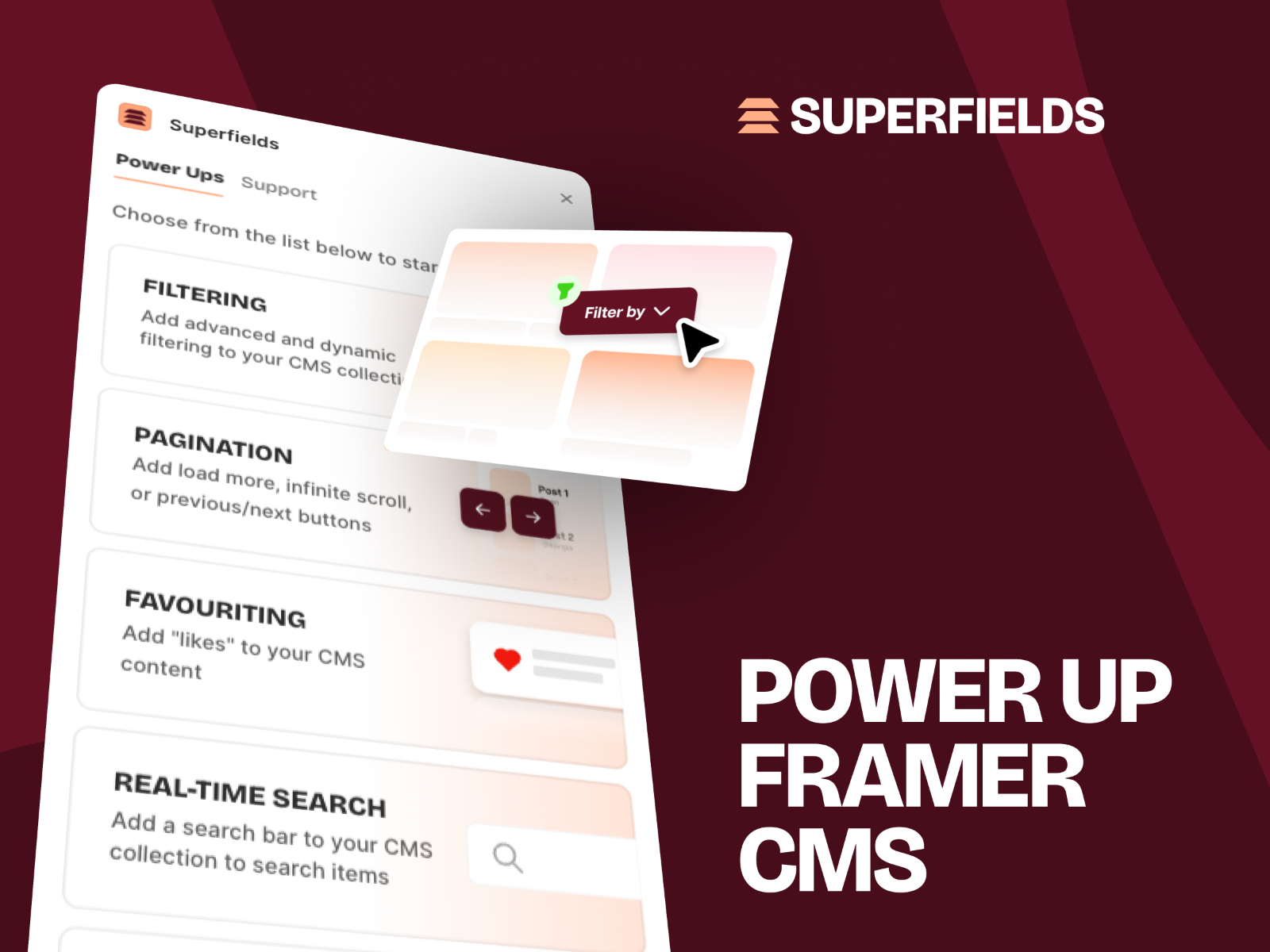
Superfields treats pagination as a first-class power-up: copy its Pagination component from the dashboard, wire it to the same Collection List as your cards, and choose Load More or previous and next controls with custom styling. Items per page, button labels, and disabled states stay in the property panel, so you are not rebuilding click interactions with overrides. The same license covers real-time search, dynamic filters, masonry layouts, and item counts, which helps when a filtered catalog must paginate the narrowed result set, not the whole collection. Basic plans start at 68 USD one-time for personal sites; Commercial covers unlimited client work at 109 USD.
- Best for
- Agency builds that need pagination, favouriting, and dynamic filters on the same collection page
Affiliate link — we may earn a commission at no extra cost to you.

Number CMS Paginate — Numbered page controls with grid, stack, or row layouts
by Nabeel
Number CMS Paginate from Nabeel replaces a bare Collection List when stakeholders want familiar numbered pagination. Connect a CMS collection, pick vertical stack, horizontal row, or grid layout, set items per page, and style the page bar (borders, hover fills, active state, fonts, and max visible page buttons) from one component instance. Mode can switch to none when you only need the layout wrapper during design. At 14 USD it is part of the broader SegmentUI PRO library, but it stands alone for CMS archives that outgrow Load More UX. Skip it if infinite scroll is a hard requirement; numbered pages deliberately stop auto-loading content.
- Best for
- Resource libraries and directories where visitors expect 1, 2, 3 page navigation instead of endless scroll
Affiliate link — we may earn a commission at no extra cost to you.
Framer CMS Filter — Filter-aware numbered pagination that tracks search and facet state
by FramerHub.io
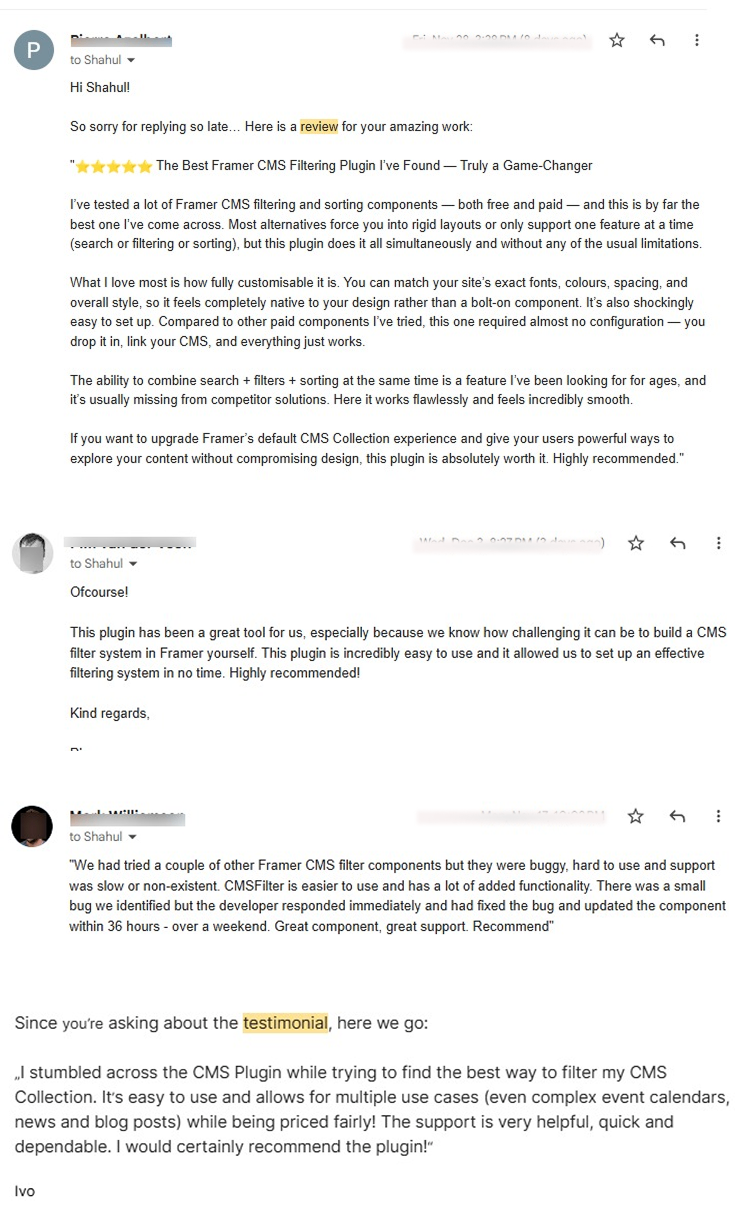
Framer CMS Filter is known for facets and sort controls, but its CMS Pagination component solves a harder problem: page numbers that recalculate when visitors search, filter, or sort the same collection. Copy Pagination from the FramerHub dashboard, connect it to the collection hub, and configure max visible pages plus optional first, last, previous, and next shortcuts. Unavailable buttons can hide or disable so empty filters do not trap users on page zero. Personal licenses start at 79 USD one-time. Choose it when native Load More works for a static blog but fails once multiple filter inputs share one result list.
- Best for
- Template stores, job boards, and marketplaces where page counts must follow active filters
Affiliate link — we may earn a commission at no extra cost to you.
Infinite CMS Grid — Two-axis infinite CMS grid with GSAP drag and scroll
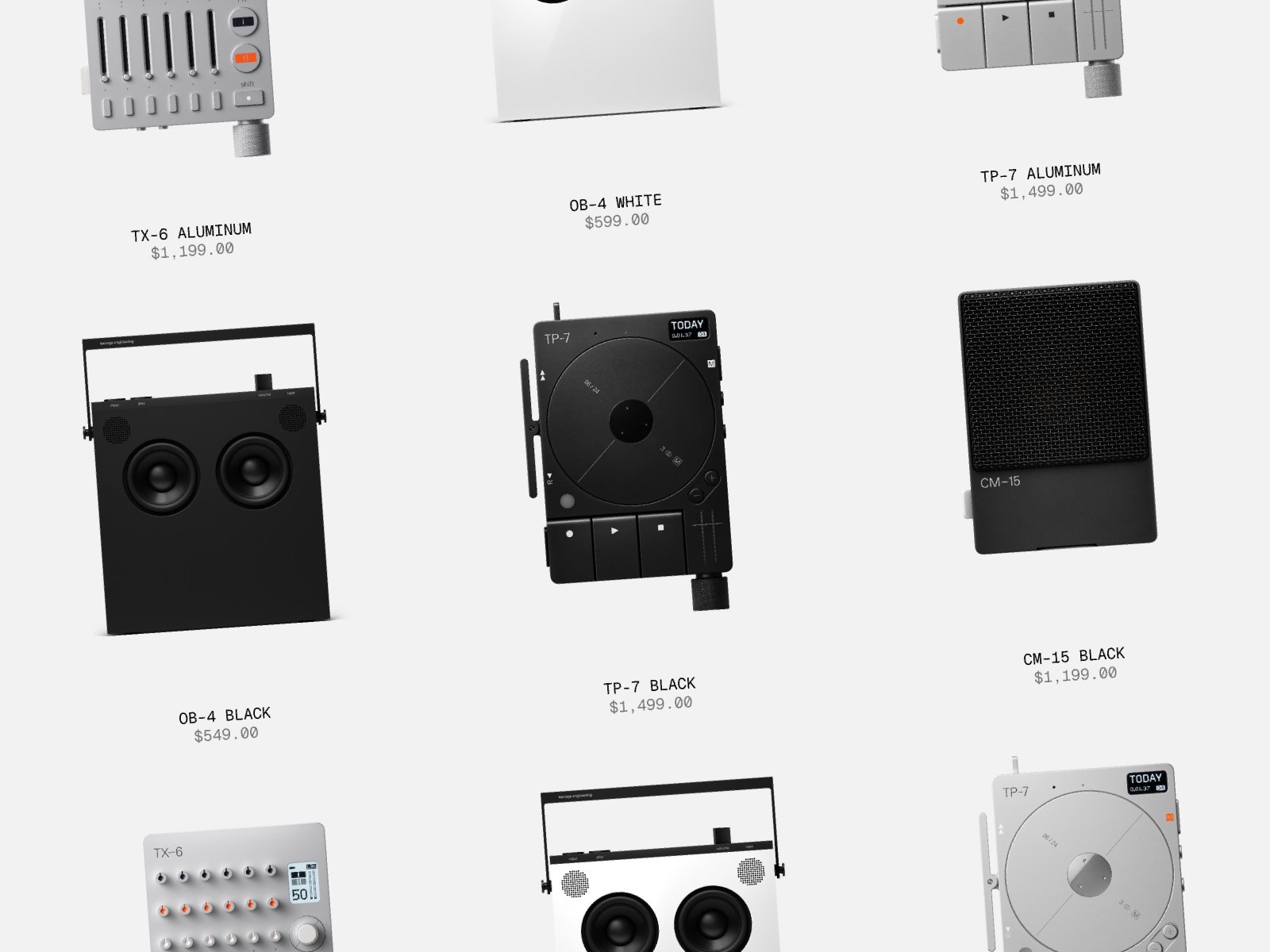
Infinite CMS Grid from Ludovic Losco is not traditional pagination. It is an infinite canvas for CMS items. Link any collection and the grid auto-arranges tiles without empty slots, then lets visitors drag, scroll, swipe, or use keyboard arrows to move in any direction while GSAP keeps motion smooth. CMS detail links stay clickable on each tile. At 20 USD it suits creative studios that want a playground, not a blog archive. Skip it when SEO and crawl clarity depend on discrete pages; pair native Load More or numbered pagination when Google needs stable URLs per chunk of content.
- Best for
- Portfolio and lookbook sites where exploration matters more than page numbers
Affiliate link — we may earn a commission at no extra cost to you.

Infinite Gallery CMS — WebGL infinite scroll gallery with CMS titles, video, and lightbox
by sherwin
Infinite Gallery CMS from sherwin combines seamless infinite scrolling with a WebGL gallery pipeline: bind CMS images, uploaded video, or YouTube sources, then layer parallax, ripple, bloom, and optional film grain while visitors drag through an endless filmstrip. A fullscreen lightbox, keyboard shortcuts, and mobile swipe keep navigation accessible despite the heavy visuals. Manual content mode works when you only need a dozen hero shots. It is free on the marketplace, which makes it the fastest way to test infinite scroll UX before committing to paid gallery components. Budget extra QA time on low-end mobile GPUs.
- Best for
- Photography and architecture portfolios that need cinematic infinite scroll instead of a static grid
Affiliate link — we may earn a commission at no extra cost to you.

CMS Infinite Gallery — GSAP draggable infinite gallery wired to CMS collections
CMS Infinite Gallery from THE DESIGN FUTURIST targets designers who want infinite horizontal exploration with CMS-bound titles, descriptions, and links. GSAP drives drag inertia, optional parallax, hover blur, and scroll speed tuning while property controls set tile width, height, and grid gap without touching code. At 15 USD it sits between free WebGL galleries and Ludovic Losco’s two-axis grid: stronger motion craft than a Collection List carousel, lighter than a shader gallery. Use it when the brief says infinite scroll but the brand guidelines forbid flashy post-processing.
- Best for
- Editorial portfolios that want inertia, parallax, and blur without WebGL overhead
Affiliate link — we may earn a commission at no extra cost to you.
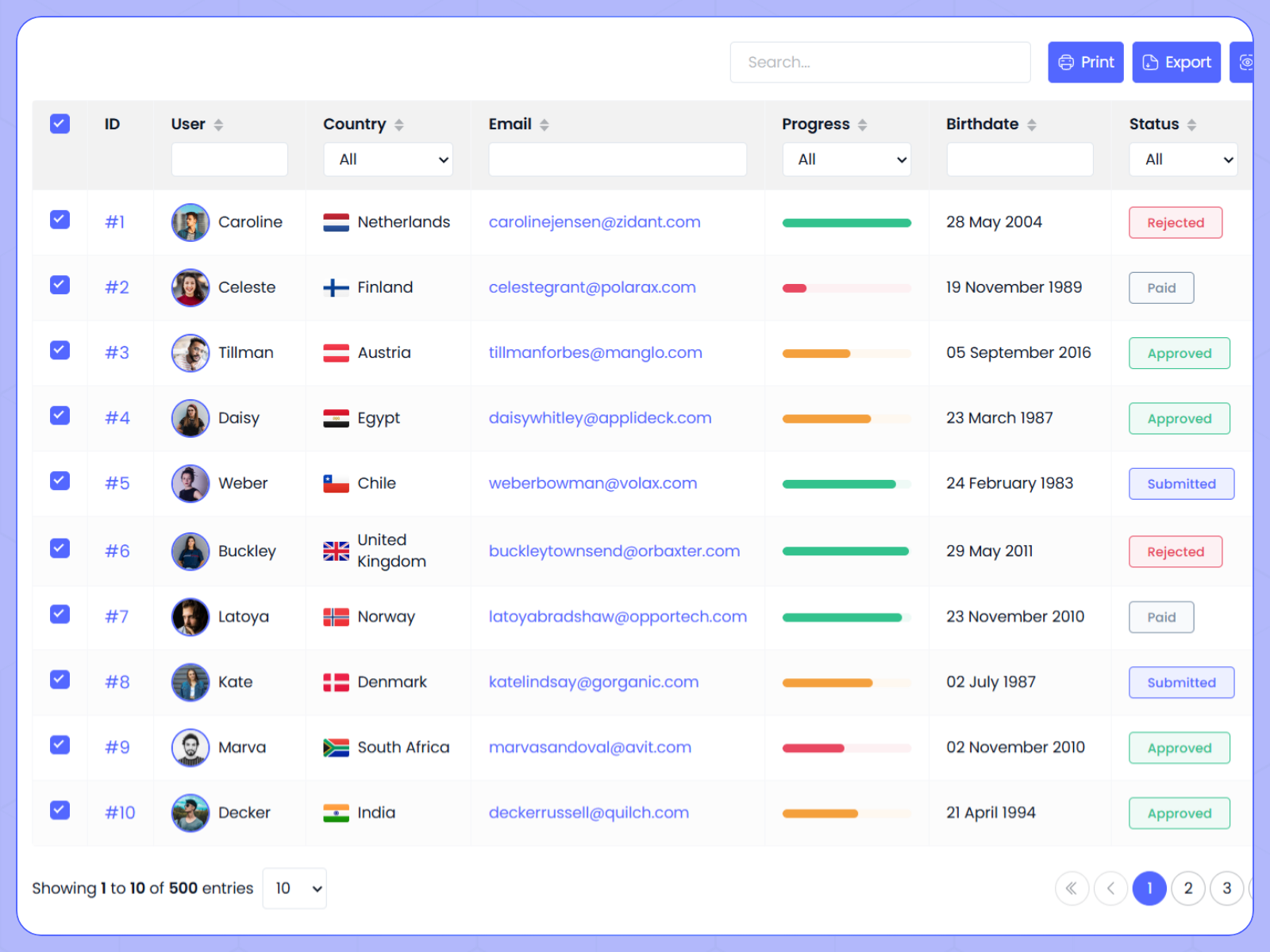
Dynamic Datatable — Client-side and server-side pagination for CMS, CSV, and API datasets
Dynamic Datatable handles pagination when your CMS data reads like a table, not a masonry wall. Connect REST APIs, JSON, or CSV, map columns, then enable client-side page slicing or server-side mode that emits filter and page query parameters for your backend. Toolbar controls cover global search, column filters, sorting, and export while page size stays configurable. At 11 USD it is the pick for investor metrics, job tables, or internal tools where Load More on a Collection List would confuse stakeholders expecting page numbers and row counts. It is overkill for a six-post blog grid.
- Best for
- Dashboards and directories where rows paginate like a spreadsheet, not a card grid
Affiliate link — we may earn a commission at no extra cost to you.
Quick comparison
| Resource | Price | Type | Best for |
|---|---|---|---|
| Framer CMS Pagination | Free | Built-in | Load More and infinite scroll on Collection Lists |
| Superfields | from 68 USD one-time | Plugin | Pagination plus filters and search on one page |
| Number CMS Paginate | 14 USD | Component | Numbered pages with grid or stack layouts |
| Framer CMS Filter | from 79 USD one-time | Plugin | Pagination that follows filtered result sets |
| Infinite CMS Grid | 20 USD | Component | Two-axis infinite CMS exploration |
| Infinite Gallery CMS | Free | Component | WebGL infinite scroll galleries with lightbox |
| CMS Infinite Gallery | 15 USD | Component | GSAP infinite gallery with CMS text fields |
| Dynamic Datatable | 11 USD | Component | Table pagination for APIs and large datasets |
How to choose the right Framer CMS pagination approach
Match UX to content type. Blogs and changelogs usually need native Load More or infinite scroll on a Collection List. That path is fast to ship and free. Directories with dozens of filtered rows benefit from Number CMS Paginate or Framer CMS Filter pagination so visitors see page boundaries. Creative portfolios chasing immersion should look at Infinite CMS Grid or the gallery components, then add internal links and HTML sitemaps so crawlers still discover detail pages.
Test publish, not just canvas. Load More buttons sometimes appear on canvas but fail on grid layouts in production; verify the published site with your exact list layout (stack versus grid) and item count per batch. Framer’s help guidance on infinite scrolling and SEO recommends keeping footers above the loading zone when possible to limit layout shift.
Filter state and pagination must agree. If search or facets narrow the collection, native pagination still paginates the full list unless you add a plugin. Superfields and Framer CMS Filter exist largely to keep page counts aligned with the filtered subset. Budget for them on marketplace-style pages.
Infinite scroll versus numbered pages. Infinite scroll reduces clicks for photo walls and editorial feeds; numbered pagination gives shareable page URLs and clearer stopping points for compliance-heavy sites. Dynamic Datatable adds a third model (spreadsheet paging) when cards would hide sortable columns.
Our top pick for most Framer builders
Enable Framer CMS Pagination on every long Collection List first. Use Load More for archives where you want explicit consent to fetch more rows, and infinite scroll for social-style feeds where motion fits the brand. Add Superfields or Framer CMS Filter when filters, search, and pagination must share one state. Reach for Number CMS Paginate when stakeholders ask for page numbers, and Infinite Gallery CMS when the collection is visual and free infinite scroll is enough to prototype.
Browse free Framer templates with CMS list pages already wired, pair pagination with our CMS filter and sort roundup when facets belong on the same URL, and explore more picks on the Resources hub.
Updated October 2026. We refresh this list when CMS pagination APIs, marketplace components, or pricing change materially.