Framer accessibility work splits into three jobs: audit what you already built, prevent bad color pairings during design, and fill alt text without typing 400 descriptions by hand. Framer’s native accessibility panel handles basics, but it will not score your site, simulate keyboard focus on a published URL, or batch-fix CMS images.
We ranked ten accessibility plugins from the Framer marketplace in September 2026. Every pick has a working install link, an identifiable creator, and a clear WCAG or alt-text use case. Free scanners and local-only tools sit beside paid audits priced between 4.99 USD per month and 29 USD one-time. Skip generic SEO plugins that mention alt text once in a feature list; our SEO plugins roundup covers those separately.
Accessibility Fixer — WCAG score, guided fixes, and published-site Live Audit
by Divya Darpan
Accessibility Fixer is the most complete native audit on this list. Canvas scans return a 0 to 100 score split across Structure, Media, and Interaction, then rank issues by impact instead of dumping 200 warnings. Guided fixes show before/after previews you approve before anything changes; alt and link suggestions are generated locally from your content, not sent to a cloud model. Live Audit goes further on your published site: keyboard navigation, focus order, rendered contrast, and ARIA correctness in a real browser. Weakness: Live Audit and branded PDF exports sit behind the paid Pro tier, so budget teams get excellent detection but pay to prove compliance to clients.
- Best for
- Agencies that need a prioritized fix list plus client-ready audit PDFs without leaving Framer
Affiliate link — we may earn a commission at no extra cost to you.
Framer Site Health Accessibility Pro — Accessibility, SEO, performance, and responsive checks in one scan
Site Health and Accessibility Pro treats accessibility as part of site health, not a standalone checklist. One scan scores heading structure, alt text, link names, landmarks, page metadata, image sizing, and touch-target size, then weights critical issues above cosmetic warnings. Safe one-click fixes apply only where the change is unambiguous; everything else gets step-by-step Framer instructions. Scan history tracks improvement over time, which helps retainer clients. Plans start at 17 USD per month after a one-day free trial, with yearly billing at 160 USD. Weakness: the SEO and performance checks overlap tools you may already run, so solo designers might find the subscription heavy if they only need alt text.
- Best for
- Teams that want one dashboard for WCAG issues, meta tags, image sizing, and touch targets
Affiliate link — we may earn a commission at no extra cost to you.
Ally Auditor — Nine WCAG 2.1 categories with compliance score and color-blind simulation
by Jing Jimmy
Ally Auditor scans all nine WCAG 2.1 categories in one click: alt text, heading hierarchy, contrast, links, touch targets, typography, ARIA, focus order, and batch AI alt generation on Pro. The free tier covers every scanner and returns a compliance score out of 100; Pro at 4.99 USD per month adds unlimited reports, color blindness simulation, and exportable compliance PDFs. Click any issue to jump to the problem layer on canvas, which beats hunting through a flat issue list. Weakness: the marketplace listing ships without preview assets yet, and AI alt text on Pro requires bringing your own OpenAI, Gemini, or Anthropic key.
- Best for
- Designers who want full category coverage on the free tier before paying for AI alt text
Affiliate link — we may earn a commission at no extra cost to you.
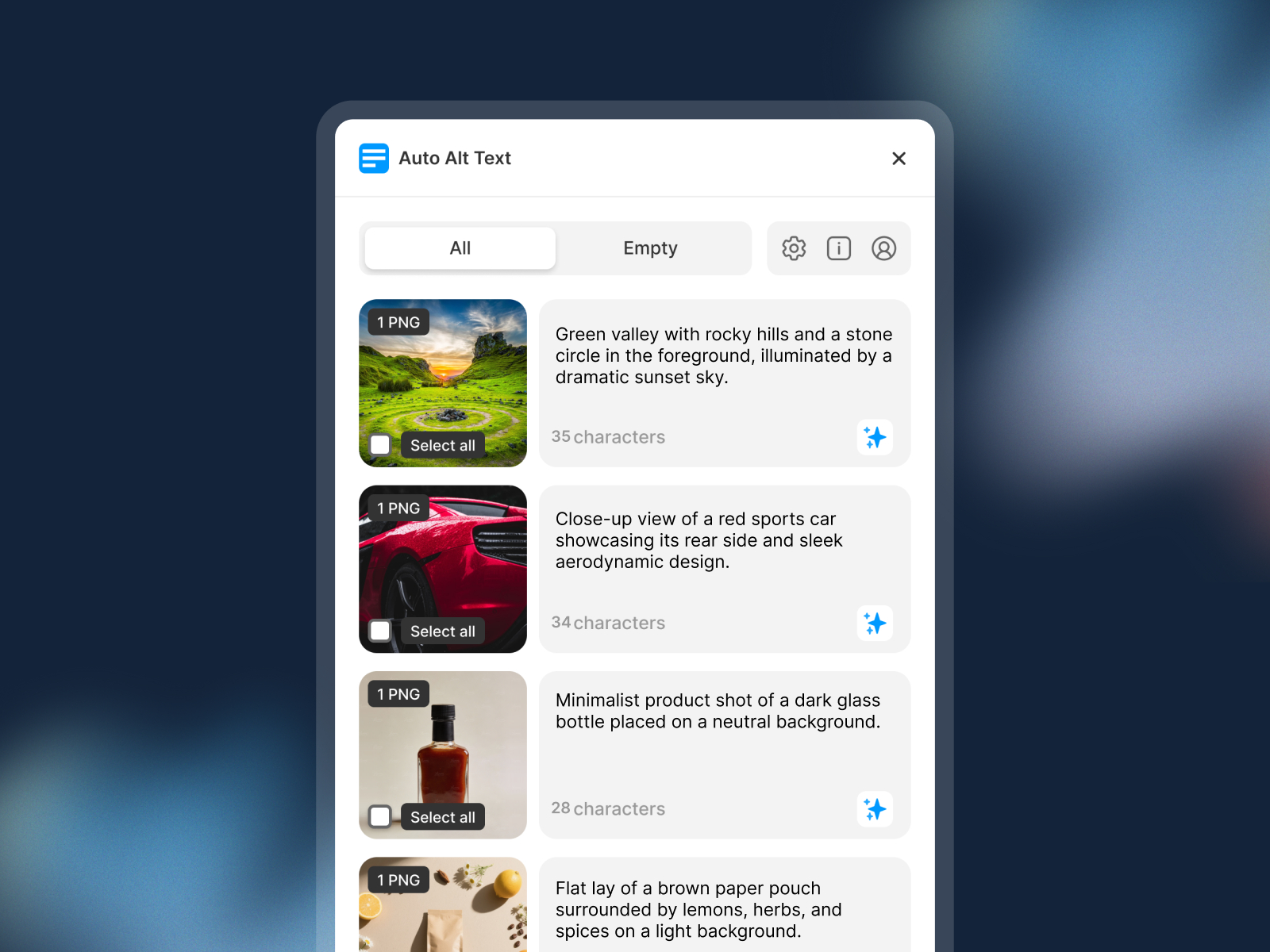
Auto Alt Text — AI alt text for selected canvas and CMS images with keyword controls
by Framer Geeks
Auto Alt Text from Framer Geeks generates alt text from selected images using ChatGPT or Gemini, with controls for length, SEO keywords, and negative keywords to keep descriptions focused. It works on canvas layers and CMS fields, images are not stored on external servers, and the plugin is free with 2,300+ installs on the marketplace. Pair it with any audit plugin on this list when your scan passes structure but fails on empty alt attributes. Weakness: quality depends on the underlying model and your keyword settings, so you still review output before publishing sensitive or complex visuals.
- Best for
- Solo builders who need WCAG-friendly descriptions without a subscription or API key setup
Affiliate link — we may earn a commission at no extra cost to you.
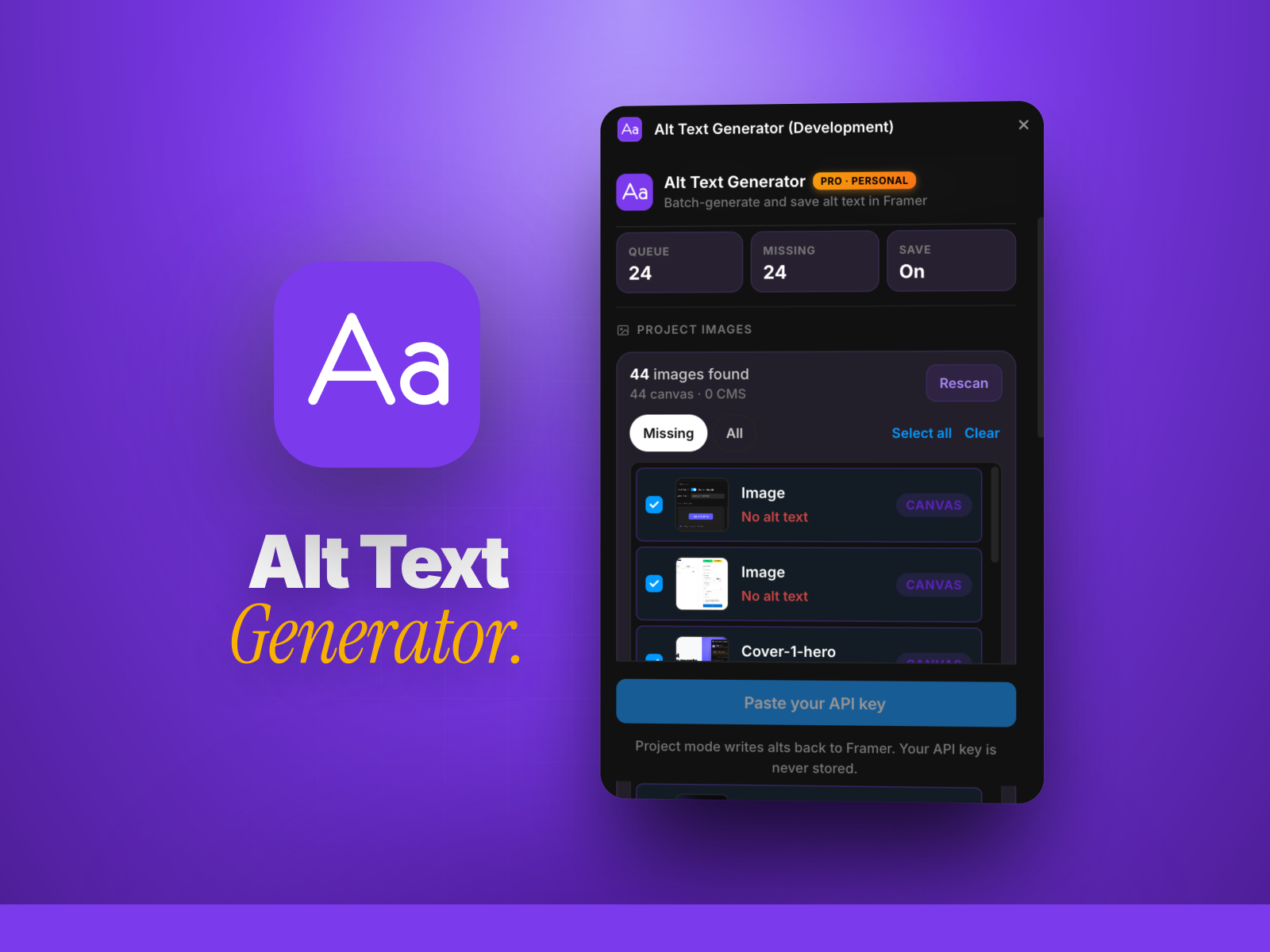
AltSmith — Batch alt text for up to 500 canvas and CMS images with brand voice
by Khushal Dewra (KDX Studios)
AltSmith scans canvas and CMS in one click, then batch-generates alt text with Claude or GPT-4o using your own API key (never stored server-side). Pro unlocks 500-image batches, twelve languages, custom brand voice, WCAG-oriented prompts, CSV export for client audits, and direct save-back to Framer image attributes. One-time pricing starts at 29 USD for Personal with lifetime updates, which beats monthly alt tools when you ship large catalogs. Weakness: you supply and pay for LLM API usage on top of the license, and the free demo caps at five images per run.
- Best for
- E-commerce and agency handoffs that need hundreds of alts saved back to Framer in one run
Affiliate link — we may earn a commission at no extra cost to you.
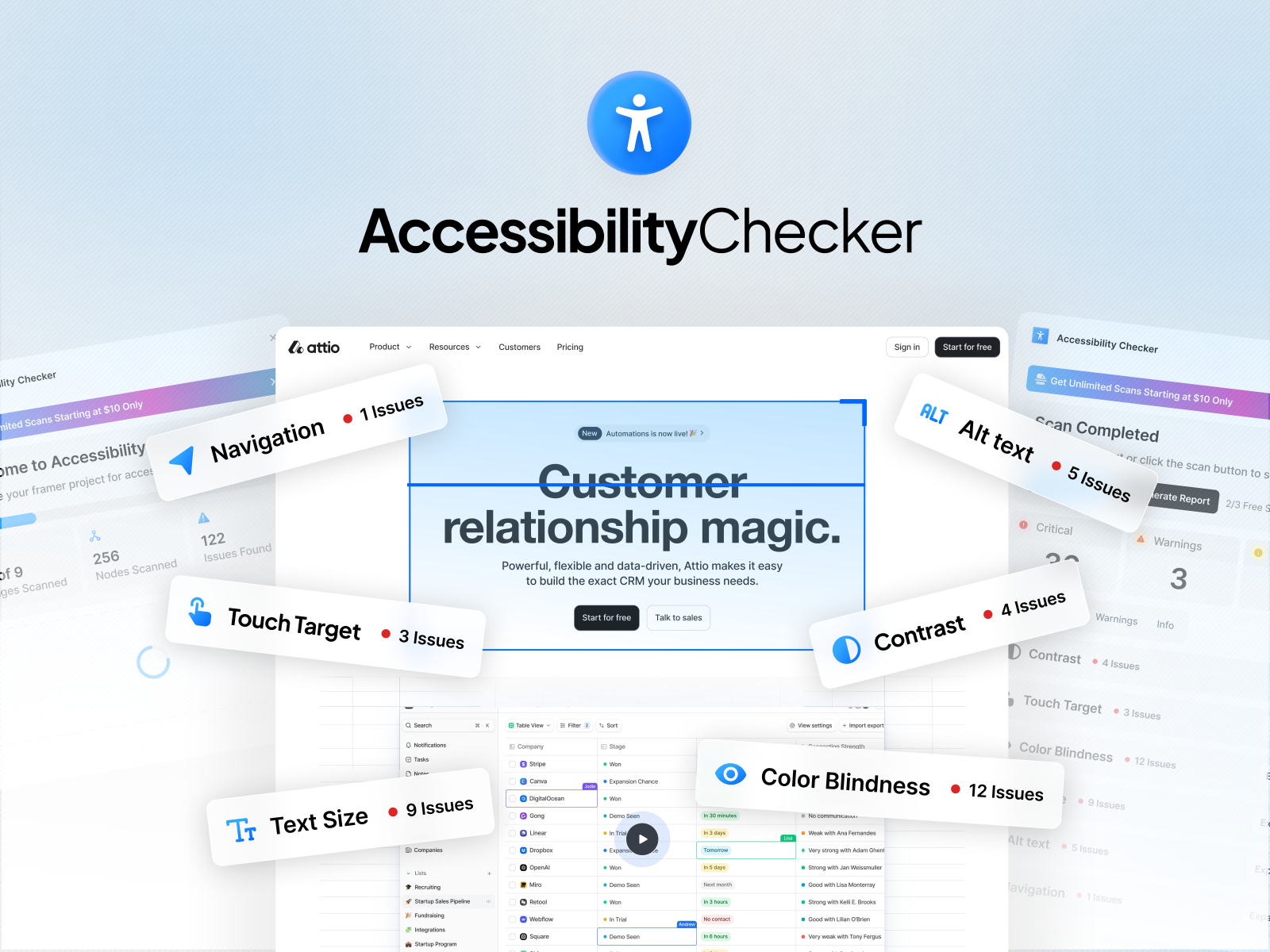
Image Doctor — Local alt-text drafts plus oversized image compression
by Pitaly 8
Image Doctor combines accessibility with performance: scan pages, components, and CMS for oversized sources, resize and re-encode in one click, then draft English alt captions locally on your device with no server upload. Missing alt detection, local model generation, and apply-to-layer workflow keep pixels and captions on your machine, which matters for client NDAs. Everything is free during beta, including batch optimize. Weakness: captions are English-only starting points you must review, the alt model download is large on first use, and paid tiers may arrive later.
- Best for
- Performance-focused sites that need alt coverage and smaller source files without cloud uploads
Affiliate link — we may earn a commission at no extra cost to you.
Accessible Colors — Adobe Leonardo contrast-first palette generation for Framer variables
by Netoum
Accessible Colors flips the usual workflow: set target contrast ratios first, then generate palettes with Adobe Leonardo’s perceptual color science so AA and AAA pairings are guaranteed, not checked after the fact. Build multi-color themes with shared backgrounds, support light and dark modes, and apply tokens directly to Framer variables and components. Netoum also ships accessible form components, so the plugin fits teams already using their Date Picker. Weakness: it solves color generation, not runtime audits, so you still run a scanner for heading order and touch targets.
- Best for
- Design systems that need WCAG-guaranteed color scales before components hit the canvas
Affiliate link — we may earn a commission at no extra cost to you.
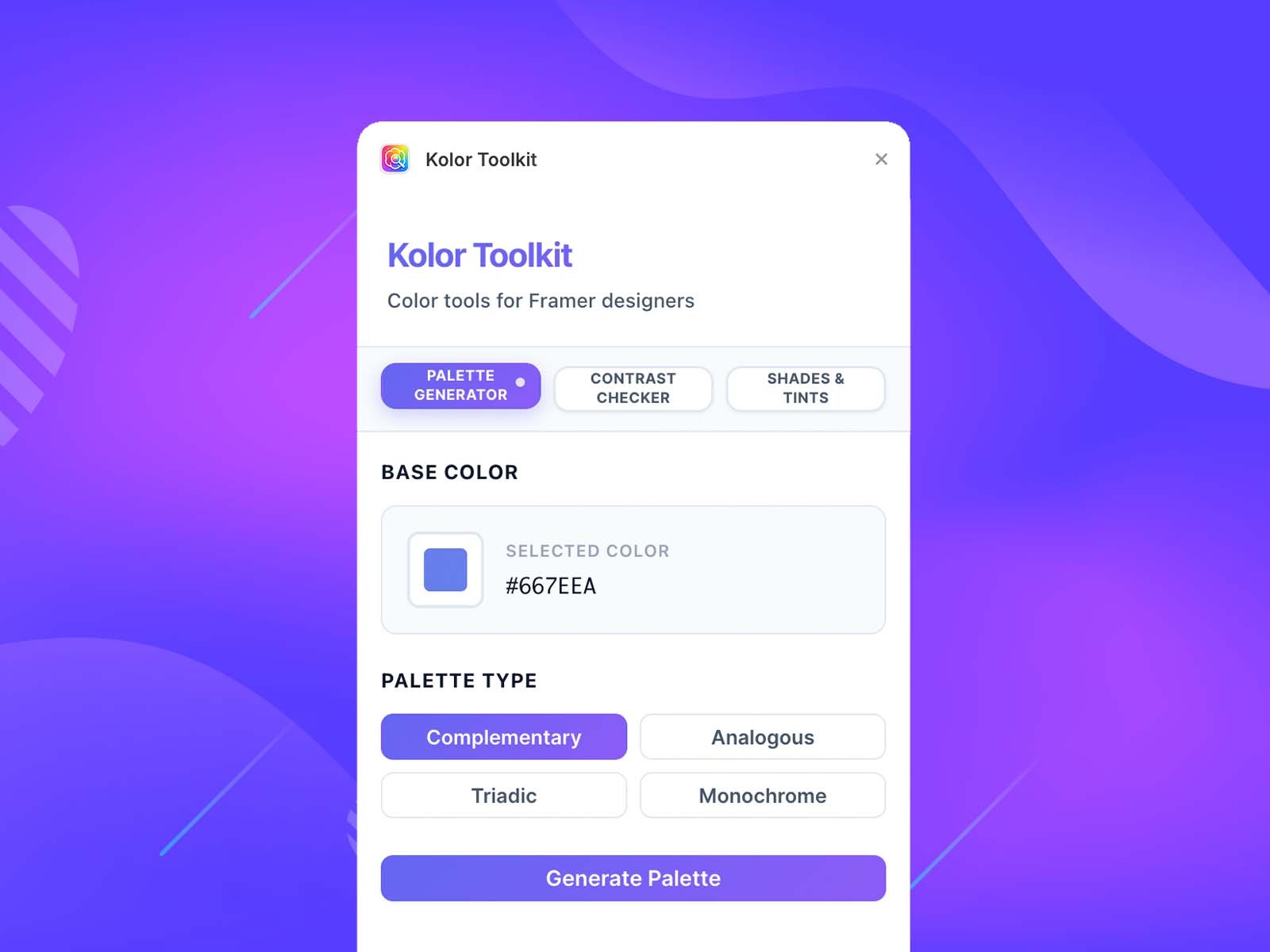
Kolors — Palette generator with real-time WCAG contrast feedback
by Ekom
Kolors is the lightweight alternative to full design-system plugins: generate complementary, analogous, or triadic palettes, then test foreground and background pairs with live WCAG AA and AAA ratios before applying colors to layers or Framer color styles. Shades and tints export in one click. It is free, fast, and enough for solo launches that do not need Leonardo-scale theme generation. Weakness: no site-wide audit, no alt text, and no scan history, so it is a color helper rather than a compliance dashboard.
- Best for
- Quick contrast checks while picking brand colors on a single landing page
Affiliate link — we may earn a commission at no extra cost to you.
Sonic — Design tokens with real-time WCAG contrast validation
Sonic speeds up design-token work inside Framer: spin up typography scales and semantic color palettes, validate WCAG contrast in real time as you edit, apply styles directly to the canvas, and export tokens to CSS, JSON, Tailwind, SCSS, or CSS-in-JS. Built-in presets (Material 3, Bootstrap, Tailwind, Wise) give accessible starting points for new projects. Choose Sonic when accessibility starts at the style level, not after the page is built. Weakness: it does not scan published pages for focus order or ARIA, and token export is only useful if your team actually consumes those files downstream.
- Best for
- Teams building typography and color styles who want contrast checks baked into token creation
Affiliate link — we may earn a commission at no extra cost to you.
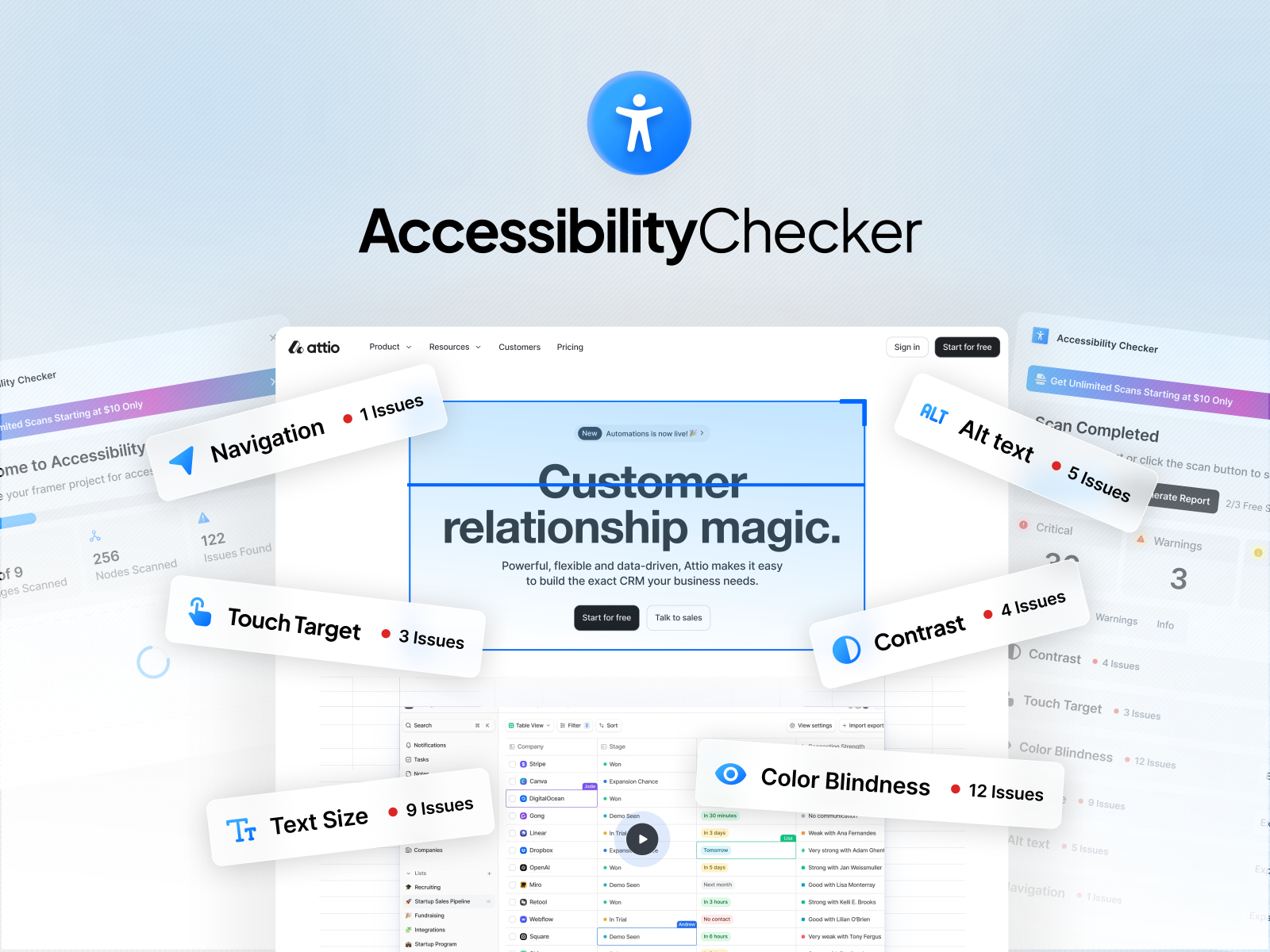
Accessibility Checker — Multi-page WCAG scan with canvas element locate and team reports
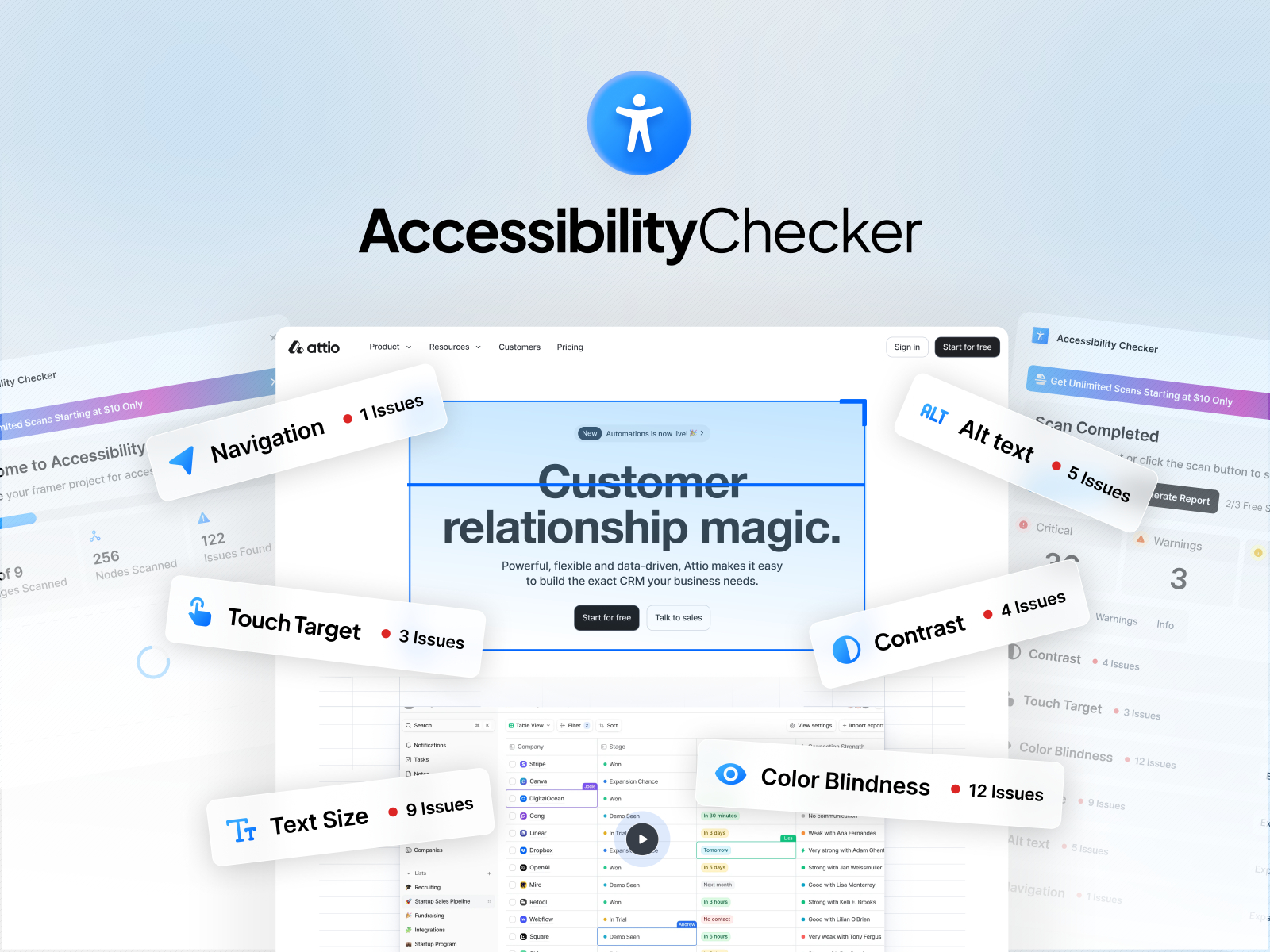
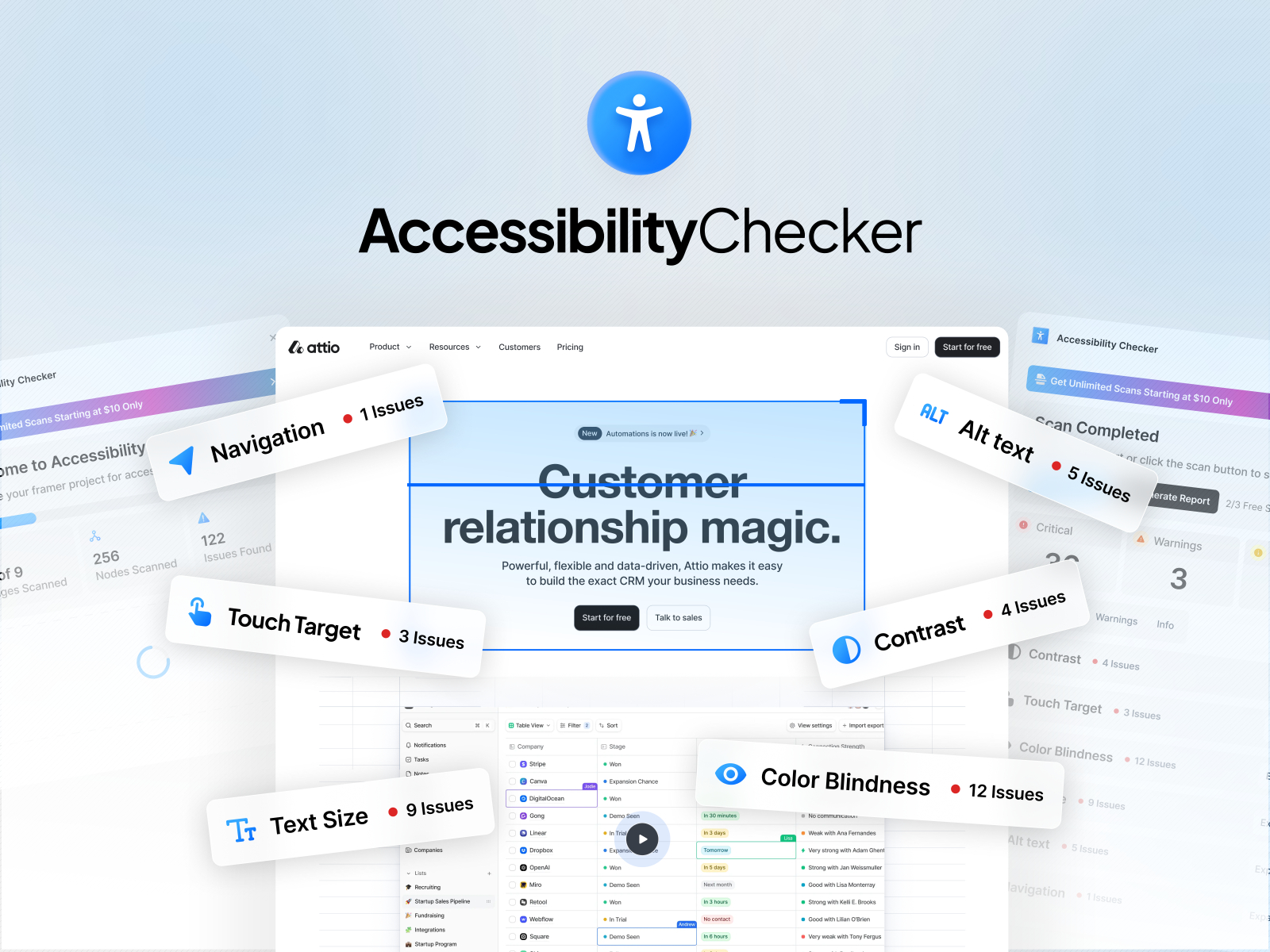
Accessibility Checker scans all pages on the canvas for WCAG coverage, shows actionable detail per issue, and locates the exact element so you are not guessing which frame failed. Generate shareable accessibility reports for team review; three complete scans are free on first use, then unlimited scans run 10 USD per month or 90 USD per year. Email and Google Meet support is included on free and paid tiers. Weakness: the free scan cap runs out fast on multi-page templates, and it lacks the Live Audit browser depth Accessibility Fixer offers on published URLs.
- Best for
- Studios that need to jump from issue list to exact layer across many pages
Affiliate link — we may earn a commission at no extra cost to you.
Quick comparison
| Resource | Price | Type | Best for |
|---|---|---|---|
| Accessibility Fixer | Free detection; paid Pro | Plugin | Scored audits and Live Audit on published sites |
| Site Health Accessibility Pro | from 17 USD/month | Plugin | Accessibility plus SEO and performance in one scan |
| Ally Auditor | Free; Pro 4.99 USD/month | Plugin | Nine WCAG categories with affordable Pro tier |
| Auto Alt Text | Free | Plugin | Quick AI alt text without subscription |
| AltSmith | Pro from 29 USD one-time | Plugin | 500-image batch alt with CSV handoff |
| Image Doctor | Free (Beta) | Plugin | Local alt drafts and image compression |
| Accessible Colors | Free | Plugin | Contrast-first palette generation |
| Kolors | Free | Plugin | Fast contrast checks while picking colors |
| Sonic | Free | Plugin | Accessible design tokens and style export |
| Accessibility Checker | 3 free scans; from 10 USD/month | Plugin | Multi-page scans with layer locate |
How to choose Framer accessibility tools
Audit vs prevention is the first split. Run Accessibility Fixer, Ally Auditor, or Site Health when the site already exists and you need a score before handoff. Reach for Accessible Colors, Kolors, or Sonic while building color styles so contrast failures never reach the canvas. Alt plugins fix the most common post-audit failure: empty alt text on CMS galleries.
Free vs paid follows client deliverables, not guilt. Auto Alt Text, Kolors, Sonic, Accessible Colors, and Image Doctor cover solo launches at zero cost. Pay when you need Live Audit on published URLs (Accessibility Fixer Pro), exportable compliance PDFs (Ally Auditor Pro), or unlimited multi-page scans (Accessibility Checker premium).
Canvas scan vs live browser audit matters for keyboard users. Canvas plugins catch missing alt text, heading skips, and undersized touch targets fast. Only Live Audit-style checks prove focus order and rendered contrast on the shipped HTML. If your client asks for WCAG sign-off, budget for a tool that hits the published URL, not just the editor.
Stack alt tools with auditors, not instead of them. Batch alt plugins save hours but will not fix broken heading hierarchy or 32px tap targets. Run an audit first, fix structure, then batch-fill alt text so you are not describing images on a page screen readers cannot navigate.
Our top pick for most Framer builders
If you install one framer accessibility tool today, start with Accessibility Fixer for free unlimited detection and upgrade when you need Live Audit PDFs for clients. Add Auto Alt Text or AltSmith when scans pass structure but fail on CMS images. Use Accessible Colors or Kolors on the next greenfield project so contrast is baked in from the first style token.
Pair accessible landing pages with free Framer templates from our hub, or browse the form tools roundup when signup flows need accessible inputs too. More resource lists live on the Resources hub.
Updated September 2026. We refresh this list when major accessibility plugins reprice, ship breaking updates, or go stale.