Presentation decks and one-page launches need motion that feels intentional, not like the browser fighting your layout. A framer scroll snap component wraps wheel, trackpad, and keyboard input so each section lands cleanly, even when a sticky nav or tall CMS block sits in the middle of the story. Native CSS snap points help on simple pages, but they break down once Framer stacks breakpoints, nested scroll areas, and client content that changes height every week.
This list ranks ten scroll snap tools from the Framer marketplace in 2026. Every pick has a live listing, identifiable creator, and working preview. You get three free components and seven paid options when you need excluded scroll zones, SVG-driven timelines, or full-screen 100vh decks.
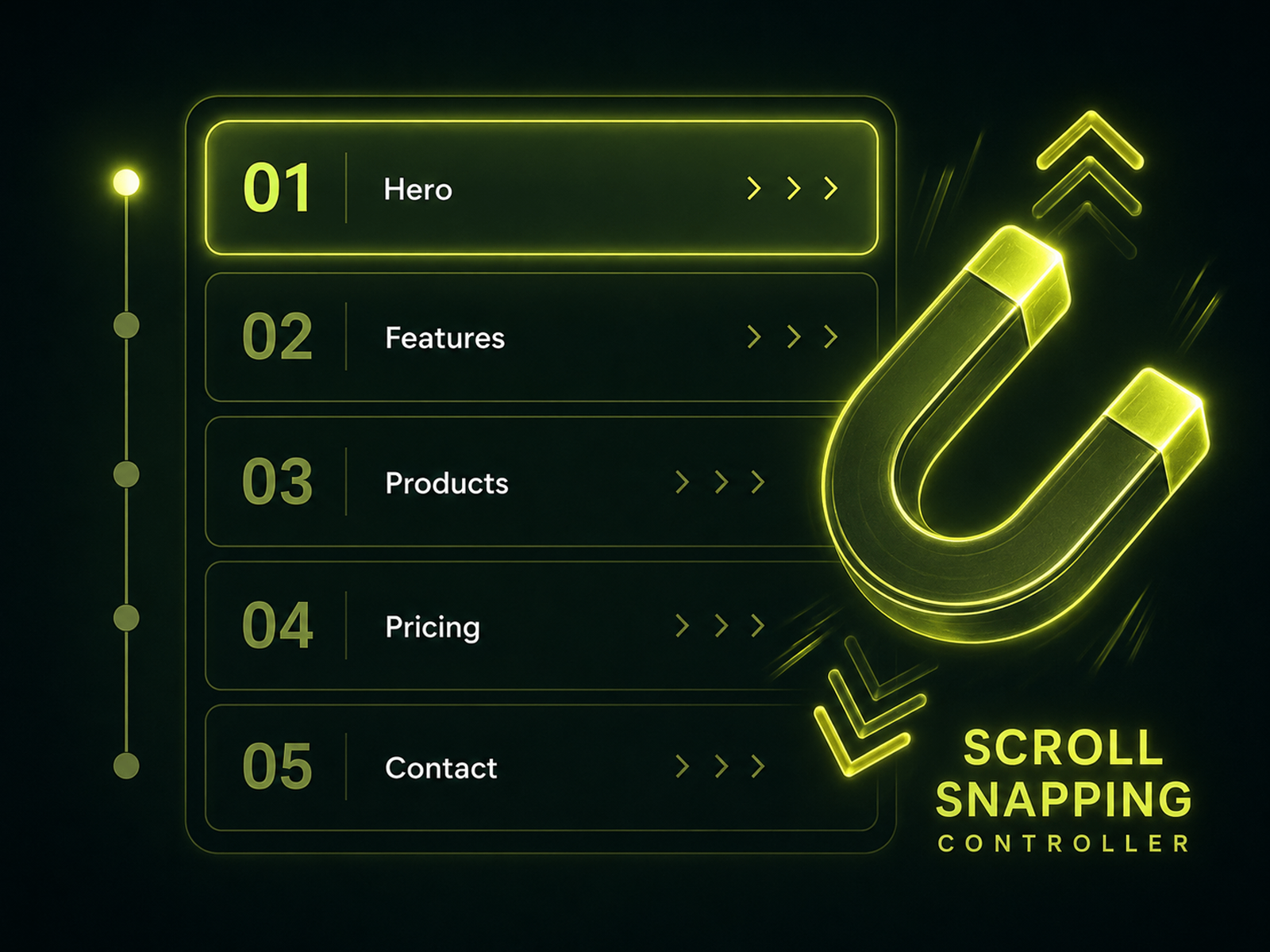
Scroll Snapping — Page-level snap controller with excluded free-scroll sections
by Joao Baltieri
Scroll Snapping Controller is the most flexible full-page snap tool on this list because it references existing layer names instead of forcing you into a single 100vh wrapper. You define snap targets, mark tall or legal sections as excluded so visitors can read without getting yanked forward, and tune wheel sensitivity for trackpads that otherwise skip two sections at once. Keyboard arrows, sticky-header offsets, and a debug badge make QA less guesswork on client sites. Skip it when you only need snap inside one card-sized carousel; Scrolling Snap or Better Carousel will feel lighter.
- Best for
- Long landing pages that mix snap chapters with a normal scrolling FAQ or blog excerpt
Affiliate link — we may earn a commission at no extra cost to you.

Scroll Snap — Vertical SnapScroll container with custom scrollbar
by Nabeel
Nabeel’s Scroll Snap (SnapScroll) treats snap as a contained experience: wire external section layers into the component, set the frame to 100vh, and let the built-in scrollbar show progress through the deck. That pattern mirrors classic full-screen slideshow sites without rebuilding every section as a separate page. The tradeoff is rigidity. You are designing inside the container’s height rules, not snapping arbitrary stacks already on the canvas. Pair it with SegmentUI’s broader library if you already license their bundle for other sections.
- Best for
- Product tours that stack full-height sections inside one bounded viewport
Affiliate link — we may earn a commission at no extra cost to you.

Scrolling Snap — Vertical or horizontal snap inside any sized frame
Scrolling Snap is the pragmatic middle ground when you want app-like alignment in a section that is not full viewport height. Toggle vertical or horizontal snap from the panel, drop it into a feature row or mobile carousel, and keep the rest of the page on normal scroll. It does not replace Scroll Snapping Controller for site-wide chapter navigation, but it installs faster when the brief is “make this strip behave.” Fabian Albert’s other utilities (Progressive Blur, Better Carousel) share the same no-code panel philosophy if you are standardizing on his components.
- Best for
- Step layouts and carousels that need snap without owning the entire page scroll
Affiliate link — we may earn a commission at no extra cost to you.
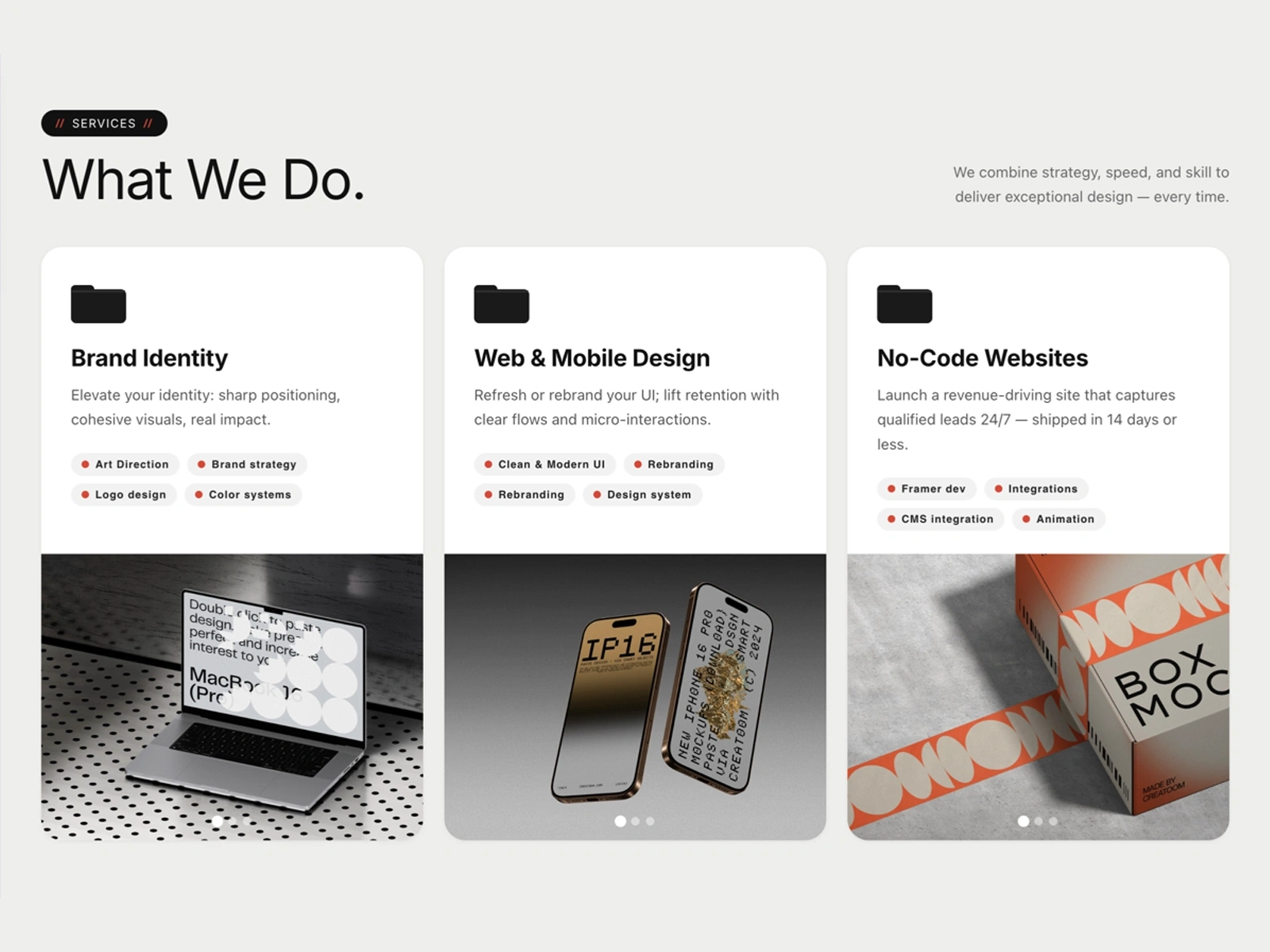
Smooth Full-Page Web — 100vh snap sections with image, video, or color backgrounds
by Kateryna Dei
Smooth Full-Page Web bundles snap scrolling with presentation chrome: per-section color, image, or looping video backgrounds, side navigation text that adapts to the active slide, and mobile toggles for rotated headings. Canvas-safe rendering keeps the editor responsive while published mode runs the snap choreography. You may need a fullpage.js license key for commercial deployments, so read the listing notes before reselling the site as a template. At 6 USD it is the cheapest full-deck option here if you do not need excluded scroll zones.
- Best for
- Agency pitch sites that want fullpage.js-style decks on a small component budget
Affiliate link — we may earn a commission at no extra cost to you.

Feature Story Scroll — Sticky hero with per-feature snap and progress nav
by Nirav Jivani
Feature Story Scroll combines sticky imagery, scroll snap on each feature card, and a progress rail so visitors always know which chapter they are in. Character reveals, glass card styles, and optional 3D tilt on the hero image push it beyond generic snap wrappers. Desktop gets the full animation while tablet and mobile collapse to a readable stack, which saves you from maintaining two separate layouts. Skip it if your features are three bullets and a screenshot; a simple sticky scroll block from Framer’s own marketplace kit is enough.
- Best for
- SaaS homepages that turn a feature list into scrollytelling instead of a static grid
Affiliate link — we may earn a commission at no extra cost to you.
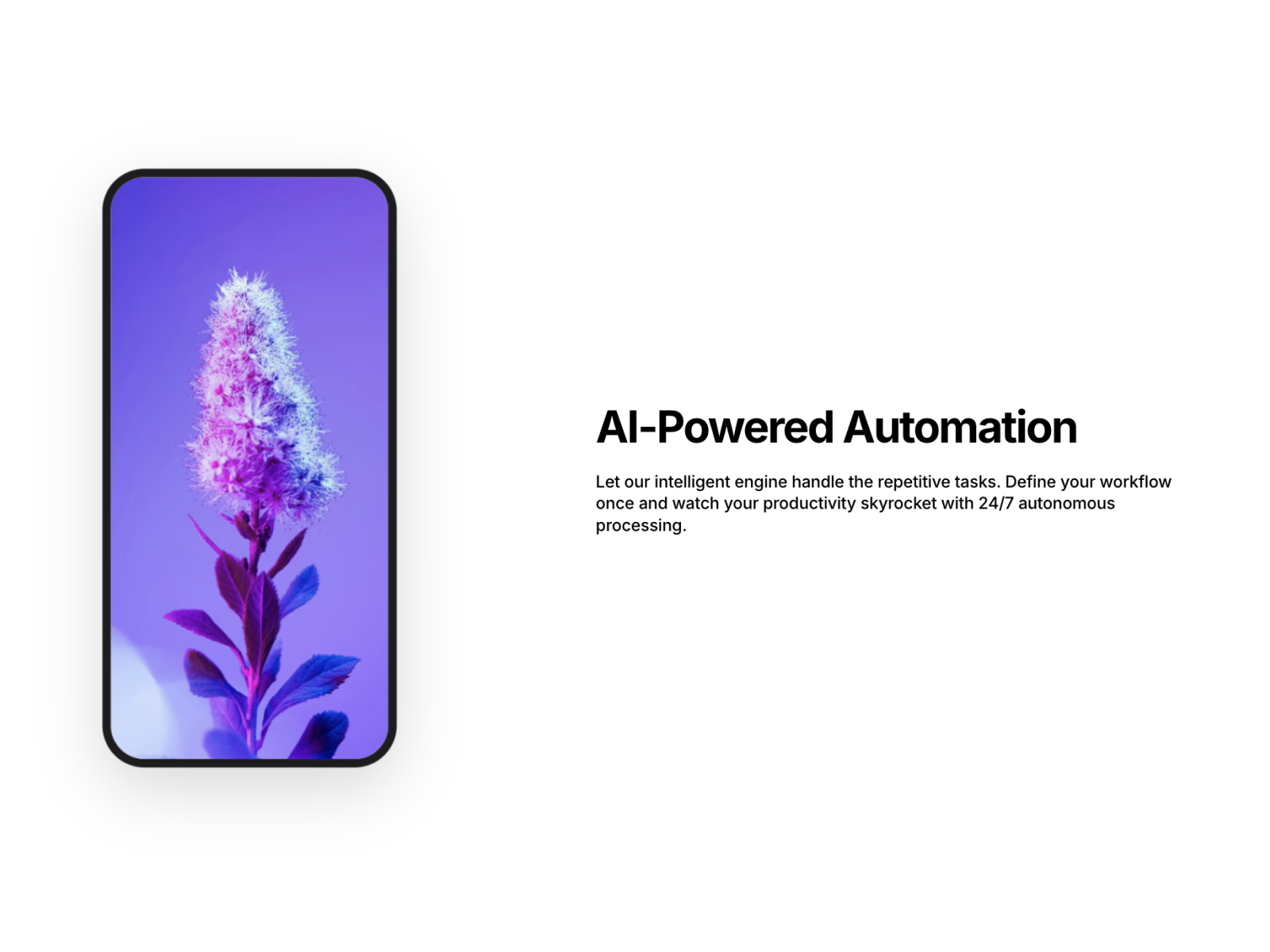
Scroll Showcases — Device mockups with desktop sticky grid and mobile horizontal snap
by Agung M
Scroll Showcases targets the classic “device on the left, copy on the right” pattern with adaptive behavior: sticky vertical grid on desktop, horizontal snap scroll on mobile, and keyboard-accessible navigation throughout. Built-in device frames (iPhone, MacBook, iPad) reduce the time you spend masking screenshots. Performance-minded React patterns aim for stable 60fps, though heavy parallax still deserves a quick Lighthouse pass on mid-tier Android hardware. Choose Scroll Snapping Controller instead when the page is pure full-bleed sections without mockups.
- Best for
- Product marketing pages that show UI inside phone or laptop frames while text scrolls
Affiliate link — we may earn a commission at no extra cost to you.

Project Scroll — Infinite vertical index with center snap and grayscale focus
by Francisc Toth
Project Scroll turns a project list into a cinematic index: images loop vertically, the nearest project snaps to center, and inactive rows fade to grayscale while metadata rotates on the center line. Corner brackets frame the active piece and resize with each aspect ratio, which reads polished on agency reels. Capture Scroll can be disabled when the section sits mid-page so visitors can continue down to contact or footer content. It is free, but the aesthetic is specific; skip it for SaaS feature tours that need text-heavy cards.
- Best for
- Portfolio studios that want a full-screen project rail without a paid snap library
Affiliate link — we may earn a commission at no extra cost to you.

Lenis — Open-source smooth scroll with optional snap support
by darkroom.engineering
Lenis is the baseline smooth-scroll engine many premium Framer components wrap, and the marketplace component exposes snap, horizontal scroll, nested scroll, and touch tuning in one drop-in layer. Use it when you are comfortable configuring scroll behavior globally and pairing it with your own section structure. It is less opinionated than Scroll Snapping Controller about excluded zones or keyboard chapter navigation, so complex legal or docs pages may still need a dedicated controller on top. Sponsoring the open-source project is optional but worth it if Lenis ships on every client site you maintain.
- Best for
- Teams already standardizing on Lenis for parallax who also want snap without a second library
Affiliate link — we may earn a commission at no extra cost to you.
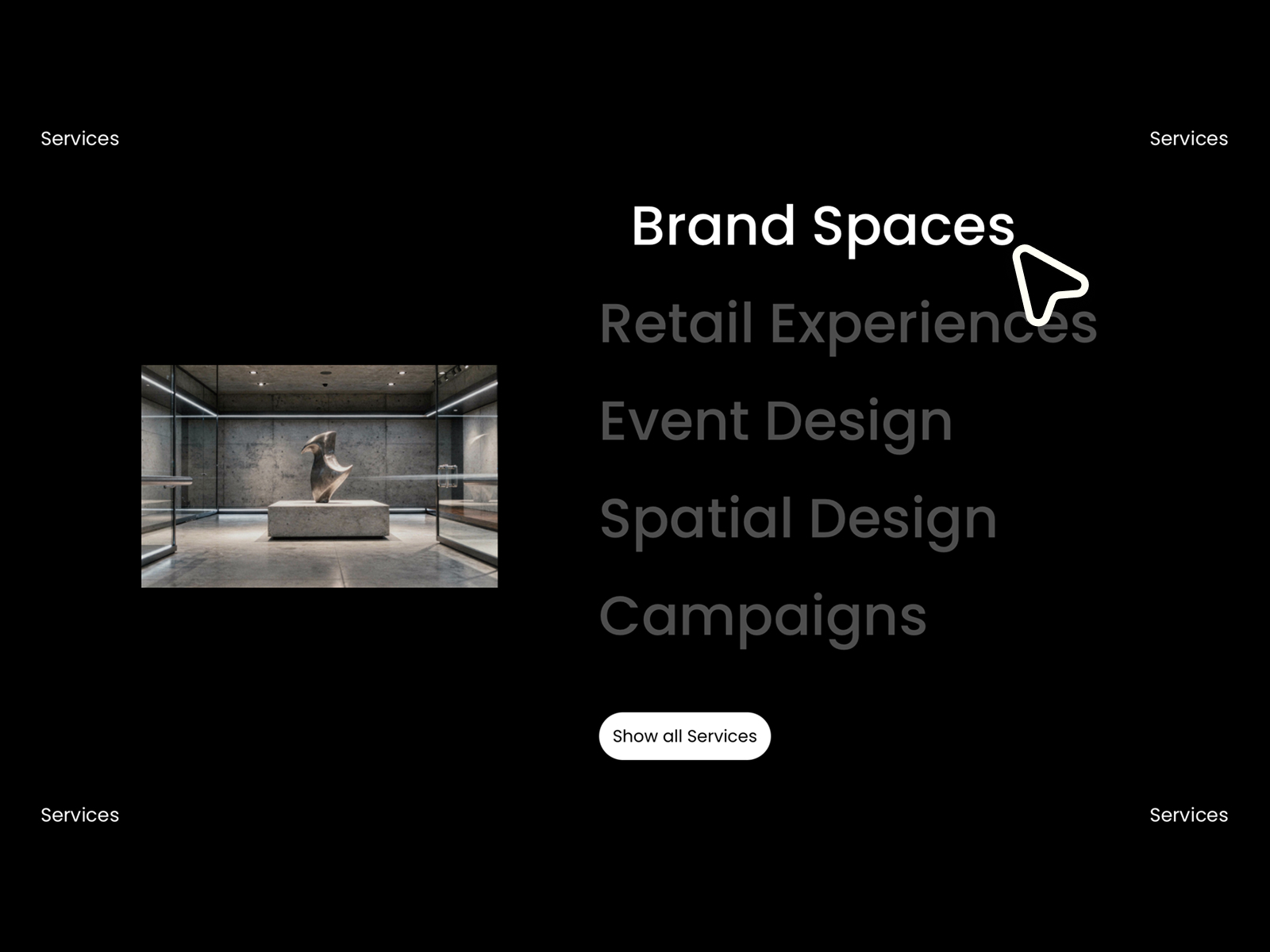
Scrolling Timeline — SVG path timeline with snap between milestones
by pankake
Scrolling Timeline maps scroll progress to a custom SVG path, highlights the active milestone, and snaps forward or backward when visitors use buttons or wheel input. You align Framer section numbers with timeline events manually, which takes setup time but pays off on brand stories that refuse generic vertical decks. Keyboard and touch support keep it usable outside desktop pitch meetings. Skip it when the client timeline is four bullet points; a static vertical line and native scroll is faster to maintain.
- Best for
- About pages and roadmap sections where snap should follow a drawn path, not vertical slides
Affiliate link — we may earn a commission at no extra cost to you.

Curvy Showcase — Bowl-shaped ribbon gallery with idle snap and expand view
by BuiltByKern
Curvy Showcase arranges projects on a concave ribbon, snaps the nearest card to center after scroll idle, and expands into a fullscreen case study with staggered typography. It runs inside its own stage so you do not hijack page scroll the way a 100vh deck does, which helps on sites that still need a normal footer below the reel. Reduced-motion fallbacks switch to horizontal scroll-snap behavior when visitors prefer less animation. The bowl aesthetic is bold; use Project Scroll or a flat carousel when the brand guide demands minimal geometry.
- Best for
- Creative portfolios that want horizontal snap inside a stage without pinning the whole page
Affiliate link — we may earn a commission at no extra cost to you.
Quick comparison
| Resource | Price | Type | Best for |
|---|---|---|---|
| Scroll Snapping | 12 USD | Component | Mixed snap chapters and free-scroll content |
| Scroll Snap | 15 USD | Component | Full-height SnapScroll container |
| Scrolling Snap | 10 USD | Component | Section-sized vertical or horizontal snap |
| Smooth Full-Page Web | 6 USD | Component | Budget fullpage-style 100vh decks |
| Feature Story Scroll | 10 USD | Component | SaaS feature scrollytelling |
| Scroll Showcases | 9 USD | Component | Device mockups with mobile horizontal snap |
| Project Scroll | Free | Component | Center-snap portfolio index |
| Lenis | Free | Component | Global smooth scroll plus snap option |
| Scrolling Timeline | 8 USD | Component | SVG path milestones with snap |
| Curvy Showcase | Free | Component | Ribbon gallery snap inside a stage |
How to choose a Framer scroll snap component
Decide who owns page scroll. Controllers like Scroll Snapping listen at the page level and need explicit excluded zones for long copy. Container tools like Scroll Snap or Smooth Full-Page Web own scroll inside a 100vh frame, which is safer when the rest of the site stays a normal marketing page.
Match snap geometry to the story. Vertical chapter snaps suit pitch decks and launch timelines. Horizontal snap inside Scrolling Snap, Curvy Showcase, or Scroll Showcases fits carousels and portfolio ribbons. SVG timelines reward About pages where the path itself is the brand motif.
Plan for sticky headers and trackpads. Only the page controllers expose offset and wheel-filter tuning out of the box. If your nav stays fixed, budget QA time on MacBook trackpads before shipping.
Free versus paid. Project Scroll, Curvy Showcase, and Lenis cover strong portfolio and engine use cases at zero cost. Pay when you need excluded sections, device mockups, or full-page presentation chrome that would take days to rebuild.
Our top pick for most Framer builders
For a typical long landing page with a sticky nav and a FAQ block at the bottom, Scroll Snapping at 12 USD is the safest default: name your sections, exclude the heavy content, and tune trackpad behavior without rebuilding the canvas inside a 100vh cage. For a pure pitch deck with five fullscreen slides, Smooth Full-Page Web at 6 USD or Scroll Snap at 15 USD gets you live faster.
When the homepage shell still needs work, start from our free Framer templates hub or browse the full Resources directory for forms, navigation, and scroll effects that pair with snap sections. For template inspiration on storytelling layouts, see our one-page Framer template roundup.
Updated October 2026. We refresh this list when major snap components change pricing, add excluded-scroll features, or leave the marketplace.