Free Framer plugins are the fastest way to extend the editor without opening another SaaS tab. The catch is sorting real free tiers from trials, and knowing which utilities still ship updates after Framer ships a platform change.
This 2027 refresh ranks ten marketplace plugins you can install today with no subscription required for the workflows below. We kept three proven picks from our 2026 list and swapped in seven newer or under-covered tools (icons, GIFs, stock photos, Lottie discovery, canvas blur, accessibility scoring, and Search Console metrics). Every URL was checked in November 2026.
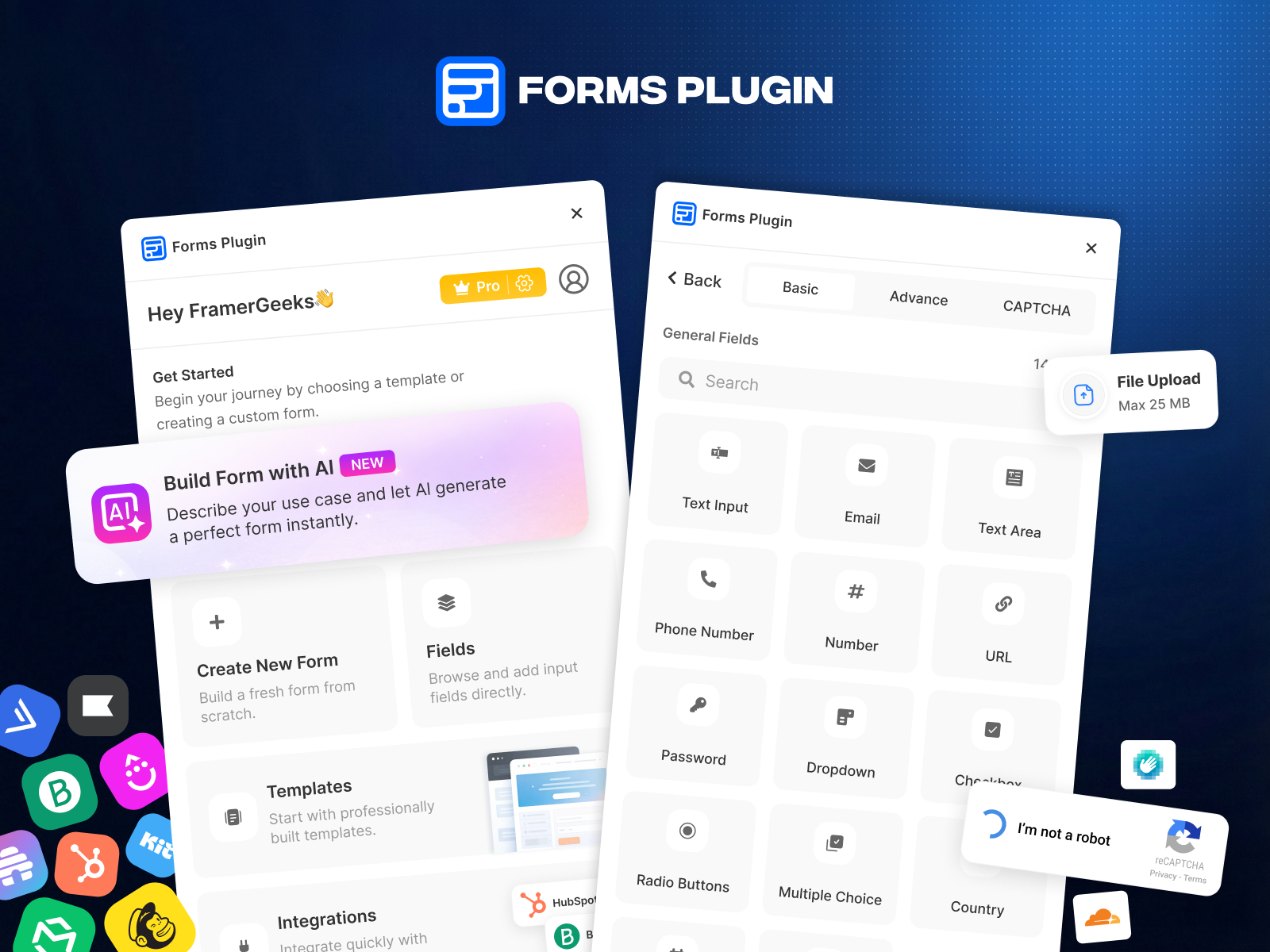
Forms Plugin — Native form builder with CRM and AI assist
by Framer Geeks
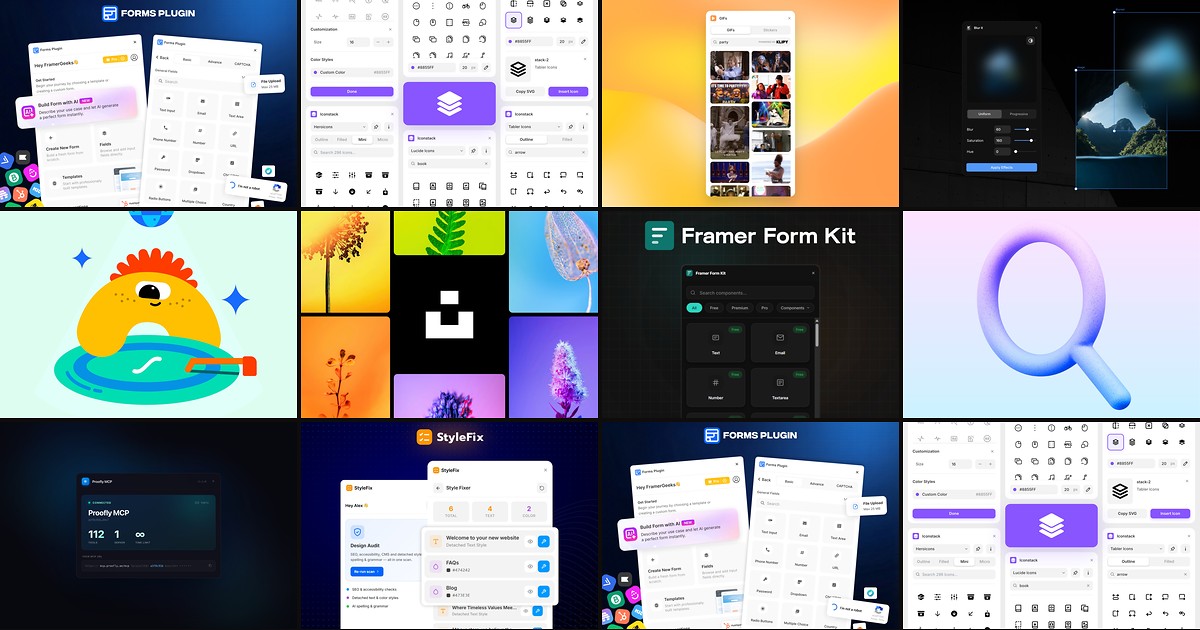
Forms Plugin remains the default answer when a client asks for “just a contact form.” You get multi-step layouts, conditional fields, CAPTCHA options, and direct hooks to HubSpot, Mailchimp, Brevo, and other ESPs from inside the canvas. The AI builder is handy for scaffolding unusual field sets before you restyle. Skip it if you already standardized on a single external form SaaS and do not want duplicate submission logs.
- Best for
- Marketing sites that need contact, lead, and newsletter flows without iframe embeds
Affiliate link — we may earn a commission at no extra cost to you.
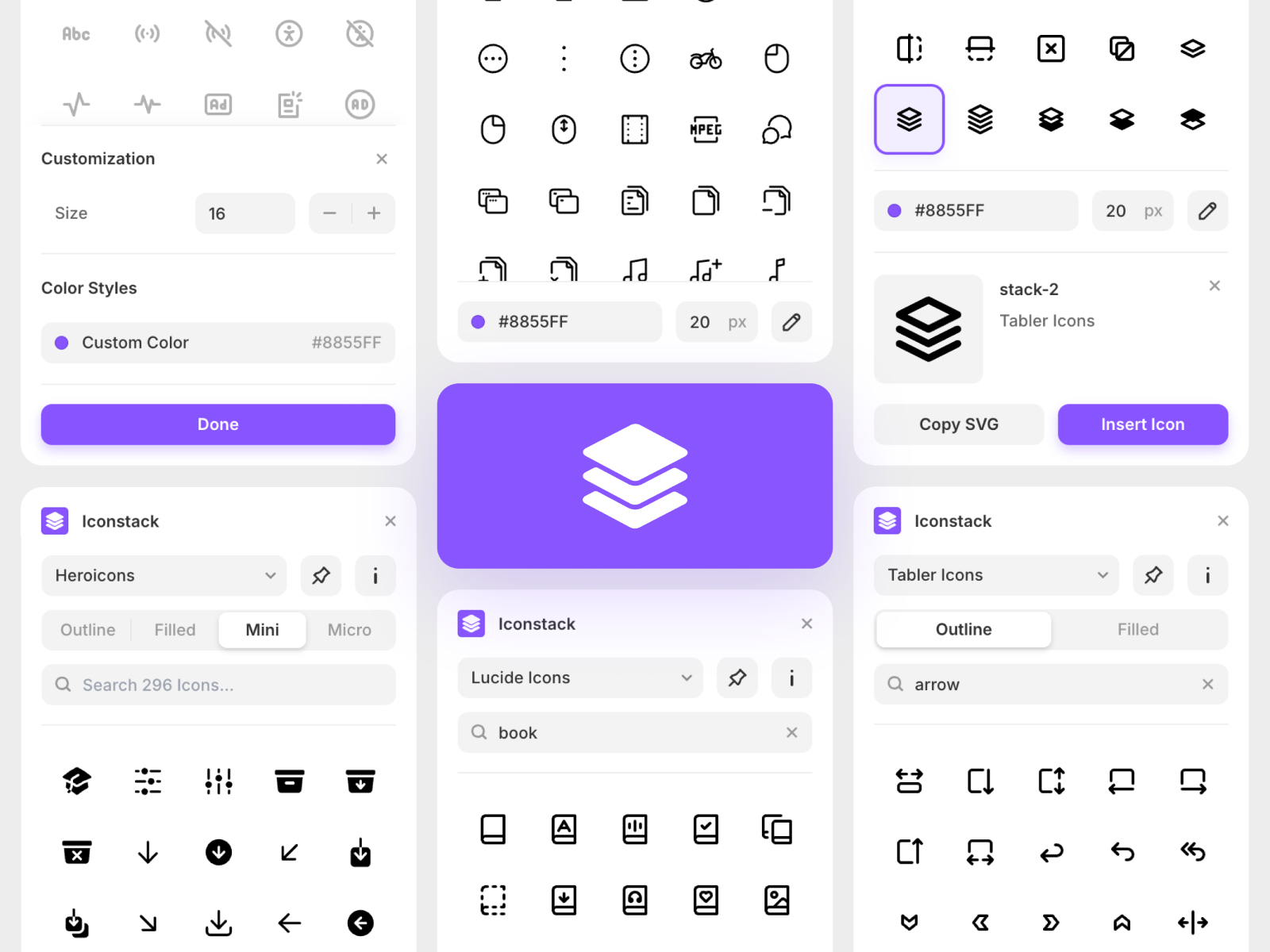
Iconstack — 40,000+ open-source icons with search and color controls
Iconstack bundles Lucide, Tabler, Material, Simple Icons, and more into one searchable panel. You can tint size and color before insert, which beats pasting mismatched SVG exports from random sites. It pairs well with Isaac Roberts’ other free asset plugins if you want 3D shapes elsewhere on the same project. Weakness: it is icon-only, not a full illustration library, so brand-heavy sites still need custom art direction.
- Best for
- Product and marketing pages that need consistent iconography without a Figma round trip
Affiliate link — we may earn a commission at no extra cost to you.
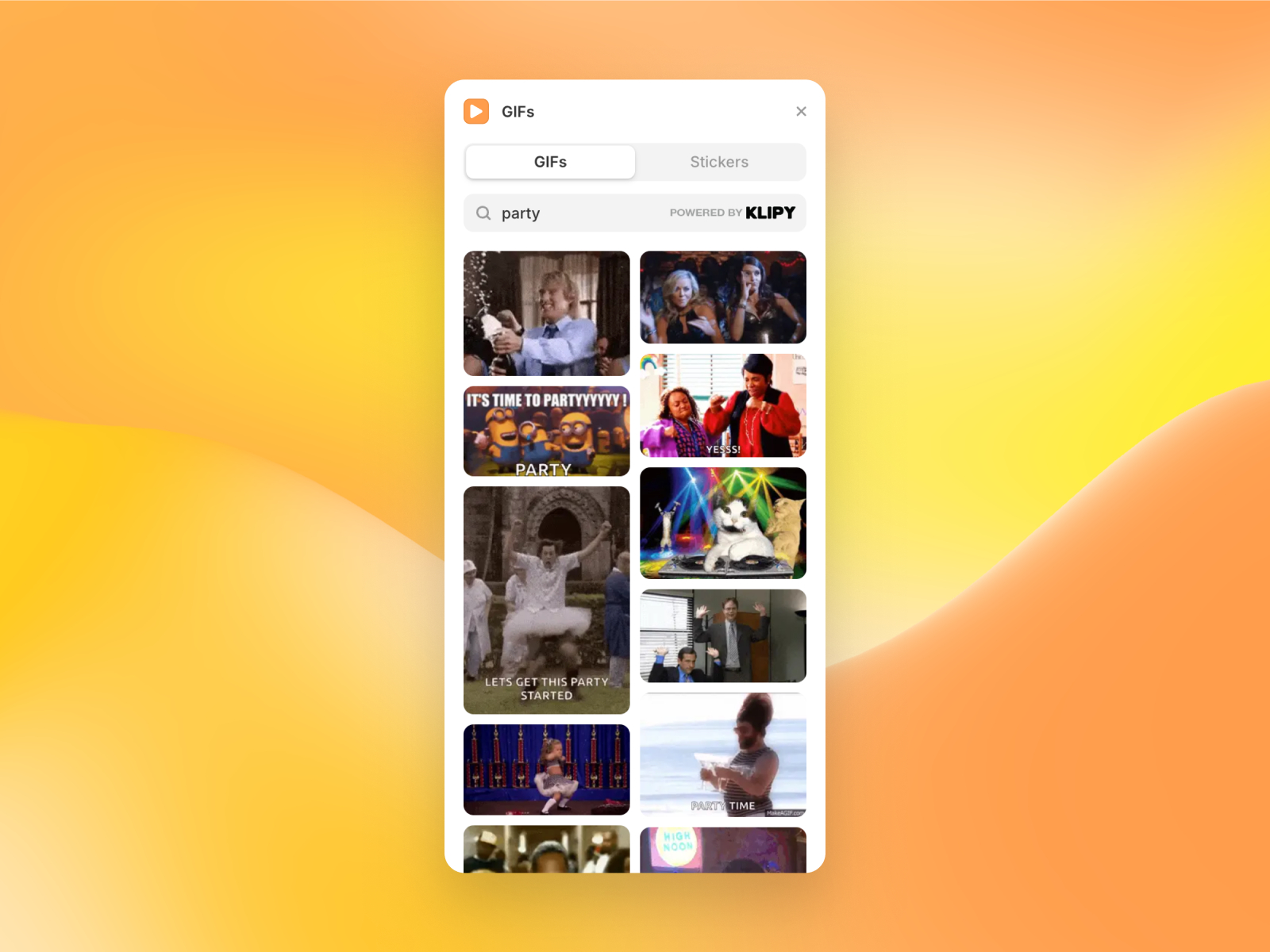
GIFs — Drag-and-drop GIFs and stickers from KLIPY
GIFs pulls from KLIPY’s catalog so you can drop trending loops or subtle stickers straight onto the canvas. The workflow is faster than exporting MP4 heroes when the brief is “make this section feel alive.” Open-source codebase also helps if your team wants to audit what the plugin loads. Skip it when performance budgets are tight: animated GIFs can still weigh more than optimized Lottie or video.
- Best for
- Launch pages and editorial layouts that need playful motion without Lottie authoring
Affiliate link — we may earn a commission at no extra cost to you.
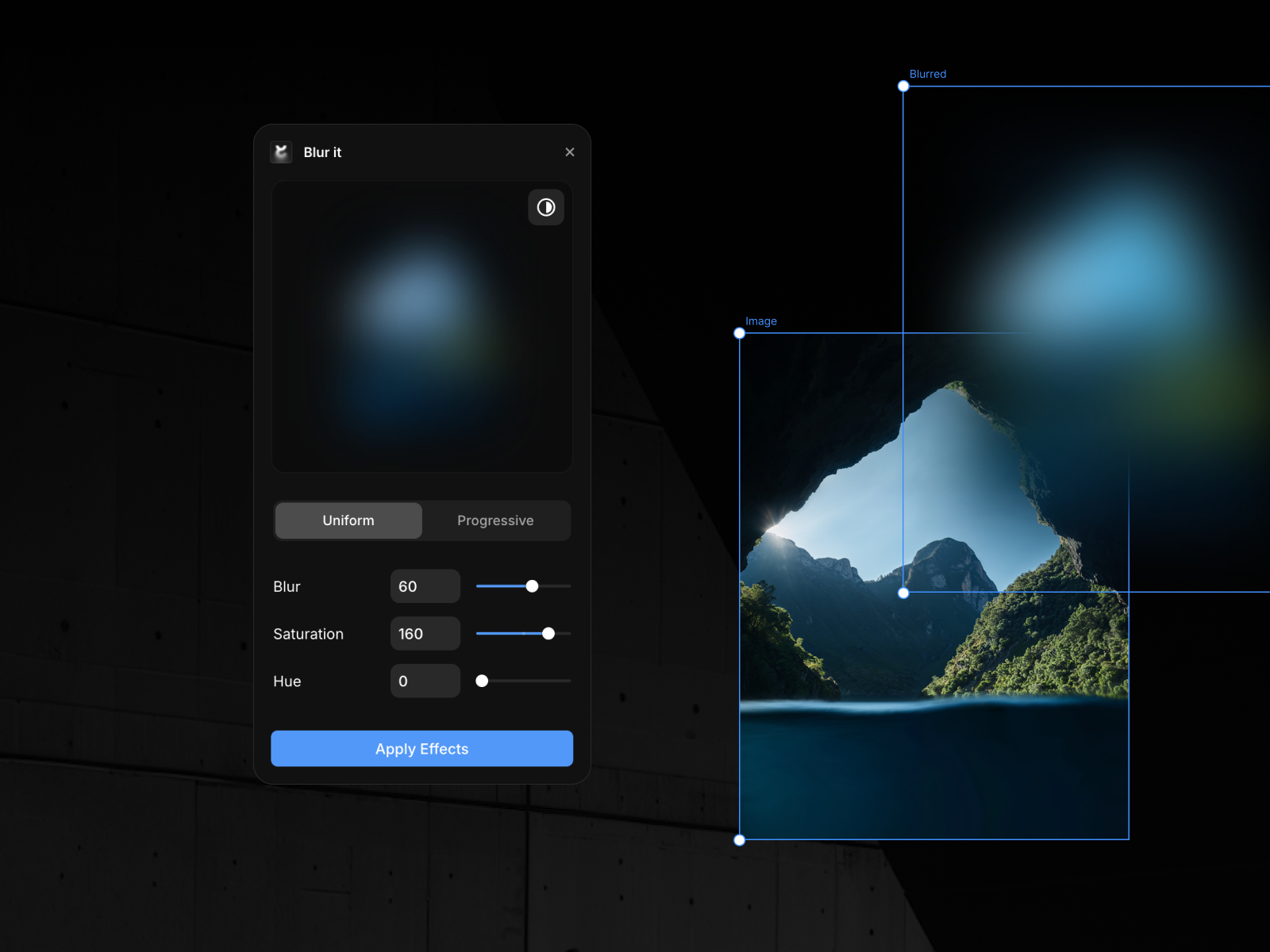
Blur it — Bake Gaussian or progressive blur into the image asset
Blur it applies blur directly to the bitmap instead of stacking heavy live filters on the published page. Gaussian and progressive modes cover most Apple-style fades, with saturation and hue tweaks in the same panel. Use it while designing, then publish knowing the effect is baked in. It does not replace scroll-linked progressive blur components for storytelling sections; those live in our blur and backdrop roundup.
- Best for
- Hero backgrounds and overlays where live CSS blur would tank scroll performance
Affiliate link — we may earn a commission at no extra cost to you.

LottieFiles Plugin — Browse and insert dotLottie animations from the marketplace catalog
by LottieFiles
The LottieFiles plugin is the practical front door to Framer’s native Lottie layers. Search the public library or your team workspace, insert dotLottie files, and theme colors without leaving the editor. It stays maintained with nested-folder support and UI fixes through 2026. Premium animations exist in the catalog, but the plugin itself costs nothing. Pair it with our Lottie tools roundup when you need scroll-scrubbed players beyond basic playback.
- Best for
- Teams that want motion discovery inside Framer instead of juggling browser tabs
Affiliate link — we may earn a commission at no extra cost to you.
Quick comparison
| Plugin | Price | Category | Best for |
|---|---|---|---|
| Forms Plugin | Free | Forms | Native lead capture and CRM sync |
| Iconstack | Free | Assets | Open-source icon search |
| GIFs | Free | Media | Stickers and looping GIF accents |
| Blur it | Free | Utilities | Performance-safe image blur |
| LottieFiles Plugin | Free | Media | Animation discovery and insert |
| Unsplash | Free | Assets | Stock photography |
| Accessibility Fixer | Free | Accessibility | WCAG scoring on the canvas |
| Search Console | Free | SEO | Clicks and queries on canvas |
| Proofly MCP | Free | AI / Dev | MCP bridge for Claude and Cursor |
| StyleFix | Free | QA | Pre-launch project audits |

Unsplash — Keyword search across Unsplash inside the editor
by Framer
Unsplash is the official Framer integration for stock photos: search by keyword, preview, and drop images without downloading to your desktop first. It is ideal for wireframes and client concepts where placeholder photography must look credible. You still need to respect Unsplash license terms and swap hero shots before launch if the brand requires exclusive imagery. For icon sets from the same publisher, see Phosphor and Doodles in the marketplace.
- Best for
- Mood boards and marketing pages that need royalty-free photography fast
Affiliate link — we may earn a commission at no extra cost to you.
Accessibility Fixer — WCAG score and guided fixes before publish
by Divya Darpan
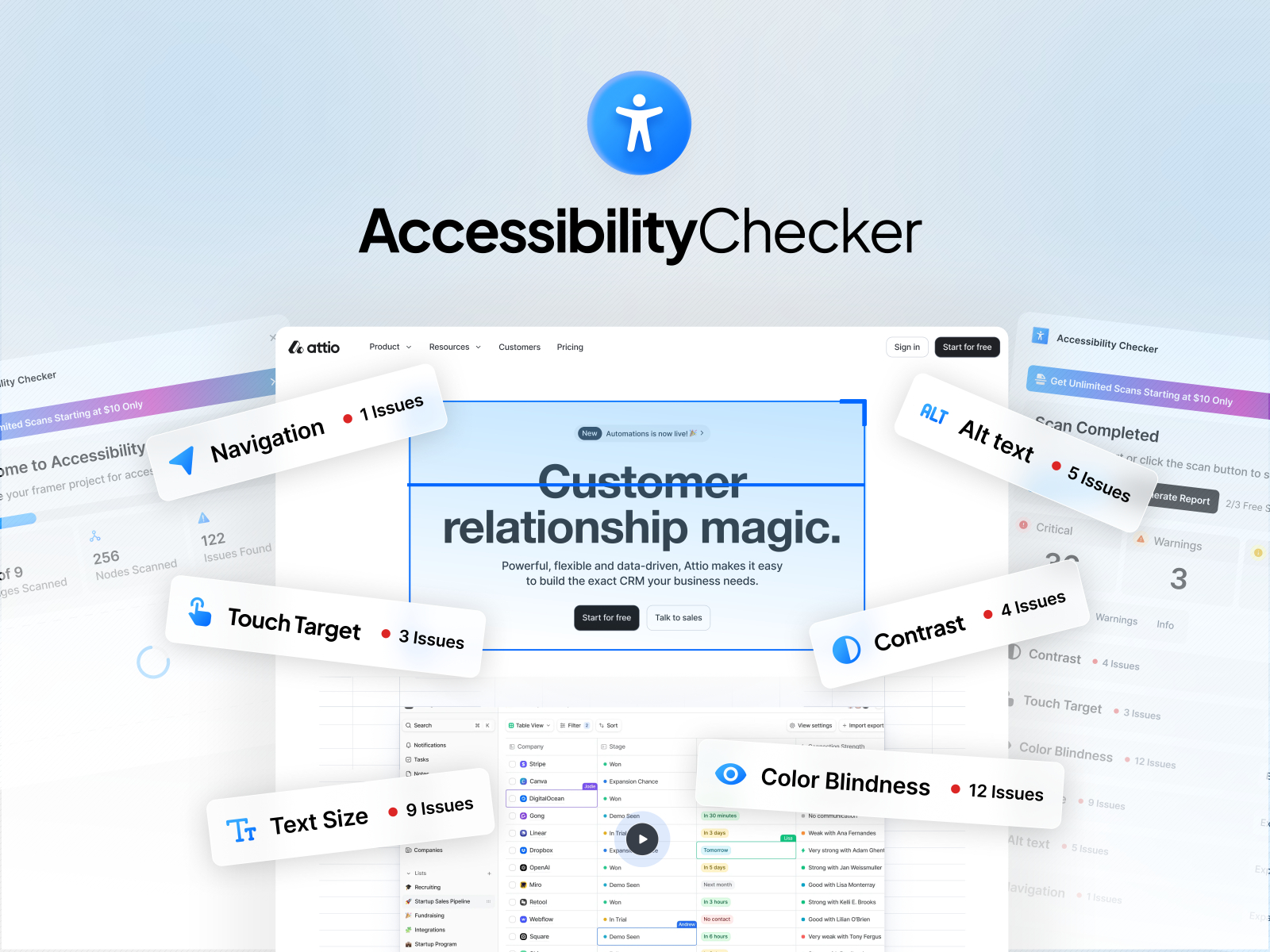
Accessibility Fixer scans the canvas, returns a 0 to 100 score across Structure, Media, and Interaction, and prioritizes fixes instead of dumping hundreds of warnings. Guided changes show before and after previews you approve manually, and alt suggestions stay local to your file. Live Audit on the published URL and branded PDF exports are paid upgrades, so skip those tiers if you only need in-editor detection. For a wider audit stack, see our accessibility tools roundup.
- Best for
- Freelancers and agencies running accessibility QA on client handoffs
Affiliate link — we may earn a commission at no extra cost to you.

Search Console — Google Search Console metrics on the Framer canvas
by Framer
Search Console pulls performance metrics into Framer so you can see clicks, impressions, and top queries without alt-tabbing to Google. It is unofficial (not a Google product) but useful when you iterate copy and want immediate context on what already ranks. You still need a verified Search Console property and sensible expectations: it surfaces data, it does not replace a full SEO plugin stack.
- Best for
- SEO-minded builders who want clicks and query data beside the layout they are editing
Affiliate link — we may earn a commission at no extra cost to you.
Proofly MCP — Connect MCP clients to your live Framer project
by Proofly.ae
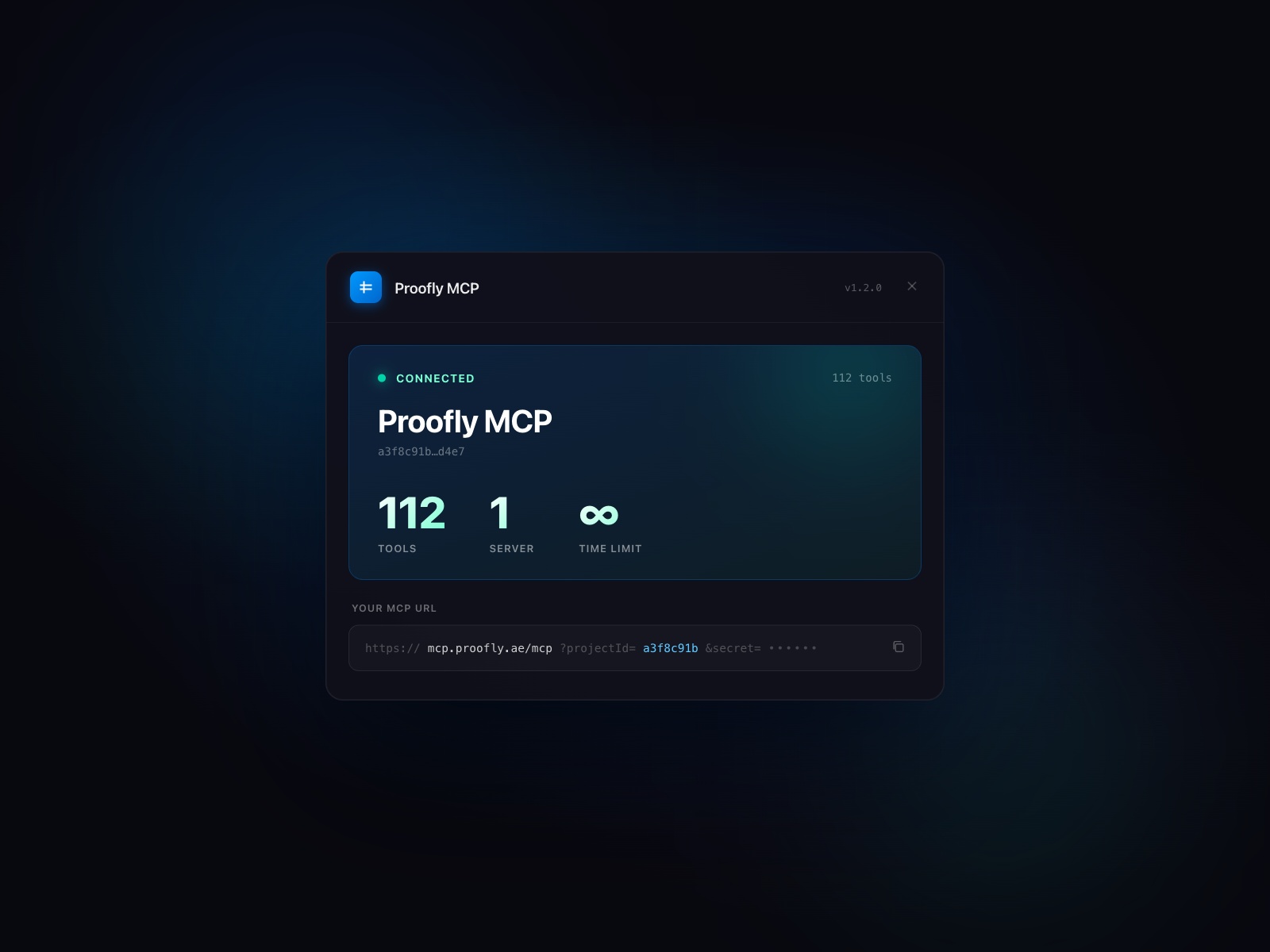
Proofly MCP exposes a server URL so MCP-compatible tools can read layers, audit SEO and accessibility, manage CMS collections, and insert sections programmatically. The core toolset stayed free through 2026, which is rare for this depth of automation. Skip it if your workflow is strictly visual and you do not run an AI client daily; the setup reward scales with how often you QA large sites.
- Best for
- Teams using Claude Desktop or Cursor who want canvas-aware AI without screenshots
Affiliate link — we may earn a commission at no extra cost to you.

StyleFix — Pre-flight checks for SEO, performance, and design debt
by Framer Geeks
StyleFix scans marketplace readiness, SEO basics, performance hints, accessibility signals, and detached styles, then jumps you to offending layers. Think of it as a structured checklist instead of manual spot checks the night before publish. It overlaps partially with Accessibility Fixer on a11y, but StyleFix covers broader launch hygiene in one pass. Run both if the client contract mentions WCAG and marketplace submission rules.
- Best for
- Template authors and freelancers running launch QA before handoff
Affiliate link — we may earn a commission at no extra cost to you.
How to choose the right free plugin
Start with the bottleneck. Broken or iframe forms mean Forms Plugin first. Flat iconography means Iconstack. Motion without a motion designer means LottieFiles or GIFs depending on weight and brand tone.
Free vs freemium. Every plugin here is free to install; Forms Plugin, Accessibility Fixer, and LottieFiles may upsell higher usage or Pro audits. The free tiers are usable on real client sites if you read each listing’s limits before you promise compliance PDFs.
Do not stack duplicates. Blur it bakes effects into assets; progressive blur components handle scroll storytelling. StyleFix and Accessibility Fixer both touch a11y, but StyleFix is broader while Accessibility Fixer goes deeper on WCAG scoring.
Our top pick for most Framer builders
If you install one plugin from this list, keep Forms Plugin on every marketing site. For visual speed, Iconstack plus Unsplash cover icons and photography without leaving Framer. AI-heavy agencies should add Proofly MCP early; everyone shipping client work should run StyleFix or Accessibility Fixer (or both) before the final publish.
Start from free Framer templates on yoframer when you want a remix-ready base, browse template roundups for niche layouts, and explore more plugin lists on the Resources hub.
Updated November 2026. We refresh this list as notable free plugins ship or move to paid-only tiers.