The best Framer plugins for client work are the ones you pay for after the free panel runs out of answers. Native forms, a basic CMS list, and Framer’s own SEO fields cover a brochure. They do not cover multi-field filtering, a real catalog, or a membership that charges a card.
A good paid plugin has a named creator, a license you can put on an invoice, and a preview that shows the job. This 2027 list keeps Frameship from our 2026 premium roundup and swaps the other seven for tools that fit the work better this year. Every marketplace page below loaded in November 2026.
Prices are what the creator or listing published that week. Sale tags move, so read checkout before you quote a client. Buttons on these cards are affiliate links: Framer’s partner tag is added on click, and the price you pay does not change.
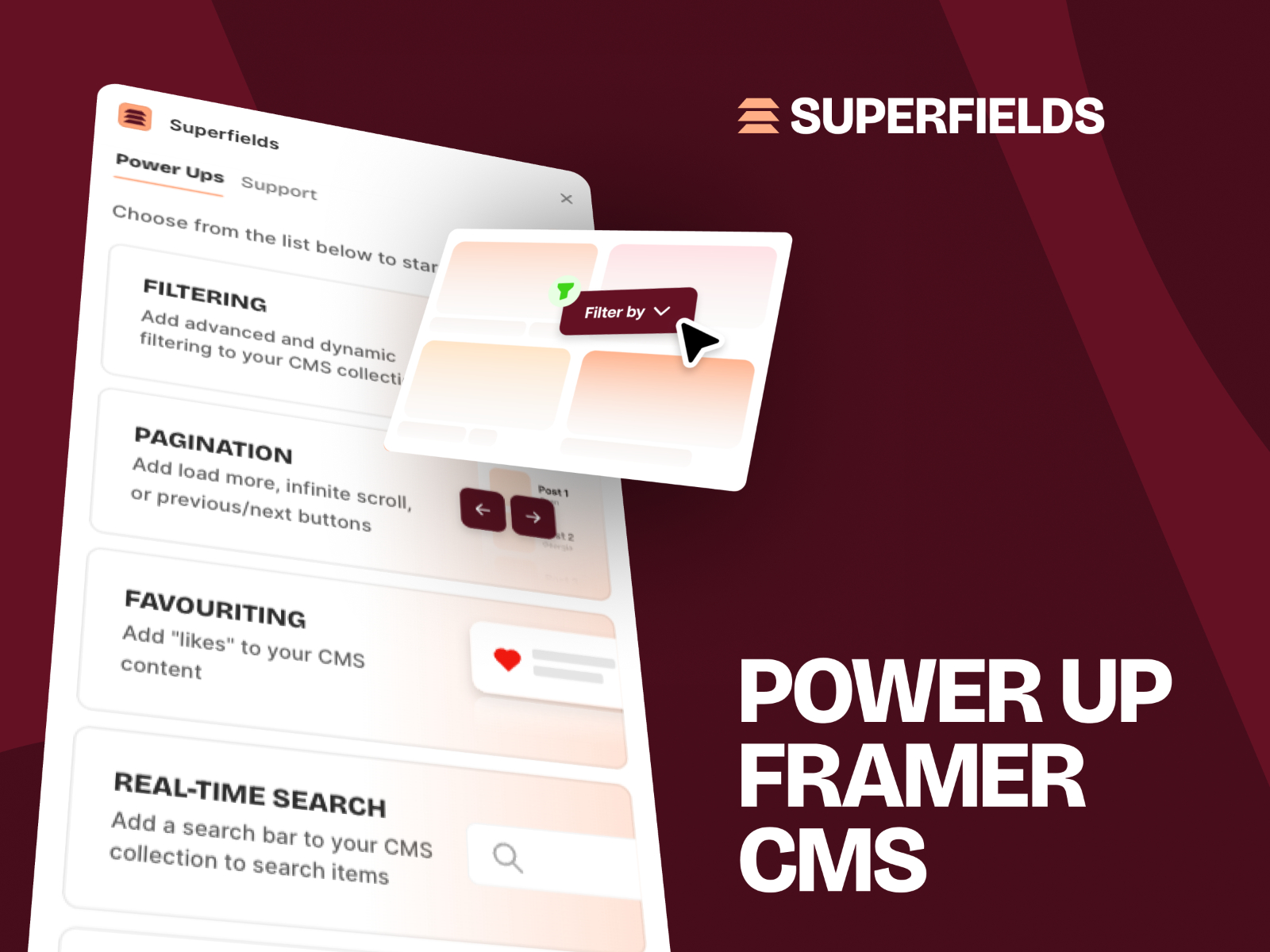
Superfields — CMS filters, sorting, and favorites in one plugin
by Insert Frame
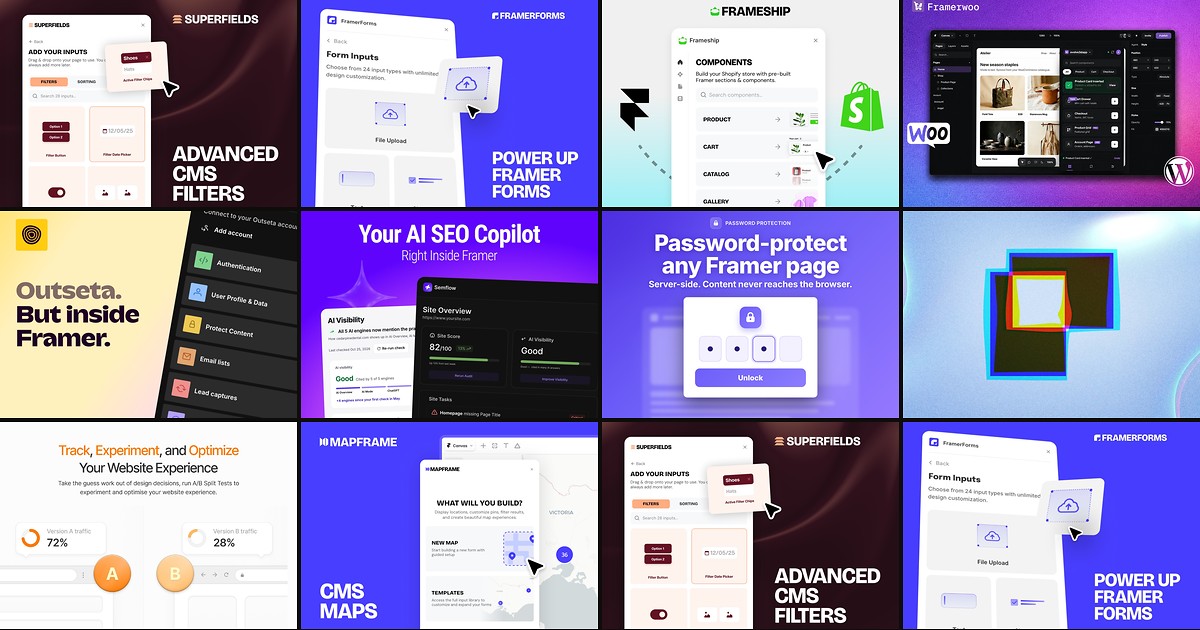
Superfields is the plugin to install first on a CMS site with more than a handful of items. Insert Frame ships filter controls (buttons, dropdowns, sliders, date pickers, chips) plus sorting and a save or favorite state, styled on the canvas. The current price is 99 USD once, down from a 124 USD list, for one active project. Skip it if a small blog only needs one dropdown, and budget Mapframe separately when the same collection has to live on a map.
- Best for
- Directories, blogs, and catalogs that outgrow a single-field dynamic filter
Affiliate link — we may earn a commission at no extra cost to you.
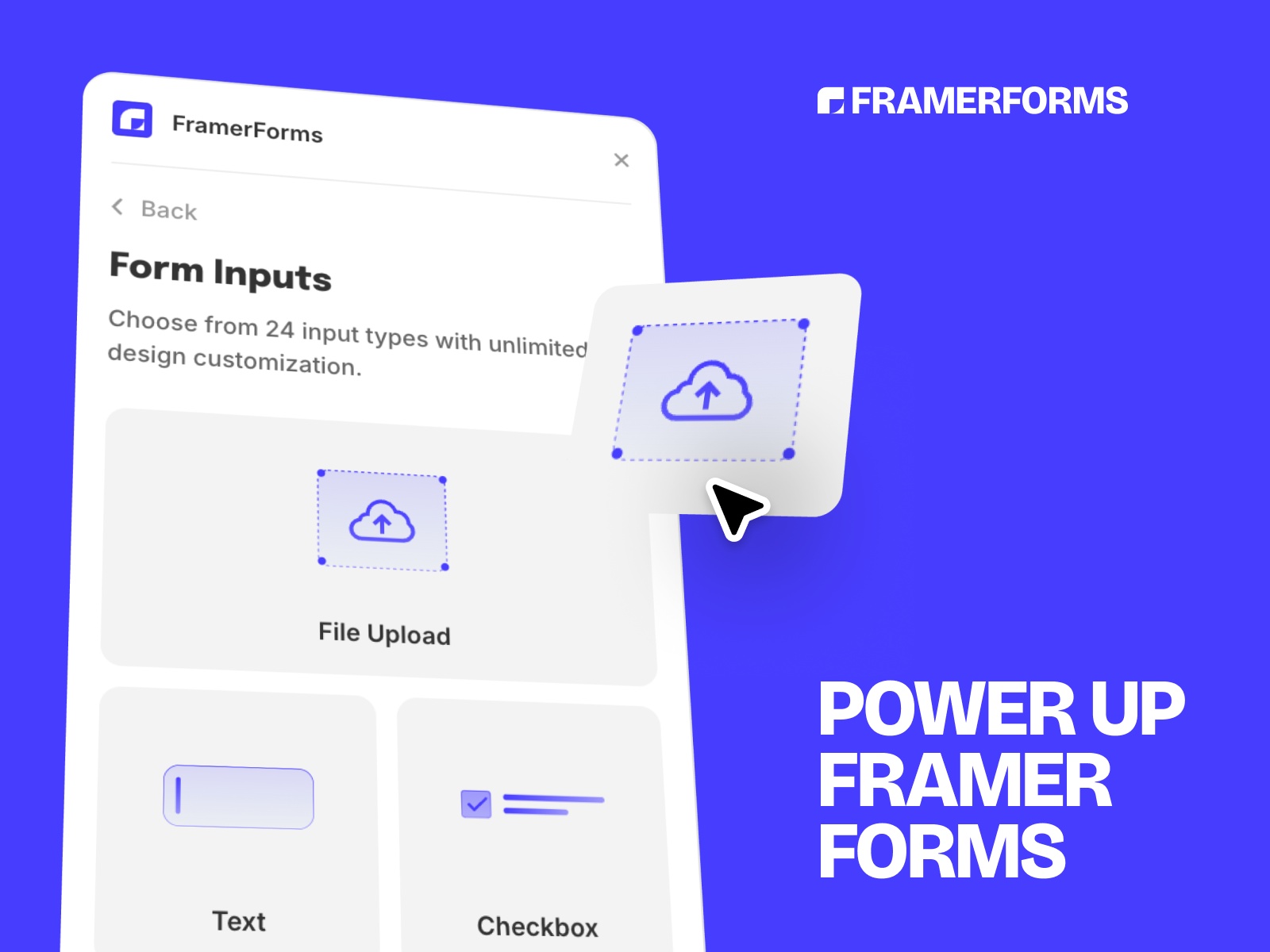
FramerForms — Multi-step forms, uploads, and logic on the canvas
by Insert Frame
FramerForms extends Framer’s native form instead of dropping in an iframe. Multi-step navigation, conditional fields, file uploads, ratings, and hidden UTM fields are the reasons teams pay. The creator’s current checkout is 79 USD for one site, 119 USD for the pro upload tier, and 189 USD for unlimited client projects. The basic tier is the wrong buy for an agency: client work needs the commercial license, and heavier spam controls sit on the higher plans.
- Best for
- Lead and application flows that must look like the site, not an embedded form
Affiliate link — we may earn a commission at no extra cost to you.

Frameship — Shopify catalog sync with a one-time store license
by Insert Frame
Frameship is still the Shopify plugin to hand a client who already lives in Shopify admin. You connect a store, sync products, and design with their commerce components. Launch is 119 USD once per site right now (list price 139 USD). Scale at 279 USD adds markets, subscriptions, accounts, and the larger component set. It does nothing for WooCommerce, and a second published store needs a second license. If the backend is WordPress, use FrameWoo instead of forcing a replatform.
- Best for
- Teams who want a Framer storefront on Shopify without a monthly plugin fee
Affiliate link — we may earn a commission at no extra cost to you.
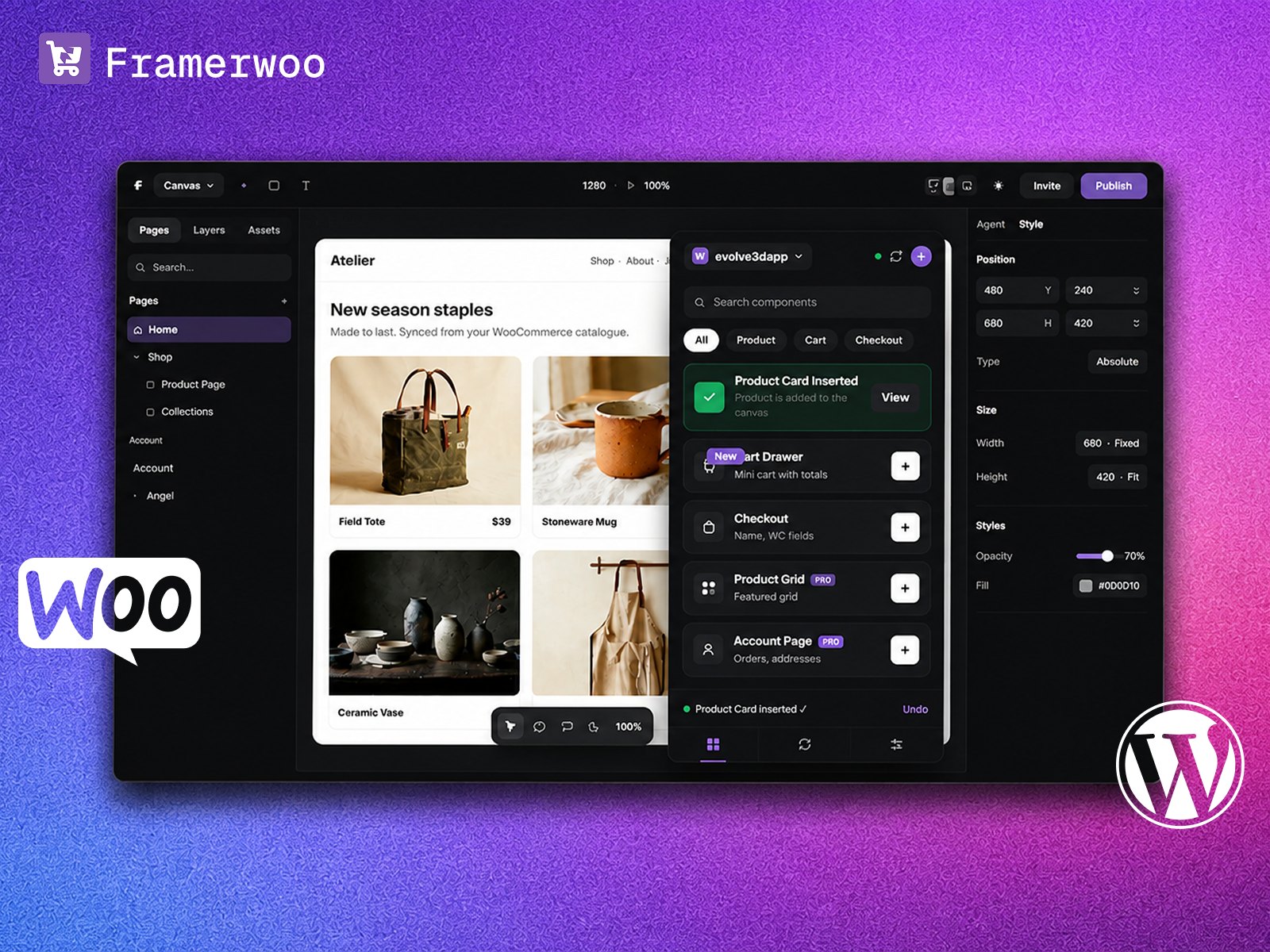
FrameWoo — WooCommerce catalog on a Framer storefront
by FramerHub.io
FrameWoo syncs a WooCommerce catalog into the Framer CMS and gives you product, cart, and account components you style like any other layer. Checkout, orders, and tax stay in WooCommerce. That is the point, and also the limit: the buyer still pays on Woo, not in a Framer overlay. Launch is 149 USD once per published store. Scale is 349 USD and adds the full component library, accounts, and optional auto-sync. You need your own WordPress host, and unusual Woo extensions should be tested before you promise them. A live demo storefront is on the listing.
- Best for
- Stores that must keep Woo checkout, tax, and shipping where they already are
Affiliate link — we may earn a commission at no extra cost to you.
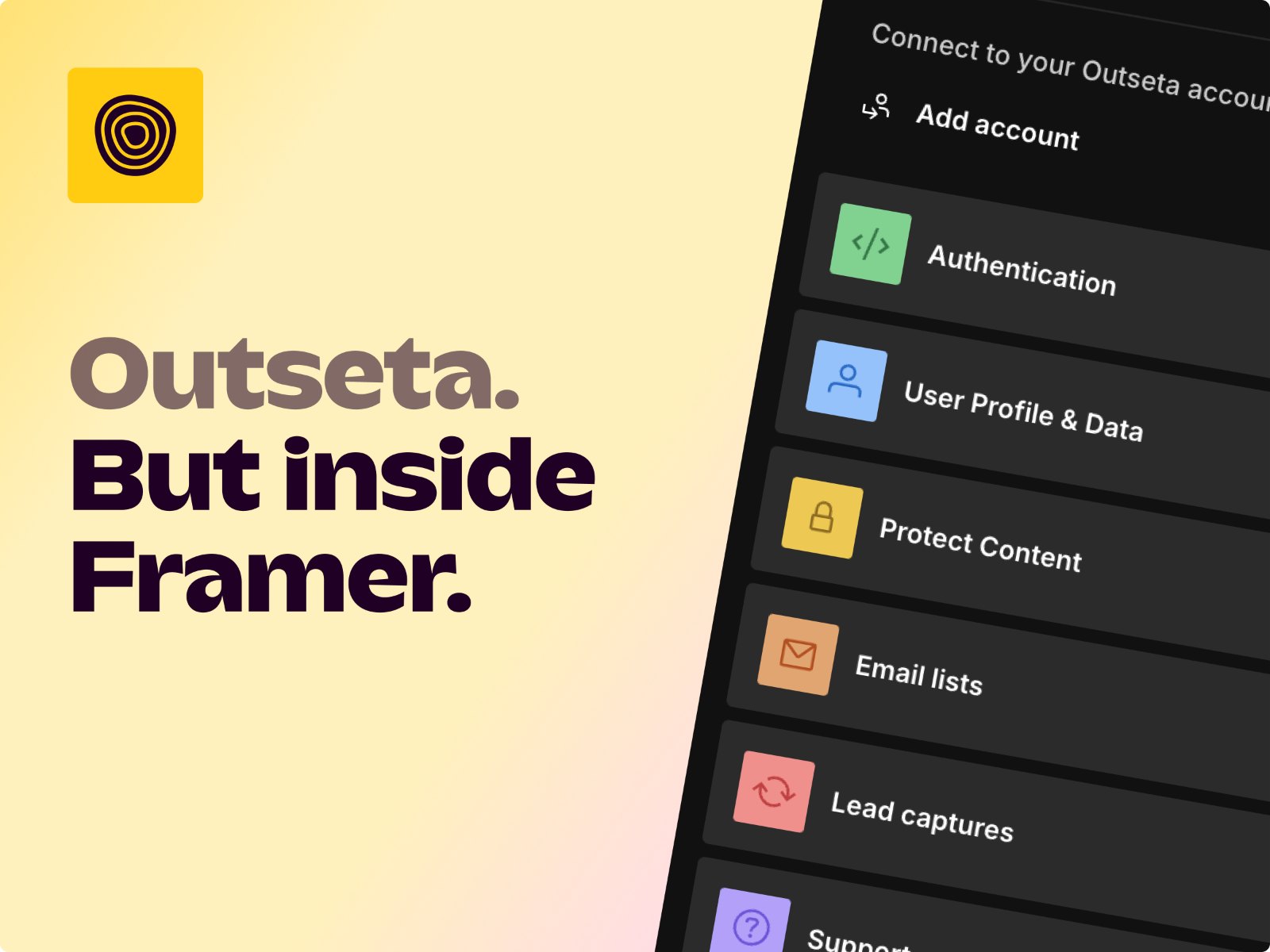
Outseta — Memberships with CRM, email, and Stripe in one bill
by Outseta
Outseta’s marketplace plugin covers auth, protected content, profiles, and email lists, on top of the same platform teams use for CRM and a help desk. Yearly billing starts at 37 USD per month for up to 1,000 contacts (47 USD month to month), plus a 2 percent transaction fee on the entry plan on top of Stripe. Skip it when you only need a password on a staging page. For a canvas-native gate without this CRM bill, start with the membership tools roundup.
- Best for
- Membership businesses that need billing, auth, and support tools, not just a login form
Affiliate link — we may earn a commission at no extra cost to you.

Semflow — SEO score, keywords, schema, and AI visibility
Semflow puts site audits, keyword assignment, rank tracking, schema, and AI citations (ChatGPT, Perplexity, Gemini) in one plugin dashboard. Starter is 14 USD per month and Pro is 29 USD, with a 7-day trial. It is a subscription, so it loses to a one-time SEO plugin if you only needed alt text once. It also does not replace Search Console. Use it when a client expects a monthly report tied to the Framer project. RankFrame and the rest of the field are in the SEO plugins roundup.
- Best for
- Agencies who report on rankings and AI citations, not only meta tags
Affiliate link — we may earn a commission at no extra cost to you.
PageLock — Server-side passwords for pages and CMS items
by Proofly
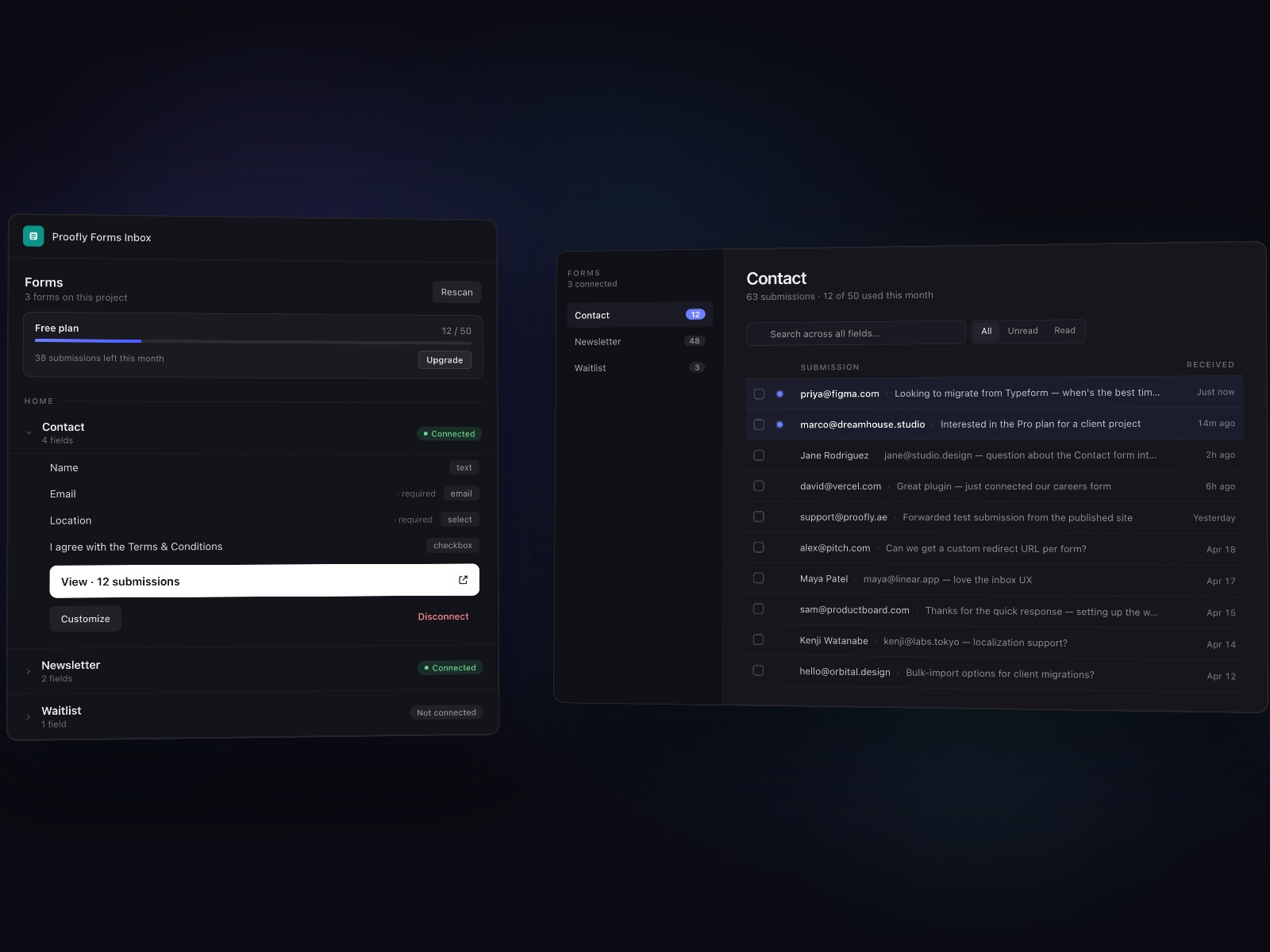
PageLock does not pretend a CSS hide is security. Locked pages are served after sign-in, so the copy is not sitting in view-source or the sitemap. Staging domains can use a PIN for free. A custom domain, multi-user passwords, and a white-label login cost 15.99 USD per month or 159 USD per year. It will not charge a card or run a member CRM. If the business is the membership, use Outseta. If the job is “this case study is not public yet,” this is the plugin.
- Best for
- Client previews and private case studies that must stay out of the public HTML
Affiliate link — we may earn a commission at no extra cost to you.

Shaders by Paper — WebGL shaders that participate in Framer variants
by Fred Moon
Shaders by Paper inserts an open-source shader set as native components, including variants, so a shader can change on hover or scroll like any other layer. Three shaders stay free. The paid license is 39 EUR for one Framer account or 149 EUR for five accounts, for a year, and shaders you already placed keep working if you do not renew. It is not the WebGPU library from last year’s list, and it is not an official Paper product. Skip it if you want hundreds of presets and a lifetime unlock rather than variant-aware WebGL.
- Best for
- Hero and logo motion that should respond to hover, scroll, and reduced motion
Affiliate link — we may earn a commission at no extra cost to you.
Humblytics — Cookie-free analytics, heatmaps, funnels, and A/B tests
by Humblytics
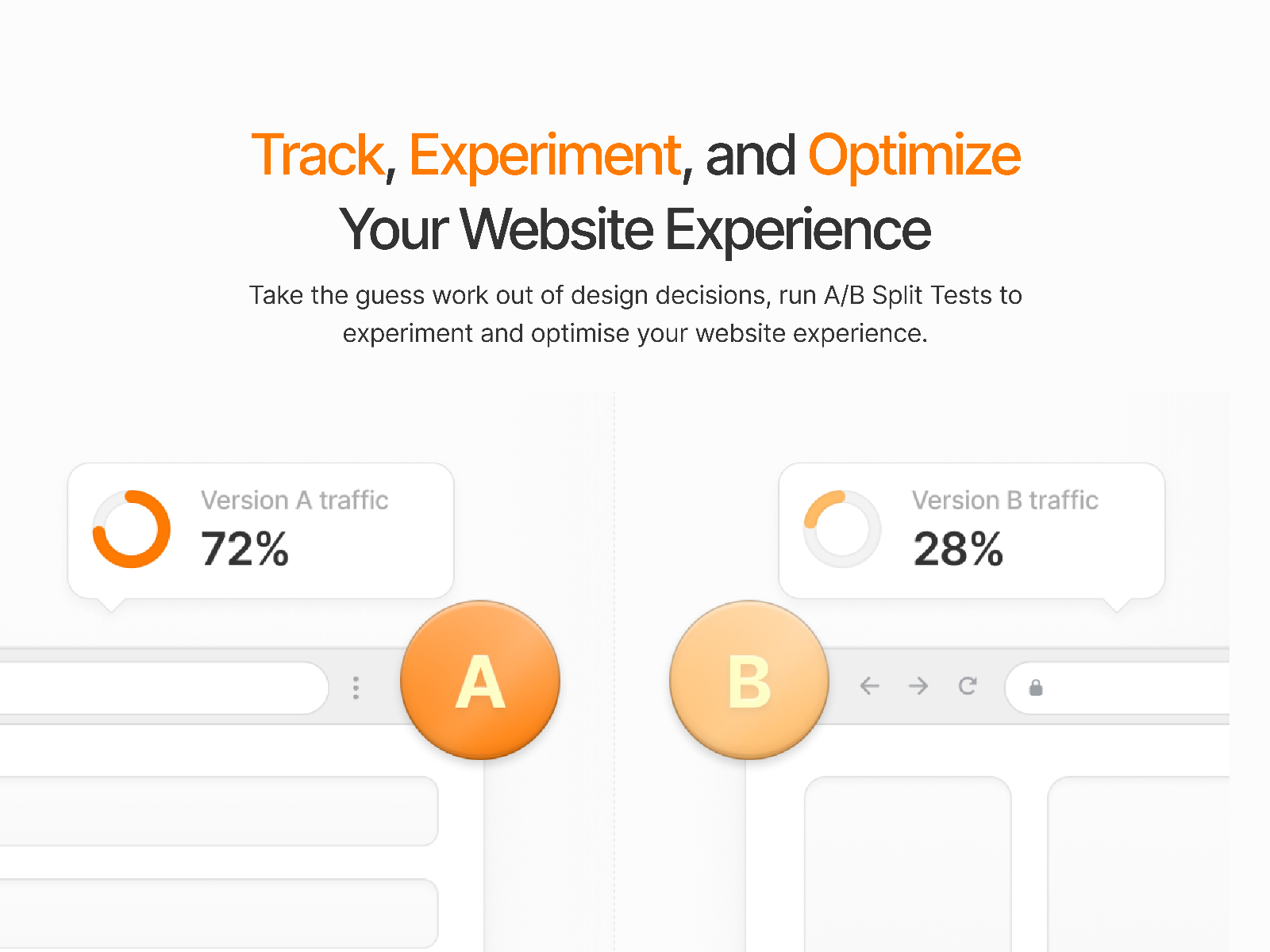
Humblytics installs from the marketplace and tracks pageviews, clicks, and form submits without cookies. The team app (heatmaps, funnels, visual A/B tests) is 79 USD per month, or 65 USD per month billed yearly, after a 14-day trial. A lighter agent pack is 39 USD once for 100,000 events over 12 months. Older 19 USD pricing is gone for new signups, so do not quote it. Skip the team plan if Framer’s built-in analytics already answer the question.
- Best for
- Marketing sites that need experiments without a tag manager
Affiliate link — we may earn a commission at no extra cost to you.
Mapframe — CMS items as markers, popups, and routes
by Insert Frame
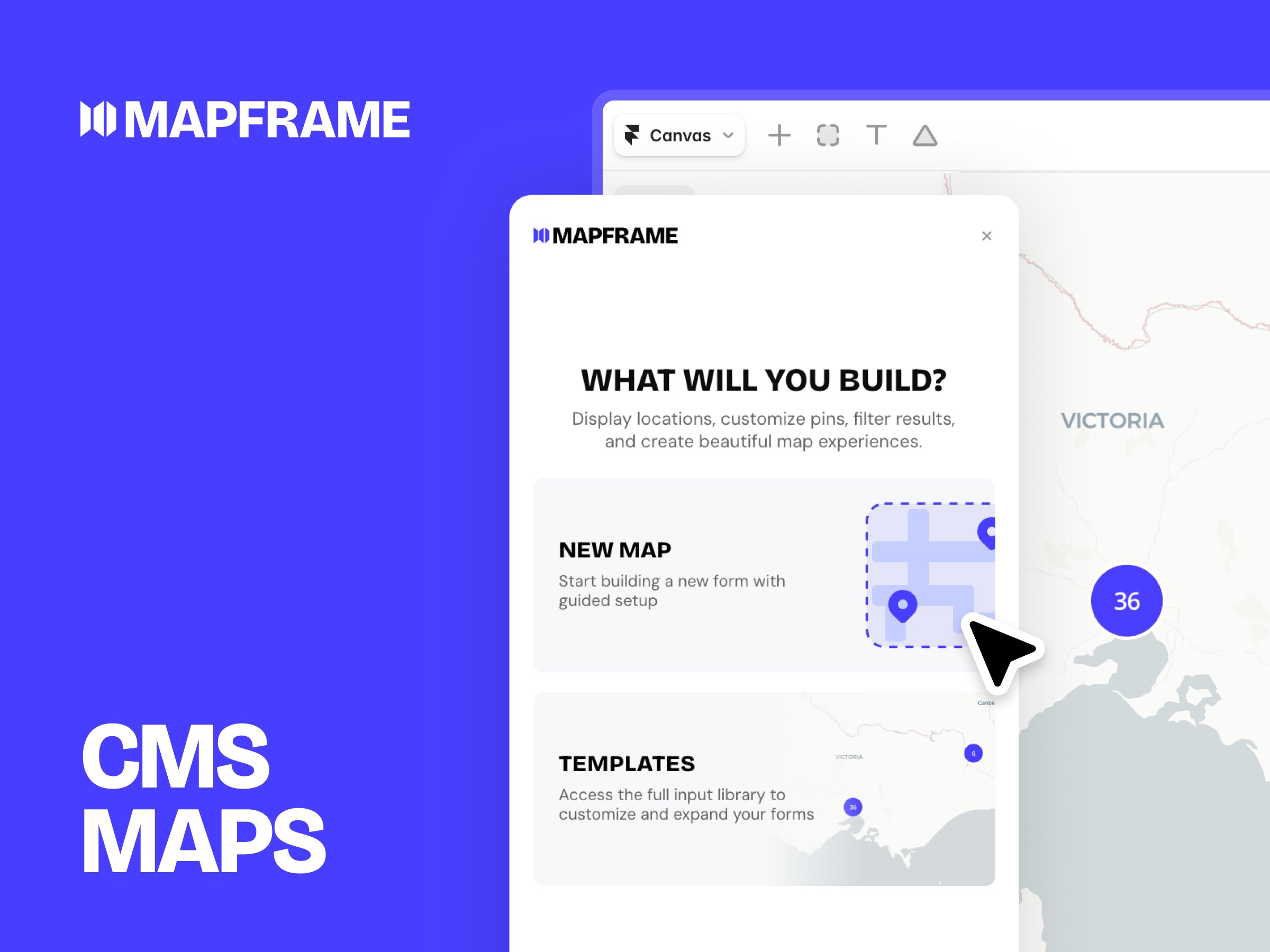
Mapframe turns a CMS collection into an interactive map: markers, popups you design in Framer, clustering, routes, and a stack of map themes. It is 68 USD once for one project (list price 99 USD). Pair it with Superfields when visitors should filter a list and a map together, but the map license is separate. Skip it for a single embedded address. You do not get a private map-tile contract, and one license does not cover a second client project.
- Best for
- Store locators, directories, and guides whose content has a place
Affiliate link — we may earn a commission at no extra cost to you.
Quick comparison
| Plugin | Price | Type | Best for |
|---|---|---|---|
| Superfields | 99 USD one-time | Plugin | CMS filters, sort, and favorites |
| FramerForms | from 79 USD one-time | Plugin | Native multi-step forms and uploads |
| Frameship | from 119 USD one-time | Plugin | Shopify storefronts without a plugin subscription |
| FrameWoo | from 149 USD one-time | Plugin | WooCommerce front end, Woo checkout |
| Outseta | from 37 USD/month | Plugin | Memberships with CRM and email |
| Semflow | from 14 USD/month | Plugin | SEO reports and AI citations |
| PageLock | 15.99 USD/month | Plugin | Server-side page and CMS passwords |
| Shaders by Paper | 39 EUR per year | Plugin | Variant-aware WebGL heroes |
| Humblytics | from 79 USD/month | Plugin | Heatmaps, funnels, and A/B tests |
| Mapframe | 68 USD one-time | Plugin | CMS maps and locators |
How to choose a premium plugin
Pay for the job the site cannot ship without. A directory with dozens of CMS items wants Superfields before it wants a shader. A store wants Frameship or FrameWoo based on the backend the client already pays for. Do not buy both commerce plugins to be safe. Our ecommerce plugins roundup goes deeper if checkout is the whole project.
Match the gate to the business. Outseta is a membership company in a plugin: CRM, email, billing, and a transaction fee. PageLock is a lock. If you want canvas-native auth without Outseta’s monthly bill, use the membership tools roundup and compare Thenty and FrameAuth there.
Subscriptions vs one-time. Semflow and Humblytics earn their fee only if someone reads the data every month. Superfields, FramerForms, Frameship, FrameWoo, Shaders by Paper, and Mapframe are license buys. Put the one-time tools on the project invoice. Put the subscriptions on the retainer.
Same studio, different jobs. Insert Frame publishes Superfields, FramerForms, Frameship, and Mapframe. They are here because those four jobs are the ones their plugins lead, not because a bundle discount exists. Buy the one that matches the brief.
Our top pick for most Framer builders
If you buy one premium plugin for a content site, make it Superfields. Filtering is the wall most CMS projects hit, and a one-time license is easy to hand off. If the brief says Shopify, buy Frameship first and treat everything else as optional. Visual experiments can wait until the page has something to sell or something to find.
Start from free Framer templates when you want a remix-ready base, browse template roundups for niche layouts, and see the rest of the plugin lists on the Resources hub. The free side of the marketplace is in best free Framer plugins in 2027.
Updated November 2026. Prices were checked against creator sites and marketplace listings that month.