Blog posts and product pages rarely go viral from design alone. You still need a framer social share row that matches your typography, respects accessibility, and opens the right network intent without brittle embed scripts. Framer’s canvas makes styling easy, but share URLs, page titles, and copy-link feedback are exactly the kind of logic that belongs in a purpose-built component or plugin.
This list ranks ten share tools from the Framer marketplace in 2026. Every pick has a live listing, identifiable creator, and working preview. You get four free components, one free plugin, and five paid options when you need twenty-plus networks or a drag-and-drop plugin workflow across client sites.
Social Share Buttons — Twenty-plus platform buttons with per-icon styling
by Julien Vier
Social Share Buttons is the broadest single component on this list: duplicate instances per platform or stack them into a custom widget, upload SVGs when brand guidelines forbid default glyphs, and let each button pull the live page URL plus title where the network supports it. At 15 USD it costs more than minimalist rows, but it replaces hours of hand-wiring share intents on blog indexes and documentation hubs. Skip it if you only need three networks and a free chip row will do.
- Best for
- Content sites that need one component instance per CMS template with deep icon control
Affiliate link — we may earn a commission at no extra cost to you.
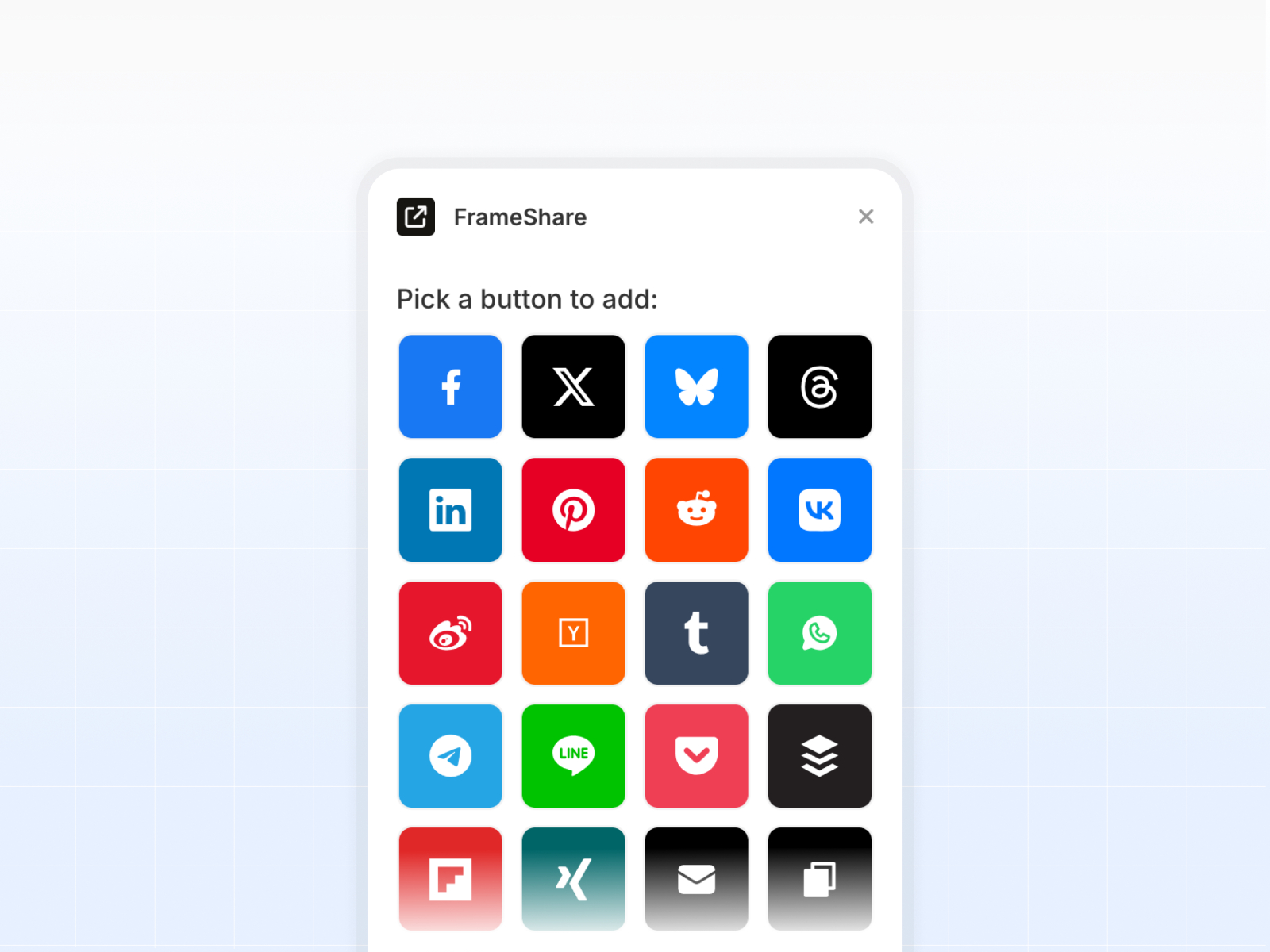
FrameShare — Drag-and-drop share buttons from a licensed plugin panel
by Julien Vier
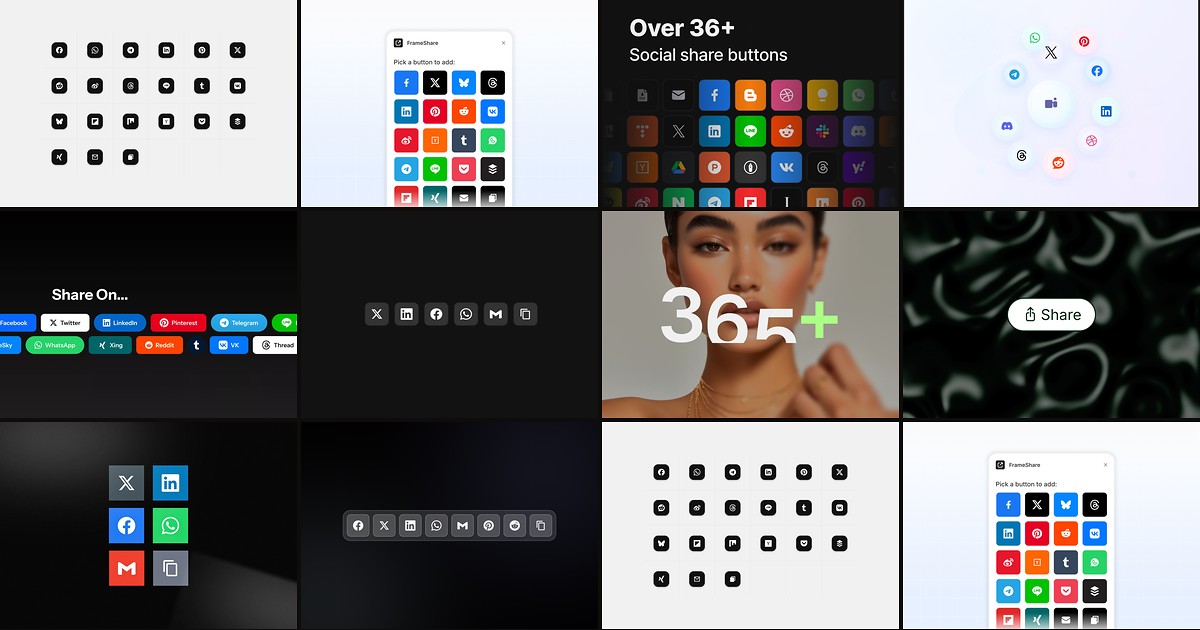
FrameShare is the plugin counterpart to Julien Vier’s paid component: activate a license key, then drag discrete share buttons onto the canvas instead of configuring one monolithic block. Print, email, copy-link, and twenty-plus social intents each arrive as their own layer, which makes CMS blog templates easier to rearrange. The 19 USD license is a one-time purchase for unlimited projects you own, not something you should bundle into a template resale. Pair it with his Social Share Buttons component only if you need both plugin speed and component-level typography controls.
- Best for
- Agencies that want individual share layers without remixing a mega component
Affiliate link — we may earn a commission at no extra cost to you.
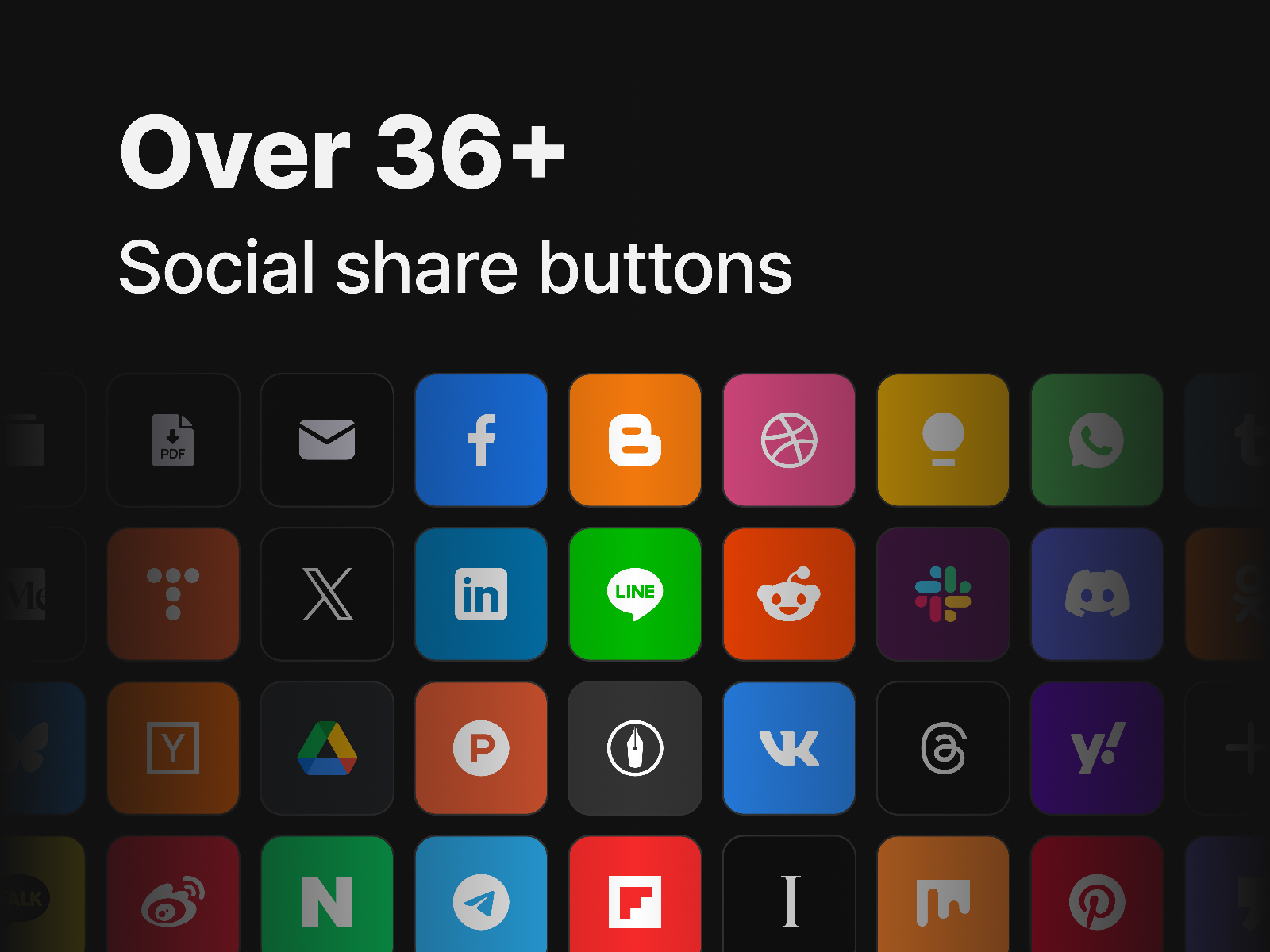
Framer Share — Thirty-six share intents including regional networks
by Indie Runner
Framer Share targets teams who outgrow Western-default button sets. The plugin ships thirty-six share options, optional toast feedback after a share action, and the same license-then-drag workflow as other premium share plugins. It shines on multilingual marketing sites where a six-icon free row would feel incomplete. The tradeoff is overlap with FrameShare: pick one plugin library unless you enjoy maintaining two license keys for the same job.
- Best for
- Global launches that need Kakao, LINE, Naver, or other locale-specific share targets
Affiliate link — we may earn a commission at no extra cost to you.

Share 2 Social — Configurable plugin with custom network slots
by David Liu
Share 2 Social is a free marketplace plugin that still exposes twenty-plus preconfigured networks, dark mode styling, and hooks for custom platforms when your client asks for a niche community link. Mobile deep linking is part of the pitch, which matters on portfolio sites viewed mostly on phones. It is a strong sandbox for share UX, though long-term support and platform additions may lag the paid libraries above if you need enterprise-level coverage.
- Best for
- Builders testing plugin workflows before buying a paid share library
Affiliate link — we may earn a commission at no extra cost to you.
Social Share — Fluid-width share row with Threads and Bluesky support
At 3 USD, Social Share sits in the sweet spot between free chip rows and Julien Vier’s fifteen-dollar component. Inline SVGs keep the row lightweight, fluid width helps on narrow CMS columns, and you can mute brand colors for a monochrome editorial look. It auto-grabs the current URL and title like the premium picks, but you will not get per-button drag-and-drop placement from a plugin. Choose it when one styled row under the article hero is enough.
- Best for
- Blog templates that need modern networks without paying for a full plugin license
Affiliate link — we may earn a commission at no extra cost to you.
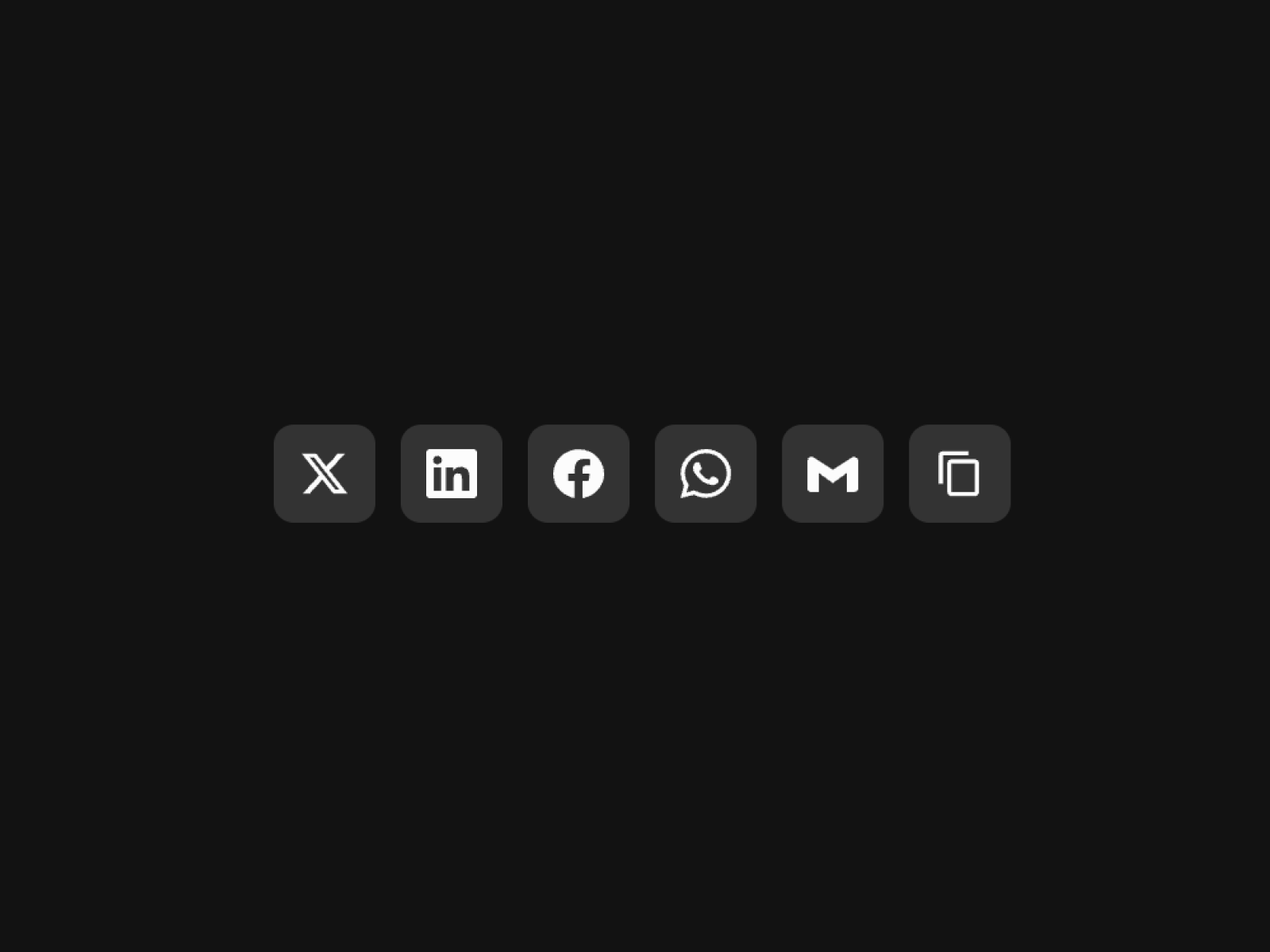
Sleek Social Share — Accessible six-platform row with copy confirmation
Sleek Social Share is the most thoughtful free row here for accessibility: aria labels, keyboard parity with hover, optional tooltips, and a copy-link chip that shows a two-second confirmation before resetting. Icon style toggles cover brand, monochrome, and outline treatments, plus per-platform color overrides when marketing insists on custom tints. Platform count stops at six, so skip it when your content strategy depends on Pinterest, Reddit, or regional messengers out of the box.
- Best for
- Marketing sites that need tooltips, focus states, and reduced-motion-safe hovers on a budget
Affiliate link — we may earn a commission at no extra cost to you.

Social Share Popup — Fullscreen share sheet with blur backdrop
by Khizer Javed
Social Share Popup trades always-visible chips for a trigger that opens a blurred overlay with eight share targets, copy link, and optional native share handoff. Light and dark themes, ESC to close, and outside-click dismissal make it feel closer to a mobile sheet than a static footer row. It is ideal when share is secondary to photography or pricing tables. Not the right fit if you need inline icons beside the headline for SEO social proof scanning.
- Best for
- Product detail pages that should hide share icons until the visitor asks
Affiliate link — we may earn a commission at no extra cost to you.

Share Button — Single control that opens the Web Share API sheet
Share Button skips per-network icons and delegates sharing to the browser’s native sheet, which is exactly what iOS and Android users expect on article pages. You can share the current URL, custom text, or even an image file where Web Share Level 2 is supported. Desktop Safari support is narrower, so keep a fallback row nearby if analytics show heavy desktop traffic. Test on real hardware because marketplace iframes often block the API preview.
- Best for
- Mobile-first pages where one native share affordance beats a wall of network icons
Affiliate link — we may earn a commission at no extra cost to you.
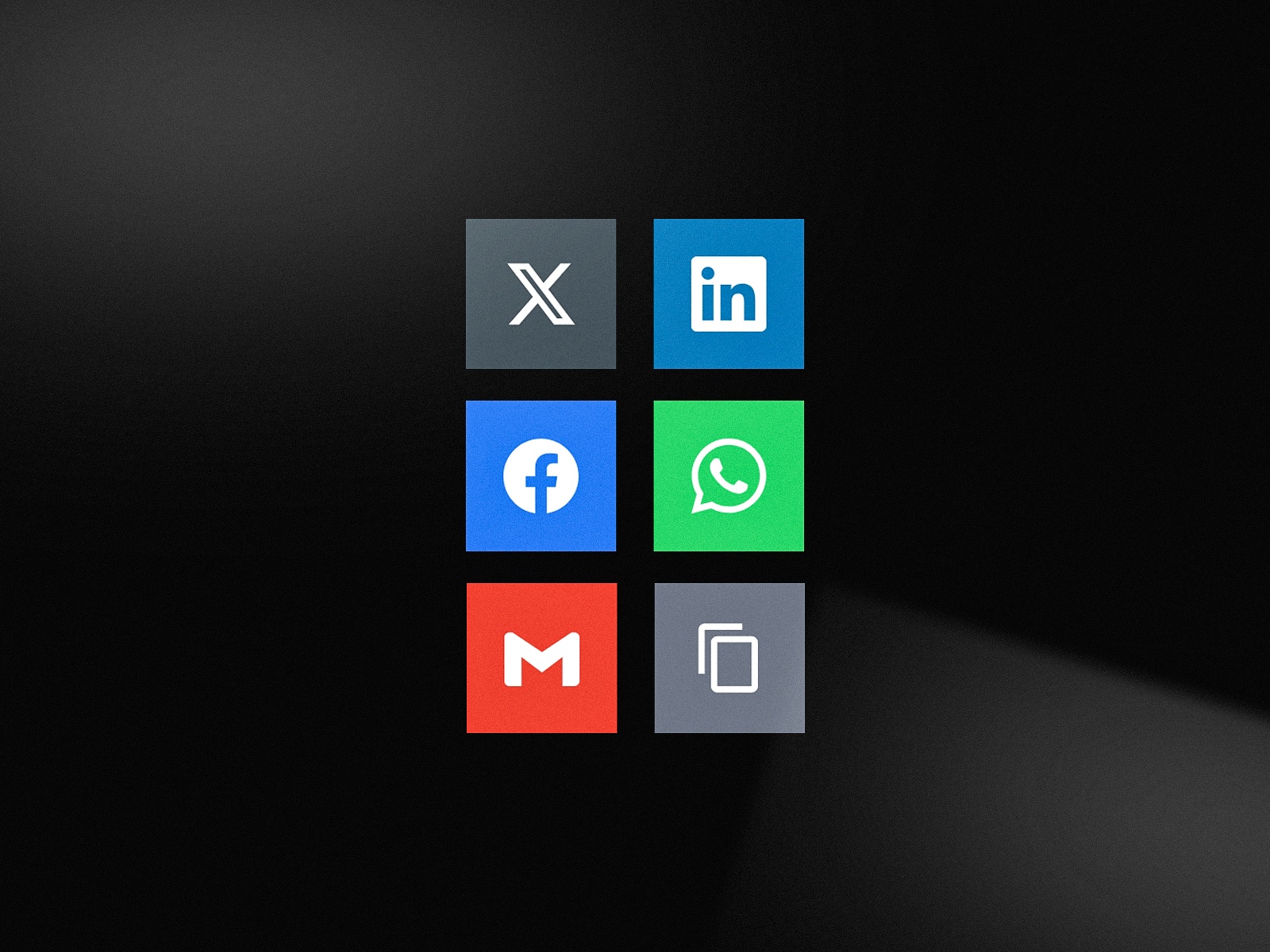
Social Share Links — Simple six-link row with message preview controls
Social Share Links is the fastest free install when you just need recognizable icons under a CMS body field. Set URL and message preview once, tune gap and hover styling, and publish. It lacks the popup polish of Khizer Javed’s overlay or the Web Share API path of Share Button, but it also avoids license keys entirely. Use it on client blogs where share is a nice-to-have footer utility, not a growth experiment.
- Best for
- Freelancers who need X, LinkedIn, WhatsApp, and copy link without plugin licenses
Affiliate link — we may earn a commission at no extra cost to you.
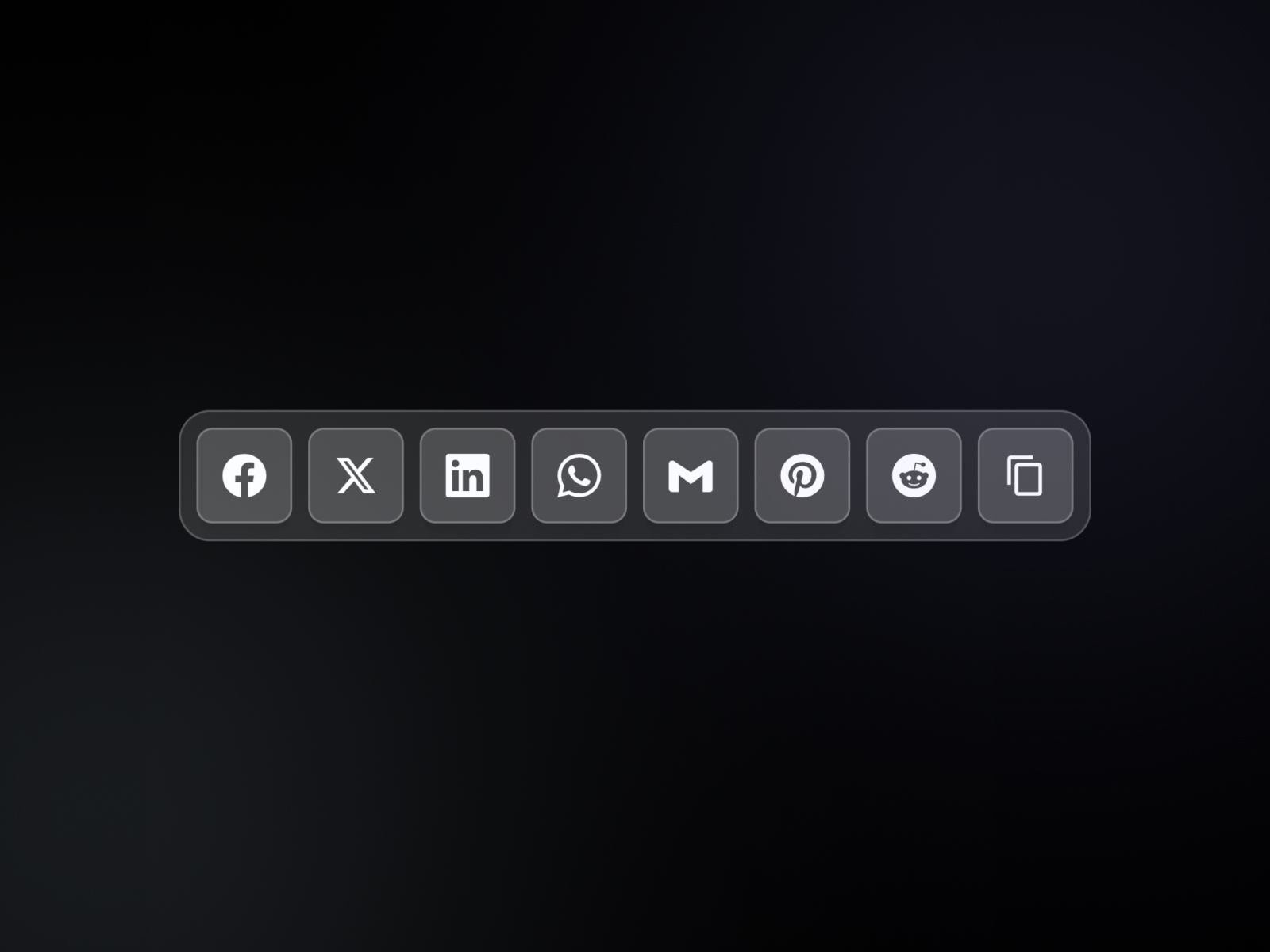
Share — Text-forward share strip with vertical or horizontal layout
by Cédric
Cédric’s Share component leans typography-first: spacing, padding, share label copy, and vertical stacking for sidebar placements. Eight networks plus copy-to-clipboard cover the usual B2B set, and you can pin a custom URL when the component sits on a landing page promoting a single asset. At 5 USD it is inexpensive, though Muhammad Shahin’s Social Share row offers more modern networks for two dollars less if icons matter more than text labels.
- Best for
- Editorial layouts that want labeled share text instead of icon-only chips
Affiliate link — we may earn a commission at no extra cost to you.
Quick comparison
| Resource | Price | Type | Best for |
|---|---|---|---|
| Social Share Buttons | 15 USD | Component | Maximum platform coverage in one component |
| FrameShare | 19 USD | Plugin | Drag-and-drop buttons across client projects |
| Framer Share | 19 USD | Plugin | Locale-specific and long-tail share targets |
| Share 2 Social | Free | Plugin | Free plugin workflow with custom networks |
| Social Share | 3 USD | Component | Modern networks on a tight component budget |
| Sleek Social Share | Free | Component | Accessible free row with copy feedback |
| Social Share Popup | Free | Component | Overlay share sheet on product pages |
| Share Button | Free | Component | Native mobile Web Share API trigger |
| Social Share Links | Free | Component | Minimal six-link row without licenses |
| Share | 5 USD | Component | Text-labeled share strip for editorial sidebars |
How to choose Framer social share tools
Decide between one component row and a plugin library. Components excel when every blog template needs the same styled row under the title. Plugins win when you mix print, email, and single-network buttons across landing pages, or when designers want layers they can nudge independently.
Match platform breadth to your audience. Western B2B blogs rarely need thirty-six intents; Sleek Social Share or Social Share Links cover the basics. Global consumer launches should look at Framer Share or FrameShare before committing to a six-icon free row.
Plan for mobile behavior. Share Button is the only pick here that leans entirely on the Web Share API, which is perfect on phones but thin on some desktop browsers. Pair it with Social Share Popup or a chip row if your traffic splits evenly.
Budget licenses once. FrameShare and Framer Share both ask for a one-time plugin purchase. Buying both is usually redundant. Start with Share 2 Social free if you are unsure, then upgrade to Social Share Buttons or FrameShare when a client content hub goes live.
Our top pick for most Framer builders
For a single paid install on a content-heavy site, Social Share Buttons at 15 USD remains the most flexible component: twenty-plus networks, custom SVG uploads, and automatic page metadata without juggling plugin keys. If you live inside plugins for other CMS work, FrameShare at 19 USD is the faster layout path. On a zero-budget blog, combine Sleek Social Share with Share Button so desktop readers get icons and mobile readers get the native sheet.
Pair share rows with a polished blog shell from our free Framer templates hub, or browse SaaS template roundups when you are rebuilding the whole content funnel. More plugin and component lists live on the Resources hub.
Updated October 2026. We refresh this list when major share components ship new networks, reprice, or drop off the marketplace.