Sticky nav bars, modal scrims, and hero overlays all lean on the same CSS primitive: backdrop-filter blurring whatever sits behind a semi-transparent layer. Framer exposes background blur on frames, but a flat 12px frost rarely matches iOS progressive fade, scroll-reactive edge chrome, or a cursor lens that tracks the pointer. A dedicated framer blur backdrop component ships those behaviors as draggable code with property-panel controls instead of hand-stacked overrides.
This list ranks eight blur and backdrop-filter components on the Framer marketplace in 2026. Every pick has a live listing, identifiable creator, and working preview. We prioritized progressive blur, scroll-driven edges, frosted overlays, and editor tooling over full glassmorphism kits covered in our glassmorphism roundup. Four free and four paid.
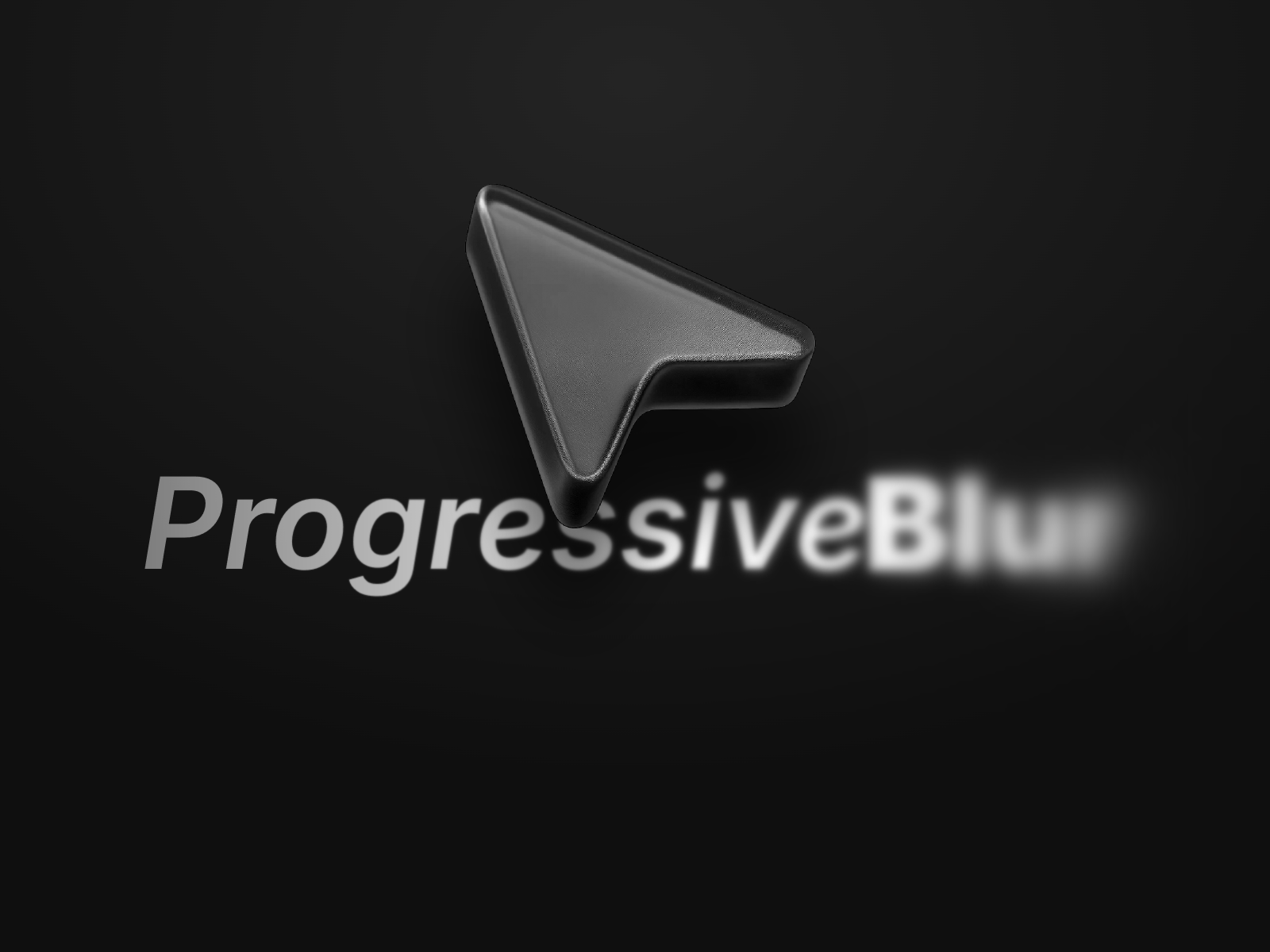
Progressive Blur — Apple iOS gradient blur that eases from max strength to clear
Progressive Blur is the reference implementation for Apple-style gradient blur on Framer sites. Fabian Albert stacks blur values so intensity eases from a configurable maximum to fully clear, which reads softer than a single backdrop-filter rectangle and keeps text legible without a heavy dark scrim. Direction, corner radius, and strength all live in the panel. Install it free first on any project that needs iOS-native depth before buying specialized scroll or cursor variants.
- Best for
- Modal scrims, sticky footers, and hero fades where a flat blur band looks too harsh
Affiliate link — we may earn a commission at no extra cost to you.
GradientBlur — Multi-layer backdrop blur with directional fade control
GradientBlur from Oleksandr Demydov targets builders who want layered backdrop blur rather than one uniform frost. Multiple blur planes blend with directional fade so content beneath transitions gradually instead of snapping at a hard edge. Property controls stay in the panel, which makes it faster to iterate than wiring custom CSS stacks on every frame variant. At 7 USD it is the paid upgrade when Progressive Blur’s single gradient strip is close but not quite flexible enough for asymmetric layouts.
- Best for
- Feature sections and cards that need finer gradient control than a single progressive strip
Affiliate link — we may earn a commission at no extra cost to you.
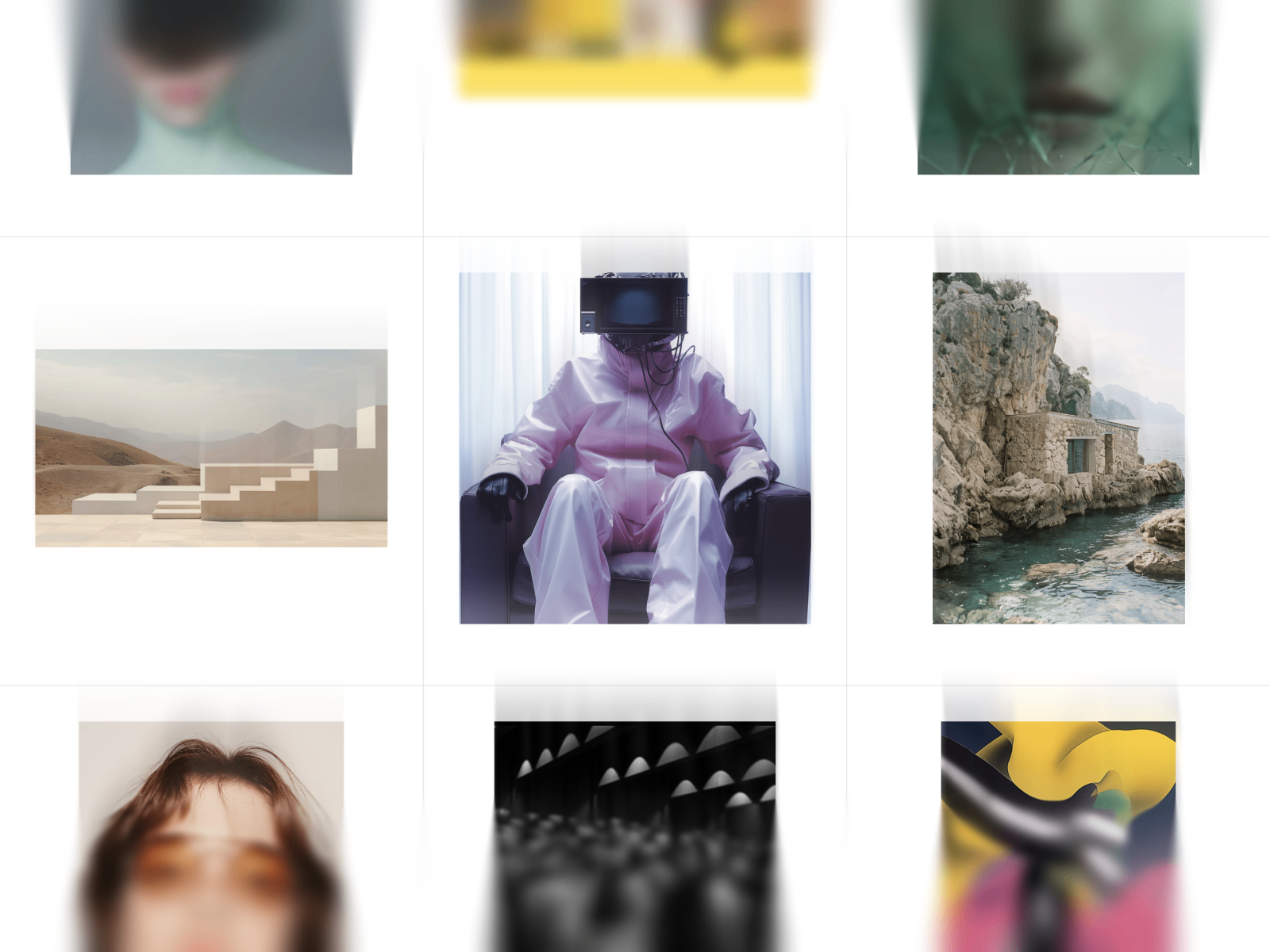
Scroll Blur — Top and bottom edge blur that intensifies with scroll speed
Scroll Blur adds progressive frost to the top, bottom, or both edges of a scrollable region, and the blur strength tracks how fast the visitor is scrolling. When scrolling stops, the effect fades out smoothly instead of leaving a permanent haze. Anton Radionov exposes size, intensity, speed sensitivity, and an optional color wash so the chrome matches light or dark sections. At 4 USD it solves a niche static blur cannot: blur that feels alive during scroll without animating the content itself.
- Best for
- Long scroll containers, sticky sidebars, and CMS feeds that need motion-aware chrome
Affiliate link — we may earn a commission at no extra cost to you.
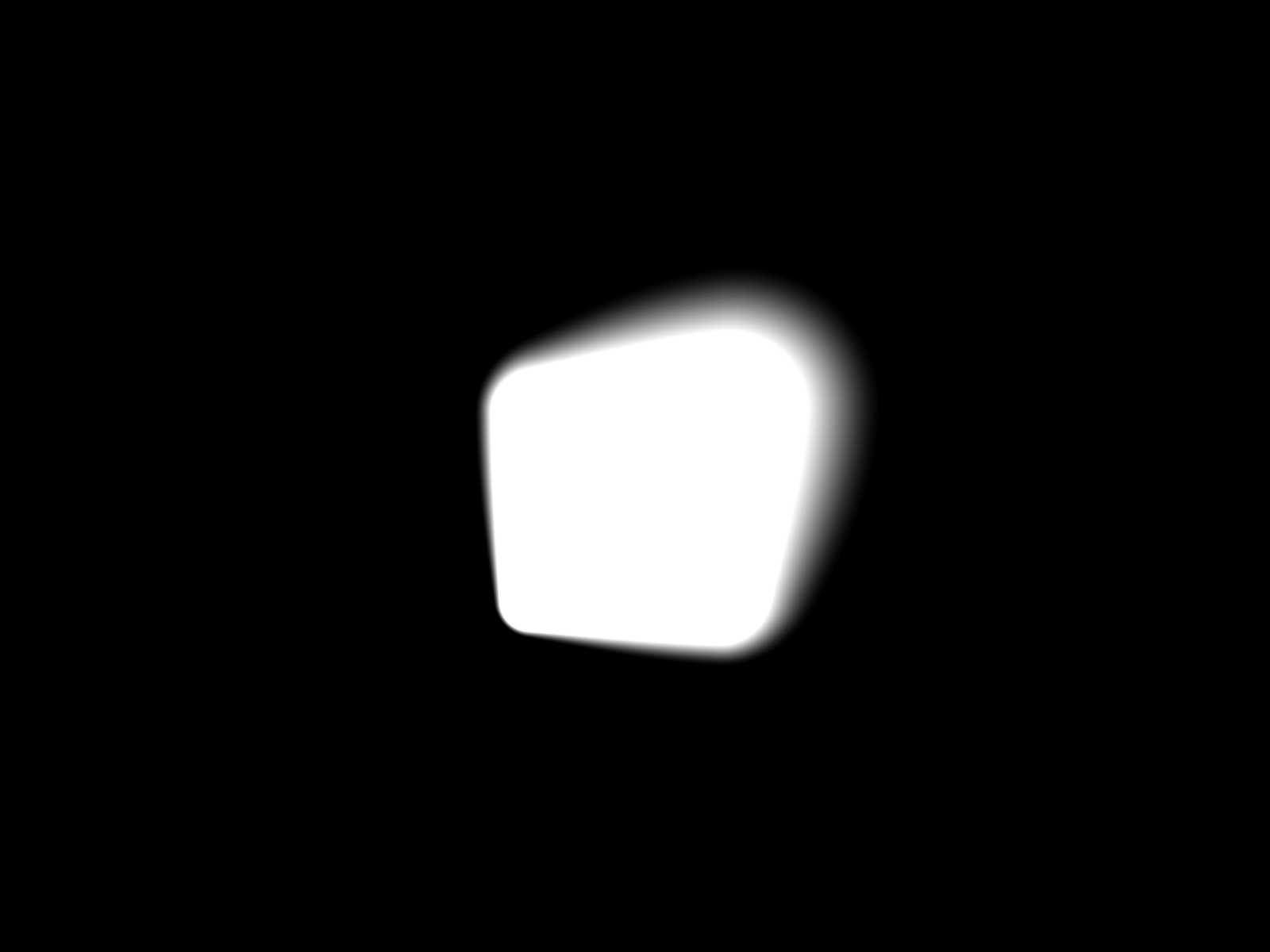
ShapeBlur — Cursor-following blur lens with shape, softness, and fill controls
ShapeBlur turns backdrop blur into an interaction: a soft lens tracks the cursor across a frame, with roundness morphing from rectangle to circle, adjustable edge softness, and fill or stroke styling. Harsh Upadhyay built it for editorial layouts and experimental galleries where static frost feels passive. It stays lightweight relative to full WebGL glass engines. At 29 USD it is the premium pick for cursor theater; skip it when the brief only needs a navbar scrim or modal overlay.
- Best for
- Creative hero sections and portfolios where blur should follow the pointer like a magnifier
Affiliate link — we may earn a commission at no extra cost to you.
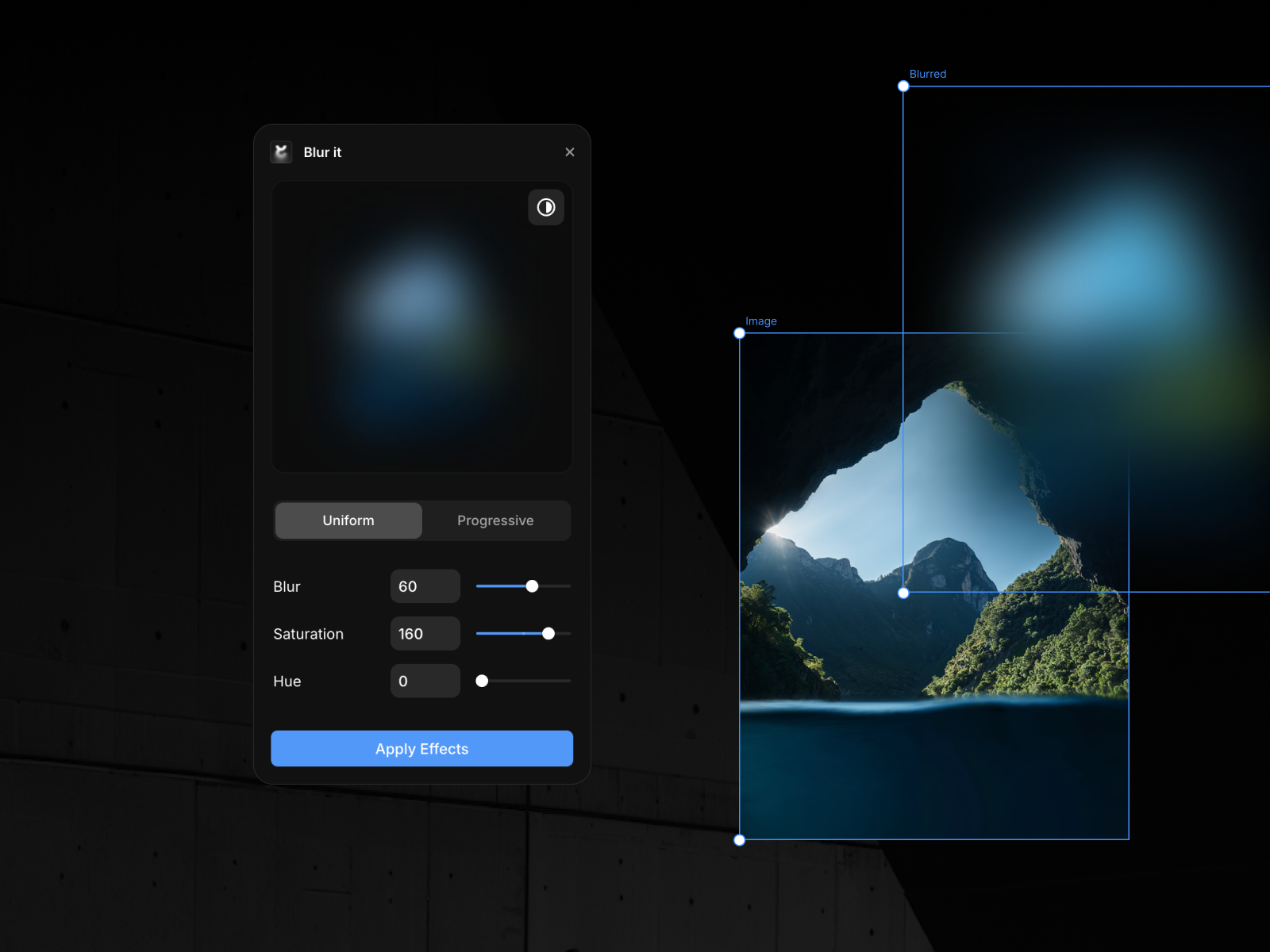
Blur it — Editor plugin to add and tune blur layers without leaving the canvas
Blur it is the only plugin on this list, and it earns its slot by speeding up production rather than publishing a single hero effect. Fabian Albert’s editor plugin lets you add and adjust blur treatments on selected layers from inside Framer, which cuts repetitive trips through the effects panel on large sites. Pair it with Progressive Blur on the published site: use the plugin while designing, then drop the component where visitors need gradient fade on the live page. Free and worth installing before any paid blur purchase.
- Best for
- Teams that blur many frames during a build and want faster iteration than manual effect stacks
Affiliate link — we may earn a commission at no extra cost to you.
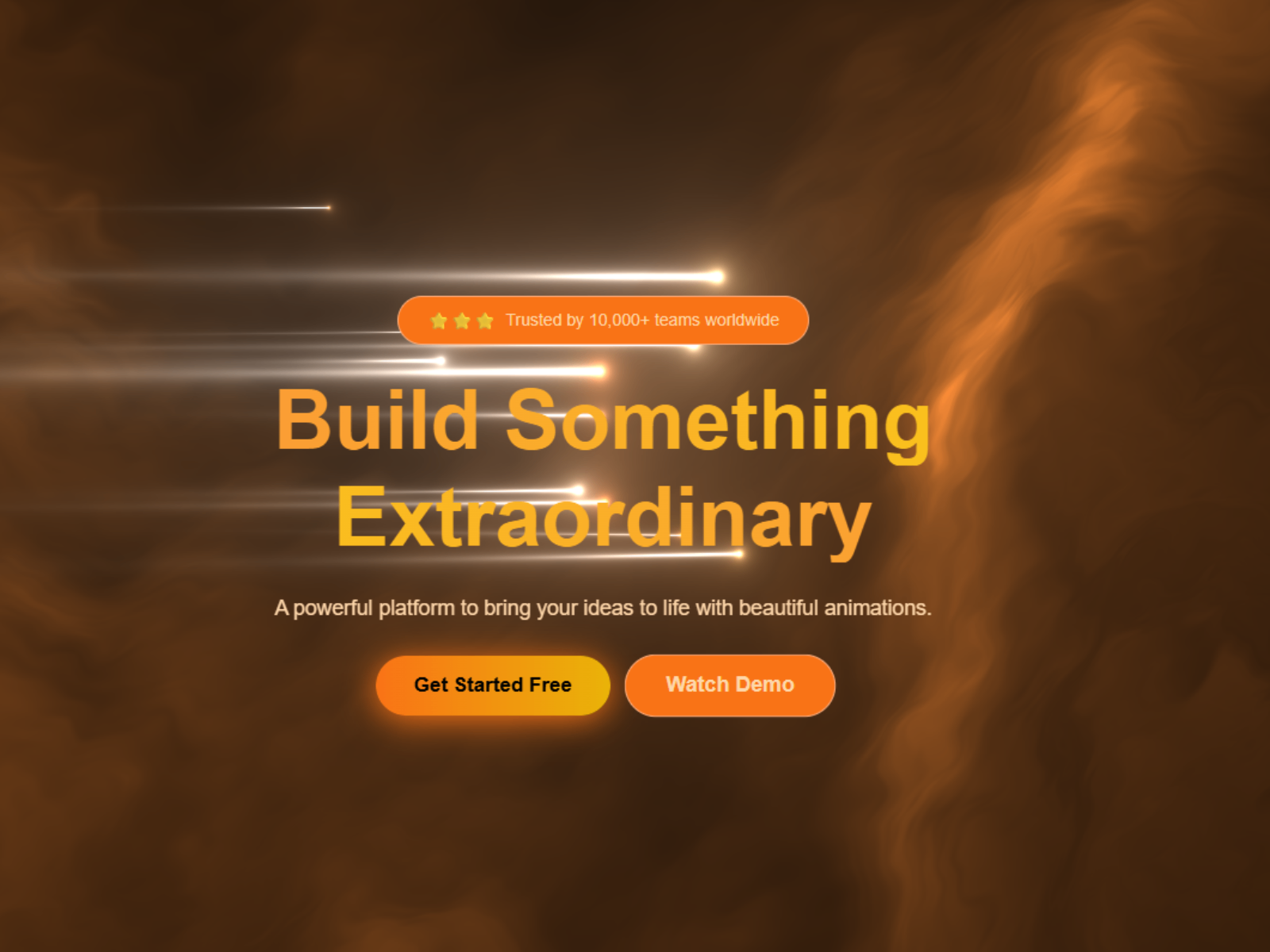
Blur Overlay — Full-bleed backdrop-blur panel for modals, nav, and hero scrims
Blur Overlay is a layout primitive: a panel sized to cover a section or viewport with adjustable backdrop blur and tint so content behind reads through a frosted veil. Anamika Yadav ships it free for the common case where designers need a scrim behind navigation or a promo modal without building a custom frame stack. Drop it behind your link row or above page content and tune opacity from the panel. It will not replace Progressive Blur’s directional fade, but it is the fastest free install for uniform frosted chrome.
- Best for
- Cookie banners, fixed nav backgrounds, and modal dimmers that need a frosted veil fast
Affiliate link — we may earn a commission at no extra cost to you.
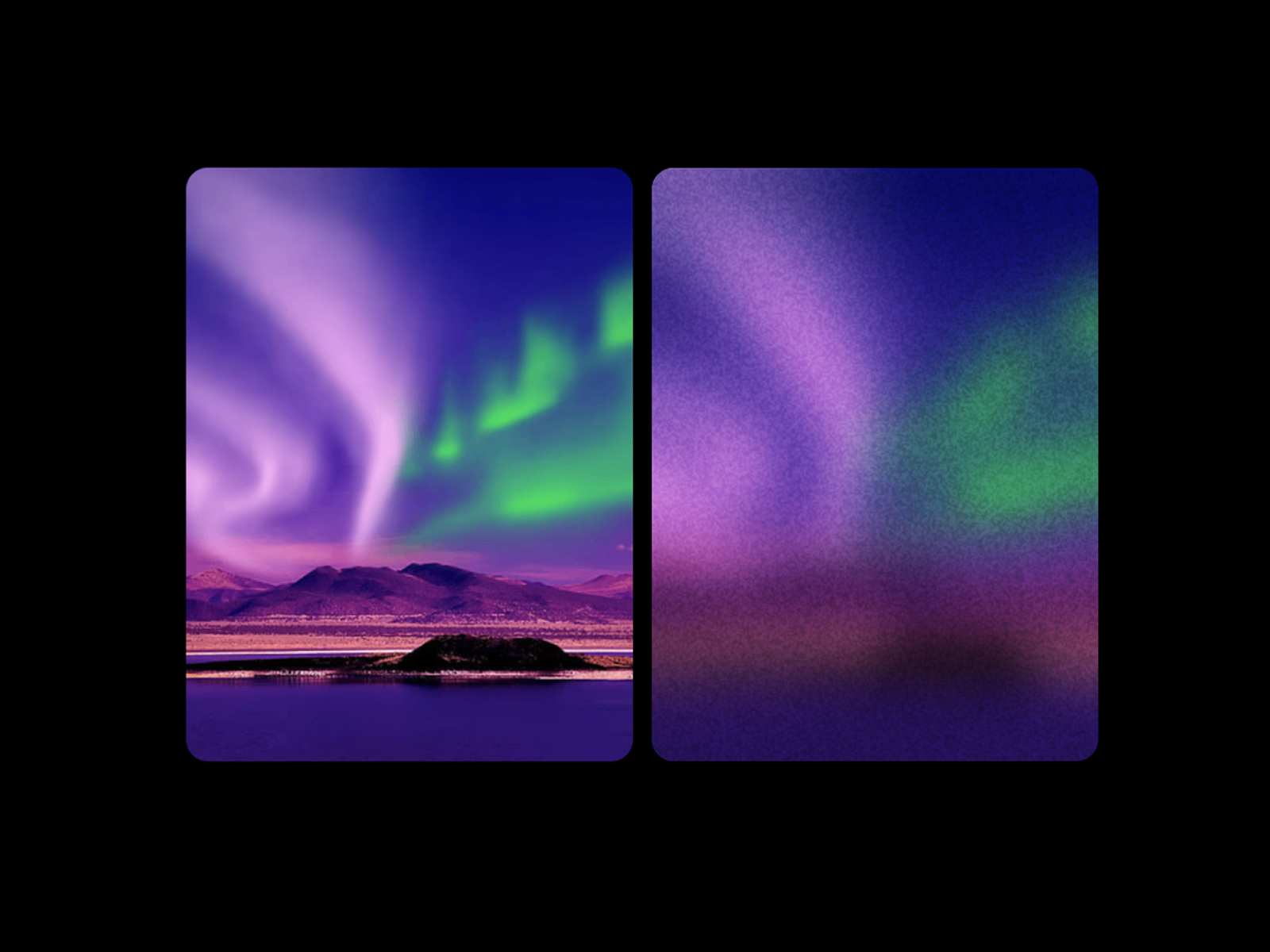
Noisy Blur — Backdrop blur with independent film-grain texture control
by Nabeel
Noisy Blur layers procedural grain on top of backdrop-filter frost so panels pick up analog texture instead of sterile plastic smoothness. Nabeel splits noise amount, opacity, and blur strength so you can push grain for mood or keep it barely visible on SaaS dashboards. It sits above photography or video when art direction calls for textured glass. At 4 USD it is the small paid add-on when Progressive Blur or Blur Overlay look correct but feel too clean for the brand.
- Best for
- Photography heroes and editorial overlays where smooth frost looks too digital
Affiliate link — we may earn a commission at no extra cost to you.

Ambient Background — Drifting gradient blobs with an adjustable glass-blur overlay layer
by Tim Yeng
Ambient Background from Tim Yeng combines three animated color blobs with a dedicated backdrop-blur and white-tint overlay so hero copy floats above a living atmosphere. Blur intensity, blob colors, base fill, and animation speed are all panel-controlled on framer-motion hardware-accelerated paths. It is free and performance-aware enough for product landing pages that want glass depth without a static gradient JPG. Use it when the blur belongs on a full-section background, not a compact nav strip.
- Best for
- Hero backgrounds that need motion plus a frosted material finish behind headline copy
Affiliate link — we may earn a commission at no extra cost to you.
Quick comparison
| Resource | Price | Type | Best for |
|---|---|---|---|
| Progressive Blur | Free | Component | Apple-style gradient fade on scrims |
| GradientBlur | 7 USD | Component | Multi-layer directional backdrop blur |
| Scroll Blur | 4 USD | Component | Scroll-speed edge chrome |
| ShapeBlur | 29 USD | Component | Cursor-following blur lens |
| Blur it | Free | Plugin | Faster blur iteration in the editor |
| Blur Overlay | Free | Component | Full-bleed frosted modal or nav veil |
| Noisy Blur | 4 USD | Component | Blur plus film-grain texture |
| Ambient Background | Free | Component | Animated hero with glass-blur overlay |
How to choose the right Framer blur backdrop component
Match blur behavior to layout role. Progressive Blur and GradientBlur own directional fades on scrims and card edges. Blur Overlay and Noisy Blur cover uniform frosted panels. Scroll Blur is the only pick here that reacts to scroll velocity. ShapeBlur is for cursor interaction, not navigation chrome.
Separate editor speed from published effects. Blur it speeds up design-time blur work but does not replace a published progressive-blur component on the live site. Install the free plugin first, then add Progressive Blur or Blur Overlay where visitors actually see the effect.
Budget free layers before premium interaction. Progressive Blur, Blur Overlay, Ambient Background, and Blur it cost nothing. Spend paid licenses on the behavior static blur cannot replicate: Scroll Blur for feeds, GradientBlur for complex fades, ShapeBlur for hero cursor play. Noisy Blur at 4 USD is a small texture upgrade when free frost looks too smooth.
Watch performance on long pages. Ambient Background animates three blobs plus blur; keep it to one hero per viewport. ShapeBlur tracks pointer movement continuously. Pair those with CSS-native Progressive Blur on lower sections so mid-page blocks stay smooth on mid-range phones.
Our top pick for most Framer builders
Start free with Progressive Blur on any modal, footer, or hero that needs iOS-style fade. Add Blur Overlay when you need a full-viewport frosted veil behind nav or cookie UI. For scroll-heavy CMS layouts, Scroll Blur at 4 USD is the best value paid add-on. Reserve ShapeBlur for the one hero section that must react to the cursor.
Browse Framer templates on yoframer for landing pages with glass-ready hero layouts, or read our navigation components roundup when blur belongs on a sticky header. More resource roundups live on the Resources hub.
Updated August 2026. We refresh this list as notable blur and backdrop components ship, reprice, or go stale.


