A framer multi step form exists because completion rates collapse when you dump twelve inputs on one screen. Split the same fields across three focused steps with a progress bar, and more people finish. Framer’s native Form element is still single-page only, so every tool on this list adds step management on top: PageFlow engines, chat-style question flows, or pre-built wizards you paste onto the canvas.
We ranked ten multi-step form plugins and components from the Framer marketplace in September 2026. Each pick is actively maintained, has a working install or purchase link, and ships step navigation plus validation or progress feedback. Free tiers and copy-paste components sit beside paid wizards priced between 10 USD and 79 USD. Skip generic single-field contact boxes and iframe-only embeds that never touch Framer’s submission pipeline.
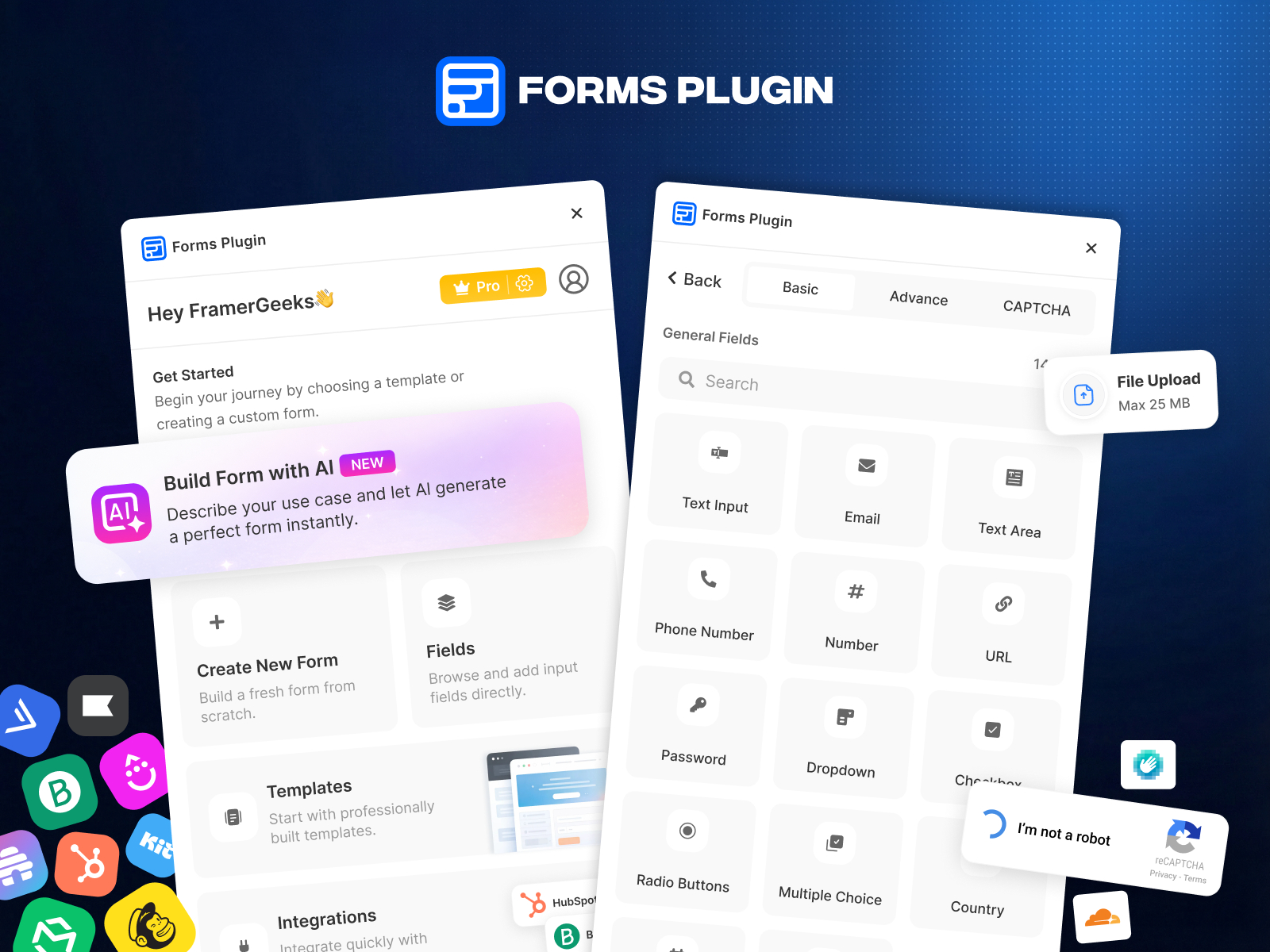
Forms Plugin — PageFlow multi-step engine with conditional page jumps and per-step validation
by Framer Geeks
Forms Plugin’s PageFlow ships five canvas components: an engine, navigation buttons, step indicator, progress bar, and step caption. Drop them around a native Framer form, add conditional page jumps so budget questions only appear when someone selects “active project,” and validate each step before the Next button advances. The free tier covers basic fields; Pro unlocks AI form generation, 30+ input types, and nine direct CRM integrations (HubSpot, Mailchimp, Brevo, and others). Weakness: PageFlow is a system you assemble, not a single drag-and-drop wizard block, so first setup takes longer than pasting a pre-built component.
- Best for
- Agencies that need native multi-step flows plus CRM routing without leaving the Framer editor
Affiliate link — we may earn a commission at no extra cost to you.
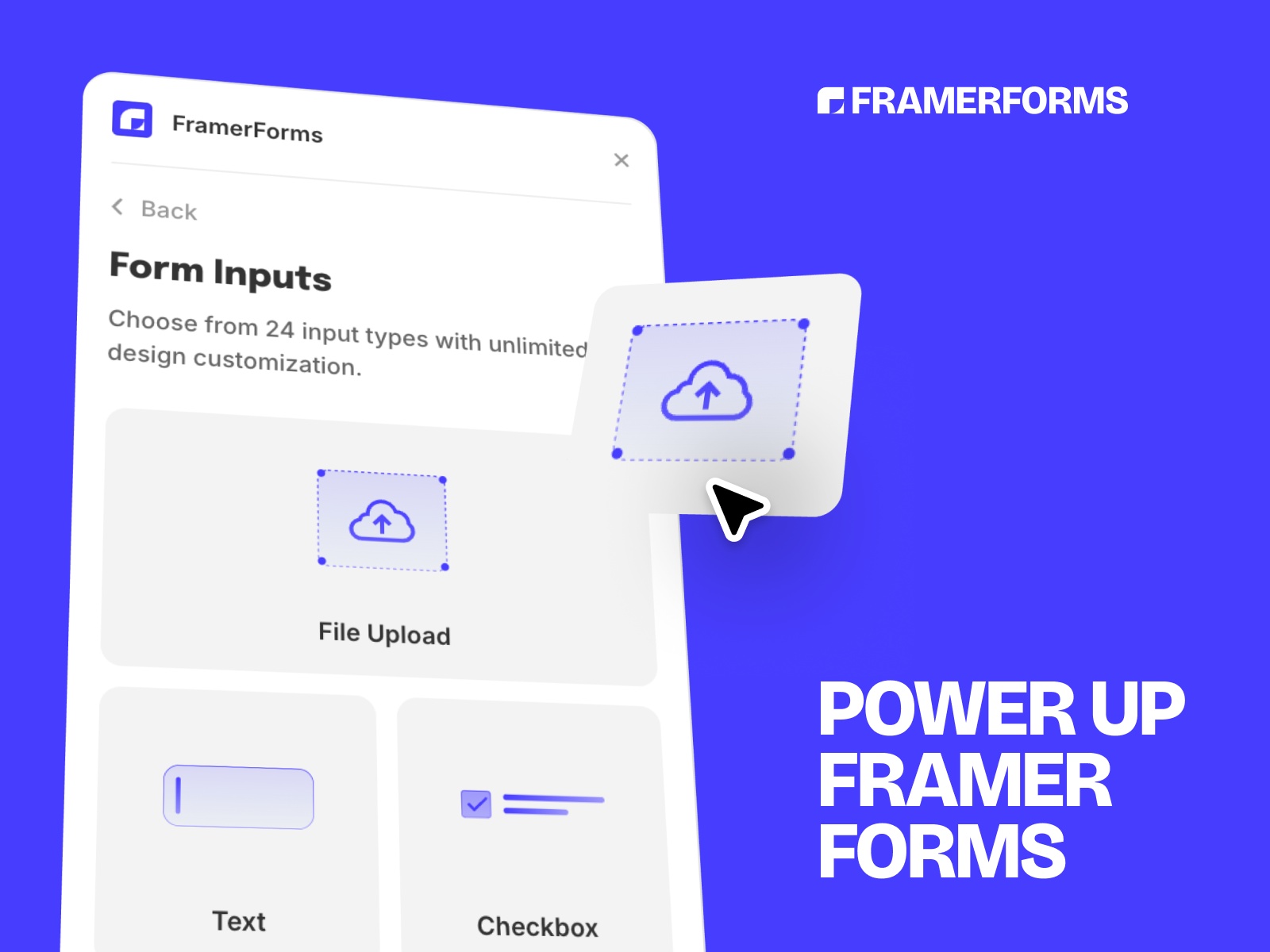
FramerForms — Typeform-style step pages with conditional logic and hidden UTM fields
by Insert Frame
FramerForms is the benchmark paid plugin when your reference is Typeform, not a paginated contact sheet. Build step-by-step pages inside Framer’s native form framework, branch on answers, upload files up to 25 MB on Pro, and capture UTM parameters in hidden fields without middleware. One-time pricing starts at 79 USD for a single site; Commercial covers unlimited client projects at 189 USD. Weakness: there is no free tier, so you pay before testing multi-step logic, and the plugin assumes you already understand Framer’s native Form element structure.
- Best for
- Marketing funnels that need one-question-at-a-time UX and automatic referrer tracking
Affiliate link — we may earn a commission at no extra cost to you.
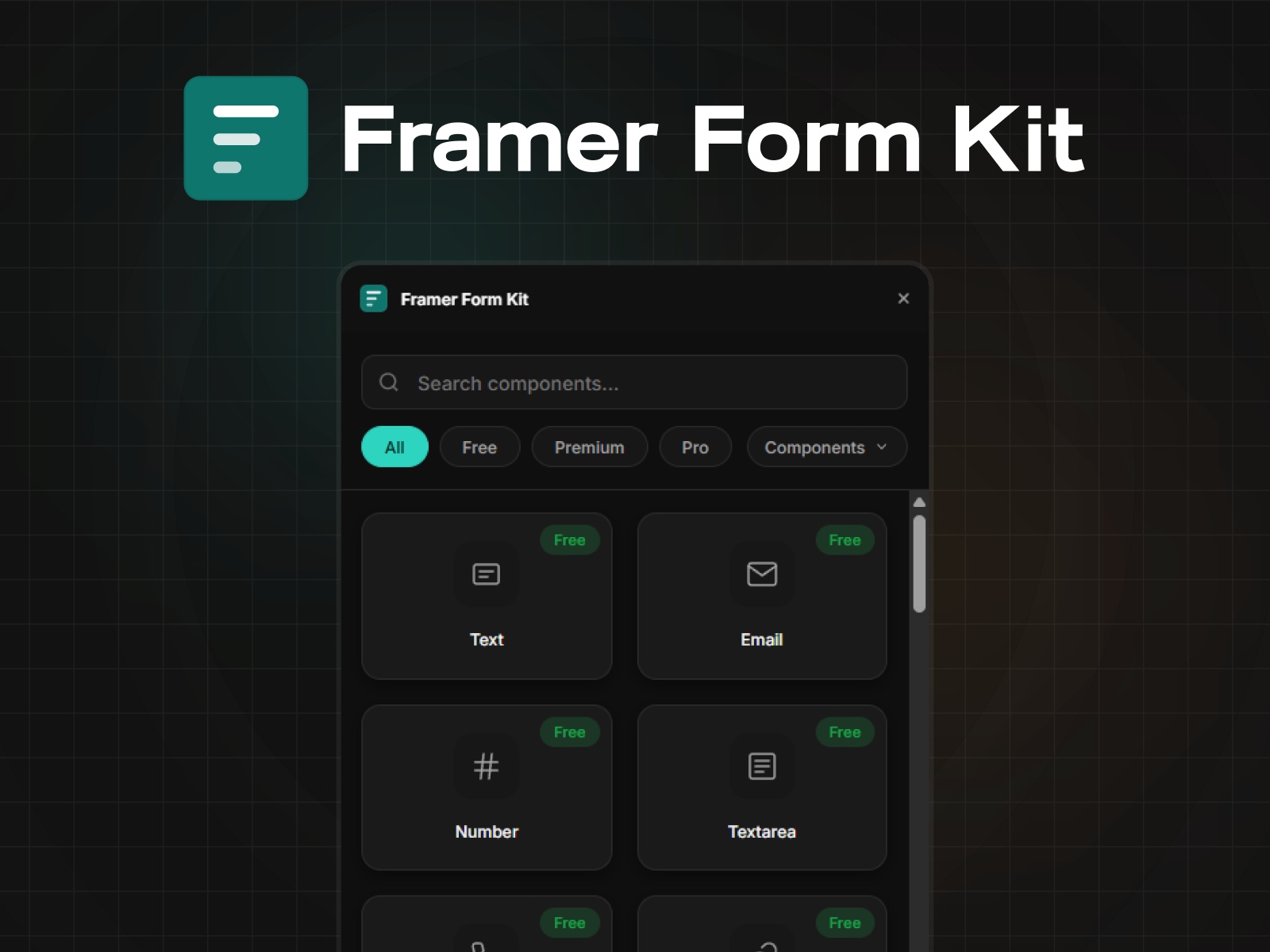
Framer Form Kit — Multi-Step wrapper with localStorage auto-save and per-step field validation
by FramerHub.io
Framer Form Kit treats multi-step as a component system inside native Framer forms: a Multi-Step wrapper, Next and Previous buttons, Progress text, Progress Bar dots, Slot containers per step, and an optional Summary review screen. The Next button validates current-step fields before advancing; progress auto-saves to localStorage so a tab refresh does not wipe half-entered data. Premium unlocks 35+ field types including file uploads and signature pads. Weakness: every component must share the same formId, and the free tier caps field depth, so complex flows push you to Premium quickly.
- Best for
- Long onboarding forms where losing progress on refresh would kill completion
Affiliate link — we may earn a commission at no extra cost to you.
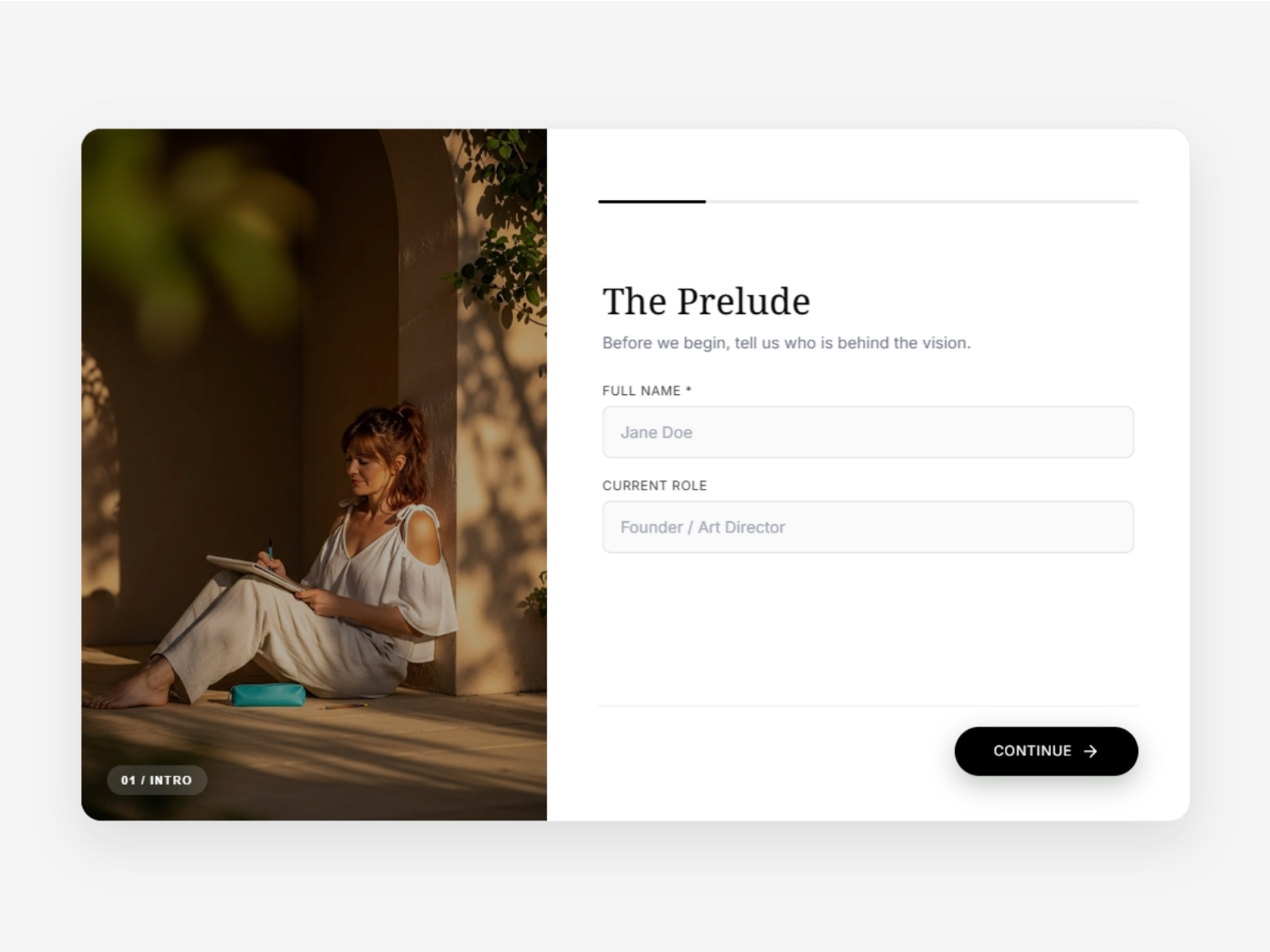
Editorial Form Pro — Split-layout wizard with per-step hero images and five cinematic transitions
by Can Girgin
Editorial Form Pro turns a questionnaire into a split-screen story: each step gets its own full-bleed image, title, badge, and crossfade transition (Slide, Fade, Scale, Blur, or Cinematic). Eleven field types including multi-select and file upload map to steps by index; five themes (Minimal, Editorial, Dark, Glass, Luxury) ship out of the box. Connect Framer’s native Form element for email, Zapier, or Make delivery. At 15 USD it is the strongest visual upgrade on this list. Weakness: you still wire a separate Framer Form for submission, and the split layout eats horizontal space on narrow viewports unless you test mobile early.
- Best for
- Agency onboarding and lead qualification where the form should feel like a branded editorial experience
Affiliate link — we may earn a commission at no extra cost to you.
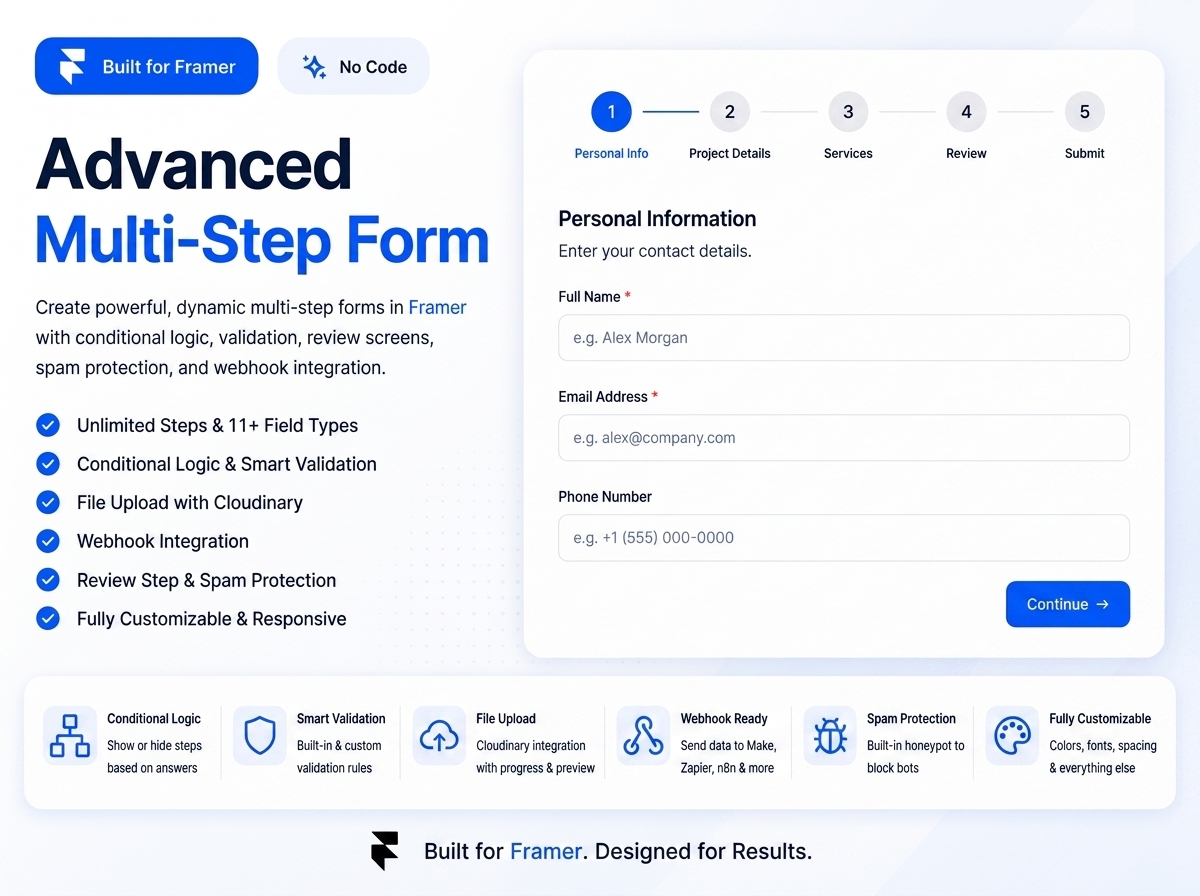
Advanced MultiStep — Dynamic steps with conditional logic, review screen, and Cloudinary file uploads
by Sabbir Hasan
Advanced MultiStep packs eleven field types, conditional step skipping, built-in validation, a review step before submit, honeypot spam protection, and webhook JSON posts into one code component. File uploads route through your Cloudinary account, which keeps storage off Framer but gives you real attachment handling. Single-use commercial license at 20 USD. Weakness: you must configure Cloudinary and a webhook endpoint yourself, and the license limits one project per purchase, so agencies need a separate license per client site.
- Best for
- Client intake forms that need a final review step and webhook routing to your own stack
Affiliate link — we may earn a commission at no extra cost to you.
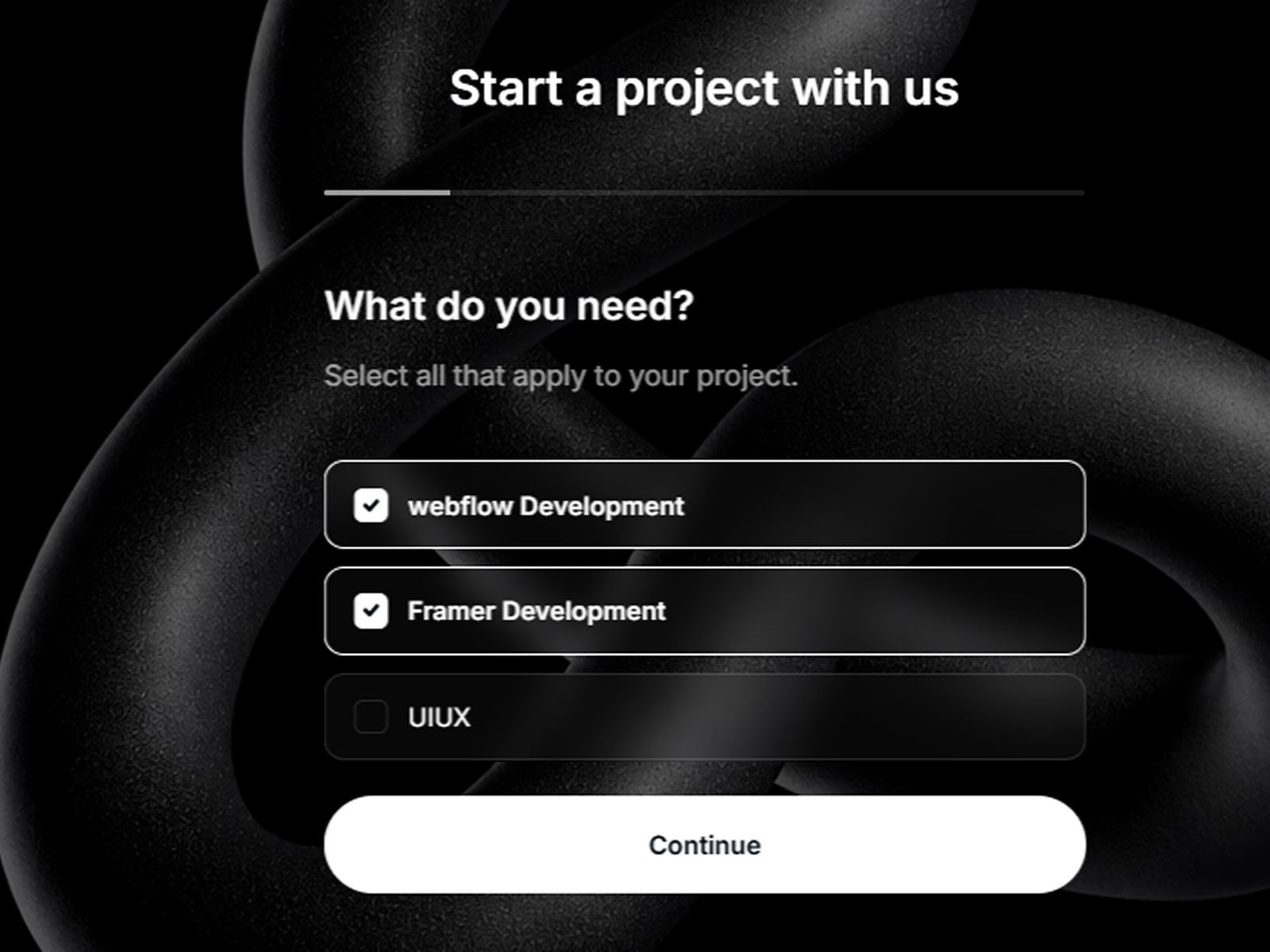
Formspark Multi-step — Formspark-native funnel with animated progress bar and campaign tracking IDs
Formspark Multi-step connects with a Formspark ID in the property panel, then walks visitors through text, email, phone, date, select, and multi-select questions with animated transitions and a smooth progress bar. Light, dark, glass, and semi-transparent UI styles plus tracking ID support make it easy to attribute leads to campaigns. Setup takes about five minutes if Formspark is already your backend. Weakness: submissions stay locked to Formspark, so skip it when your stack is native Framer email or HubSpot-only routing.
- Best for
- Freelancers already on Formspark who want a polished multi-step intake without building fields from scratch
Affiliate link — we may earn a commission at no extra cost to you.

ChatFunnel Form — Chat-bubble questionnaire with typing dots and up to eight toggleable questions
by Kunal Sharma
ChatFunnel Form mimics a messaging thread: bot bubbles, user replies, typing-dot animation, progress indicator, and back navigation through up to eight editable questions. Colors for bubbles, cards, inputs, and buttons are fully themeable from the panel; optional Formspree URL handles delivery. The conversational pattern typically lifts completion on mobile-heavy traffic. Weakness: eight question slots cap complexity, and the chat metaphor can feel gimmicky on formal B2B pages that expect a standard wizard layout.
- Best for
- SaaS onboarding and lead gen pages where a conversational UI beats a traditional form grid
Affiliate link — we may earn a commission at no extra cost to you.
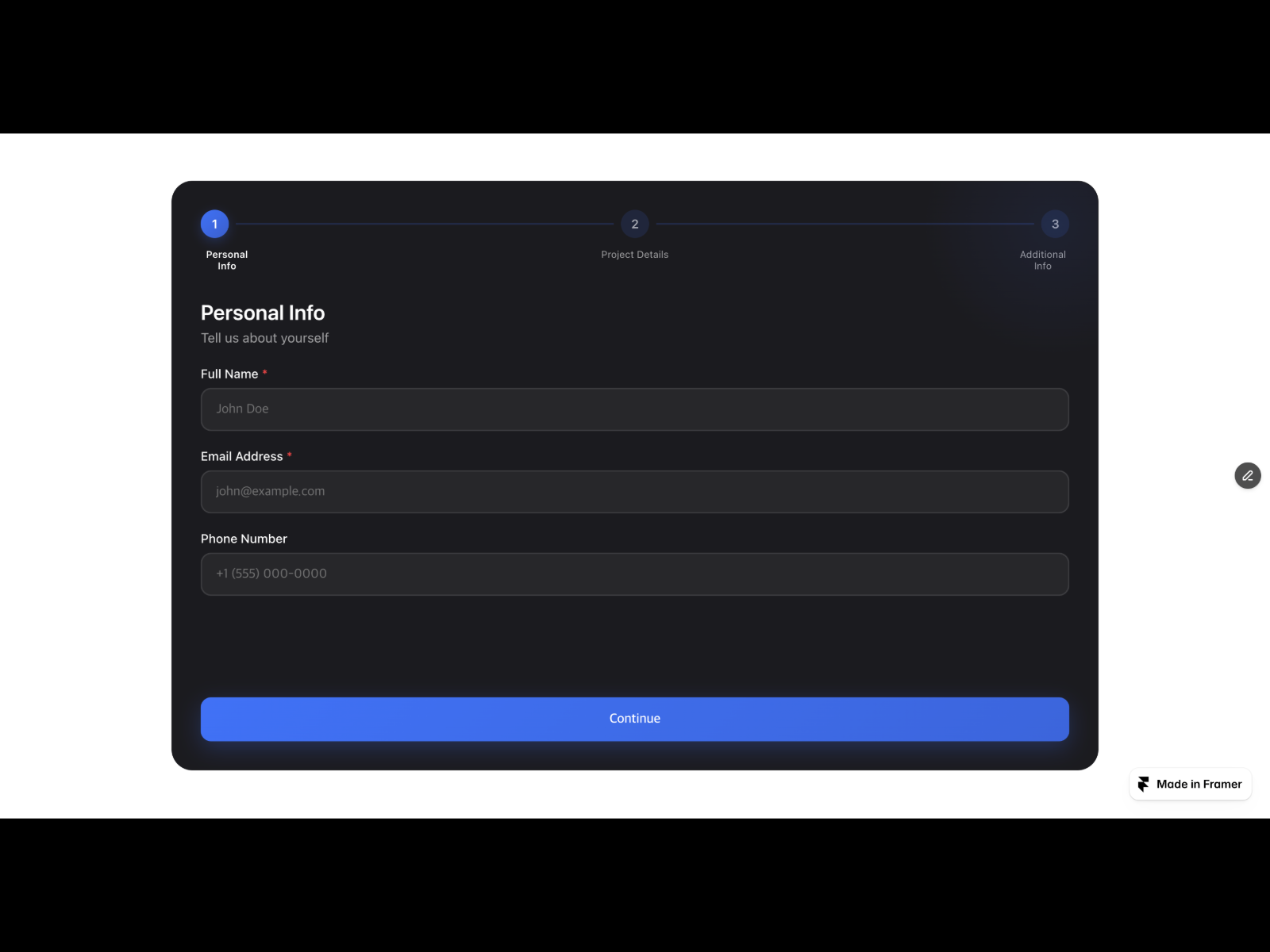
Multi-Step Form Pro — Formspree-ready wizard with AJAX success screen and webhook alternatives
by MJ Jung
Multi-Step Form Pro configures steps, fields, colors, and slide/fade/scale transitions from one property panel, then posts to Formspree, Netlify Forms, or a Zapier/Make webhook. AJAX mode keeps visitors on the page with a built-in success screen and optional countdown redirect; webhook mode supports Slack, Discord, and Google Chat formats. At 13 USD it is the fastest path to Formspree multi-step without assembling PageFlow pieces. Weakness: field types are configured in JSON-like panel lists rather than drag-and-drop Framer layers, which feels less visual than Editorial Form Pro.
- Best for
- Landing pages that submit through Formspree and need an on-page thank-you state
Affiliate link — we may earn a commission at no extra cost to you.
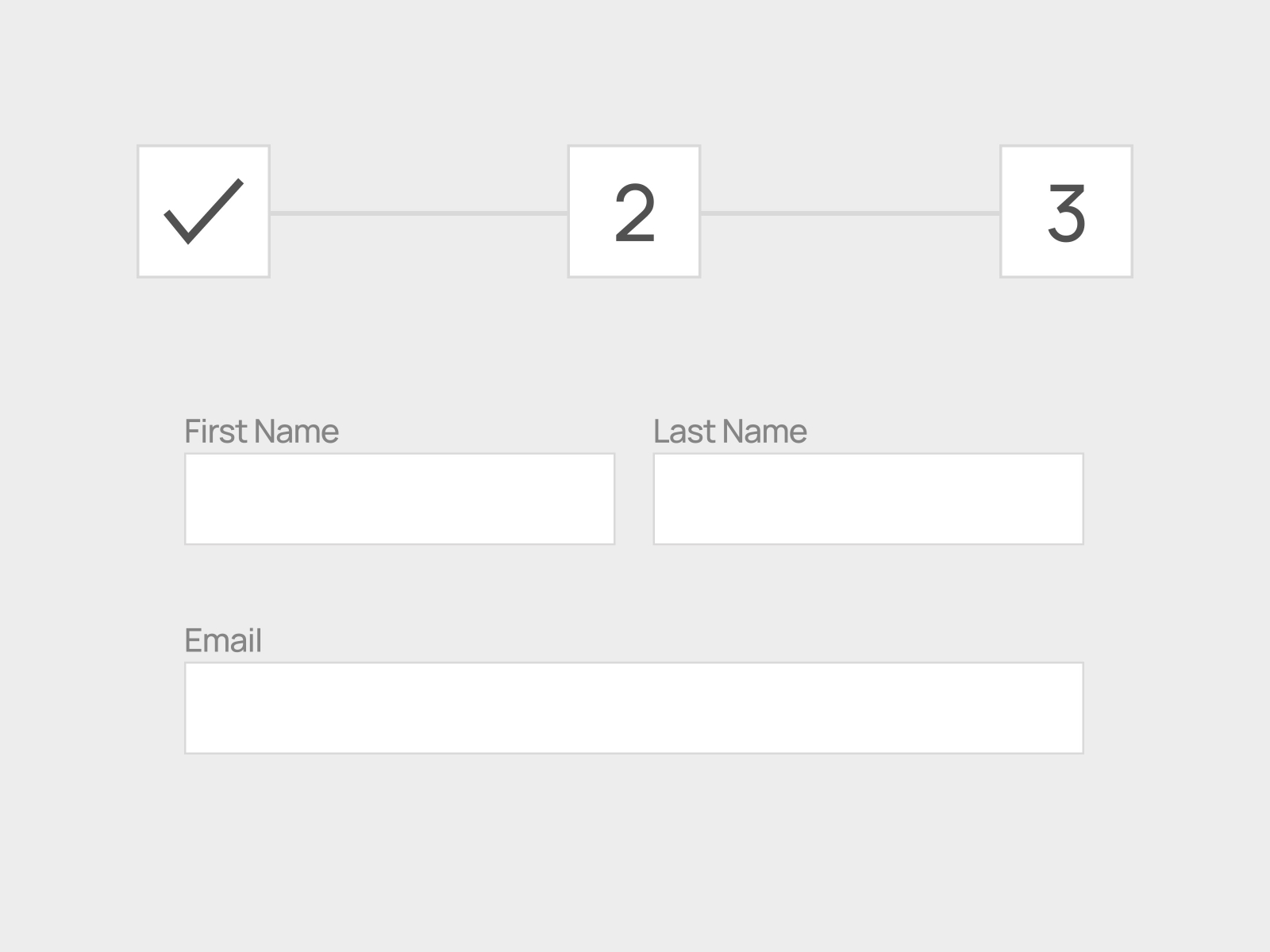
Multistep Form — Unlimited native Framer form steps with lightweight transitions
Multistep Form from Akila Studio builds unlimited steps using Framer native forms and interactions only: no iframes, no external accounts, submissions through Framer’s standard Send To destinations. Per-step validation and customizable layout keep the bundle lightweight compared to webhook-heavy code components. At 10 USD it is the cleanest native-only wizard paste-in. Weakness: fewer preset themes and marketing integrations than Forms Plugin or FramerForms, so you style and route everything manually.
- Best for
- Builders who want multi-step behavior entirely on Framer's native form and interaction system
Affiliate link — we may earn a commission at no extra cost to you.
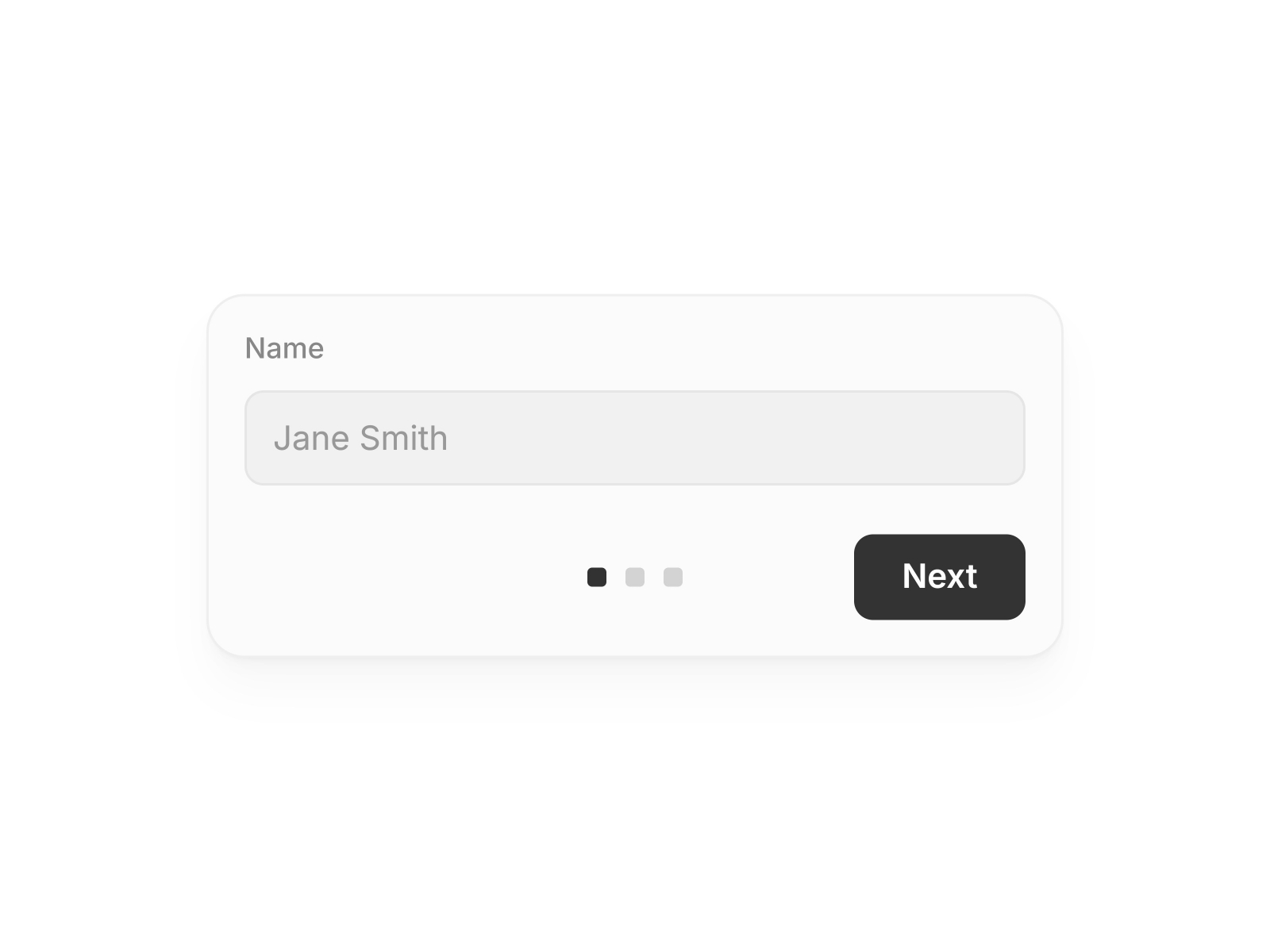
Free Multi Step Form — Three-step native form with smooth transitions and variable-driven styling
by Till Janek
Till Janek’s Free Multi Step Form ships three predefined steps with smooth transitions, editable labels, inputs, buttons, and card styling through component variables. Copy it onto the canvas, set Send To on the primary variant, and publish. No license fee, no plugin install, no external backend required beyond Framer’s built-in email or webhook options. Weakness: three steps is the ceiling unless you fork the component yourself, and there is no conditional logic or progress bar beyond basic step navigation.
- Best for
- Portfolios and small sites that need a working stepped form at zero cost today
Affiliate link — we may earn a commission at no extra cost to you.
Quick comparison
| Resource | Price | Type | Best for |
|---|---|---|---|
| Forms Plugin | Free tier; Pro 79 USD | Plugin | PageFlow native multi-step with CRM hooks |
| FramerForms | from 79 USD | Plugin | Typeform-style one-question flows |
| Framer Form Kit | Free; Premium 69 USD | Plugin | Validated steps with localStorage save |
| Editorial Form Pro | 15 USD | Component | Split-layout cinematic onboarding |
| Advanced MultiStep | 20 USD | Component | Review step plus webhook and Cloudinary |
| Formspark Multi-step | 10 USD | Component | Formspark intake funnels |
| ChatFunnel Form | 18 USD | Component | Chat-style mobile-friendly questionnaires |
| Multi-Step Form Pro | 13 USD | Component | Formspree AJAX success screens |
| Multistep Form | 10 USD | Component | Lightweight native-only steps |
| Free Multi Step Form | Free | Component | Quick three-step contact or signup |
How to choose the right Framer multi step form
Plugin vs paste-in component is the first decision. Forms Plugin, FramerForms, and Framer Form Kit extend the editor and keep you inside Framer’s submission pipeline for the long haul. Marketplace components like Editorial Form Pro or ChatFunnel Form ship a finished UX you customize in the panel, often with a fixed backend (Formspark, Formspree) or native Form wiring.
Match step count to funnel depth. Three to five steps cover most lead gen and onboarding flows; beyond seven steps, completion drops unless each screen asks one high-value question. ChatFunnel Form caps at eight questions; Free Multi Step Form stops at three unless you modify the file.
Free vs paid follows integration needs, not step count alone. Till Janek’s free component and Forms Plugin’s free tier handle simple stepped contact forms. Pay when you need conditional jumps (Forms Plugin PageFlow), localStorage recovery (Form Kit), file uploads (FramerForms Pro), or a review step (Advanced MultiStep).
Plan the backend before picking a skin. Native Framer Send To works for Multistep Form and Editorial Form Pro. Formspark Multi-step and Multi-Step Form Pro assume Formspark or Formspree accounts. Advanced MultiStep expects your webhook and Cloudinary keys. Mixing a beautiful wizard with the wrong submission route means rebuilding the flow later.
Our top pick for most Framer builders
If you install one framer multi step form tool today, start with Forms Plugin PageFlow when you want native steps, CRM routing, and room to grow. Choose FramerForms when the brief explicitly says Typeform-style one question per screen. Paste Free Multi Step Form when the deadline is today and three steps are enough.
Pair any of these with landing pages from our free Framer templates hub, or browse the broader form tools roundup for submission inboxes and single-page builders. More resource lists live on the Resources hub.
Updated September 2026. We refresh this list when major multi-step form plugins reprice, ship breaking updates, or go stale.