Framer shipped a capable native Form element — email delivery, Google Sheets, webhooks, and component variants for loading and success states. That covers simple contact pages. The moment you need multi-step qualification, file uploads, conditional logic, or a searchable submission inbox, you need a dedicated Framer form plugin layered on top.
This list ranks ten form tools you can install from the Framer marketplace today. Every pick is actively maintained in 2026, has a working install link, and solves a real submission problem: native field depth, embed flexibility, lead scoring, or post-submit routing. Free options come first in the rankings where they genuinely compete; paid plugins rank higher when they unlock workflows native Framer cannot replicate.
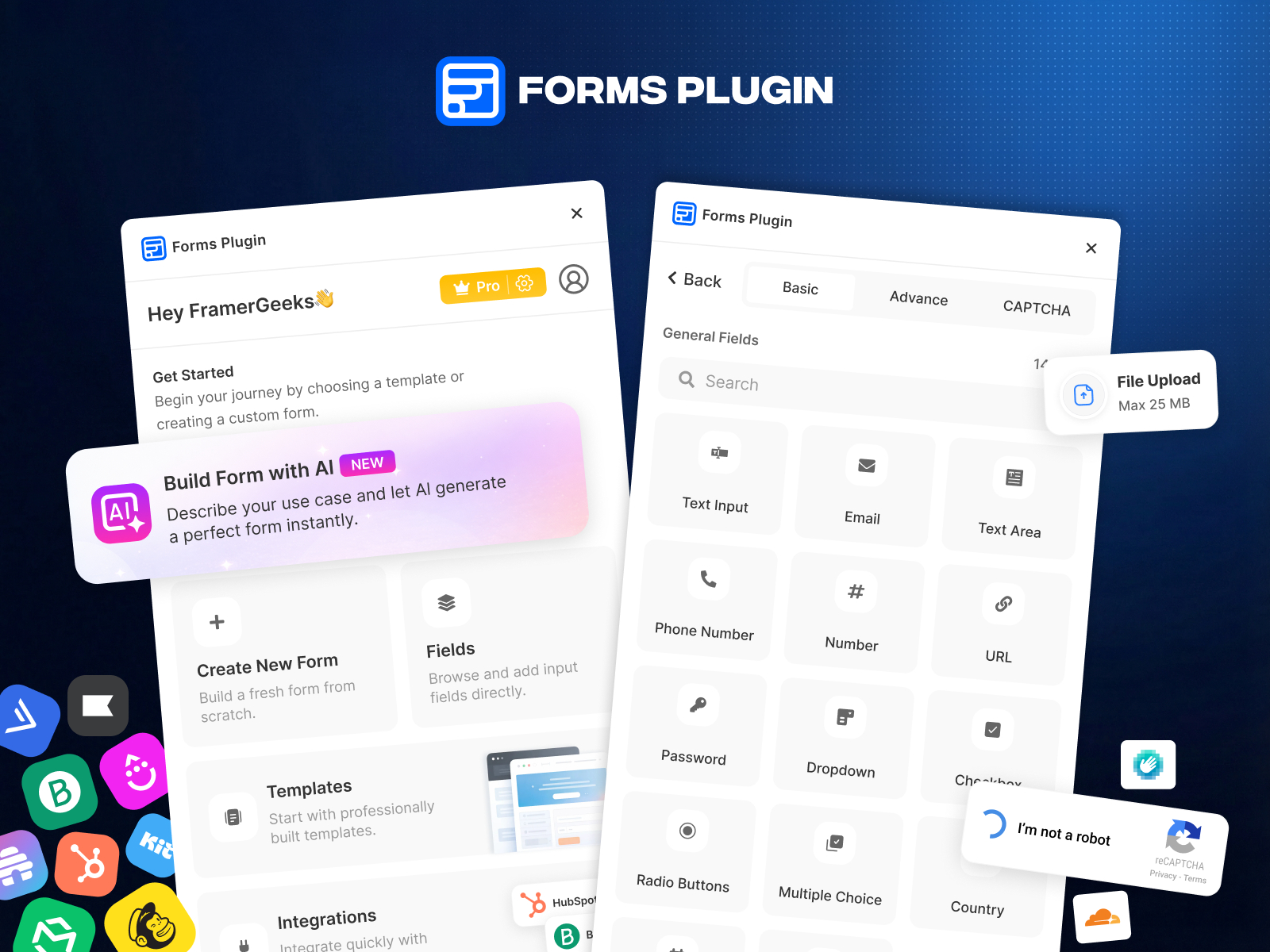
Forms Plugin — 20+ native field types with CAPTCHA and media uploads
by Framer Geeks
Forms Plugin by Framer Geeks runs entirely inside the Framer canvas: text, dropdown, date and time pickers, file and media uploads, color pickers, e-signatures, voice recording, and three CAPTCHA options (Google reCAPTCHA, hCAPTCHA, Cloudflare Turnstile). The free Basic plan covers core field types with no credit card; Pro and Scale unlock higher submission volume and advanced routing. If your brief says “match the site design pixel-perfect and never embed a third-party iframe,” this is the native-first answer.
- Best for
- Designers who want fully native forms — no iframes — with e-signatures, voice recording, and spam protection
Affiliate link — we may earn a commission at no extra cost to you.
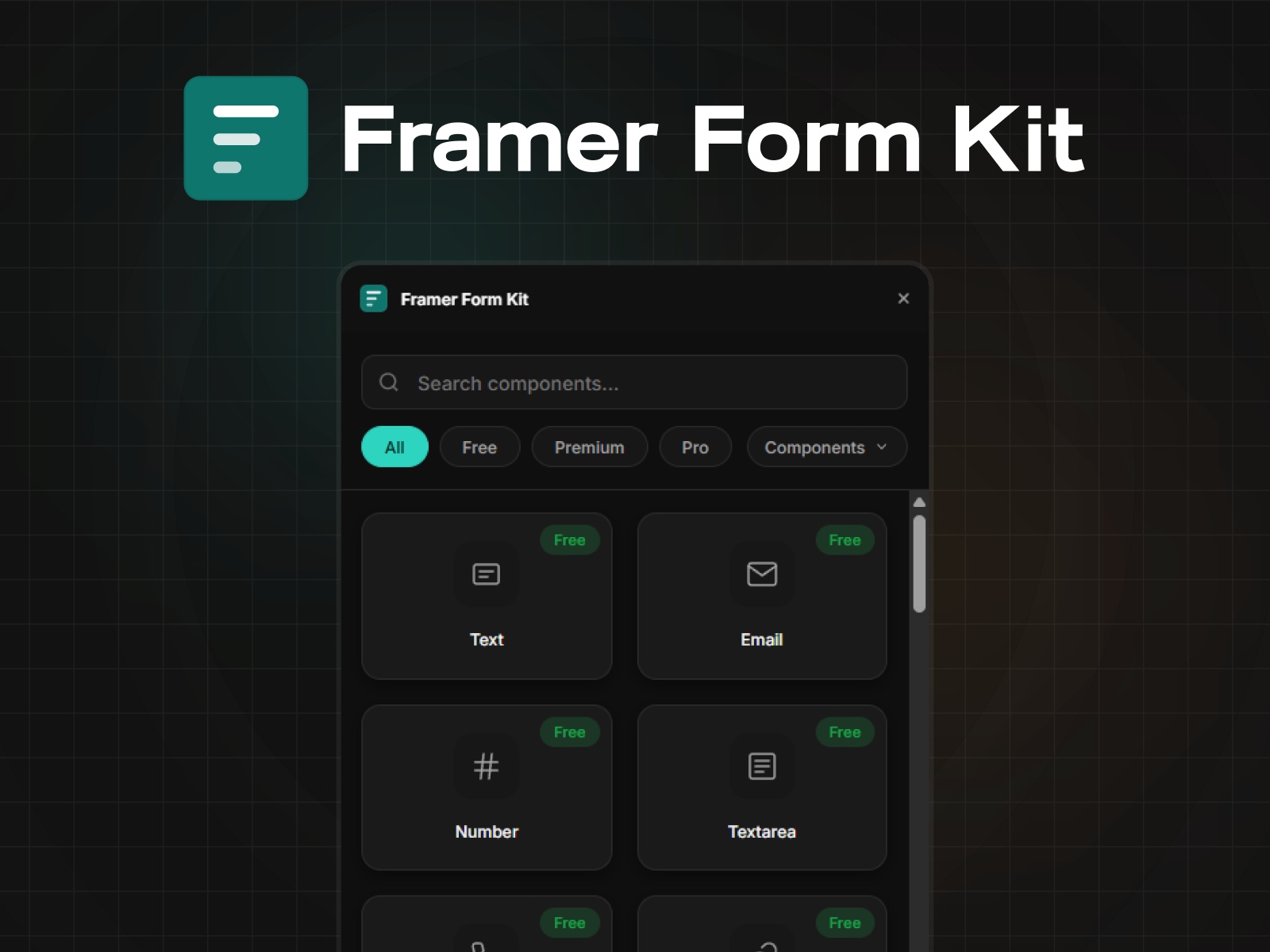
Framer Form Kit — Validated field components that extend Framer's native Form element
by FramerHub.io
Framer Form Kit is a component system — not a separate form builder — that drops validated inputs inside Framer’s native Form element. The free tier ships ten field types plus a validation engine, conditional show/hide rules, URL parameter prefill, and localStorage auto-save across steps. Premium (69 USD one-time, often discounted) unlocks 36+ components including file uploads, sliders, and multi-step wizards; Pro adds signature pads and unlimited client licenses. Choose Form Kit when you want Framer’s built-in submission handling with field behavior native forms lack.
- Best for
- Builders who need real validation, multi-step flows, and conditional logic without leaving Framer's form submission pipeline
Affiliate link — we may earn a commission at no extra cost to you.
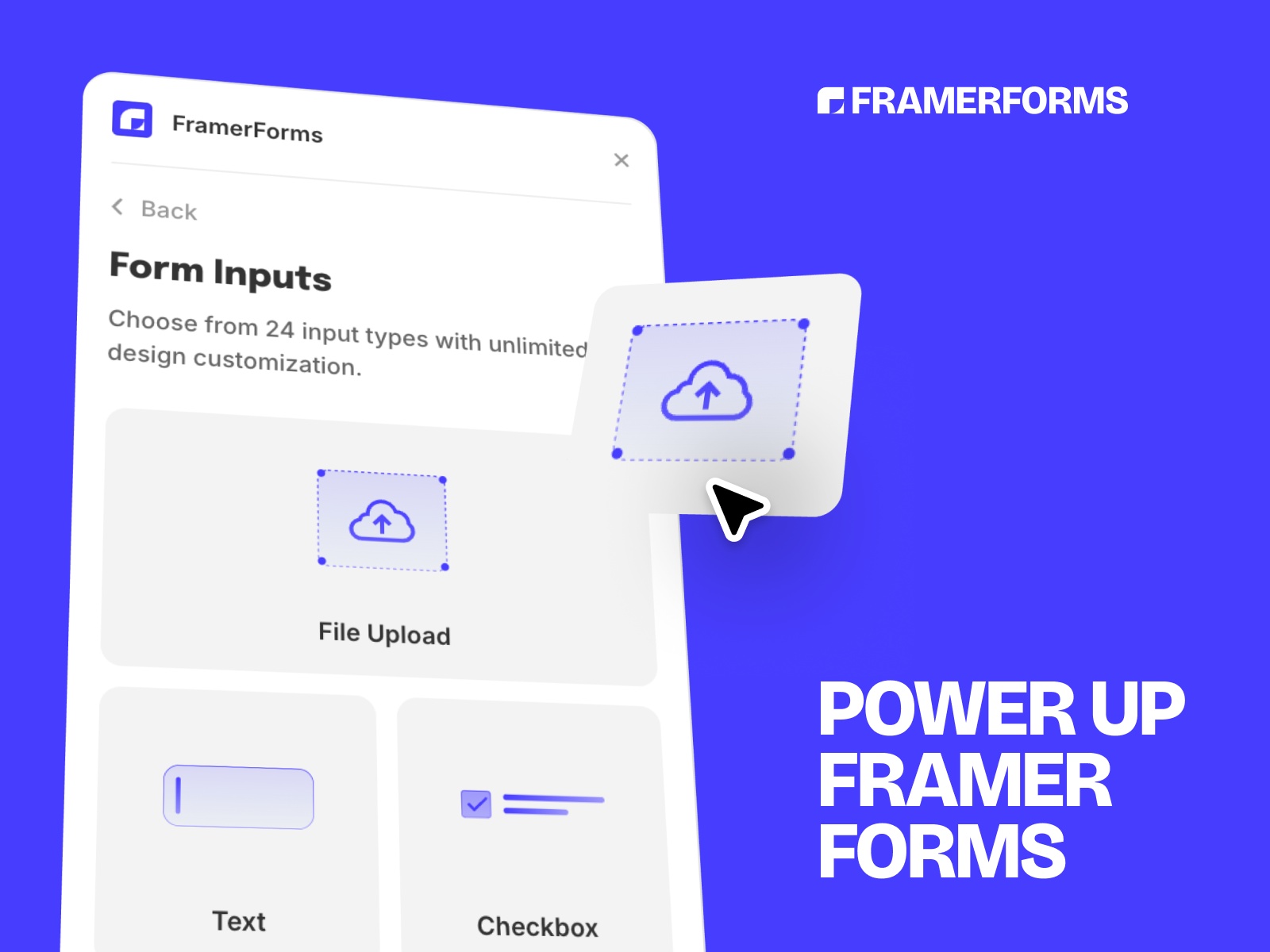
FramerForms — Typeform-style multi-step forms with file uploads and hidden UTM fields
by Insert Frame
FramerForms is the most-installed paid Framer form plugin for a reason: multi-step Typeform-style flows, conditional branching, file uploads up to 25 MB on Pro, hidden fields that capture UTM parameters and referrer URLs, and optional Google reCAPTCHA on the Commercial tier. One-time pricing starts at 79 USD for a single site; the 189 USD Commercial plan covers unlimited client projects. If conversion rate and marketing attribution matter more than a five-field contact box, FramerForms is the benchmark paid upgrade.
- Best for
- Marketing teams who need step-by-step flows, unlimited file uploads, and automatic referrer tracking
Affiliate link — we may earn a commission at no extra cost to you.
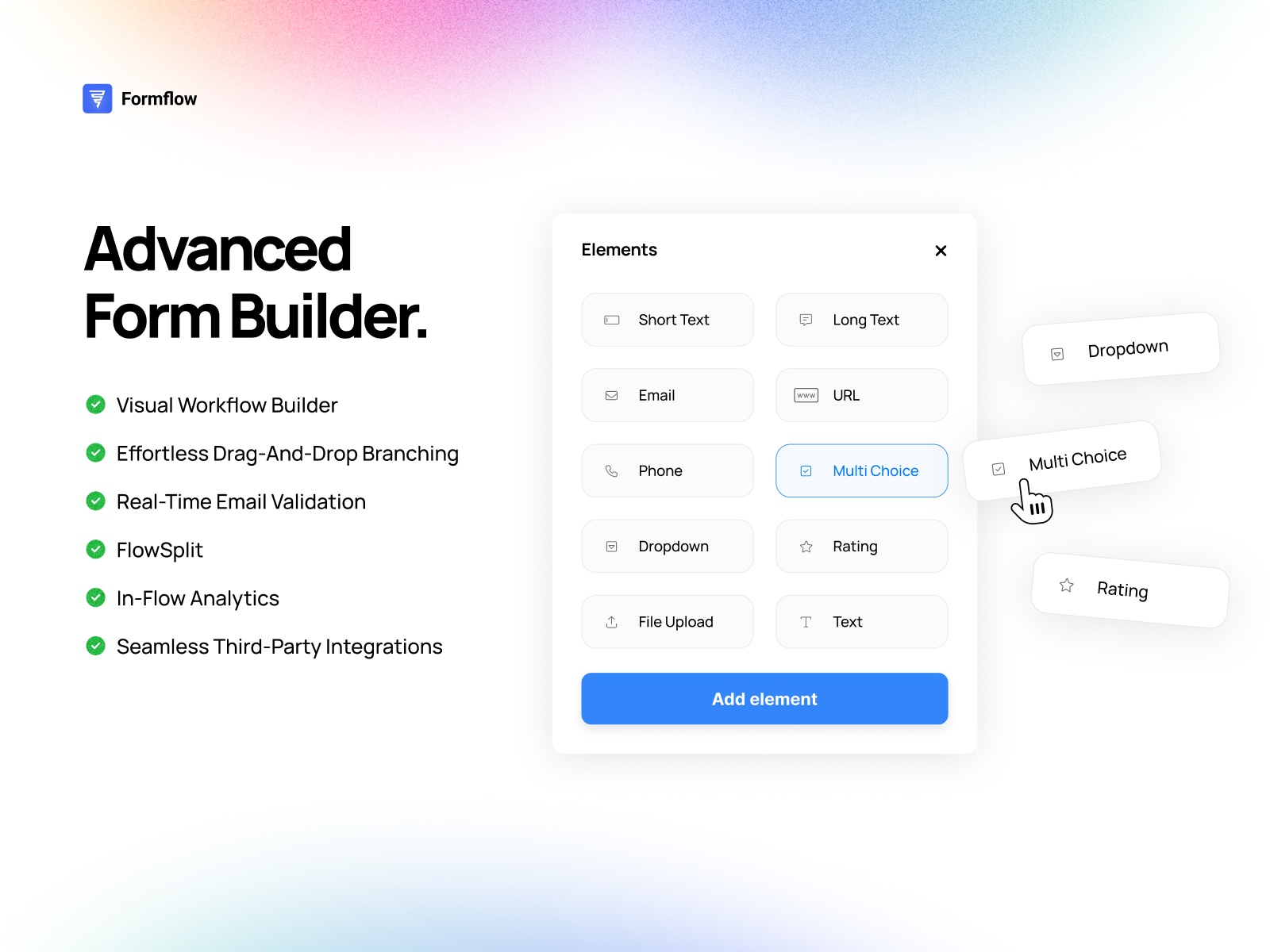
Formflow — Conversion-focused multi-step forms with A/B testing and in-flow analytics
by Formflow
Formflow targets marketers who optimize forms like landing pages: visual drag-and-drop multi-step builder, branching logic, real-time email validation, in-flow analytics showing exactly where users abandon, and native A/B testing via Flowsplit. Plans start at 24 USD/month for 1,000 submissions; Pro at 49 USD/month adds partial submission recovery and Meta Pixel integration. Pick Formflow when you will iterate on question order and CTA copy based on data — not just publish a static contact form once.
- Best for
- Growth teams who treat forms as optimization assets and need drop-off analytics plus Flowsplit A/B tests
Affiliate link — we may earn a commission at no extra cost to you.

Proofly Forms — 30+ native fields including signatures, calculators, and repeater groups
by Proofly.ae
Proofly Forms packs the widest native field library on the marketplace: signature pads, star ratings, NPS scales, calculated fields, repeater groups for line items, rich text editors, and webhook delivery to Zapier or custom APIs. The free tier includes ten essential field types forever; a 39 USD one-time Pro unlock unlocks all 30+ fields across unlimited projects. It competes with FramerForms on depth but wins when you need calculated pricing fields or digital signatures in the same native canvas workflow.
- Best for
- Service businesses building quote calculators, contract sign-offs, or complex data collection without code
Affiliate link — we may earn a commission at no extra cost to you.

Tally Forms — Embed Notion-style forms with payments and conditional logic
by Tally
Tally’s official Framer plugin pastes any published Tally form URL into your canvas — responsive, no manual iframe code. Build on Tally’s platform with conditional logic, file uploads, Stripe payments, and hundreds of integrations, then embed in Framer with optional title and background controls. Tally’s core plan is free with unlimited submissions, making this the fastest path when your form logic lives outside Framer but the landing page design lives inside it.
- Best for
- Teams who already build forms in Tally and want one-click Framer embedding without rebuilding fields
Affiliate link — we may earn a commission at no extra cost to you.

Typer Quiz — Branching quiz flows with conditional logic components
Typer Quiz is not a generic form builder — it is a quiz architecture kit with three native component types: Form (collect answers), Logic (branch on conditions), and Action (reset or trigger interactions). Different answer paths route users to different outcomes, product recommendations, or custom CTAs. Completely free with no submission caps. Use it when your “form” is really a scored or branching quiz that segments visitors before they hit a sales CTA.
- Best for
- Lead qualification quizzes, product recommenders, and interactive segmentation without paid form SaaS
Affiliate link — we may earn a commission at no extra cost to you.

Weavely AI Forms — AI-generated forms embedded by URL in seconds
by Weavely AI
Weavely generates complete forms from a text prompt or uploaded document — structured questions, input types, and logic included — then the Framer plugin inserts a live responsive component from the form URL. No embed code, no manual field wiring. The free plan covers unlimited forms and submissions with full functionality, which makes Weavely the strongest AI-first option when speed beats pixel-level native control.
- Best for
- Founders who need a working form fast and prefer describing requirements over dragging fields
Affiliate link — we may earn a commission at no extra cost to you.
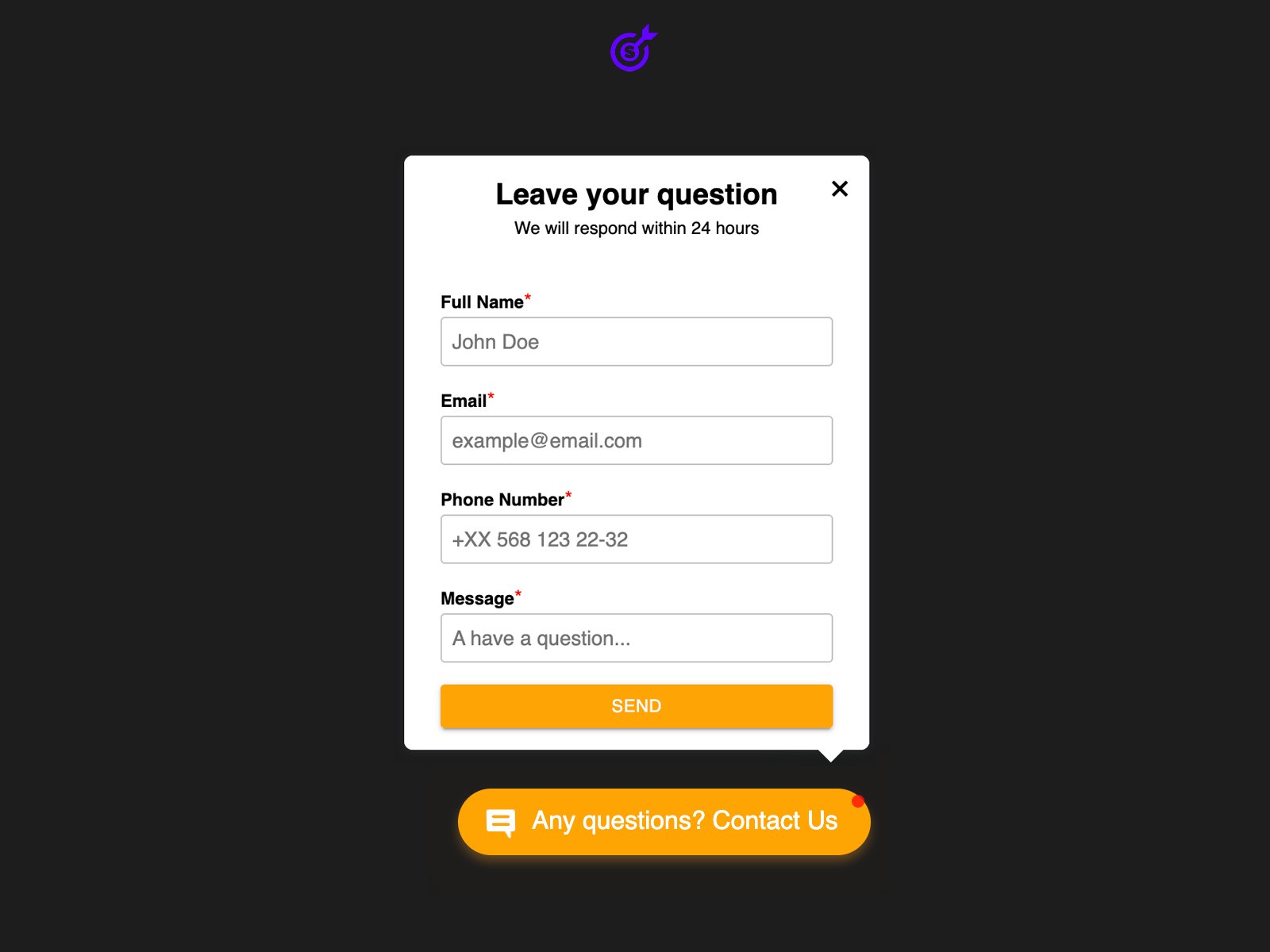
Contact Form — Five-minute contact form with email and Telegram alerts
by Smartarget
Contact Form by Smartarget optimizes for speed: configure fields, set email or Telegram notification delivery, style the floating icon and form panel, and publish. No external accounts, no paid tiers, no submission limits. Telegram alerts arrive faster than email for mobile-first founders. Install this when the entire brief is “add a contact form today” and you do not need multi-step logic, file uploads, or CRM routing.
- Best for
- Portfolios and small business sites that need a working inquiry form before lunch
Affiliate link — we may earn a commission at no extra cost to you.

Proofly Forms Inbox — Searchable submission dashboard for any Framer form
by Proofly.ae
Proofly Forms Inbox solves the question every Framer builder eventually asks: where did that submission go? It auto-detects native Framer forms, FramerForms, Proofly Forms, and custom form components, then routes submissions to a searchable dashboard with read/unread status, spam filtering, file attachment storage, CSV export, and team email notifications. The free tier handles 50 submissions with full dashboard access. Pair it with any builder on this list when delivery reliability matters as much as form design.
- Best for
- Agencies managing multiple client forms who need one inbox instead of scattered email threads
Affiliate link — we may earn a commission at no extra cost to you.
Quick comparison
| Resource | Price | Type | Best for |
|---|---|---|---|
| Forms Plugin | Free tier; paid plans | Plugin | Native 20+ fields, CAPTCHA, media uploads |
| Framer Form Kit | Free; from 69 USD | Component | Validation and multi-step inside native forms |
| FramerForms | from 79 USD one-time | Plugin | Multi-step flows with UTM hidden fields |
| Formflow | from 24 USD/month | Plugin | A/B testing and in-flow conversion analytics |
| Proofly Forms | Free; Pro 39 USD | Plugin | Signatures, calculators, 30+ native fields |
| Tally Forms | Free | Plugin | External Tally forms embedded in one click |
| Typer Quiz | Free | Component | Branching quizzes and lead segmentation |
| Weavely AI Forms | Free | Plugin | AI-generated forms from prompts or documents |
| Contact Form | Free | Plugin | Fast contact forms with Telegram alerts |
| Proofly Forms Inbox | Free tier; paid plans | Plugin | Unified searchable submission dashboard |
How to choose the right Framer form plugin
Native vs embed is the first fork. Forms Plugin, Framer Form Kit, FramerForms, Proofly Forms, and Typer Quiz keep everything on the Framer canvas — better performance and design consistency. Tally and Weavely host forms externally and embed via URL, which trades some control for faster setup and richer external integrations.
Match complexity to the funnel. A portfolio contact page needs Contact Form or native Framer forms — nothing more. Lead qualification, file uploads, or multi-step onboarding justify FramerForms, Formflow, or Proofly Forms. Quizzes and segmentation flows are Typer Quiz’s lane; submission management afterward is Proofly Forms Inbox.
Free vs paid follows volume and features, not quality. Tally, Typer Quiz, Weavely, and Contact Form are genuinely production-ready at zero cost. Pay when you hit concrete walls: FramerForms for file uploads and UTM capture, Formflow for A/B testing, Framer Form Kit Premium for 36+ validated components, or Proofly Pro for signatures and calculated fields.
Plan submission routing before you design fields. Email and Google Sheets work until you manage five client sites. Add Proofly Forms Inbox early if you need search, export, and team visibility — retrofitting inbox workflows after leads scatter across inboxes is painful.
Our top pick for most Framer builders
If you install one Framer form plugin today, start with Forms Plugin or Framer Form Kit for native multi-field forms that respect Framer’s submission pipeline. Upgrade to FramerForms when you need Typeform-style steps and marketing hidden fields; add Proofly Forms Inbox when submissions outgrow a single Gmail filter.
Browse Framer templates with contact and lead-capture sections on yoframer, or read our free plugins roundup for editor tools that pair well with form-heavy landing pages. More resource roundups live on the Resources hub.
Updated June 2026. We refresh this list as notable form plugins ship, reprice, or go stale.


