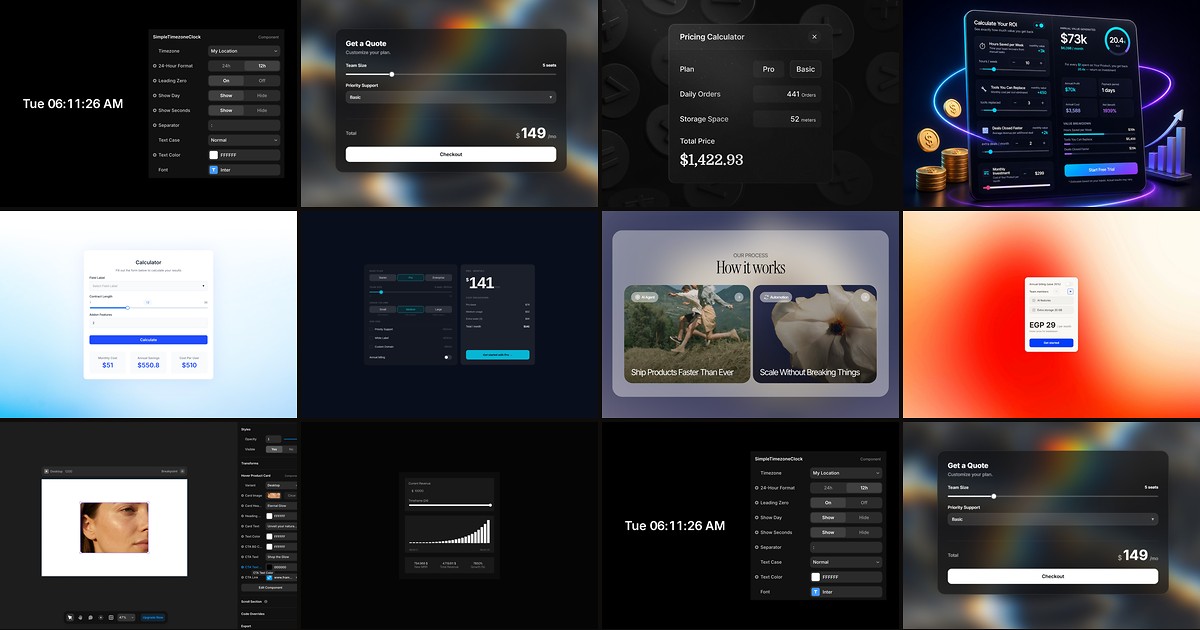
A framer calculator component turns a pricing page from a brochure into a conversation. Visitors who drag a team-size slider and watch annual savings update in real time stay longer, trust the numbers more, and reach out with clearer intent than visitors staring at three static cards. The gap is not design polish. It is math your page can run without a developer on retainer.
This list ranks ten interactive calculators on the Framer marketplace today: B2B ROI estimators, dynamic quote engines, formula-driven displays, and modular pricing configurators. Every pick works with current Framer, has a live demo or preview, and comes from an identifiable creator. Four are free. Six are paid one-time licenses between 5 USD and 29 USD. Skip decorative keypad widgets, niche real-estate yield tables, and components with no published preview.
ROI Calculator Ultra — Enterprise-grade ROI engine with payback period, presets, and optional lead capture
by RamicTech
ROI Calculator Ultra is the deepest ROI pick on this list when your sales page must justify budget to a CFO, not just a product manager. Sliders for team size, hours saved per week, hourly rate, and efficiency multipliers feed real-time annual savings, ROI percentage, gross savings, and payback period. SaaS, agency, and enterprise presets, four visual themes, multi-currency support, and optional email capture with webhook or checkout integrations (Stripe, Paddle, Lemon Squeezy, Gumroad) cover most B2B funnels out of the box. Weakness: at 29 USD it is overkill for a simple agency quote form that only needs base price plus add-ons, and the panel has enough folders that first-time setup takes longer than a five-field ROI widget.
- Best for
- B2B SaaS landing pages that need team-size sliders, hourly-rate inputs, and finance-ready ROI output
Affiliate link — we may earn a commission at no extra cost to you.
Price Engine Pro — Dynamic quote calculator with tiered sliders, cross-multiply logic, and checkout URL passthrough
by Can Girgin
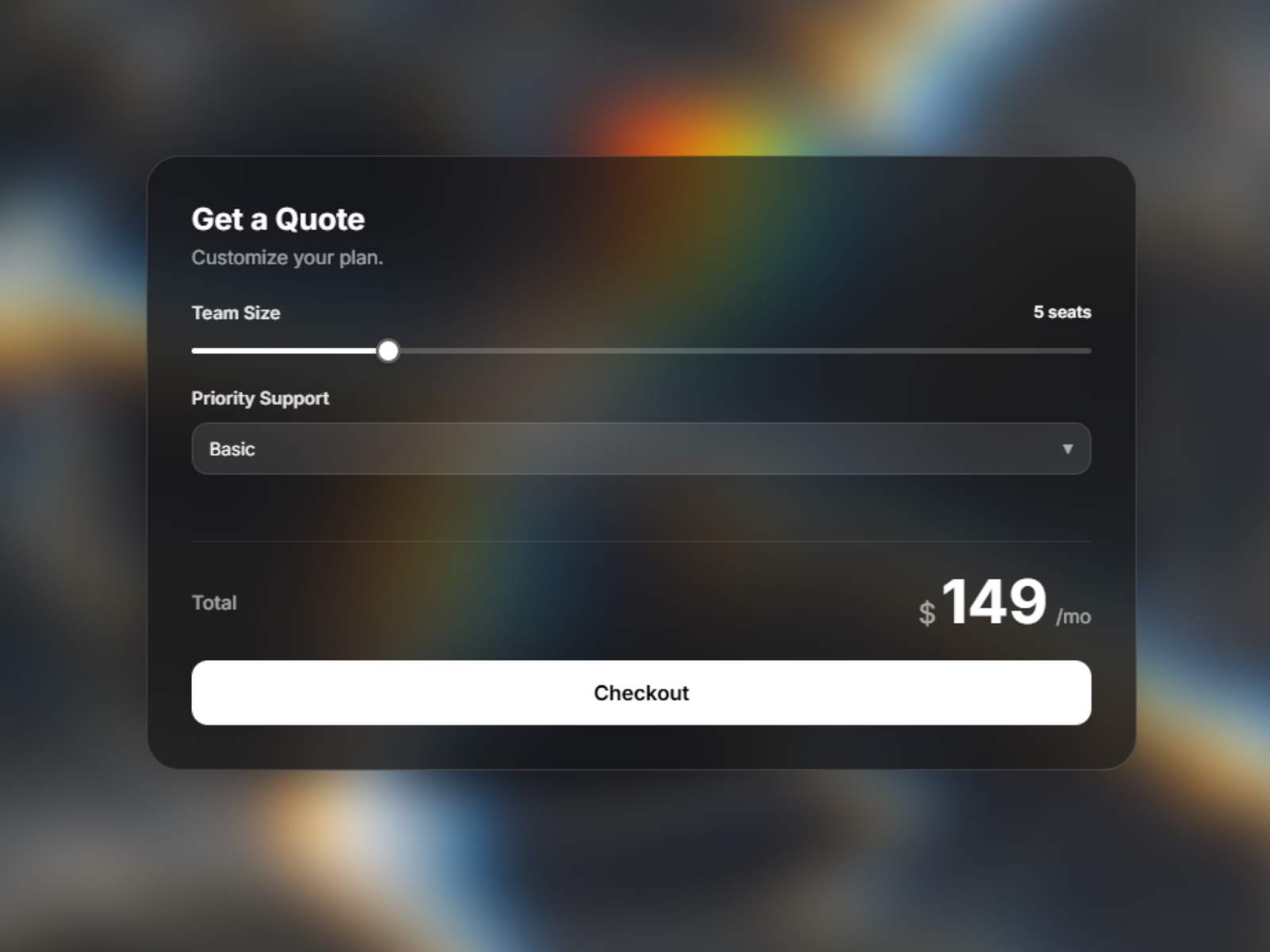
Price Engine Pro from Can Girgin is the best value when your calculator must output a purchasable total, not just a savings story. Unlimited sliders, toggles, and dropdowns each carry flat rates, tiered price bands, or cross-multiplied formulas (seats times hours, for example). Four design themes, spring-animated price tickers, and a CTA that appends the calculated total to Stripe or Lemon Squeezy checkout URLs turn estimates into transactions. At 7 USD it punches above components that cost twice as much for quote logic alone. Skip it when you only need ROI percentages with no price output, or when your pricing is three fixed tiers with no variables.
- Best for
- SaaS and service businesses that price on volume, add-ons, or per-person metrics
Affiliate link — we may earn a commission at no extra cost to you.
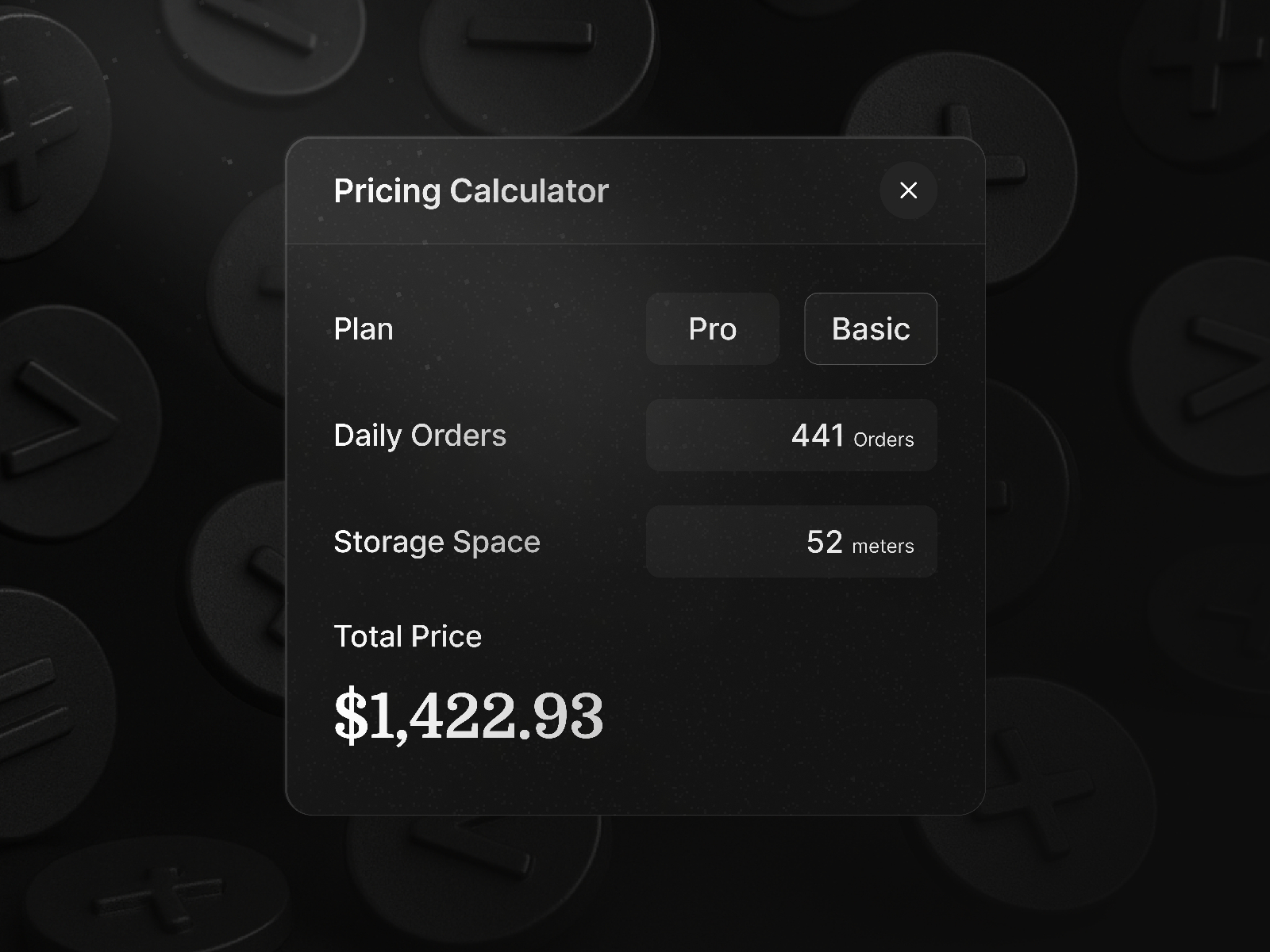
Pricing Calculator — Formula-driven display that reads slider and selector variables in real time
by Nabeel
Pricing Calculator is Nabeel’s flexible engine for anything that looks like {users * price + baseFee}. Assign variable names to sliders and selectors, write a JavaScript expression in the display component (ChatGPT can draft the formula from your variable list), and results update instantly with prefix, suffix, and formatting controls. Debug mode shows live variable values when formulas misbehave. It is the right pick when no preset ROI layout fits your model and you would rather compose inputs than fight a fixed template. Weakness: you assemble sliders, selectors, and the display as separate pieces, so it is not a single drag-and-drop block like ROI Calculator Ultra.
- Best for
- Builders who want custom math (mortgage, subscription, usage) without writing React from scratch
Affiliate link — we may earn a commission at no extra cost to you.

Pro ROI Calculator — Animated ROI display with dark, light, and custom themes plus gauge visuals
by Eneko Lekue
Pro ROI Calculator targets conversion through motion: Framer Motion count-ups, filling bars, and drawing gauges keep visitors engaged while monthly value, annual profit, payback period, and ROI multipliers recalculate. Dark, light, and custom accent modes, grouped property folders, and multi-currency symbols ($, €, £, ¥, ₹) make panel work manageable for non-developers. It sits between Isaac Yi’s budget B2B widget and RamicTech’s full enterprise stack. Weakness: fewer preset input types and integration hooks than ROI Calculator Ultra, so pair it with a separate form if you need HubSpot or webhook capture on the same block.
- Best for
- Agency and SaaS pages where motion and visual payoff charts sell the value story
Affiliate link — we may earn a commission at no extra cost to you.
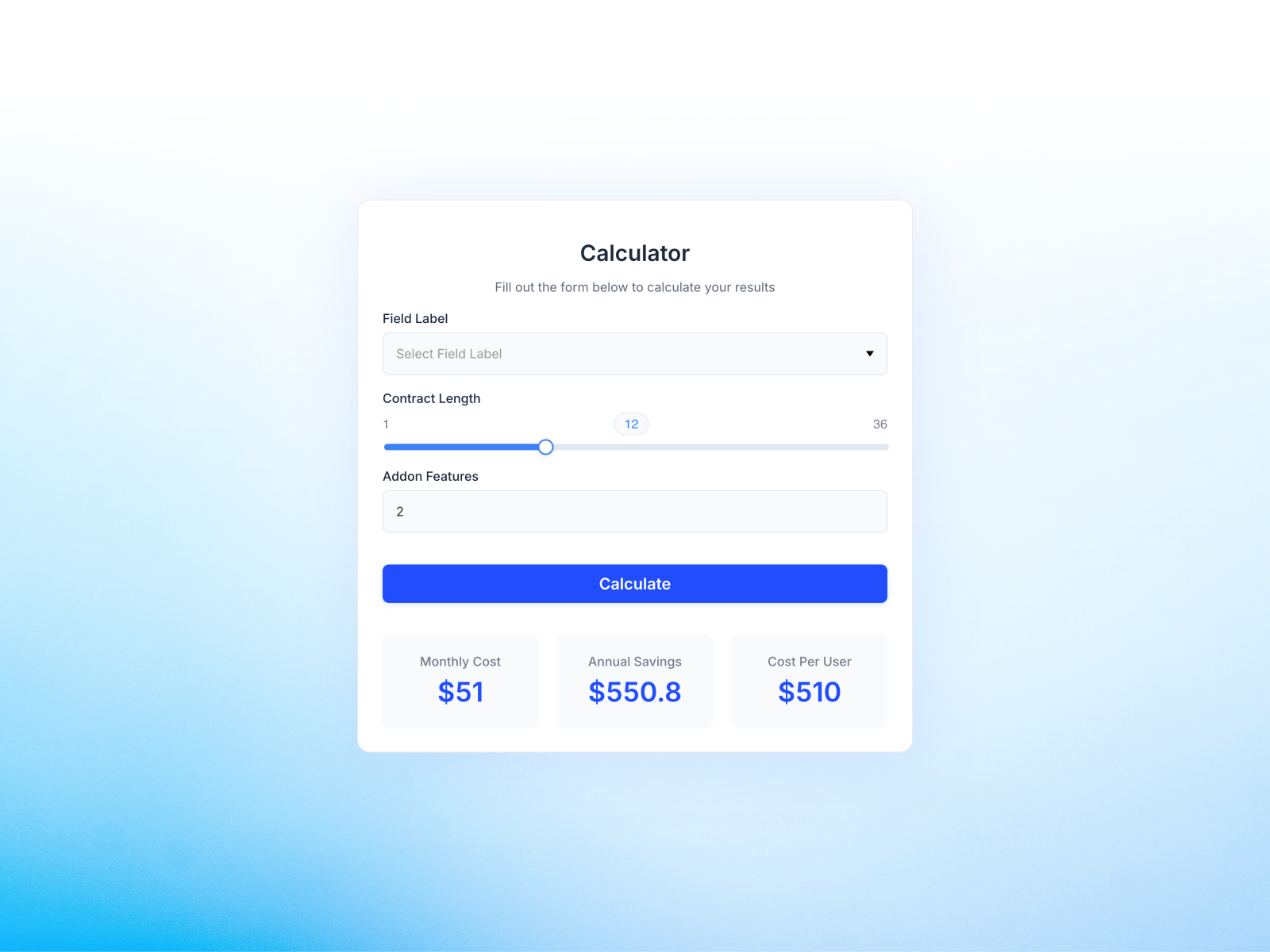
Custom Calculator — Universal field builder with real-time math and built-in HubSpot lead gating
by AGR Studio
Custom Calculator from AGR Studio is the lead-gen focused pick. Unlimited dropdowns, sliders, and number inputs feed real-time or button-triggered results, with an optional HubSpot form gate so visitors submit contact info before seeing the quote. Three calculation modes (live, on-demand, lead-gated) cover service estimators, ROI demos, and loan-style math without custom code. Mobile-responsive styling ships ready. Weakness: HubSpot-centric capture is less useful if your stack is Typeform or Framer Forms only, and the visual design is functional rather than cinematic compared to Pro ROI Calculator.
- Best for
- Consultants and agencies that need quote calculators with CRM capture before showing results
Affiliate link — we may earn a commission at no extra cost to you.
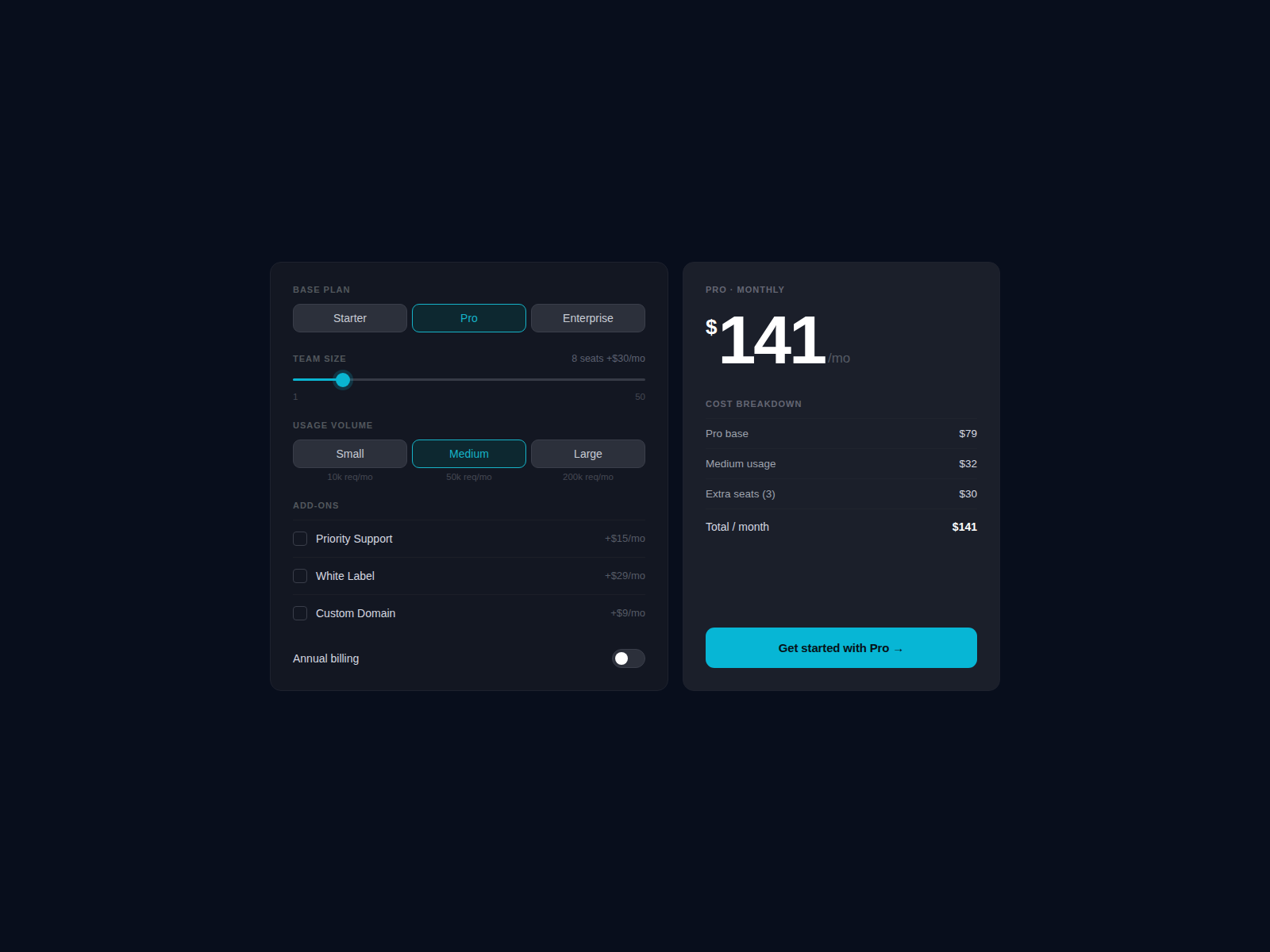
Dynamic Calculator — Usage-based SaaS pricing with seat overages, volume tiers, and billing toggle
Dynamic Calculator (Pricing Calculator Glass) is the strongest free pick for subscription products with included seats and overage pricing. Three base plans, a team-size slider with included seats and per-seat overage, three usage volume tiers with multipliers, four toggleable add-ons, and an annual billing discount all feed an animated total with line-item breakdown. CTA text supports a {plan} variable for deep links. Dark aesthetic defaults are fully recolorable from the panel. Weakness: the layout assumes a classic SaaS pricing panel, not a minimal ROI sidebar, and there is no built-in CRM handoff.
- Best for
- Early-stage SaaS sites that need per-seat and usage-tier math at zero license cost
Affiliate link — we may earn a commission at no extra cost to you.

Price Estimator — Live monthly total from up to six custom sliders with cost breakdown
by Yoab
Price Estimator replaces “contact us for pricing” friction with a live monthly cost that updates on every slider move. Up to six configurable sliders (label, unit singular/plural, min/max/step, included allowance, price per unit), a monthly/annual toggle with discount percentage, itemized breakdown rows, and 20-plus color controls make it feel on-brand without code. Responsive single-column collapse on mobile is built in. Install this free component when your pricing model is slider-driven but you do not need ROI savings language. Weakness: no ROI or payback metrics, only price output.
- Best for
- Pricing pages where visitors configure seats, storage, or API usage and need instant totals
Affiliate link — we may earn a commission at no extra cost to you.

Modular Pricing Calc — Toggle, checkbox, and stepper rows with animated totals and RTL support
by Reem Magdi
Modular Pricing Calc lets you stack unlimited pricing rows: toggles for billing period switches, checkboxes for add-ons, steppers for seat counts. The total animates on every interaction, a savings badge appears when discounts apply, and a hover tooltip shows itemized breakdown. Six currencies (USD, EUR, GBP, EGP, SAR, AED) and RTL direction flip layouts for Arabic and Farsi without duplicate components. Built-in CTA inherits accent color from the panel. Weakness: row-by-row setup takes more planning than a single preset SaaS panel, and there is no cross-slider multiplication for complex per-person formulas.
- Best for
- Global SaaS configurators that need billing toggles, seat steppers, and Arabic or RTL layouts
Affiliate link — we may earn a commission at no extra cost to you.
B2B ROI Calculator — Client-side ROI math with zero external dependencies and fixed layout stability
by Isaac Yi
B2B ROI Calculator from Isaac Yi is the budget enterprise answer: fully client-side math with no API keys, customizable labels and currency from the property panel, accent and background controls, and cross-fade transitions without layout shift. Drop it on a pricing page, rewrite copy to match your product assumptions, and publish. Static-renderer safe behavior keeps canvas and export predictable. At 5 USD it is the lowest-cost paid ROI block here. Weakness: fewer themes, presets, and lead-capture hooks than RamicTech or Eneko Lekue picks, so treat it as focused ROI math rather than a full funnel component.
- Best for
- SaaS pricing pages that need credible ROI output on a tight one-time budget
Affiliate link — we may earn a commission at no extra cost to you.
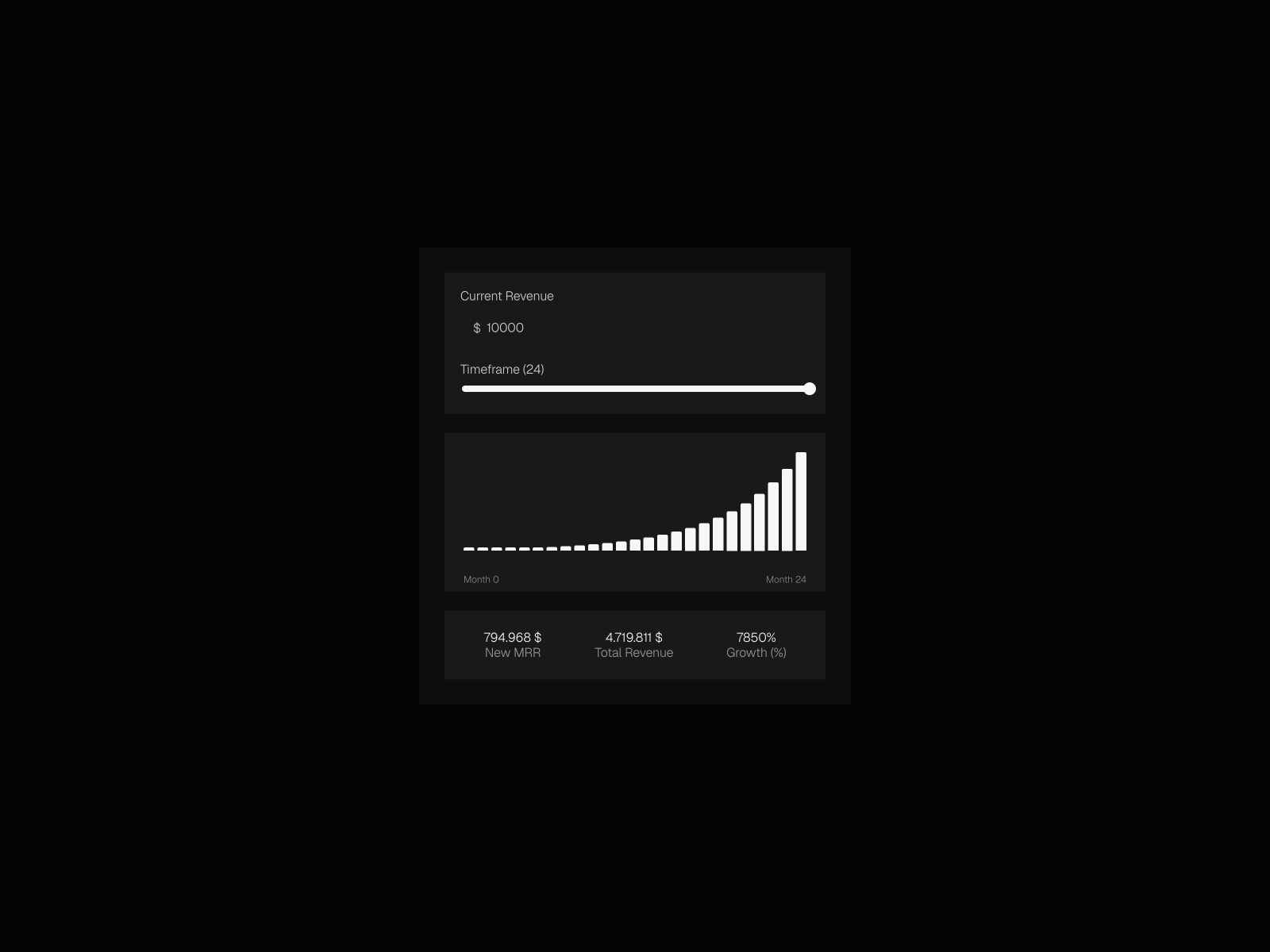
Growth Calculator — Interactive growth and savings projection with multiple theme presets
by Filip Sacer
Growth Calculator moves beyond static hero stats by letting visitors adjust inputs and see projected growth or savings update in a polished interactive block. Filip Sacer ships dark, light, and accent variants (including purple and red accent modes) with a live demo at filipsacer.com/growth-calculator so you can judge motion before buying. At 5 USD it suits agencies pitching transformation ROI where the story is trajectory, not payback weeks. Weakness: narrower scope than full B2B ROI calculators with payback badges and multi-metric cards, and sales are final per the creator policy.
- Best for
- Consulting and productivity tools that demonstrate revenue or savings potential over time
Affiliate link — we may earn a commission at no extra cost to you.
Quick comparison
| Component | Price | Type | Best for |
|---|---|---|---|
| ROI Calculator Ultra | 29 USD | Component | Full B2B ROI with payback, presets, and lead capture |
| Price Engine Pro | 7 USD | Component | Dynamic quotes with tiered pricing and checkout URLs |
| Pricing Calculator | 15 USD | Component | Custom formulas from sliders and selectors |
| Pro ROI Calculator | 14 USD | Component | Animated ROI with gauges and theme modes |
| Custom Calculator | 10 USD | Component | HubSpot-gated quotes and universal field math |
| Dynamic Calculator | Free | Component | Free usage-based SaaS seat and tier pricing |
| Price Estimator | Free | Component | Free live slider pricing with breakdown |
| Modular Pricing Calc | Free | Component | Free modular toggles, steppers, and RTL pricing |
| B2B ROI Calculator | 5 USD | Component | Budget client-side ROI on pricing pages |
| Growth Calculator | 5 USD | Component | Growth and savings projection demos |
How to choose the right Framer calculator component
Separate ROI from quote math. ROI components (ROI Calculator Ultra, Pro ROI Calculator, B2B ROI Calculator, Growth Calculator) answer “what do I save or earn?” Quote engines (Price Engine Pro, Price Estimator, Dynamic Calculator, Modular Pricing Calc) answer “what do I pay?” Mixing the two on one page is fine, but pick the category that matches your CTA. A demo request funnel wants ROI. A self-serve checkout wants a quote total.
Match complexity to your pricing model. Three fixed tiers with no variables do not need Price Engine Pro. Per-seat overages, usage tiers, and cross-multiplied rates do. Start with Dynamic Calculator or Price Estimator when budget is zero and your model is slider-based. Upgrade to Price Engine Pro when tiered bands or checkout URL passthrough enter the brief.
Budget for integrations, not just the license. Custom Calculator wins when HubSpot must gate results. ROI Calculator Ultra wins when webhooks or Stripe checkout parameters matter. A 5 USD ROI block is enough when you only need credible numbers above a “Book a demo” button and capture leads through a separate Framer form.
Preview mobile breakdown views. Every pick here recalculates on small screens, but long slider stacks and ROI metric grids behave differently on phones. Publish to a staging URL and drag inputs on a real device before client handoff.
Our top pick for most Framer builders
If you install one paid calculator this quarter, choose Price Engine Pro when visitors must see a purchasable total with tiered or cross-multiplied inputs at 7 USD. Choose ROI Calculator Ultra when the page sells to finance stakeholders who need payback period, multi-currency ROI, and optional lead capture in one block. For zero budget, Dynamic Calculator and Price Estimator cover most SaaS pricing-page math without a license line item.
Pair any calculator with a pricing table component roundup when you need static tier cards above the interactive block. Browse free Framer templates on yoframer for SaaS landing starting points, or explore more resource roundups on the Resources hub.
Updated September 2026. We refresh this list as notable calculator components ship, reprice, or go stale.