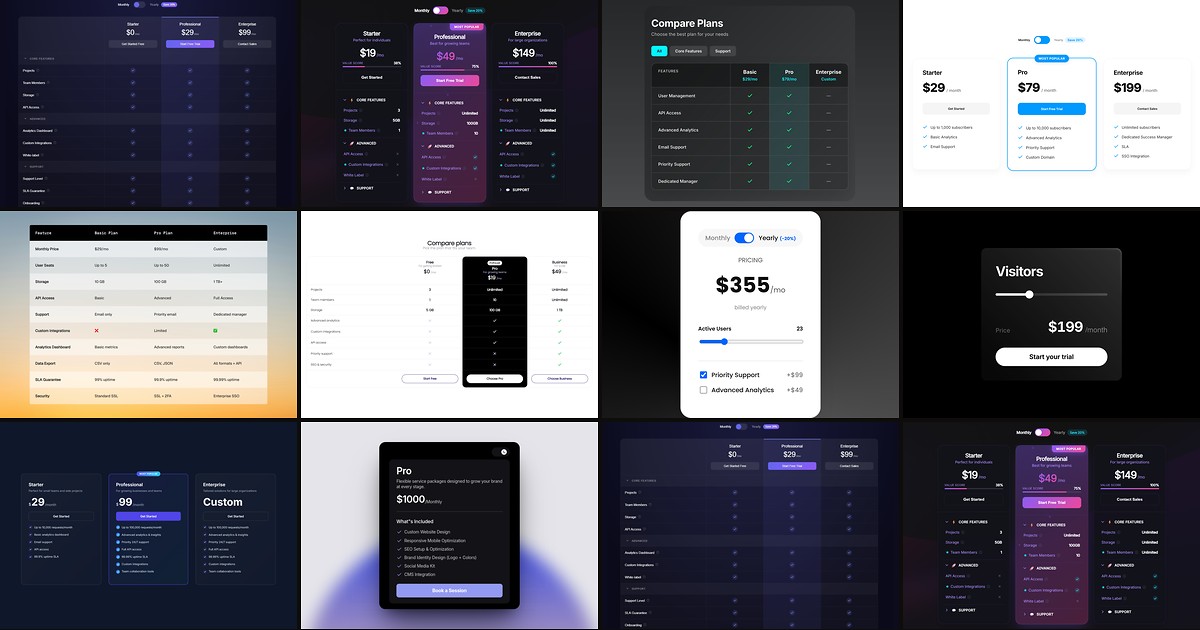
Pricing pages are where SaaS launches win or lose — and they are also where Framer builds stall. Native frames can mock up three cards quickly, but they fall apart when you need a monthly/yearly toggle that recalculates prices, a feature matrix with twenty rows, or regional pricing that adjusts by visitor country. A dedicated framer pricing table component from the marketplace closes those gaps with property-panel controls, responsive card fallbacks, and billing logic you would otherwise wire through overrides.
This list ranks ten pricing table and comparison components available on the Framer marketplace today. Every pick works with current Framer in 2026, has a live demo, and comes from an identifiable creator — five free and five paid, so you can ship client pricing sections without a line-item budget and upgrade when a launch needs geo-smart logic or JSON-driven tables.
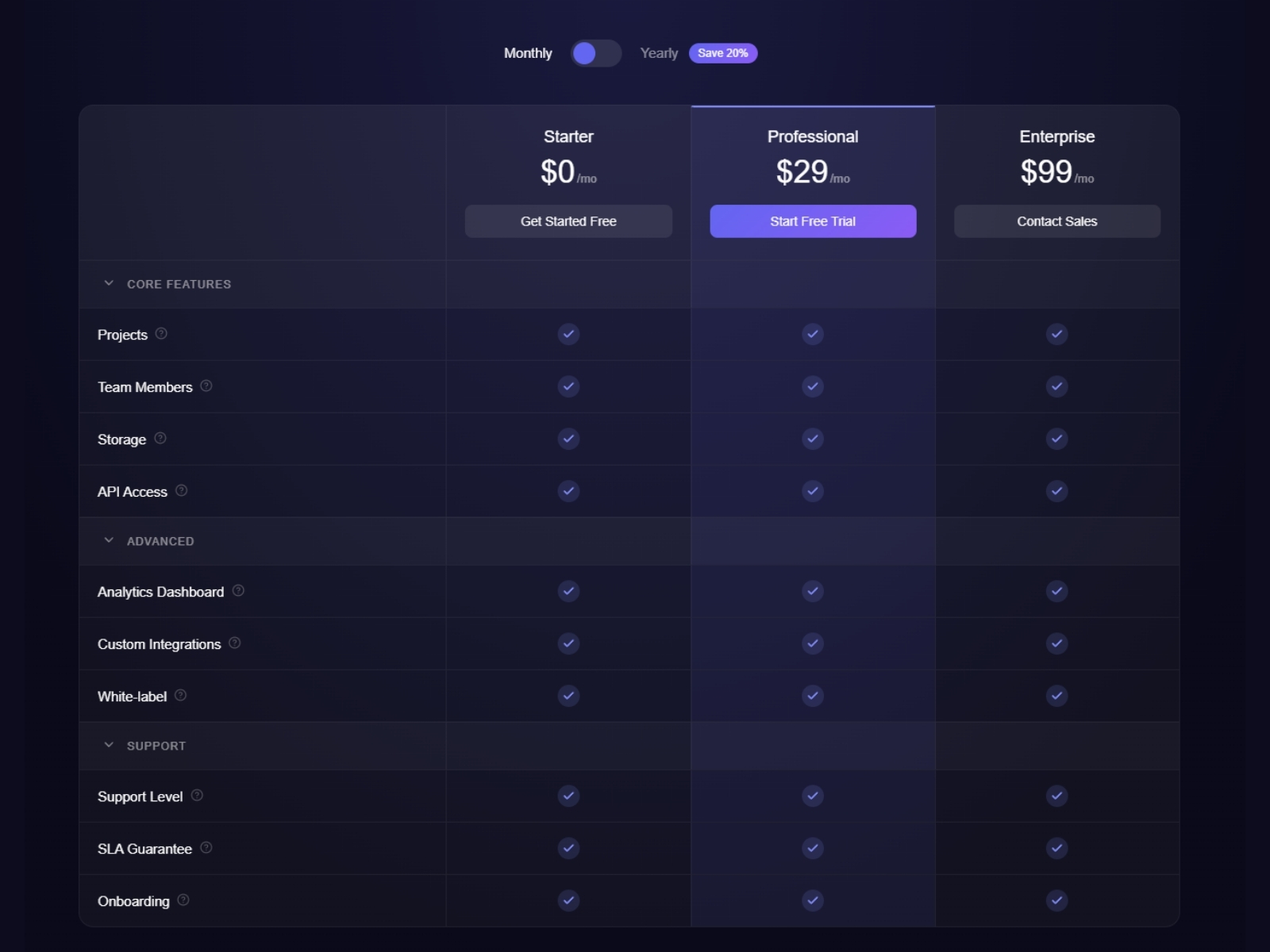
Prism Pricing Table — Geo-smart pricing grid with cards, comparison table, and PPP discounts
by Can Girgin
Prism Pricing Table is the strongest all-in-one pick when pricing is a product decision, not just a design task. It combines plan cards, a full comparison table, and three geo modes — classic off, PPP auto-discount by country, and US/EU/UK regional overrides — inside one Framer-native component. Manual panel editing or JSON input covers both agency handoffs and developer-fed data, while layout modes let you ship table-only, card-only, or hybrid views that collapse cleanly on mobile.
- Best for
- Global SaaS products that need regional pricing without a separate pricing page per market
Affiliate link — we may earn a commission at no extra cost to you.
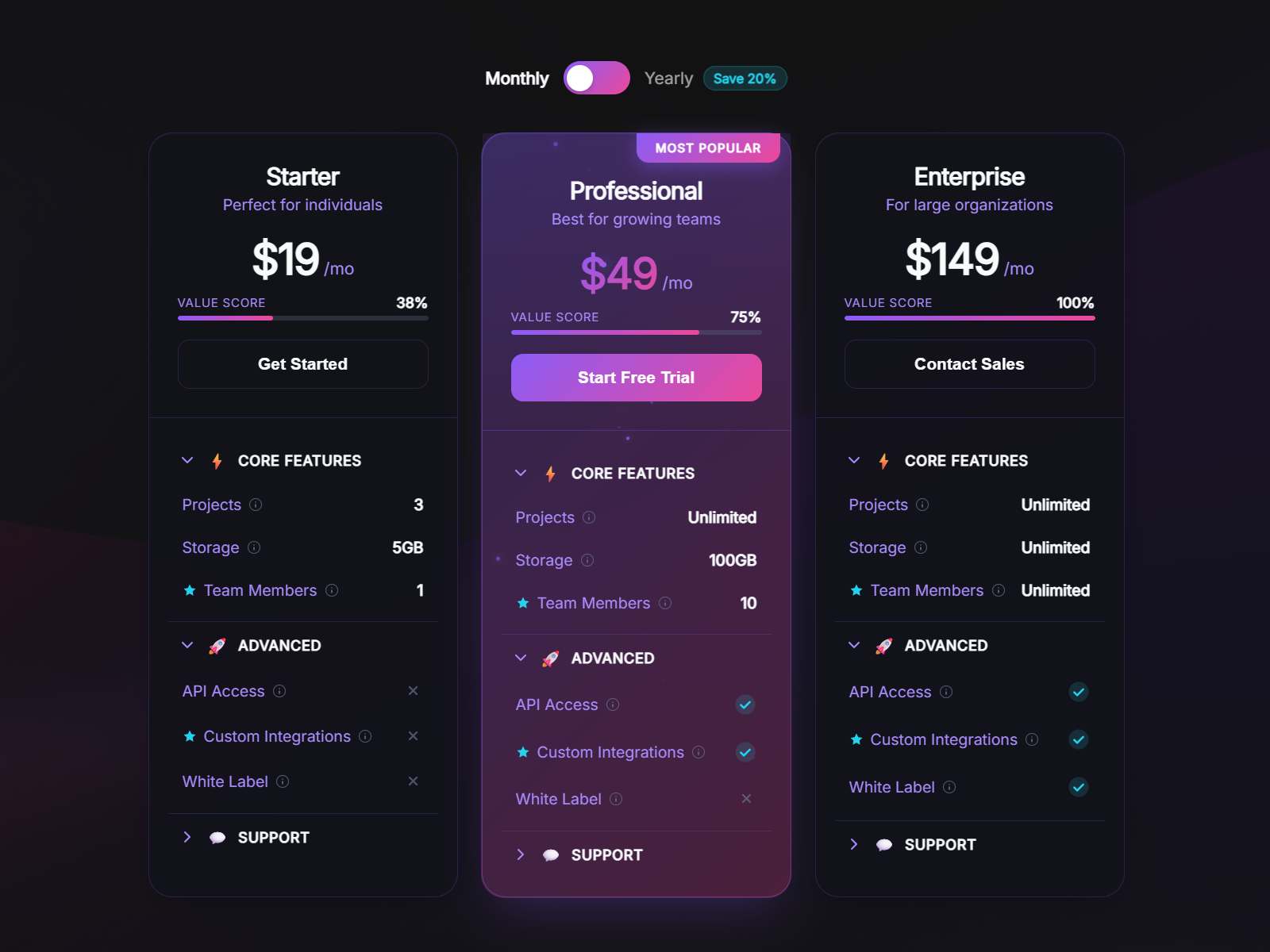
Price Table Compare — Animated pricing cards with collapsible feature sections and billing toggle
by Aidan Looker
Price Table Compare targets conversion-focused pricing sections where visual polish matters as much as clarity. Five theme presets, particle animations on recommended plans, collapsible feature accordions with tooltips, and a built-in monthly/yearly toggle with savings badges give you a complete pricing block without stacking separate card and table components. Value score bars and star-highlighted features help visitors scan tier differences fast — ideal when your client competes on feature depth, not just price point.
- Best for
- SaaS landing pages that need premium motion and a detailed feature breakdown
Affiliate link — we may earn a commission at no extra cost to you.
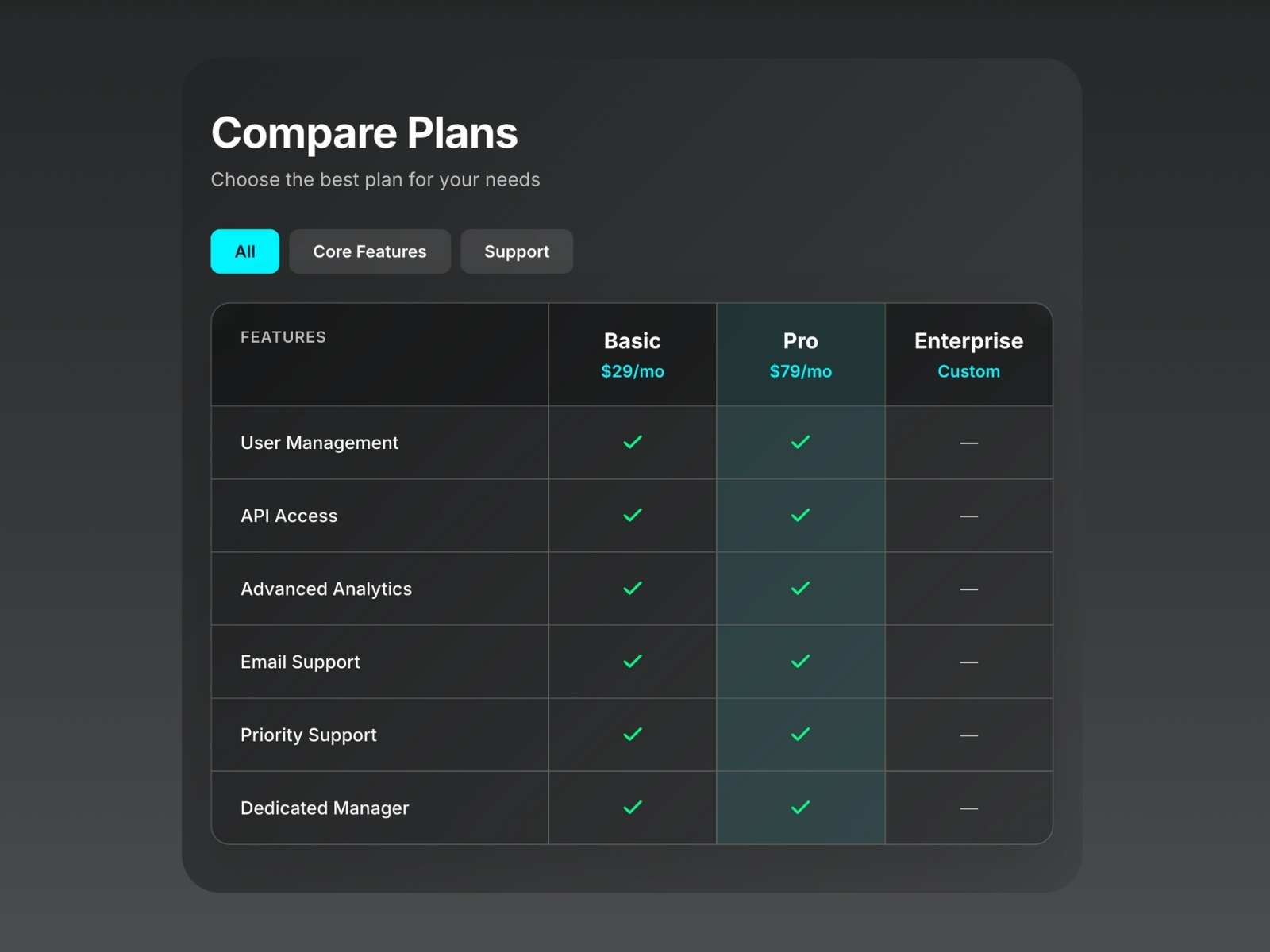
Pro Comparison Table — Responsive comparison table with six style presets and JSON bulk input
by Can Girgin
Pro Comparison Table is built for dense feature grids — the kind where a pricing page is really a product spec sheet. Six style presets from minimal to glassmorphism, category filtering, column highlighting, and smart cells that render checkmarks, dashes, or custom text keep long tables readable. Switch between manual panel editing for quick client tweaks and JSON input when your dev team ships updated plan data — a workflow that saves hours every time pricing changes before a launch.
- Best for
- B2B feature matrices, competitor comparisons, and CMS-fed pricing data
Affiliate link — we may earn a commission at no extra cost to you.
PriceGrid — SaaS pricing grid with billing toggle, animations, and currency localization
by CodePerfect
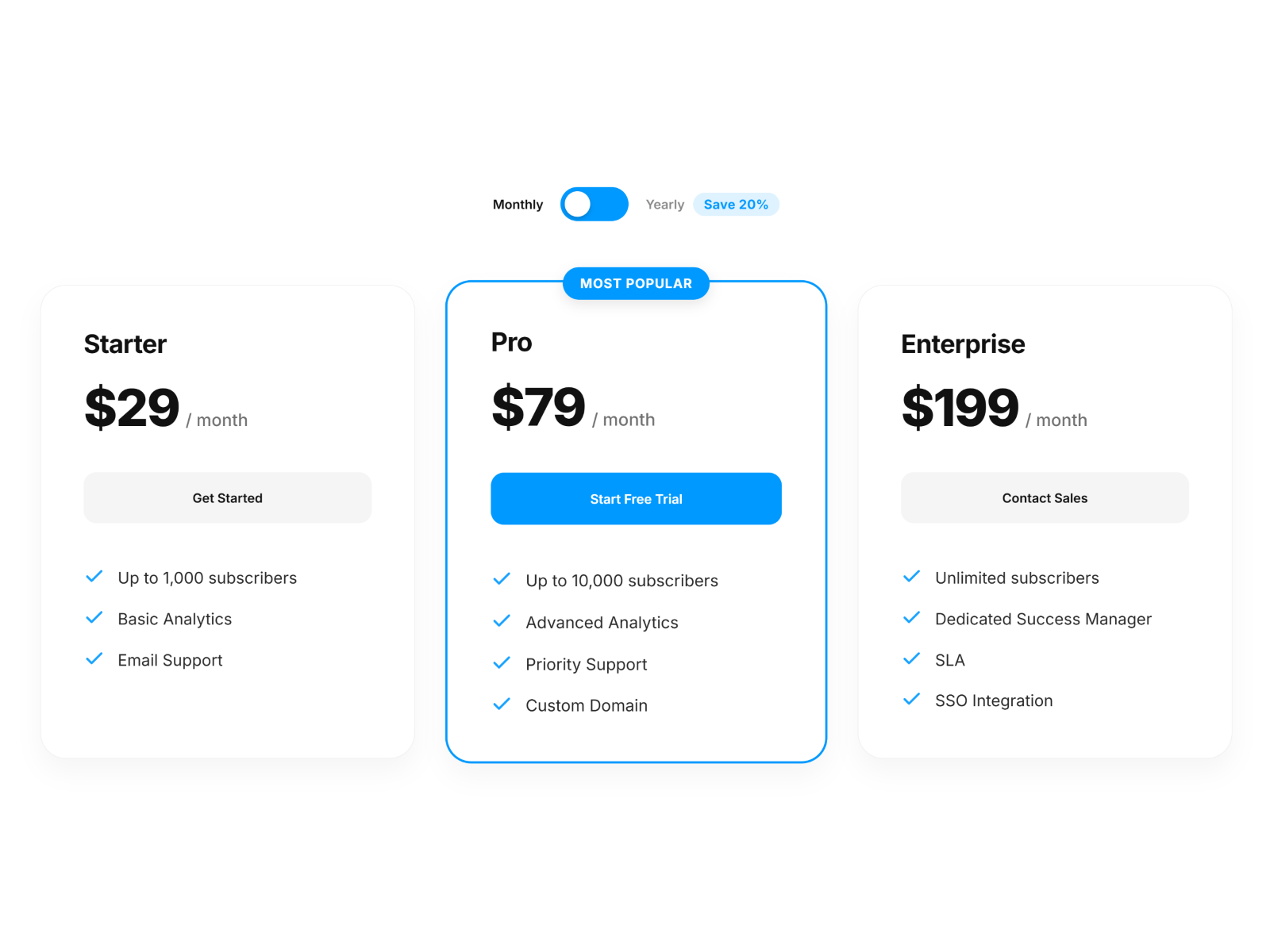
PriceGrid handles the interaction layer most static pricing frames skip: a built-in monthly/yearly switch that recalculates instantly, four price-transition animations powered by Framer Motion, and automatic currency detection by visitor location. Most Popular plan highlighting with custom badges drives focus to your anchor tier, while the responsive grid stacks into touch-friendly cards on mobile. At 12 USD it is a strong mid-tier pick when you need localization and motion without Prism’s full geo-pricing complexity.
- Best for
- Subscription products that need polished monthly/yearly switching and global currency display
Affiliate link — we may earn a commission at no extra cost to you.
Comparison Table — JSON-driven comparison table with automatic mobile card conversion
by AGR Studio
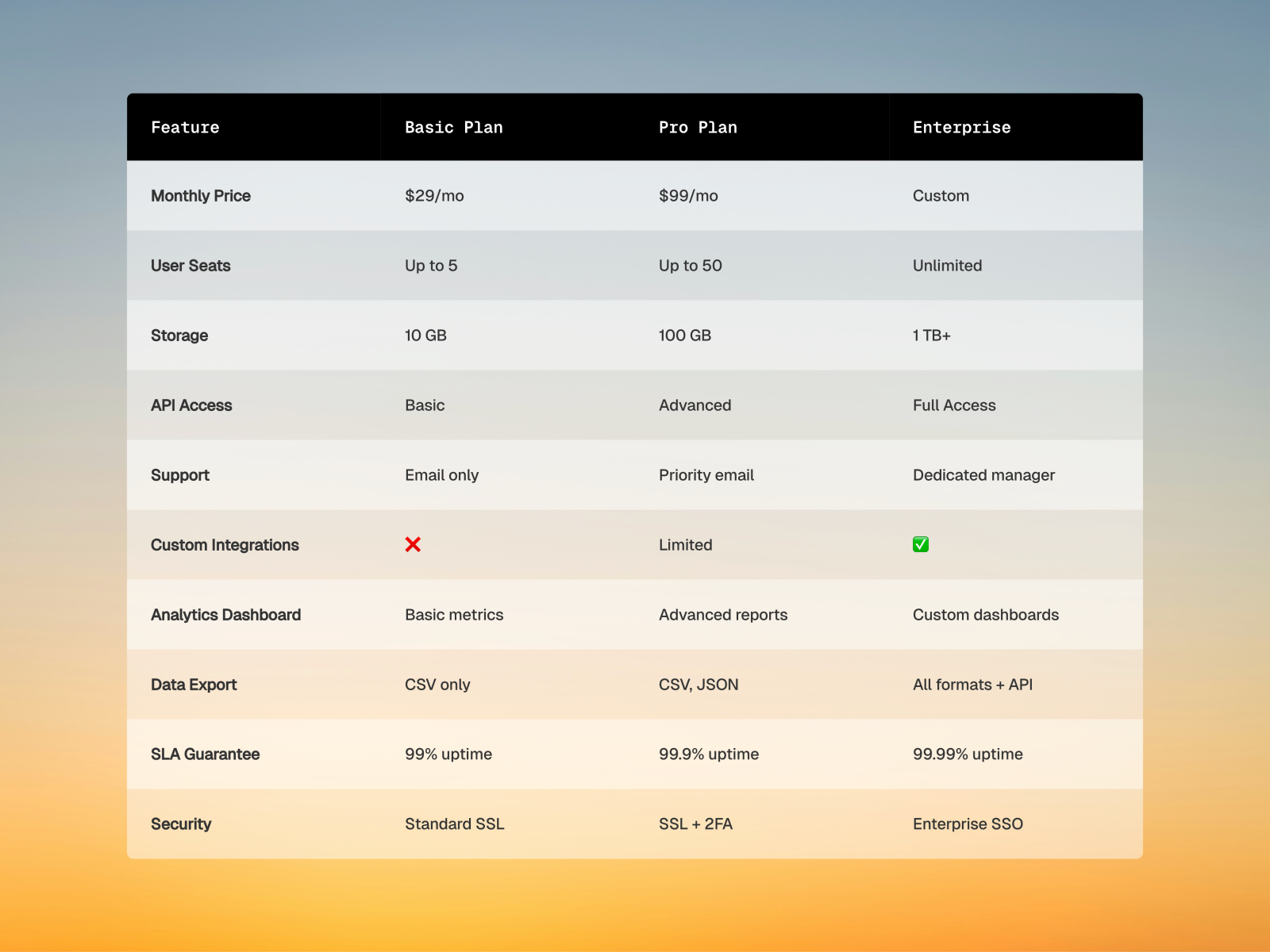
Comparison Table from AGR Studio solves the maintenance headache of large pricing grids: paste JSON once and the entire table populates, then auto-converts to stacked cards on mobile without a separate breakpoint design. Column spotlighting, alternating row colors, sticky headers, and granular border and radius controls give you production-grade tables derived from real client work. When your stakeholder sends updated plan JSON the night before launch, this component turns a twenty-minute rebuild into a ten-second paste.
- Best for
- Agency builds where pricing data changes frequently and mobile readability is non-negotiable
Affiliate link — we may earn a commission at no extra cost to you.
Plan Compare — Clean responsive comparison table with popular-tier highlighting
by Gazi Efe
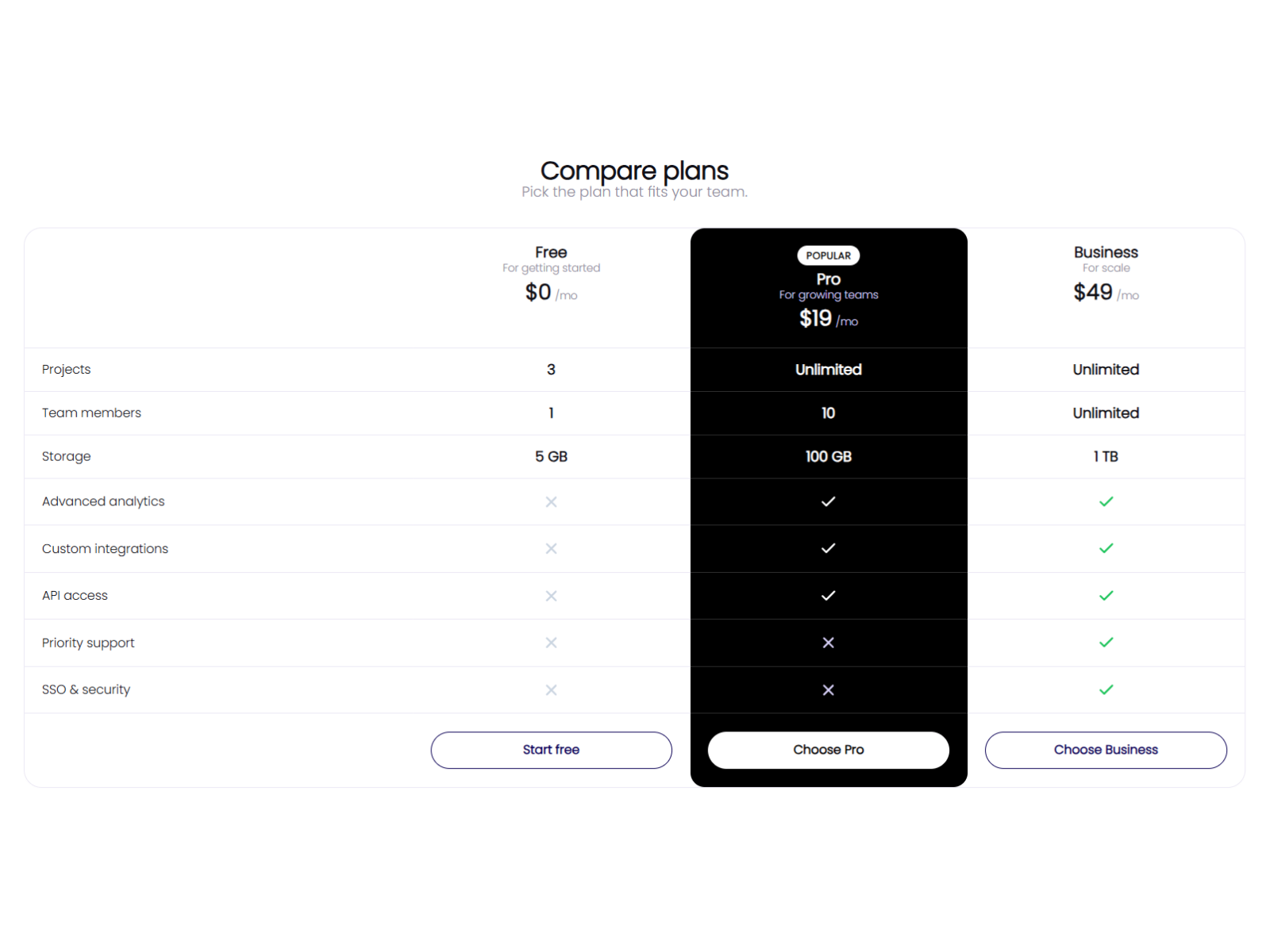
Plan Compare is the best free starting point when your pricing page needs an actual feature matrix, not just three side-by-side cards. Desktop renders a classic comparison table; mobile stacks into readable cards without horizontal scroll. Per-plan values support checkmarks, crosses, or custom text like Unlimited, and you can highlight one tier as a continuous block with its own colors and badge. Every font, color, and radius is editable from the property panel — no code and no license fee.
- Best for
- Early-stage SaaS sites and agency prototypes that need a real comparison table at zero cost
Affiliate link — we may earn a commission at no extra cost to you.
SaaS Pricing Lite — Logic-based pricing calculator with seat slider and billing toggle
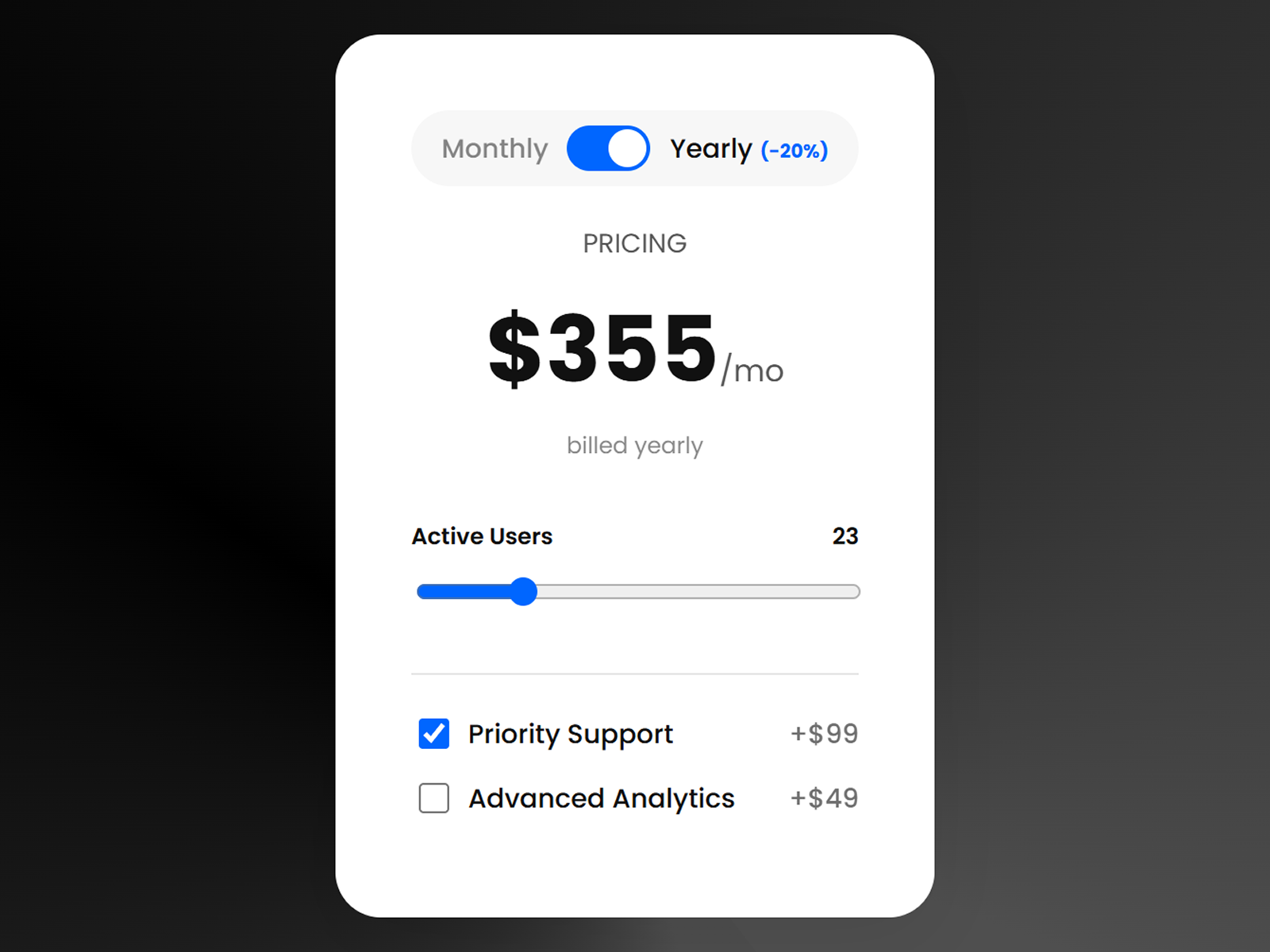
SaaS Pricing Lite is a functional calculator, not a static layout — seat counts update totals in real time through a smooth slider, a monthly/yearly toggle applies configurable discount logic, and two optional add-on checkboxes extend the math without custom React overrides. It inherits your project typography and colors, so the calculator feels native rather than embedded. Install this free component when your pricing model is interactive and a fixed three-tier grid would mislead visitors about what they will actually pay.
- Best for
- Usage-based SaaS products where price depends on seats, add-ons, or billing cycle
Affiliate link — we may earn a commission at no extra cost to you.
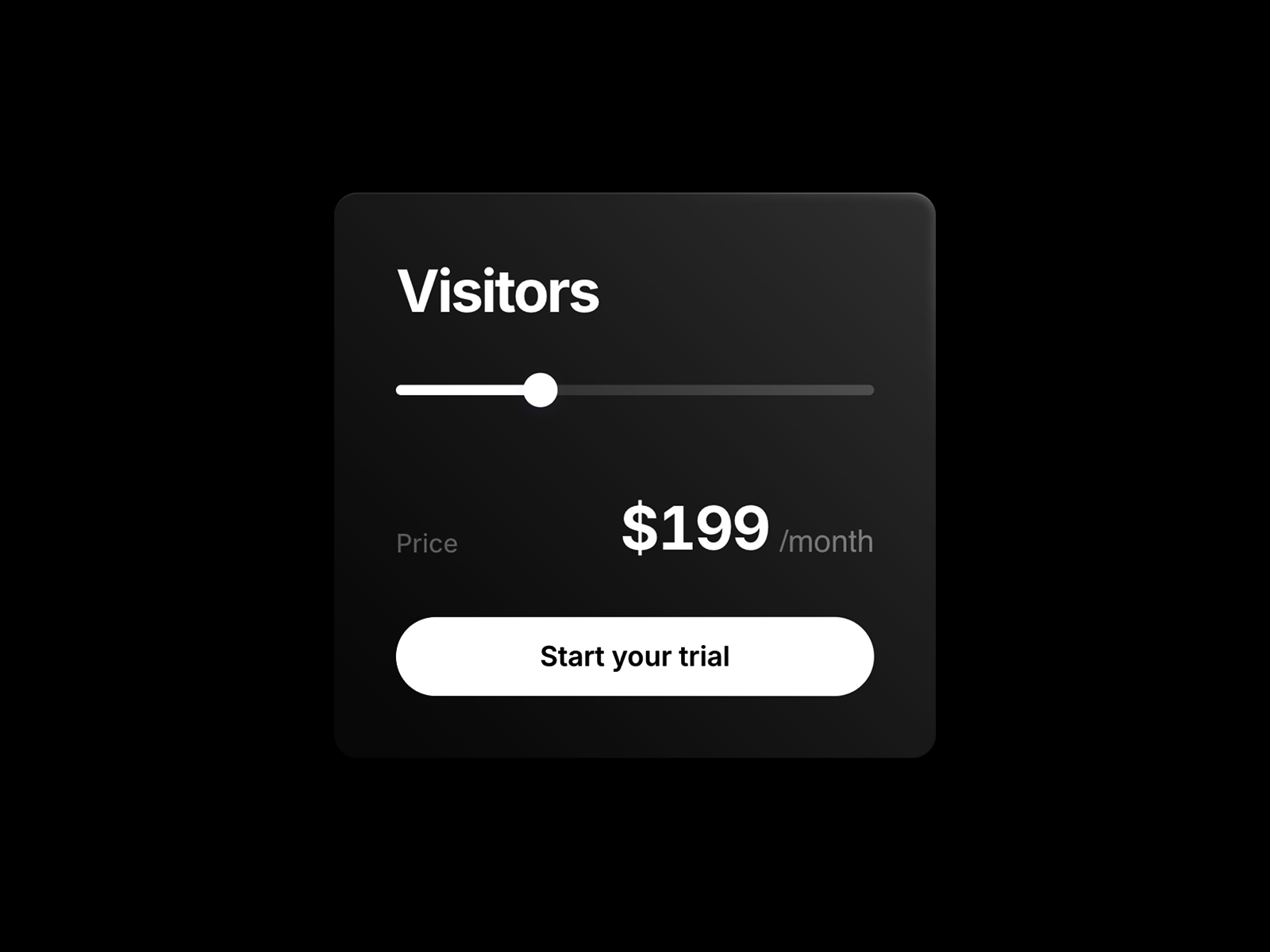
Pricing Slider — Interactive slider that updates plan price and features by usage tier
by Justin Jones
Pricing Slider lets visitors drag through usage-based tiers — team size, page views, storage — and watch price, features, and plan details update dynamically. It is a different pattern from card grids or comparison tables, but essential when your product prices on a continuum rather than three fixed buckets. Free and lightweight, it pairs well with a static comparison table above the fold and this slider below for visitors who want to self-serve their exact tier.
- Best for
- Scalable SaaS pricing where visitors explore tiers by dragging through usage levels
Affiliate link — we may earn a commission at no extra cost to you.
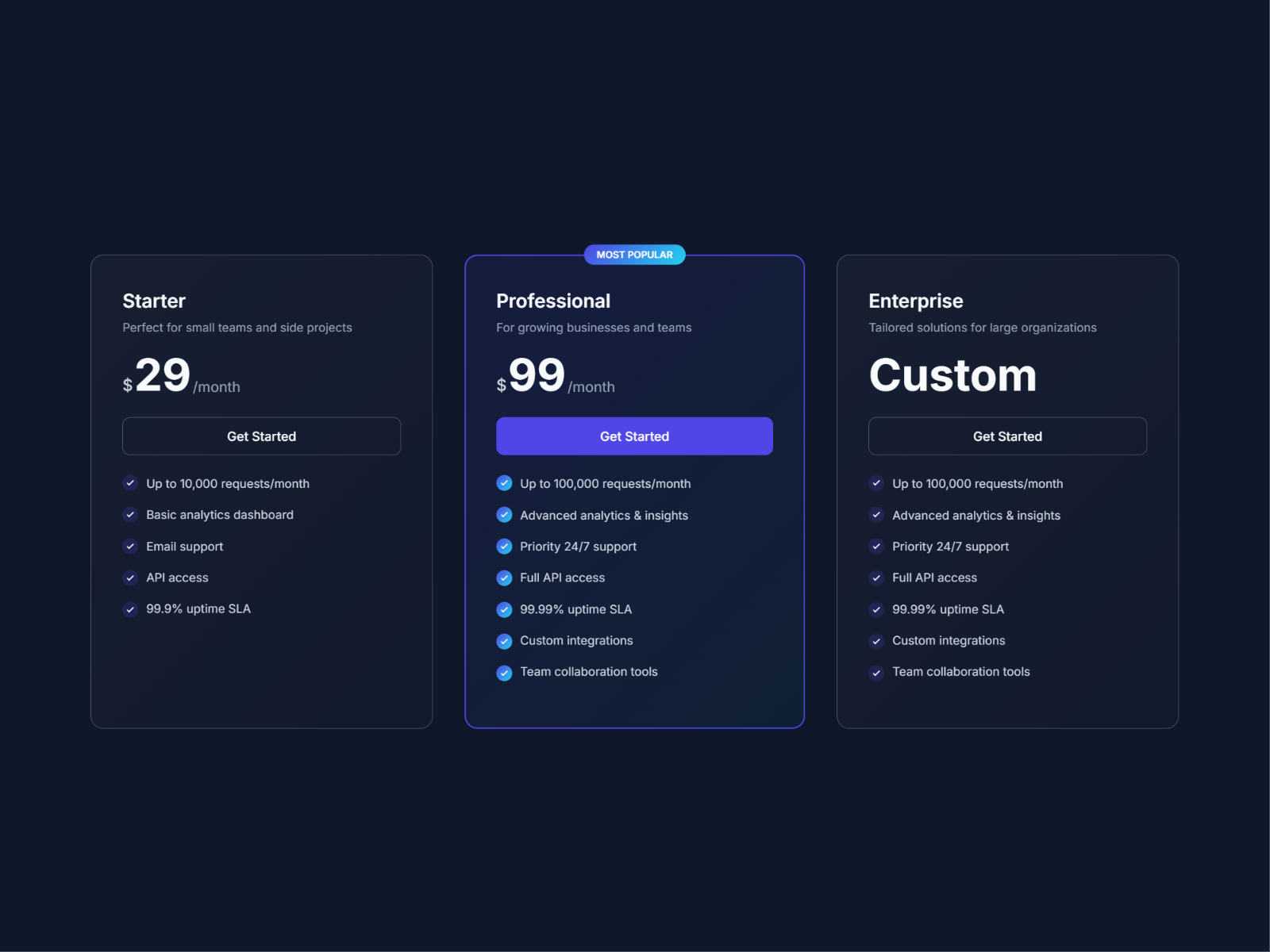
Pricing Cards — Dark-themed three-tier pricing cards with popular badge
by Minhal Jafar
Pricing Cards ships a ready-made three-tier layout — Starter, Professional, Enterprise — with a highlighted Most Popular badge on the center card, feature checklists, and CTA buttons in a sleek dark UI. It is not a comparison table, but it is the fastest free path to a credible pricing section when your client has three simple plans and no feature grid requirement. Edit text, colors, and features entirely from the panel and drop it into any landing page layout.
- Best for
- Quick SaaS pricing sections when you need polished cards without a feature matrix
Affiliate link — we may earn a commission at no extra cost to you.
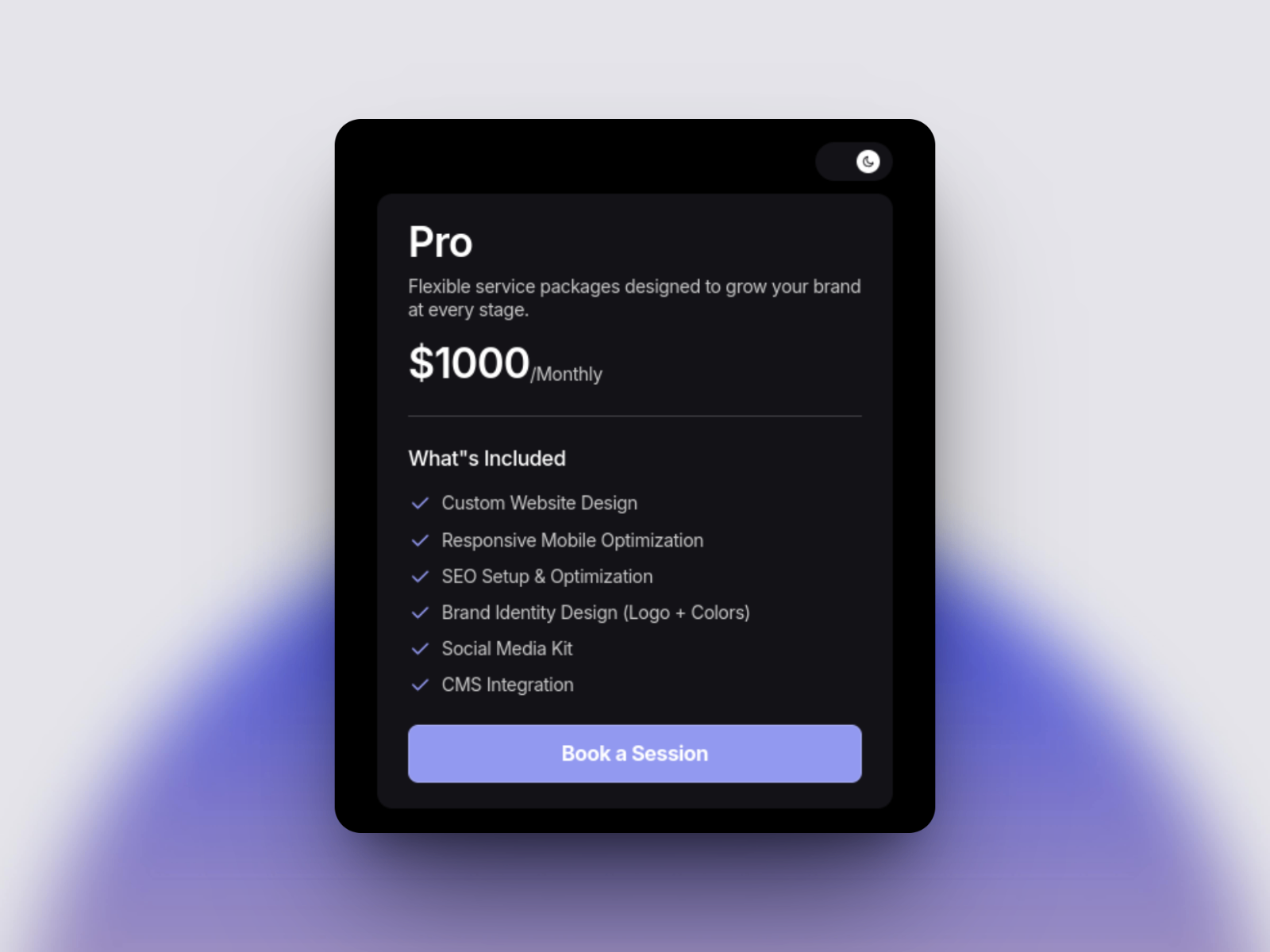
PrimeFlow Pricing — Light and dark pricing cards with responsive breakpoints
by Amir ali
PrimeFlow Pricing delivers a modern single-card or multi-plan layout with built-in light and dark mode variants, responsive breakpoints across desktop, tablet, and mobile, and editable pricing details, feature lists, buttons, and icons. It is ideal when your pricing section must match both a light marketing site and a dark product dashboard without rebuilding the component. Free, theme-ready, and organized for fast handoff — a solid complement to comparison-table picks when you only need card-style tiers.
- Best for
- Agency sites and product pages that need theme-flexible pricing cards out of the box
Affiliate link — we may earn a commission at no extra cost to you.
Quick comparison
| Component | Price | Type | Best for |
|---|---|---|---|
| Prism Pricing Table | 10 USD | Component | Geo-smart SaaS with cards and comparison table |
| Price Table Compare | 14 USD | Component | Premium animated pricing with feature accordions |
| Pro Comparison Table | 15 USD | Component | Dense B2B feature matrices with JSON input |
| PriceGrid | 12 USD | Component | Billing toggle with currency localization |
| Comparison Table | 10 USD | Component | JSON-fed tables with mobile card fallback |
| Plan Compare | Free | Component | Free responsive comparison table |
| SaaS Pricing Lite | Free | Component | Interactive seat and add-on calculator |
| Pricing Slider | Free | Component | Usage-based tier exploration via slider |
| Pricing Cards | Free | Component | Quick three-tier dark card layout |
| PrimeFlow Pricing | Free | Component | Light/dark theme-flexible pricing cards |
How to choose the right Framer pricing table component
Start with layout type. If visitors need to compare features across plans, install a comparison-table component first — Plan Compare for free, Prism or Pro Comparison Table when you need JSON input or geo logic. If three card tiers are enough, Pricing Cards or PrimeFlow Pricing ship faster with less configuration.
Match interactivity to pricing model. Fixed subscription tiers work with card grids and comparison tables. Usage-based or seat-based pricing needs SaaS Pricing Lite or Pricing Slider so totals update as visitors adjust inputs — static cards will misrepresent what customers pay.
Budget for maintenance, not just launch day. JSON-driven components (Comparison Table, Pro Comparison Table, Prism) pay off when pricing changes quarterly. One-time 10–15 USD licenses beat rebuilding native frames every time a stakeholder adds a feature row or changes a regional price.
Test mobile before handoff. Every comparison-table pick on this list converts to stacked cards on small screens — preview both layouts in Framer canvas and verify CTA links resolve on the card view, not just the desktop grid.
Our top pick for most Framer builders
If you install one paid pricing component, make it Prism Pricing Table when your SaaS sells globally — geo modes and hybrid card/table layouts cover more launch scenarios than any single free pick. For zero-budget builds, Plan Compare is the free default that turns a pricing page from three static cards into a real feature comparison. When a client budget allows one premium install focused on conversion polish, Price Table Compare at 14 USD delivers the strongest motion and accordion UX per dollar.
Browse Framer templates on yoframer for SaaS landing starting points, or read our popup and modal components roundup for overlays that pair well with pricing-page exit offers. More resource roundups live on the Resources hub.
Updated July 2026. We refresh this list as notable pricing table components ship, reprice, or go stale.


