Lottie JSON and dotLottie files give Framer sites vector motion at a fraction of video weight — icons that loop, hero illustrations that react to hover, and product walkthroughs that scrub with scroll. Native Insert → Media layers handle autoplay and basic speed controls, but Framer Lottie animation workflows that feel premium usually stack a discovery plugin, a scroll-synced player, and tighter playback triggers on top of the built-in components.
This list ranks eight Lottie tools verified live in July 2026: marketplace plugins and components with working install links, Framer’s official DotLottie layer, and two creator guides for scroll-driven playback. Every pick has an identifiable author, a live URL, and a clear use case — four free and four paid so you can prototype without spending and upgrade when a client brief demands scroll storytelling or inline headline motion.

LottieFiles Plugin — Browse 500,000+ animations and insert dotLottie files without leaving Framer
by LottieFiles
LottieFiles for Framer is the default starting point for most Lottie workflows: search the public catalog or your team’s private workspace, insert animations directly onto the canvas, and apply color theming that respects Framer’s light and dark modes. The plugin ships state-machine-ready dotLottie files and stays actively maintained — version 9 landed weeks before this roundup with nested-folder support and UI fixes. Install it first whenever designers should pick motion assets without bouncing between browser tabs and the Framer canvas.
- Best for
- Teams that need fast animation discovery, private workspace assets, and Lottie Theming inside the editor
Affiliate link — we may earn a commission at no extra cost to you.
Scroll Synced Lottie — Map Lottie JSON progress to scroll position with spring or tween transitions
by FunTech
Scroll Synced Lottie connects any Lottie JSON — uploaded or URL-hosted — to the component’s scroll range using Motion’s useScroll offsets. Two intersection points define when progress runs from 0 to 1, and a spring transition (stiffness 400, damping 20 by default) keeps scrubbing smooth instead of jittery. It is the strongest free scroll player on the marketplace when you want Apple-style step-through motion without writing a code override.
- Best for
- Product explainers and hero sections where animation frames should follow scroll, not autoplay on load
Affiliate link — we may earn a commission at no extra cost to you.

Better Lottie — Viewport-aware playback with loop, once, and reverse-on-exit controls
by Till Janek
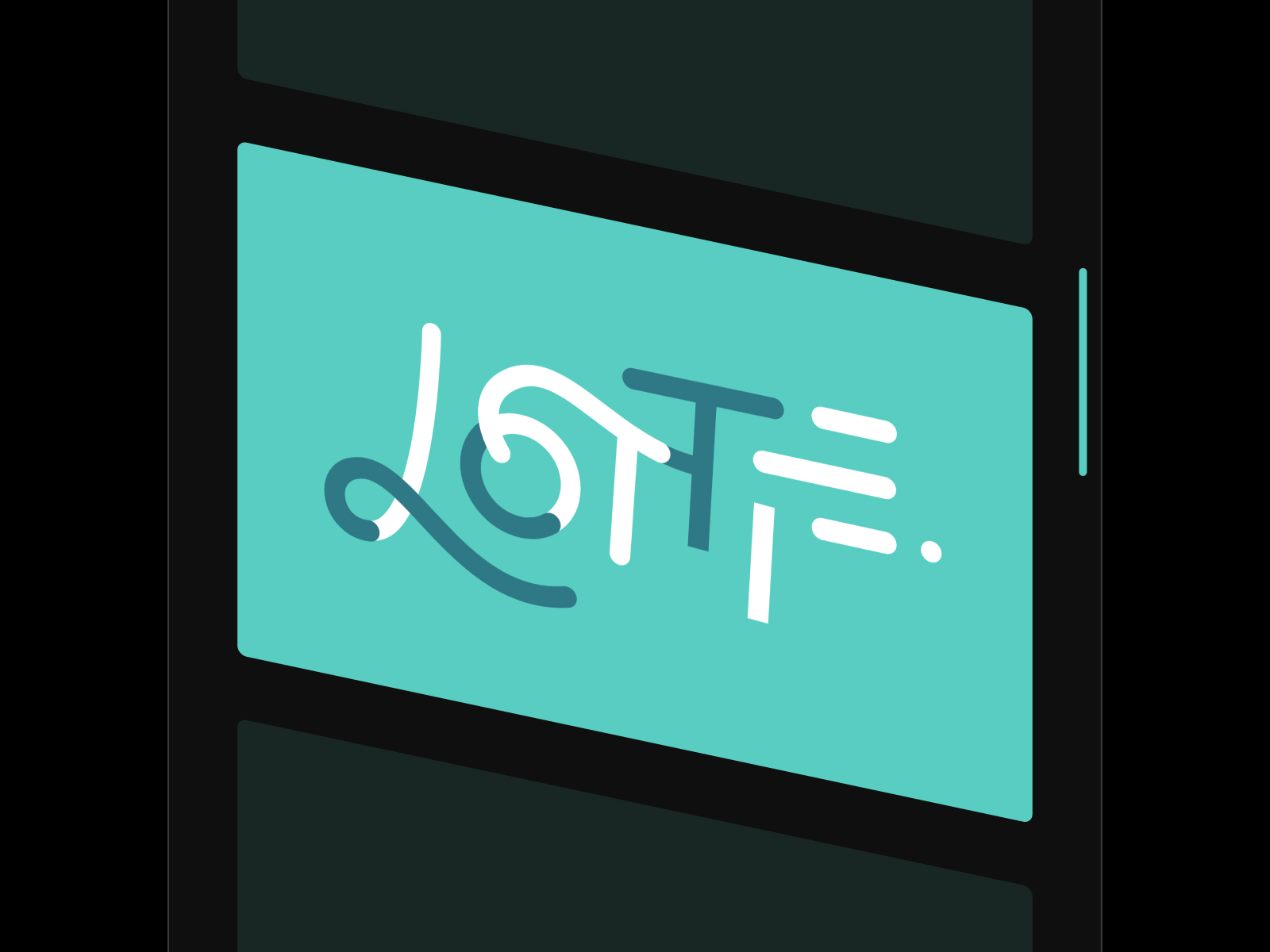
Better Lottie wraps standard Lottie JSON with the playback controls native layers omit: trigger on appear or when the layer enters the viewport, play once or every time in view, toggle looping, and optionally animate backward when leaving the viewport to prevent visual jumps. Till Janek maintains it as a utilities component — drop it anywhere you would use a native Lottie layer but need production-grade trigger logic for icons, empty states, or below-the-fold illustrations.
- Best for
- UI micro-interactions and section reveals that must not replay or jump when users scroll back up
Affiliate link — we may earn a commission at no extra cost to you.

Lottie On Scroll — Bidirectional scroll scrubbing with start, end, and smoothing controls
Lottie On Scroll from Chehak Singla ties standard Lottie JSON directly to page scroll — forward on scroll down, backward on scroll up — with adjustable start and end points plus a smoothing slider for how tightly frames track finger or wheel input. The live preview at lottiescroll.framer.website shows the intended premium feel: intentional motion that responds to the reader instead of looping passively. At 5 USD it is the paid upgrade when Scroll Synced Lottie’s spring mapping is close but you want simpler start/end tuning out of the box.
- Best for
- Marketing landers and case-study heroes where animation must rewind when users scroll up
Affiliate link — we may earn a commission at no extra cost to you.
Lottie (Inline) — Drop Lottie clips inline before trigger words in any headline
by Motiondrops
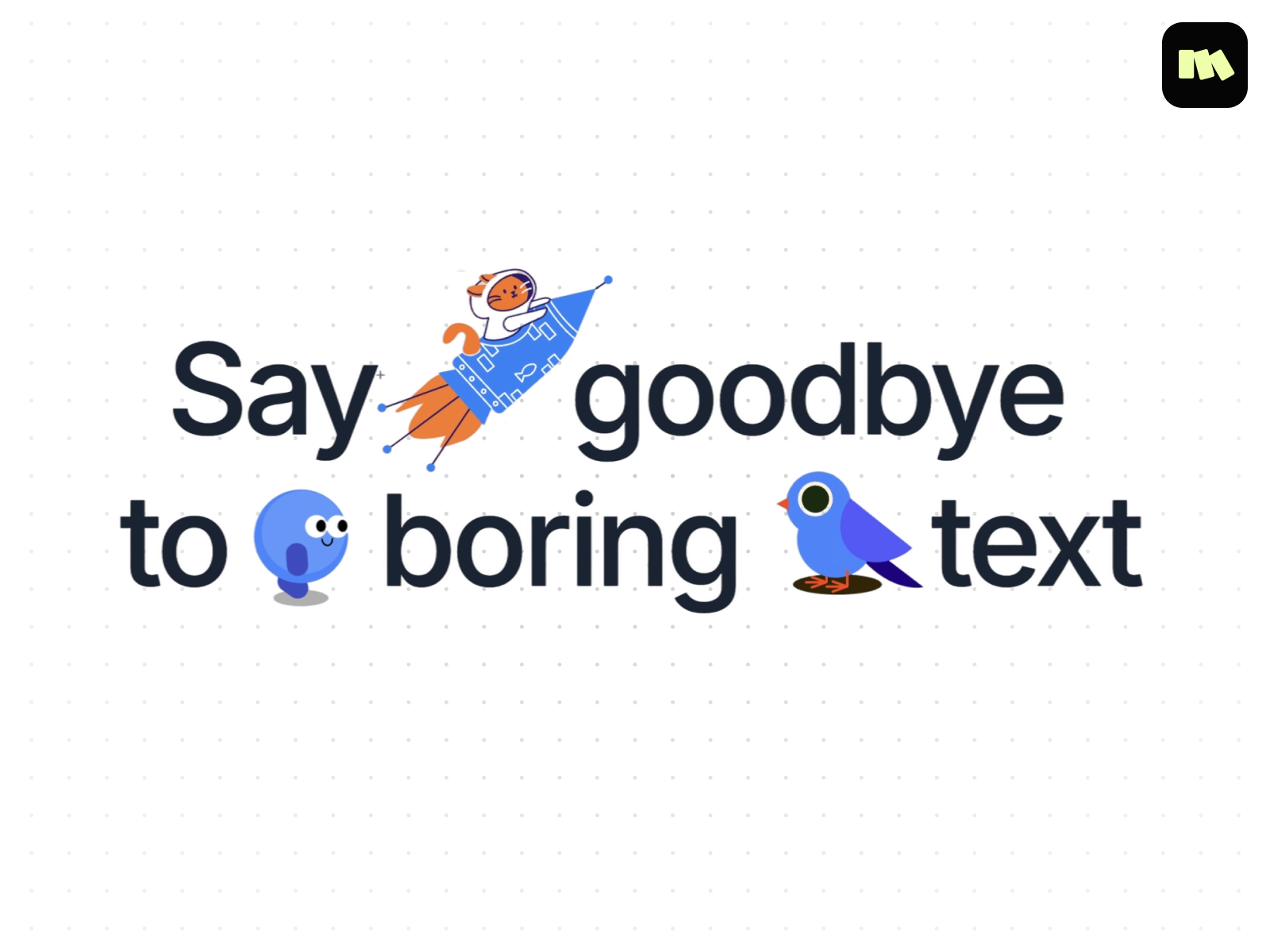
Motiondrops’ inline Lottie component places animated JSON directly inside text runs — choose trigger words, set size and XY offset, tune speed and looping, and keep semantic HTML tags for SEO. Debug mode helps align clips to baselines across breakpoints, which is the hard part when icons or emoji-style motion sit mid-sentence. At 5 USD it solves a layout problem native Lottie layers cannot: kinetic type where the animation is part of the copy, not a separate block above it.
- Best for
- Hero headlines, CTAs, and editorial type where motion must sit inside a sentence, not beside it
Affiliate link — we may earn a commission at no extra cost to you.
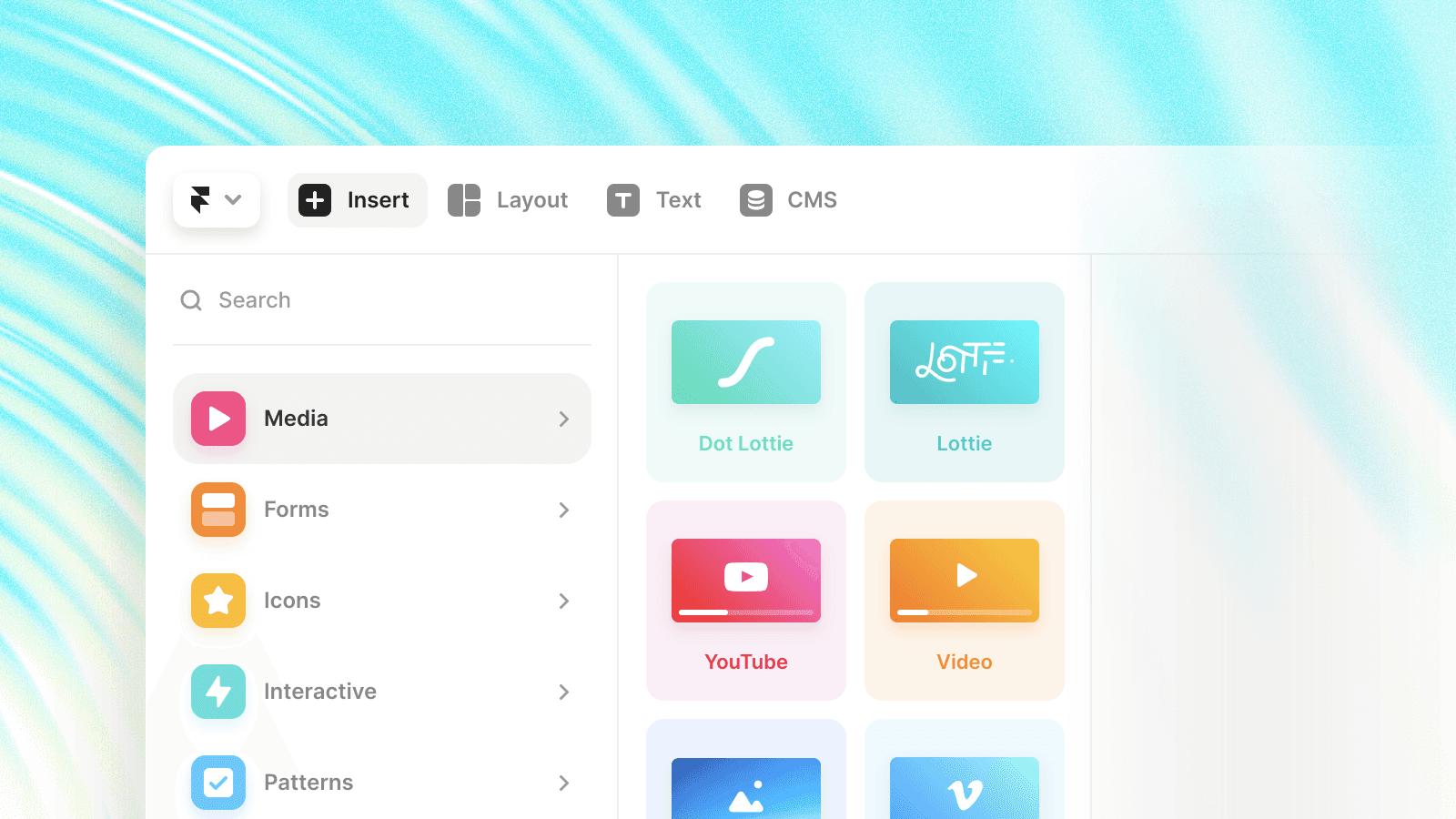
Framer DotLottie Component — Native Insert → Media layer for compact .lottie files with hover playback
by Framer
Framer’s built-in DotLottie component — Insert → Media → Dot Lottie — plays the compressed .lottie format LottieFiles co-developed with Framer, often at just a few kilobytes per animation. It supports autoplay, direction, speed, progress scrubbing, background color, and hover-triggered playback that the legacy JSON Lottie layer lacks. Start here before buying components; many sites only need native layers plus the LottieFiles plugin for asset discovery.
- Best for
- Every Framer project that needs lightweight motion without a marketplace dependency
Affiliate link — we may earn a commission at no extra cost to you.
Ultimate Lottie Files Guide for Framer — End-to-end walkthrough of plugin install, property controls, and hover variants
by SegmentUI
SegmentUI’s Lottie guide walks the full stack: opening the LottieFiles plugin from the marketplace, wiring JSON URLs versus uploads, and combining native playback controls with Framer component variants for hover slowdowns and click triggers. It documents every property-panel knob — autoplay, loop, speed, progress, device pixel ratio — and shows practical card-hover patterns that read as product UI, not demo fluff. Bookmark it as the onboarding doc before handing Lottie tasks to junior designers on client projects.
- Best for
- Designers learning Lottie in Framer who want one article covering plugin, native layers, and interaction patterns

Advanced Scroll Effects in Framer — Code overrides that drive Lottie progress and video scrubbing from scroll position
by Giles Perry
Giles Perry’s scroll-effects article is the canonical reference for driving Lottie (and video) progress from scroll in Framer: the withScrolledProgress override maps scrollY to a 0→1 progress prop, and the in-view variant uses useScroll targets with configurable offsets for sticky sections. The companion demo site includes remix links so you can inspect working Lottie scroll layers before adapting offsets to your layout. Reach for this tutorial when free scroll components almost fit but you need precise viewport intersection math.
- Best for
- Builders who need scroll-scrubbed Lottie beyond marketplace components, with copy-paste override patterns
Quick comparison
| Resource | Price | Type | Best for |
|---|---|---|---|
| LottieFiles Plugin | Free | Plugin | Catalog search and team asset insert |
| Scroll Synced Lottie | Free | Component | Scroll-scrubbed JSON with spring smoothing |
| Better Lottie | Free | Component | Viewport triggers and reverse-on-exit |
| Lottie On Scroll | 5 USD | Component | Bidirectional page scroll scrubbing |
| Lottie (Inline) | 5 USD | Component | Inline headline and CTA motion |
| Framer DotLottie Component | Free | Component | Native compact .lottie with hover play |
| Ultimate Lottie Files Guide | Free | Tutorial | Plugin plus native layer onboarding |
| Advanced Scroll Effects | Free | Tutorial | Custom scroll-to-progress overrides |
How to choose the right Framer Lottie tool
Start with discovery, then pick playback. Install the LottieFiles plugin when designers should browse assets in-editor. Pair it with Framer’s native DotLottie layer for most icons and loops. Add Better Lottie when viewport triggers or reverse-on-exit behavior matter more than raw file support.
Match scroll depth to budget. Scroll Synced Lottie is the free default for scroll-scrubbed product stories. Upgrade to Lottie On Scroll at 5 USD when you need bidirectional scrubbing with simpler start/end sliders. If neither component’s intersection model fits a sticky hero, Giles Perry’s override tutorial is the code path.
Reserve inline Lottie for typographic moments. Motiondrops’ inline component is worth the 5 USD only when motion must sit inside a headline or CTA string. For block-level heroes, native layers or scroll components stay easier to maintain.
Read before you override. SegmentUI’s guide covers property-panel workflows designers can own. Perry’s article is for the one scroll-linked Lottie per site that marketplace components cannot tune — not for every icon on the page.
Our top pick for most Framer builders
If you are adding Lottie to a client site this week, install the LottieFiles plugin and drop animations through Framer’s native DotLottie component first — that covers discovery, theming, and hover playback at zero cost. When the brief says “animate as the user scrolls,” add Scroll Synced Lottie before buying anything. Lottie On Scroll at 5 USD is the paid upgrade when you need rewind-on-scroll-up behavior out of the box.
Browse Framer templates on yoframer for landing pages that pair well with Lottie heroes, or read our animation components roundup when scroll-scrubbed Lottie is not enough and you need GSAP-grade motion components. More resource roundups live on the Resources hub.
Updated July 2026. We refresh this list as notable Lottie plugins ship, reprice, or go stale.