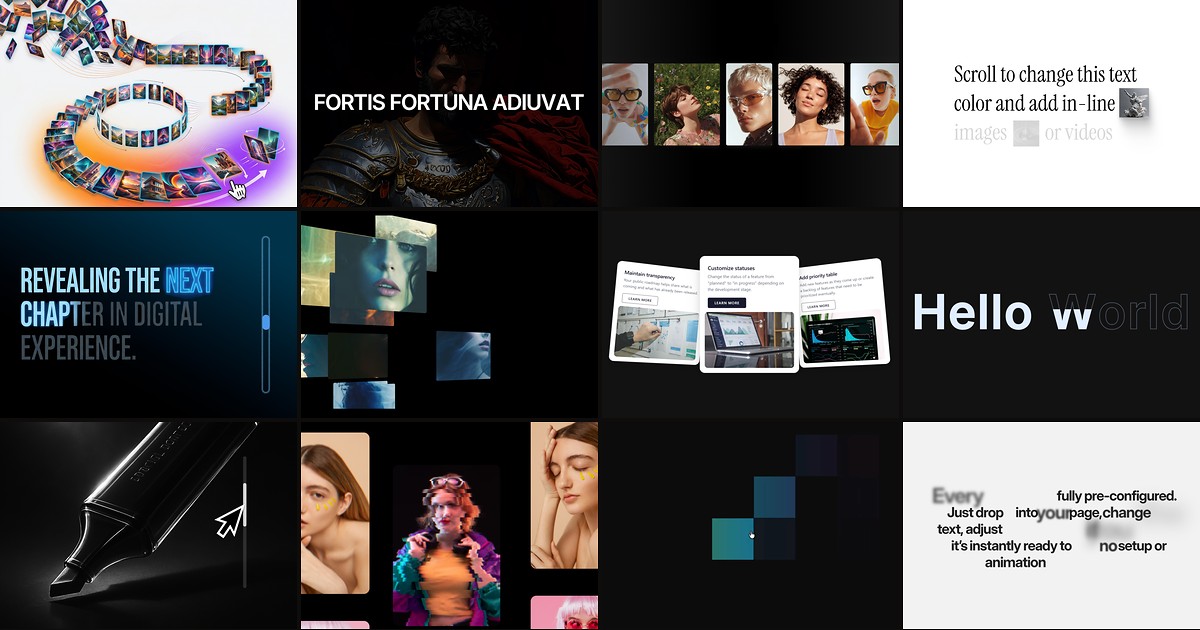
Framer’s built-in Effects panel covers opacity fades, scale hovers, and scroll variants — enough for most marketing pages. What it does not ship is a scroll-driven hero that morphs thirty images through four phases, a GSAP-powered text engine with split-line reveals, or a curved 3D gallery that loops infinitely on drag. Framer animation components from the marketplace fill that gap: drop-in code components with property controls, live previews, and motion tuned for production sites.
This list ranks twelve animation components you can install from the Framer marketplace today. Every pick works with current Framer in 2026, has a live demo, and comes from an identifiable creator — six free and six paid, so you can prototype without spending and upgrade when a client budget allows.
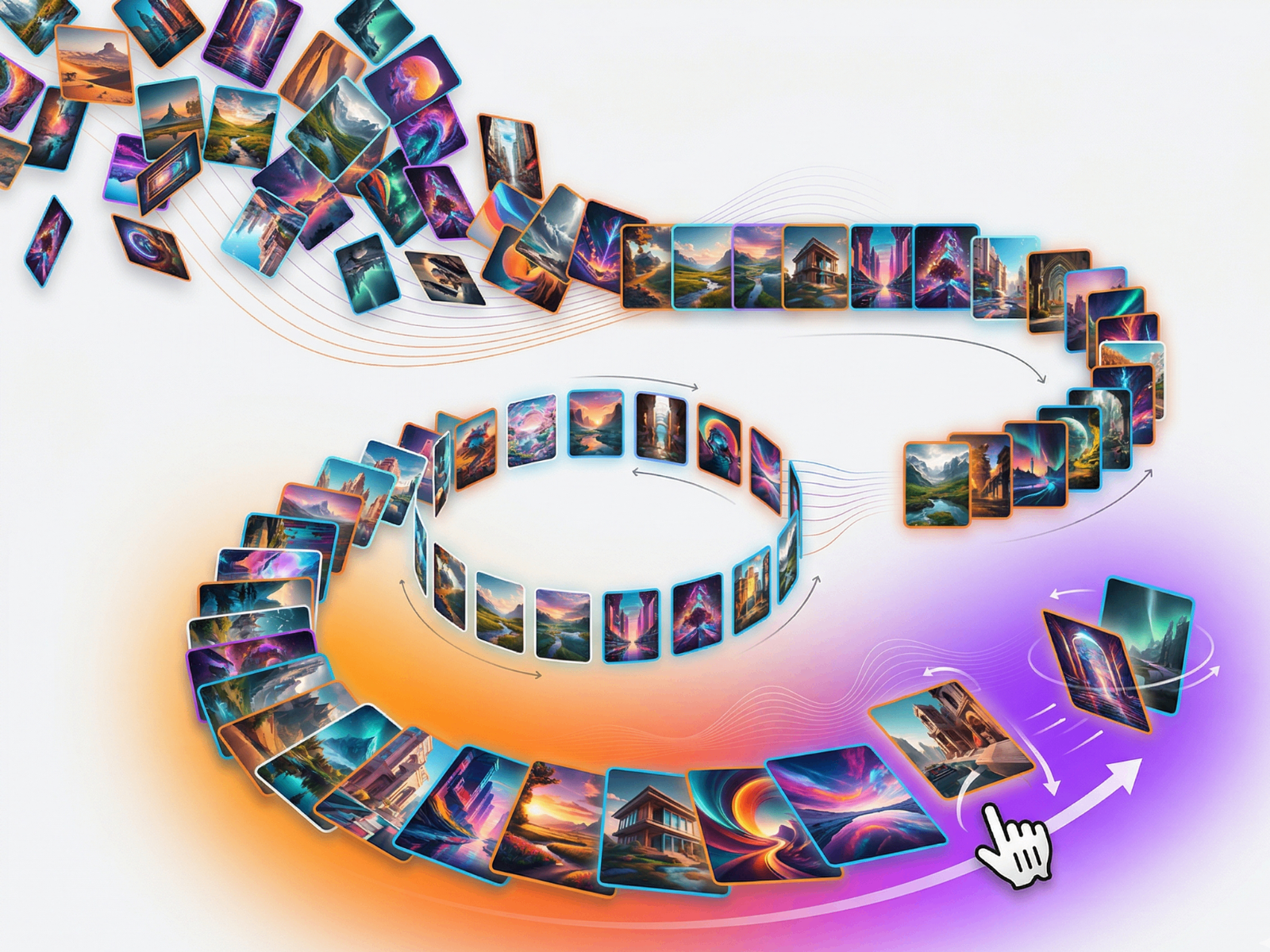
ScrollMorph — Scroll-driven hero with scatter, line, circle, and arc phases
by Hamim Reza
ScrollMorph is the most ambitious scroll animation component on the marketplace: up to thirty images animate through four distinct phases — scatter, line, circle, and arc — driven by a virtual scroll system with spring physics. Flip cards on hover, mouse parallax, touch gestures, and two content text sections that fade in and out as phases transition make it a full hero experience, not a single effect. At 19 USD it is premium-priced, but it replaces days of custom Framer Motion work for agency landing pages.
- Best for
- Creative portfolios and brand launches that need a cinematic scroll hero without custom React
Affiliate link — we may earn a commission at no extra cost to you.

GSAP Text Engine — GSAP-powered split text, stagger, and scroll-triggered reveals
GSAP Text Engine brings the industry-standard animation library into Framer as a configurable component: split by lines, words, or characters, with stagger delays, scroll triggers, and easing controls exposed in the property panel. It is free, actively maintained, and handles the text animation patterns that native Framer effects cannot replicate — sequential reveals, scramble decodes, and timeline-based sequences on long headlines.
- Best for
- Typography-heavy sites that need professional text animation without writing GSAP code
Affiliate link — we may earn a commission at no extra cost to you.

Curved Gallery — 3D curved media gallery with infinite scroll and drag
by Frame Craft
Curved Gallery bends images and videos along a 3D arc with depth-aware scaling, perspective rotation, and seamless infinite looping. Users drag to navigate, hover to focus, and click to open fullscreen previews — with optional auto-scroll and edge fade gradients that keep attention on the center item. At 15 USD it is one of the highest-impact gallery components available, turning a static grid into an interactive storytelling surface.
- Best for
- Agency portfolios and product showcases that need cinematic depth beyond flat carousels
Affiliate link — we may earn a commission at no extra cost to you.
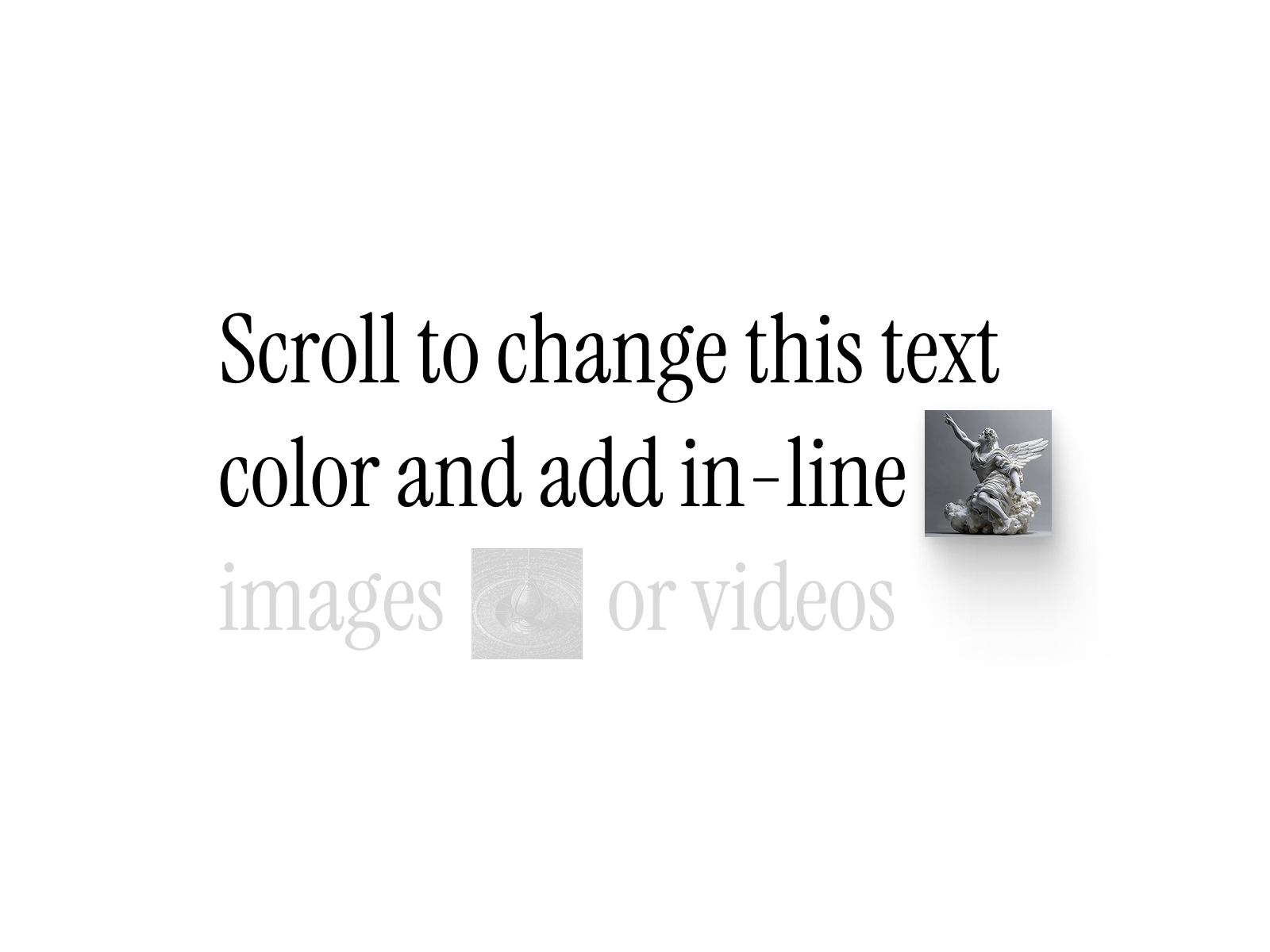
Text & Image Reveal — Scroll-triggered text color shifts with inline image reveals
by Design X
Text and Image Reveal progressively highlights words as users scroll, with inline images and videos that scale and animate in sync with the text flow. Two scroll modes — automatic position-based or manual trigger points — plus hover-follow tracking on images give editorial teams fine control over pacing. It is the component to reach for when a case study or manifesto page needs Apple-style scroll storytelling without a developer on retainer.
- Best for
- Long-form landing pages and product storytelling with mixed text-and-visual narratives
Affiliate link — we may earn a commission at no extra cost to you.

Motion Text Reveal — Framer Motion text reveals with scroll and viewport triggers
by Samba SYLLA
Motion Text Reveal wraps Framer Motion’s animation primitives into a single component with scroll-into-view and viewport triggers. Configure direction, duration, delay, and easing from the canvas — no code overrides required. As a free component it is an easy first install for teams testing whether scroll-triggered typography improves engagement before investing in premium text tools.
- Best for
- Solo designers who want polished entrance animations on headings without GSAP complexity
Affiliate link — we may earn a commission at no extra cost to you.

Scroll 3D Grid — Perspective grid that rotates and scales on scroll
by FramerHub.io
Scroll 3D Grid transforms a flat image grid into a perspective-driven layout where items rotate, scale, and shift depth as the user scrolls. The effect reads as premium and technical — ideal for SaaS feature sections, device mockup galleries, or any layout where flat grids feel static. Property controls cover grid density, scroll range, and animation intensity so you can dial it back for corporate sites or push it for creative launches.
- Best for
- Tech and SaaS sites that want a dimensional product or feature grid tied to scroll position
Affiliate link — we may earn a commission at no extra cost to you.
Quick comparison
| Component | Price | Type | Best for |
|---|---|---|---|
| ScrollMorph | 19 USD | Paid | Cinematic scroll hero with phase transitions |
| GSAP Text Engine | Free | Free | GSAP-grade split text and stagger reveals |
| Curved Gallery | 15 USD | Paid | 3D curved media gallery with drag navigation |
| Text & Image Reveal | 10 USD | Paid | Scroll storytelling with inline visuals |
| Motion Text Reveal | Free | Free | Simple viewport-triggered text entrances |
| Scroll 3D Grid | 19 USD | Paid | Perspective product grids on scroll |
| Hover Cards 3D | 7 USD | Paid | Interactive 3D tilt cards on hover |
| Text Letter Filler | Free | Free | Letter-by-letter fill animations |
| Scroll Highlighter | 9 USD | Paid | Word-by-word color highlight on scroll |
| Image Hover Effects | Free | Free | Multi-style image hover transitions |
| Hover Pixel Reveal | Free | Free | Pixel-dissolve hover reveals on images |
| Text Scroll Effects | 10 USD | Paid | Advanced scroll-linked typography motion |
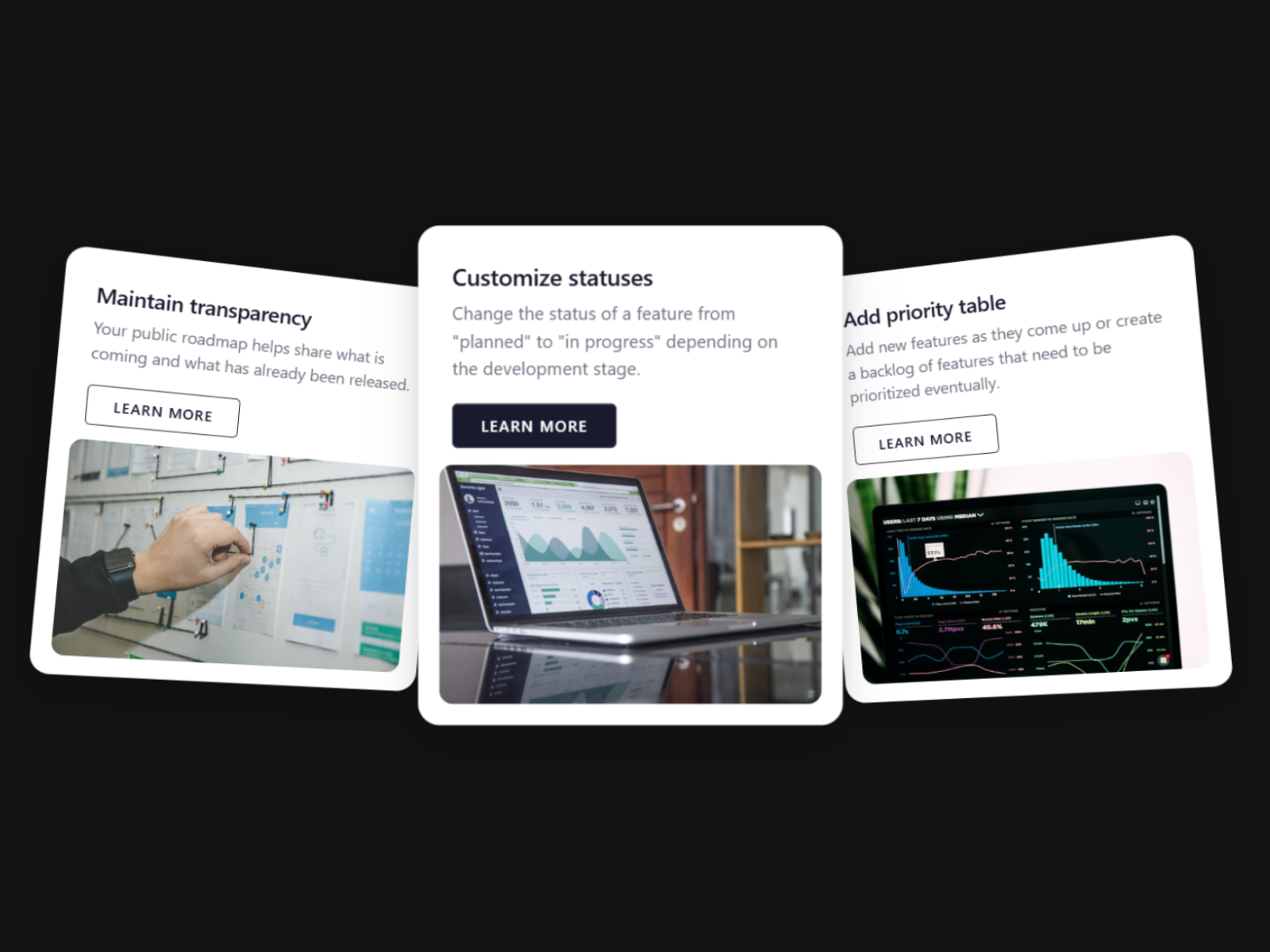
Hover Cards 3D — 3D perspective tilt cards with glare and depth on hover
by Aidan Looker
Hover Cards 3D adds perspective tilt, glare highlights, and depth shadows to card layouts on mouse hover — the kind of micro-interaction that signals craft on agency and SaaS sites. At 7 USD it is one of the most affordable premium interaction components, and it pairs well with static CMS-driven card grids where native Framer hover effects feel flat. Configure tilt intensity, glare opacity, and transition speed per instance.
- Best for
- Team pages, pricing tiers, and feature cards that need tactile hover feedback
Affiliate link — we may earn a commission at no extra cost to you.
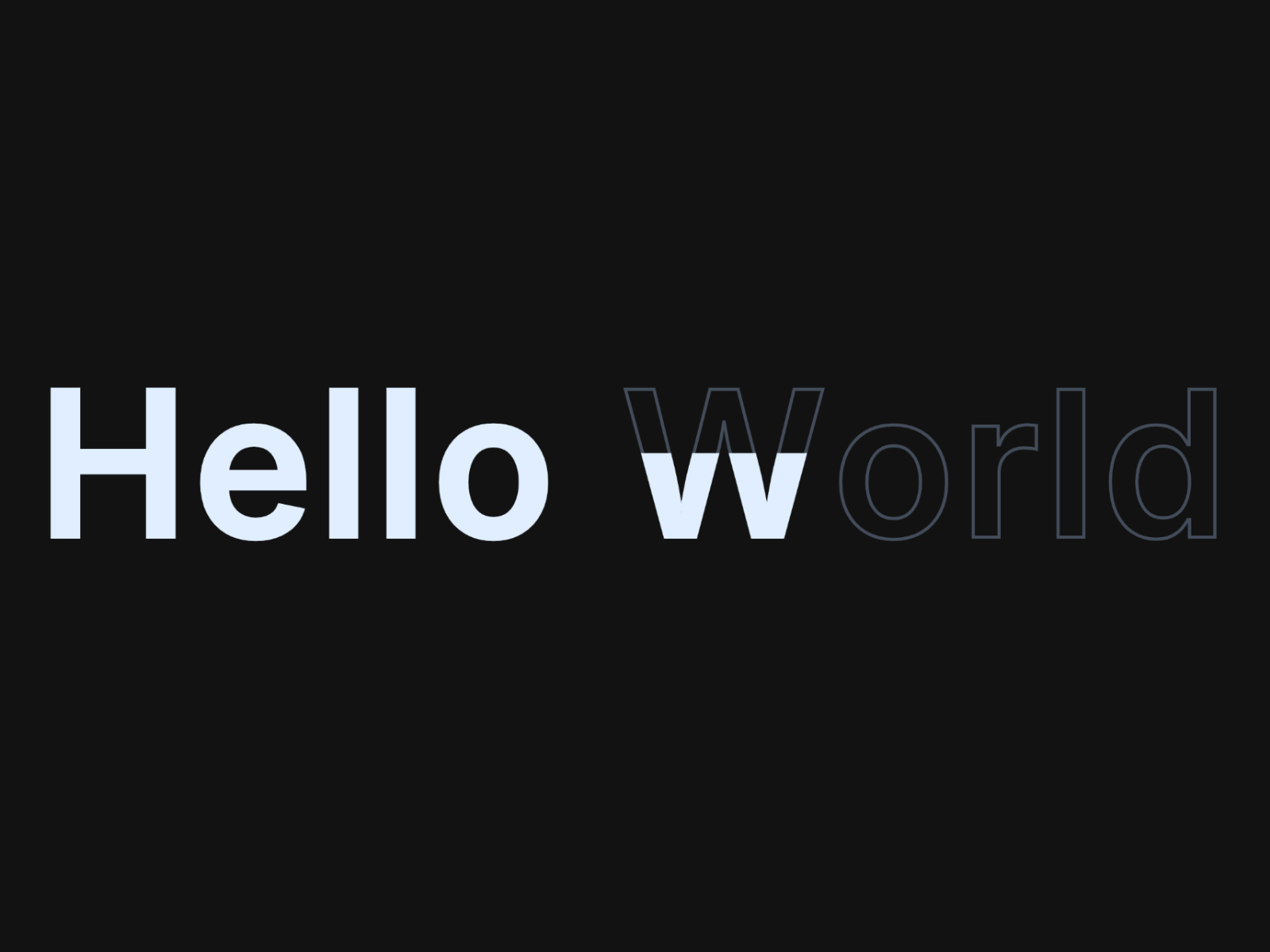
Text Letter Filler — Cinematic letter-by-letter outline-to-fill reveals
by Aidan Looker
Text Letter Filler outlines each character, then fills them sequentially from bottom to top with clip-path animation and optional glow, lift, or scale hover effects. Triggers include scroll-into-view, hover, or continuous loop — with stagger delay, fill speed, and direction controls. It is free from the same creator behind Hover Cards 3D, making Aidan Looker’s components a strong one-two punch for typography and card interactions.
- Best for
- Hero headlines and section titles that need a memorable first impression
Affiliate link — we may earn a commission at no extra cost to you.
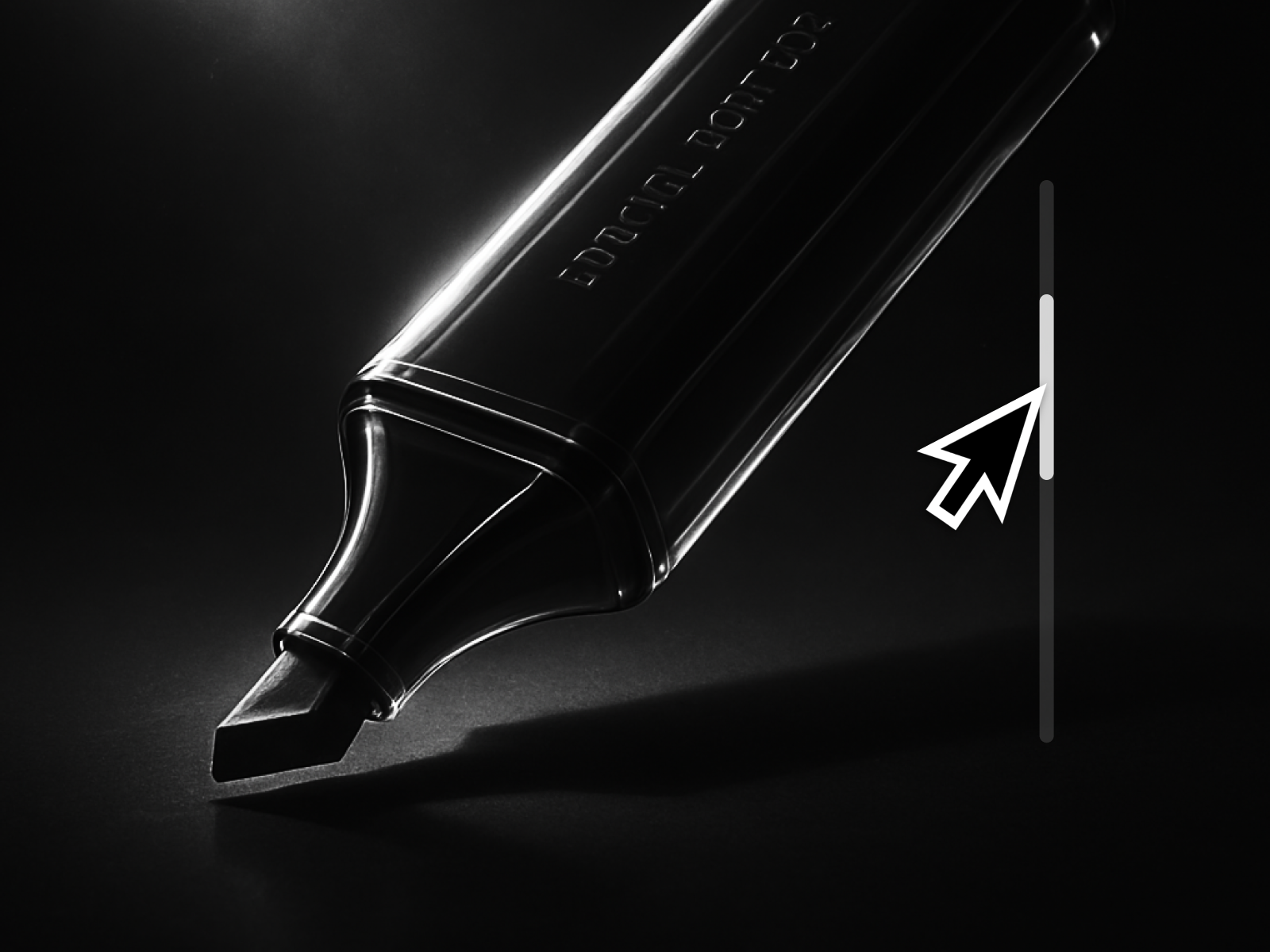
Scroll Highlighter — Word-by-word color highlight driven by scroll position
by Nabeel
Scroll Highlighter transitions text from a muted base color to a highlight color word by word as the reader scrolls — a pattern popularized by editorial sites and now available as a drop-in Framer component. At 9 USD it solves a specific storytelling problem that no native effect replicates, and it works on multi-line paragraphs without splitting text into individual layers manually.
- Best for
- Editorial layouts, manifestos, and long copy blocks that reward reading
Affiliate link — we may earn a commission at no extra cost to you.
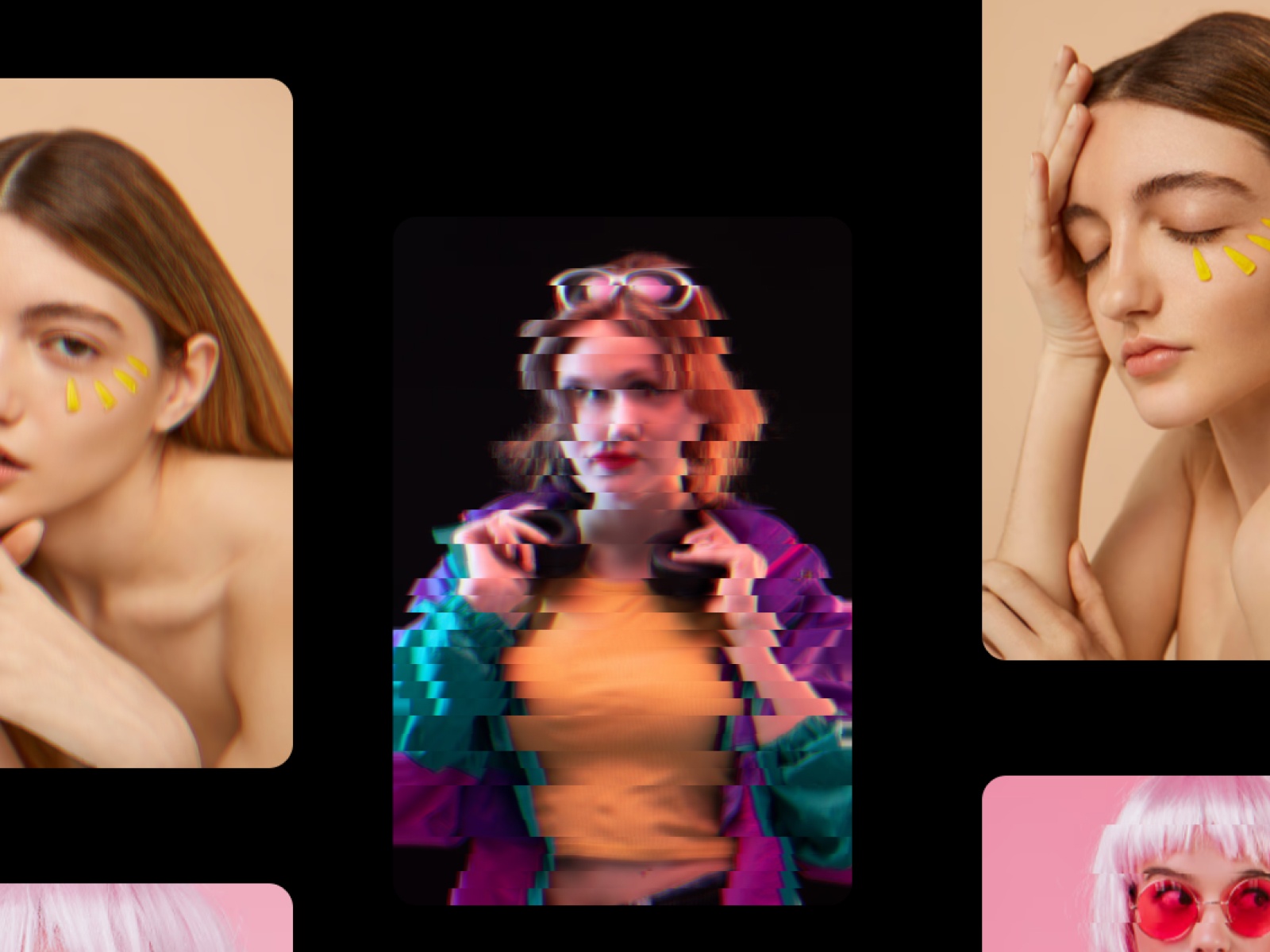
Image Hover Effects — Multiple hover transition styles for image grids and galleries
by justmehul
Image Hover Effects bundles several hover transition styles — zoom, slide, overlay, and blend modes — into one component with style switching from the property panel. It is free, lightweight, and ideal for portfolio grids where every thumbnail needs a consistent but polished interaction without configuring native hover variants on each frame. Swap styles across breakpoints to keep mobile taps clean while desktop gets full motion.
- Best for
- Portfolio grids and case study thumbnails that need varied hover treatments
Affiliate link — we may earn a commission at no extra cost to you.
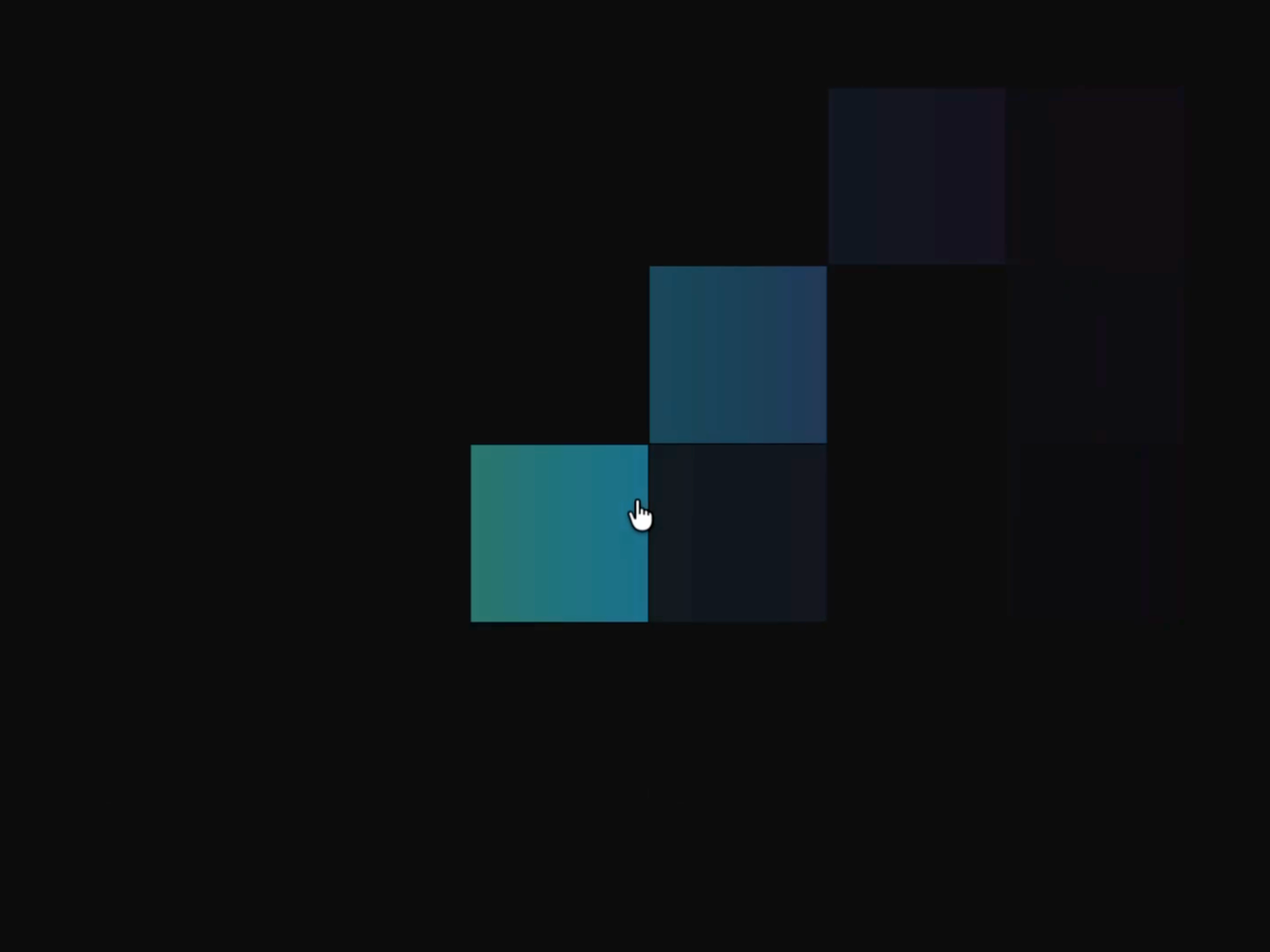
Hover Pixel Reveal — Pixel-dissolve reveal effect on image hover
by Alisa Vlasov
Hover Pixel Reveal dissolves images into pixels on hover, then reassembles them on mouse out — a distinctive effect that reads as custom-coded but installs in one drag. The free component includes controls for pixel size, animation speed, and direction, making it easy to match your site’s motion language. Use it sparingly on hero images or project thumbnails where a unique interaction is worth more than a standard zoom.
- Best for
- Creative studios and experimental portfolios that want a distinctive hover signature
Affiliate link — we may earn a commission at no extra cost to you.
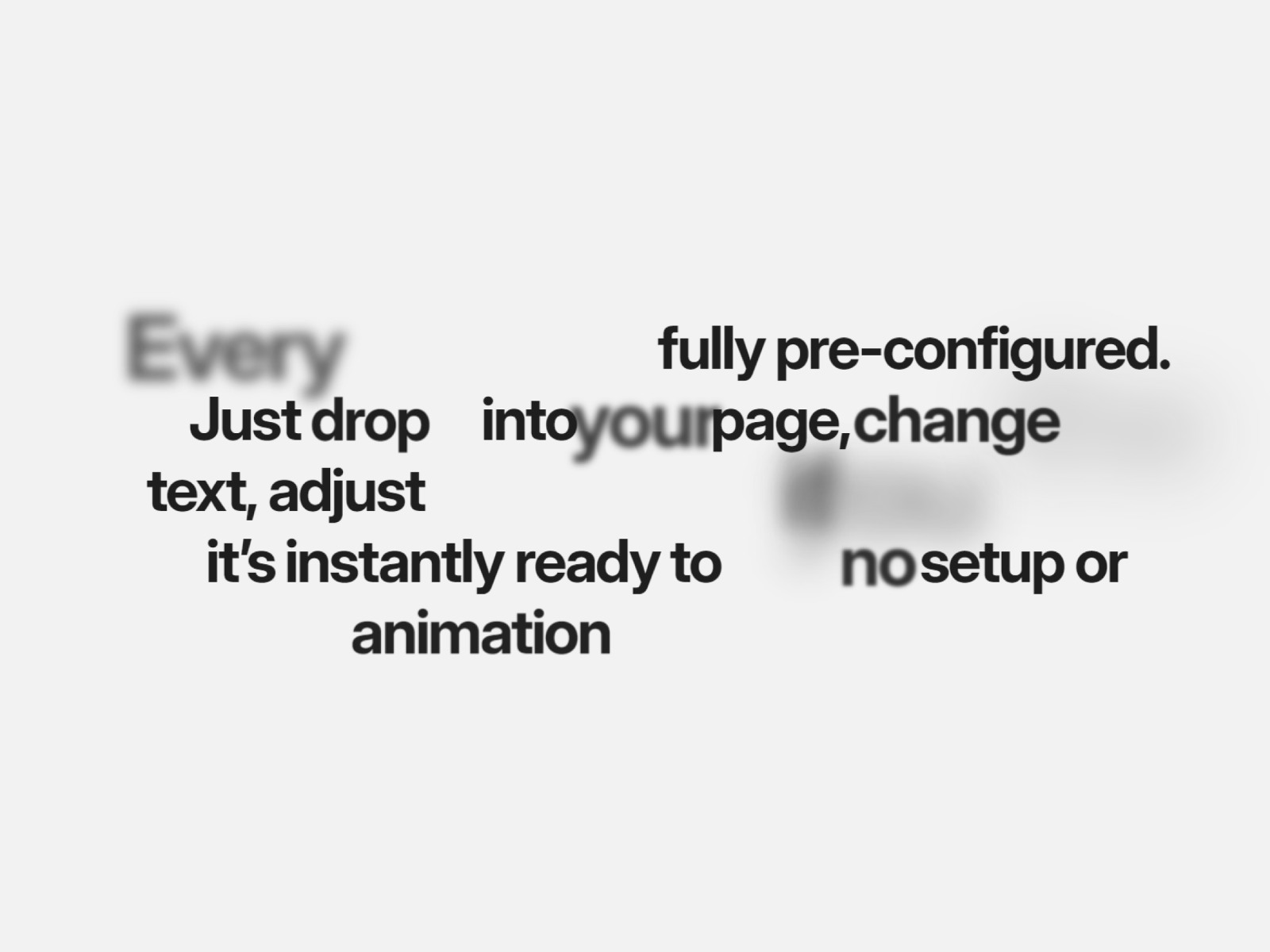
Text Scroll Effects — Scroll-linked typography with blur, scale, and opacity shifts
by Sang
Text Scroll Effects links opacity, blur, scale, and position to scroll progress on any text block — going beyond simple fade-in to create depth as sections enter and exit the viewport. At 10 USD it sits between free Motion Text Reveal and premium GSAP Text Engine in complexity, making it a solid mid-tier choice for marketing sites that need scroll-linked typography without the full GSAP learning curve.
- Best for
- Landing page sections where headings need multi-property scroll animation
Affiliate link — we may earn a commission at no extra cost to you.
How to choose the right Framer animation component
Match the motion layer to the content type. Scroll-driven heroes and galleries (ScrollMorph, Curved Gallery, Scroll 3D Grid) solve layout-level storytelling. Text components (GSAP Text Engine, Scroll Highlighter, Text Letter Filler) handle typography. Hover components (Hover Cards 3D, Image Hover Effects, Hover Pixel Reveal) add micro-interactions to cards and thumbnails. Install one from each layer rather than stacking three text reveal tools on the same page.
Free vs paid is a real trade-off, not marketing. GSAP Text Engine, Motion Text Reveal, Text Letter Filler, Image Hover Effects, and Hover Pixel Reveal are genuinely production-ready at zero cost. Paid components like ScrollMorph and Curved Gallery justify their price by replacing multi-day custom development — not by adding a slightly smoother fade.
Test performance on mobile before launch. Scroll-linked components with many images or particles can spike layout work on low-end phones. ScrollMorph and Scroll 3D Grid include touch support, but always preview on a real device and reduce image count or scroll distance if frames drop.
Combine with native effects, not instead of them. Use marketplace components for the hero moment and section anchors, then let Framer’s built-in scroll variants handle simpler card entrances. Mixing both keeps bundle size reasonable and avoids motion fatigue across long pages.
Our top pick for most Framer builders
If you install one paid animation component, make it ScrollMorph for scroll hero impact — nothing else on the marketplace matches its phase-based storytelling. For typography without spending, start with GSAP Text Engine and Text Letter Filler together: one handles split-line reveals, the other handles hero headline fills. On hover-heavy layouts, Hover Cards 3D at 7 USD is the best value premium pick.
Browse every Framer template on yoframer for launch-ready starting points, or read our free plugins roundup for editor tools that pair well with animation work. More resource roundups live on the Resources hub.
Updated June 2026. We refresh this list as notable animation components ship, reprice, or go stale.


