Every Framer site collects basic traffic the moment you publish — pageviews, sources, devices, and UTM tags appear in the built-in Analytics tab without a tracking script. That baseline is enough for portfolios and launch-week sanity checks. The gap opens when you need element-level click data, funnel drop-offs, Meta ad attribution, or search-query performance without leaving the editor.
This list ranks ten Framer analytics tools you can install or connect today. Every pick has a working marketplace or official install path, an identifiable creator, and a clear use case beyond generic site stats. Free plugins rank alongside paid services where they genuinely compete; paid tools rank higher when they unlock workflows native Framer analytics cannot replicate.
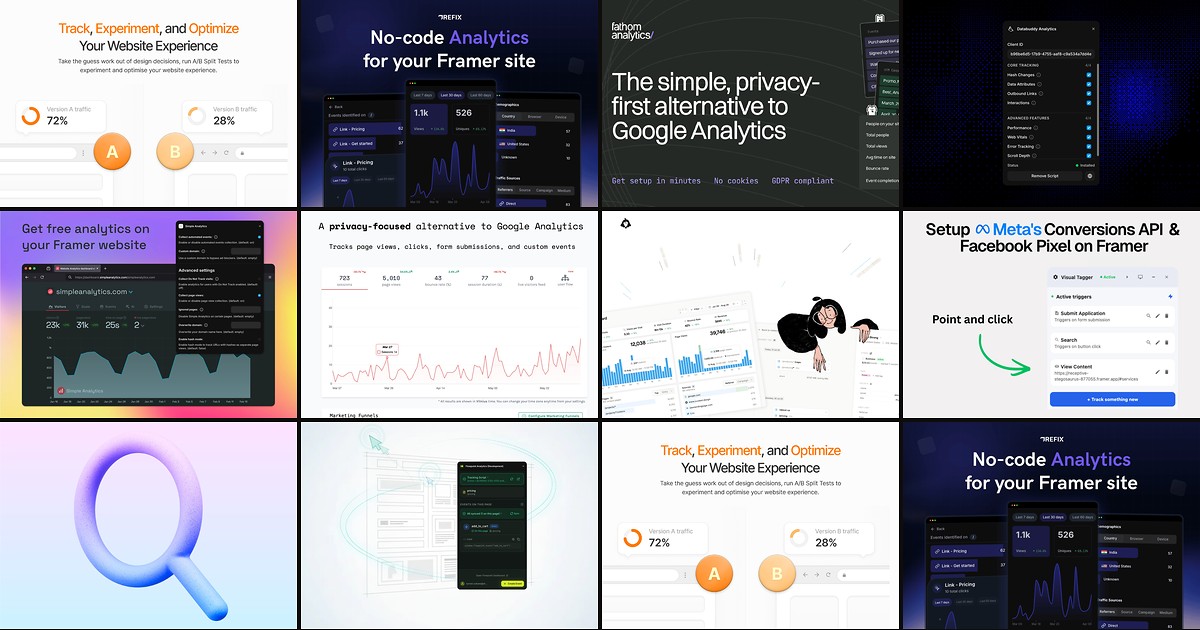
Humblytics — Cookie-free analytics, heatmaps, funnels, and no-code A/B tests
by Humblytics
Humblytics is the most complete growth stack on this list for Framer builders: cookie-free page and event tracking, click heatmaps, scroll maps, conversion funnels, and a visual A/B editor — all from one lightweight script pasted in Site Settings. Plans start at 19 USD per month for 10K events across five sites, with a 14-day trial and no credit card. Pick Humblytics when built-in Framer pageviews are not enough and you want to ship experiments without opening Google Analytics or hiring a developer for GTM containers.
- Best for
- Growth teams who optimize landing pages with heatmaps, funnel drop-offs, and split tests tied to revenue
Affiliate link — we may earn a commission at no extra cost to you.
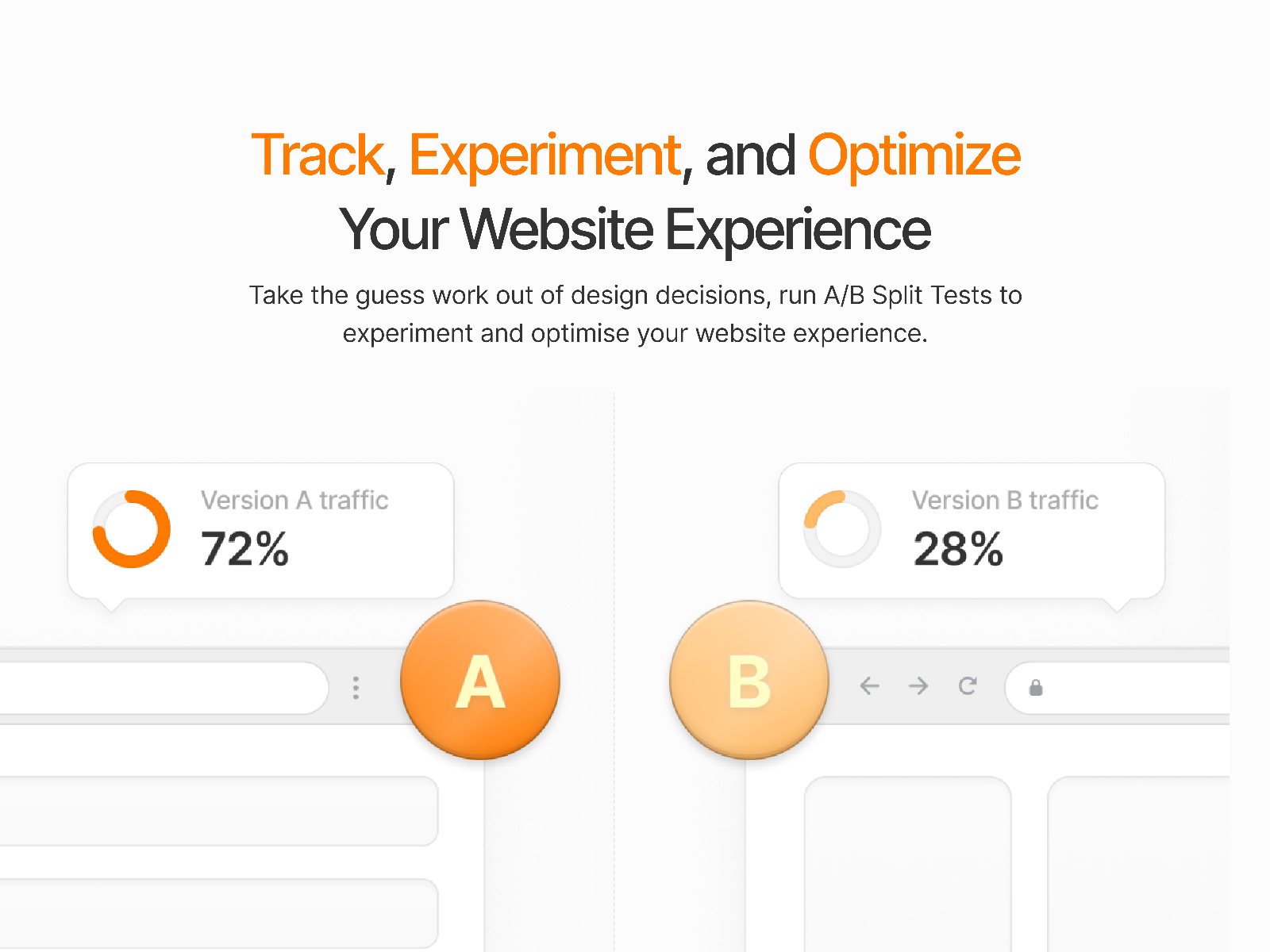
Refix Analytics — Autotrack clicks, scrolls, and views inside the Framer canvas
Refix installs from the marketplace and starts capturing clicks, scrolls, and page views automatically — no manual event wiring. The dashboard lives inside Framer, so you can see traffic sources, visitor demographics, and element engagement for the page you are editing. The plugin itself is free; paid Refix plans start around 9 USD per month for higher event volume. Choose Refix when you need no-code autotrack and canvas-native reporting before committing to a full CRO platform.
- Best for
- Designers who want interaction analytics in the editor without writing tracking code
Affiliate link — we may earn a commission at no extra cost to you.

Fathom Analytics — Privacy-first web analytics with forever data retention
by Jesse Klotz
Fathom is the benchmark privacy analytics alternative to Google Analytics: a clean dashboard, no cookies, no personal data collection, and unlimited data retention on every plan. The Framer plugin connects your site ID in minutes — paste credentials, publish, and traffic flows to Fathom’s hosted dashboard. Pricing starts at 15 USD per month based on pageview tiers, with a 7-day trial. Install Fathom when stakeholders ask for trustworthy traffic numbers and you refuse to run invasive third-party trackers.
- Best for
- Founders who want simple, GDPR-friendly traffic reports without cookie banners
Affiliate link — we may earn a commission at no extra cost to you.
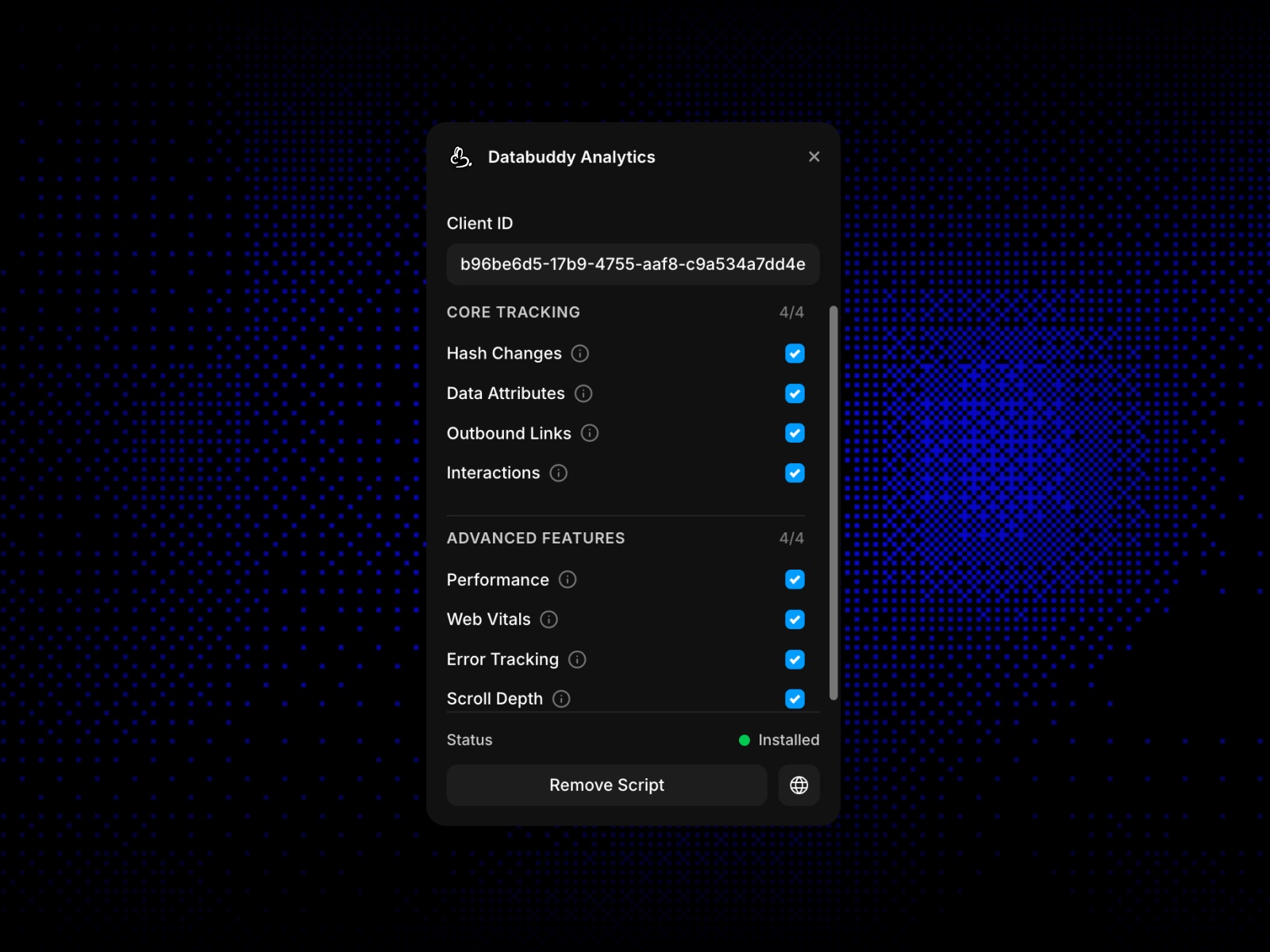
Databuddy Analytics — Product analytics with an in-dashboard AI assistant
Databuddy combines web and product analytics with feature flags and an in-dashboard AI assistant that answers questions about your traffic. The free tier includes 10,000 events per month; Hobby at 10 USD per month scales to 30,000 events with pay-as-you-go overage. The marketplace plugin handles script injection so you avoid hand-pasting snippets in Custom Code. Pick Databuddy when you outgrow a single-pageview dashboard but are not ready for enterprise analytics contracts.
- Best for
- SaaS and product teams who want event analytics plus AI-driven insight on traffic patterns
Affiliate link — we may earn a commission at no extra cost to you.
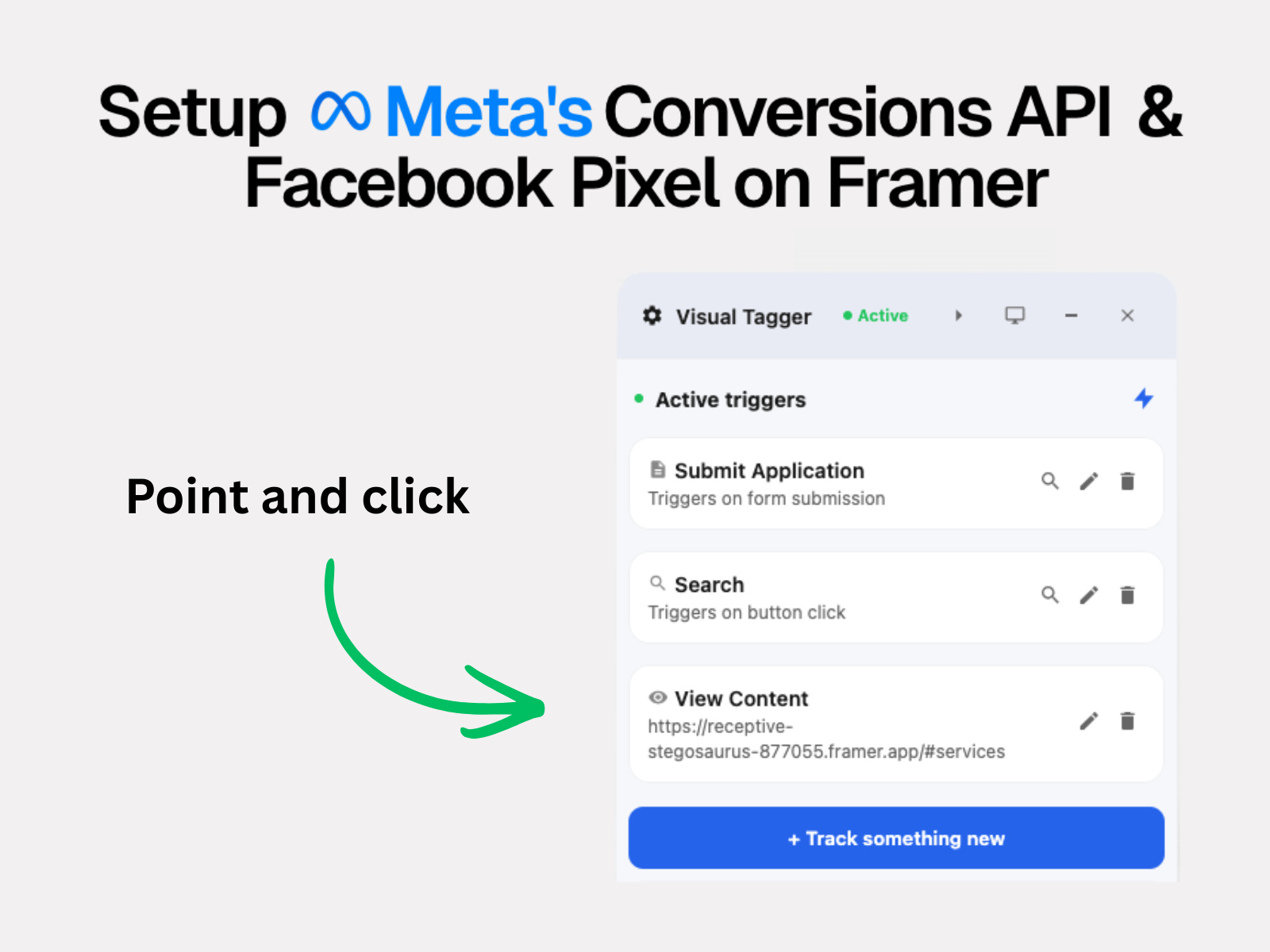
Pixelflow — Meta Pixel plus Conversions API with point-and-click event tagging
by PixelFlow
Pixelflow solves the hardest paid-media tracking problem on Framer: reliable Meta Pixel and Conversions API setup without dataLayer wrestling. Tag buttons, links, or URL paths directly on the canvas, fire 18+ standard Meta events, and let Pixelflow deduplicate browser and server hits automatically. Plans start at 19 USD per month for one site, with a 7-day free trial. If your Framer analytics stack must tie ad spend to leads and purchases — not just pageviews — Pixelflow belongs in the install list.
- Best for
- Performance marketers running Meta ads who need server-side CAPI without Google Tag Manager
Affiliate link — we may earn a commission at no extra cost to you.
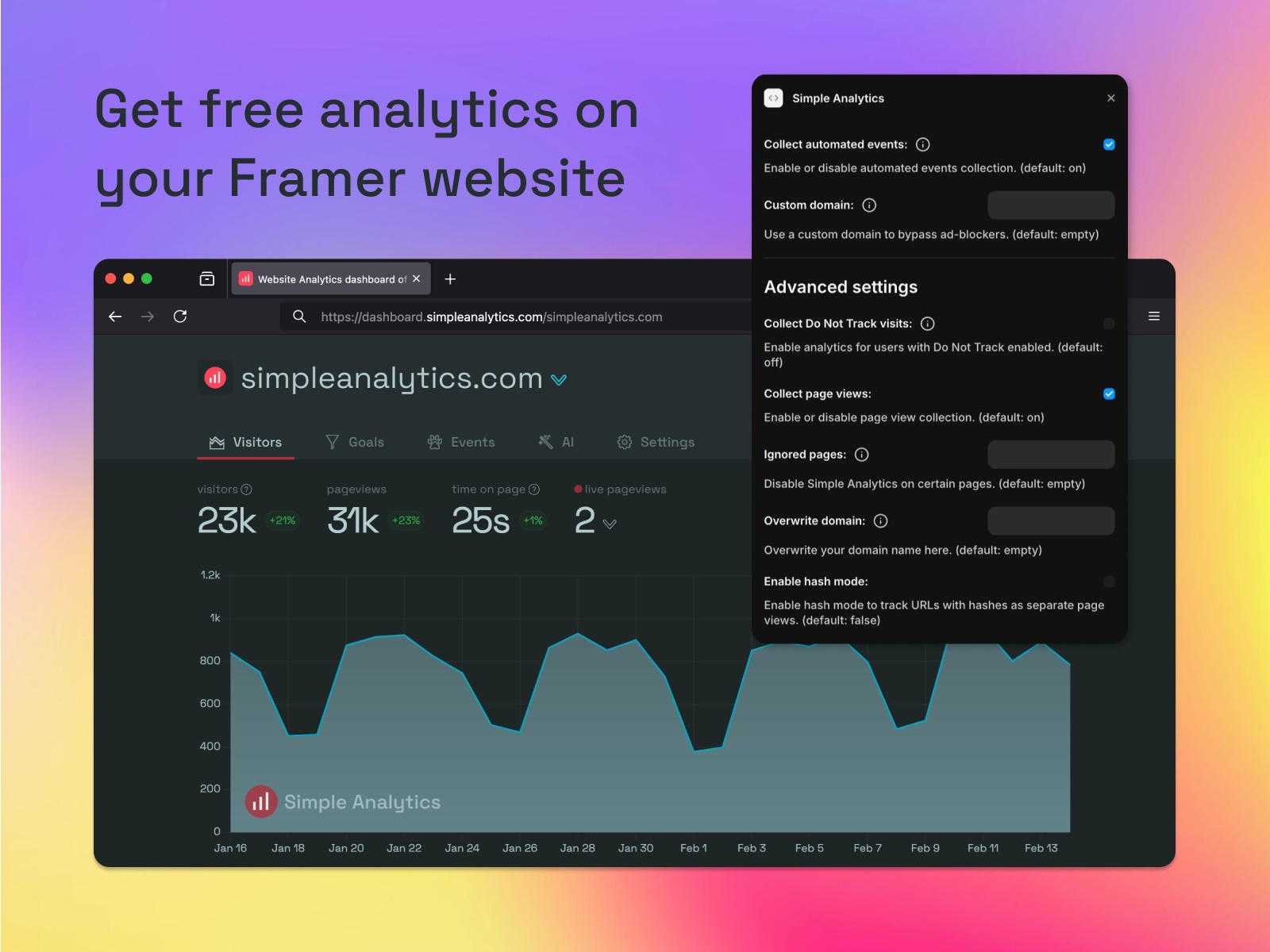
Simple Analytics — One-page, cookie-free dashboard hosted in the EU
Simple Analytics shows traffic in a single clean panel — pageviews, referrers, countries, and devices — with no cookies and EU-hosted infrastructure. The Framer plugin is free to install; the service offers a forever-free hobby tier and paid plans from 20 USD per month based on pageview volume. It is a strong fit for marketing sites and indie products where GDPR compliance and clarity matter more than funnel builders or heatmaps.
- Best for
- Privacy-conscious teams who want a minimal traffic dashboard without GA4 complexity
Affiliate link — we may earn a commission at no extra cost to you.
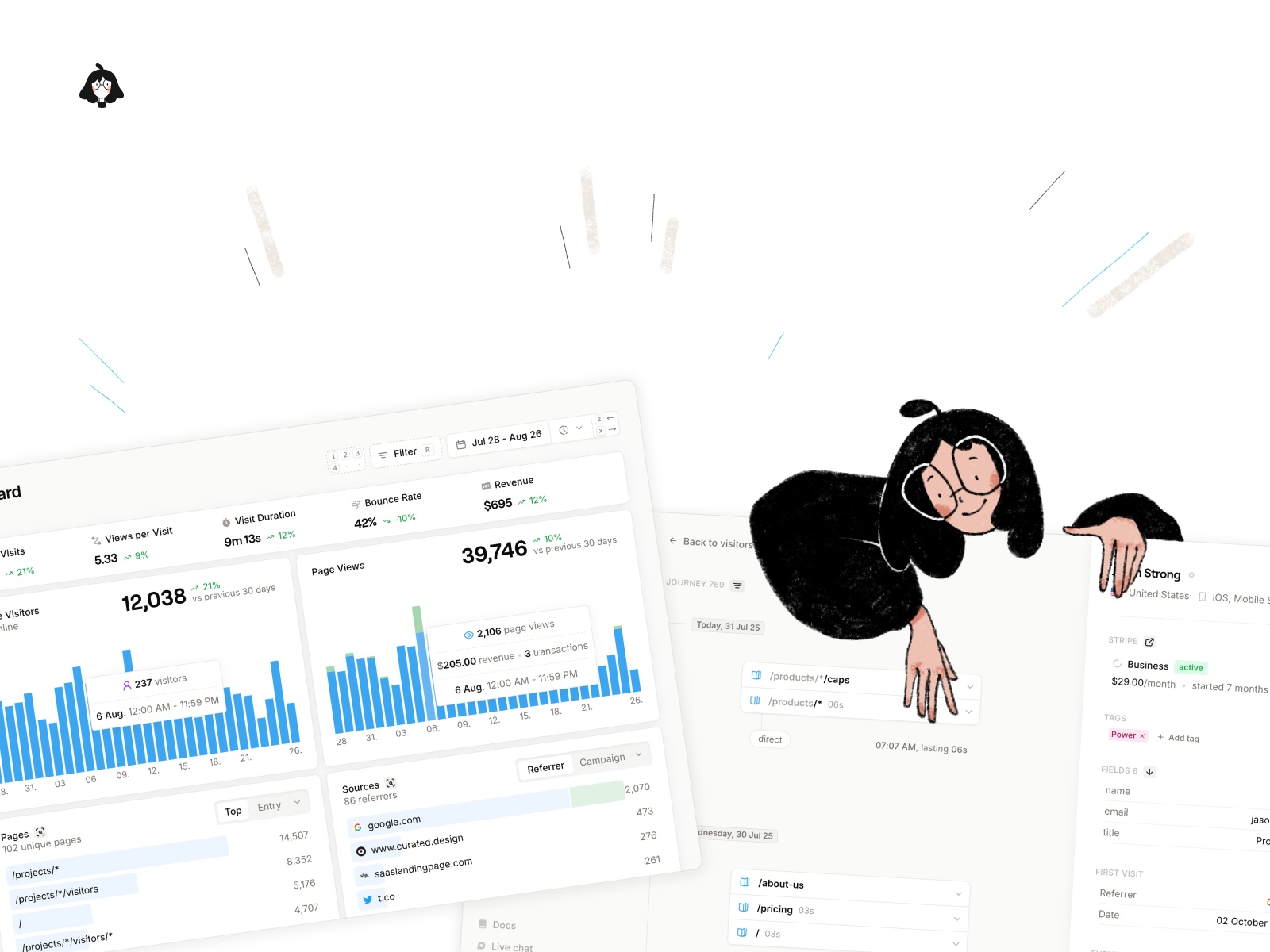
Seline Analytics — Privacy-first analytics with visitor journeys and funnels
Seline positions itself as a privacy-first Google Analytics alternative with visitor journeys, custom funnels, revenue attribution, and AI-generated insights. The marketplace plugin connects your site in a few clicks; a 7-day trial lets you explore paid features before committing. Install Seline when you want more product-analytics depth than a one-page dashboard but still refuse cookie-based tracking on a Framer marketing site.
- Best for
- Product marketers who need journey paths and funnel views without cookie consent banners
Affiliate link — we may earn a commission at no extra cost to you.
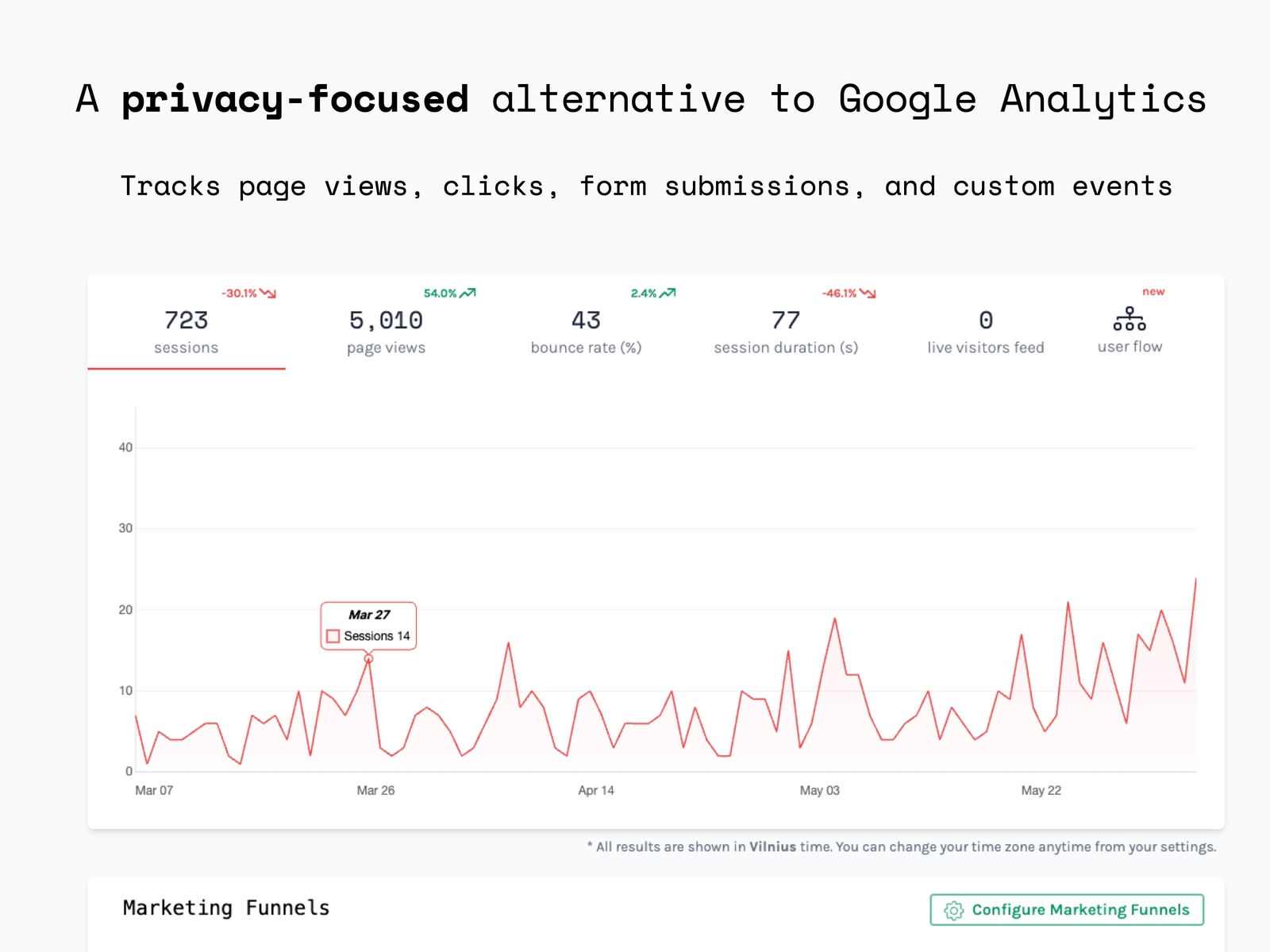
Void Analytics — Lightweight cookie-free analytics with retention and forecasting
Void Analytics delivers cookie-free page and custom event tracking with retention dashboards, insights, and forecasting on paid tiers. The free plan covers one site under 1,000 monthly events; Starter at 4.99 USD per month expands to five sites and 7,000 events. The Framer plugin keeps setup to credential paste and publish. Choose Void when budget matters and you still want funnel views beyond what Framer’s native dashboard provides.
- Best for
- Solo founders and small sites who need affordable analytics with funnel support
Affiliate link — we may earn a commission at no extra cost to you.
Flowpoint Analytics — Single-panel dashboard for sources, events, funnels, and sessions
by Flowpoint
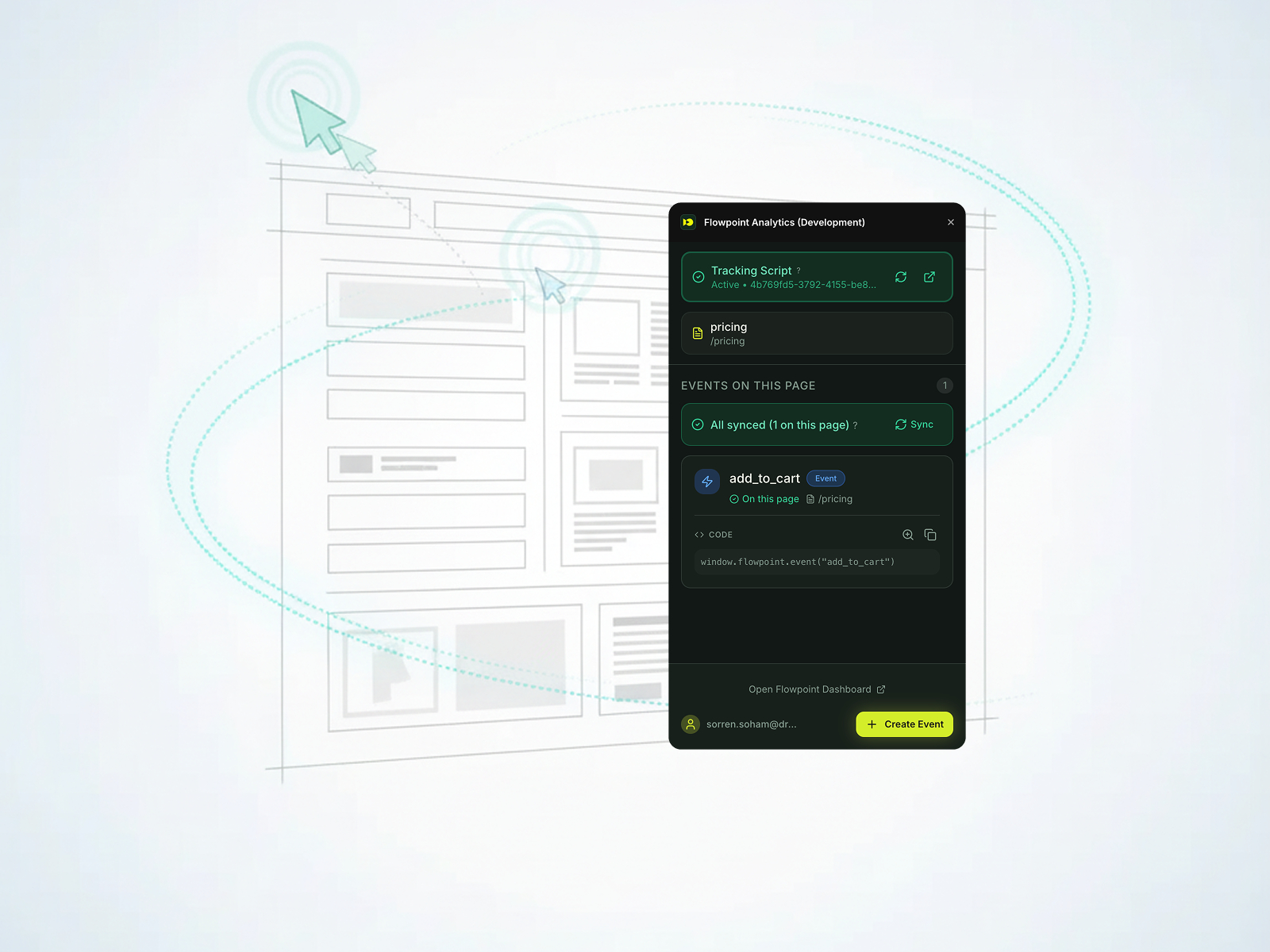
Flowpoint Analytics focuses on clarity: top sources and pages, event timelines, geo breakdowns, funnels, and session replays in a single dashboard. A free trial covers 1,000 sessions for seven days; Premium starts at 5 USD per month annually for 10,000 sessions. The Framer marketplace plugin wires the tracking script without custom code. Pick Flowpoint when your stakeholders ask for “a simple analytics page” and GA4 or Humblytics feels like overkill.
- Best for
- Teams who want everyday metrics in one view without enterprise analytics overhead
Affiliate link — we may earn a commission at no extra cost to you.

Search Console — Google Search Console clicks, impressions, and queries on the canvas
by Framer
Search Console by Framer pulls Google Search Console data into the editor: real-time clicks and impressions with graphs, plus your top search queries so you know which keywords drive discovery. Connect your verified property, and performance data appears alongside the page you are editing — no tab-switching to Google’s interface. The plugin is free; you need a Search Console property and OAuth authorization. Add it when Framer analytics must include organic search performance, not just on-site visitor behavior.
- Best for
- SEO-focused builders who want search performance data beside their Framer designs
Affiliate link — we may earn a commission at no extra cost to you.
Quick comparison
| Resource | Price | Type | Best for |
|---|---|---|---|
| Humblytics | from 19 USD/month | Plugin | Heatmaps, funnels, and A/B testing |
| Refix Analytics | Free plugin; from 9 USD/month | Plugin | Canvas-native autotrack and interaction data |
| Fathom Analytics | from 15 USD/month | Plugin | Privacy-first traffic with forever retention |
| Databuddy Analytics | Free tier; from 10 USD/month | Plugin | AI-assisted product and web analytics |
| Pixelflow | from 19 USD/month | Plugin | Meta Pixel and Conversions API |
| Simple Analytics | Free tier; from 20 USD/month | Plugin | Minimal EU-hosted traffic dashboard |
| Seline Analytics | Free tier; paid plans | Plugin | Visitor journeys and privacy-first funnels |
| Void Analytics | Free tier; from 4.99 USD/month | Plugin | Budget analytics with retention views |
| Flowpoint Analytics | Free trial; from 5 USD/month | Plugin | Single-panel everyday metrics |
| Search Console | Free | Plugin | Search clicks, impressions, and queries |
How to choose the right Framer analytics tool
Start with the question you are trying to answer. Traffic volume and sources? Framer’s built-in analytics, Fathom, Simple Analytics, or Void cover that. Element clicks and scroll behavior? Refix or Humblytics. Paid ad ROAS? Pixelflow. Organic search performance? Search Console. Product funnels and AI insight? Databuddy or Seline.
Privacy vs depth is the main trade-off. Cookie-free tools (Fathom, Simple Analytics, Humblytics, Void, Seline) skip consent banners and stay GDPR-friendly. They sacrifice some cross-session identity that GA4 provides — which is usually the point. If legal or brand guidelines forbid invasive tracking, stay in the privacy-first column.
Free vs paid follows capability, not quality. Refix, Simple Analytics, Void, Flowpoint, Databuddy, and Search Console all ship meaningful free tiers or trials. Pay when you hit concrete walls: Humblytics for heatmaps and A/B tests, Pixelflow for Meta CAPI, or Fathom when you need long-retention reporting at scale.
Layer tools instead of replacing everything. Many production Framer sites run built-in analytics for quick checks, a privacy plugin for stakeholder reports, and Pixelflow or Search Console for channel-specific data. Avoid installing four full analytics suites on one site — pick one primary visitor tracker plus channel-specific add-ons.
Our top pick for most Framer builders
If you install one Framer analytics upgrade today, start with Refix Analytics for free canvas-native autotrack — it costs nothing to try and surfaces interaction data built-in analytics hides. Move to Humblytics when you are actively optimizing conversions with heatmaps and split tests; add Pixelflow the moment you spend on Meta ads.
Browse Framer templates with analytics-ready landing pages on yoframer, or read our SEO plugins roundup for tools that pair with Search Console data. More resource roundups live on the Resources hub.
Updated June 2026. We refresh this list as notable analytics plugins ship, reprice, or go stale.


