Micro-interactions on Framer sites often stop at motion — but sound and haptic feedback are what make buttons feel physical, portfolios feel cinematic, and mobile taps feel intentional. A dedicated framer sound effect component drops click, hover, and appear audio onto existing layers without rebuilding your button variants or writing Web Audio boilerplate. The gap is not finding audio files; it is wiring triggers, suppressing hover bleed-through after clicks, and keeping playback silent in the canvas while still previewing on publish.
This list ranks eight audio, sound-effect, and haptic components on the Framer marketplace in 2026. Every pick has a live listing, identifiable creator, and working preview — five free and three paid, spanning invisible UI overlays, preset click wrappers, spatial Web Audio buttons, mobile vibration, and full audio players for when the brief goes beyond short feedback clips.
Haptic Feedback — 40+ UI sounds with click, hover, appear, and combined triggers
by David Ayinde
Haptic Feedback is the broadest sound toolkit on this list: drop the invisible overlay inside a parent frame and assign separate click and hover clips to buttons, links, inputs, selects, progress bars, and checkbox fields. Trigger modes cover click, hover, appear, click-plus-hover, or all at once — volume and sound selection stay in the property panel without touching variant wiring. David Ayinde ships it free with 40+ built-in UI sounds, which makes it the default install when you want consistent audio feedback across an entire navigation system rather than one hero button.
- Best for
- Product and marketing sites that need site-wide click and hover audio on buttons, toggles, and form fields
Affiliate link — we may earn a commission at no extra cost to you.
SoundEffect — Invisible variant-driven hover and click audio
by Abhishek Aji
SoundEffect listens to variant transitions instead of raw pointer events — connect its Variant property to the same variable driving your button or card, and it plays hover audio on Hover and click audio on Clicked without occupying layout space. Abhishek Aji built smart suppression for Framer’s Clicked-to-Hover bleed-through, restarts clips on every trigger so rapid taps stay snappy, and guards canvas and static render modes so designers are not hearing loops while arranging frames. Upload MP3, WAV, OGG, AAC, or WebM per slot, or point to hosted URLs when assets live on a CDN.
- Best for
- Component sets that already use Hover and Clicked variants and need audio synced to state changes
Affiliate link — we may earn a commission at no extra cost to you.
ClickHover Sound — Canvas-connected click and hover sounds with fade and rate controls
ClickHover Sound uses Framer Workshop’s UI selector to connect any canvas element, then fires uploaded clips on hover, click, or both with independent volume, fade-in, fade-out, and playback-rate controls. KIBERU YAHAYA recommends one-to-three-second clips for subtle UI ticks rather than full music beds — the component stays lightweight when you only want a tactile click on a CTA or a soft hover chirp on gallery tiles. Install it free when the design already exists and you need point-and-connect sound without re-architecting component variants.
- Best for
- Experimental and portfolio sites that want nature-inspired micro-audio tied to specific layers
Affiliate link — we may earn a commission at no extra cost to you.
Spatial Audio Button — Web Audio API button with stereo panning and vertical low-pass filtering
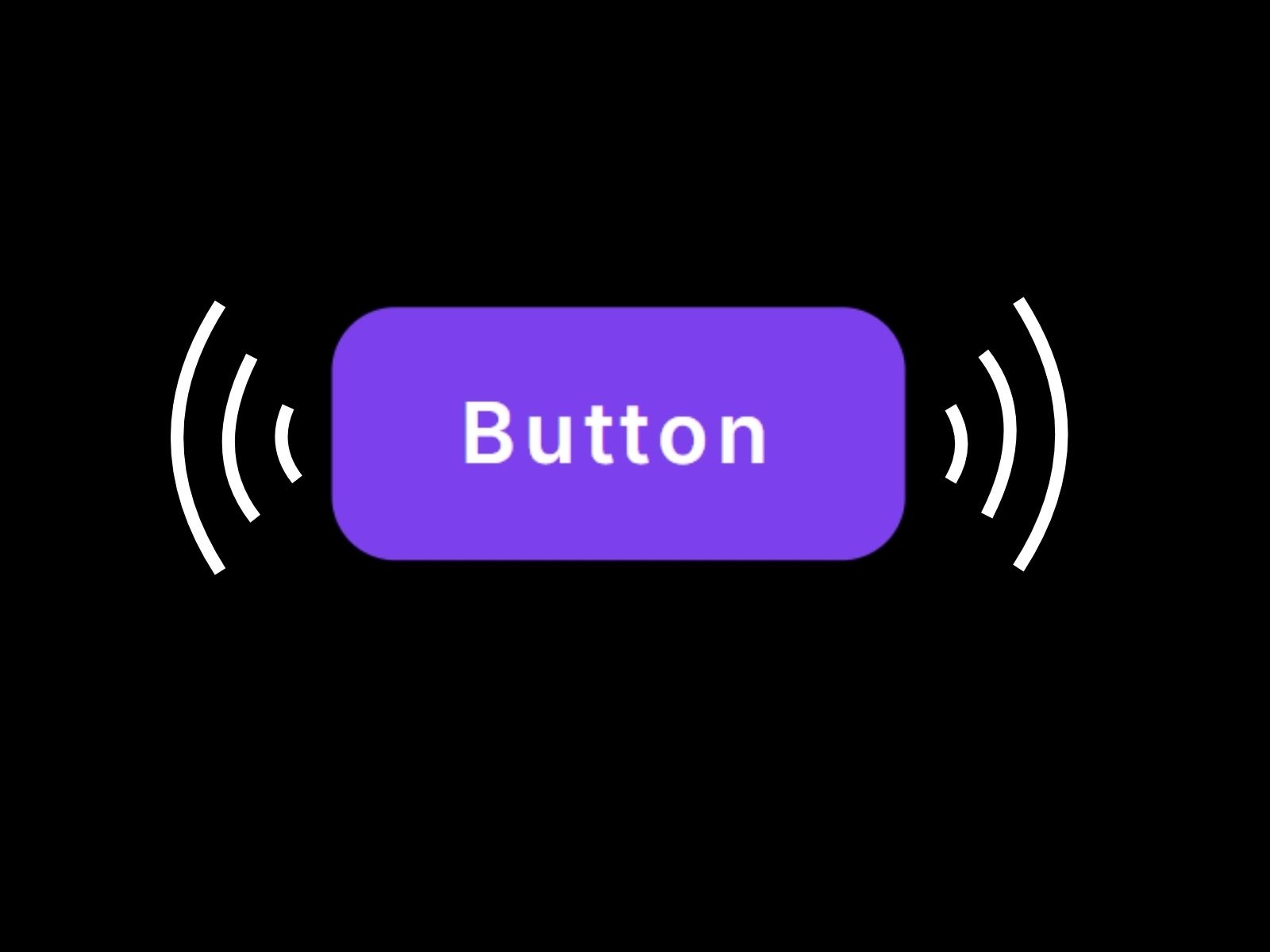
Spatial Audio Button goes beyond static MP3 playback: the Web Audio API maps horizontal click position to stereo panning, vertical position to a low-pass filter, and proximity to the button center to subtle volume shifts — clicks near the bottom sound muffled while top-edge taps stay crisp. Sajjadul Kibria pairs the engine with Framer Motion tap scaling, custom typography and color controls, and keyboard-accessible Enter and Space triggers. Stack several instances with different samples to turn a navigation row into a playable instrument — free, but the strongest pick when sound design is part of the art direction.
- Best for
- Creative launches and audio-brand sites where click position should change how the sound feels
Affiliate link — we may earn a commission at no extra cost to you.
Sound on Click — Wrapper with six preset clicks plus custom URL upload
by Nabeel
Sound on Click from SegmentUI wraps any connected button, card, or frame and plays one of six built-in presets — Click, Keyboard, Remote, Sand, Doorbell, or Door Lock — or a custom URL when the brand ships its own SFX library. Nabeel’s wrapper pattern means you never rebuild the visual layer: connect content to the Content property, pick a preset, and publish. At 9 USD it is the fastest paid path when clients want immediate tactile feedback on CTAs without configuring variant variables or uploading files per interaction.
- Best for
- Agency builds that need polished click sounds in minutes without sourcing audio libraries
Affiliate link — we may earn a commission at no extra cost to you.
Web Haptics — Mobile vibration presets with optional desktop test sound
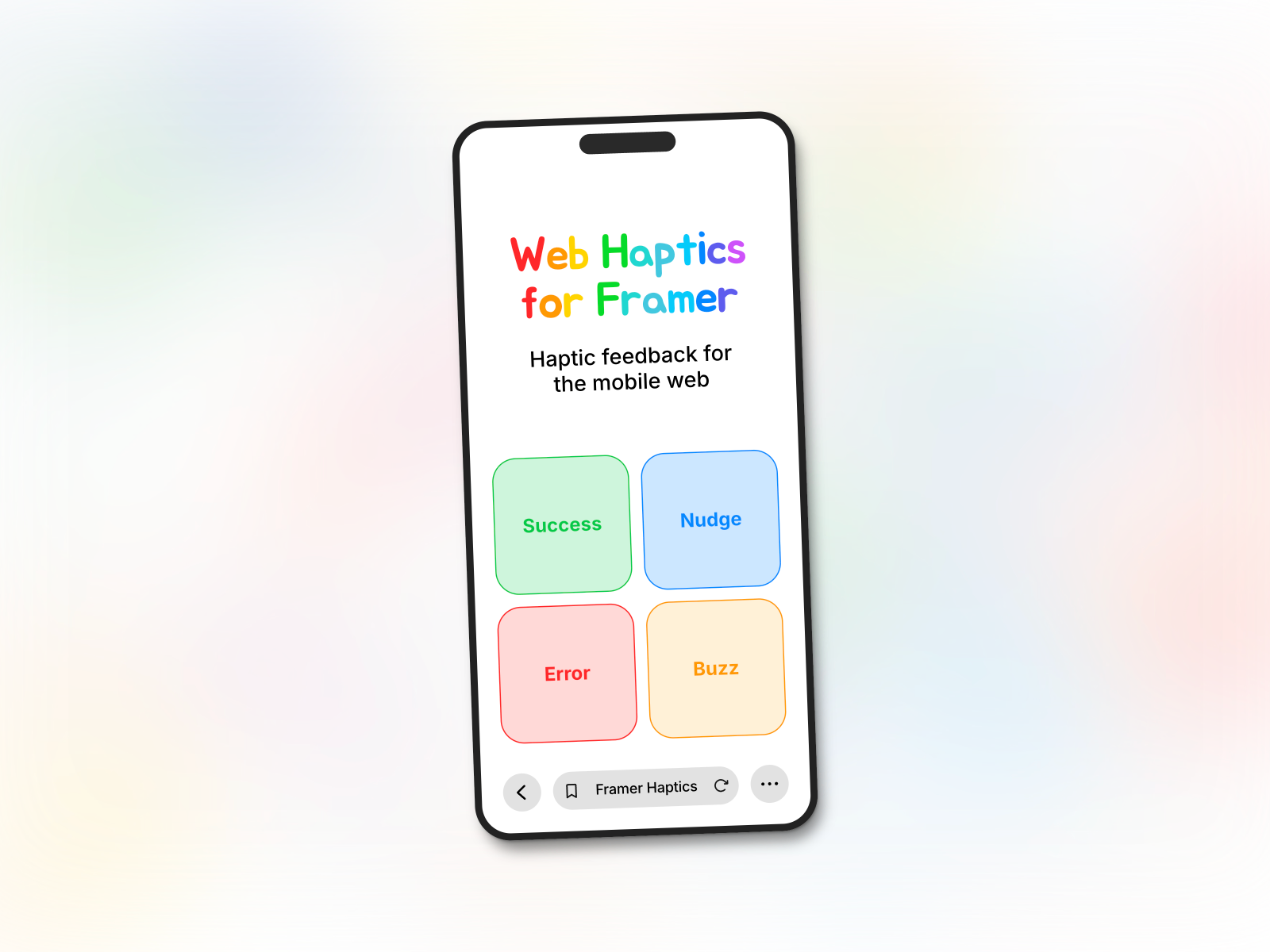
Web Haptics adds tactile feedback where audio alone falls short — drop the invisible component onto any layer and trigger one of twelve presets on mobile tap, including Success, Error, Light, Medium, Heavy, Buzz, Rigid, and Nudge. David McBacon also exposes a custom pattern builder with duration, intensity, and delay steps, or a code mode for patterns pasted from haptics.lochie.me. Desktop browsers cannot vibrate, but enabling Play Sound in the panel lets you audition feedback during design; pair this with Haptic Feedback or SoundEffect when the experience should feel tactile on phones and audible on desktop.
- Best for
- Mobile-first product sites that need tap vibration on iOS and Android alongside optional audio on desktop
Affiliate link — we may earn a commission at no extra cost to you.
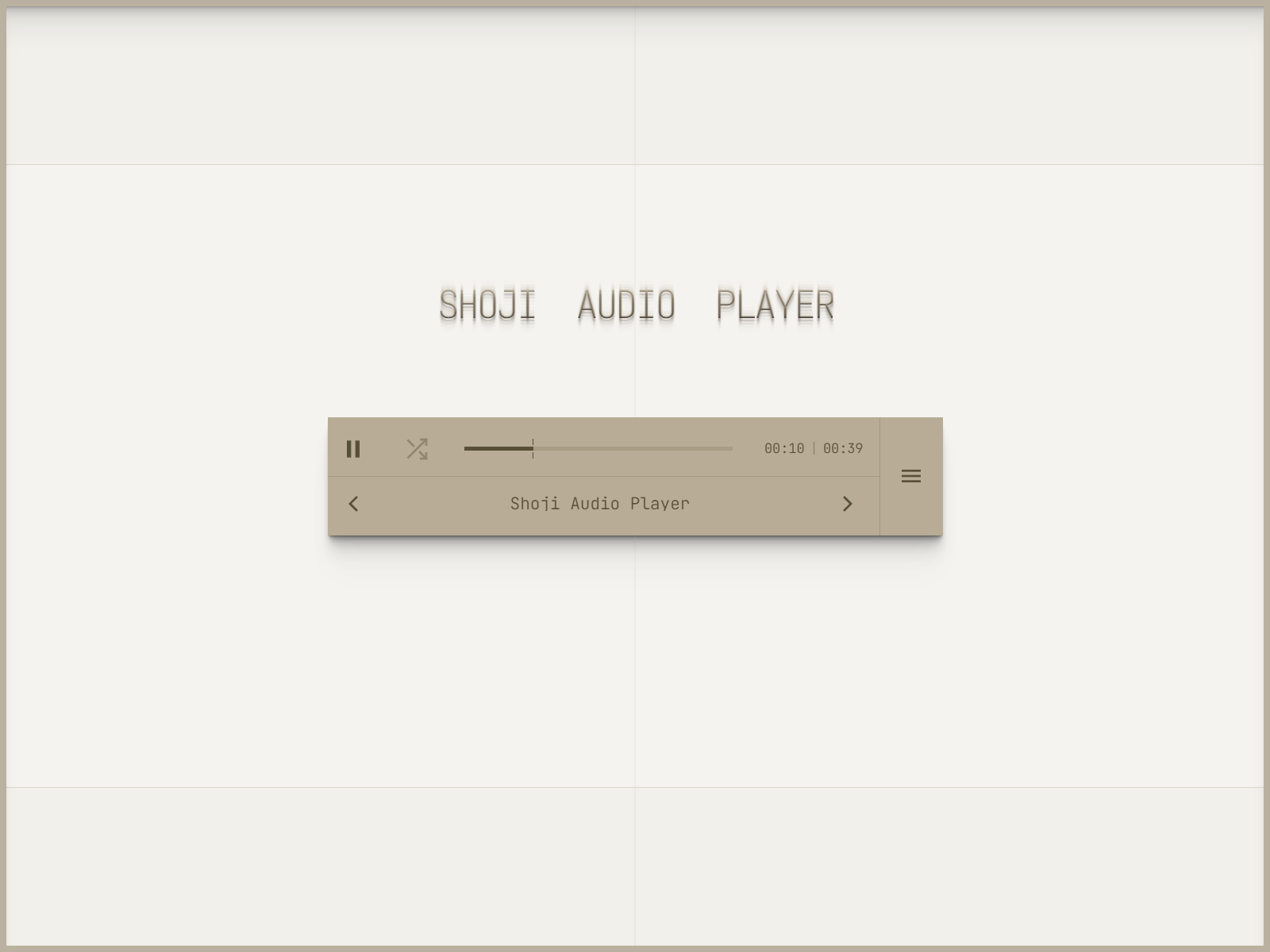
Shoji Audio Player — Five-band EQ, playlists, crossfade, and four responsive layouts
Shoji Audio Player is the production-grade listening surface when short UI clicks are not enough — upload MP3, WAV, or FLAC tracks, queue playlists with shuffle and repeat, and crossfade between songs through a true Web Audio engine with a working five-band equalizer. Joshua Roberts ships four layout modes from full player to miniscule widget, drag-to-seek progress, playback-speed controls, viewport-aware settings menus, and autoplay with configurable delays. At 15 USD it replaces the typical embed-plus-custom-CSS stack for any Framer page where audio is the product, not just decoration behind a button.
- Best for
- Beat stores, podcast landings, and sound-design portfolios that need long-form playback controls
Affiliate link — we may earn a commission at no extra cost to you.
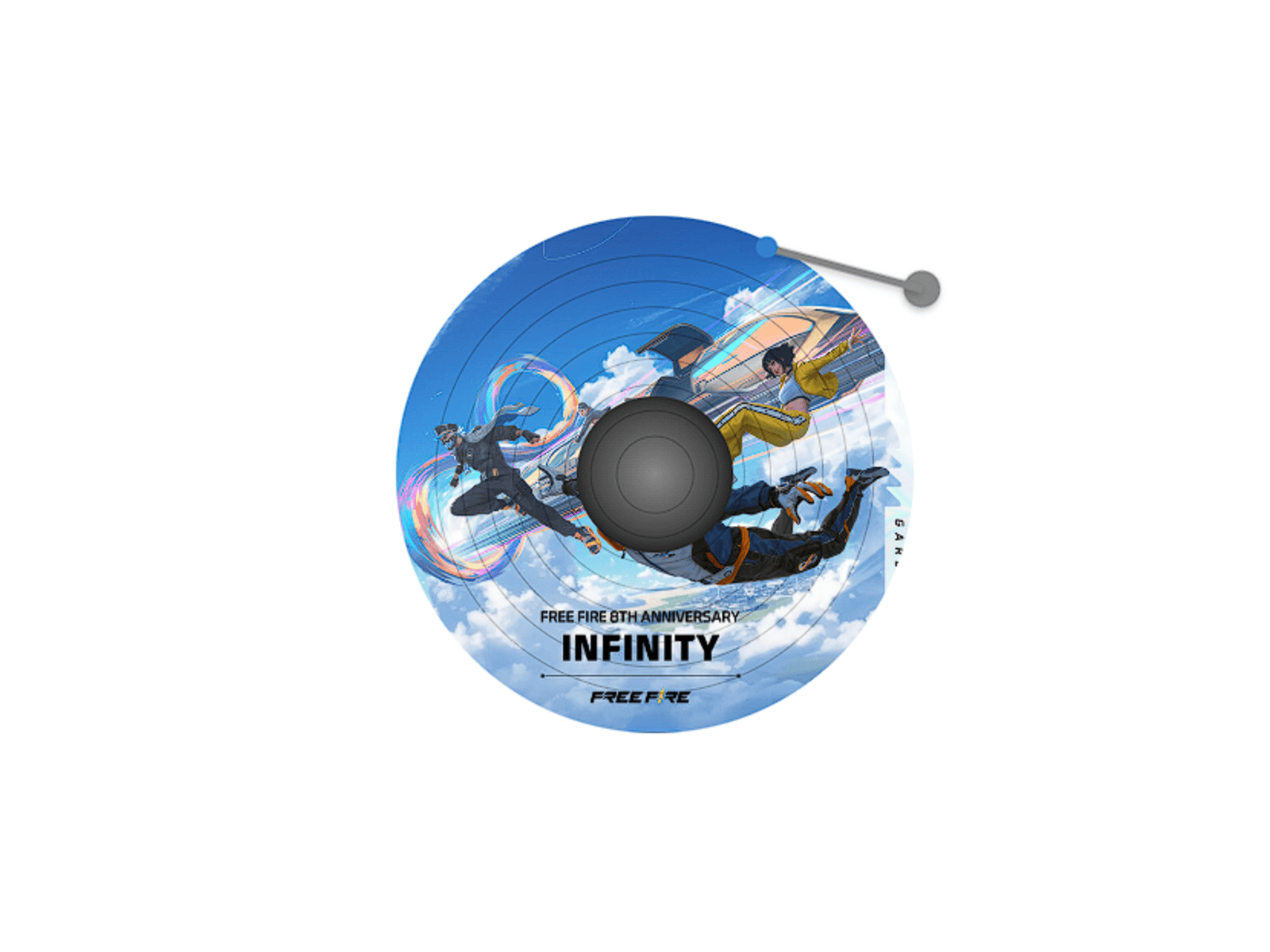
DiscPlayer — Vinyl-inspired tap-to-play MP3 player with spinning disc animation
by Ahmad
DiscPlayer strips playback down to a glossy spinning disc and a mechanical needle arm — tap to play or pause with no visible chrome, timestamps, or transport buttons cluttering the layout. Ahmad built it for creators who want one hero track to feel tactile and cinematic rather than buried inside a generic control bar. Upload your MP3, tune colors and sizing from the panel, and drop it into portfolio heroes or link-in-bio sections where a full Shoji-style player would overpower the visual story. Free, minimal, and ideal when the brief calls for one memorable audio moment instead of a streaming interface.
- Best for
- Music previews and portfolio reels that need one featured track with analog nostalgia
Affiliate link — we may earn a commission at no extra cost to you.
Quick comparison
| Resource | Price | Type | Best for |
|---|---|---|---|
| Haptic Feedback | Free | Component | Site-wide UI sounds on buttons and form controls |
| SoundEffect | Free | Component | Variant-synced hover and click audio |
| ClickHover Sound | Free | Component | Layer-connected micro-sounds with fade controls |
| Spatial Audio Button | Free | Component | Position-aware Web Audio click effects |
| Sound on Click | 9 USD | Component | Preset click sounds via wrapper pattern |
| Web Haptics | Free | Component | Mobile tap vibration with custom patterns |
| Shoji Audio Player | 15 USD | Component | Full playlists, EQ, and crossfade playback |
| DiscPlayer | Free | Component | Single-track vinyl-style hero player |
How to choose the right Framer sound component
Separate UI feedback from long-form playback. Haptic Feedback, SoundEffect, ClickHover Sound, Spatial Audio Button, and Sound on Click handle short clips tied to interactions — use them on navigation, CTAs, and toggles. Shoji Audio Player and DiscPlayer serve featured tracks, podcasts, and beat previews where visitors expect scrubbing, playlists, or at least a visible player metaphor.
Match wiring style to your component architecture. If buttons already expose Hover and Clicked variants, SoundEffect connects cleanly through the Variant property. When layers are static frames or one-off marketing blocks, ClickHover Sound’s canvas selector or Haptic Feedback’s parent-frame overlay installs faster than rebuilding variant systems.
Layer mobile haptics alongside desktop audio. Web Haptics only fires on mobile tap — pair it with any desktop sound component when product pages should vibrate on phones and click audibly on laptops. Test with Play Sound enabled in Web Haptics during design so stakeholders hear feedback before device QA.
Budget free first, then buy presets or pro playback. Haptic Feedback and SoundEffect cover most site-wide UI sound needs at zero cost. Spend 9 USD on Sound on Click when preset libraries beat sourcing SFX, or 15 USD on Shoji Audio Player when the page is an audio product, not a brochure with occasional clicks.
Our top pick for most Framer builders
If you install one sound component site-wide, Haptic Feedback free is the most complete UI overlay — 40+ sounds, multiple trigger modes, and form-field coverage without variant plumbing. For variant-driven design systems, SoundEffect free syncs audio to Hover and Clicked states with smarter click bleed-through handling than manual overrides. When the brief is a playable brand moment, Spatial Audio Button free delivers the strongest creative payoff; when audio is the hero content, Shoji Audio Player at 15 USD is the professional playback stack worth the spend.
Browse Framer templates on yoframer for interactive portfolio and product layouts, or read our cursor effects roundup when pointer motion should pair with click audio. More resource roundups live on the Resources hub.
Updated July 2026. We refresh this list as notable audio and sound components ship, reprice, or go stale.