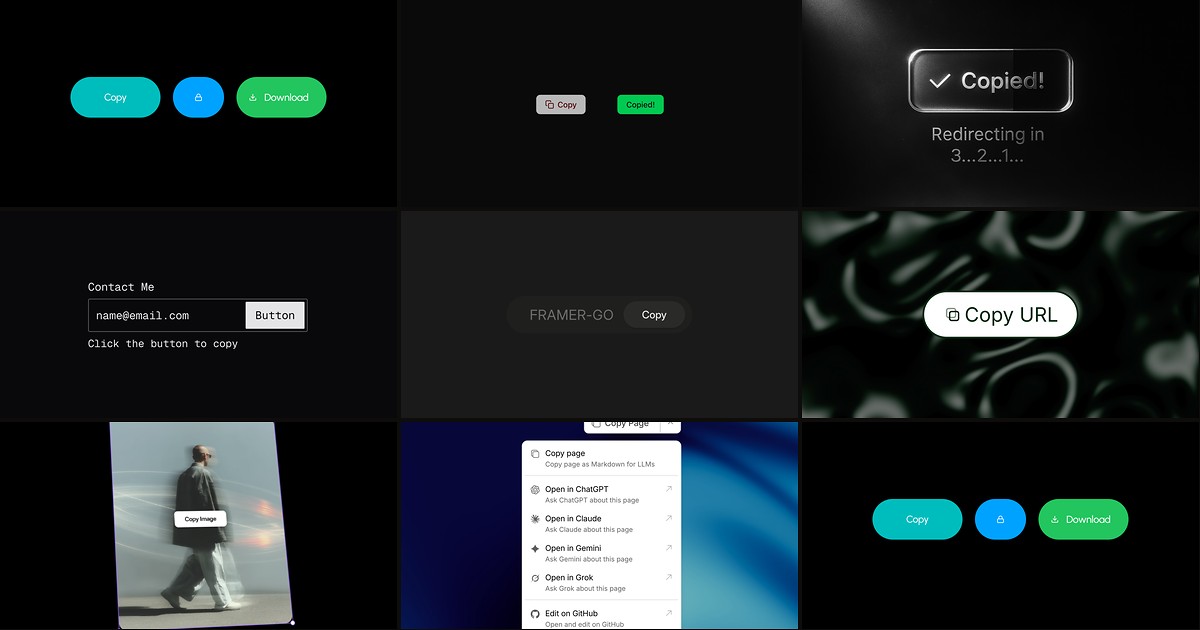
Promo codes, referral URLs, API keys, and component share links all depend on one micro-interaction: copy something to the clipboard and prove it worked. Framer’s built-in Copy to Clipboard utility handles the raw action, but it offers almost no styling, no success animation, and no error recovery. A dedicated framer copy to clipboard component wraps the Clipboard API in designed states — idle, hover, copied, and sometimes error — so visitors get tactile feedback instead of wondering whether the click registered.
This list ranks eight copy-to-clipboard components on the Framer marketplace in 2026. Every pick has a live listing, identifiable creator, and working preview — four free and four paid, spanning promo buttons, code snippet copy, image clipboard, copy-and-redirect checkout flows, and GitBook-style page export for AI tools.
CopyKit — Sound-enabled copy button with 80+ icons, three display modes, and animated success states
by Kunal Sharma
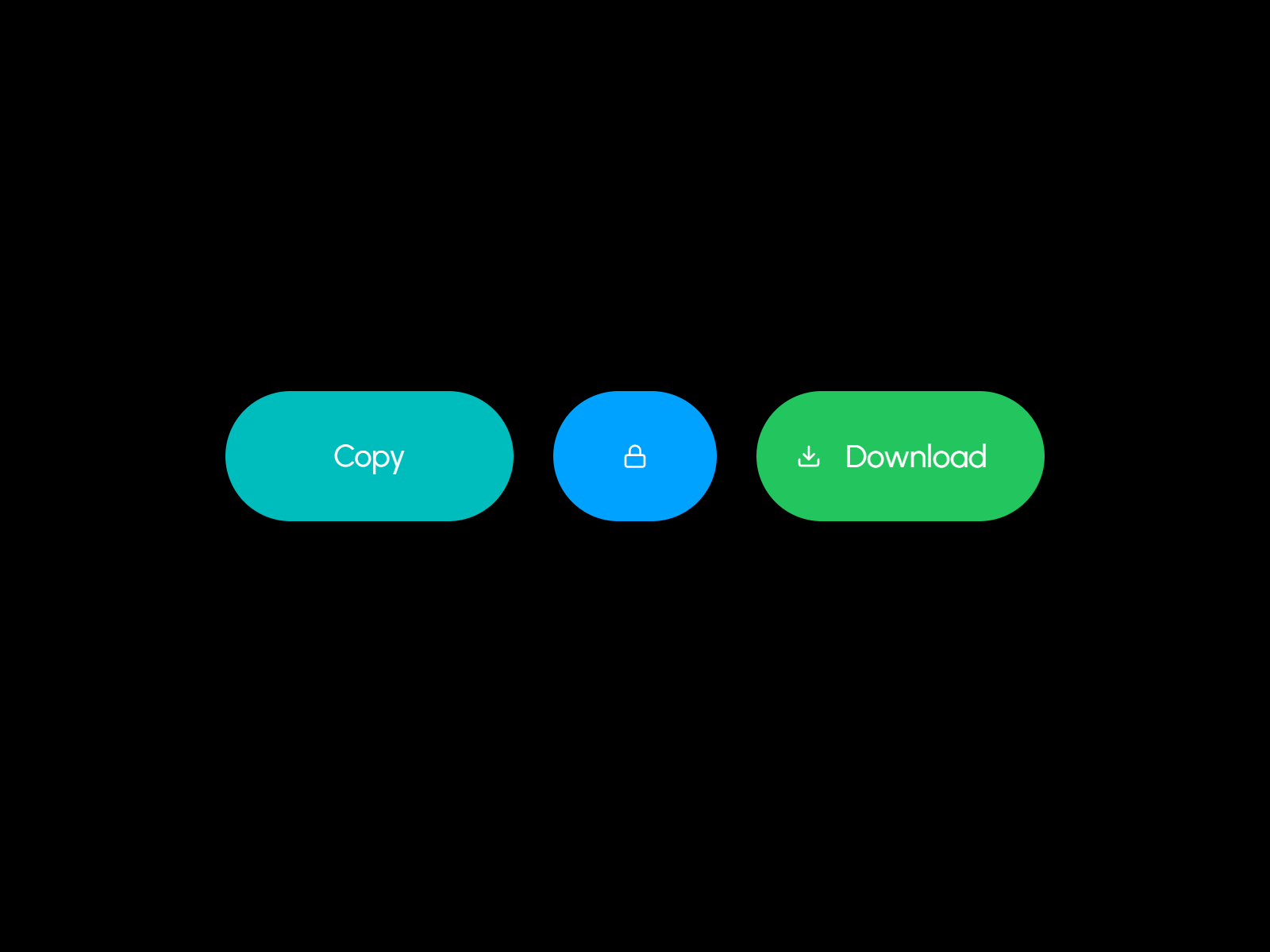
CopyKit is the most sensory copy button on the marketplace. Kunal Sharma ships fifty browser-synthesized sound presets — mechanical clicks, soft taps, bells, and digital UI tones — alongside eighty built-in icons you can assign independently to default and success states. Three layout modes cover icon-plus-text buttons, icon-only chips, and text-only labels, with full control over border, radius, font, and reset delay from the property panel. At 5 USD it replaces hours of wiring hidden triggers and variant transitions when your brief demands that copying a referral code feels as satisfying as clicking a physical switch.
- Best for
- Product launches and portfolio sites where copy feedback should feel tactile and memorable
Affiliate link — we may earn a commission at no extra cost to you.
CopyButton — Linear-style micro-interaction with icon morph, error state, and mobile haptics
by Clément Rog
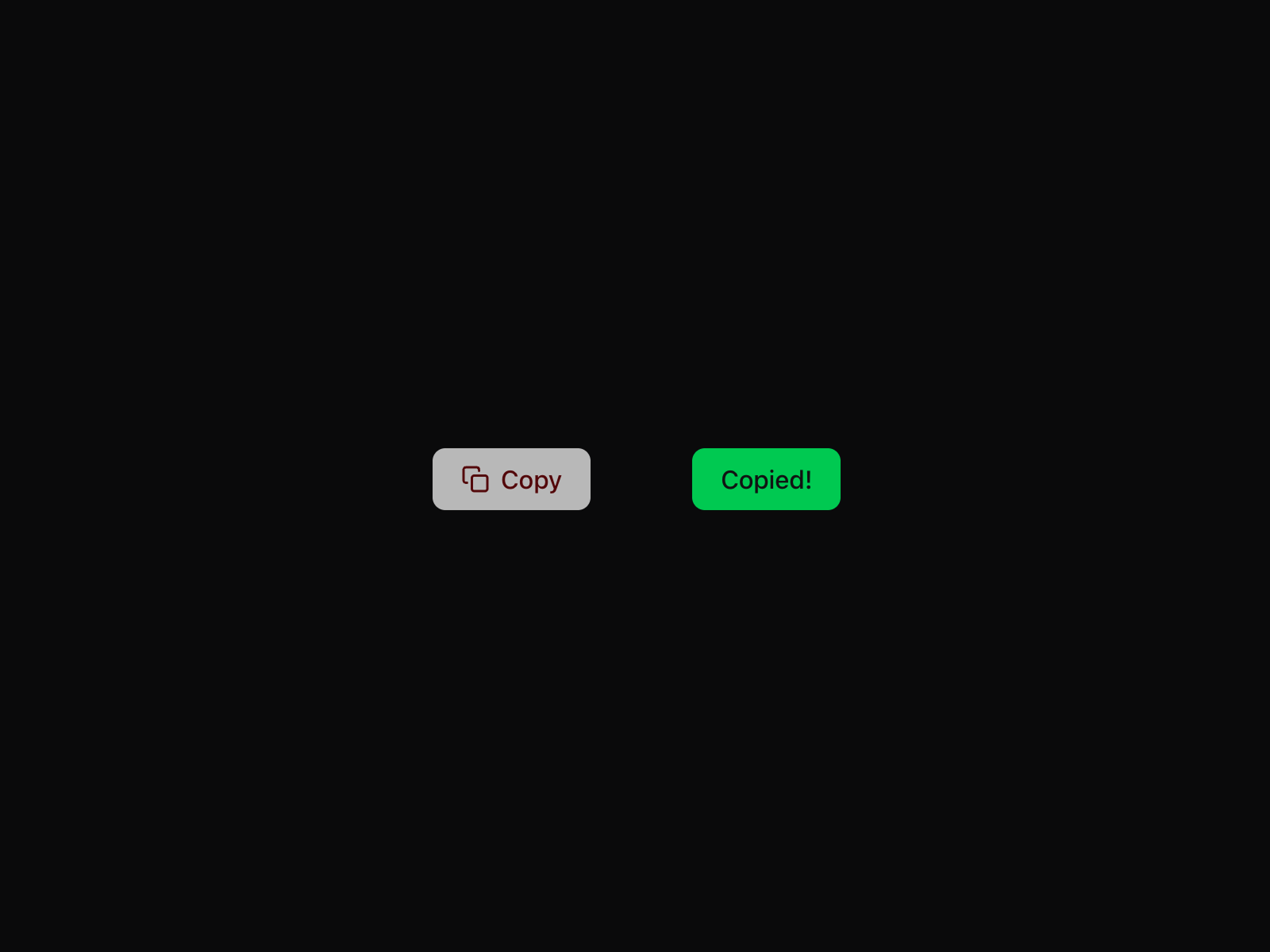
CopyButton delivers the polished feedback loop most free utilities skip. Clément Rog morphs the clipboard icon into a checkmark on success, shifts background color through idle, copied, and error states, and auto-resets after a configurable delay between 500 and 5000 milliseconds. Size presets, filled-outline-ghost styles, multiline text support, and optional haptic vibration on mobile cover the edge cases that break silently on HTTPS-restricted pages. Install it first when you want Linear-caliber micro-interactions without opening variant panels or hiding native clipboard triggers.
- Best for
- SaaS dashboards and developer tools that need production-grade clipboard error handling
Affiliate link — we may earn a commission at no extra cost to you.
Copy and Redirect — Copies a discount code then auto-redirects to checkout with a progress loader
by Nabeel
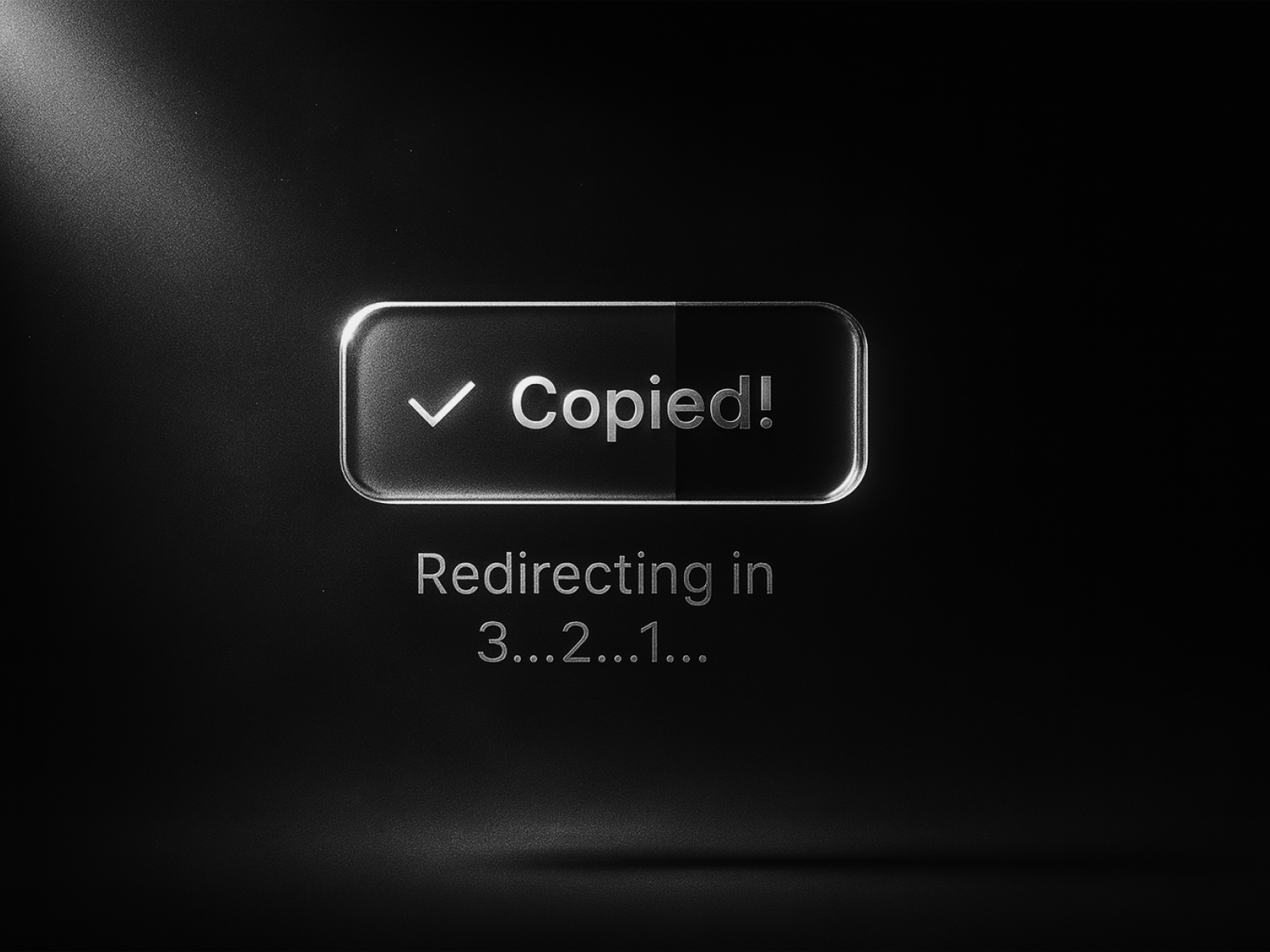
Copy and Redirect solves the two-step promo funnel in one click. Nabeel copies your configured text — a coupon code, referral string, or affiliate tag — shows a success state with an optional progress loader, then automatically navigates to a destination URL after a delay you set in the panel. Default, hover, pressed, and success colors, optional icons, typography controls, and border-radius tuning keep the button on-brand while the redirect logic runs client-side. At 4 USD it is the specialized pick when CopyButton’s copy-only flow would leave users stranded without a path to checkout.
- Best for
- Ecommerce promo flows where users should copy a code and land on the purchase page
Affiliate link — we may earn a commission at no extra cost to you.
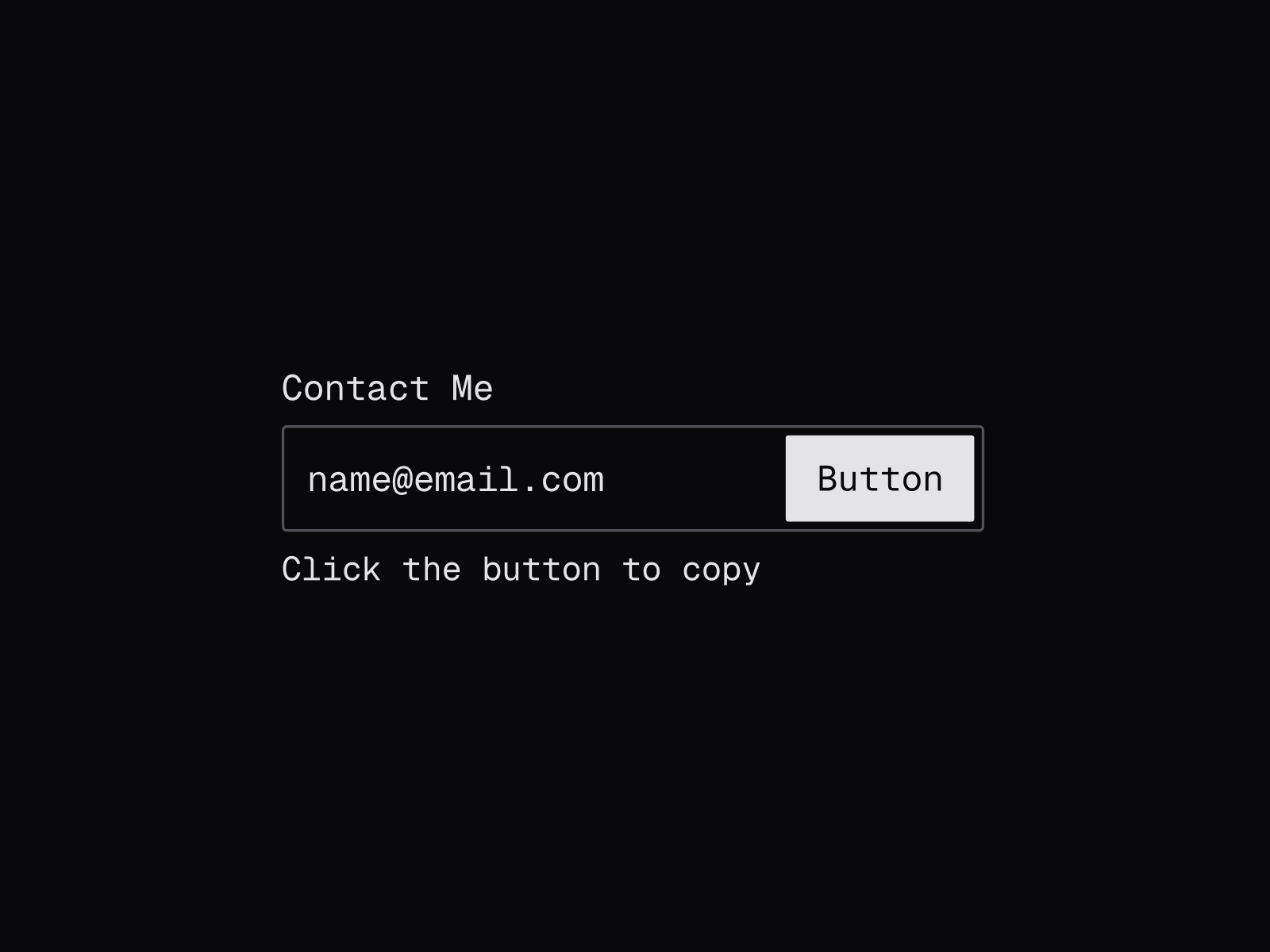
Copy to Clipboard — Typography-first copy block with seven animation types and three-state hover system
by DesignFlow
DesignFlow’s Copy to Clipboard treats the copied value as part of the layout, not just a button label. Seven animation modes — roll, typewriter, wipe, slide-up, slide-down, fade, and none — run independently on labels, display text, and helper copy across default, hover, and click states. Full typography, padding, border, shadow, and gap controls let you build promo code rows, API key displays, and share URL blocks that animate on interaction rather than swapping a single button color. At 7 USD it is the premium typography layer when CopyButton’s compact chip format would not carry enough context around the value being copied.
- Best for
- Pricing pages and API docs where the copied value sits inside a styled label container
Affiliate link — we may earn a commission at no extra cost to you.
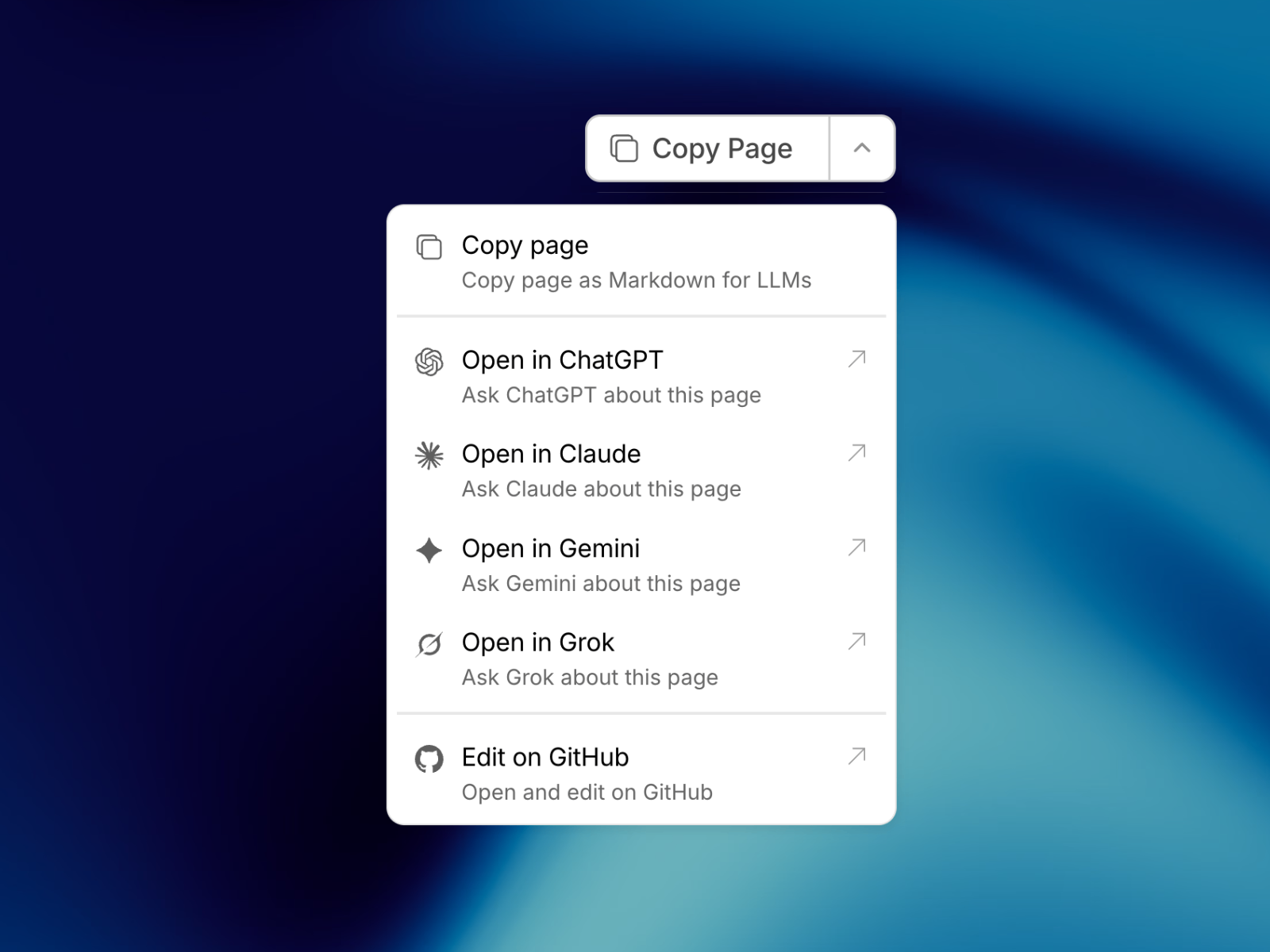
Copy Page for AI — Exports the current Framer page as Markdown for ChatGPT, Claude, and other LLMs
by Soyeb
Copy Page for AI extends clipboard copy beyond strings and URLs to entire page content. Soyeb converts the published page HTML into clean Markdown, optionally excluding named frames, stripping headers and footers, and appending the page URL — then copies the result in one click from a split button or dropdown-only layout. Customizable menu items, AI prompt presets, and overflow-safe dropdown positioning mirror the GitBook pattern documentation teams already recognize. At 19 USD it is the niche premium when your audience shares docs with LLMs daily and a simple text button cannot capture structured page content.
- Best for
- Documentation sites and blogs that need GitBook-style copy-page-for-AI buttons
Affiliate link — we may earn a commission at no extra cost to you.
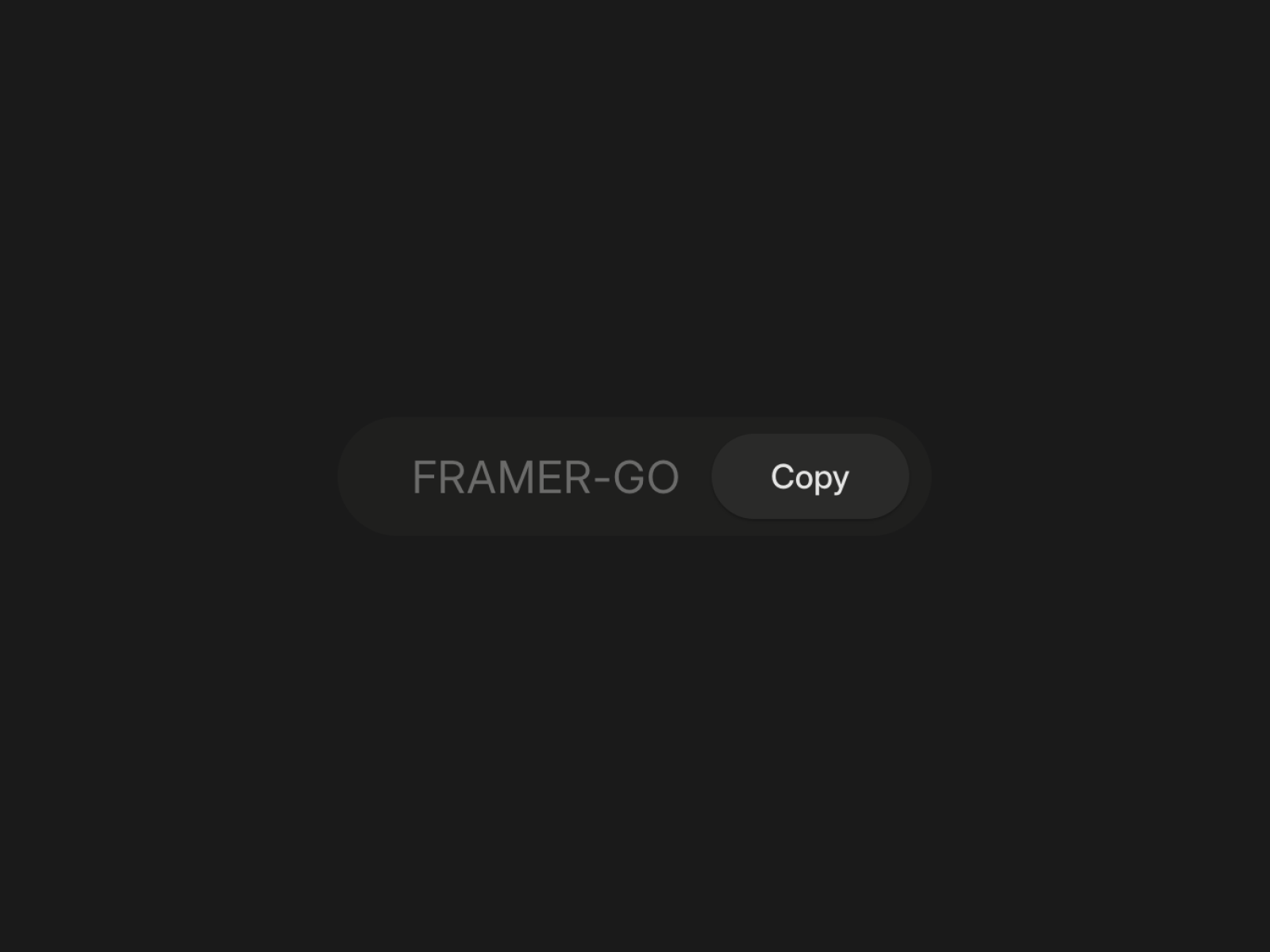
Copy Code Button — Progress-bar copy button with dark/light mode and monospace font controls
by Launchly
Copy Code Button targets the code-snippet use case with a dedicated progress animation. Launchly renders an animated fill bar, blur-and-fade confirmation, and a check icon with a configurable success duration — all wrapped in responsive sizing that hugs its container. Dark and light theme toggles, font family-size-weight-style controls, and a codeText prop keep monospace blocks readable without custom CSS overrides. Drop it on integration docs and SDK pages where DesignFlow’s typography animations would distract from the snippet itself.
- Best for
- Developer landing pages and API reference sections with code snippet copy blocks
Affiliate link — we may earn a commission at no extra cost to you.
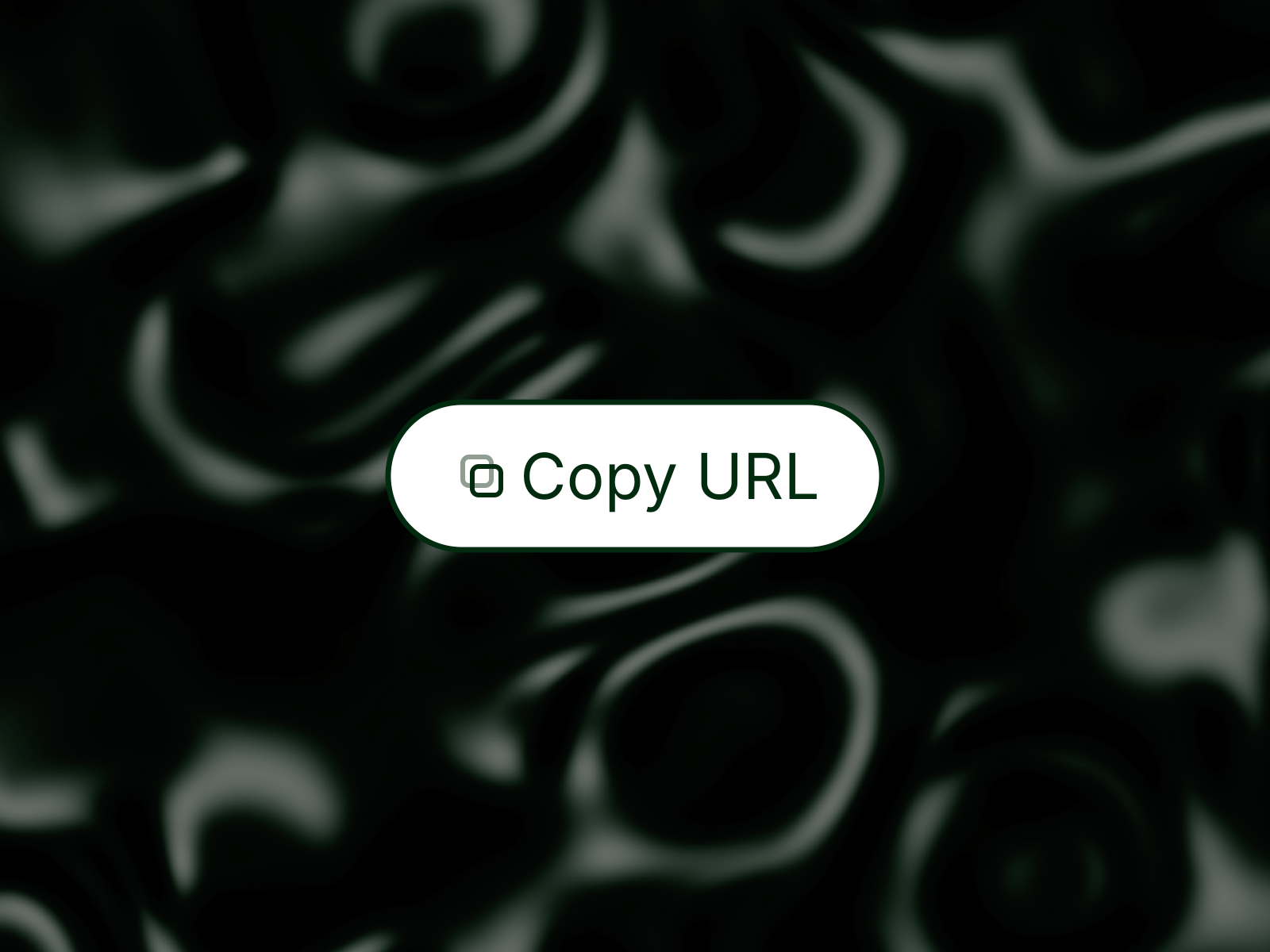
Copy Button — Lightweight button that copies custom text or the current page URL with fade transitions
Copy Button is the lean free default when you need copy functionality without animation complexity. Richard de Jaroueh lets you choose between a custom string and the current page URL, then toggles idle, hover, and copied states with smooth fade or instant transitions. Optional copy and checkmark icons, full Framer font picker integration, and screen-reader announcements keep the component accessible while staying client-side with no external dependencies. Use it on footer share rows and contact blocks where CopyButton’s error states and haptics would be more interaction than the layout needs.
- Best for
- Share links, email addresses, and coupon rows where a minimal footprint matters
Affiliate link — we may earn a commission at no extra cost to you.
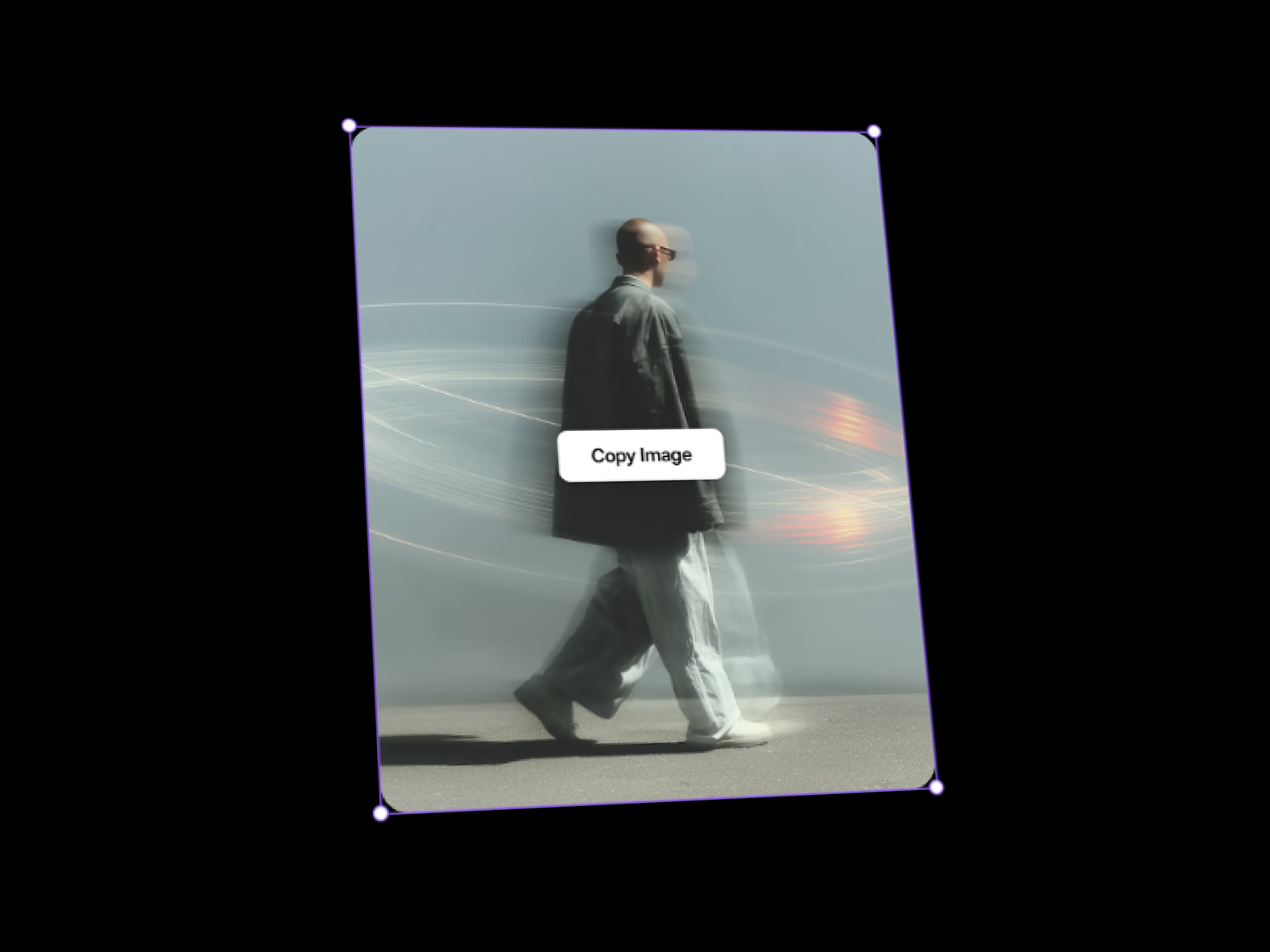
Image To Clipboard — One-click image copy with overlay or below-button placement and feedback text
by Framify
Image To Clipboard handles a clipboard category text buttons cannot touch. Framify uploads the target image, positions the copy control as an overlay or below the asset, and shows customizable confirmation text after a successful copy. Button and text colors, separate font pickers for label and feedback copy, border radius, and show-hide feedback toggles keep the component consistent with surrounding layouts. Reach for it on creative portfolios and UI kit previews where right-click-save friction would break an otherwise polished sharing experience.
- Best for
- Design galleries, asset libraries, and portfolio pages where visitors copy images directly
Affiliate link — we may earn a commission at no extra cost to you.
Quick comparison
| Resource | Price | Type | Best for |
|---|---|---|---|
| CopyKit | 5 USD | Component | Sound-enabled copy with 80+ icons and three layout modes |
| CopyButton | Free | Component | Linear-style micro-interaction with error and haptic states |
| Copy and Redirect | 4 USD | Component | Promo code copy with auto-redirect to checkout |
| Copy to Clipboard | 7 USD | Component | Typography blocks with seven animation types |
| Copy Page for AI | 19 USD | Component | Full-page Markdown export for LLM workflows |
| Copy Code Button | Free | Component | Code snippet copy with progress bar and dark mode |
| Copy Button | Free | Component | Minimal custom text or page URL copy |
| Image To Clipboard | Free | Component | One-click image copy with overlay placement |
How to choose the right Framer copy to clipboard component
Match the copied content type. Text and promo codes suit CopyKit, CopyButton, Copy Button, and DesignFlow’s Copy to Clipboard. Code snippets belong on Copy Code Button with its monospace controls and progress animation. Image galleries need Image To Clipboard. Documentation sites sharing content with AI tools should evaluate Copy Page for AI before forcing users through manual select-all.
Decide whether copy ends the interaction. Copy and Redirect is the only pick here that navigates after copying — ideal for coupon-to-checkout funnels. Every other component stops at clipboard confirmation, which is the right fit for share links, API keys, and component distribution URLs.
Budget free foundations first. CopyButton free covers production feedback with error recovery. Copy Code Button free handles developer snippets. Copy Button free and Image To Clipboard free cover share links and asset copy. Spend 4–19 USD when you need redirect logic, typography animations, sound design, or full-page Markdown export that free utilities do not bundle.
Plan for feedback depth. CopyKit and CopyButton invest in sensory confirmation — sounds, icon morphs, haptics. Copy Button and Image To Clipboard stay lightweight. DesignFlow’s Copy to Clipboard animates the surrounding typography rather than the button chrome alone. Pick the feedback level that matches whether copy is a primary conversion action or a secondary utility.
Our top pick for most Framer builders
If you install one general-purpose copy button, CopyButton free is the balanced default — icon morph, error state, haptic feedback, and multiline support without a marketplace spend. For promo funnels that must land users on checkout, Copy and Redirect at 4 USD is the focused upgrade. When copy is a hero interaction on a launch page, CopyKit at 5 USD adds sound and icon depth that free chips cannot match.
Browse Framer templates on yoframer for SaaS and ecommerce layouts that pair naturally with promo copy buttons, or read our newsletter and email capture roundup for adjacent conversion components. More resource roundups live on the Resources hub.
Updated August 2026. We refresh this list as notable copy-to-clipboard components ship, reprice, or go stale.


