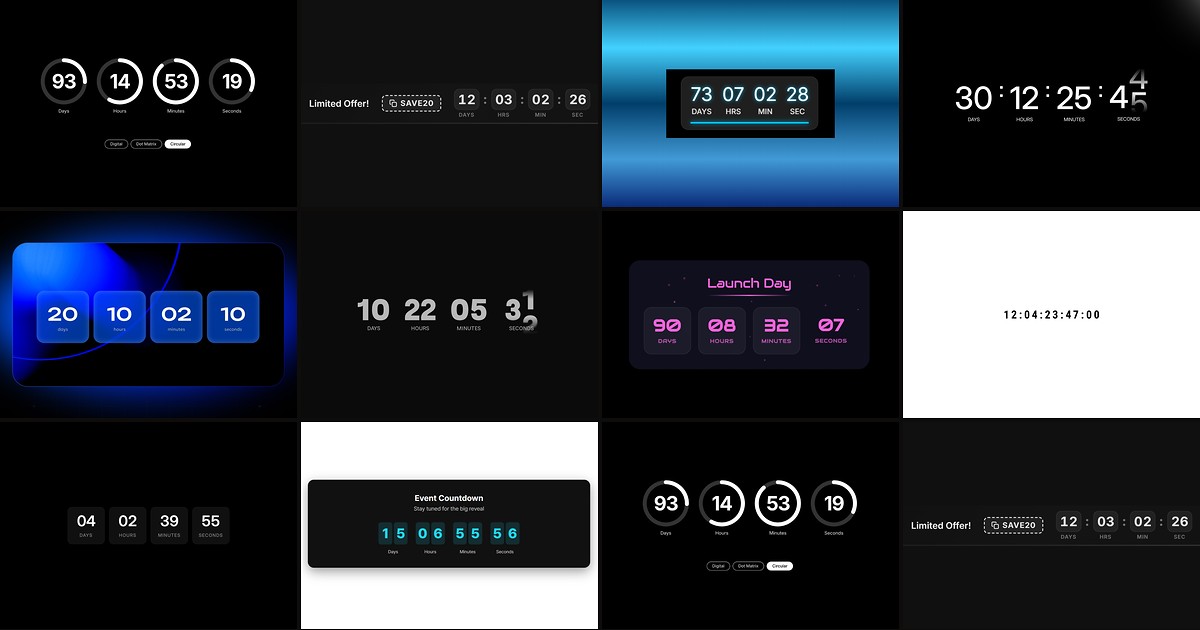
Product launches, webinar registrations, and flash-sale landers all share one conversion pattern: visitors need to see time running out before they act. Framer does not ship a native countdown layer — you wire target dates, typography, and end-state behavior yourself, or you drop in a dedicated framer countdown timer component that handles the clock logic, responsive layout, and animation from the property panel.
This list ranks ten countdown timer components available on the Framer marketplace in 2026. Every pick has a live listing, identifiable creator, and working preview — four paid and six free, covering hero-section timers, sticky promo banners, flip-clock aesthetics, and cinematic digit motion for events, sales, and coming-soon pages.
Countdown Timer Pro — Digital, dot-matrix, and circular radial styles in one install
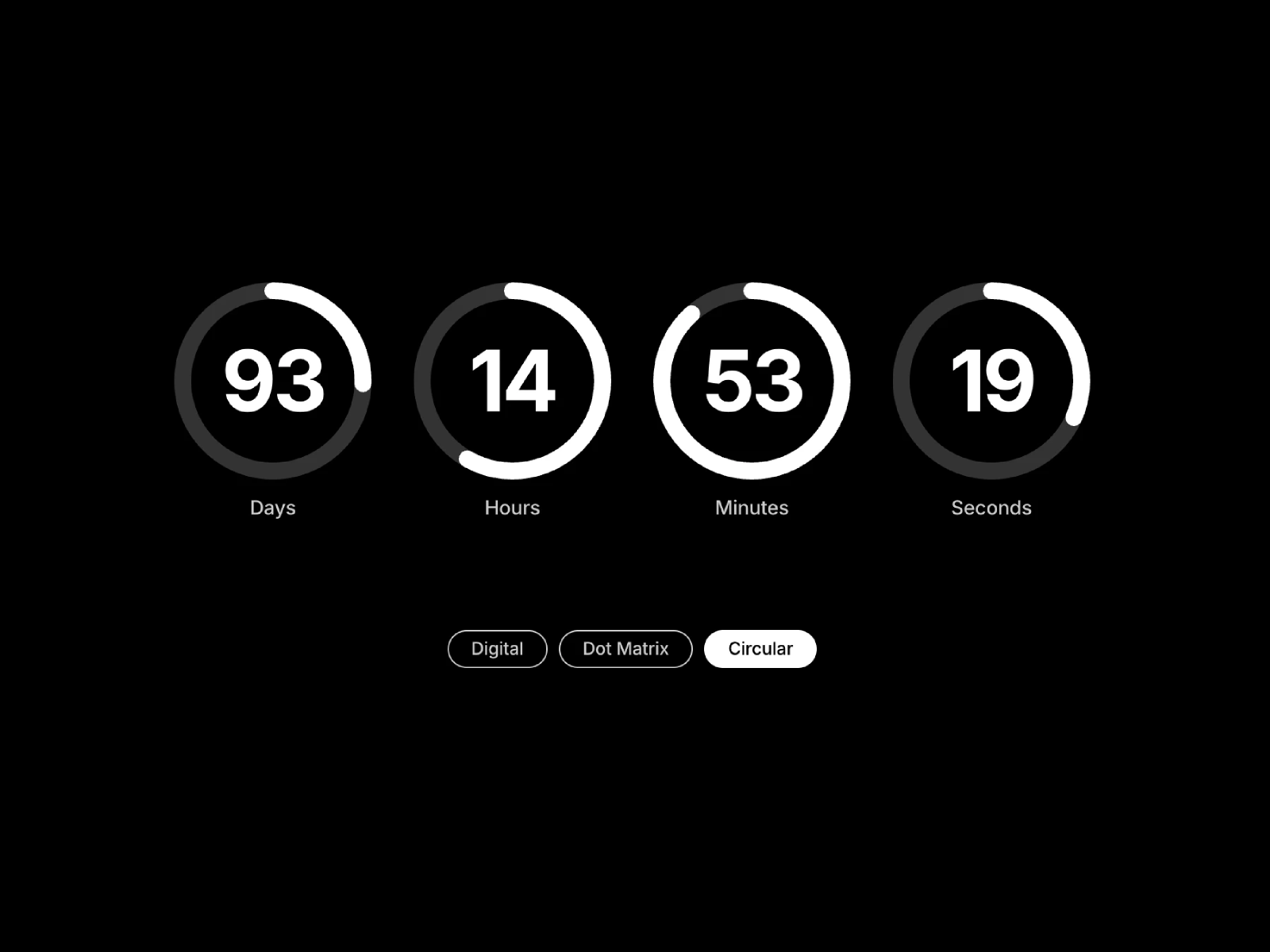
Countdown Timer Pro is the most versatile paid timer on this list: switch between segmented digital, dot-matrix, and circular radial displays from one component, then tune fonts, glow, background, animation speed, and a custom zero-state message. Real-time updates run without flicker, and the responsive layout scales cleanly from hero sections to inline promo blocks. At 5 USD it replaces stitching three single-style timers when a campaign site needs different countdown aesthetics per page.
- Best for
- Launch pages that need multiple visual treatments without buying separate timer components
Affiliate link — we may earn a commission at no extra cost to you.
Count Down — Spring-physics digits with motion blur and zero layout shift
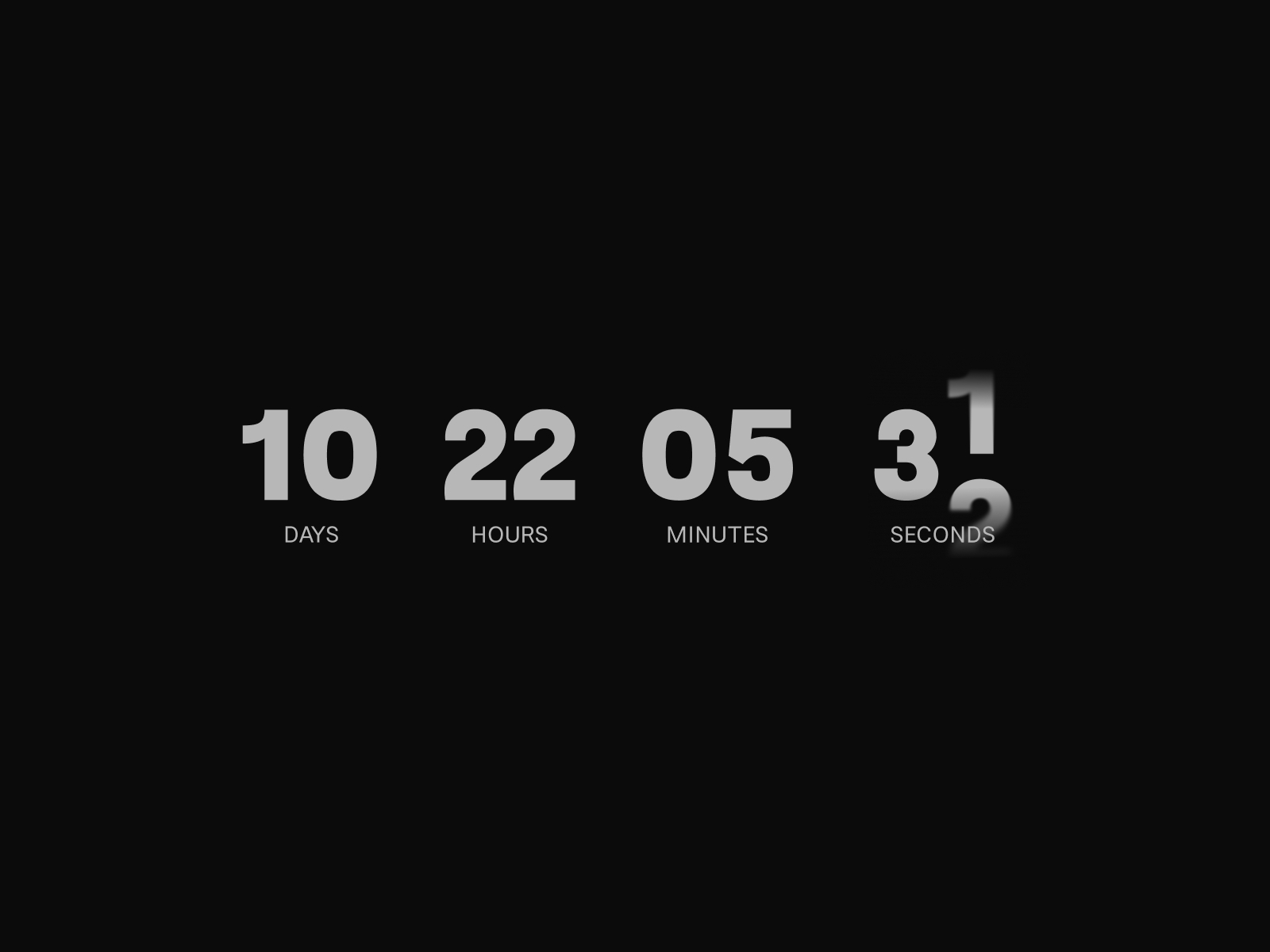
Count Down — marketed as Velocity Countdown — treats each digit as an independent physical object: when minutes tick from 49 to 48, only the changing digit animates while stable digits stay fixed, mimicking split-flap displays and financial tickers. Spring physics, Gaussian motion blur, and GPU-accelerated Framer Motion rendering deliver 60fps motion without layout shift. Choose from 15 curated fonts, toggle colon separators, and set gap spacing for dense or airy layouts — all free.
- Best for
- Premium launch heroes where cinematic digit transitions justify a free install over static numbers
Affiliate link — we may earn a commission at no extra cost to you.
Countdown Banner — Fixed viewport banner with presets, CTA button, and discount code
by Aidan Looker
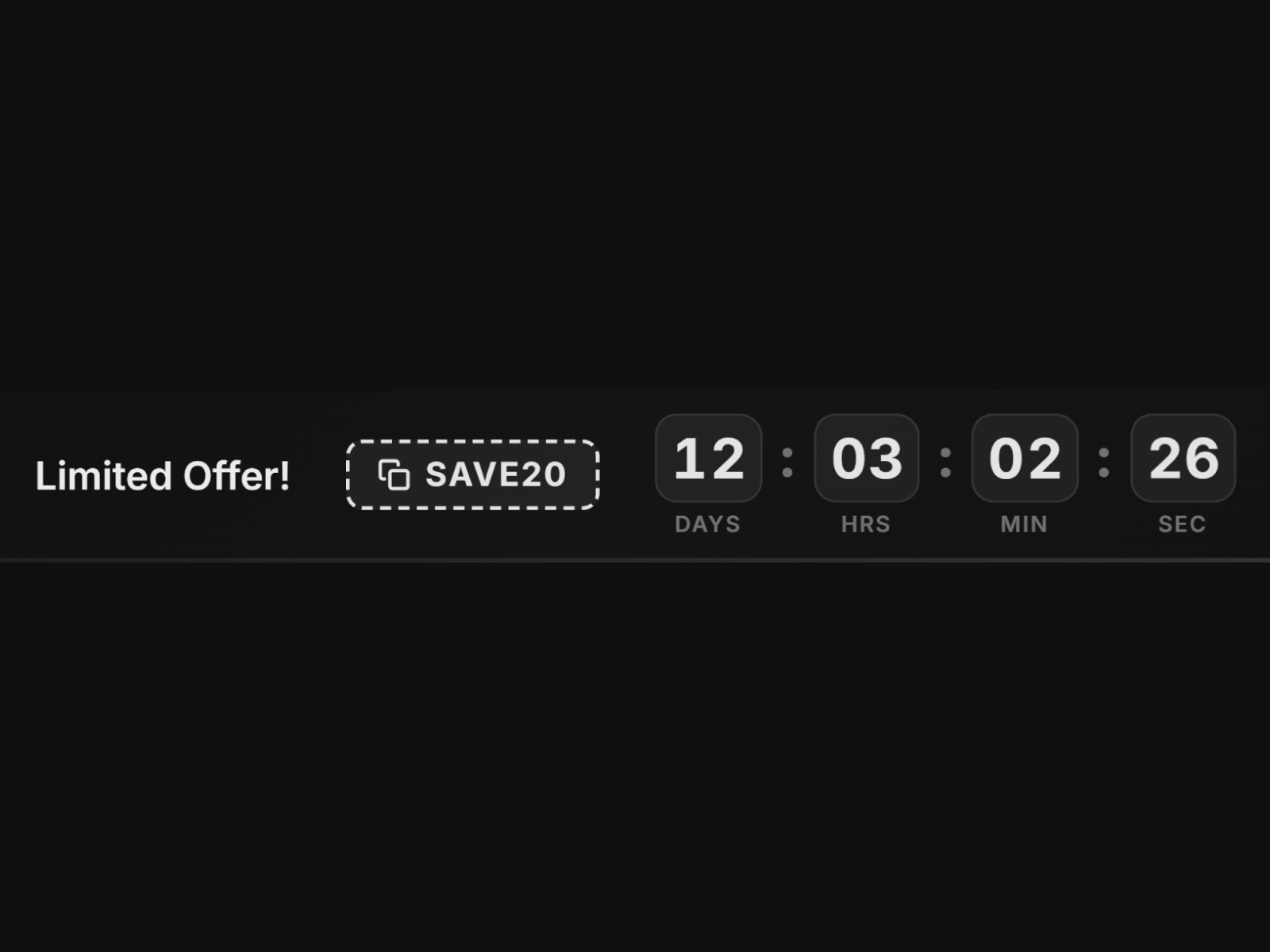
Countdown Banner solves a different problem from inline hero timers: a sticky notification bar pinned to the top of the viewport with live digits, custom message, built-in CTA button, and optional click-to-copy discount code. Six presets — Midnight, Ember, Frost, Luxe, Neon, plus custom — ship with animated digit flips, shimmer edge effects, and dismiss-with-slide-out behavior. Timezone-aware targeting across 18 zones and auto-hide or custom message on completion make it the best paid pick when urgency must follow visitors across an entire site.
- Best for
- Site-wide flash sales and event promos that need urgency above every page, not just the hero
Affiliate link — we may earn a commission at no extra cost to you.
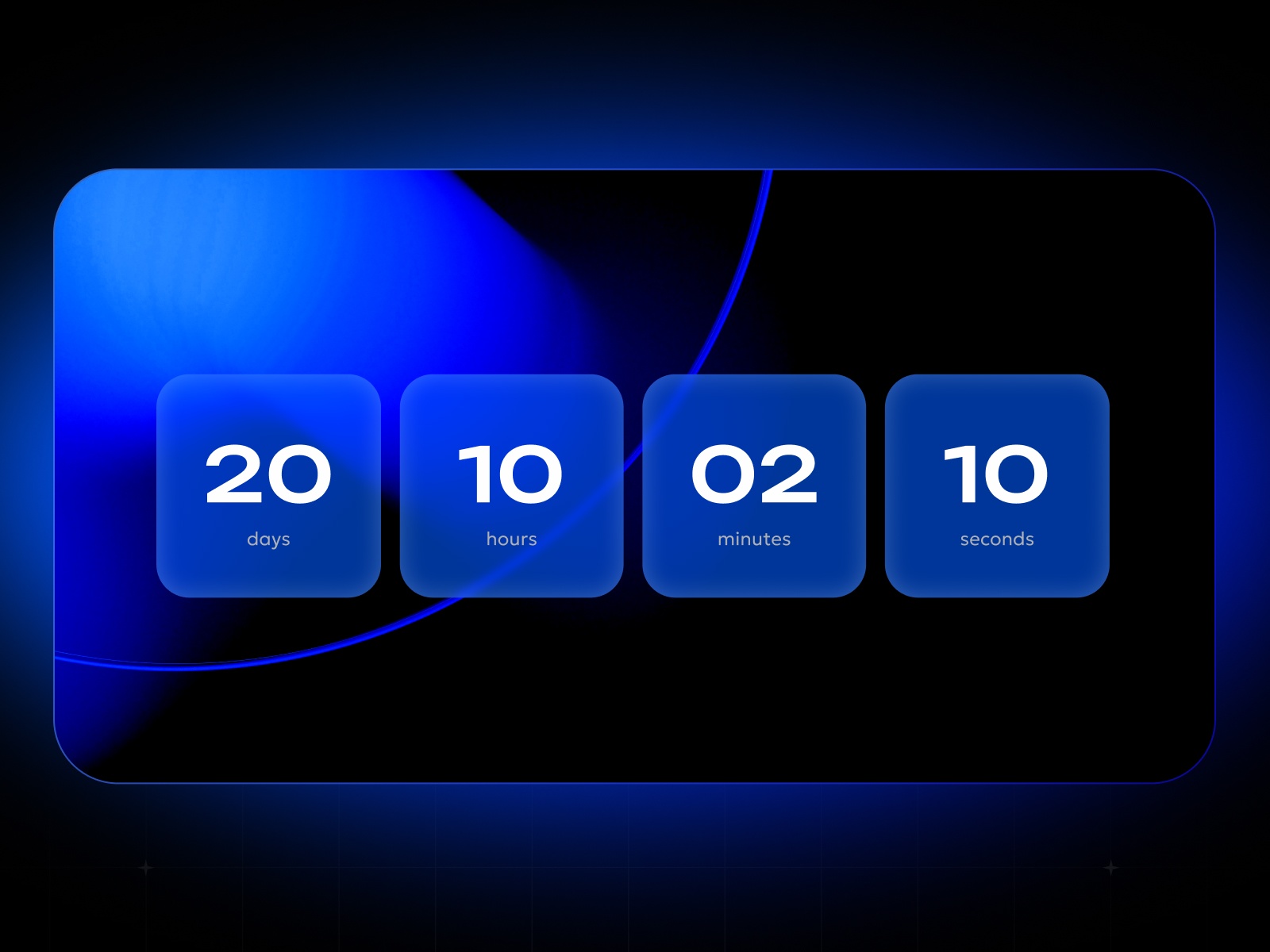
Countdown Timer — Fully responsive timer with gradients, borders, and animation library
Roman Avshalumov’s Countdown Timer is the most-installed free option on this list, and the depth matches the install count: unlimited timers per page, granular show-hide for each time unit, gradient and border styling, built-in animation presets, and PageSpeed-friendly rendering. Designers who want wild visual treatments — not just minimal digits — get divider controls, spacing tweaks, and responsive breakpoints without touching code. Pair it with Roman’s other marketplace tools when the same build also needs advanced form handling.
- Best for
- General-purpose launch and sale countdowns when you need maximum styling control at zero cost
Affiliate link — we may earn a commission at no extra cost to you.
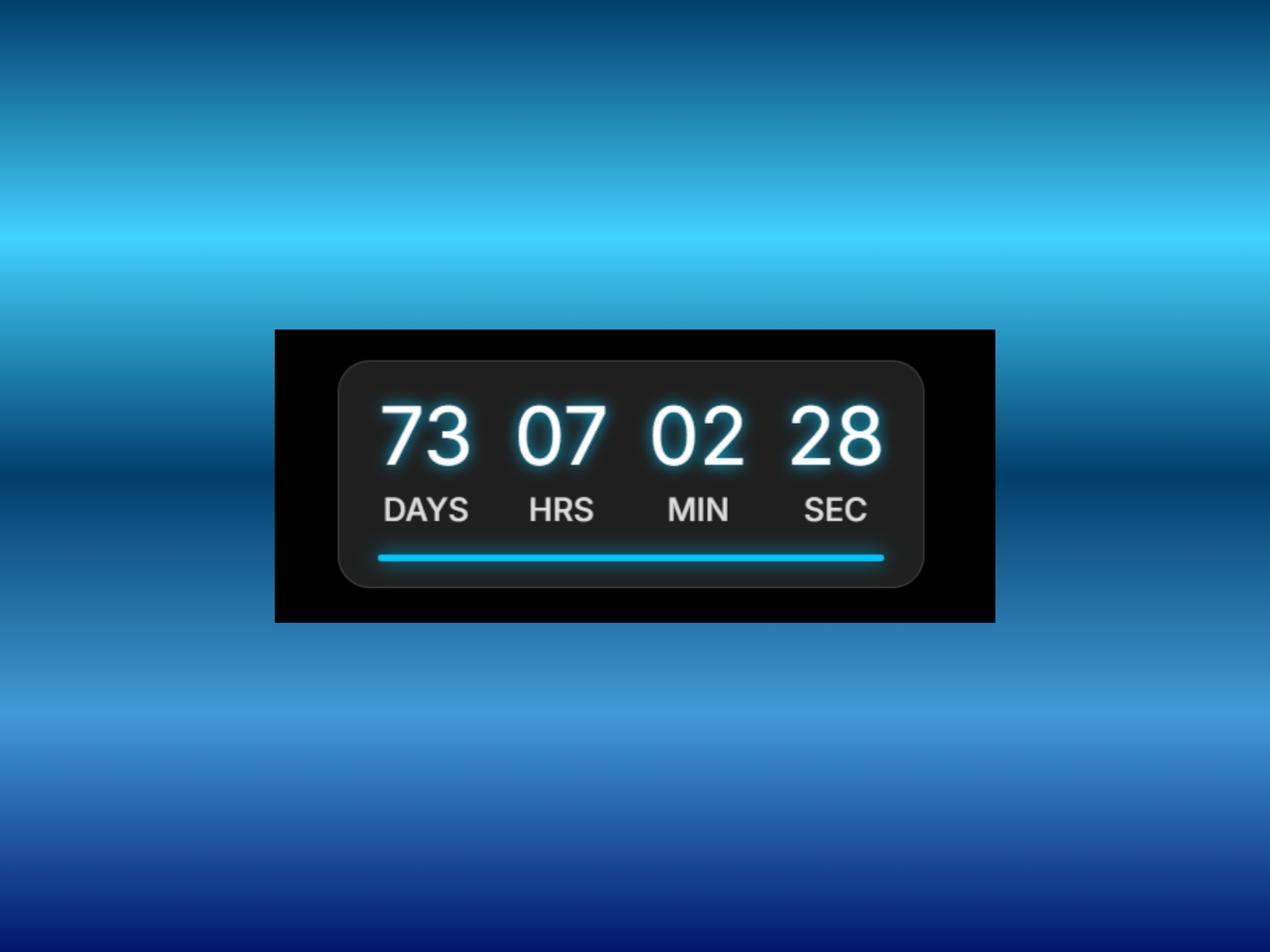
Day Time Counter — 3D flip animation with glassmorphism, glow, and progress bar
by Cem Atahan
Day Time Counter combines 3D flip transitions with glassmorphism blur, adjustable glow, text shadow, and an optional progress bar that visualizes remaining time as a percentage. Dynamic font controls, label toggles, alignment options, and a finished-state message cover the full countdown lifecycle from hero urgency to post-deadline copy. At 4 USD it is the strongest design-led paid install when your timer should feel like a polished UI card rather than raw digits on canvas.
- Best for
- SaaS and product sites that want a modern glass-card timer with optional time-remaining indicator
Affiliate link — we may earn a commission at no extra cost to you.
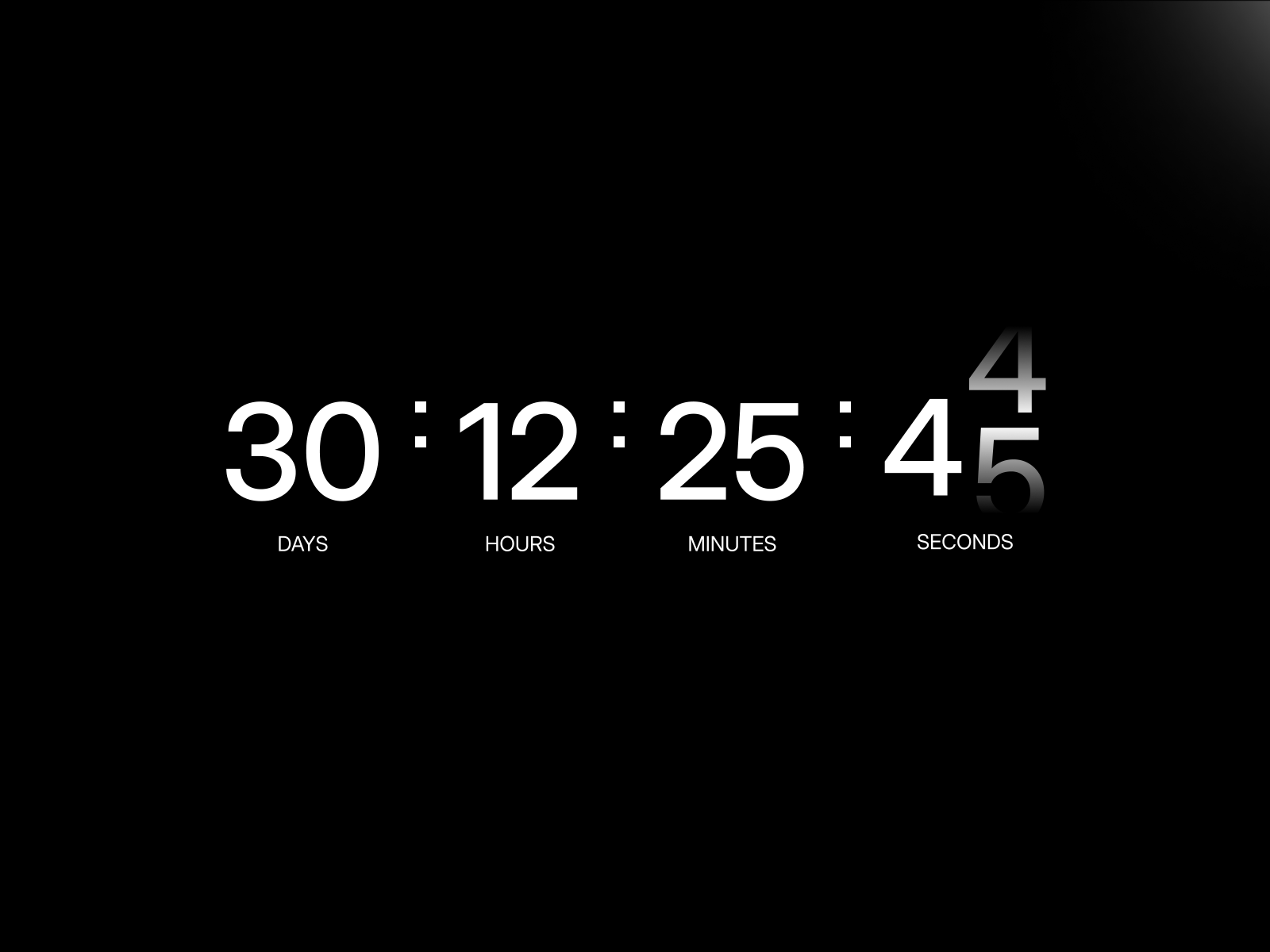
Animated Countdown — Modern, digital, minimal, and classic styles with Framer Motion
by Launchly
Animated Countdown from Launchly ships four preset styles — Modern, Digital, Minimal, and Classic — each with smooth Framer Motion number transitions and flexible unit display order. Start and end date controls, static preview mode for canvas design, and lightweight rendering keep the component fast on landing pages where every millisecond of load time matters. At 5 USD it is the fastest path to a styled timer when your team knows the visual direction but does not want to build digit styling from scratch.
- Best for
- Marketing campaigns that need a preset aesthetic matched to brand tone in minutes
Affiliate link — we may earn a commission at no extra cost to you.
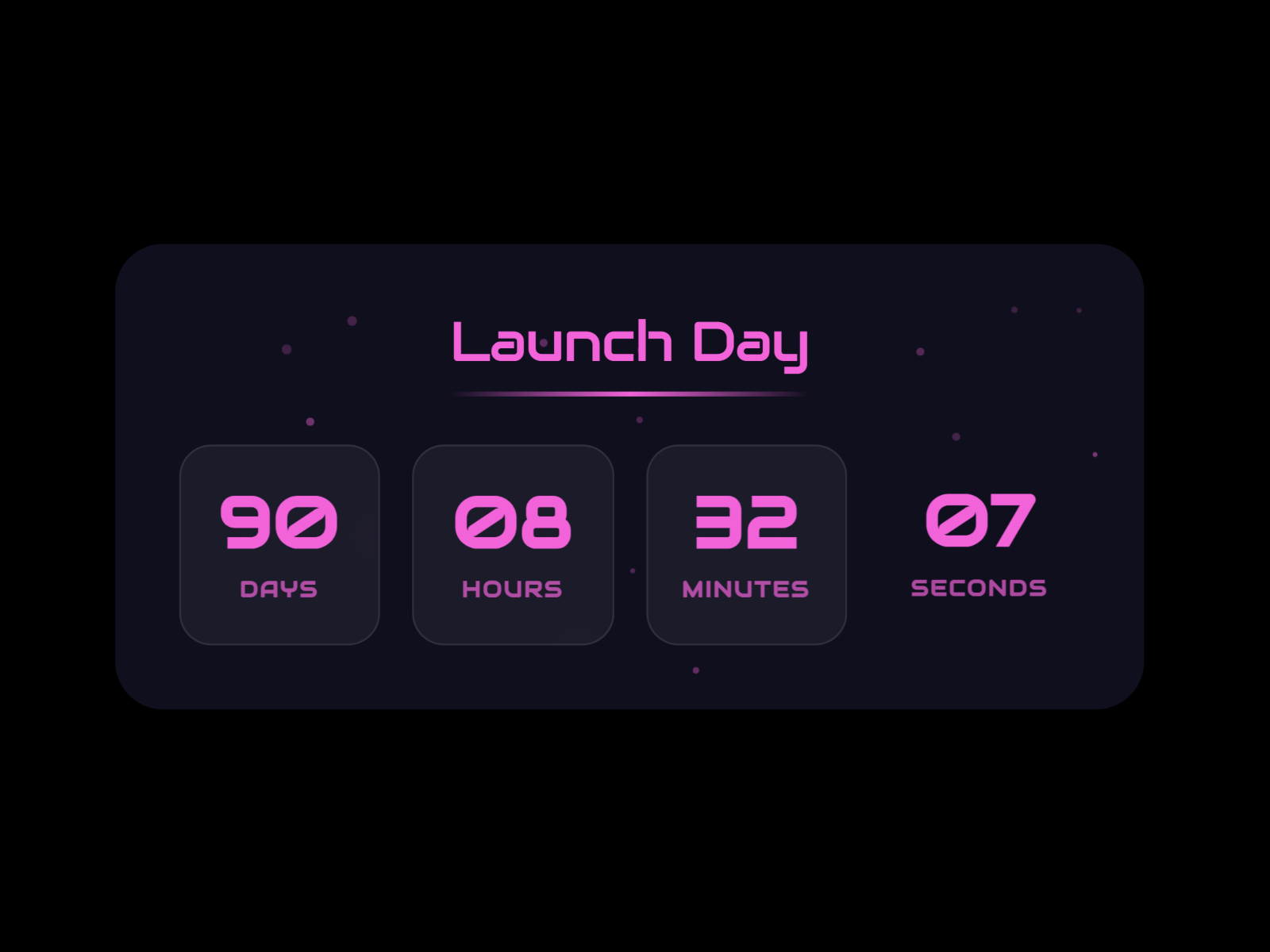
Count Down Animation — Particle background, glassmorphism card, and 40-plus property controls
Count Down Animation targets spectacle: configurable particle backgrounds with speed and density controls, glassmorphism card styling, gradient accents on the seconds counter, and separate mobile and desktop layout modes. Individual date inputs with stepper controls, end-state messaging, and 40-plus panel properties give precise control without code. As a free install from a prolific Framer component author, it is the best pick when the countdown itself should feel like a mini launch experience, not a utility widget.
- Best for
- High-impact event landers where animated particles and glow effects should surround the timer
Affiliate link — we may earn a commission at no extra cost to you.
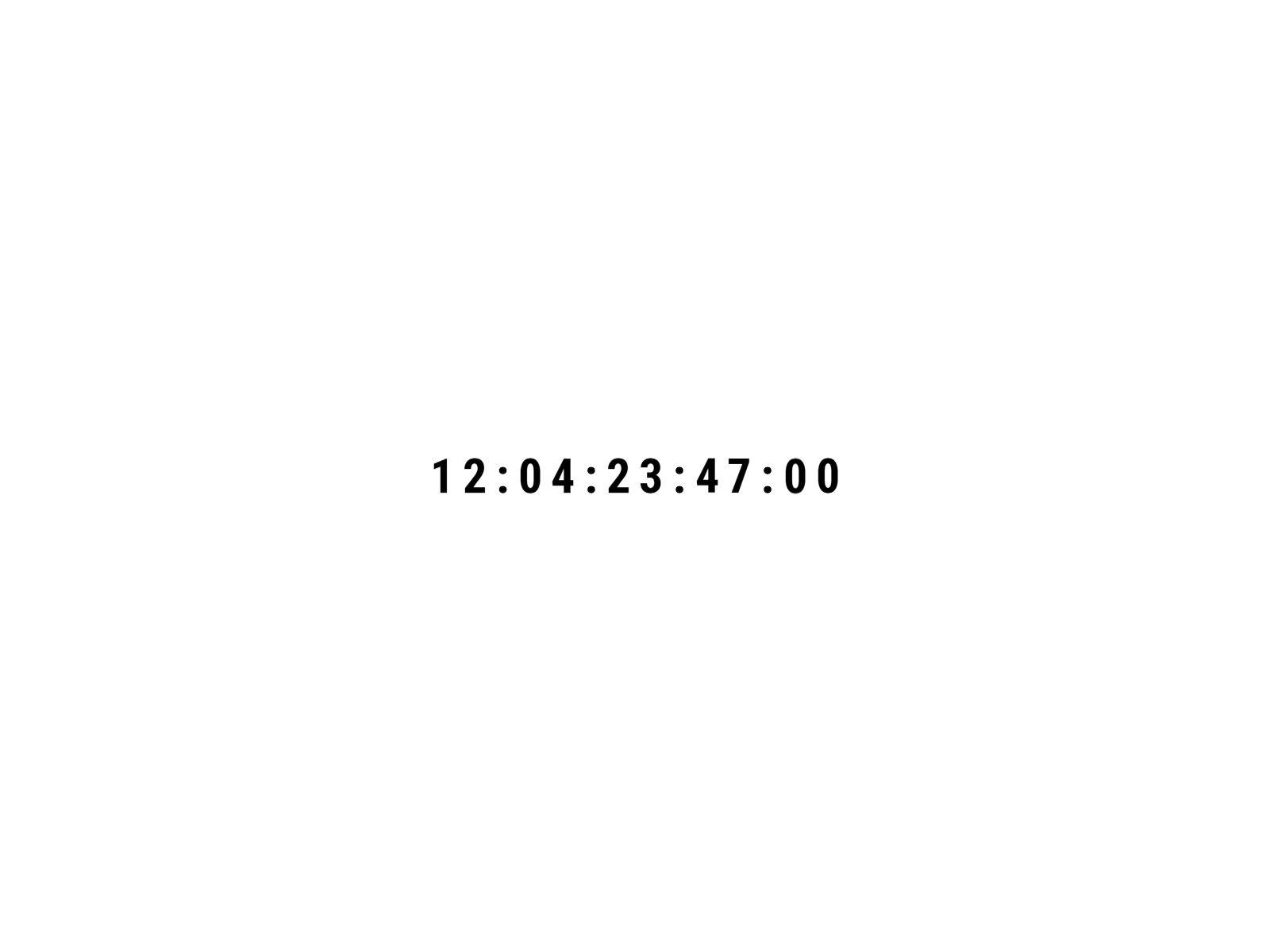
Tymr — Staggered flip, slide, or scale digit transitions
by Ahmad
Tymr animates each digit with staggered flip, slide, or scale transitions — creating a flowing rhythm that draws attention without overwhelming the hero layout. Set a precise end date or a custom duration, switch between horizontal and vertical orientations, toggle unit labels, and display a custom zero-state message to route visitors to the next action. The minimal design philosophy keeps setup fast, making it a strong free alternative when Count Down’s motion blur is more cinematic than your brand needs.
- Best for
- Launch pages that want rhythmic, staggered digit motion without premium paid components
Affiliate link — we may earn a commission at no extra cost to you.
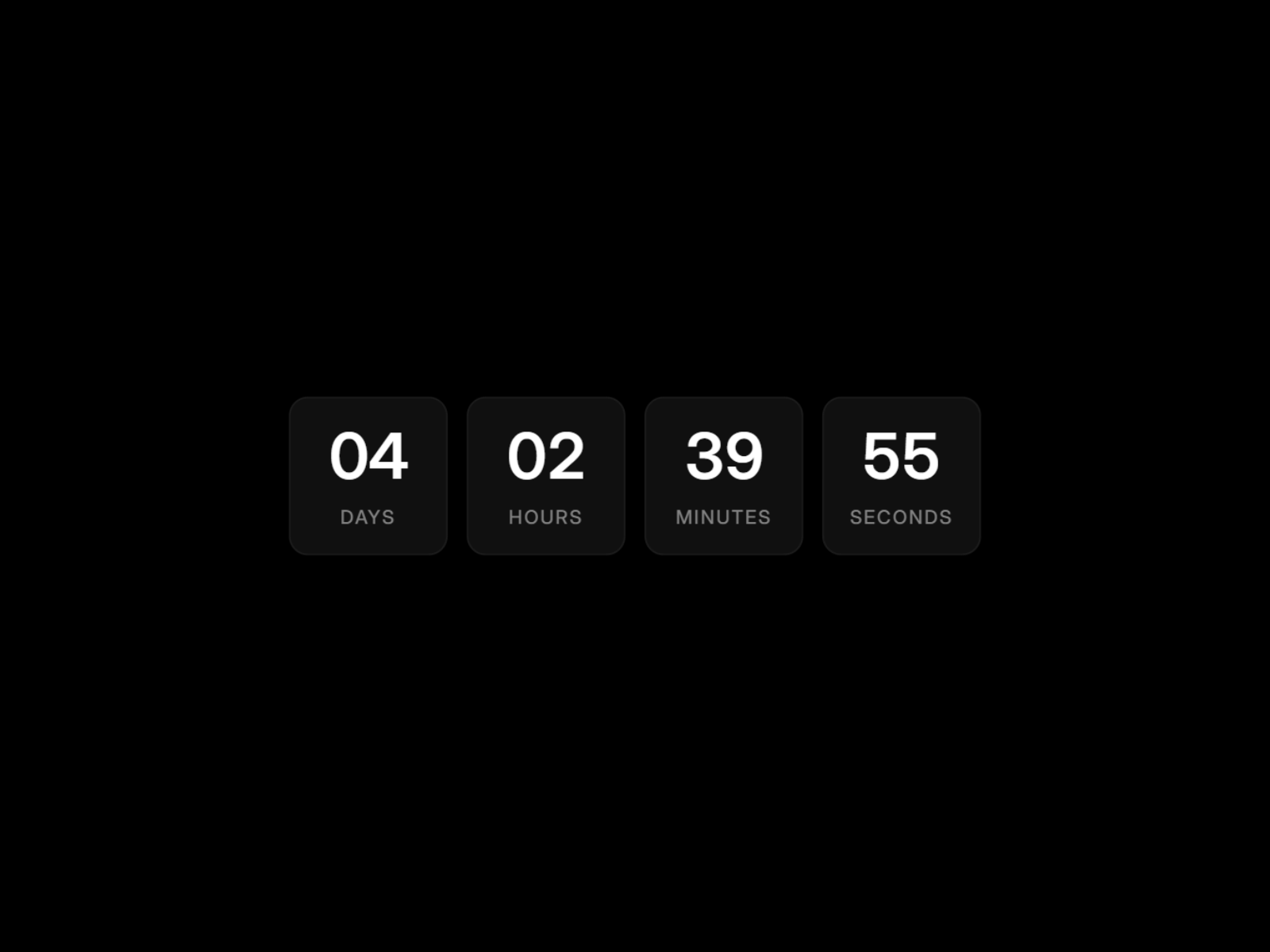
ModernCountdownTimer — Clean minimal timer with dark and light friendly styling
by Doğa Ündar
ModernCountdownTimer delivers exactly what the name promises: a sleek, responsive countdown with adjustable colors, typography, labels, and time units in a minimal package that works on both dark and light backgrounds. No animation overload, no sticky positioning — just a dependable inline timer for sales deadlines, event registrations, and limited-time offers. Drop it in when the page design already carries visual weight and the timer should complement rather than dominate the hero.
- Best for
- Teams that want a polished default timer without configuring particles, banners, or flip effects
Affiliate link — we may earn a commission at no extra cost to you.
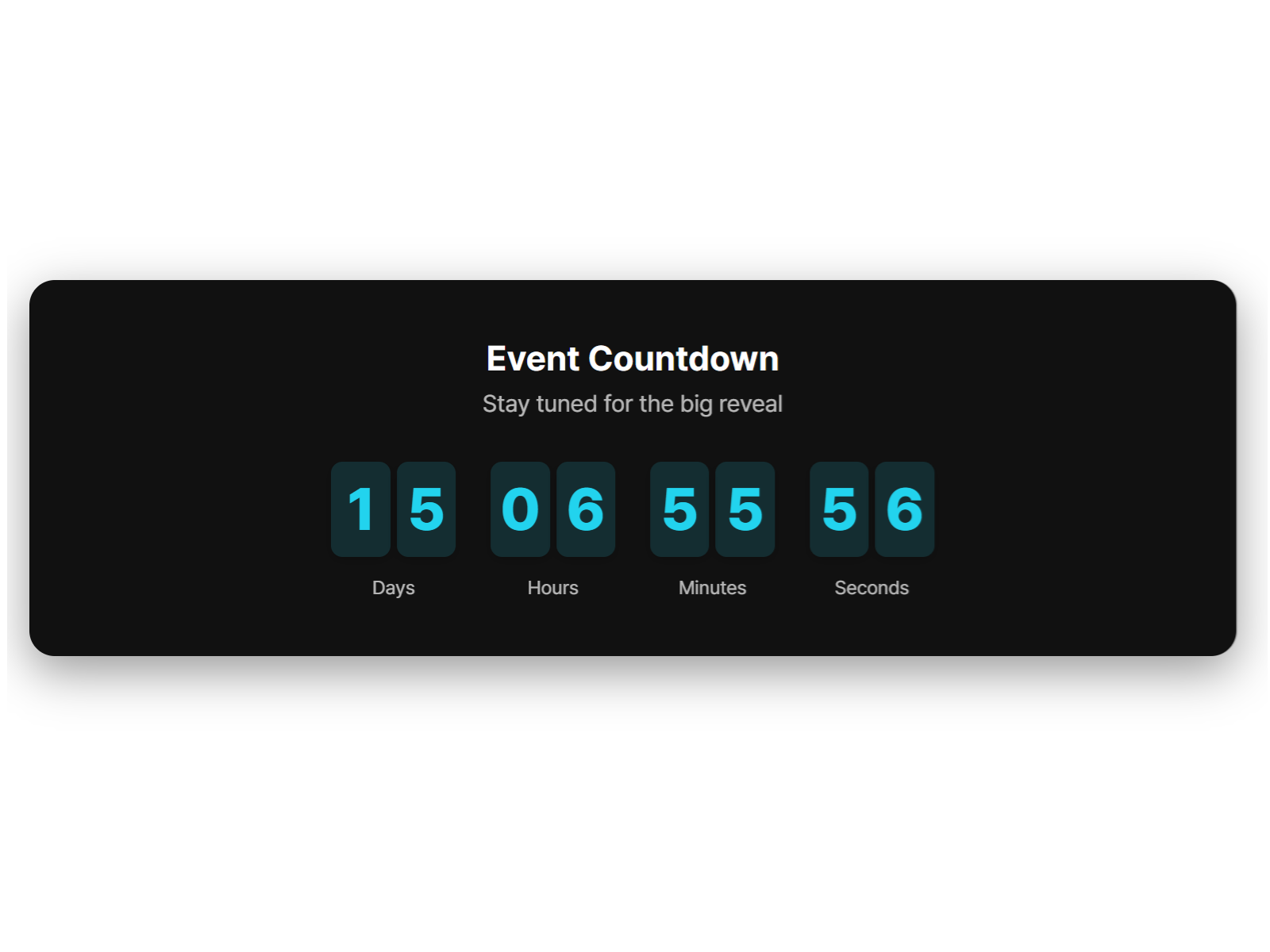
Countdown Studio — Studio-style countdown with flexible date and visual configuration
Countdown Studio rounds out the free tier with a flexible studio-style timer: set target dates, tune visual properties from the panel, and publish without wrestling animation presets or banner positioning logic. It fits the same use cases as ModernCountdownTimer — sales, events, and coming-soon screens — with a slightly different control layout that some builders may prefer for quick client handoffs. Install it when you want another vetted free option to compare side by side before committing to a paid style pack.
- Best for
- Side projects and client builds that need a straightforward free timer with studio-grade panel controls
Affiliate link — we may earn a commission at no extra cost to you.
Quick comparison
| Resource | Price | Type | Best for |
|---|---|---|---|
| Countdown Timer Pro | 5 USD | Component | Multiple display styles in one license |
| Count Down | Free | Component | Cinematic spring-physics digit motion |
| Countdown Banner | 9 USD | Component | Sticky site-wide promo bar with CTA |
| Countdown Timer | Free | Component | Maximum free styling depth and installs |
| Day Time Counter | 4 USD | Component | Glass-card timer with 3D flip and progress bar |
| Animated Countdown | 5 USD | Component | Four preset styles with Framer Motion |
| Count Down Animation | Free | Component | Particle effects and glassmorphism hero |
| Tymr | Free | Component | Staggered flip, slide, or scale digits |
| ModernCountdownTimer | Free | Component | Minimal inline timer, dark/light friendly |
| Countdown Studio | Free | Component | Straightforward free studio-style install |
How to choose the right Framer countdown timer
Match placement to urgency type. Hero-section timers — Countdown Timer Pro, Count Down, or Day Time Counter — work when the deadline is the page’s primary message. Sticky banners like Countdown Banner suit site-wide flash sales where every page should remind visitors time is running out. Do not stack a full hero timer and a sticky banner on the same viewport unless the campaign brief explicitly calls for layered urgency.
Decide how much motion the brand tolerates. Count Down and Tymr prioritize animated digit transitions; ModernCountdownTimer and Countdown Studio stay static and minimal. Count Down Animation adds particle backgrounds for high-energy event landers. Test with reduced-motion preferences enabled — spring physics and blur effects should degrade gracefully.
Weigh free depth against paid presets. Roman Avshalumov’s Countdown Timer and Count Down cover most launch-page needs at zero cost. Paid picks earn their price when you need multiple visual styles (Countdown Timer Pro), a sticky banner with CTA (Countdown Banner), or glass-card polish (Day Time Counter) without hours of custom styling.
Plan the zero state before you publish. Every component on this list supports a custom message or behavior when the timer hits zero — swap hero copy, reveal a signup form, or hide the banner entirely. Set the end date in the client’s timezone and verify behavior one minute before go-live so visitors never see negative values or blank sections.
Our top pick for most Framer builders
If you install one paid countdown component, Countdown Timer Pro at 5 USD delivers the widest style range — digital, dot-matrix, and circular — without buying three separate licenses. For site-wide promotional urgency, Countdown Banner at 9 USD is the only sticky-bar option worth the install. On a zero budget, start with Count Down for cinematic motion or Countdown Timer for styling depth and the largest install base.
Browse Framer templates on yoframer for launch-ready starting points, or read our popup and modal roundup for urgency overlays that pair well with countdown heroes. More resource roundups live on the Resources hub.
Updated July 2026. We refresh this list as notable countdown components ship, reprice, or go stale.


