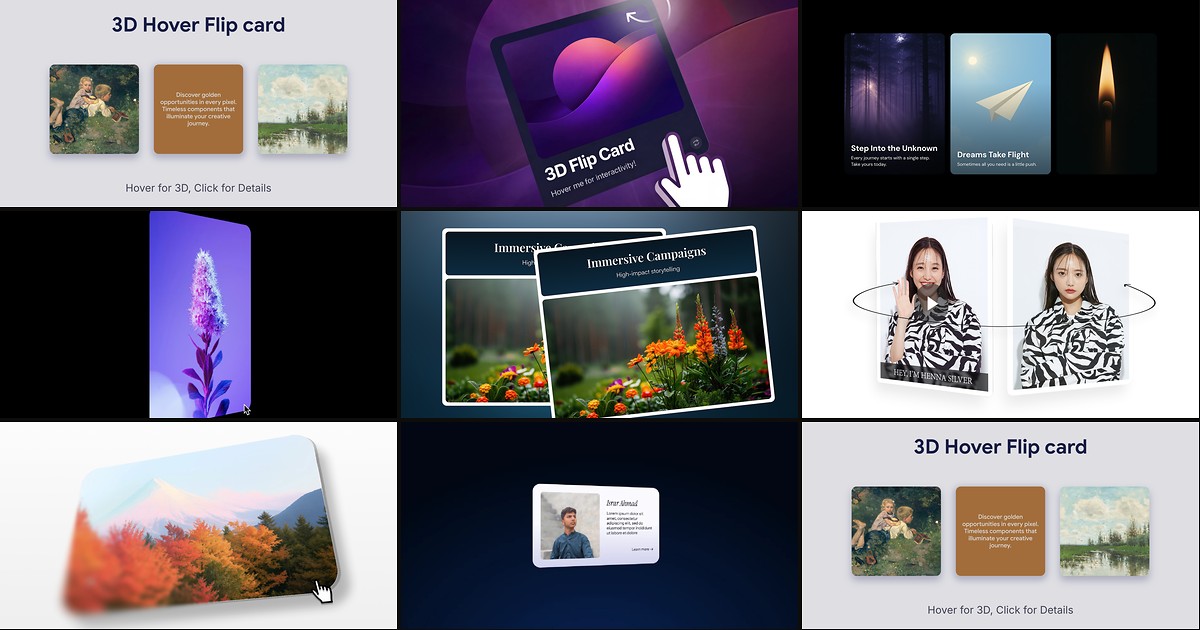
Product grids, team walls, and feature sections often need more depth than a flat card can deliver — a second side for pricing tiers, bios, or demo videos without navigating away. Building a reliable framer flip card component in native Framer means juggling 3D transforms, backface visibility, hover versus click triggers, and touch fallbacks. Marketplace components wrap those mechanics in property panels so you can drop in front and back content and publish.
This list ranks eight flip card components on the Framer marketplace in 2026. Every pick has a live listing, identifiable creator, and working preview — four free and four paid, spanning magnetic tilt-and-flip combos, cursor-aware entry flips, image-to-video reveals, and premium glow effects.
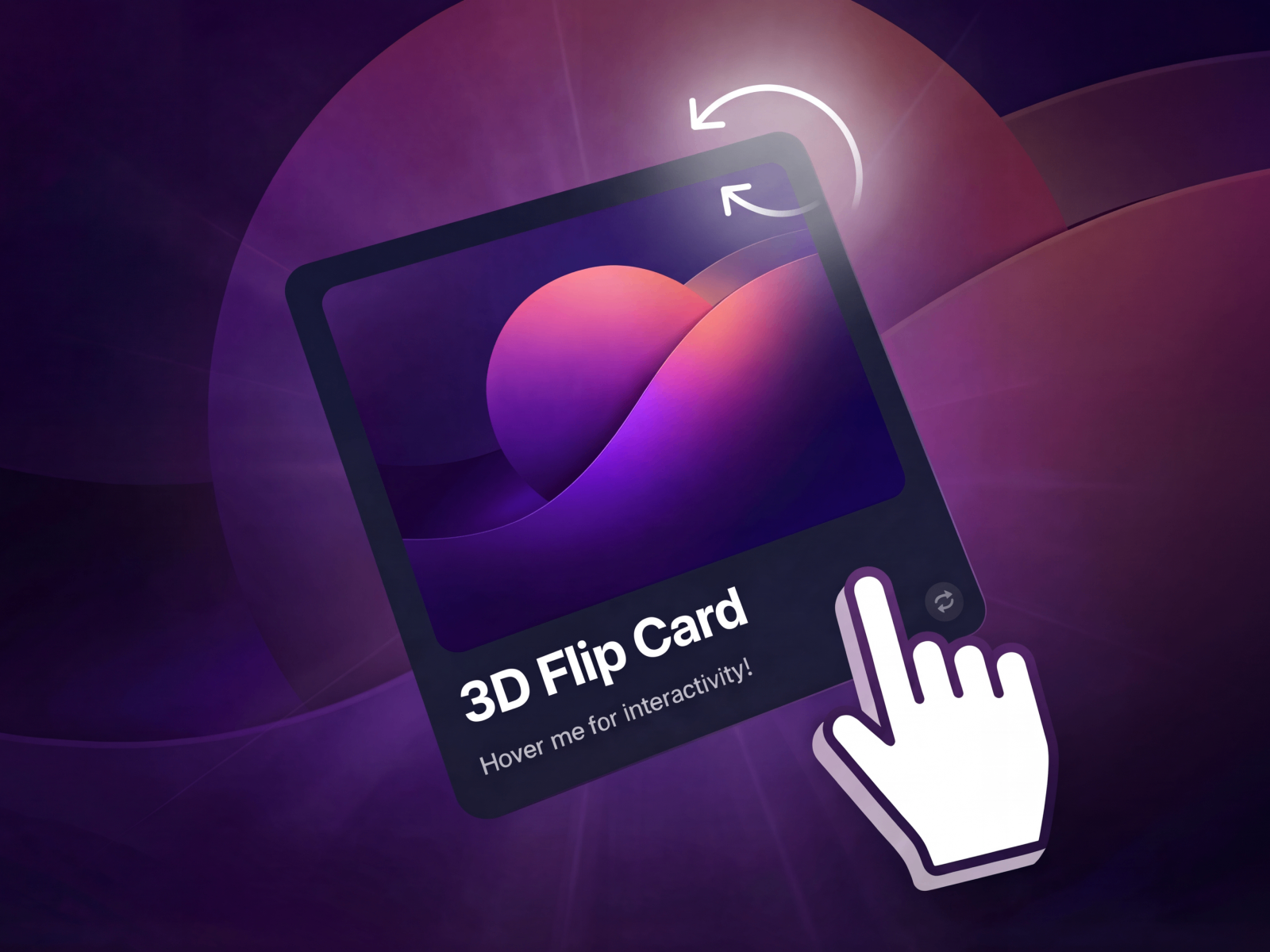
3D Flip Card Pro — Premium 3D flip with cursor-reactive glow gradients and optional particles
by Aidan Looker
3D Flip Card Pro is the most visually ambitious pick on this list. Aidan Looker combines physics-based tilt, a smooth flip animation, and cursor-following glow gradients that make each card feel lit from within. Optional particle density, auto-flip-back delay, hover-flip timing, and drag resistance give you fine control over when the card commits to its reverse side. At 9 USD it replaces hours of custom WebGL-adjacent polish — install it first when the flip is a hero interaction, not a utility reveal.
- Best for
- Agency portfolios and SaaS pricing tiers that need cinematic flip motion with lighting effects
Affiliate link — we may earn a commission at no extra cost to you.
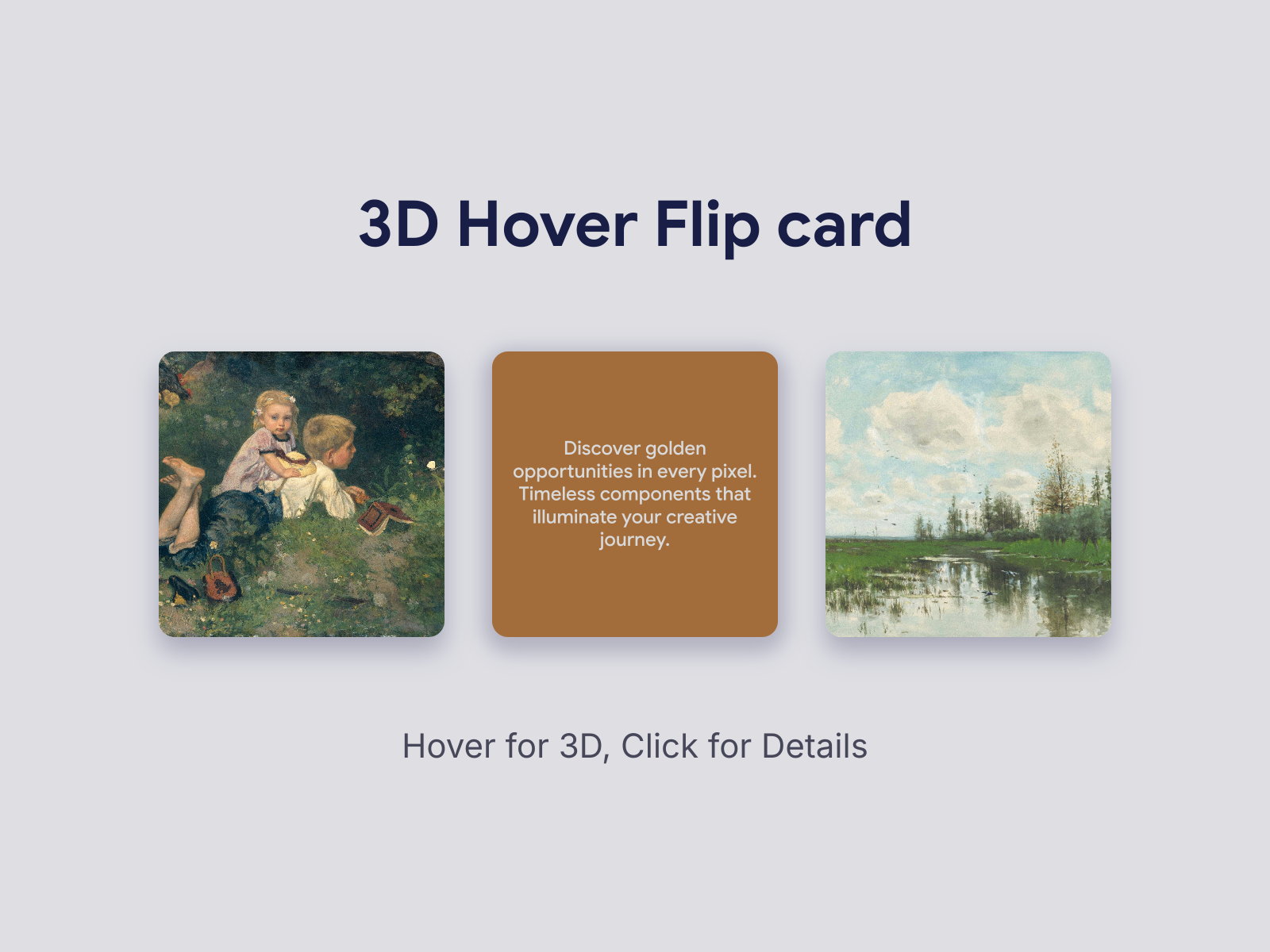
3D Hover Flip Card — Magnetic hover tilt with click-to-flip and dynamic shadow lift
by Boyoon Labs
Boyoon Labs layers magnetic cursor tracking, adjustable lift, and dynamic shadows on top of a click-triggered flip — so cards feel dimensional even before they turn. Tilt intensity scales from zero to forty degrees, shadow size and color respond to movement, and the back face supports scrollable long text when descriptions overflow. At 3 USD it is the best value when you want both hover presence and a deliberate flip trigger without the particle budget of Pro-tier options.
- Best for
- Product showcases and portfolio grids that need tilt depth before the flip commits
Affiliate link — we may earn a commission at no extra cost to you.

Interactive FlipCard — Three flip modes with hover tilt and independent front/back typography
by Sarp Susüzer
Interactive FlipCard gives you three distinct behaviors in one component: full image-and-text flip on both sides, a visual-only back reveal, or a text-only back reveal when the front image should stay dominant. Sarp Susüzer adds subtle tilt-on-hover for depth, click-to-flip as the primary trigger, and independent title and body controls per face. At 8 USD it is the flexible pick when one grid mixes product cards, team profiles, and feature callouts that each need a different reveal style.
- Best for
- Creative portfolios that need full flip, visual-only back reveal, or text-only back modes
Affiliate link — we may earn a commission at no extra cost to you.
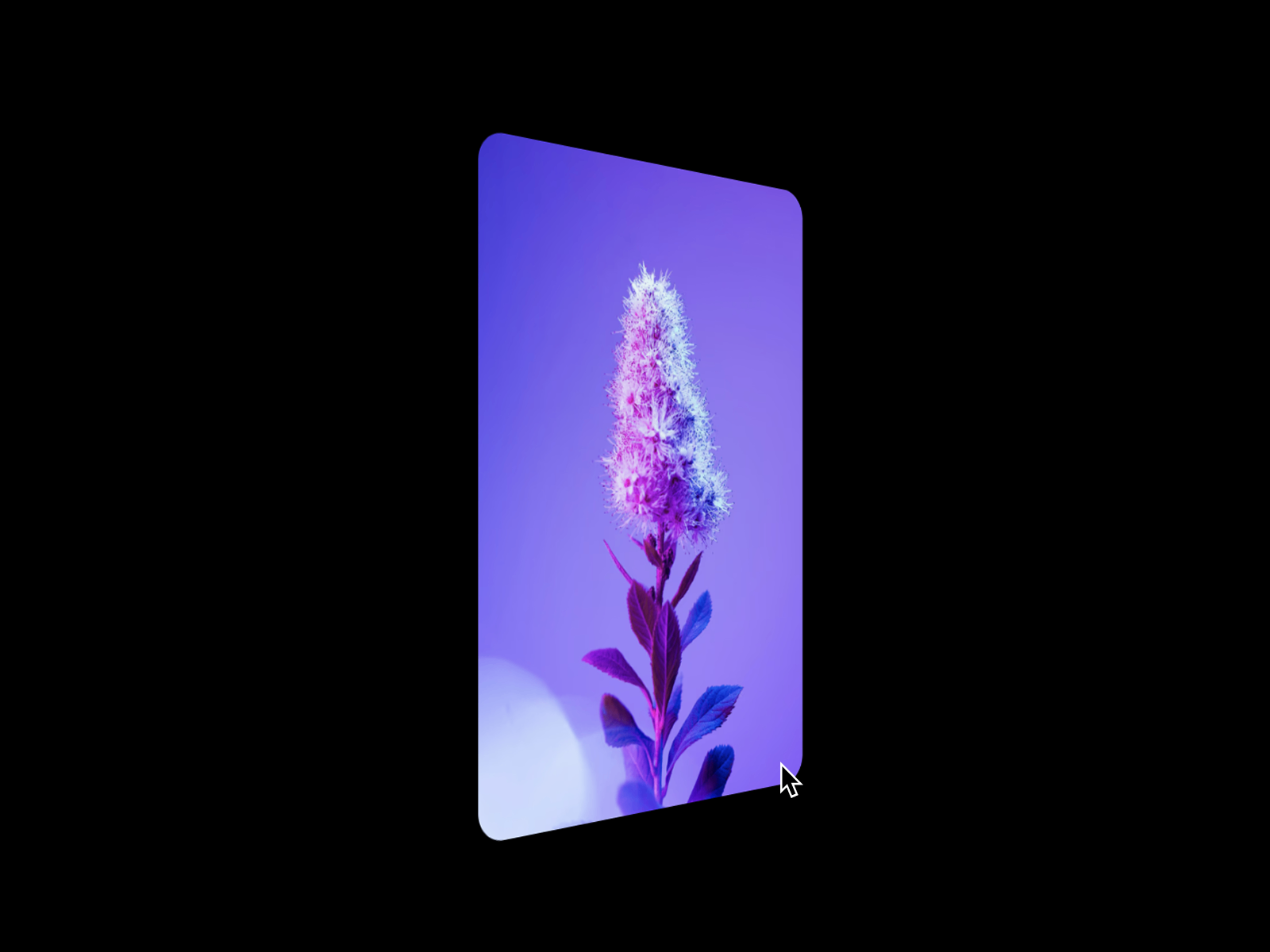
Flip Card — Cursor-entry-direction flip with customizable duration and easing
Flip Card solves a detail most generic flips ignore: direction. Ævar Bernburg detects which edge the cursor enters from and rotates along the corresponding axis, so the motion feels physically grounded rather than always flipping the same way. Front and back images, corner radius, flip duration, and easing curves are all panel-controlled. At 2 USD it is the lowest-cost paid option when a photography grid or portfolio wall needs directional hover flips without tilt or particle overhead.
- Best for
- Image galleries where flip direction should follow where the cursor enters the card
Affiliate link — we may earn a commission at no extra cost to you.
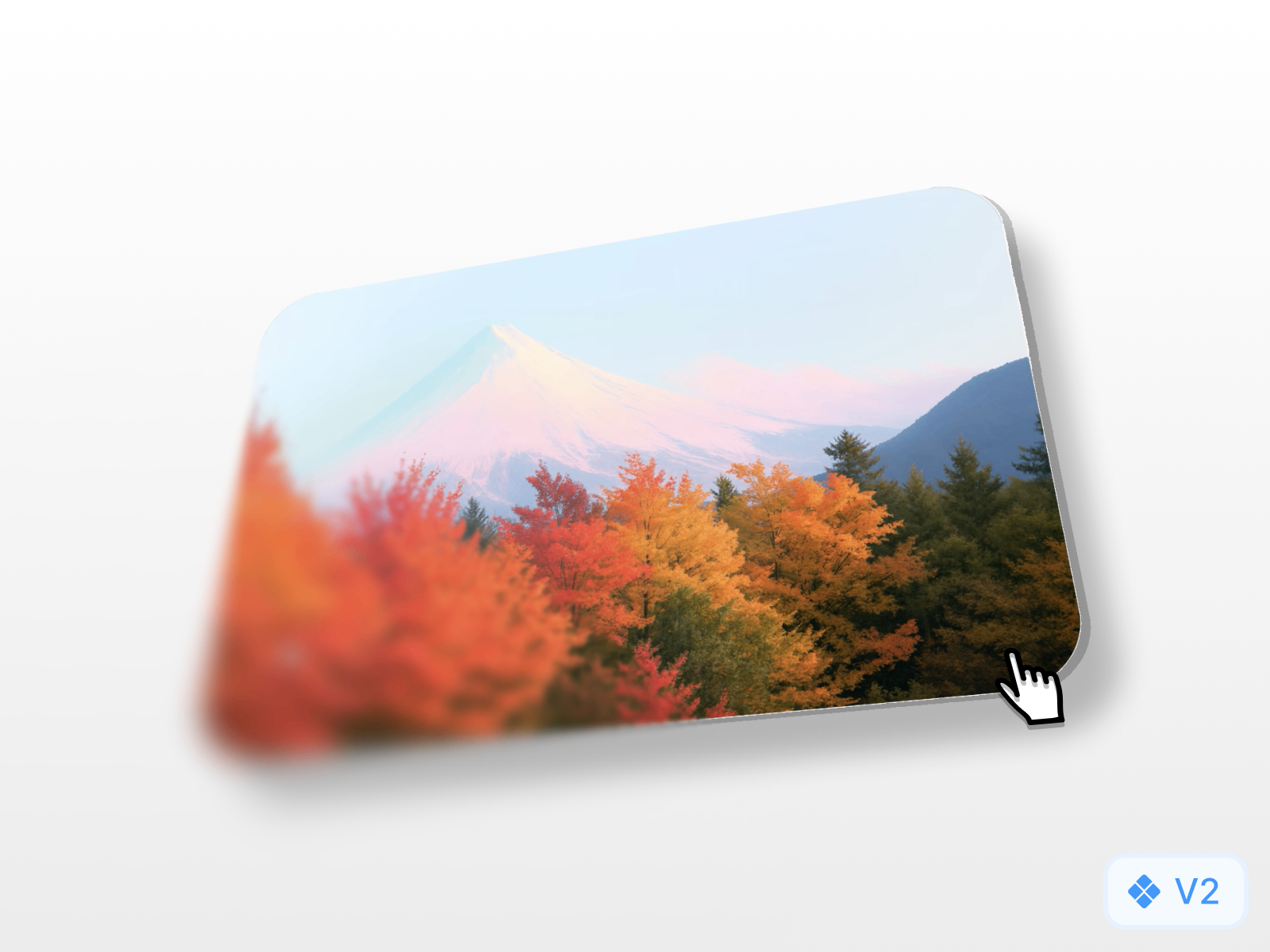
FlipTilt — Combined flip and mouse-tracking tilt with horizontal or vertical axis
FlipTilt merges flip transitions and mouse-position tilt into a single free component from 8ighty8.studio. Cards track cursor position for reactive shadow placement, accept any Framer layers as front and back content, and let you pick smooth or bounce easing with customizable duration. Horizontal and vertical flip directions cover both portrait team cards and landscape product tiles. Start here when the brief asks for floating-card depth and a two-sided reveal without a marketplace spend.
- Best for
- Agency builds that want 3D tilt and flip in one free component without separate installs
Affiliate link — we may earn a commission at no extra cost to you.
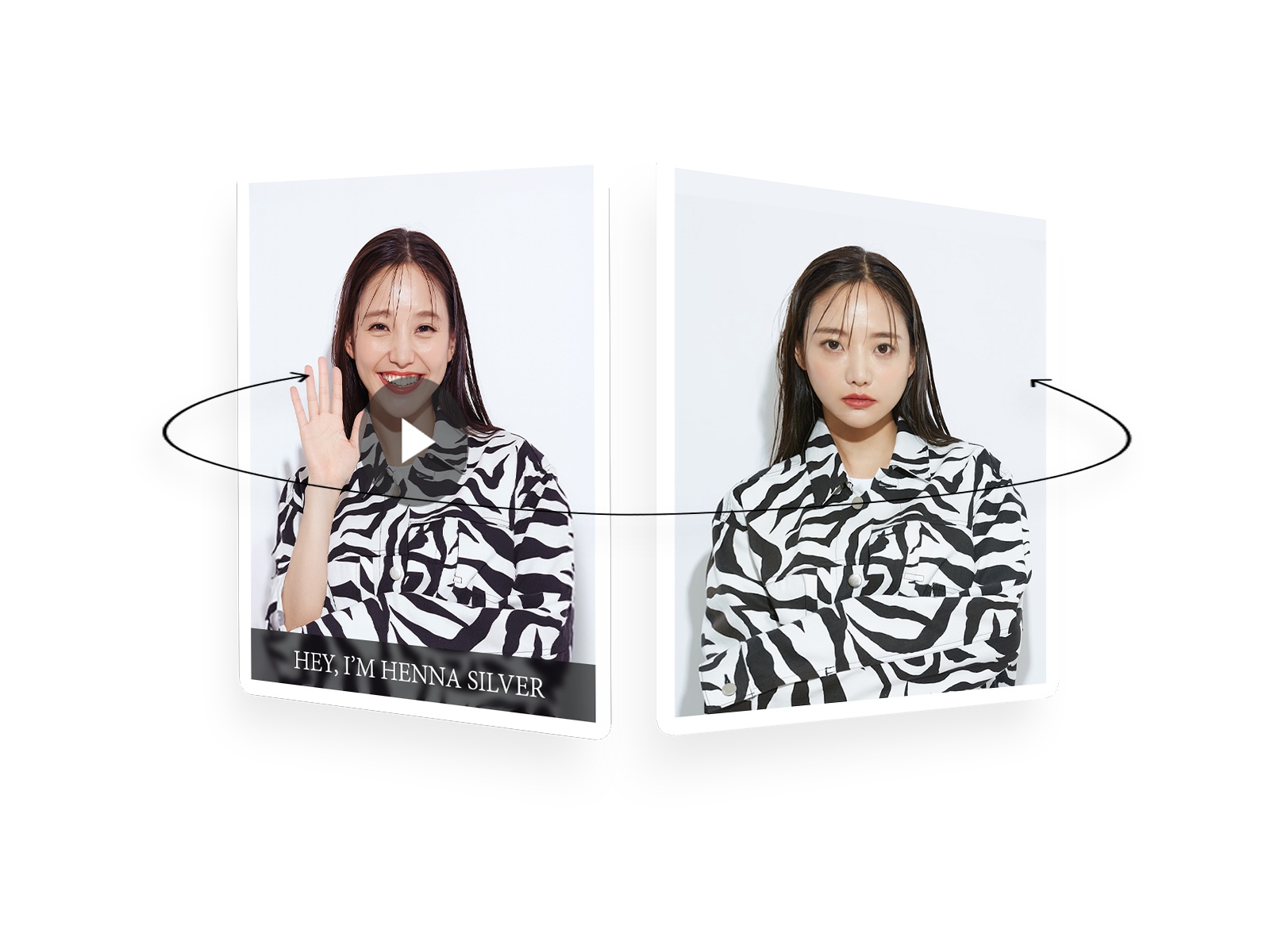
FlipCard3D — Image front with autoplay video back and optional click-to-flip on mobile
by Sanndy
FlipCard3D is built for the image-to-video reveal pattern. Sanndy puts a static image on the front and an embedded video on the back — autoplay, loop, muted, or play-on-hover — with text positioning on either face and full border, shadow, and radius controls. A mobile toggle switches between hover flip and click-to-flip so touch users are not locked out. Reach for it on creative portfolios where still thumbnails should explode into motion on interaction.
- Best for
- Portfolio case studies and product demos where the back face should play video
Affiliate link — we may earn a commission at no extra cost to you.
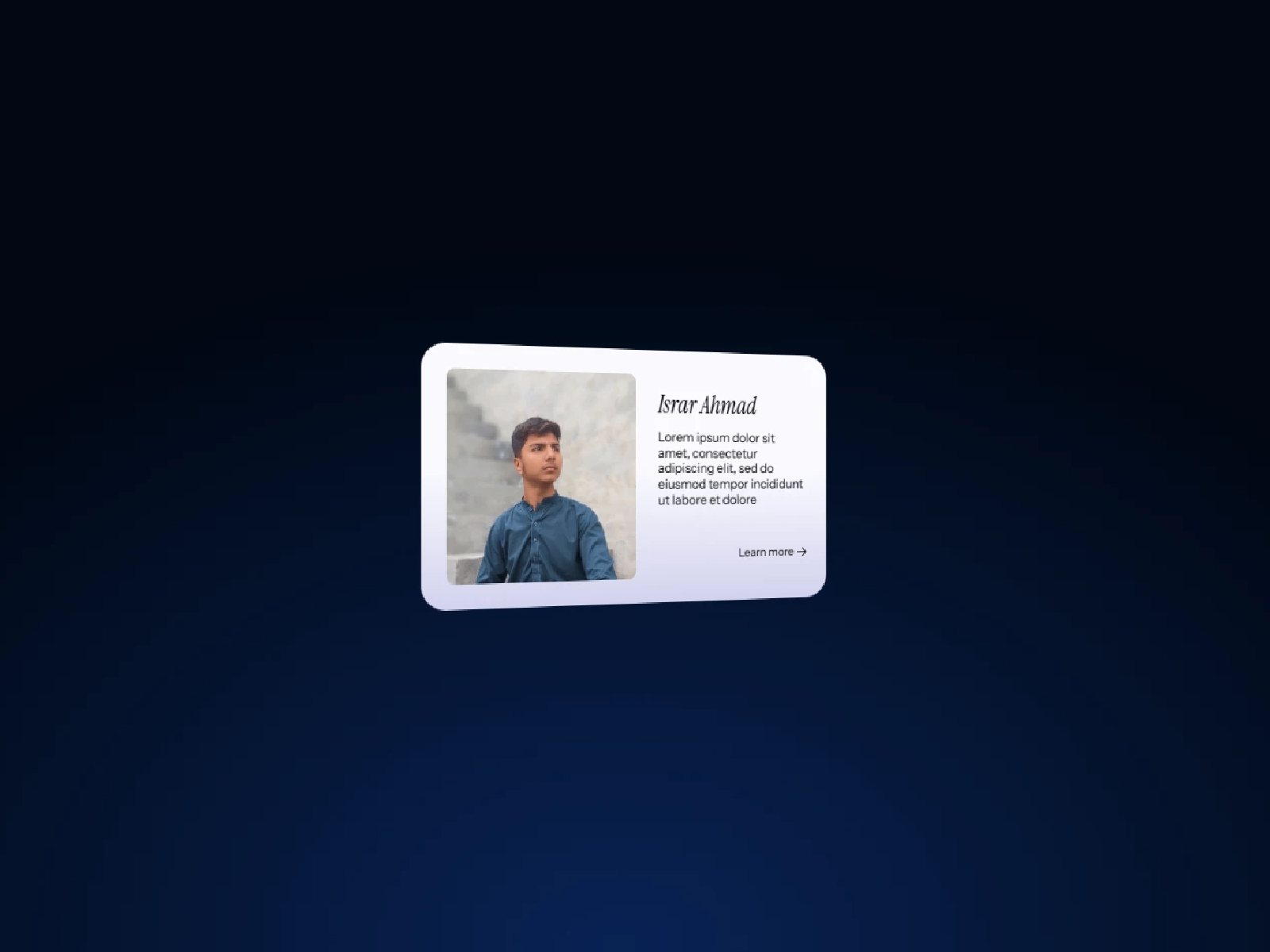
Dual Face Card — Hover or click flip with X/Y axis rotation and invert option
by Bava Studio
Dual Face Card — internally branded Flip3D — is the most structurally flexible free option. Bava Studio lets you connect custom front and back frame stacks, choose hover or click as the trigger, invert flip direction, and rotate on either the X or Y axis with Framer Motion-powered transitions. No tilt or video modes, but the axis and trigger controls cover most editorial layouts where a clean two-sided card is enough. Install it when you need predictable flip behavior without paying for cursor physics or glow effects.
- Best for
- Feature grids and testimonial walls that need configurable flip triggers and axis direction
Affiliate link — we may earn a commission at no extra cost to you.
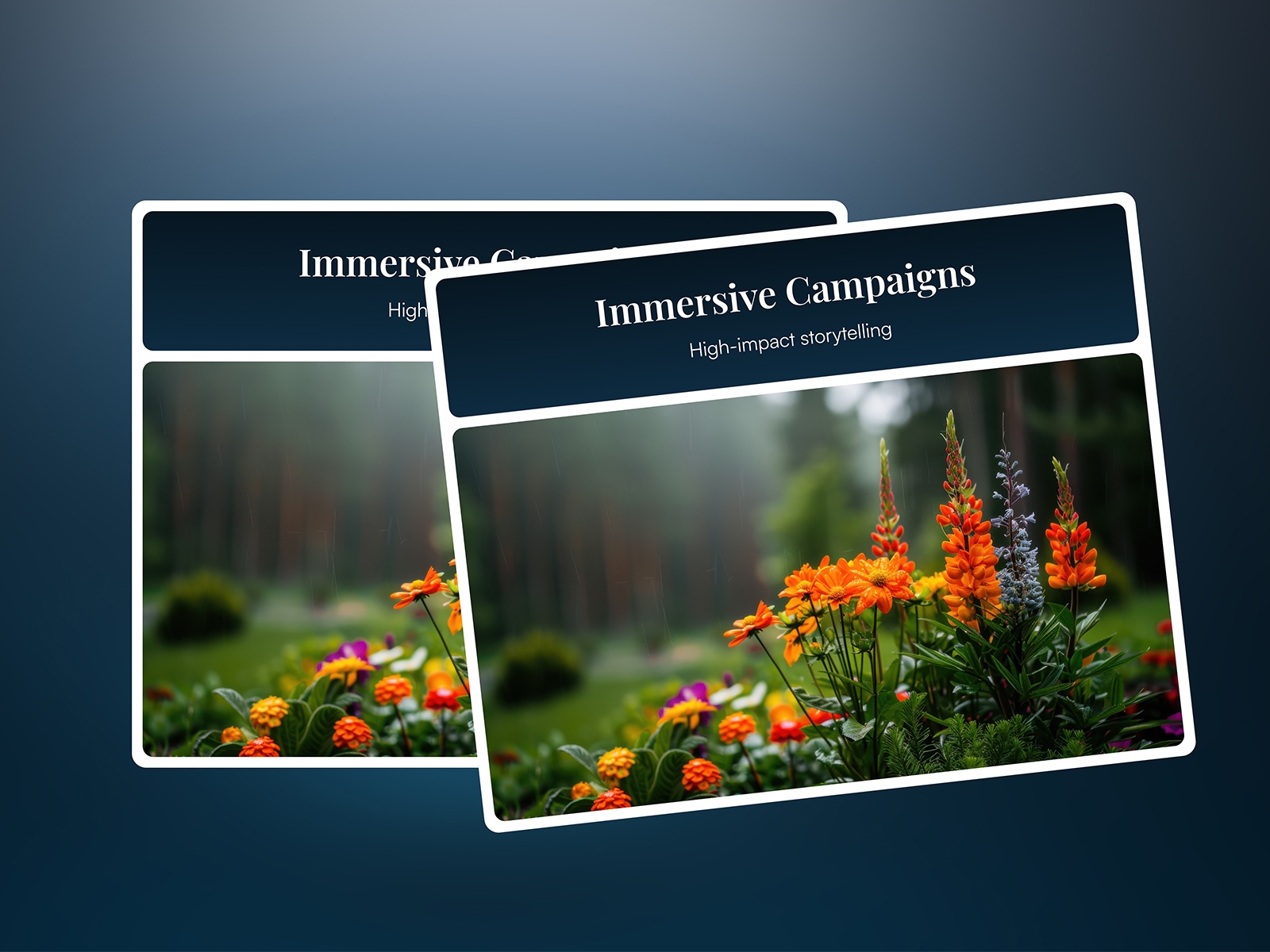
Flip Card 3D — Lightweight horizontal hover flip with front/back images, icons, and text
by Nirav Jivani
Flip Card 3D is the straightforward free default for horizontal hover flips. Nirav Jivani supports custom images, icons, and text on both faces with panel-only customization — no code, no particle systems, no video backends. The component stays lightweight and responsive, making it ideal for SaaS feature rows and team directories where the flip is a nice-to-have reveal rather than the page’s focal animation. Pair it with FlipTilt or 3D Hover Flip Card when one section needs simplicity and another needs depth.
- Best for
- Landing page feature cards and team grids that need a simple hover flip without extra effects
Affiliate link — we may earn a commission at no extra cost to you.
Quick comparison
| Resource | Price | Type | Best for |
|---|---|---|---|
| 3D Flip Card Pro | 9 USD | Component | Premium glow, particles, and physics-based tilt |
| 3D Hover Flip Card | 3 USD | Component | Magnetic tilt plus click-to-flip at low cost |
| Interactive FlipCard | 8 USD | Component | Three flip modes with hover tilt |
| Flip Card | 2 USD | Component | Cursor-entry-direction image flip |
| FlipTilt | Free | Component | Combined flip and tilt without a budget line |
| FlipCard3D | Free | Component | Image front with video back reveal |
| Dual Face Card | Free | Component | Hover/click trigger with X or Y axis |
| Flip Card 3D | Free | Component | Simple horizontal hover flip |
How to choose the right Framer flip card component
Match the trigger to the audience. Hover flips work on desktop galleries and editorial grids — Flip Card, Flip Card 3D, and FlipCard3D cover that pattern. Click-to-flip suits mixed mobile traffic: 3D Hover Flip Card, Interactive FlipCard, and Dual Face Card all support deliberate tap triggers. FlipCard3D adds an explicit mobile click toggle when hover is the desktop default.
Decide whether tilt belongs in the same component. If cards should float and track the cursor before flipping, 3D Flip Card Pro, 3D Hover Flip Card, Interactive FlipCard, and FlipTilt bundle tilt with flip. Flip Card and Dual Face Card stay flip-only — better when motion should stay restrained on corporate or finance layouts.
Plan the back-face content type. Static text and images suit every pick here. Video on the back narrows to FlipCard3D. Premium glow and particle effects are unique to 3D Flip Card Pro. Image galleries that flip directionally based on cursor entry need Flip Card specifically.
Budget free foundations first. FlipTilt, FlipCard3D, Dual Face Card, and Flip Card 3D cover most client grids at zero cost. Spend 2–9 USD when cursor physics, directional entry flips, multi-mode reveals, or cinematic lighting justify the line item.
Our top pick for most Framer builders
If you install one general-purpose flip card, FlipTilt free balances flip and tilt without a marketplace spend — enough depth for agency portfolios and product grids. For premium hero sections, 3D Hover Flip Card at 3 USD adds magnetic lift and dynamic shadows at the lowest paid tier. When the flip is the centerpiece of a launch page, 3D Flip Card Pro at 9 USD delivers glow and particle polish that free components cannot match.
Browse Framer templates on yoframer for portfolio and SaaS layouts that pair naturally with interactive card grids, or read our testimonial components roundup for adjacent social-proof sections. More resource roundups live on the Resources hub.
Updated August 2026. We refresh this list as notable flip card components ship, reprice, or go stale.


